


















Get Your Free Website Accessibility Guide For Charities
Download NowCharities famously serve diverse audiences. Yet, surprisingly, many of them fail to design websites that cater to these very communities. According to a recent study, 78% of non-profit websites are still inaccessible to those with visual and hearing impairments.
Not only is this a legal matter, but it prevents vulnerable individuals from accessing the help they so desperately need. Such oversight can create a disconnect between charities and the communities they aim to serve. If you’re ready to bridge that gap, let this guide be your starting point.
What is website accessibility?
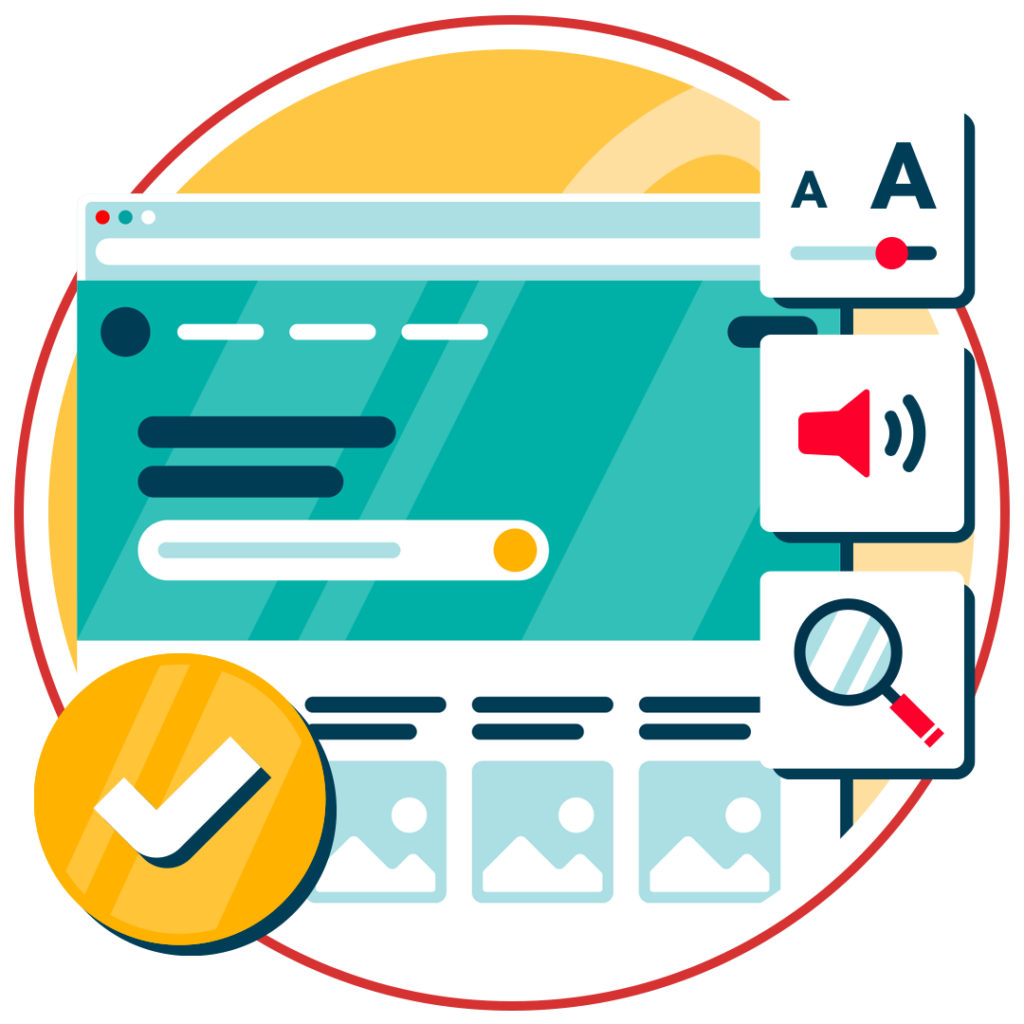
Website accessibility is all about removing barriers to entry for individuals with disabilities. This means making sure that your written content is legible, your navigation is simple, and all visual elements have text alternatives.
A blind user, for example, might rely on an assistive technology called a screen reader to read digital content aloud to them. To be considered accessible, your website has to be compatible with this technology.
Why is web accessibility important for Charities?
Charities exist to support and serve people in need. These missions often lead them to target and serve disabled populations more directly than for-profit businesses. This means that website accessibility should be a priority for ethical and practical reasons.
Here are some of the reasons it’s important:
- Reaching every supporter – around 1 in 5 people in the UK live with a disability, so an inaccessible site excludes a meaningful share of potential donors, volunteers, and service users.
- Maximising donations – a recent report found that making websites more accessible could boost donations by £65m.
- Legal compliance – charities are covered by accessibility legislation, and non-compliance carries real legal and reputational risk.
- Serving vulnerable beneficiaries – many charities exist specifically to support disabled, elderly, or otherwise vulnerable people, so an inaccessible website can directly undermine the charity’s own mission.
- Trust and reputation – accessibility signals genuine inclusivity, which matters to funders, corporate partners, and grant bodies who increasingly assess digital inclusion as part of due diligence.
Get a Free Accessibility Check of your Website
Run a scan to identify WCAG issues on your website's homepage. Then, use our recommended changes to achieve compliance with the latest accessibility standard.
Accessibility legislation for Charities
UK and European based charities are not exempt from adhering to accessibility regulations. If you own or work for a charity, it is absolutely essential that you stay informed about relevant legislation, or you could risk facing legal consequences. So, what legal frameworks should you be aware of?
Web Content Accessibility Guidelines (WCAG)
First and foremost, we have the Web Content Accessibility Guidelines (WCAG). They’re not legally binding on their own, but they’re widely treated as the benchmark and are regularly cited in legal cases.
WCAG is built around four core principles (POUR) and three compliance levels, covering everything from colour contrast and plain language to semantic HTML and ARIA labels. For charities, following WCAG best practices is one of the most effective ways to avoid legal risk.
The Equality Act 2010
In the UK, the Equality Act 2010 brings together several existing anti-discrimination laws into a single piece of legislation, all with the aim of preventing people from being treated unfairly.
It mandates that service providers, including charities, make reasonable adjustments to ensure that people with disabilities are not discriminated against. This extends to online services as well, meaning your website must also be made accessible by following WCAG guidance.
European Accessibility Act (EAA)
The European Accessibility Act (EAA) establishes a framework for making digital products and services in the EU more accessible.
The EAA applies to any organisation that operates within the EU, including charities. Specifically, it applies to charities that are publicly financed or those that provide services for people with disabilities. To meet EAA’s requirements, charities should aim for WCAG 2.1 Level AA standards.
Tips to make your Charity website accessible
Now that we’ve explored the legal landscape surrounding website accessibility, let’s have a look at some practical tips that will help you stay compliant.
1. Implement keyboard navigation
Traditionally, websites have been designed for mouse users, but that excludes a significant portion of the disabled populace. Many individuals who suffer from mobility impairments rely on keyboards for online browsing.
This means that your website needs to be set up to maximise keyboard accessibility. Use proper tab indexing to be sure users can cycle through menus, forms, buttons, and links in a logical manner. And ensure focus indicators (visible markers which highlight the selected element) stand out.
2. Use descriptive alt text for all images
Many charity websites use images without providing alternative text, which prevents users who rely on screen readers from perceiving visual elements. To fix this, go through each image on your website, ensuring that descriptive alt text has been included.
Alt text should describe the image clearly and concisely, without unnecessary jargon. Once complete, try navigating your website using a screen reader to test the results for yourself. If an image is missing alt text, the screen reader will simply say “image” or “graphic”.
3. Make all forms accessible
Forms are a crucial means for users to take action, whether making a donation or expressing interest in volunteering. But inaccessible forms can lead to a build up of frustrated donors and volunteers, and a loss in support for your charity.
Attach appropriate labels to each form field to help both screen reader users, and those with cognitive impairments. Ensure the form can be seamlessly navigated and that error messages are visible and informative

4. Choose High-Contrast Colour Schemes
Poor colour contrast makes it hard for people with visual impairments or colour blindness to read text. In fact, really poor colour contrast makes it difficult for anyone to read text, even those without low vision.
As a minimum, charities should opt for text and background colours which meet WCAG’s Level AA requirements (4.5:1 for normal-sized text and 3:1 for large text). Don’t rely on your instincts for this, use colour contrast checkers to verify your compliance. Or, as a good rule of thumb, stick to classic, high contrast colour combinations, such as black on white, or dark green on light grey.
5. Make Content Simple and Clear
Simplifying language and breaking up dense text into smaller, manageable chunks makes content more accessible to a wider audience. It reduces cognitive load and visual clutter, while facilitating focus.
These kinds of adjustments are particularly beneficial to those with cognitive impairments, neurological challenges, or non-native English speakers; all of which are common among the audiences served by charities.
6. Provide transcripts for audio and video content
Transcripts are text versions of spoken content in videos or audio recordings, typically in the form of a separate PDF document or similar. Captions differ slightly in that they are live, text-based representations of spoken language in videos.
Transcripts bridge the communication gap for users who are deaf or hard of hearing, allowing them to access the same information as others. So, for the sake of your beneficiaries, donors, and volunteers who suffer from hearing impairments, you must ensure every video on your website has an appropriate text alternative. Digital tools and plug-ins can help with this.
7. Test for Accessibility Regularly
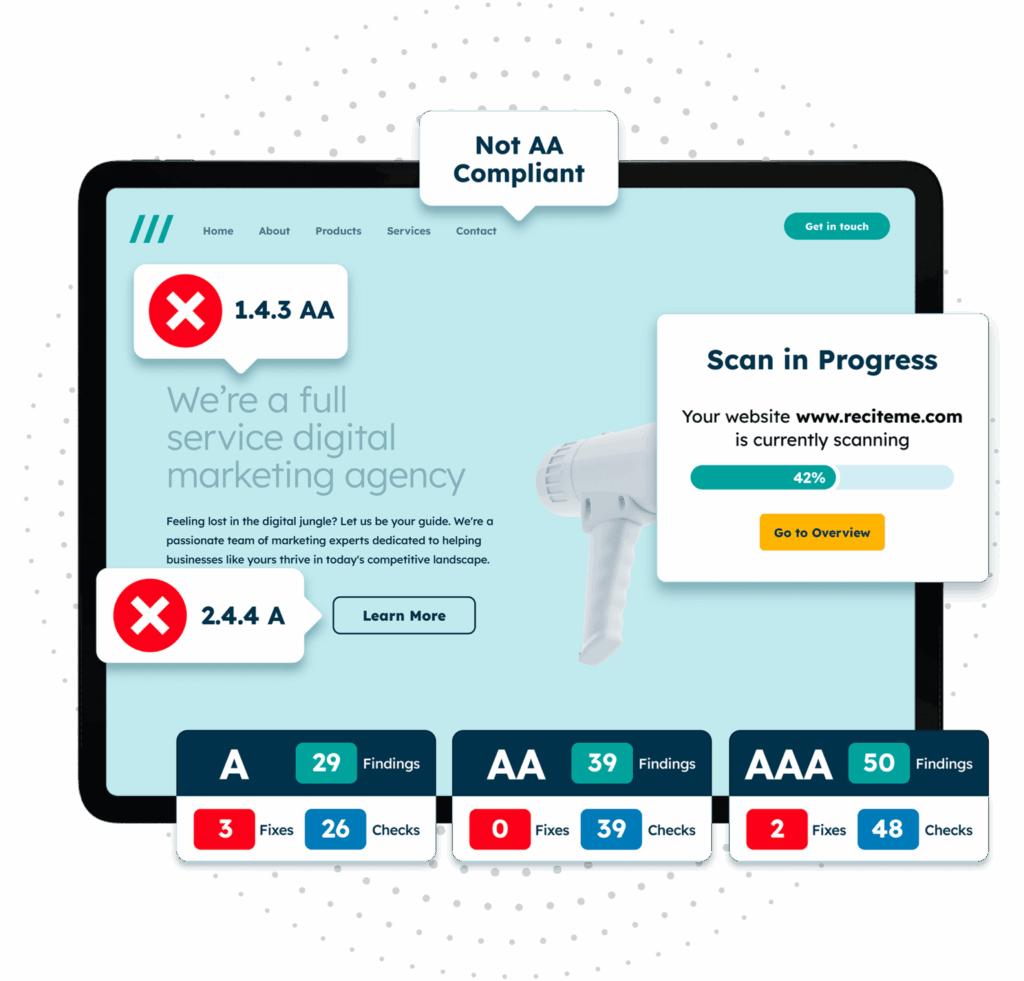
How do you know your charity’s website is accessible if you don’t test it? Conducting regular accessibility audits helps you to assess the current state of your website’s accessibility in reference to trusted benchmarks like the WCAG.
With tools like an accessibility checker, you can conduct quick scans of your website, flagging any accessibility issues or non-compliant features at the click of a button. This gives you a concrete start point and serves as demonstrable proof of your progression towards complete accessibility.
8. Provide Customisation Options
Everyone has slightly different needs, which makes accessibility slightly tricky. No matter how stringent you are in implementing accessibility best practices, there will always be someone for whom your website is not fully optimised.
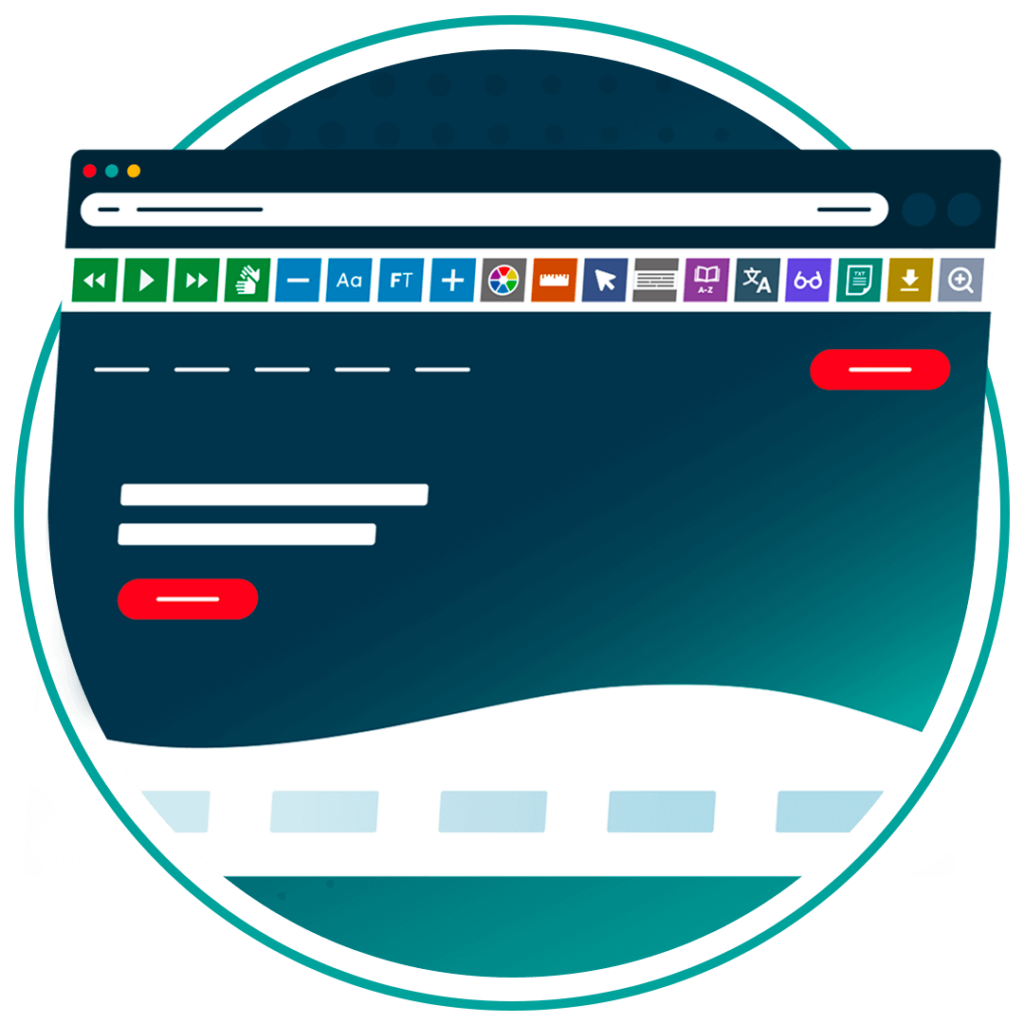
But did you know that you can empower users to customise your website as they see fit? Tools like an accessibility toolbar allow users to customise text size, font styles, and website colours, as well as translate web pages and much more. You will never understand someone’s needs better than they understand their own, and with customisation tools, you don’t have to.
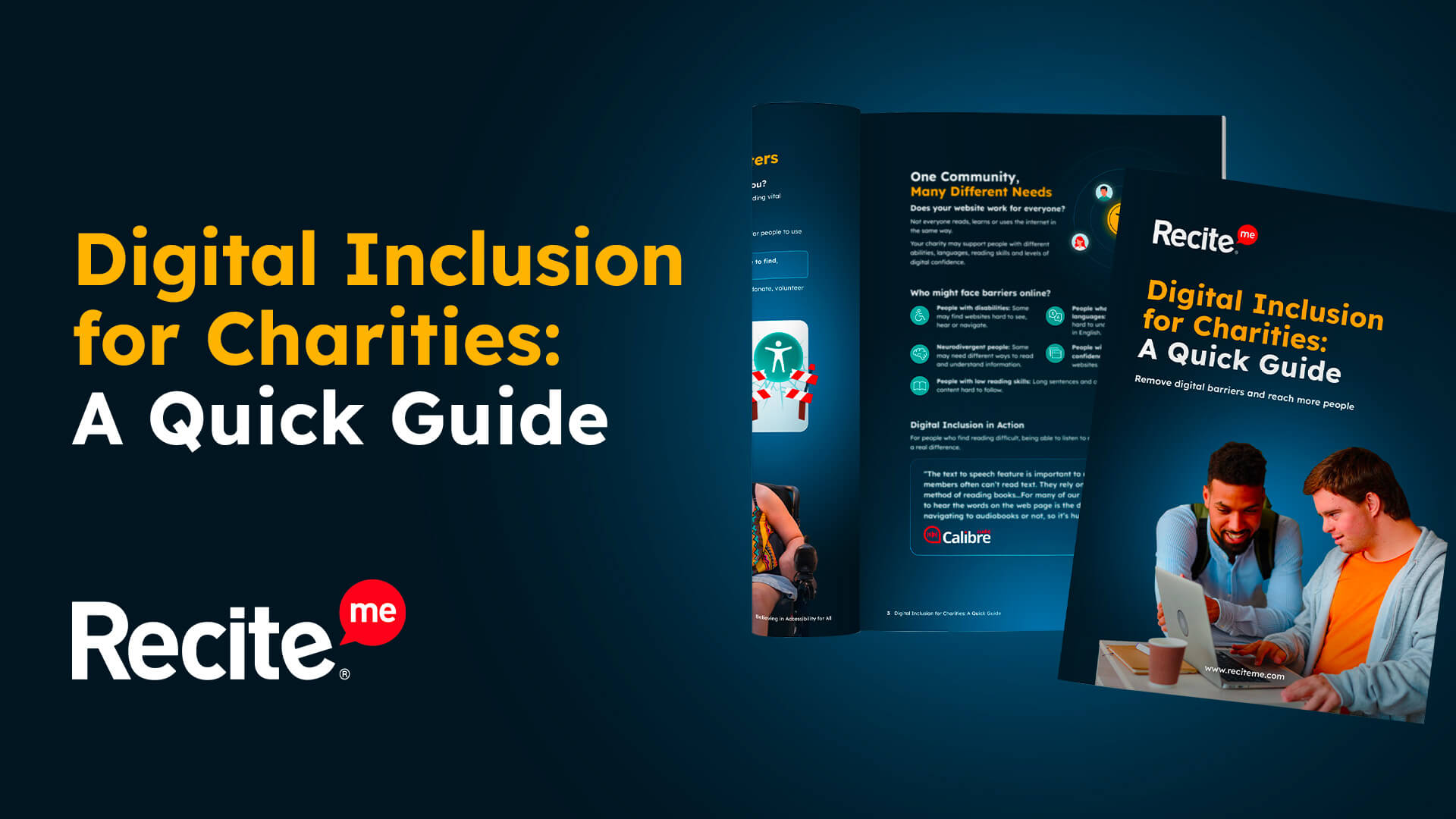
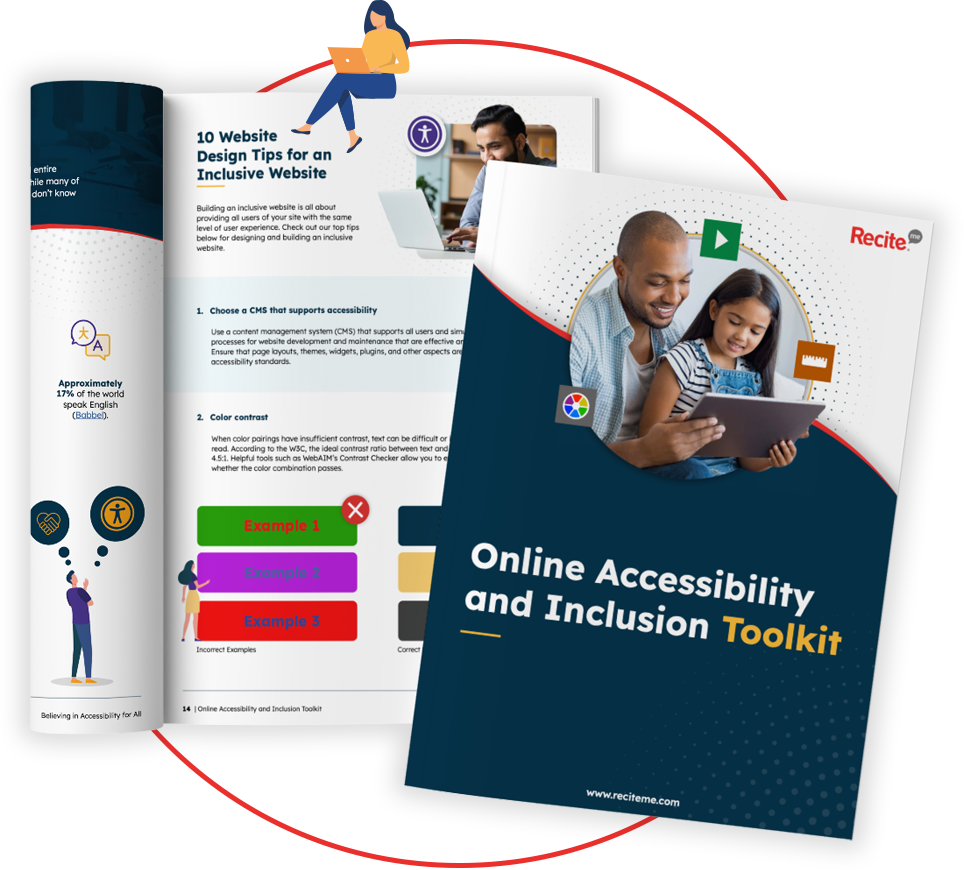
Our 40-page Digital Accessibility & Inclusion Toolkit helps businesses break down online barriers and make a real impact. It offers practical advice on all aspects of digital accessibility, from writing an accessibility statement to accessible website tips and inclusive hiring.
Accessibility & inclusion tools for UK charities and nonprofits
For charitable organisations in the UK seeking to create a more accessible and inclusive online environment, several tools stand out. Let’s take a closer look:
Assistive Toolbar
The Assistive Toolbar lets website visitors customise how they consume content on charity websites. Key features include:
- Translations for 100+ languages
- Text to Speech with 65+ voices
- Reading aids (magnifier, ruler, screen mask, etc.)
- Styling customisation (font style, size, colour, spacing, etc.)
Website Accessibility Checker
The Website Accessibility Checker scans and audits sites for WCAG compliance, helping charities identify and fix issues. Key features include:
- Full site crawl to identify WCAG 2.2 violations
- AI-powered fixes with dev-ready code suggestions
- Accessibility score/rating to track progress over time
- Prioritised scanning to flag high-impact issues first
- Continuous monitoring for new or updated content
Young Scot: A case study for charity web accessibility
Young Scot is a leading national youth information charity for young people in Scotland. Serving a diverse audience with diverse needs, Young Scot’s website became the recipient of several regular accessibility requests. Their website users were after things like text-to-speech tools, the ability to adjust text size, and translation services for Ukrainian refugees.
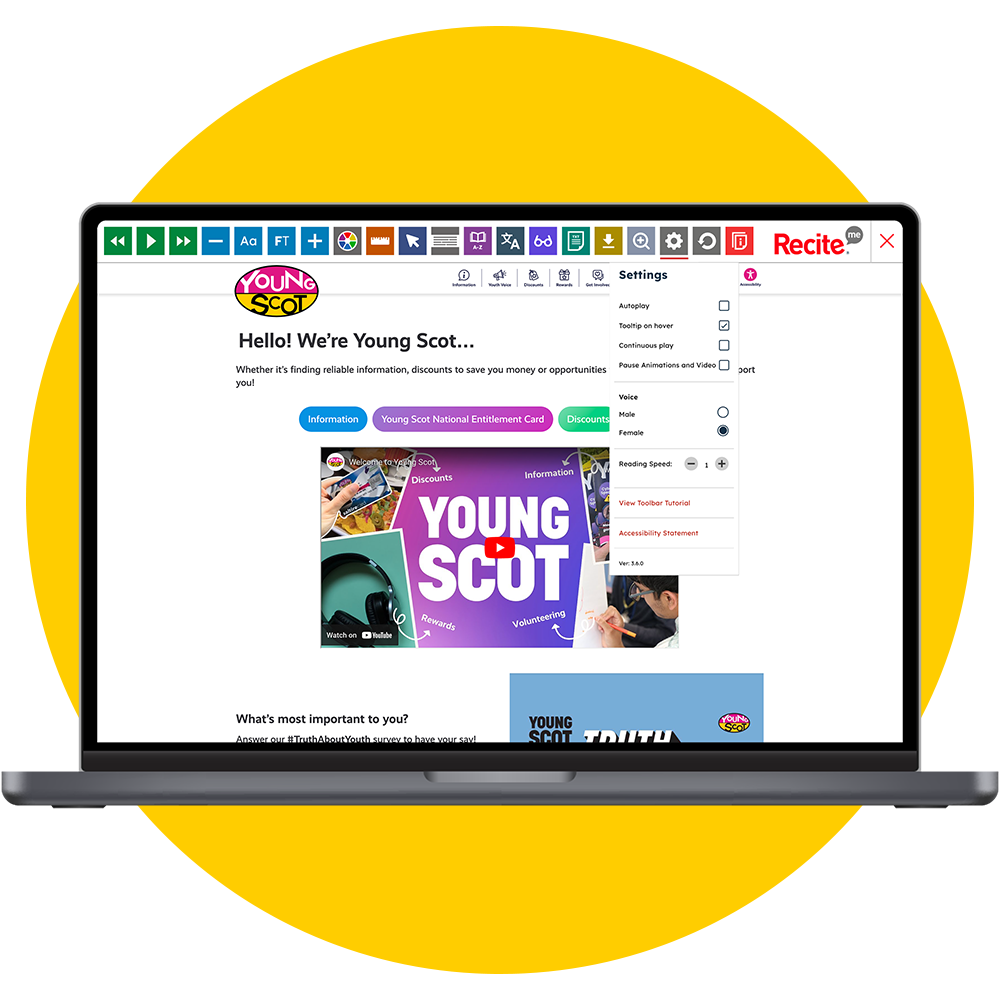
The charity answered their calls and decided to implement the Recite Me accessibility toolbar across its website, which gave users complete freedom to tailor the website according to their specific needs. Pleased with the results, Young Scot is now a proud advocate of accessibility aids and supports their normalisation across the digital world.
Click here to check out the full Young Scot case study.
Get a Free Accessibility Check of your Website
Run a scan to identify WCAG issues on your website's homepage. Then, use our recommended changes to achieve compliance with the latest accessibility standard.
Take the first step towards accessibility compliance today
If your charity isn’t prioritising website accessibility, it needs to be. Accessibility is the right thing to do, both ethically and practically, for charitable organisations across the UK.
You can take the first step today by running a free accessibility scan of your homepage. This will outline any WCAG violations that must be addressed to ensure compliance with the latest accessibility legislation.
Website Accessibility for Charities FAQs
Looking for a recap or quick summary? Here are a few of our most frequently asked questions to help you get to grips with the essentials:
Is web accessibility a legal requirement for charities?
Yes. Charities are generally covered by accessibility legislation such as the Equality Act 2010 in the UK, the ADA in the US, and the EAA in the EU, making accessibility a legal consideration.
How can a charity check its website's accessibility?
Charities can run their website through an accessibility checker tool like Recite Me to identify WCAG compliance issues. Errors are flagged with a priority order assigned, allowing you to prioritise the most critical barriers first.
What accessibility standard should a charity website follow?
Most charities should aim for WCAG 2.1 or 2.2 Level AA. This is widely recognised as the gold standard for accessibility compliance and is referenced in numerous legislation.
Does improving accessibility benefit a charity beyond compliance?
Yes, accessibility improvements often boost SEO performance, site usability, and donor conversion rates. It also demonstrates genuine inclusivity to funders, corporate partners, and grant bodies assessing a charity’s digital commitments.
Check out our Products & Services
Ready to take your first steps towards digital accessibility compliance? Then see how we can support your journey with our accessibility solutions:
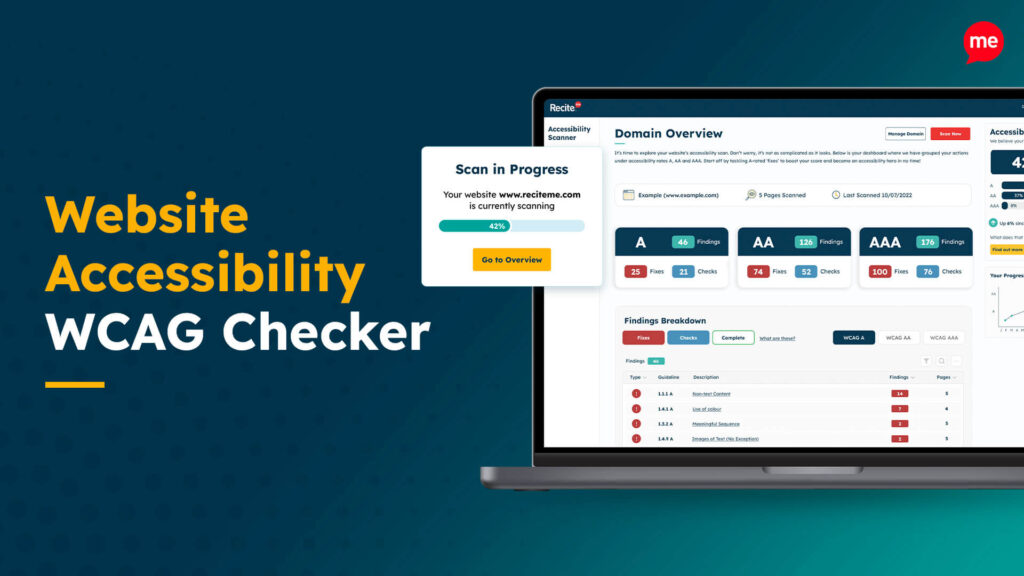
Web Accessibility Checker
Scan, detect, fix, and maintain accessibility compliance standards on your website.
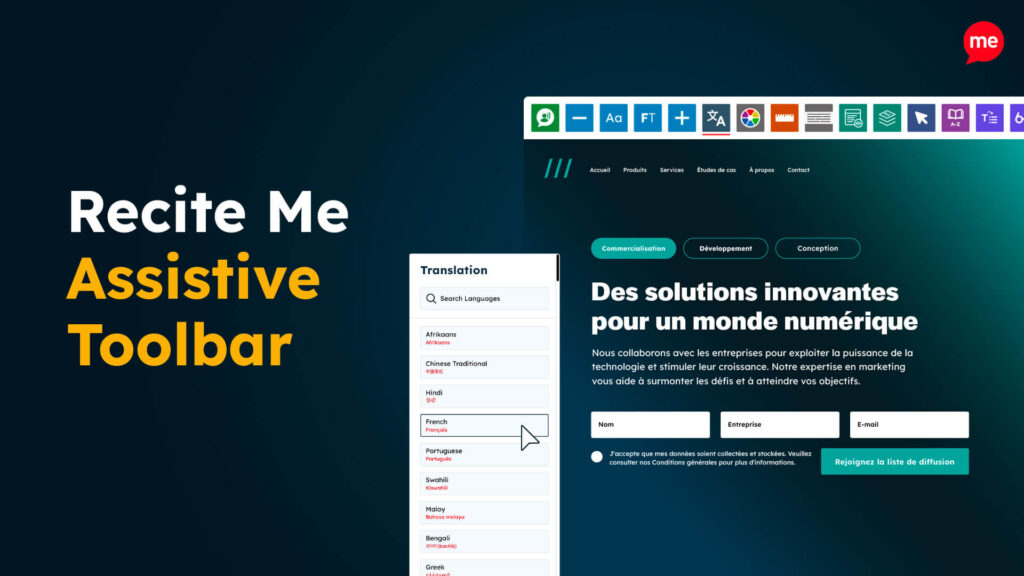
Assistive Toolbar
Make your website an inclusive and customisable experience for people with disabilities.
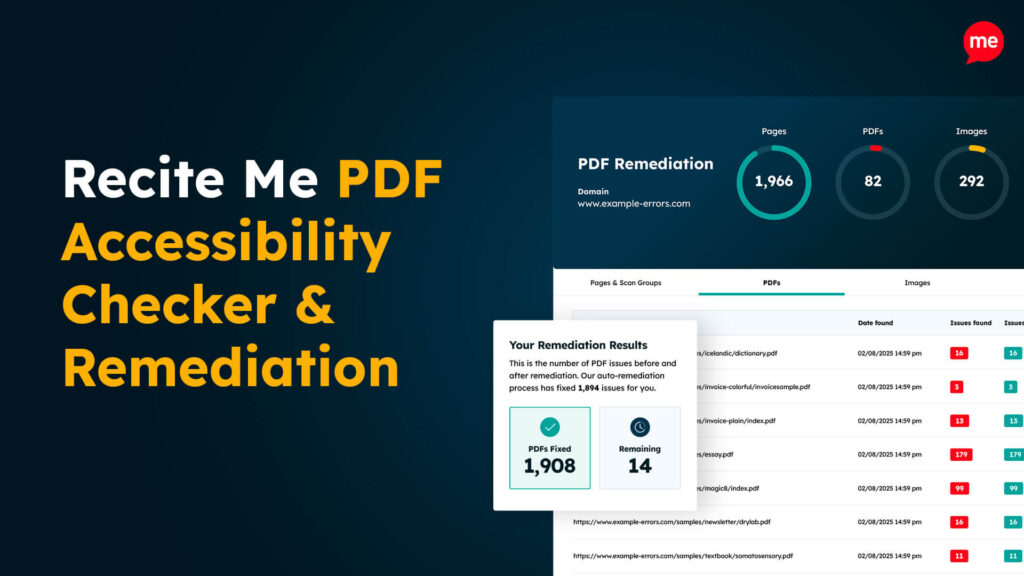
PDF Accessibility Checker
Check your PDFs are compliant with accessibility standards and run automated fixes.