PDFs Are One of the Biggest Hidden Accessibility Barriers
Problem
PDFs are static and difficult to navigate
Poor experience for assistive technologies
No accessible alternative for users
Manual remediation is slow and resource-heavy
Transformation
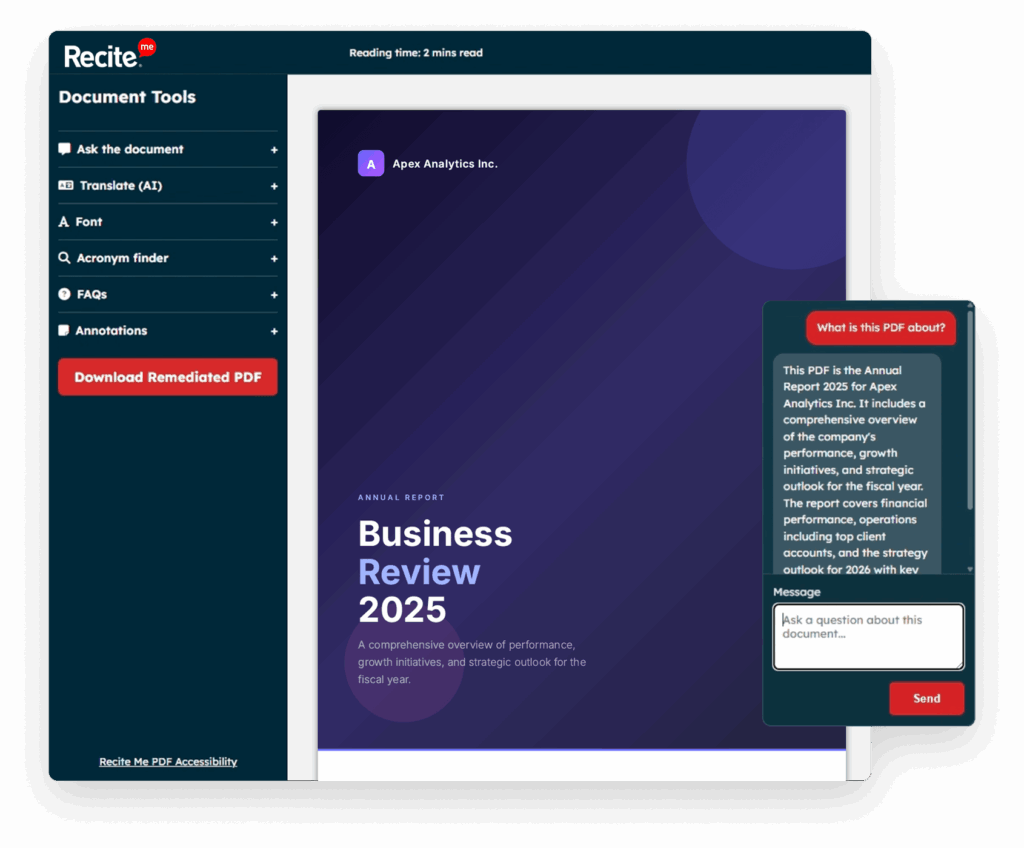
Recite Me PDF Intercept provides an accessible alternative format instantly, mitigating risk and transforming PDFs into dynamic, structured HTML experiences that are usable, navigable, and personalised for every user.
HTML CONVERSION
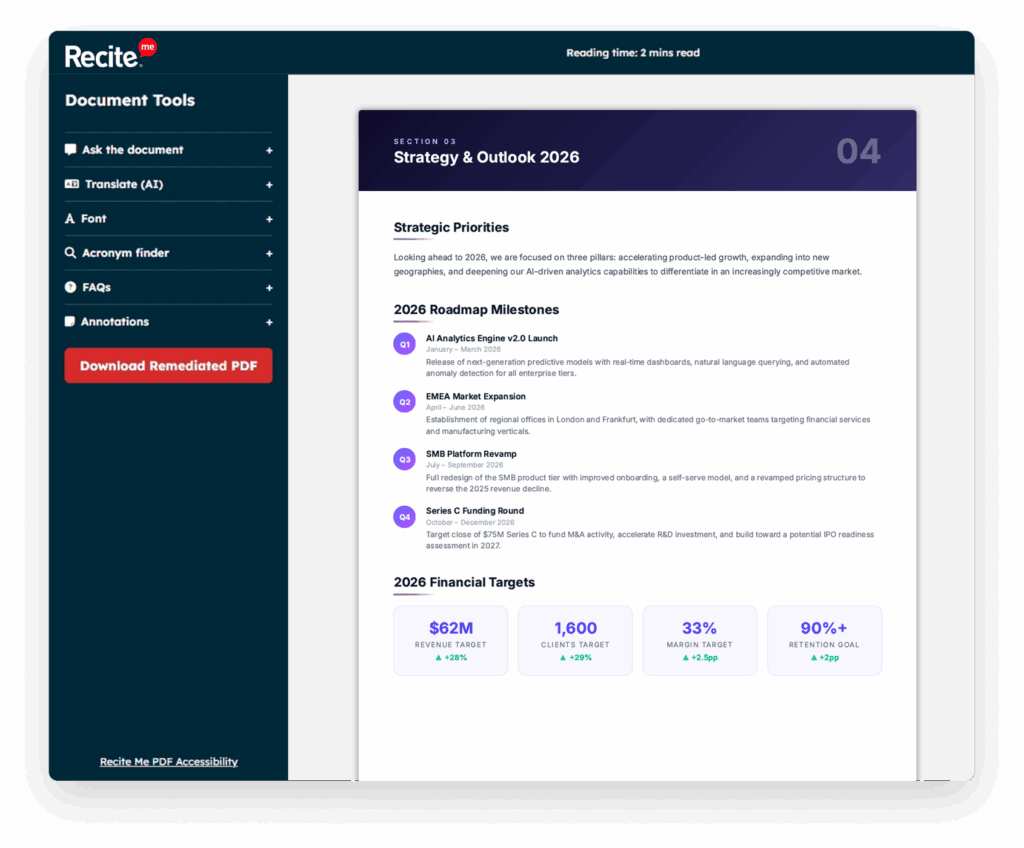
Convert PDFs into structured, accessible HTML, without losing content
Converts PDFs into fully accessible HTML, making documents easier to read, navigate, and use.
Convert document content into another language while preserving the original layout, structure, and reading experience.
Keeps images within the document and uses AI-powered OCR to generate meaningful descriptions for complex charts, maps, diagrams, and other visual content.
Delivers a fast, mobile-friendly reading experience that works directly in the browser without requiring PDF downloads or additional software.
Intelligent Navigation
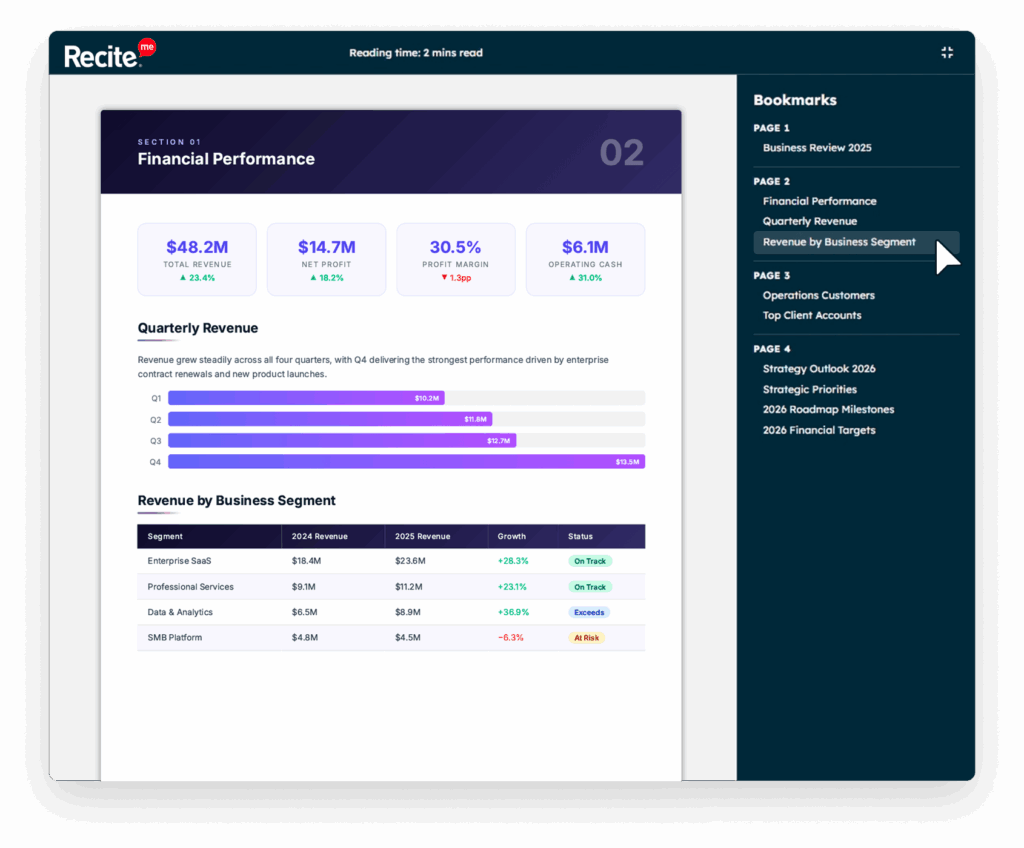
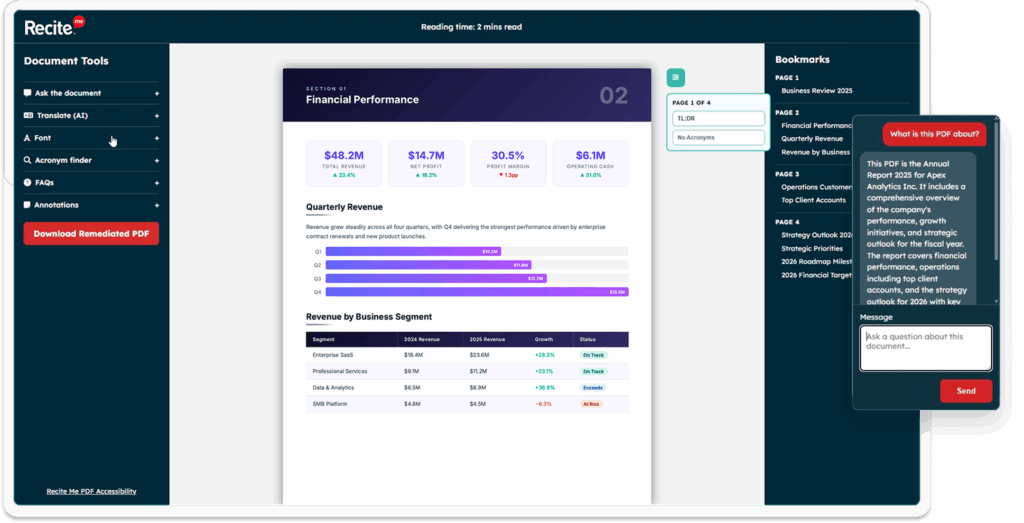
Jump straight to chapters, sections, or key topics using an automatically generated bookmark menu that makes long documents easier to explore.
Navigate content with a logical heading structure that preserves the original document hierarchy and improves readability for everyone.
Hide unnecessary distractions to create a clean reading environment that helps users concentrate on the content that matters.
Ask the Document (AI)
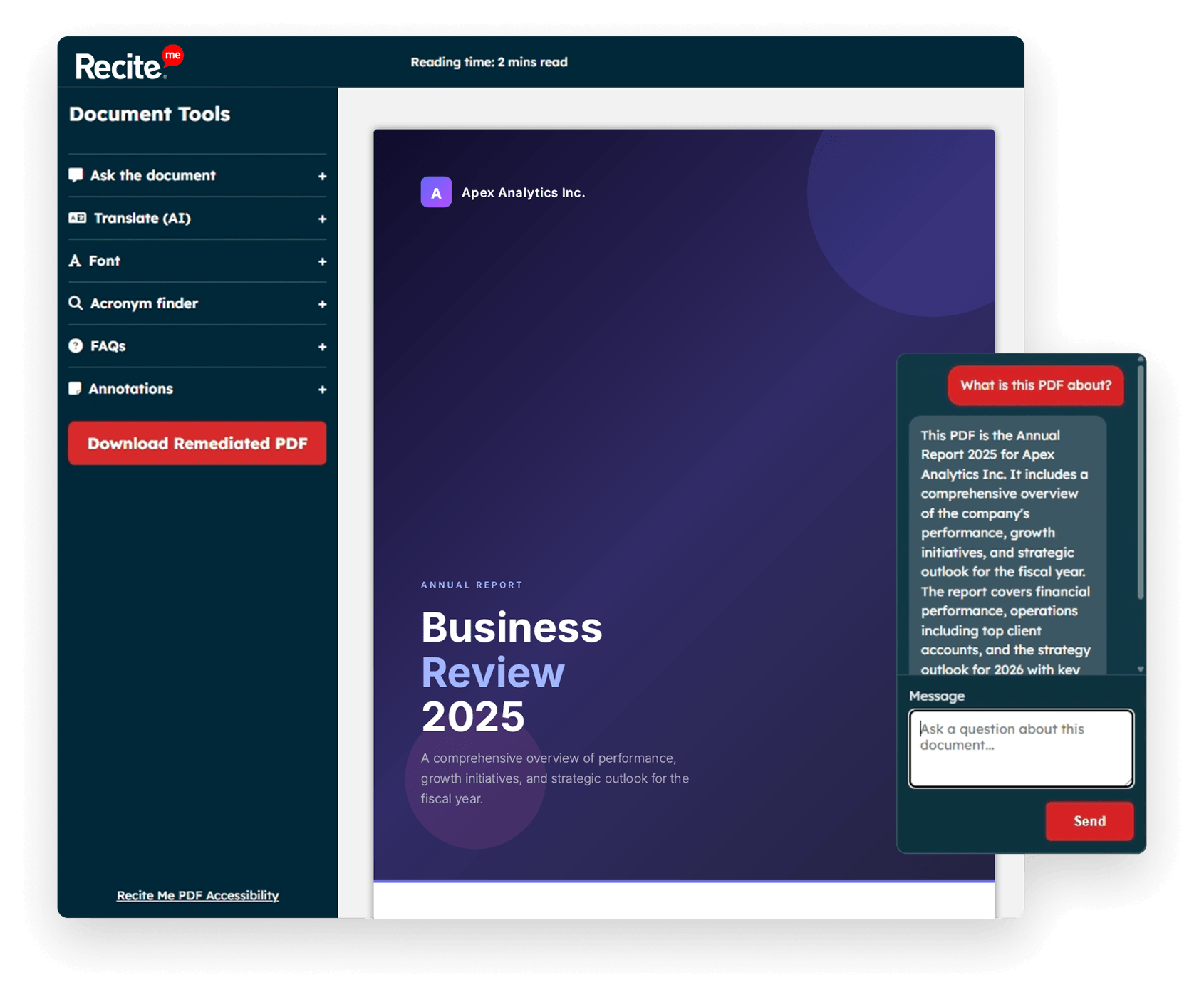
Turn documents into conversations
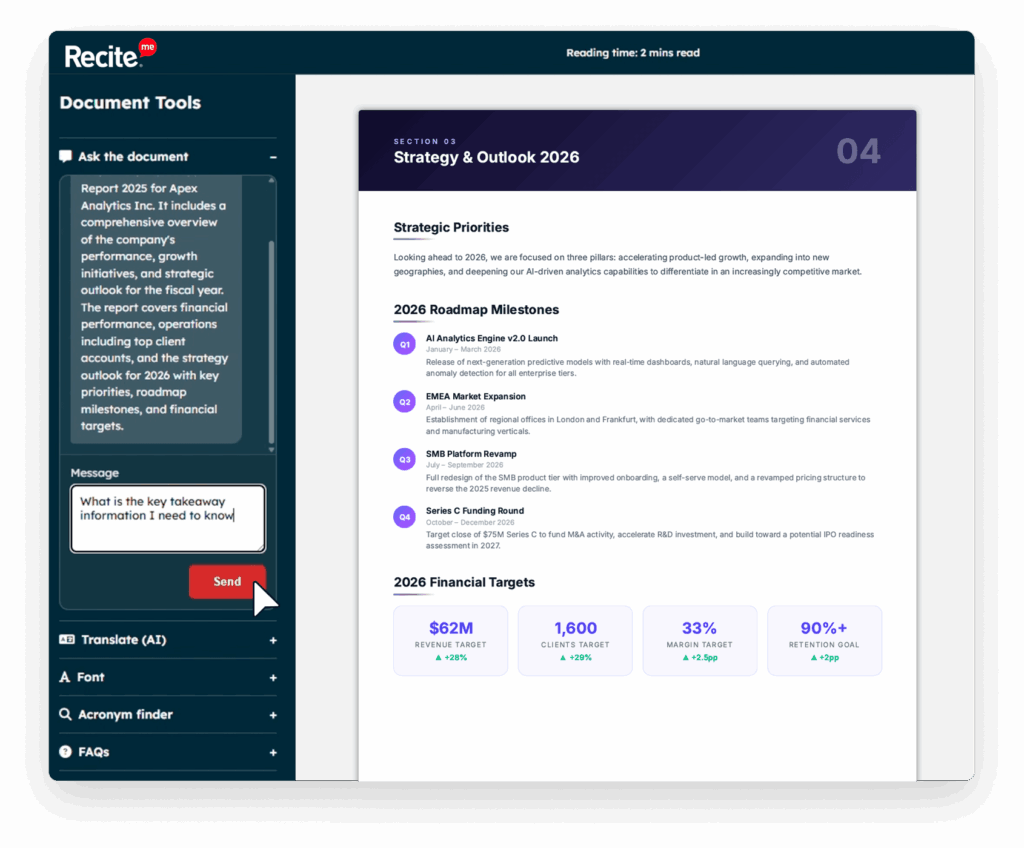
Ask questions in natural language and receive instant, context-aware answers based on the information within the document.
Quickly understand lengthy documents with AI-generated summaries that highlight the most important information.
Discover key themes, explanations, and supporting information without manually searching through every page.
AI Reading Support
Get concise overviews of lengthy documents, making it easier to understand the main points before reading in
full.
Simplify technical language, jargon, or complex topics with easy-to-understand explanations generated from the
document's content.
Access AI-generated questions and answers that help users find important information faster and improve
document understanding.
Automatically identifies acronyms and provides contextual definitions to help readers understand specialist
terminology.
Personal Notes & Annotations
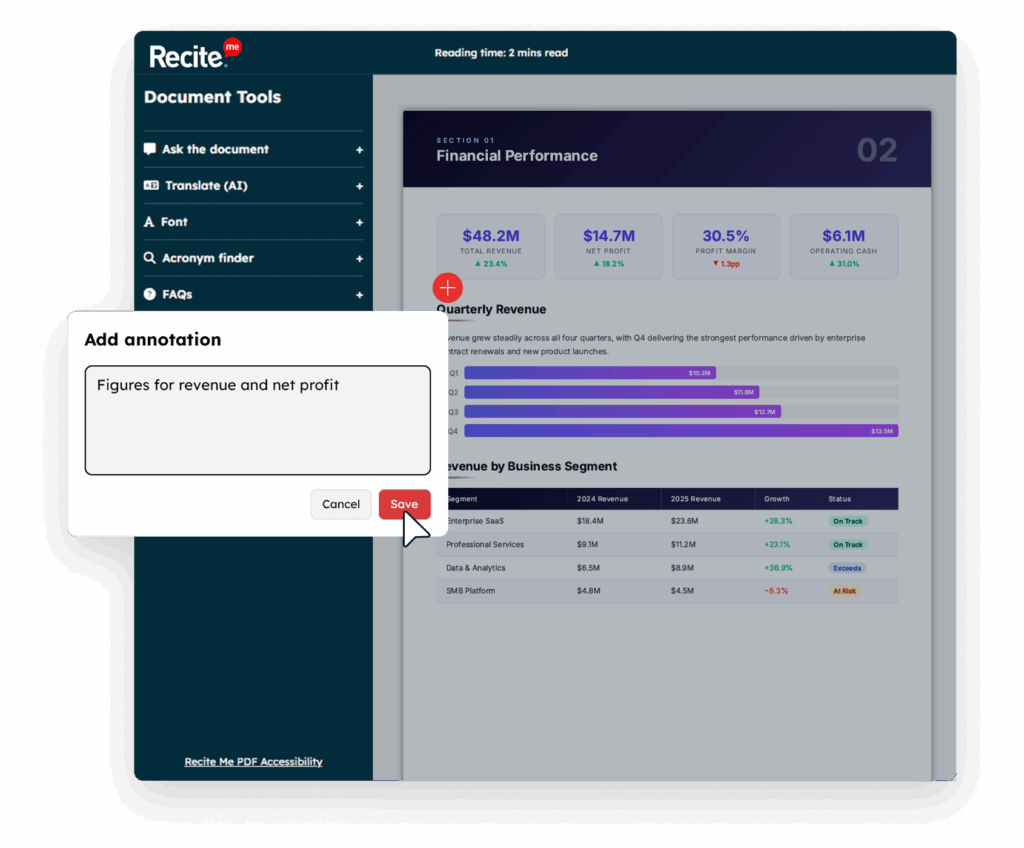
Mark important sentences within a document to make essential information easy to find when you return.
Create personal notes alongside your documents so useful ideas and reminders are always available when you need them.
Keep annotations securely linked to your account, allowing you to revisit personalised notes across multiple sessions.
Turn PDFs into Fully Customisable, Inclusive Experiences
With the Recite Me Assistive Toolbar applied to every HTML document, users take full control of how they experience content.
Instant Translation into multiple languages
Text-to-Speech read aloud functionality
Font & Styling Controls including OpenDyslexic
Reading Aids such as screen masking, focus tools
Personalised Experience tailored to each user
One document. Fully inclusive. Infinitely adaptable.