Public Sector Bodies Accessibility Regulations (PSBAR)
What they mean. Who they apply to. What you need to do.
Most public sector organisations know PSBAR exists. Far fewer have actually met the standard. Whether you are starting from scratch or picking up a stalled compliance effort, this is where to get a clear picture of what is required, and what to do next.
Five things every public sector organisation needs to know
PSBAR applies to almost every public body. Central government, local councils, NHS trusts, universities, housing associations, and more are all in scope.
The standard is WCAG 2.2 AA. WCAG, the Web Content Accessibility Guidelines set out the technical requirements your website and mobile apps must meet. Level AA is the legal minimum.Read our plain English WCAG 2.2 guide.
An Accessibility Statement is mandatory. Every in-scope website must have a published accessibility statement explaining what is and is not accessible, and what you plan to do about it.
PDFs and documents are included. Minutes, reports, policies, and notices published on your website fall under the same rules as the site itself. See our PDF accessibility checklist.
Compliance is being actively monitored. The Cabinet Office and Government Digital Service check public sector websites against the standard and can issue enforcement notices.
What is required for PSBAR compliance?
PSBAR introduced three core, ongoing duties for public sector bodies.
1
Meet the
accessibility standard
Your website and mobile apps must conform to WCAG 2.2 AA. This is not a target or a best practice, it is a legal requirement.
2
Publish an Accessibility Statement
You must publish a clear, up-to-date accessibility statement covering what is accessible, what is not, why any gaps exist, and how users can request accessible alternatives or raise a complaint.
3
Keep on top of your accessibility commitment
New content, new features, and new documents all need to be checked on an ongoing basis. Compliance is not something you achieve once and move on from.
ACCESSIBILITY RISK & RESPONSIBILITIES
Calculate your digital risk & responsibilities
You can’t do everything, but you can’t do nothing.
Answer a few quick questions and we’ll recommend the best next step. No generic sales pitch. No pressure. Just a clearer route to a more accessible digital experience.
Question 1 of 5
Your accessibility risk result
Medium risk
Your risk level is Medium
Indicative risk score0/100
How this score was calculated
For internal review, the indicative score uses the following weighted factors:
→
Your action plan
Recommended Next Steps
Speak with an accessibility expert and receive a free crawl of your website and PDFs. We’ll help you understand the scale of your accessibility landscape, identify where to focus first and map out practical next steps.
Not sure if you’re in scope? The regulations cover any body that is publicly funded or carries out a public function. When in doubt, treat it as applicable.
Does your organisation have an Accessibility Statement?
It is a legal requirement under PSBAR, and one of the most common areas of non-compliance. A valid statement must:
Be published on your website in an accessible format
Confirm your level of compliance (full, partial, or non-compliant)
List any known issues and explain why they have not yet been fixed
Include contact details for users to request accessible content
Reference the enforcement procedure if users are not satisfied
Six reasons to act now for PSBAR compliance
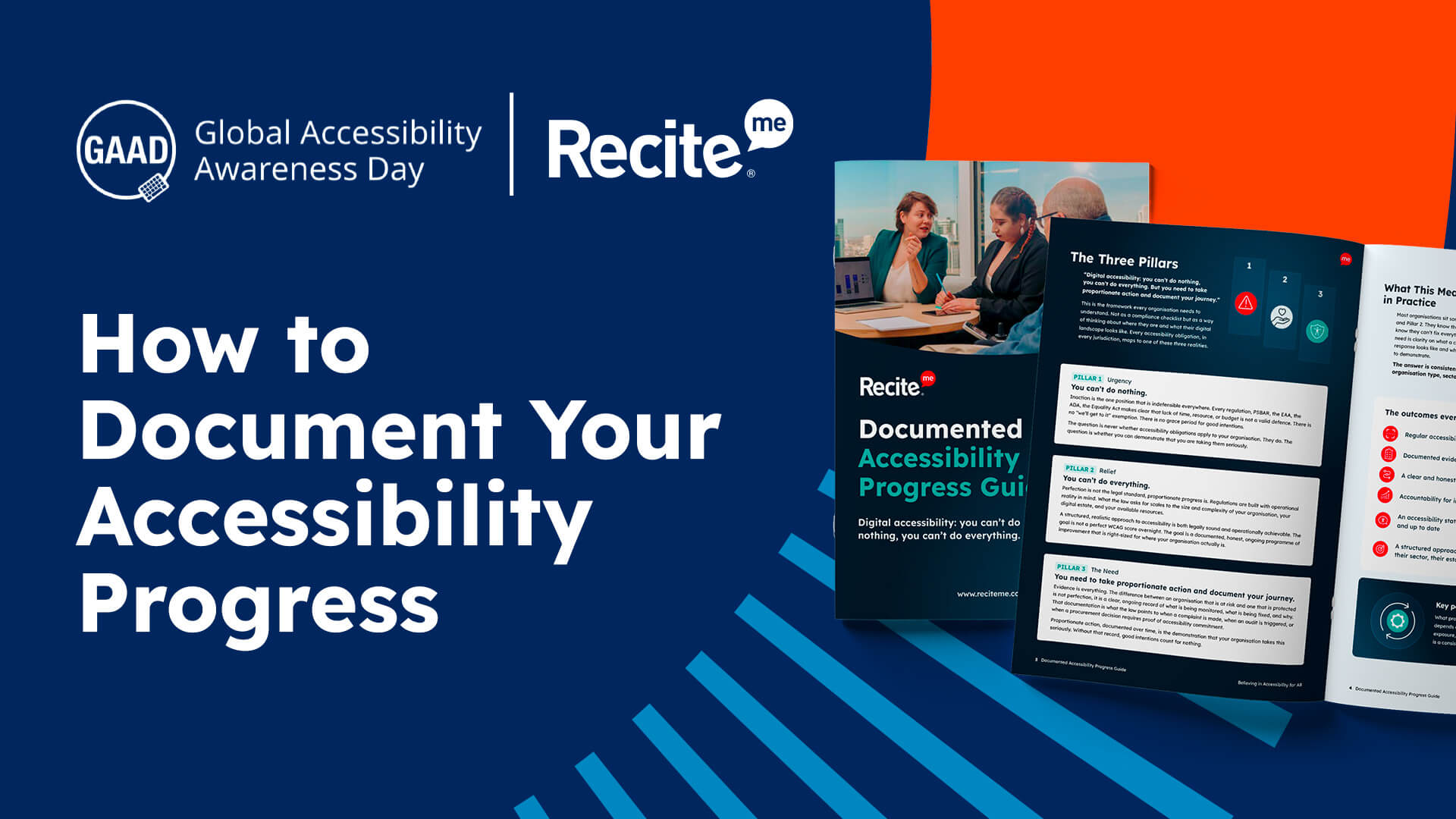
Build your evidence trail
Documented proof of what was assessed, what was found, and what action was taken protects your organisation if a formal complaint or audit arises.
Serve every member of the public
For some people, an inaccessible website is a complete barrier to services they have a right to access. That is not a small thing.
Stay on the right side of the law
Enforcement notices, fines, and legal challenges are all real possibilities for organisations that ignore their obligations.
Tackle your document backlog
Every week your organisation publishes more content. Starting now means fewer problems, and less remediation work, down the line.
Give your
teams clarity
Clear policies and regular audits mean staff know what is expected when creating and publishing content.
Demonstrate public trust
An accessible digital presence tells the public their organisation is thinking about all of them, not just some of them.
The PDF problem for public sector bodies
Most public sector organisations publish hundreds of documents a year. Most of those documents are not accessible, and most organisations do not know it.
Exporting to PDF does not make a document accessible. Common problems include:
Missing heading structure and logical reading order
Low colour contrast that fails automated and manual checks
Scanned images of text that screen readers cannot interpret
No document tags or navigation landmarks
Missing alternative text on charts, logos, and images
PSBAR is not a project with an end date. The Cabinet Office expects to see continuous improvement, which means:
Regular accessibility audits of your website and key documents
An accessibility statement that is reviewed and updated
A record of issues identified and steps taken to address them
Checks on new content, features, and documents before they go live
A process for handling accessibility complaints and requests
What are the risks of public sector bodies doing nothing?
Legal risk: If issues are identified, GDS can require your organisation to make improvements, typically within around 12 weeks, before escalating to the Equality and Human Rights Commission.
Financial risk: Fixing accessibility problems reactively costs significantly more than getting it right from the start, and cases that escalate can result in legal costs and financial penalties.
Reputational risk: Public sector organisations are expected to lead on inclusion, and when accessibility falls short it can affect how your organisation is perceived.
Operational risk: When digital services are difficult to use, people find other ways to get things done, more calls, more emails, and more pressure on internal teams.
Service delivery risk: If barriers exist, users may not be able to complete applications, find information, or engage with your organisation at all.
No evidence trail:Nothing to show if a formal complaint is made.
Free Resources for PSBAR Compliance
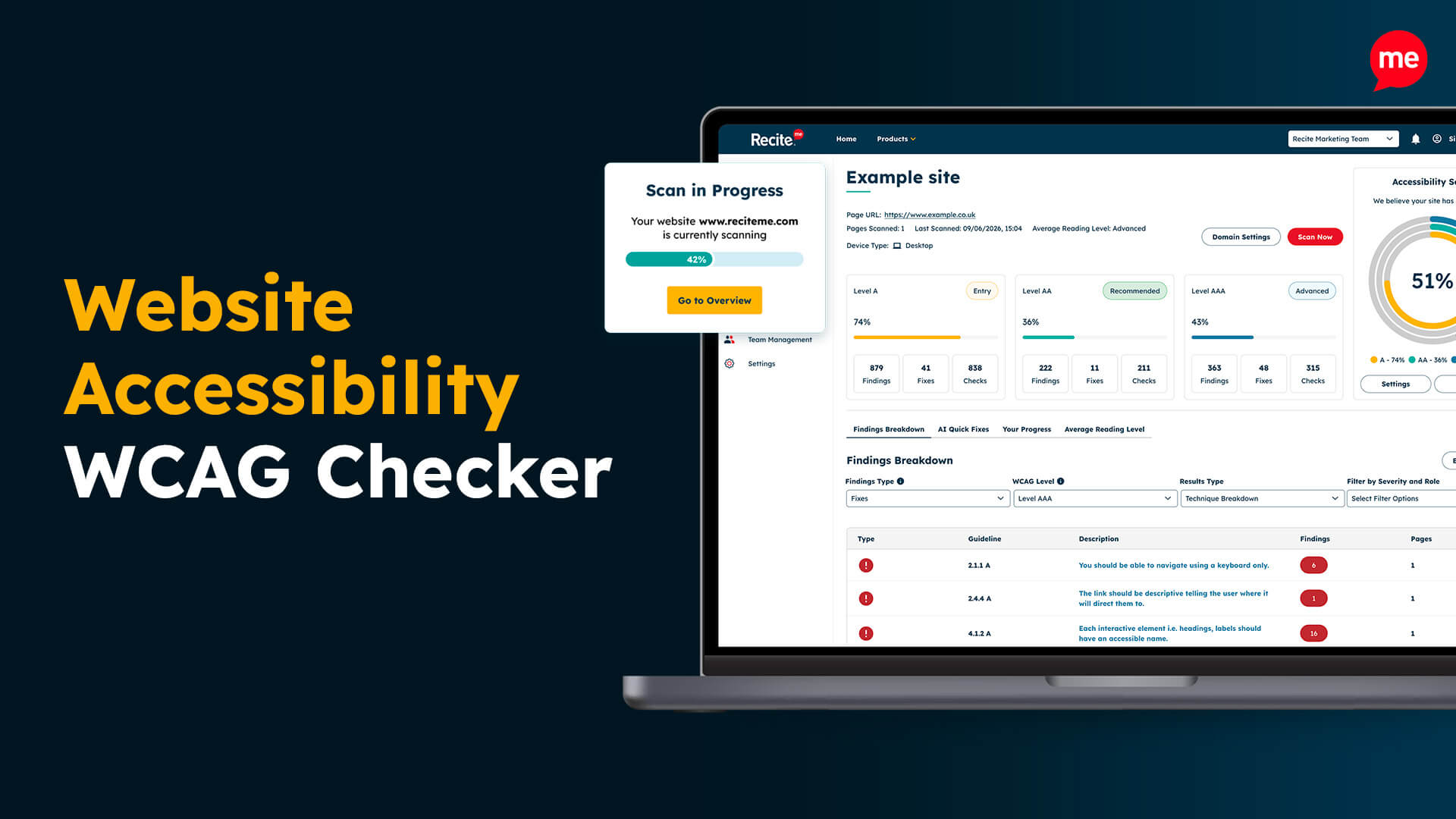
Free Website Accessibility Scan
Run a free accessibility scan to detect any inaccessibility on your homepage and discover how to fix it.