Facebook Tracking Pixel

How to Make a PDF Accessible? A Simple Guide

Published By:

two people sitting at laptop talking

TABLE OF CONTENTS

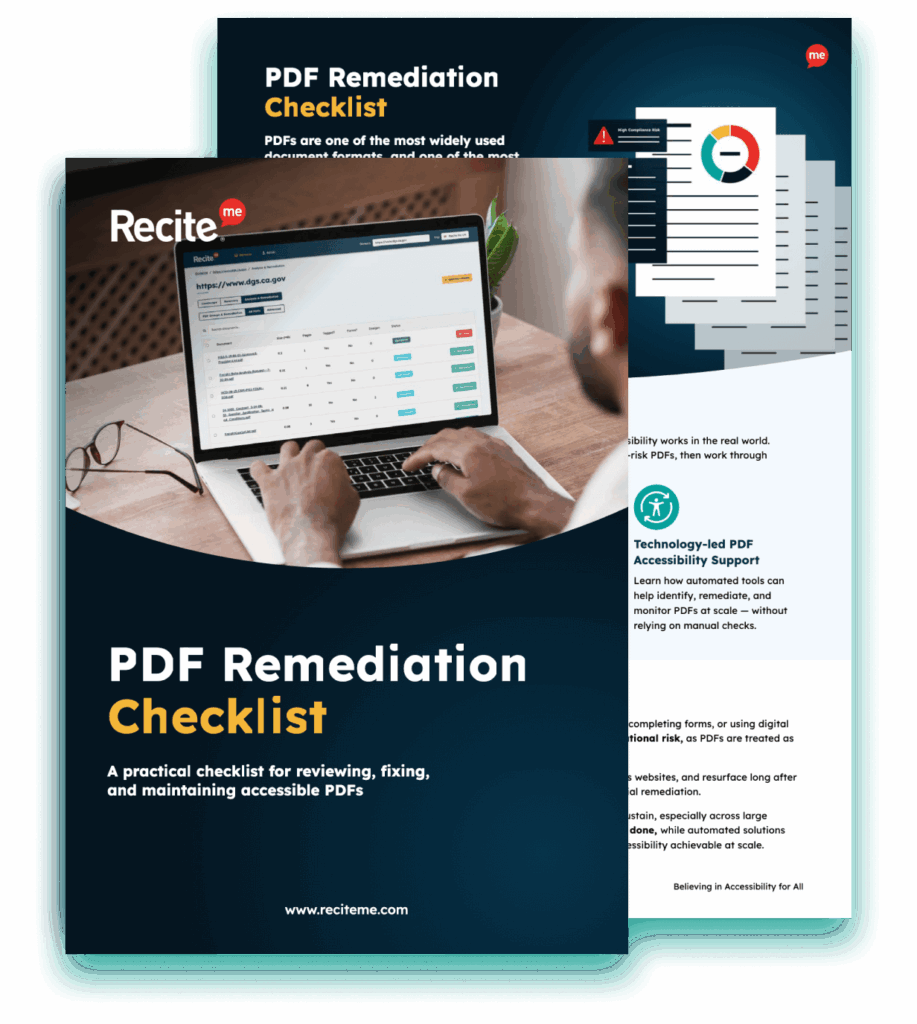
Get Your Free PDF Remediation Checklist

Download Now

Wondering how to make a PDF accessible? PDFs are one of the most commonly used document formats by organisations because they offer universal compatibility across different devices, compact file sizes, and robust security. This makes them a great option for sharing important information, including reports, policies, brochures, and forms.

Although there are many benefits to PDFs, it is important to be aware that there can be accessibility issues. These issues can create barriers for people with disabilities that prevent the information from universally accessible to all users.

The importance of following PDF accessibility guidelines

Organisations must prioritise creating accessible PDFs to prevent exclusion. There are a few universally recognised accessibility guidelines that make it easy to create PDFs and other digital content that is accessible for all.

Web Content Accessibility Guidelines

The Web Content Accessibility Guidelines (WCAG) are recognised as the global benchmark for accessible online content. These guidelines provide a structured approach to ensuring that content is accessible by focusing on four key principles: Perceivable, Operable, Understandable, and Robust.

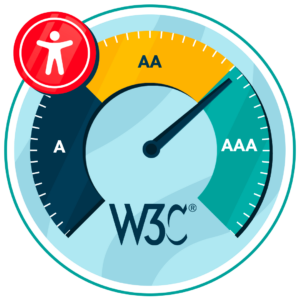
What are the levels of WCAG Compliance

PDF/Universal Accessibility

PDF/Universal Accessibility (PDF/UA) is an international ISO standard focused on the accessibility of PDF documents. This standard establishes technical requirements for how PDFs must be structured and tagged so that they are available to people with diverse needs. This includes areas like the correct use of tags, metadata, and document structure. While WCAG is applied broadly to all online content, PDF/UA is highly technical and applies specifically to PDFs.

By aligning content with these PDF accessibility guidelines, organisations can create PDFs that are accessible to all and usable with assistive technologies, such as screen readers, voice commands, and keyboard navigation tools.

Free Scan for Non-compliant PDFs on your Website

Scan your website to locate every PDF in one place and instantly see how many do not meet accessibility standards. You will also receive one of your website’s PDFs fully remediated, so you can see the impact in action.

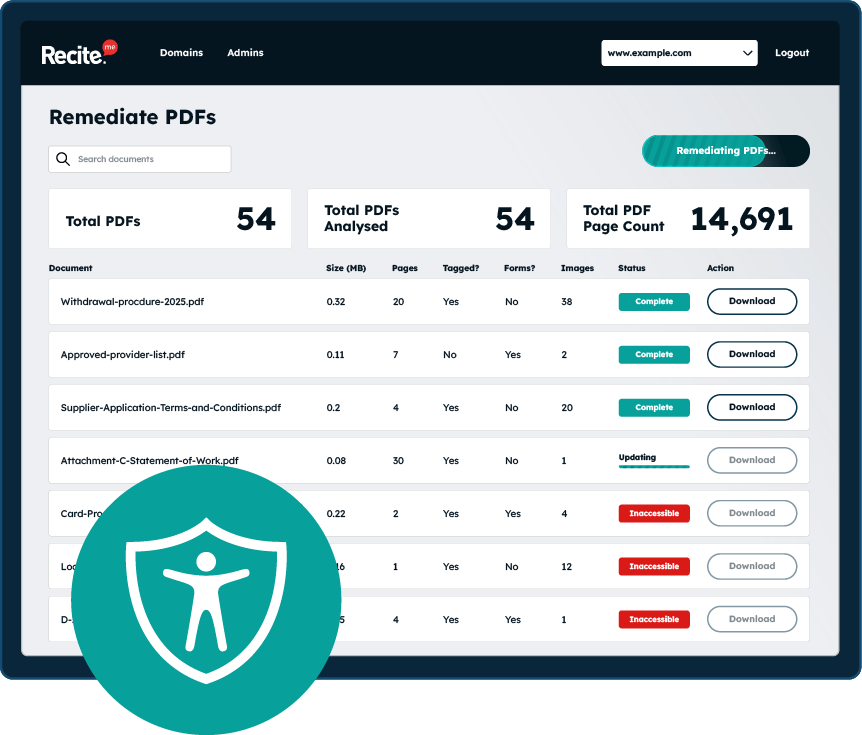
PDF accessibility remediation tool

How to make accessible PDFs: The most important steps

Creating accessible PDFs can be straightforward by following a few important steps:

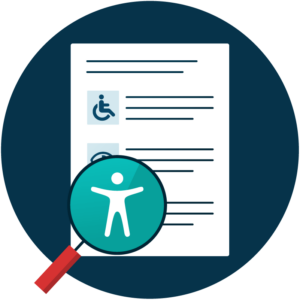
Magnifying glass revealing accessibility Icon

Correct document structure

Be sure to use proper headings (H1, H2, etc) to convey document structure so that it can be read in the correct order by assistive technologies.

WCAG-Compliant colour contrast

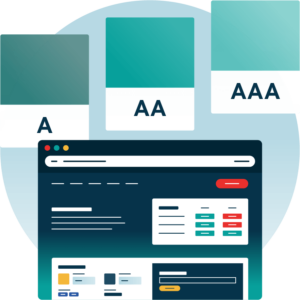
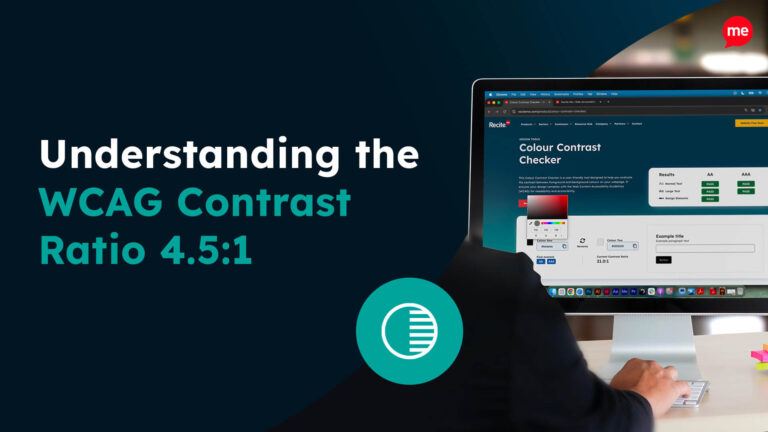
Sufficient colour contrast ensures documents are readable by those with visual impairments, such as colour blindness. WCAG 2.0 Level AA states that normal-sized text should have a contrast of at least 4.5:1, while large text should have a ratio of at least 3:1.

colour contrast levels of WCAG compliance
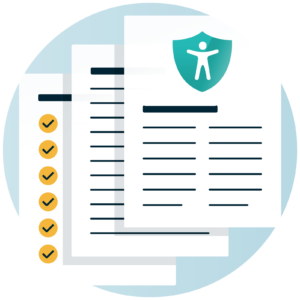
Icon of 3 accessible documents

Properly tagged PDFs

PDF tags should be applied to headings, paragraphs, lists, tables, etc. This provides important information about the structure and content of assistive technologies so that the information can be presented to the user correctly.

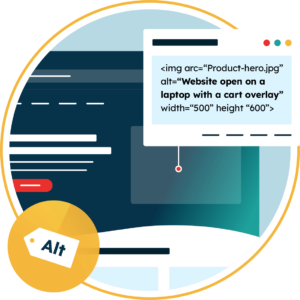
Descriptive image alternative text

All relevant images should have descriptive image alternative text. This enables assistive technologies like screen readers to interpret the image to the user, ensuring all elements of the document can be presented correctly.

Web page with an overlay showing the Alt tag for an image

Descriptive hyperlinks and buttons

Descriptive text should be used for hyperlinks and buttons so that their purpose can be conveyed by assistive technologies. Include information on where the ink goes as opposed to a generic phrase like “click here”.

Use structured tables

Tables can cause confusion for assistive technologies even when they look clear visually. Define headers, rows, and columns to support table navigation.

A website with a checklist, showing the data increase and an accessibility icon

Readable fonts and text size

Fonts should be clear and easy to read, while text size should be scalable to ensure clarity and readability for those with visual impairments.

Navigable with keyboard only

Many users require content to be navigable with a keyboard only. Make sure that the content has the correct tab and reading order to ensure that it can be navigated without the use of a mouse.

Keyboard icon
assistive technology for people with deafness or hearing impairments

Compatible with assistive technologies

Finally, be sure to test that the document is compatible with different assistive technologies. This should include screen readers, voice command technologies, and keyboard-only navigation. These tools are relied on by those with many different types of disabilities, so you need to make sure PDFs are compatible with these tools to maximise reach.

Why should organisations create accessible PDF documents?

There are a few reasons why all organisations need to prioritise creating accessible PDF documents, including large and small businesses, government agencies, non-profits, and other types of organisations. The main reasons to create accessible PDF documents include:

Provide a better experience for readers

One of the most notable reasons why organisations should create accessible PDF documents is to provide a better experience for readers. In the UK, approximately 1 in 4 people have a disability, which means that millions of people have accessibility needs when it comes to digital content. Removing barriers ensures that people with wide-ranging disabilities and those using assistive technology can read, navigate, and understand the content.

In addition to users with disabilities, creating accessible PDFs can also make the reading experience better for abled users. Accessible documents with a clear structure and tags can streamline the reading process, making it quick and easy for users to understand the content.

Comply with global accessibility legislation

Accessibility is also important in terms of global accessibility legislation. There are various laws around the world that require organisations to produce accessible digital content, including PDFs. Failure to comply with global accessibility legislation can lead to formal investigations, lawsuits, legal fees, large settlements, and remediation costs.

WCAG is the global benchmark in terms of compliance, and requirements are outlined in the table below.

Accessibility LegislationRegionCompliance requirement
Americans with Disabilities ActUSAWCAG 2.1 Level AA required
European Accessibility ActEuropeWCAG 2.1 Level AA advised
Public Sector Bodies Accessibility RegulationsUKWCAG 2.2 Level AA required
Accessible Canada ActCanadaWCAG 2.1 Level AA required
Disability Discrimination ActAustraliaWCAG 2.2 Level AA advised

Drive revenue through increased reach

Making your digital content accessible to all users can also drive revenue through increased reach. This is because you are not excluding any users, allowing you to cast a much wider net and deliver your communication effectively.

target board with an arrow hitting the centre
Exploring the Best Practices for WCAG Compliance

Improve brand image and reputation

Demonstrating a commitment to inclusivity and accessibility can also help improve brand image and reputation. This is important during a time when society values organisations with a strong moral compass, so creating accessible PDFs can help build trust and make it easier to both attract and retain customers.

Maintaining accessible PDFs into the future

It is important to recognise that PDF accessibility is not a one-time fix. Organisations should maintain accessible PDFs in the future, which means that the same accessibility standards must be maintained when updating existing PDFs or generating new ones.

Many organisations forget to ensure accessibility when updating old PDFs with new content, images, tables, etc. Publishing a PDF that falls short of accessibility requirements could lead to a complaint that may lead to an expensive lawsuit, so accessibility should be built into the publication process.

Voluntary Product Accessibility Template (VPAT)

How the Recite Me PDF accessibility checker can automate the process

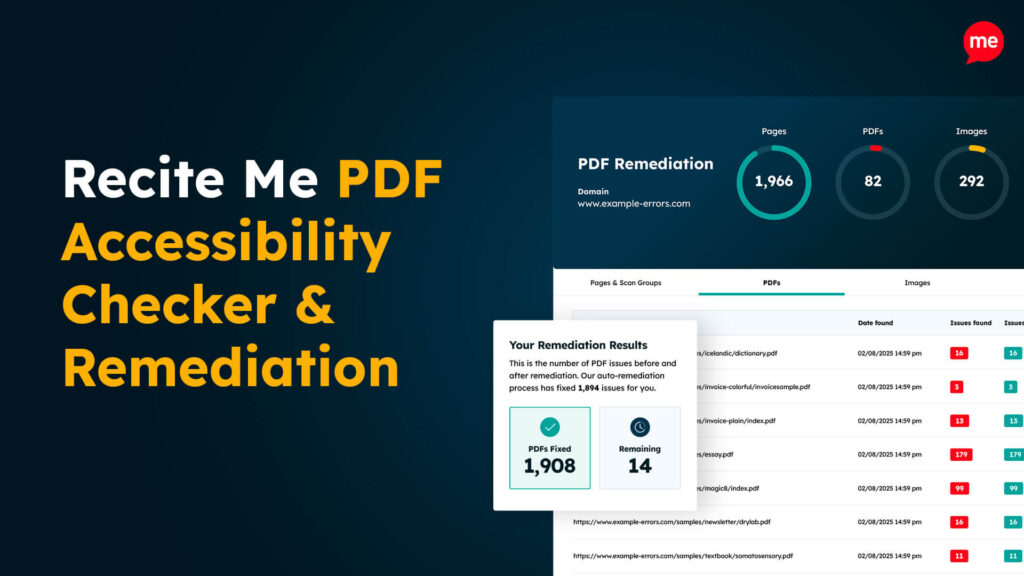
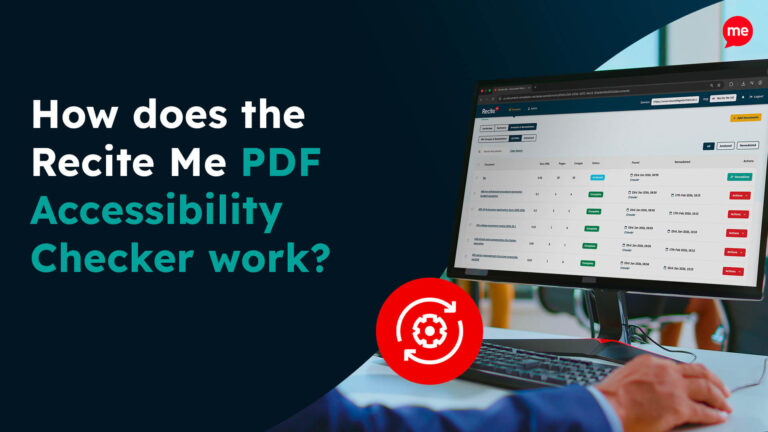
Checking PDFs for accessibility issues can be a tricky and time-consuming process, especially for organisations that regularly produce PDFs. Fortunately, there is a simple solution with the Recite Me PDF accessibility checker. This automates the process by finding all of your PDFs and running them through WCAG compliance tests. Any accessibility issues are flagged and can either be instantly fixed with AI-powered tools or resolved by offering step-by-step guidance.

The PDF accessibility checker is a useful tool for organisations looking to improve their accessibility standards. It is smart to adopt a hybrid approach with both automated and manual checks, as manual checks ensure that content retains its meaning and context.

Download A Free PDF Remediation Checklist

Improve the accessibility of your website’s official documents with our free PDF remediation checklist. It guides you through clear steps to identify and address common accessibility barriers, to align with global accessibility standards.

Create accessible PDF documents today

Every organisation needs to prioritise accessible PDFs to ensure that the information they publish can be accessed and understood by all users. You can take the first steps today by downloading a free PDF remediation scan of your website. Alternatively, you can contact our team for more personalised support and guidance.

How to make accessible PDFs FAQs

Looking for a recap or quick summary? Here are a few of our most frequently asked questions to help you get to grips with the essentials:

It is wise to adopt a hybrid approach to PDF remediation to leverage the advantages of both and address the drawbacks. Automation tools are ideal for finding and fixing issues at scale, but they can struggle with context and nuance. Therefore, manual checks are valuable for handling context-sensitive issues.
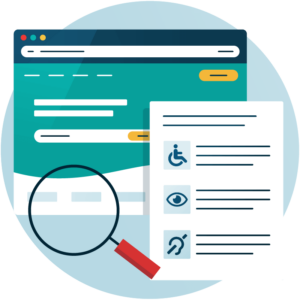
There are a handful of common accessibility issues organisations encounter when producing PDFs, but missing tags and incorrect reading order are two of the most common issues that can prevent some users from engaging with the content.

Every organisation needs to perform ongoing monitoring and auditing of PDF accessibility. This is because regulations are evolving, content is often updated, and new documents are produced frequently. Regular accessibility checks ensure that nothing slips through the cracks that would put you at risk of non-compliance.

Check out our Products & Services

Ready to take your first steps towards digital accessibility compliance? Then see how we can support your journey with our accessibility solutions:

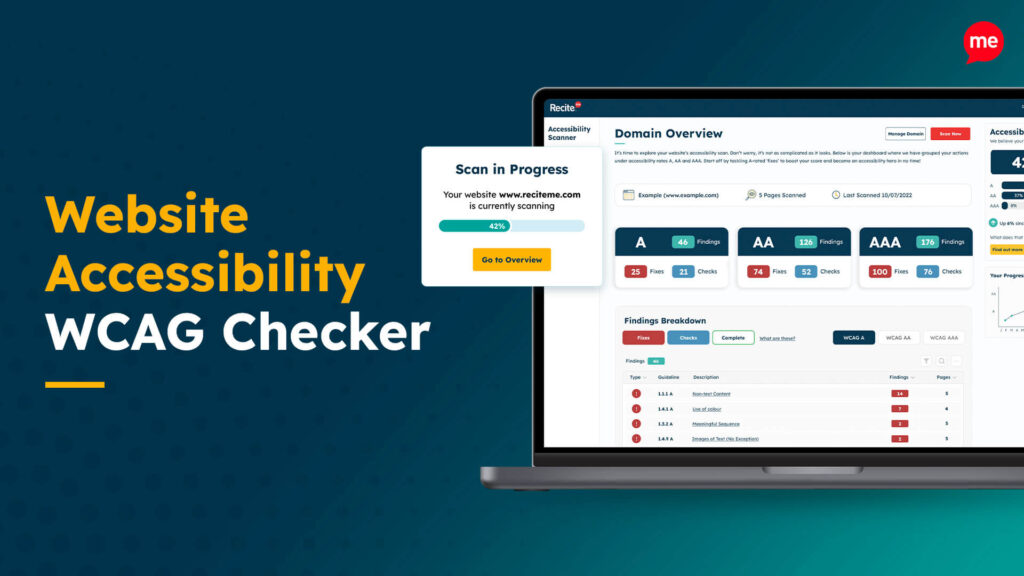
Website Accessibility WCAG Checker

Web Accessibility Checker

Scan, detect, fix, and maintain accessibility compliance standards on your website.

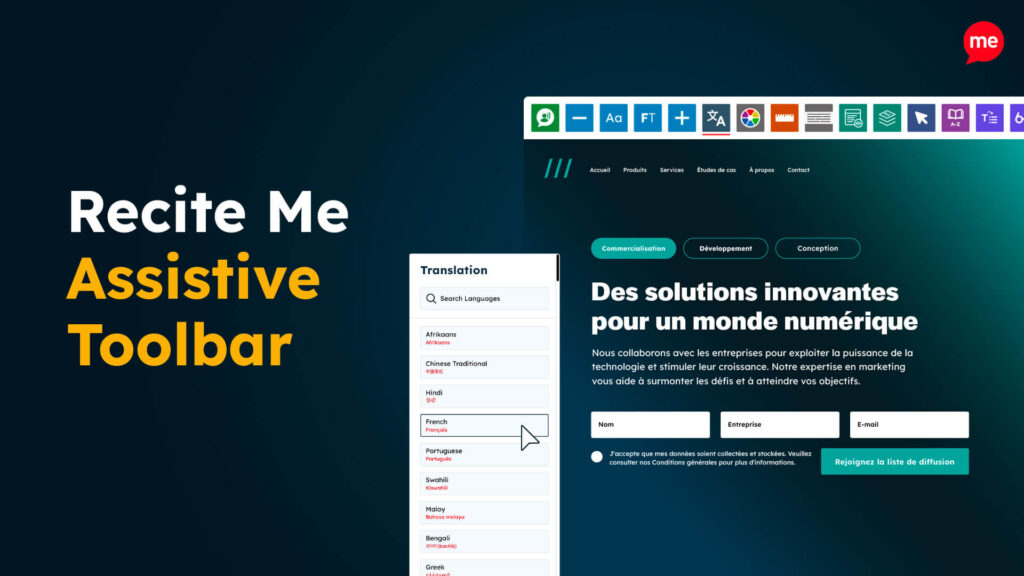
Recite Me Assistive Toolbar

Assistive Toolbar

Make your website an inclusive and customisable experience for people with disabilities.

Recite Me PDF Accessibility Checker & Remediation

PDF Accessibility Checker

Check your PDFs are compliant with accessibility standards and run automated fixes.

Related Content