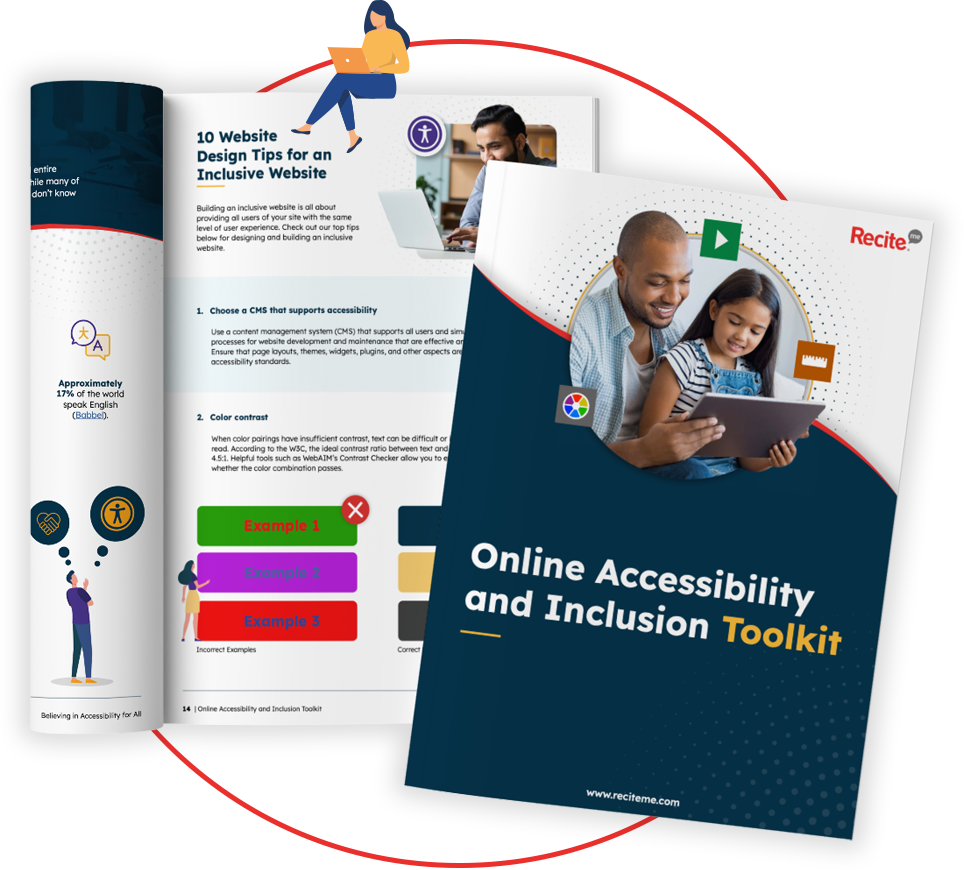
Get Your Free Accessibility & Inclusion Toolkit
Download NowDocument remediation is the process of reviewing and improving documents so they are usable by anyone who chooses to access them, regardless of how they interact with digital content. This is becoming increasingly important in a world where people with diverse needs are often blocked from accessing essential information online. Not to forget that digital accessibility legislation is now enforceable with fines and penalties in key regions like Europe, the US, Australia, and Canada.
In this quick guide, we will explain what document remediation involves, why it matters, and how it supports inclusive and accessible experiences.
What is document remediation?
Document remediation is the practice of updating existing digital documents so they work well with different ways of accessing content. It focuses primarily on improving the structure of content, its clarity, and its compatibility with assistive technologies.
Remediation can include adding meaningful headings, ensuring reading order makes sense, providing text alternatives for visual content, and improving colour contrast and navigation. The aim is not to change the message or purpose of a document, but to remove unnecessary barriers that can appear when content is shared digitally.
Why does document remediation matter?
An estimated 1.3 billion people, about 16% of the global population, experience significant disability, and many face barriers when digital content isn’t structured for diverse access needs. This highlights the importance of document remediation for two key reasons:
- Societal: Remediated documents ensure equal access to digital content and services, promoting inclusion, dignity, and participation for everyone.
- Business: Accessible documents help organisations reach wider audiences, reduce legal and reputational risks, demonstrate a commitment to inclusion, and improve employee or customer satisfaction.
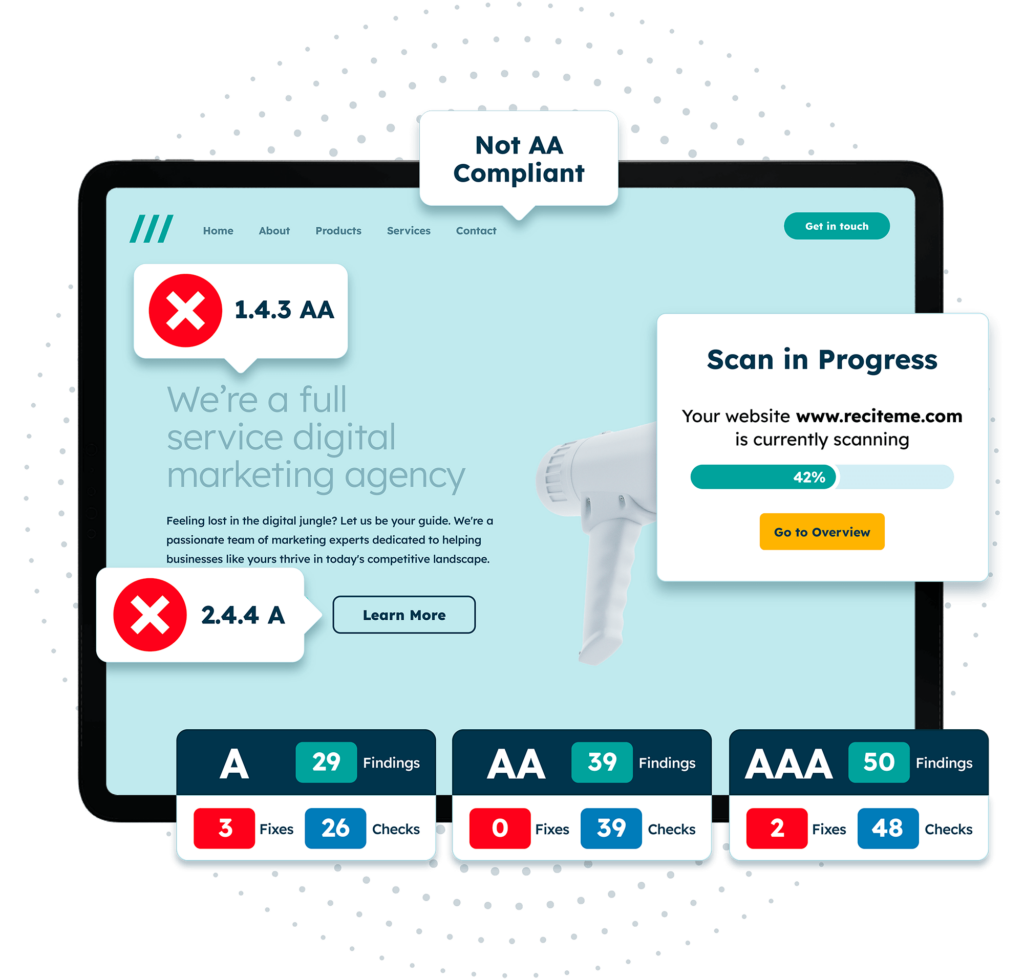
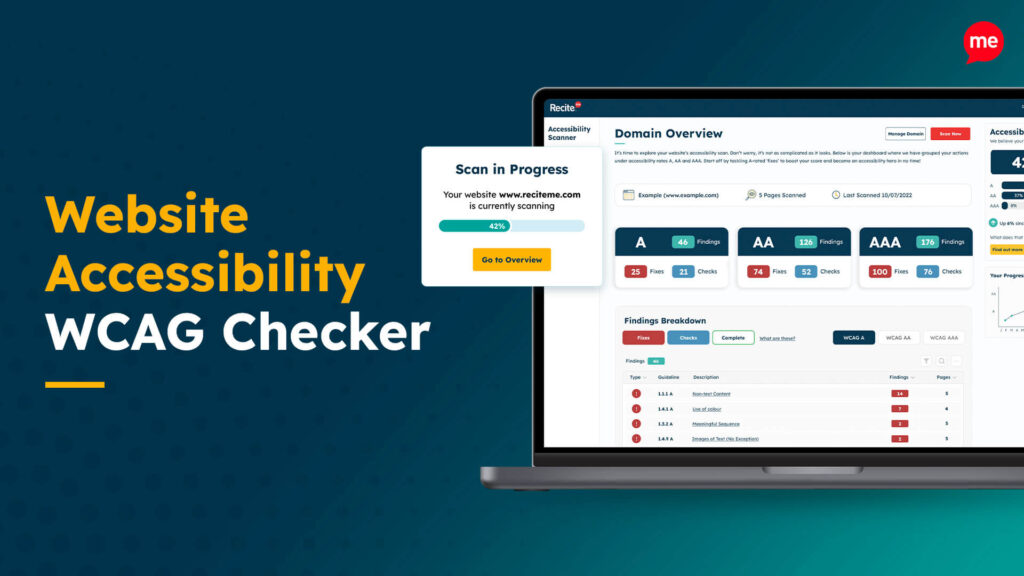
Get a free automated accessibility check of your websites homepage. This will identify and highlight any compliance issues on your website. Followed by recommendations on how to implement the necessary changes to make your website more accessible.
What types of documents need accessibility remediation?
Creating accessible PDFs is probably the document type that springs to mind when thinking about document remediation. But it’s important to remember that this isn’t the only file type that needs to be remediated.
Here are a few more examples you should consider:
- PDFs
- Word documents and Google Docs
- Excel spreadsheets and Google Sheets
- Presentations (PowerPoint, Keynote, Google Slides)
- Forms and interactive documents
- Reports and marketing materials
How WCAG provides the guidelines for document remediation
The Web Content Accessibility Guidelines (WCAG) offer internationally recognised standards for making digital content accessible to everyone. The gold standard for compliance is WCAG 2.1 Level AA, which is often referenced in global accessibility legislation, such as the Americans with Disabilities Act and the European Accessibility Act.
WCAG is built on four core principles, ensuring that digital content is perceivable, operable, understandable, and robust, which is often abbreviated to POUR. Moreover, WCAG outlines 23 specific PDF accessibility guidelines that content creators should adhere to, which can be applied to most document types during remediation.
What are the most common accessibility checks documents need during remediation?
When remediating documents, there are several checks that can be conducted to ensure accessibility. Still, it makes sense to start with the issues which are most commonly found. Let’s take a closer look at those:
Headings and structure
When remediating documents, it is important that headings, lists, and paragraphs are formatted in a clear and logical structure. This allows assistive technologies, including screen readers, to navigate content more efficiently. That said, a well-structured document also improves readability for everyone, not just those using assistive tools.
Document tagging
Documents that have been remediated successfully should include correct tags for headings, lists, tables, and other elements. This ensures that assistive technologies can interpret and present digital content accurately. In contrast, if documents are not tagged correctly, it is difficult for people with diverse needs to navigate and comprehend the information.
Alternative text for images and graphics
If documents contain any images or graphics, then they should include descriptive alternative text. This ensures that people using screen readers receive the same information as sighted readers. It also helps clarify the purpose of visuals and reinforces key points.
Colour contrast and formatting
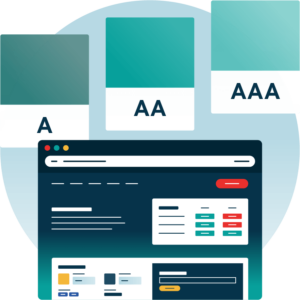
Text and background colour should have sufficient contrast to remain readable for people with visual differences. This also means avoiding the use of colour to convey meaning and ensuring consistent formatting to improve clarity and comprehension.
Tables
Tables must have clear headers and a logical reading order to ensure data is understandable when accessed with assistive technologies. Also, complex tables may require additional markup to maintain clarity and content.
Links and navigation
Hyperlinks should be descriptive and provide context about the destination or action. Documents must also allow navigation using a keyboard alone, as this supports those who cannot rely on a mouse.
Forms and interactive content
Accessible form fields must be clearly labelled, with instructions that are easy to follow and understand. Also, a logical tab order helps people move through forms efficiently without confusion. While well-designed interactive elements support participation and make completing tasks simpler for everyone.
Tools to help you remediate documents successfully
Several accessibility tools can be utilised to help remediate documents. Some of the most popular that we offer here at Recite Me include our PDF accessibility checker for automated checks and our PDF accessibility checklist for manual audits. Here’s how each works:
PDF Accessibility Checker
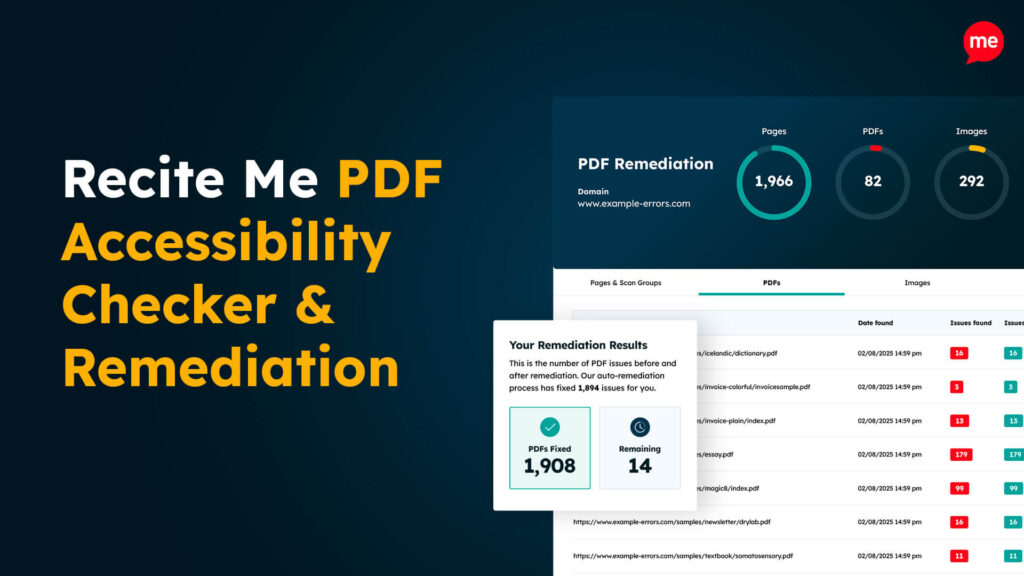
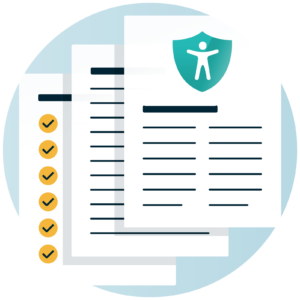
Our PDF Accessibility Checker automates the remediation of every PDF published on your website. It scans your site to identify all PDFs, checks each file against recognised accessibility standards such as WCAG and PDF/UA, and automatically fixes many common accessibility issues.
PDF Accessibility Checklist
If you prefer manual remediation, our PDF Accessibility Checklist is a useful place to start. It sets out the key checks needed to ensure documents are remediated correctly and aligned with recognised accessibility standards and guidelines worldwide.
Our 40-page Digital Accessibility & Inclusion Toolkit helps businesses break down online barriers and make a real impact. It offers practical advice on all aspects of digital accessibility, from writing an accessibility statement to accessible website tips and inclusive hiring.
Conclusion: Start remediating your documents now
To summarise, document remediation plays an important role in creating accessible digital content that works for everyone. It also supports compliance with the WCAG guidelines, helping to ensure you are compliant with global accessibility legislation. This reduces legal risks and the cost of remediation further down the line.
If you would like to start your document remediation journey, you can check out our PDF remediation tool. Alternatively, you can contact us to speak with an accessibility specialist to see how we can help.
Document remediation explained FAQs
Looking for a recap or quick summary? Here are a few of our most frequently asked questions to help you get to grips with the essentials:
Why is document remediation important?
Remediated documents give people choice and control over how they access information. This can be useful for anyone who prefers keyboard navigation, screen readers, text resizing, alternative colour combinations, captions, or a more predictable layout. It also supports legal requirements for digital accessibility and improves overall document quality.
Is document remediation the same as accessibility?
Document remediation is part of digital accessibility. Accessibility is the broader practice of designing content, services, and systems so that people can engage with them in different ways. Remediation focuses specifically on improving existing documents.
When should documents be remediated?
Ideally, accessibility is built into documents from the start or as soon as possible. However, if you have a lot of documents that require remediation, you should prioritise frequently used or high-impact documents.
Who benefits from document remediation?
Anyone may benefit from accessible documents. This includes people using assistive technologies, people accessing content on mobile devices, people working in noisy or low-bandwidth environments, and people who simply prefer clear structure and easy navigation.
Does remediation change how a document looks?
Most changes happen behind the scenes, such as adding structure and metadata, so the visual appearance usually stays the same. Where visual updates are needed, they are typically subtle and aimed at improving clarity and consistency.
How long does document remediation take?
Time depends on factors such as document length, complexity, format, and quality of the original file. For example, a short, well-structured document may take under an hour, while a long, complex PDF may take several hours.
It also depends on the tool you are using. For example, the Recite Me PDF remediation tool can fix PDF documents instantly, while manual reviews can take significantly longer.
Can automated tools do document remediation?
Automated tools can help identify issues and apply basic fixes, but they cannot catch everything. Human review is important for the checks where automated tools fall short, including reading order, meaningful alternative text, and ensuring the document makes sense when accessed in different ways.
Is document remediation a one-off task?
Remediation applies to a specific version of a document. If the document is updated or redesigned, accessibility should be reviewed again to ensure it still meets requirements and continues to work well for different ways of accessing content.
Check out our Products & Services
Ready to take your first steps towards digital accessibility compliance? Then see how we can support your journey with our accessibility solutions:
Web Accessibility Checker
Scan, detect, fix, and maintain accessibility compliance standards on your website.
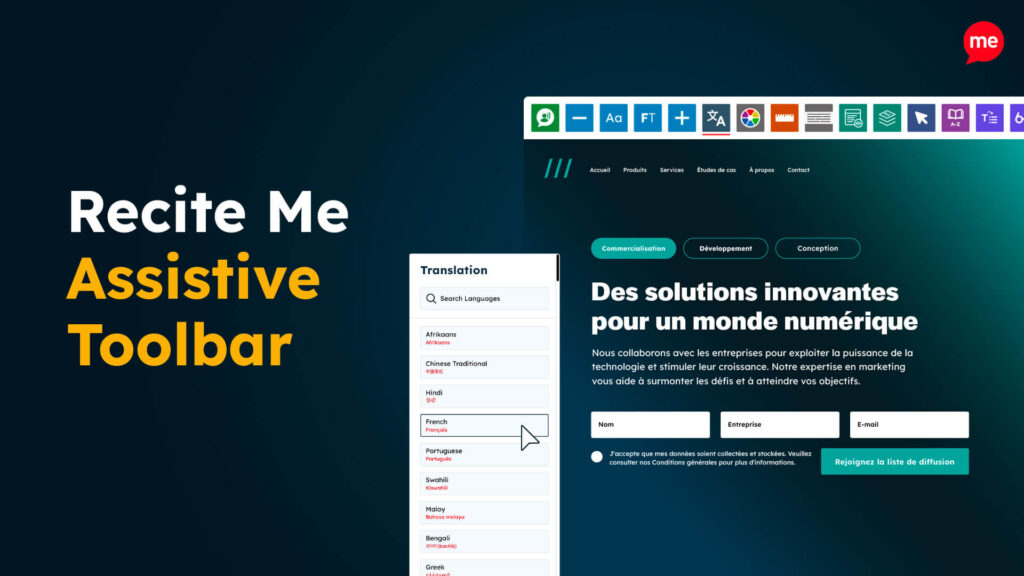
Assistive Toolbar
Make your website an inclusive and customisable experience for people with disabilities.
PDF Accessibility Checker
Check your PDFs are compliant with accessibility standards and run automated fixes.