The government regulator published the UAE National Policy for Digital Accessibility in March 2024. Think of it as a rulebook for how digital services should treat People of Determination and senior citizens (that’s anyone 60 or over).
If your site serves UAE government users, or you build digital tools for a federal entity, this policy is written for you. Below you’ll find what it asks for, the standard you need to hit, how it’s enforced, and what actually fixes a struggling site.
What is the purpose of the UAE National Policy for Digital Accessibility?
Nobody gets locked out. That’s the whole idea of the National Digital Accessibility Policy. It ensures that People of Determination and senior citizens can use online services just as easily as anyone else.
Here’s a glimpse into what it covers:
Spell out who owns accessibility across government, semi-government and private providers
Give websites, apps and service kiosks one shared set of principles
Support the UAE’s push toward joined-up digital government
Name the technical standards and explain how they’re enforced
It sits alongside Federal Law No. (9) of 2019 on senior citizens’ rights, and draws its authority from Federal Decree-Law No. (3) of 2003.
Who does the policy apply to in the UAE?
The policy applies to any service delivered digitally in the UAE, and its net is wider than most people expect. It follows the work all the way down the supply chain.
Here’s a shortlist of who is affected:
All federal ministries, authorities and institutions
Semi-government entities, consultants and private companies handling digital transactions with a government entity
Partners, contractors and outsourced staff involved in those transactions
Anyone building websites, digital services, apps or systems for federal entities
Regulators have to check that the companies they license are actually following it too. Local government bodies and private businesses aren’t directly bound by law. But they’re strongly nudged to take the policy seriously and make a genuine effort.
Get a Free Accessibility Check of your Website
Run a scan to identify WCAG issues on your website's homepage. Then, use our recommended changes to achieve compliance with the latest accessibility standard.
What does the UAE Digital Accessibility Policy require?
Strip away the legal language and the ask is simple. People of Determination and senior citizens should be able to use your digital products with the same ease and safety as everyone else. Websites, apps, software- all of it is included.
The duties fall into three buckets: web content, mobile and phone services, and how services get designed from day one.
Accessible websites and digital services
Public government service websites have to follow the Web Content Accessibility Guidelines (WCAG) from the W3C. That covers everything from body text and images down to forms and downloadable documents.
Entities also need to:
Make content work properly in the browsers people actually use
Build forms that screen readers can read without stumbling
Add alt text to logos, images and graphics
Let people increase font size and magnify the screen
Support full keyboard navigation, no mouse required
Write plainly and drop the jargon
Content should be organised by topic as well, so people can find a service without hunting for it.
Accessible mobile apps and devices
Websites are only half the job. Online content and services should be accessible through any modern smartphone or tablet.
The first starting point is building accessibility in mobile browsers such as Safari, Chrome, Firefox, and Edge. But for platforms with native mobile apps, it’s just as important that they’re up to scratch.
What are the UAE’s WCAG requirements?
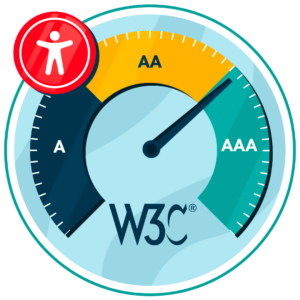
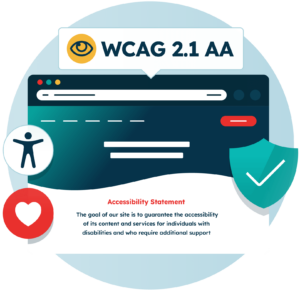
Annex 1 doesn’t leave much to interpretation: public service sites must meet WCAG 2.1 Level AA.
Level AA is the level most accessibility laws around the world land on, including the ADA in the US and EN 301 549 in Europe. It covers colour contrast, captions, predictable navigation, and forms that actually tell you when something’s gone wrong.
Article 12 of the UAE national policy calls WCAG 2.1 a minimum, and that word is doing real work. However, newer federal platforms built on the UAE Design System are already aiming higher, at WCAG 2.2 Level AA, and anything that clears 2.2 automatically clears 2.1.
How is the UAE Accessibility Policy enforced?
The Telecommunications and Digital Regulatory Authority (TDRA) enforces the policy on federal entities. But there hasn’t been any courtroom drama yet. Instead, enforcement runs on named owners and measuring continuous improvements to the organisation’s digital accessibility.
Here’s how it plays out:
Every federal entity appoints a Digital Accessibility Officer, or folds those duties into an existing department
That officer oversees the action plans and reports back to TDRA
TDRA reviews compliance each year using the Digital Government Enablers Indicators
Compliance percentages get updated annually or twice a year
The policy itself can be changed whenever TDRA decides, and updates kick in as soon as they’re published.
What accessibility best practices should be followed?
WCAG 2.1 AA is the floor, not the finish line. Teams that actually do well under this policy treat accessibility as an ongoing job, with a named owner and testing that never really stops.
Here’s where most teams trip up.
Publish a clear digital accessibility statement
Federal entities need to publish a statement on their websites and apps. It should say what level of accessibility you’ve hit, and be honest about the parts you haven’t sorted yet.
Include:
Your commitment to People of Determination and senior citizens
The standard you follow, such as WCAG 2.1 Level AA
How to reach technical support
Current limitations, so nobody wastes time guessing
What you’ve done to improve accessibility
Technical requirements, like supported browsers
Confirmation that you comply with national laws and policies
Add the features the UAE policy names
Annex 1 goes beyond WCAG in a few places, and that’s exactly where teams get caught out. It asks for text-to-speech, sign language support, speech recognition, image descriptions, and short how-to videos for common services.
Text-to-speech gets the most detail of all. The policy expects a built-in reader that reads content aloud at a clear, steady pace, with volume control and the option to download the audio. Users shouldn’t need to install anything before visiting the page.
Test with people, not just scanners
Automated tools catch roughly a third of accessibility problems. This makes them brilliant at catching missing alt text, weak contrast, and broken headings. But no scanner on earth can tell you whether someone can actually finish your checkout using a keyboard alone.
So use both:
Scan regularly to catch new problems on large sites
Test by hand with screen readers, keyboard-only navigation and magnification
Bring People of Determination and senior citizens into testing, which the policy expects anyway
Train content creators, because new pages will quietly undo old fixes otherwise
Put accessibility clauses into contracts with agencies and developers
Tools that help achieve accessibility in the UAE
Two kinds of tools carry most of the weight here. One finds the barriers hiding in your code. The other hands control back to the user, so they can read and navigate your site the way that works for them. You want both running.
Assistive Toolbar
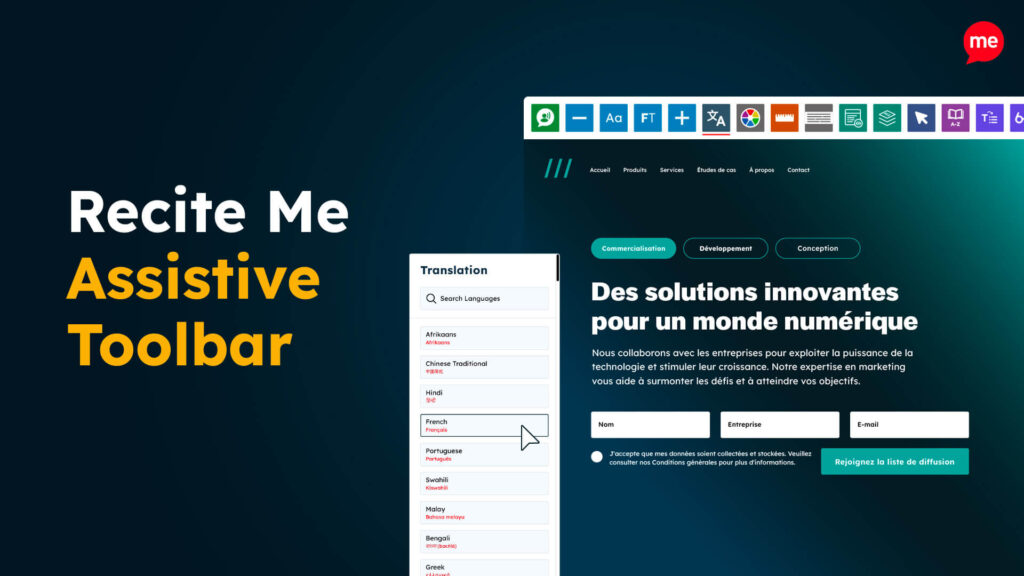
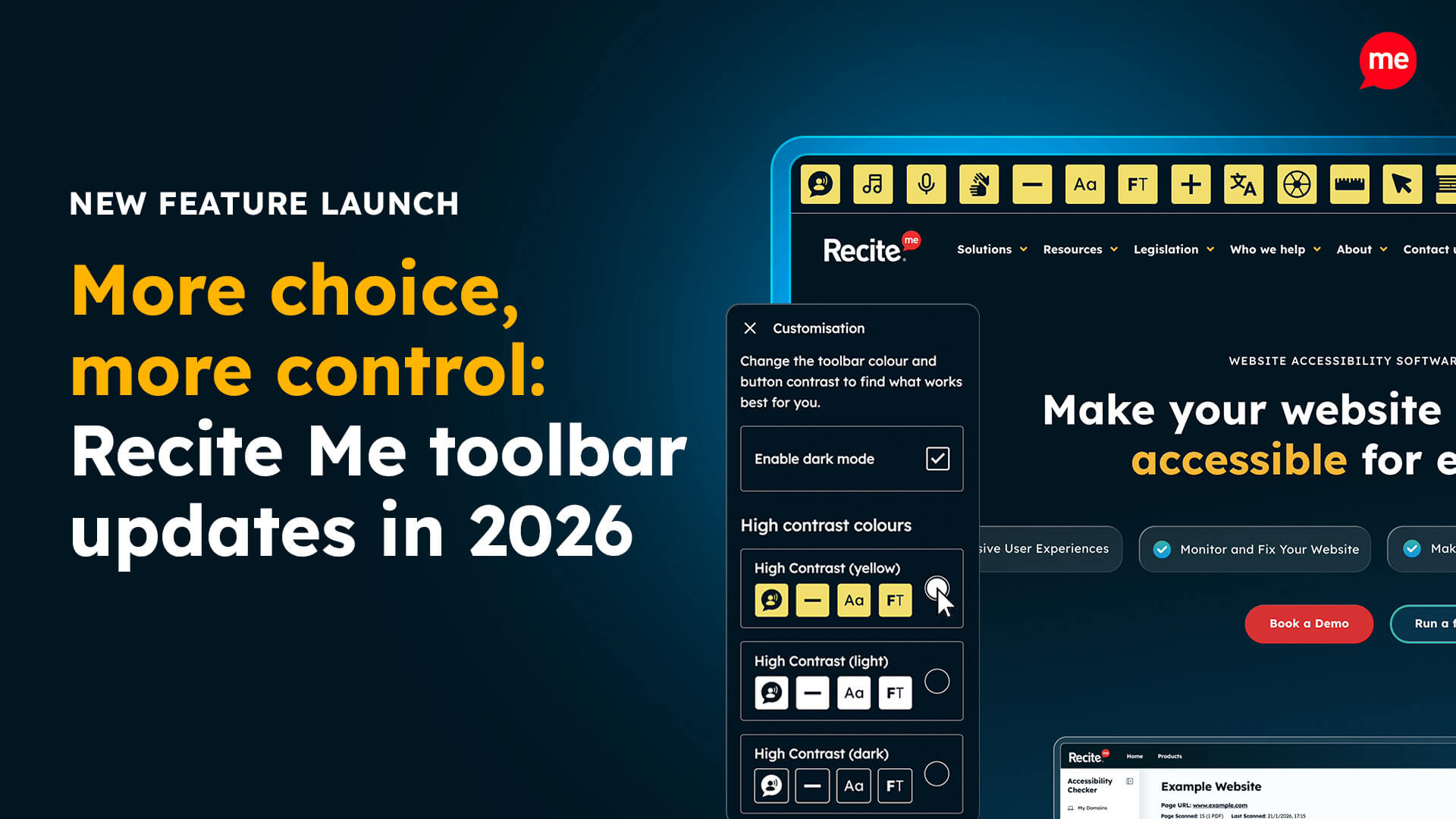
The Recite Me Assistive Toolbar lets visitors reshape a website to suit themselves, and it lines up closely with the features named in Annex 1 of the UAE National Accessibility Policy.
People can:
Have the page read aloud, with speed and volume controls
Change font, size, colour and spacing
Use a screen mask or reading ruler to stay on the line
Translate pages into many languages, Arabic included
Save content as MP3 and listen later
It layers on top of the site you already have, so visitors get help immediately while the slower remediation work carries on behind the scenes.
Website Accessibility Checker
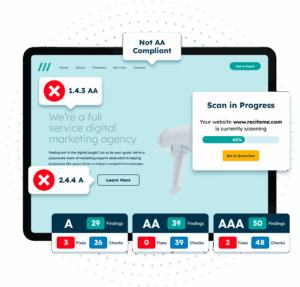
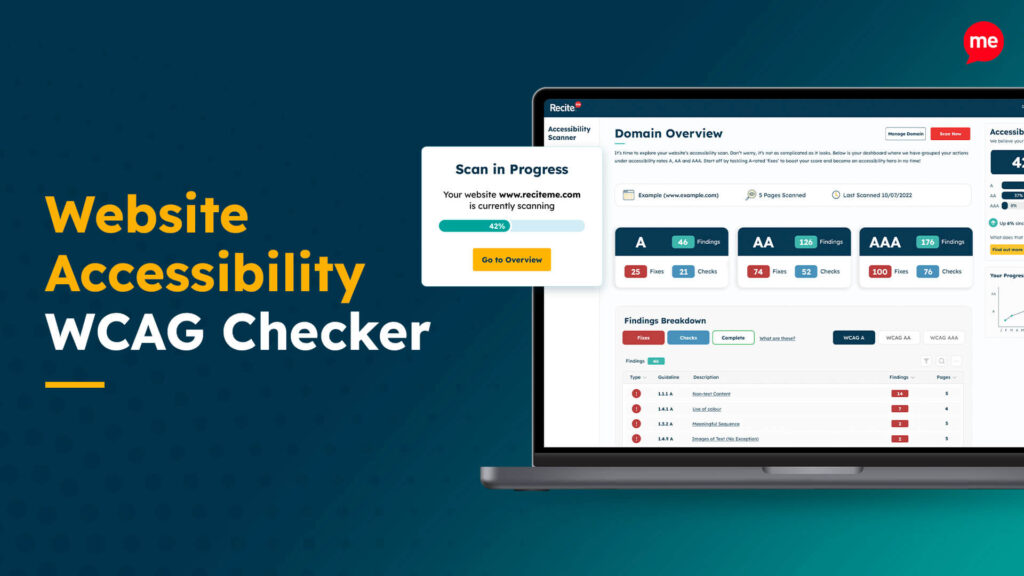
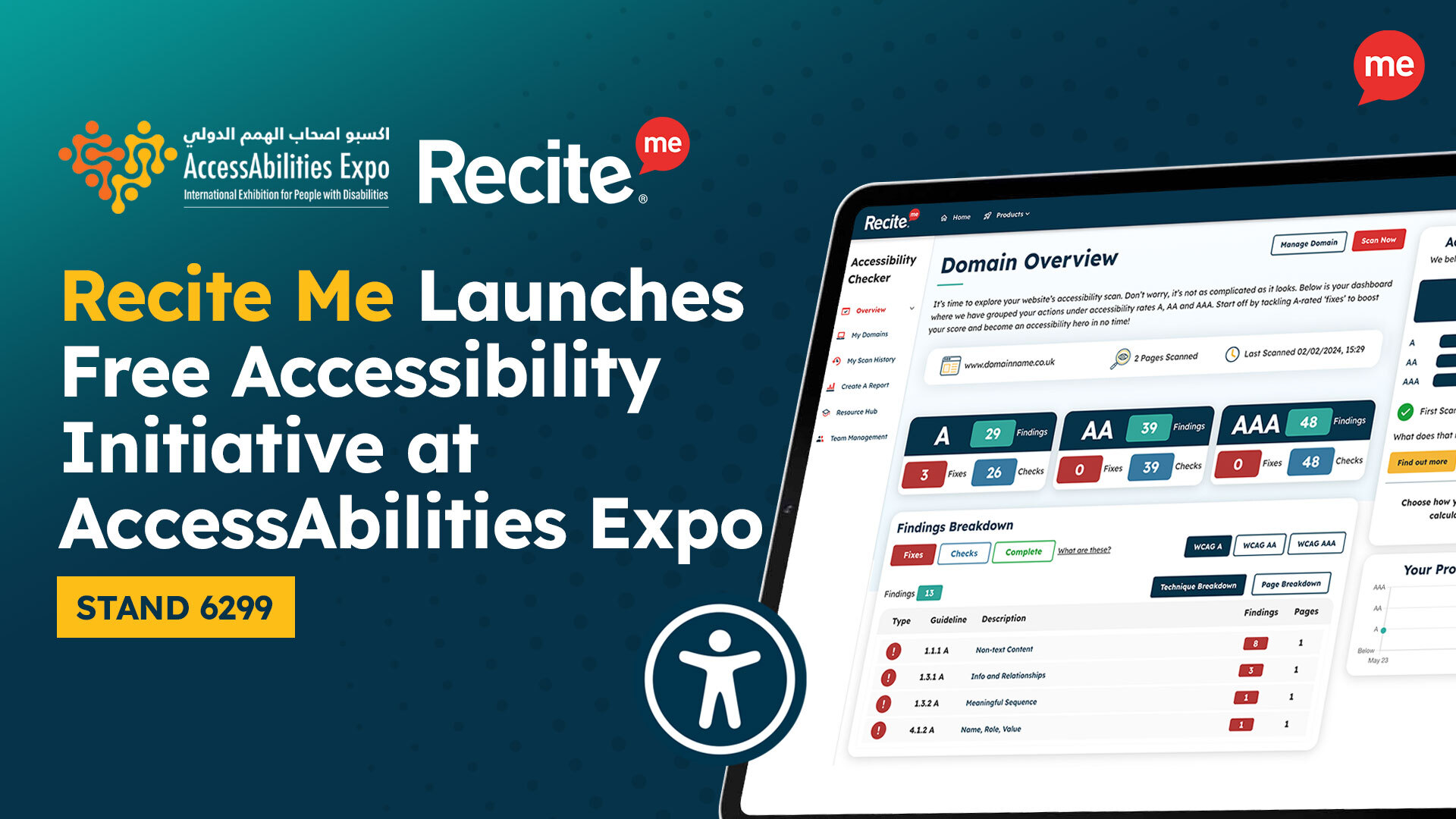
The Recite Me Website Accessibility Checker scans your site against WCAG and flags exactly where you fall short of Level AA.
It helps teams:
Scan whole sites rather than one page, and track issues over time
Read plain English explanations of each error and its fix
Tackle the barriers affecting the most people first
Pull reports that feed straight into the periodic reporting TDRA asks for
For a Digital Accessibility Officer, that last point is the one that actually saves your neck. Regular scans hand you evidence, not opinions, when compliance information is due.
Get a Free Accessibility Check of your Website
Run a scan to identify WCAG issues on your website's homepage. Then, use our recommended changes to achieve compliance with the latest accessibility standard.
Final notes on the UAE’s National Digital Accessibility Policy
Starting from scratch? Here’s the order that works.
Run an audit first, so you know exactly how far from Level AA you really are. Name someone to own the work, because accessibility with no owner quietly slides. Fix the barriers blocking the most people before touching anything cosmetic. Then write your accessibility statement and publish it, including the bits you haven’t fixed yet.
After that, it’s maintenance. Scan on a schedule, test with real users, train the people writing your content. The policy wants a service that works for everyone, not a passing score sitting in a report nobody reads.
UAE National Policy for Digital Accessibility FAQs
Looking for a recap or quick summary? Here are a few of our most frequently asked questions to help you get to grips with the essentials:
Yes, where they run digital services or transactions involving government entities. Other businesses are encouraged to comply, and regulators check the companies they license.
Yes, federal entities publish one on websites and apps, covering the accessibility level reached, inaccessible content, support contacts and compliance with national laws.
Check out our Products & Services
Ready to take your first steps towards digital accessibility compliance? Then see how we can support your journey with our accessibility solutions:
Web Accessibility Checker
Scan, detect, fix, and maintain accessibility compliance standards on your website.
Recite Me has won the Tech for Good award at the Prolific North Tech Awards, recognising our approach to developing accessibility technology shaped by the...
Throughout 2026, we’ve continued to develop the Recite Me Assistive Toolbar to give people more choice over their online experience. With five new features and...