



























Get a Free Accessibility Check of your Website
Run Your CheckDigital accessibility has been a legal requirement for public sector organisations since 2018. Most parish and town councils have heard of this requirement, but far fewer have a clear picture of what it actually means for a council of their size.
If you are a parish or town council clerk who has been given the responsibility of digital accessibility and is wondering what it actually means for a council like yours, you are not alone. Many say people say, “I know we probably need to do something. I just don’t know what.” That is not a sign of failure. That is exactly where most councils are right now.

Why digital accessibility for parish councils has suddenly appeared on your radar
Digital accessibility has been a legal requirement for public sector organisations since 2018, under the Public Sector Bodies Accessibility Regulations, commonly known as PSBAR. But for many parish and town councils, it has only started to feel urgent recently.
Part of that is Assertion 10. Introduced into the Annual Governance and Accountability Return (AGAR) for the year ending 31 March 2026, it required councils to formally account for their digital and data compliance, including website accessibility, for the first time.
For many, it was uncomfortable. Some ticked yes without much behind it. Some left it blank. Some are still not entirely sure what they were being asked.
That is not unusual. Assertion 10 was new, the guidance was limited, and most clerks had no prior warning that accessibility would appear on their governance return. But it will appear again next year, and the year after that. The question now is not what happened in 2025/26. It is what your council will be able to show in 2026/27.
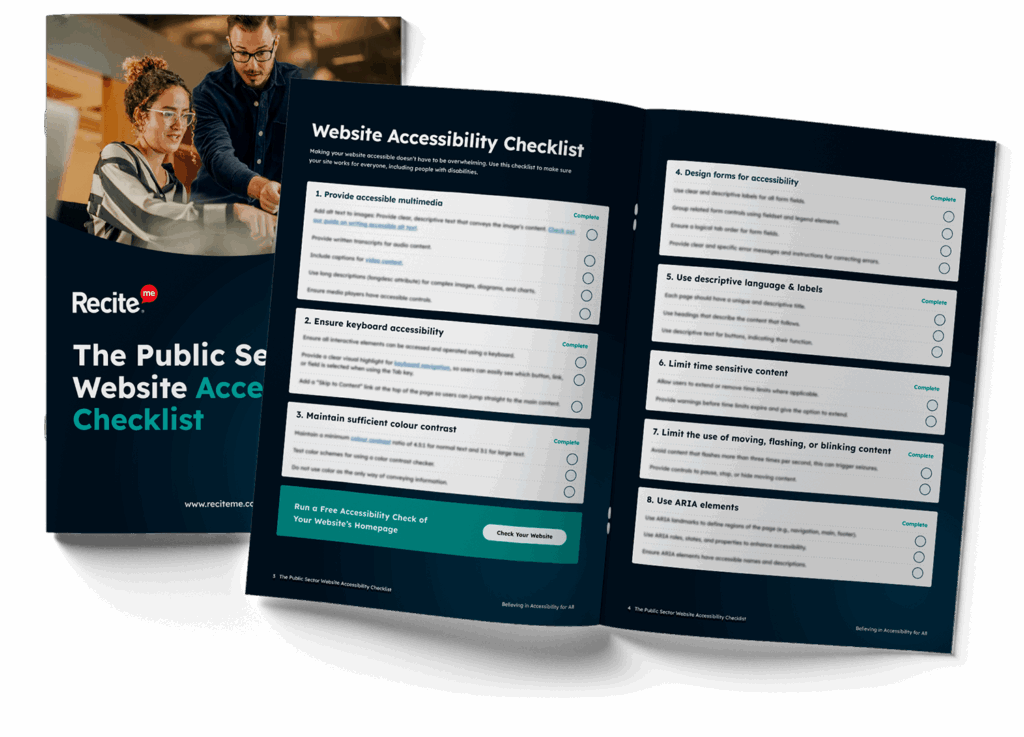
Our Public Sector Website Accessibility Checklist provides a practical guide to help your organisation identify common accessibility barriers and take steps towards meeting accessibility regulations.
What “proportionate action” actually means
This phrase comes up a lot in accessibility guidance and it is worth unpacking.
It simply means your response should reflect the size and complexity of your council. A good starting point might be noting at a council meeting that the obligation exists, checking whether your website has an Accessibility Statement, and identifying which documents might be creating barriers for residents.
What good looks like beyond that depends on what you are actually working with. In our experience, councils are often surprised by what a proper review finds. Documents published every week, minutes, agendas, planning notices, that nobody has ever checked for accessibility. Small issues that turn out to have a real impact on residents trying to use assistive technology.
Understanding where you are is the starting point. What comes next is a conversation worth having.
The councils in the strongest position
They are not, on the whole, the ones with the most technically sophisticated websites. They are the councils where someone, usually a clerk, decided to take one small step, documented it, and kept going.
They published a basic Accessibility Statement. They noted in the minutes that accessibility had been discussed. They asked their website provider one or two direct questions. And from there, the picture started to get clearer.

That is the journey. It is not a single moment of compliance. It is a series of small, documented steps that collectively demonstrate the council is aware of its obligations and moving in the right direction, which is exactly what Assertion 10 is asking for.
Where to start if you are not sure you have started
If you are reading this and thinking we genuinely do not know what our website looks like from an accessibility perspective, that is a completely reasonable place to be.
The first step for most councils is simply understanding what is there. That means looking at your website through the eyes of someone who might be using a screen reader, navigating with a keyboard, or trying to read a document on a mobile phone with a slow connection.
You do not need to fix everything before next year’s AGAR. You just need to start building a picture, and a record of doing so.
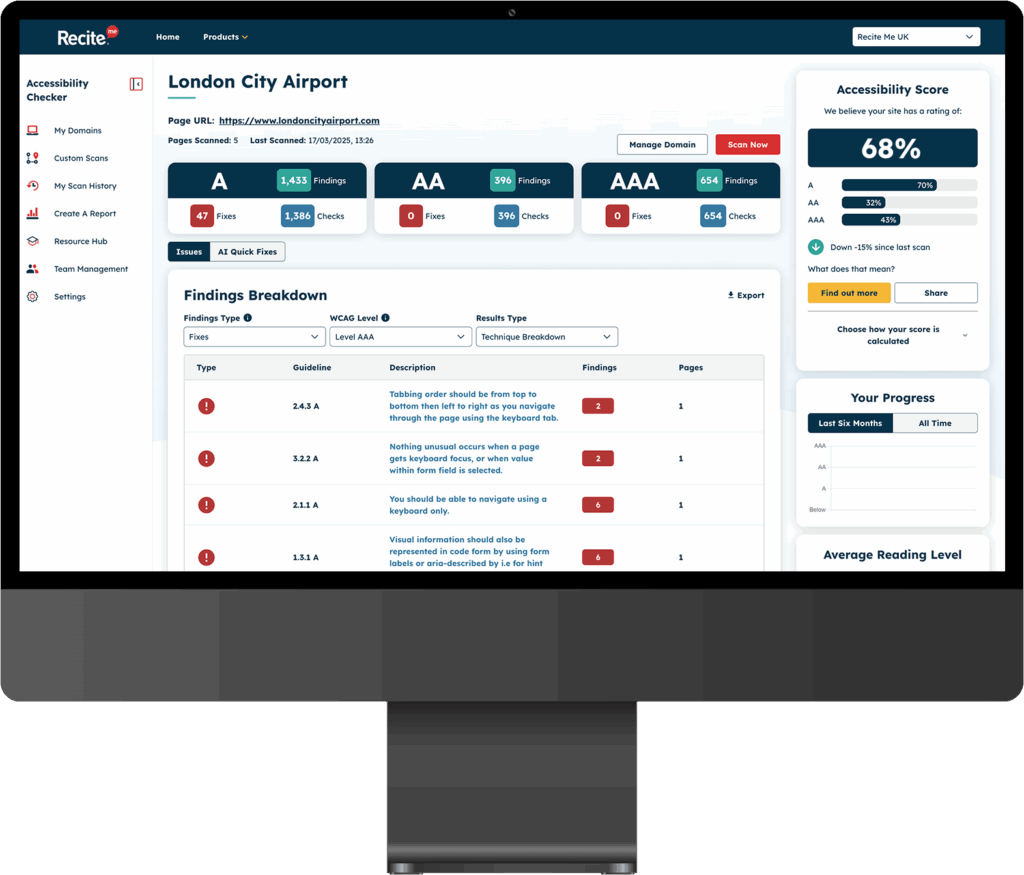
We offer a free accessibility scan of your council’s website. It gives you a summary of what is working, what is not, and where the most important issues are.
It is a practical starting point for any council that wants to understand its current position and begin building an evidence trail ahead of next year’s return.
Accessibility is not about achieving perfection. It is about making your council’s information as usable as possible for the people it serves, and being able to show that you are working towards that. Most councils are starting from the same place. The ones in the strongest position next year are simply the ones who start now.
Check out our Products & Services
Ready to take your first steps towards digital accessibility compliance? Then see how we can support your journey with our accessibility solutions:
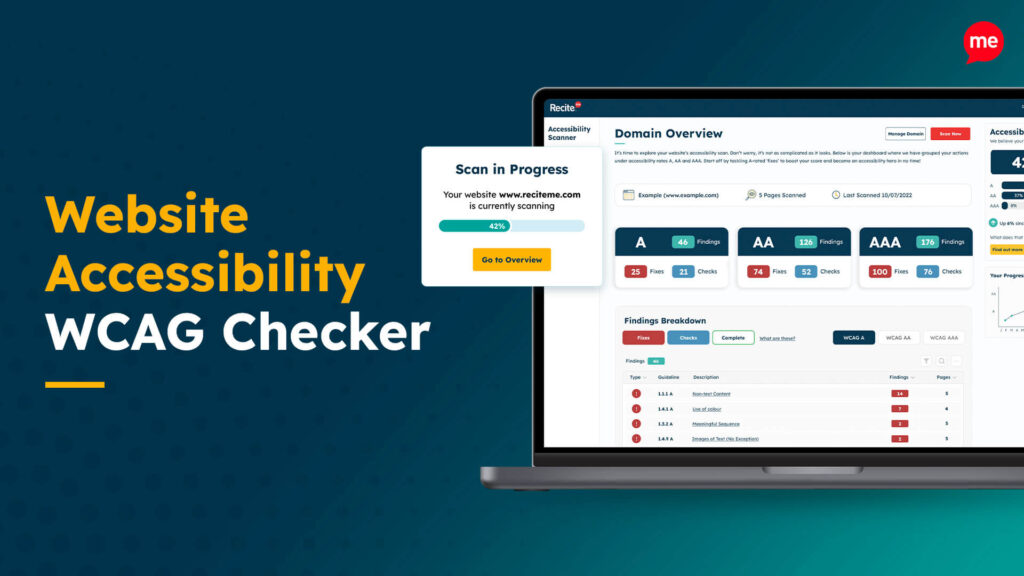
Web Accessibility Checker
Scan, detect, fix, and maintain accessibility compliance standards on your website.
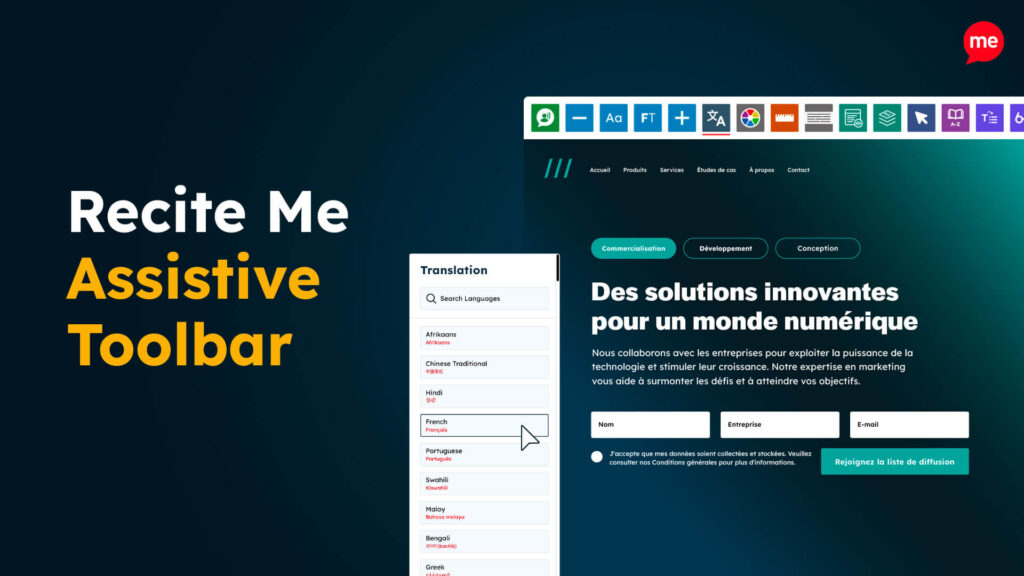
Assistive Toolbar
Make your website an inclusive and customisable experience for people with disabilities.
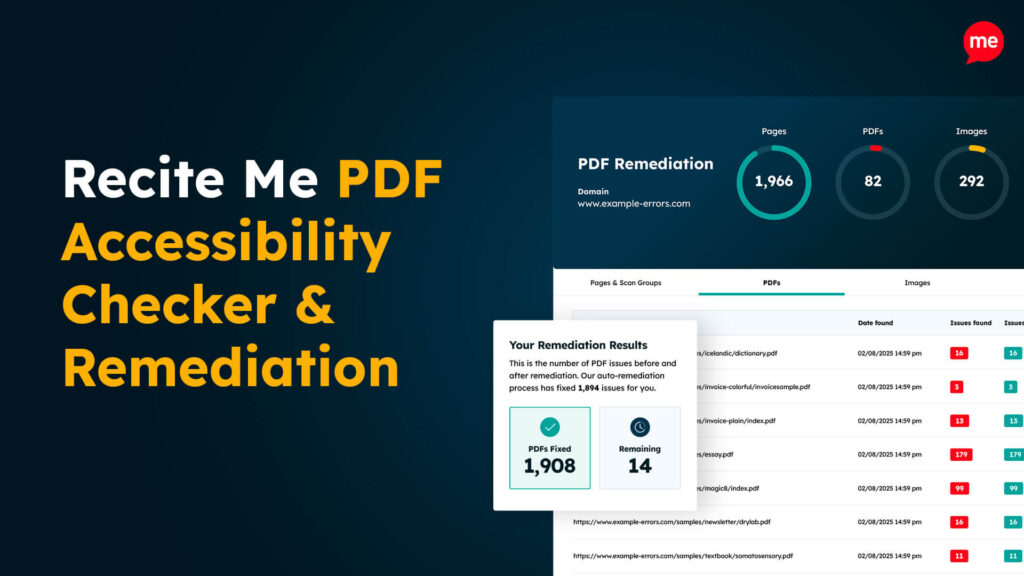
PDF Accessibility Checker
Check your PDFs are compliant with accessibility standards and run automated fixes.