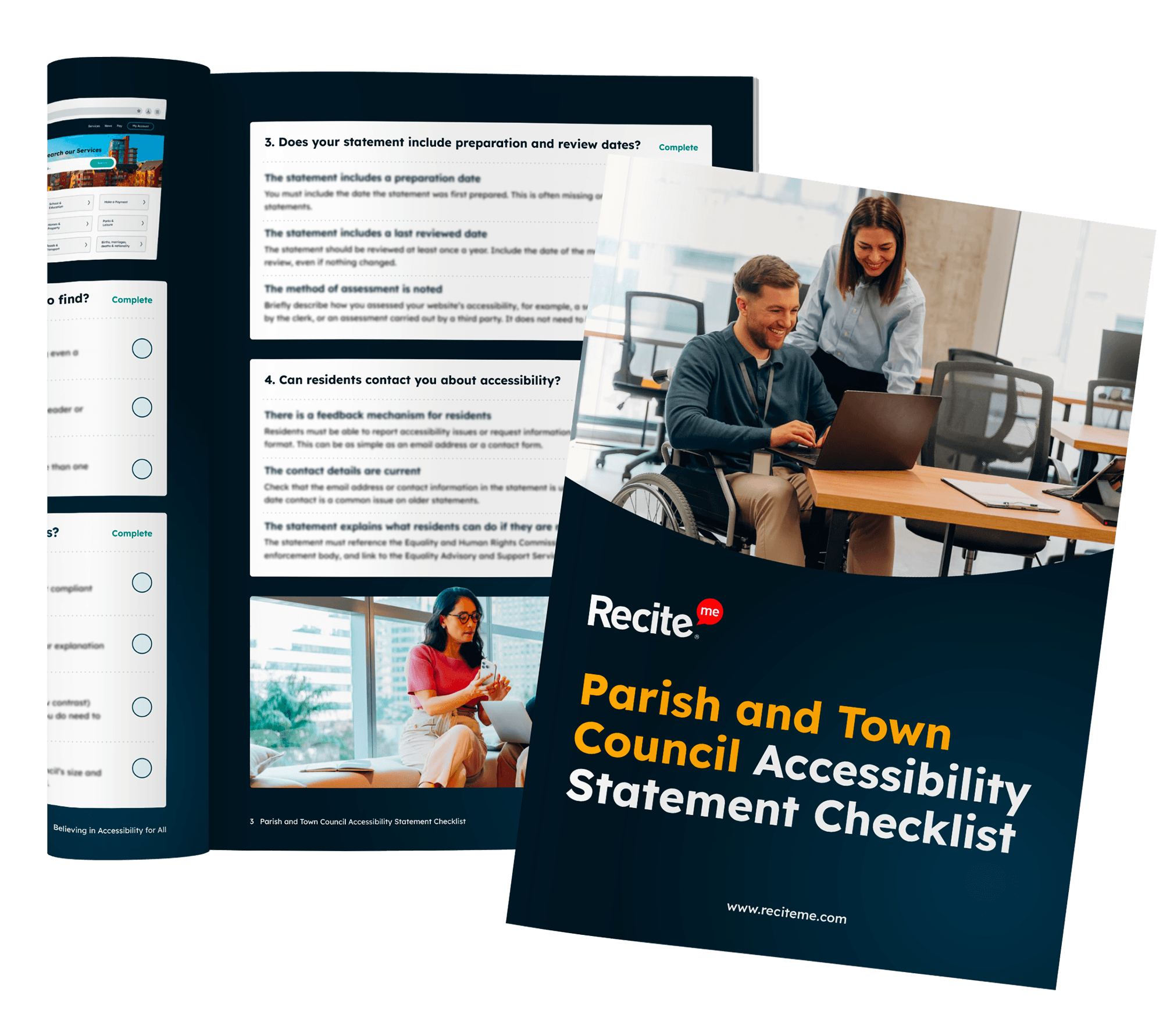
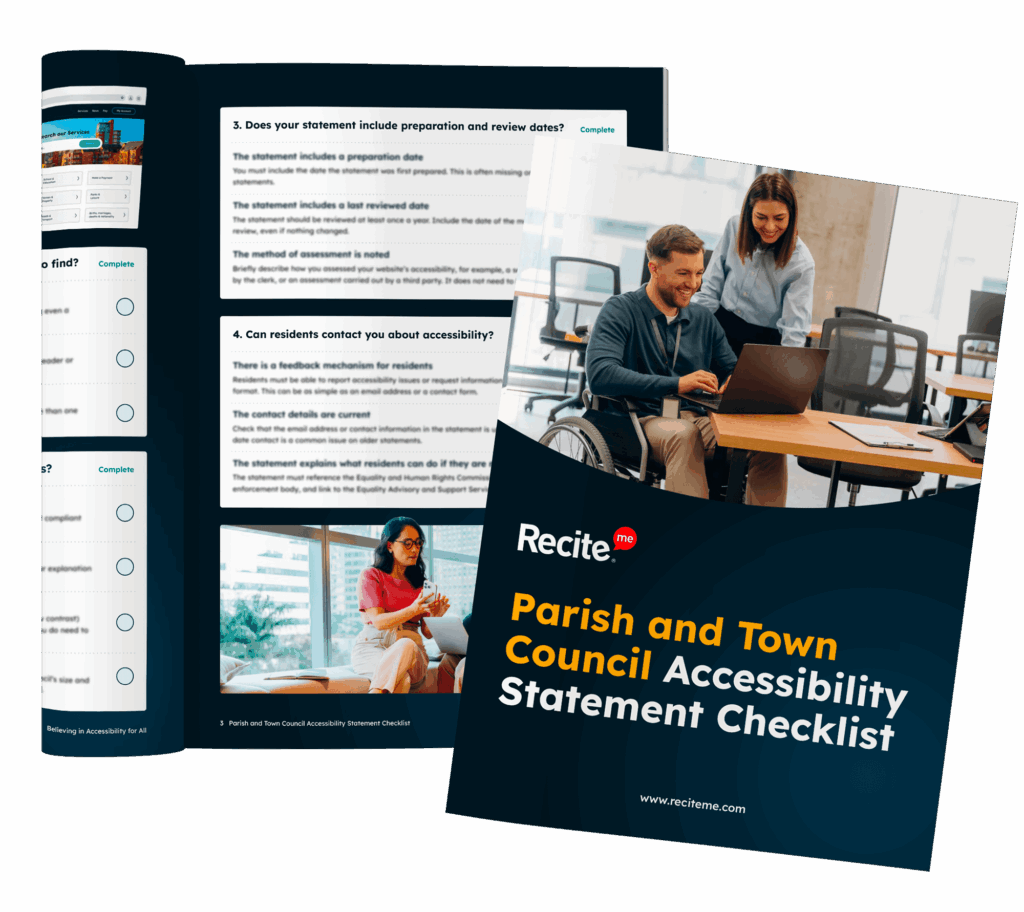
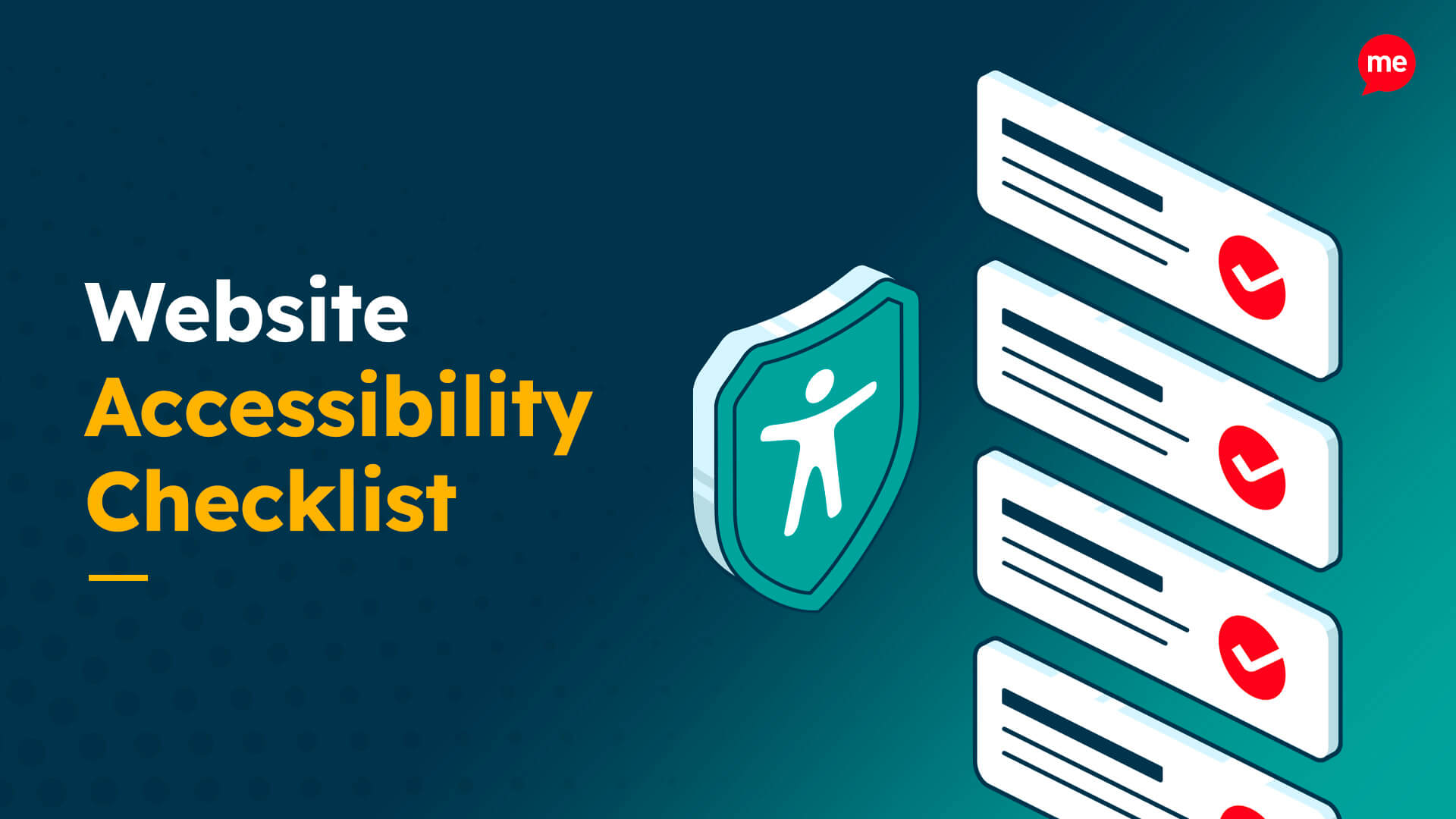
Download the Accessibility Statement Checklist for Councils
Your accessibility statement isn’t just a legal requirement, it’s a clear sign to residents that your council is committed to inclusion.
Under the Public Sector Bodies Accessibility Regulations (PSBAR), parish and town councils must have an accessibility statement in place. It’s also one of the first things auditors look for when reviewing website accessibility.
Not sure if yours covers everything it should? This practical checklist helps you quickly review your statement, spot gaps, and feel confident it includes the key information residents and auditors expect.
What's Included?
What parish and town councils need to include in an Accessibility Statement to meet Public Sector Bodies Accessibility Regulations (PSBAR) requirements
Key areas to review, including compliance status, accessibility issues, review dates, and resident feedback mechanisms
Common gaps that can put councils at risk, from missing contact details to inaccessible PDFs and documents
Practical checks to help you review whether your statement is clear, compliant, and easy for residents to find
Free Resources
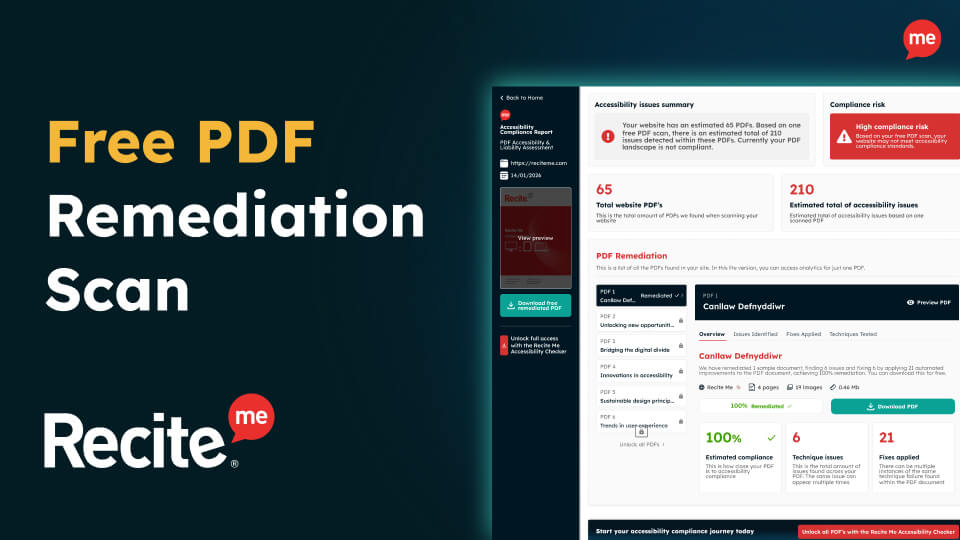
Accessibility compliance is essential for your business and its customers. Get started today with any of our free downloadable resources:
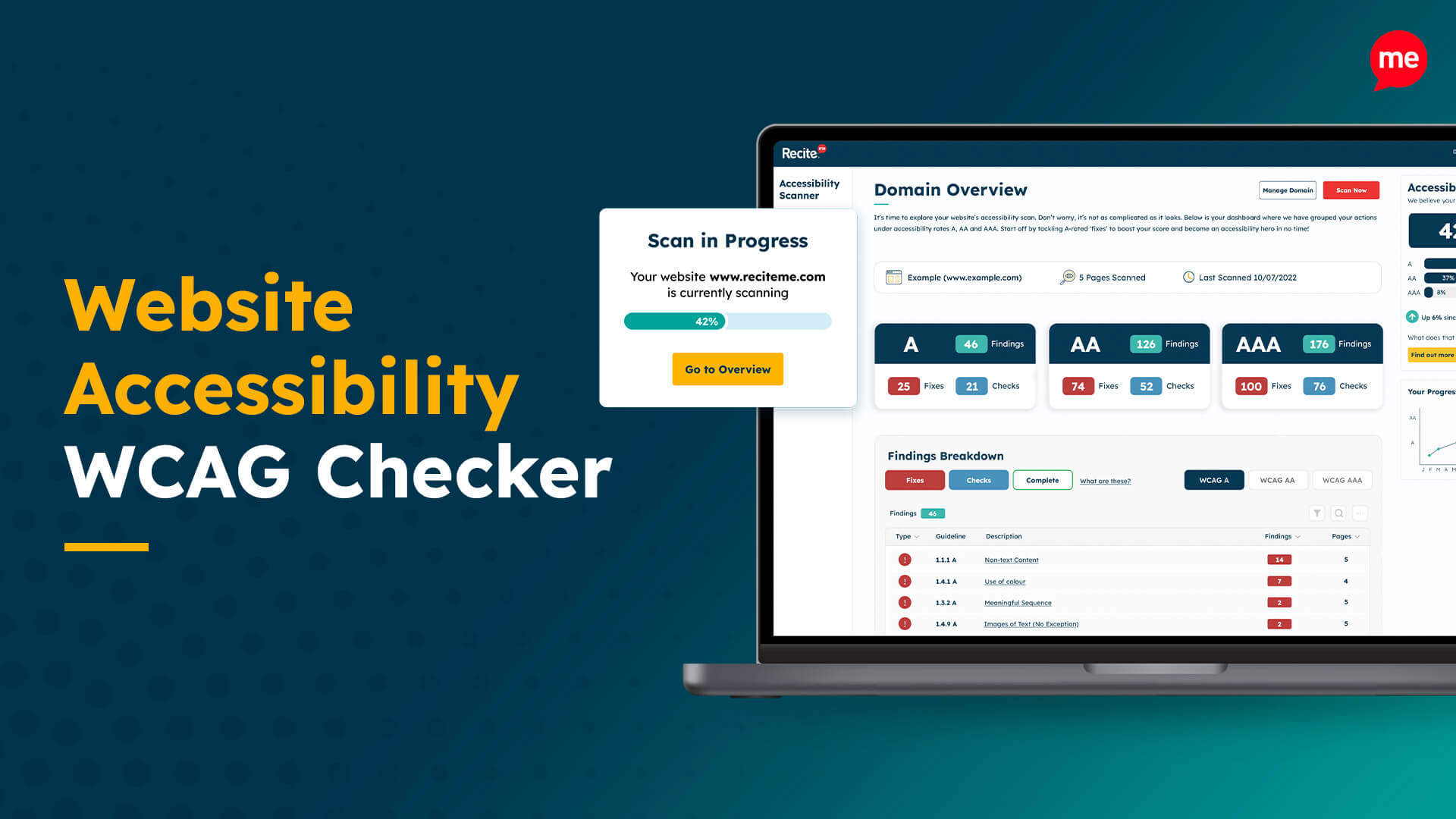
Free Website Accessibility Check
Run a free accessibility scan to detect any inaccessibility on your website and how to fix it.