














Get a Free Accessibility Check of your Website
Run Your CheckMost accessibility issues on education websites aren’t caused by major website failures. They’re often introduced through everyday content updates, new documents, videos, forms, and third-party tools.
Left unchecked, these issues can create barriers for users and put organisations at risk of non-compliance with the Public Sector Bodies (Websites and Mobile Applications) Accessibility Regulations 2018 (PSBAR).
Here are five common accessibility issues found on education websites and what you can do to address them.
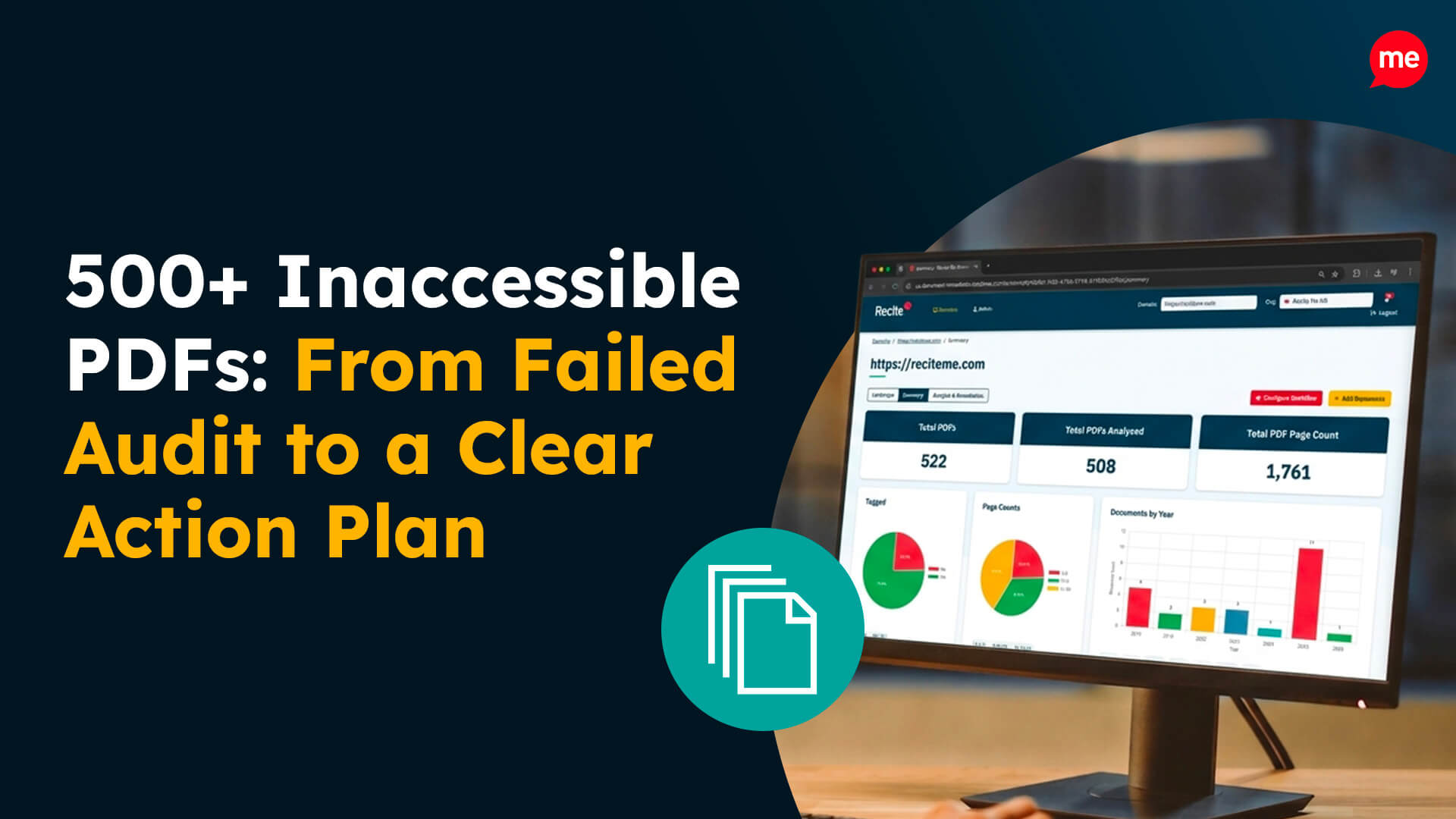
Inaccessible PDFs and Course Documents
Documents are one of the most common accessibility challenges for education organisations.
Common issues include:
- Scanned PDFs that cannot be read by screen readers
- Missing heading structures
- Poor colour contrast
- Images without alternative text
- Documents that are difficult to navigate
Course guides, prospectuses, policies, student handbooks, and application forms often contain essential information. When these documents aren’t accessible, some users may struggle to access content independently.
What can you do?
Where possible, publish information as web content rather than PDFs. When documents are required, ensure they are created and tested for accessibility before publication.
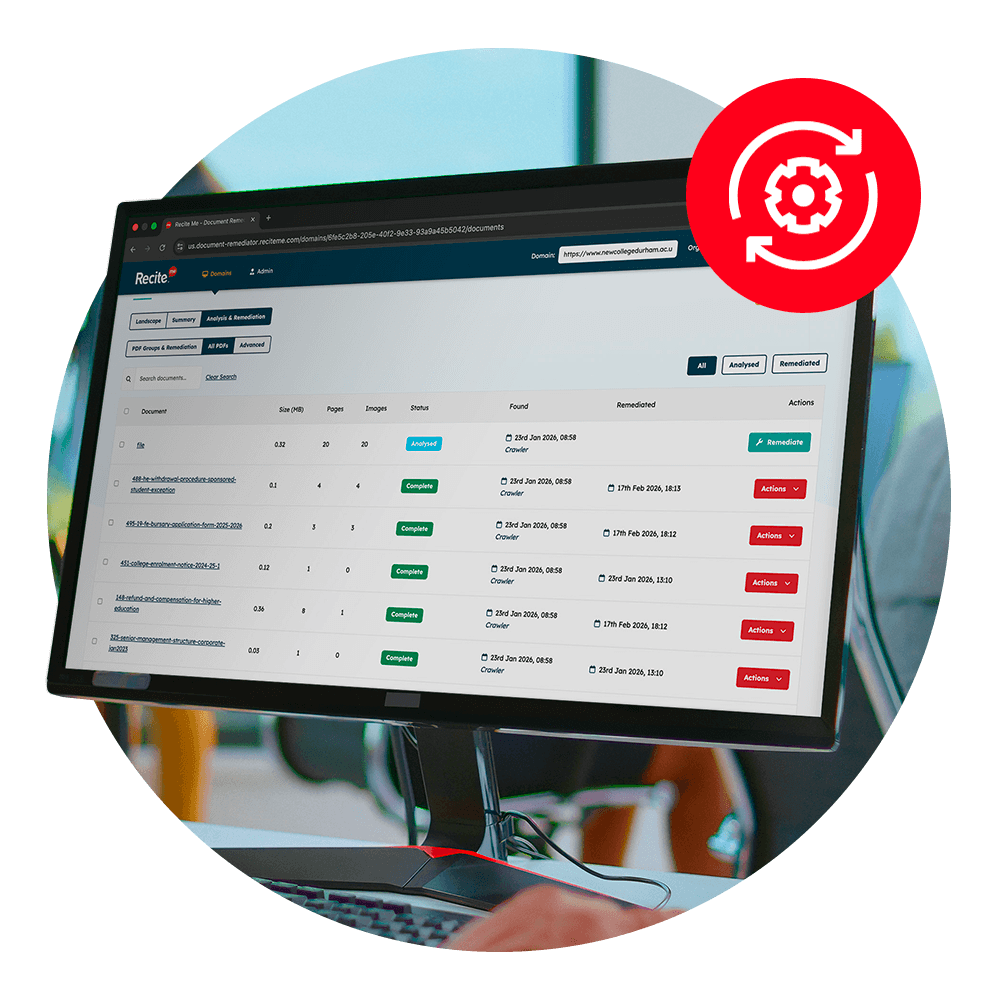
For organisations with large volumes of existing documents, PDF remediation can help make content more accessible without having to recreate documents from scratch.
Not sure how accessible your PDFs are? Scan your website to identify inaccessible documents, understand compliance risks, and see where remediation may be needed.
Poor Heading Structures and Page Navigation
Clear heading structures help users understand content and navigate pages efficiently, particularly when using assistive technologies.
Common issues include:
- Skipped heading levels
- Missing section headings
- Multiple H1 headings on a page
- Inconsistent page structures
What can you do?
Use headings to create a logical content hierarchy and review templates regularly to ensure consistency across your website.
Forms That Are Difficult to Complete
Forms are used across education websites for enquiries, applications, event registrations, and support requests. When they’re not accessible, users may struggle to complete key tasks independently.
Common issues include:
- Missing form labels
- Unclear instructions
- Poor error messages
- Keyboard navigation problems
- Time limits that cannot be adjusted
What can you do?
Test forms using keyboard-only navigation and ensure instructions and error messages are clear and accessible.
Video Content Without Captions or Transcripts
Video content is increasingly used across education websites, from virtual tours and student testimonials to course introductions and recorded webinars.
Without captions or transcripts, some users may be unable to access the information being shared.
What can you do?
Provide accurate captions for video content and offer transcripts where appropriate. This improves accessibility and supports a wider range of users.
Missing Alternative Text
Images are used throughout education websites, from course pages and campus photography to infographics, event promotions, and student success stories.
Without alternative text, users of screen readers may miss important information or context.
Common issues include:
- Missing alternative text
- Generic descriptions such as “image” or “photo”
- Alternative text that doesn’t explain the purpose of the image
- Informative graphics with no text alternative
What can you do?
Ensure all informative images include meaningful alternative text and review content regularly to identify missing descriptions.Accessibility Requires Ongoing Attention
While these issues are common, they rarely appear all at once. More often, they are introduced gradually as websites evolve, content is updated, and new resources are published.
That’s why maintaining accessibility requires ongoing attention, not a one-off fix. By regularly reviewing your website, documents, and digital content, you can create a more accessible experience for students, staff, parents, and prospective learners while reducing the risk of issues going unnoticed.
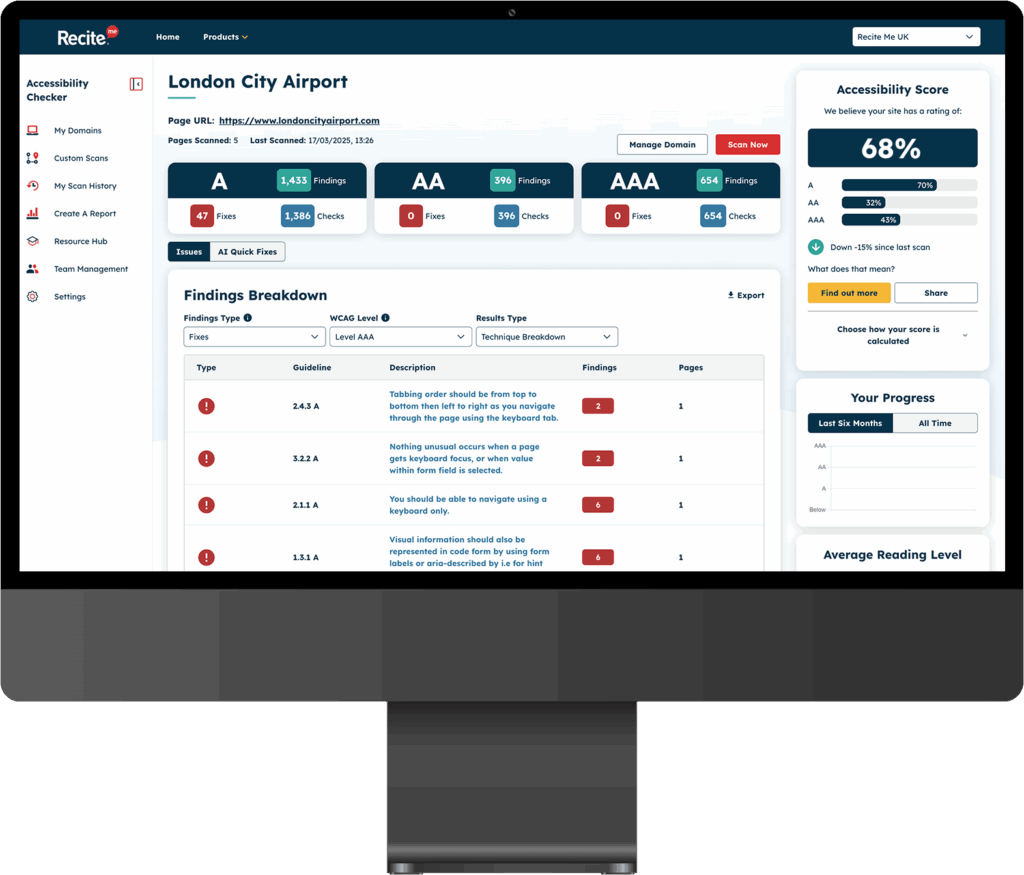
Accessibility barriers often go unnoticed until they’re identified through testing. Run a free website accessibility check to uncover common issues and understand how accessible your website is today.
Check out our Products & Services
Ready to take your first steps towards digital accessibility compliance? Then see how we can support your journey with our accessibility solutions:
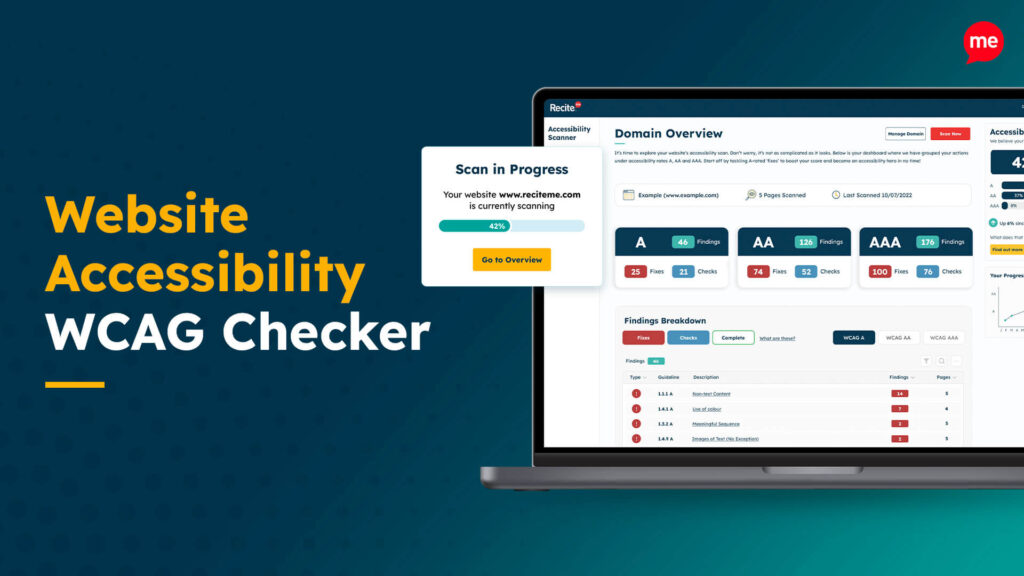
Web Accessibility Checker
Scan, detect, fix, and maintain accessibility compliance standards on your website.
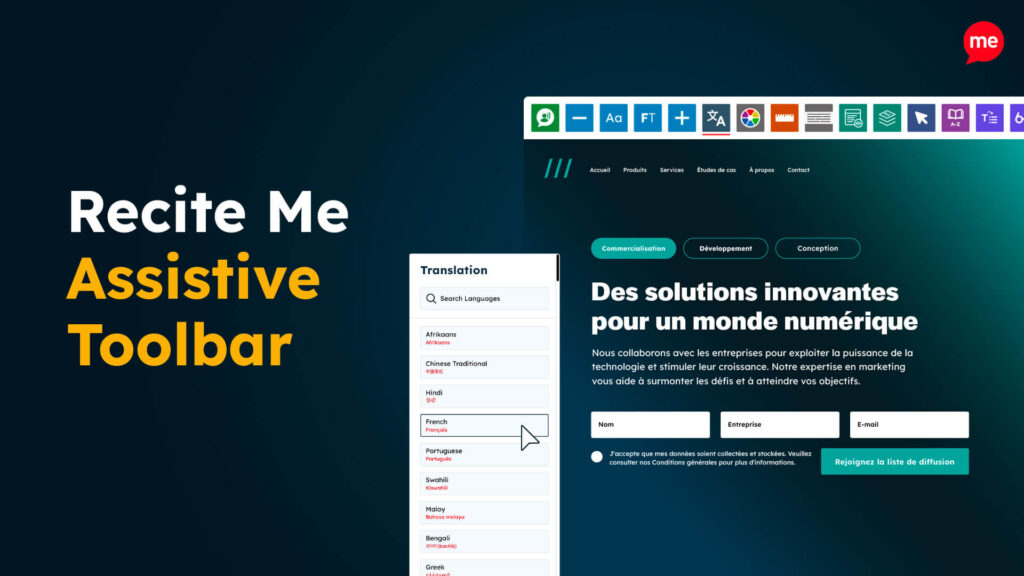
Assistive Toolbar
Make your website an inclusive and customisable experience for people with disabilities.
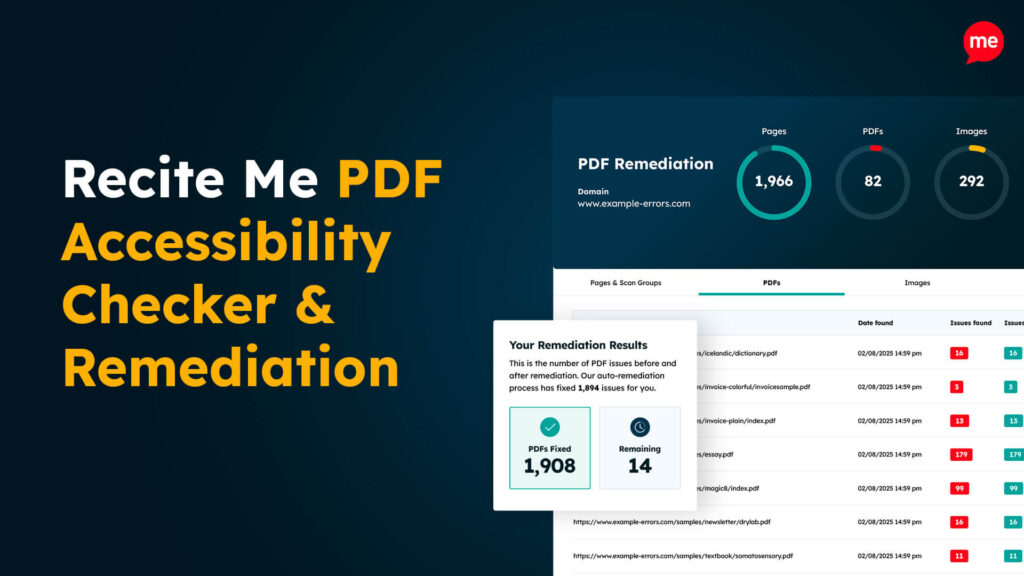
PDF Accessibility Checker
Check your PDFs are compliant with accessibility standards and run automated fixes.