
























Get Your Free Accessibility & Inclusion Toolkit
Download NowBanking has moved online, and that’s evident from the numbers: 87% of UK adults currently use online banking. These platforms work well, at least until an inaccessible website or app blocks you. This is a reality that millions of disabled people experience every day.
Want to know more about accessibility in the finance sector? This guide breaks it down, showing you what it means, how it works, and how to get it right.
What is digital accessibility in financial services?
Digital accessibility means creating websites, apps, documents, and online tools that everyone can use. For finance specifically, this could cover a range of areas, including online banking, mortgage applications, insurance quotes, pension portals, and the PDFs that go with them.
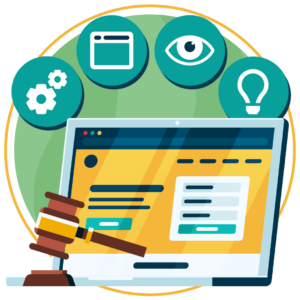
It makes the online world easier to use for people with diverse needs. After all, people who experience visual, audio, cognitive, and physical impairments still need to access financial services.
The goal is simple: every customer should be able to manage their money without asking for help.
Why is online accessibility important for the finance sector?
Personal finance is a major part of daily life. You rely on accessible services to pay bills, check wages, and manage pensions. But when a digital channel falls short of basic accessibility requirements, customers usually have no easy alternative.
- About 40% of UK adults now hold digital-only bank accounts.
- A recent Financial Lives survey found 49% of UK adults show at least one characteristic of vulnerability.
- Testing of 20 leading UK financial institutions found accessibility errors on every homepage.
So the accessibility gap is a big one. But closing it is essential, as it means protecting your customers and reducing legal risks.
Get a Free Accessibility Check of your Website
Run a scan to identify WCAG issues on your website's homepage. Then, use our recommended changes to achieve compliance with the latest accessibility standard.
What are the UK digital accessibility requirements for financial services?
No single UK law covers every financial services website. Instead, several rules apply, depending on who you are and who you serve.
The Equality Act 2010
Provide financial services to the public? Then the Equality Act 2010 applies to your business. It requires reasonable adjustments for disabled customers, and that includes websites and apps.
You need to be proactive too, rather than waiting for a complaint before taking action. The only catch? The name doesn’t explicitly name a technical standard. However, WCAG is the benchmark most people use to judge whether a site is accessible.
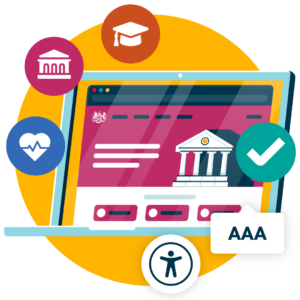
Public Sector Bodies Accessibility Regulations 2018
PSBAR states that Public Sector Bodies in the UK must conform to WCAG 2.2 Level AA and publish an accessibility statement.
Most financial institutions in the UK are privately owned, so they’re out of scope. Even so, the regulations set the clearest UK benchmark, and many firms follow them voluntarily.
FCA Consumer Duty
The FCA’s Consumer Duty regulation does not mention WCAG by name, but it does protect vulnerable customers. Accessibility therefore becomes a matter of outcomes. Here are the two that matter the most:
- Consumer understanding: Customers must grasp the information you give them.
- Consumer support: Customers must be able to get help and complete tasks.
In one review of 12 financial firms, every accessibility failure fell into these two outcomes. If you can show you test for accessibility, you can also show you take the Duty seriously.
The European Accessibility Act (EAA)
If you work for a finance company in the UK that provides products or services to the European Union, it falls under the scope of the EAA. This means that you need to ensure all digital content, websites, and apps are compliant with WCAG 2.2 Level AA.

Common digital accessibility barriers in financial services
Most barriers are caused by a bunch of small design choices that add up. Here are the ones that cause the most harm.
Inaccessible online banking interfaces
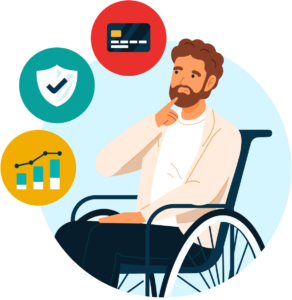
Many banking dashboards rely on mouse clicks, low-contrast text, and unlabelled buttons. For example, a screen reader user may hear “button” with no clue what it does.
Session timeouts add another problem, because customers who need more time can be logged out mid-task and lose their progress.
Problems with online banking forms
Forms are where customers apply, pay, and make claims. They are also where many fail. Here’s why:
- Missing labels leave screen reader users guessing.
- Error messages that rely on red text alone are invisible to some users.
- Keyboard users can get trapped inside date pickers or pop-ups.
Inaccessible mobile banking applications
Apps often ignore phone settings when they’re not built correctly. This can mean text doesn’t scale when users try to increase font size, and touch targets can be too small for people with physical or visual impairments.
Biometric login can also be a barrier. Without a clear alternative, some customers cannot get in at all.
Complex financial language
Jargon blocks many people, including those with cognitive disabilities, dyslexia or limited English. It also breaches the spirit of the Consumer Duty’s understanding outcome.
That’s why content should be written in plain English for improved readability. Tools such as the Recite Me toolbar also let users pull an AI-generated summary of the page for quick reading.
Inaccessible financial documents
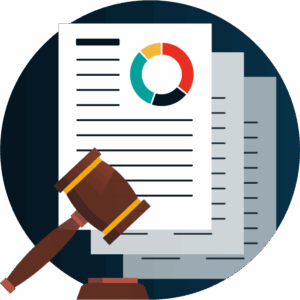
Statements, policy documents, and terms are often untagged PDFs. As a result, screen readers may read them in the wrong order or skip tables entirely.
Scanned documents are even worse. If the text is an image, assistive technologies won’t read any of the page.
How to make financial services digitally accessible
You can’t do everything at once, but you do need to show some commitment towards developing a more accessible website. Here’s how:
Follow WCAG 2.2 AA guidelines
Ask any accessibility expert, and they’ll tell you WCAG 2.2 Level AA is the gold standard. It is built around four principles: content must be perceivable, operable, understandable, and robust.
Build these into your design system and templates early, because fixing a component once is far cheaper than fixing 500 pages later.
Run an automated website accessibility scan
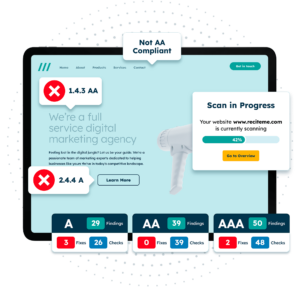
An automated accessibility scan can find quick wins on your website. Common errors it points out include missing alt text, poor colour contrast, and broken website forms. You don’t just get a list of errors either; you get a prioritised action plan of the most critical issues.
You can run a free website accessibility scan here.
Implement accessibility fixes based on report findings
It can be tempting to jump straight to the homepage or the most recent blog you posted. But you should start with the journeys that carry the most risk and get the most traffic:
- Logging in and resetting a password
- Applying for a product, such as a loan or policy
- Making a payment or a claim
- Raising a complaint
Then map each fix to a Consumer Duty outcome. This helps you prioritise and gives you evidence for regulators.
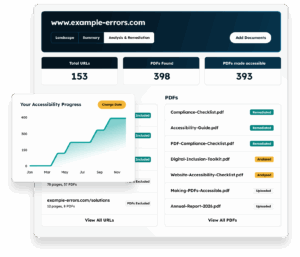
Remediate PDFs and online documents
Start with the documents customers use most, such as statements and policy wording. Each should have tagged headings, a logical reading order, and real text instead of images.
Want a faster way of identifying inaccessible PDFs? Run our free PDF remediation scanner now.
Train your team on accessibility best practices
You can build the perfect website, but if your team doesn’t know how to create accessible content, it won’t stay perfect for long. That’s why you need to train your team on the basics, including designers, developers, and content creators.
You can download our free website accessibility training course here.
Get a Free Accessibility Check of your Website
Run a scan to identify WCAG issues on your website's homepage. Then, use our recommended changes to achieve compliance with the latest accessibility standard.
Final verdict on the state of accessibility in Finance
Digital accessibility in finance is now a legal, regulatory and commercial matter. The Equality Act sets the duty. The Consumer Duty raises the stakes. And millions of customers rely on your digital channels every day.
Start by scanning your site, then fix the journeys that matter most. Keep testing as you go. Small, steady fixes build a service that works for everyone.
Website Accessibility in Finance FAQs
Looking for a recap or quick summary? Here are a few of our most frequently asked questions to help you get to grips with the essentials:
Is digital accessibility a legal requirement for UK banks?
Yes. The Equality Act 2010 requires reasonable adjustments for disabled customers, including online.
The FCA Consumer Duty also expects good outcomes for customers in vulnerable circumstances.
Does the FCA require WCAG compliance?
Not by name. However, the Consumer Duty expects accessible services, and WCAG 2.2 AA is the most widely used way to show you meet that expectation.
Does the European Accessibility Act apply to UK financial firms?
It can if you provide banking services to consumers in the European Union.
What WCAG level should financial websites meet?
Aim for WCAG 2.2 AA. It’s the common benchmark across UK regulations and guidance, and it covers the main barriers customers face.
Check out our Products & Services
Ready to take your first steps towards digital accessibility compliance? Then see how we can support your journey with our accessibility solutions:
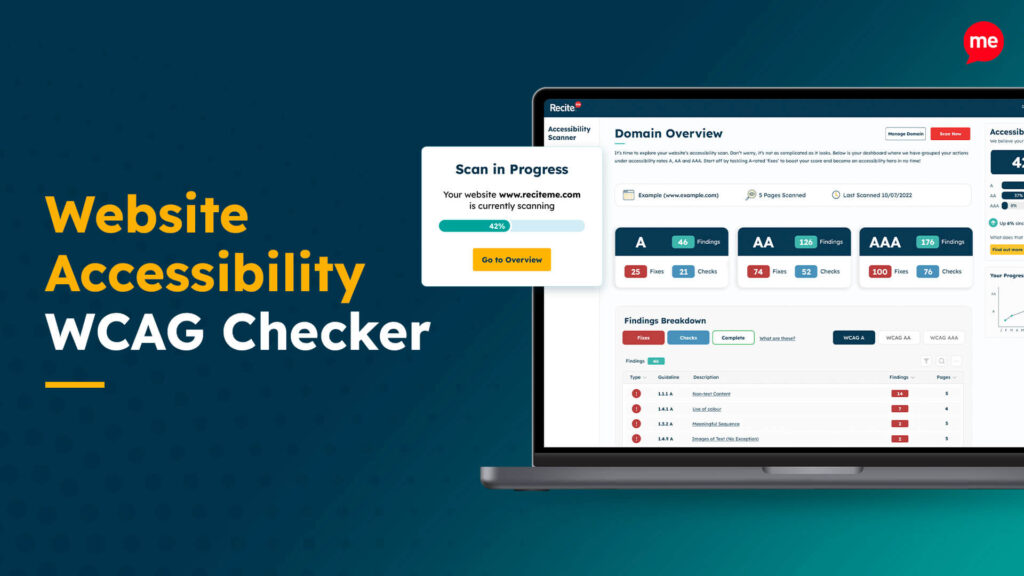
Web Accessibility Checker
Scan, detect, fix, and maintain accessibility compliance standards on your website.
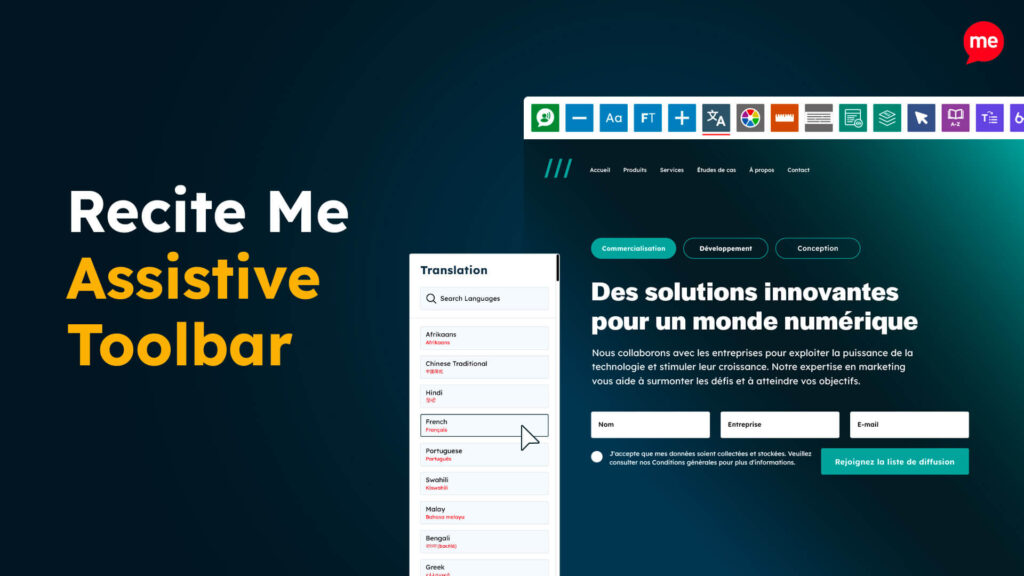
Assistive Toolbar
Make your website an inclusive and customisable experience for people with disabilities.
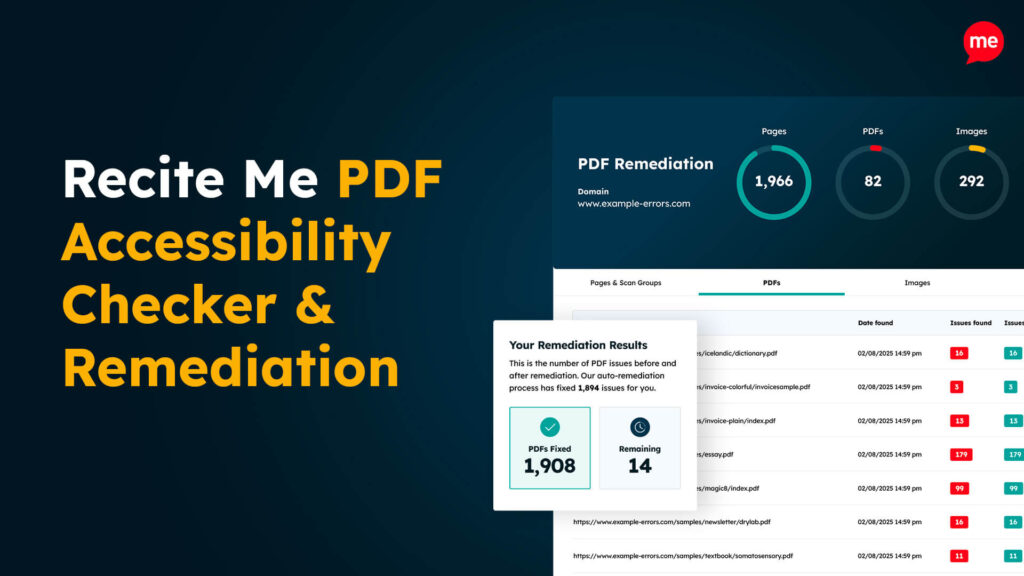
PDF Accessibility Checker
Check your PDFs are compliant with accessibility standards and run automated fixes.