Understanding Government Digital Service Accessibility Audits (GDS)
Public sector websites are being audited. Has yours?
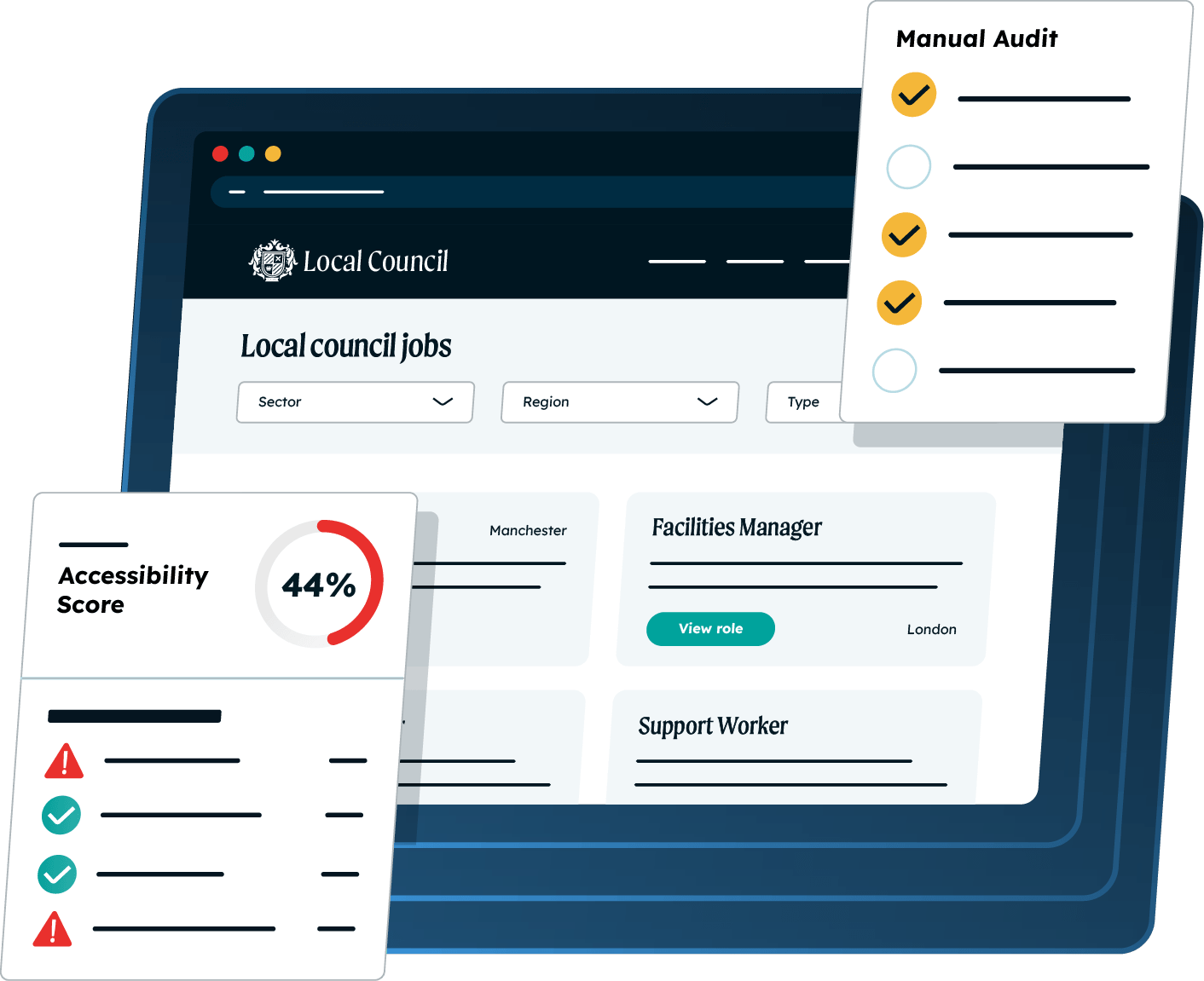
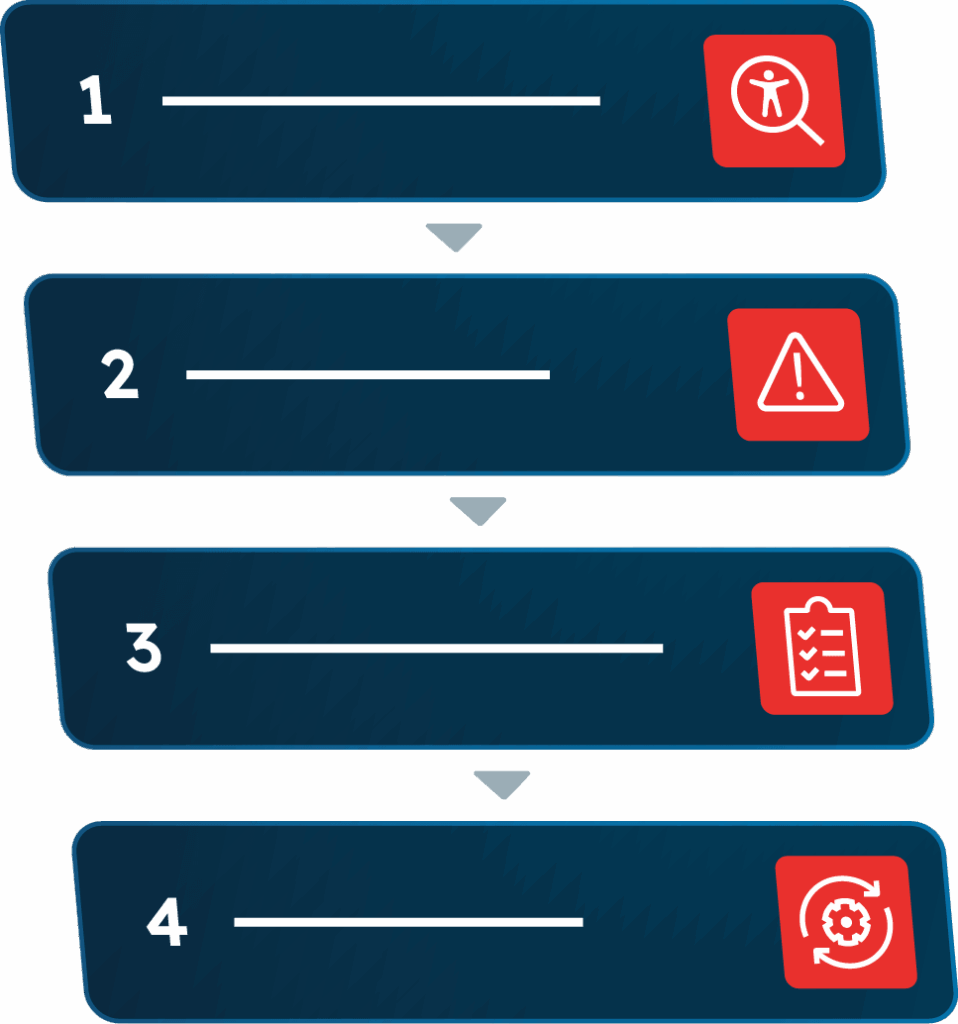
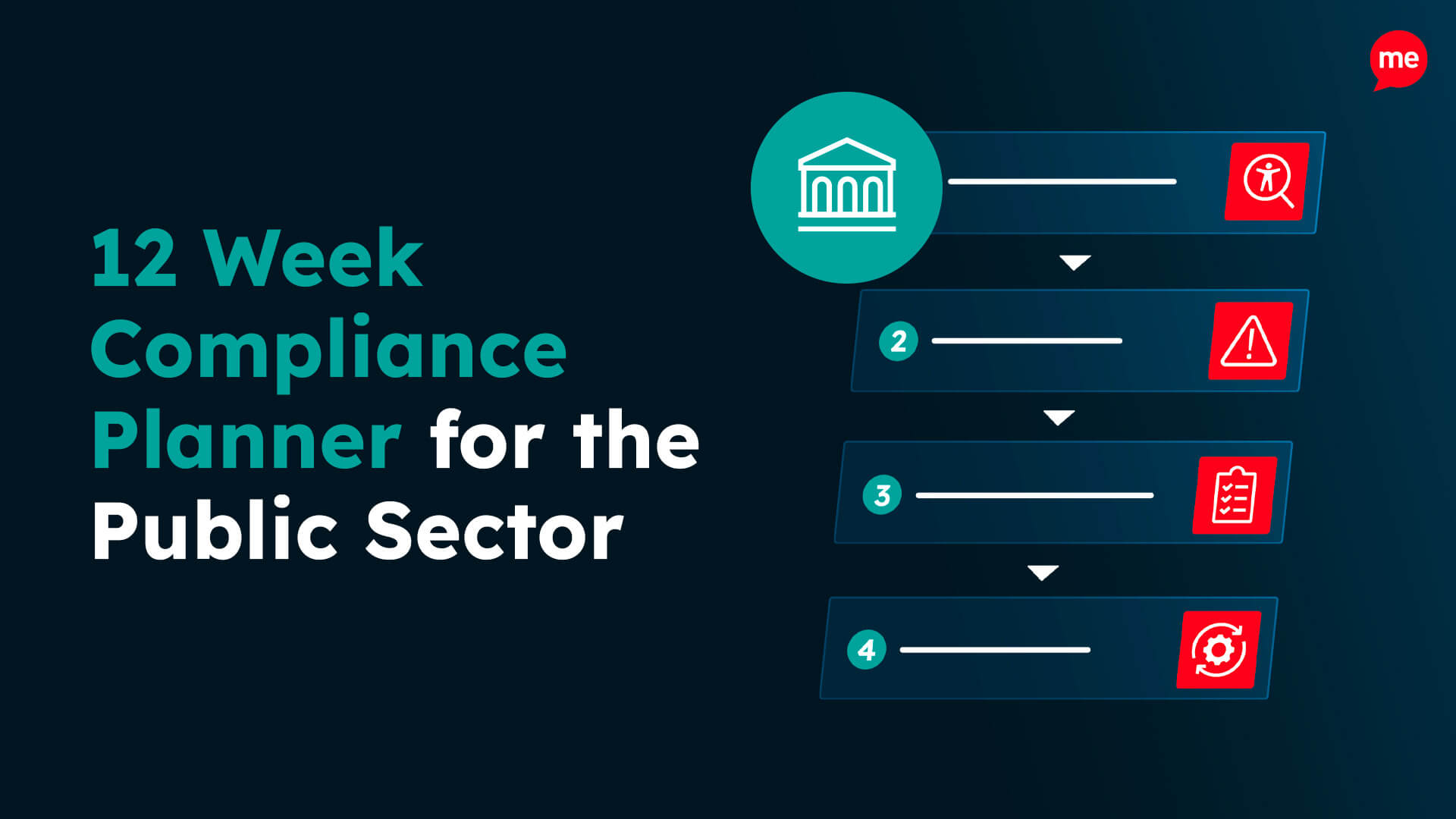
The Government Digital Service (GDS) audits public sector websites and apps for accessibility on behalf of the Cabinet Office. If issues are found, you typically have 12 weeks to fix them before a case can escalate.
Behind every check is someone trying to actually use the site: applying for a blue badge, booking a GP appointment, navigating with a screen reader. Disabled, elderly, and neurodivergent residents are most affected when it doesn’t work.
Key points you need to know about GDS audits
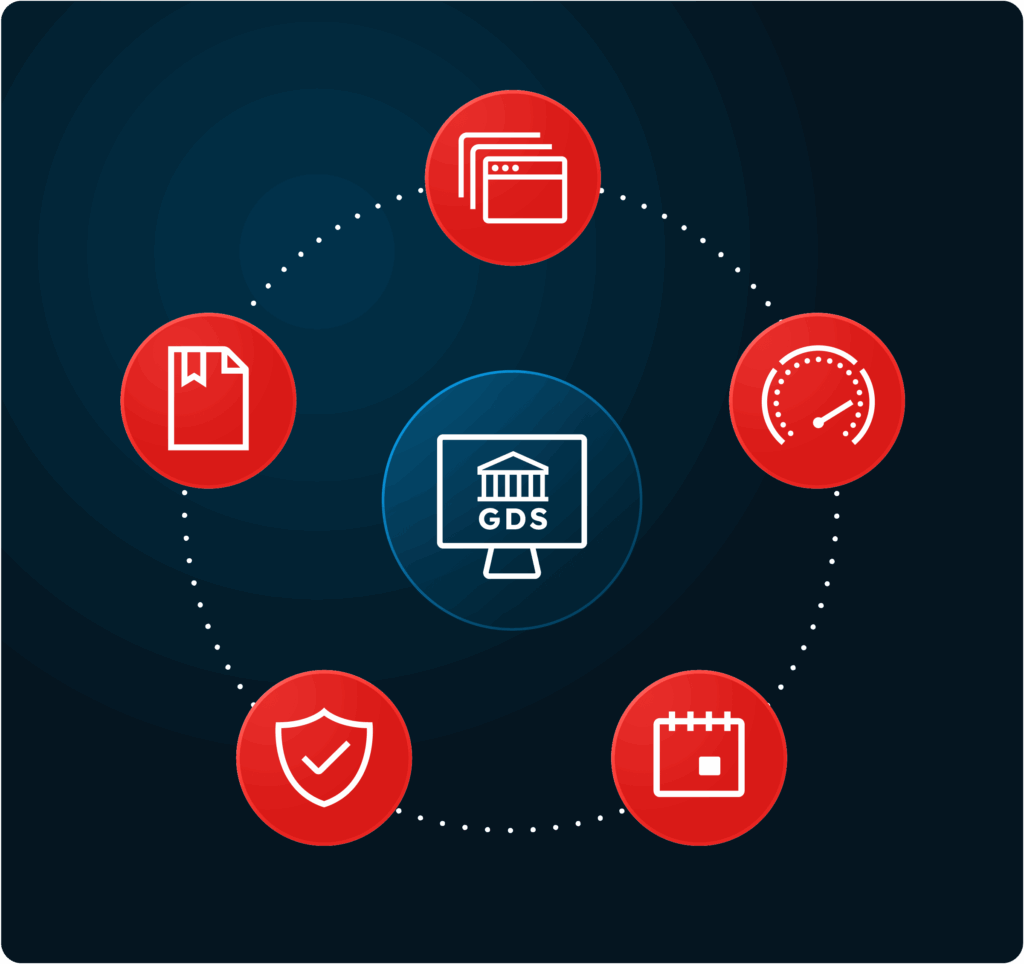
GDS checks public sector websites and apps against WCAG 2.2 AA
Most main sites have already been tested, and checks are now extending to secondary sites
If issues are found, organisations typically get 12 weeks to act before escalation
Responsibility stays with your organisation, even if a supplier built or manages the site
Published PDFs, forms, and policies are checked too, and are a common source of issues
ACCESSIBILITY RISK & RESPONSIBILITIES
Calculate your digital risk & responsibilities
You can’t do everything, but you can’t do nothing.
Answer a few quick questions and we’ll recommend the best next step. No generic sales pitch. No pressure. Just a clearer route to a more accessible digital experience.
Question 1 of 5
Your accessibility risk result
Medium risk
Your risk level is Medium
Indicative risk score0/100
How this score was calculated
For internal review, the indicative score uses the following weighted factors:
→
Your action plan
Recommended Next Steps
Speak with an accessibility expert and receive a free crawl of your website and PDFs. We’ll help you understand the scale of your accessibility landscape, identify where to focus first and map out practical next steps.
This result is an estimate based on the information provided. It is not an accessibility audit or legal assessment.
The 12 week window
If a GDS audit finds issues, you’re not expected to have a perfect site by the deadline. According to GDS’s own monitoring report, none of the sites given a full audit were fully compliant, yet most cases closed with no further action because the organisation showed evidence of fixes made and a clear plan for the rest.
If the 12 weeks pass without meaningful action, the case can be referred to the Equality and Human Rights Commission (EHRC), or the Equality Commission for Northern Ireland (ECNI).
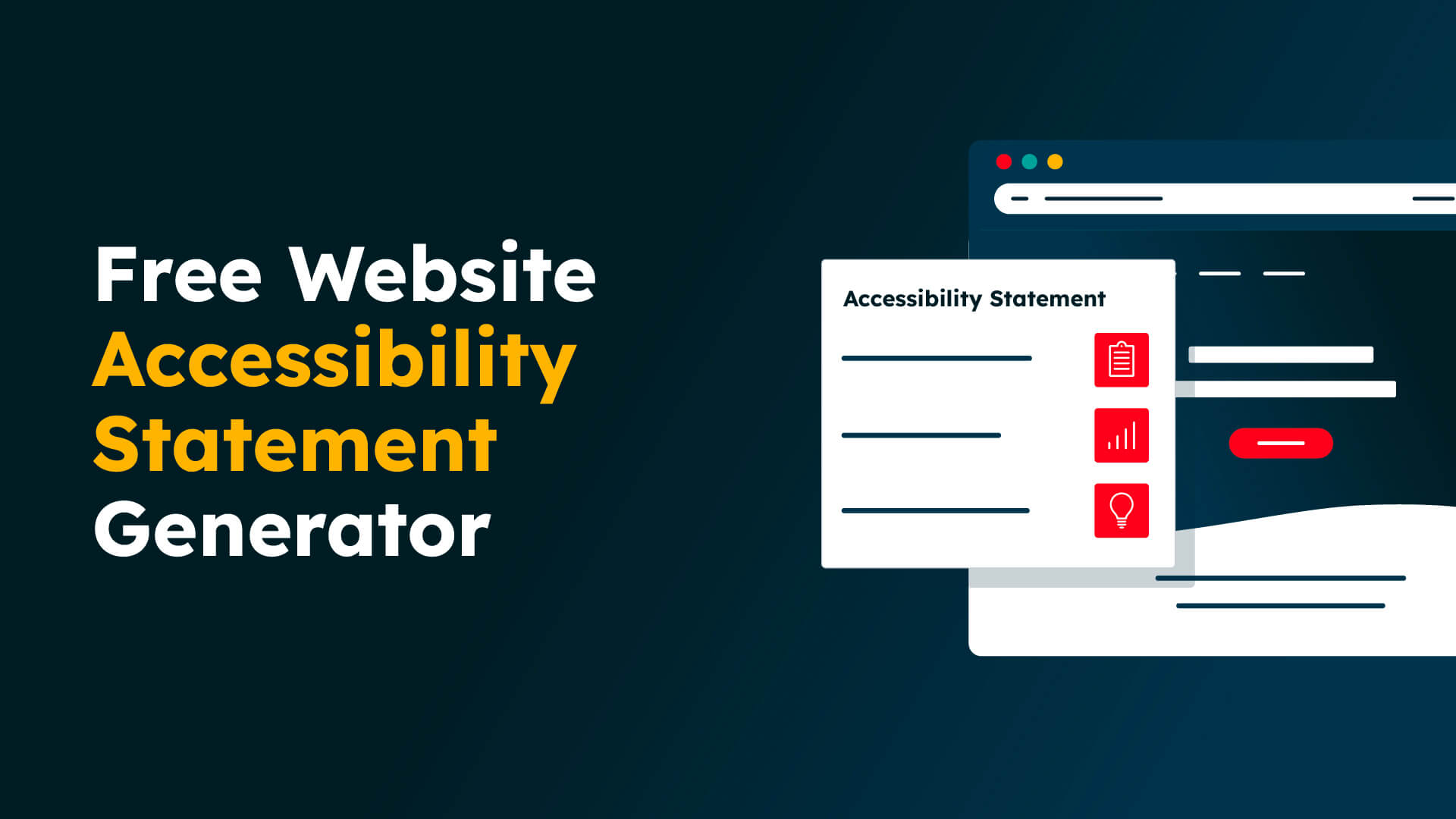
Your statement must state your compliance level, list known issues, and be reviewed at least annually. Get a starting point that reflects your actual position.
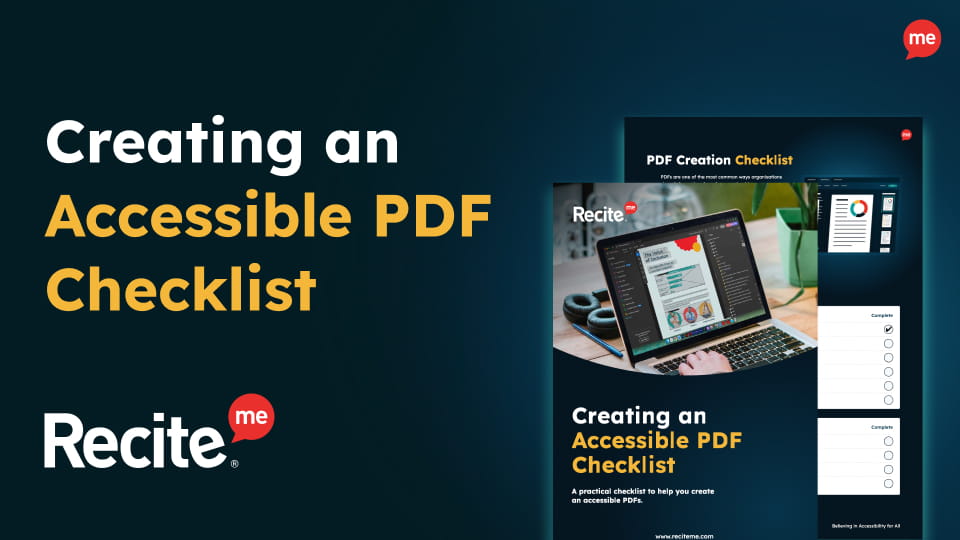
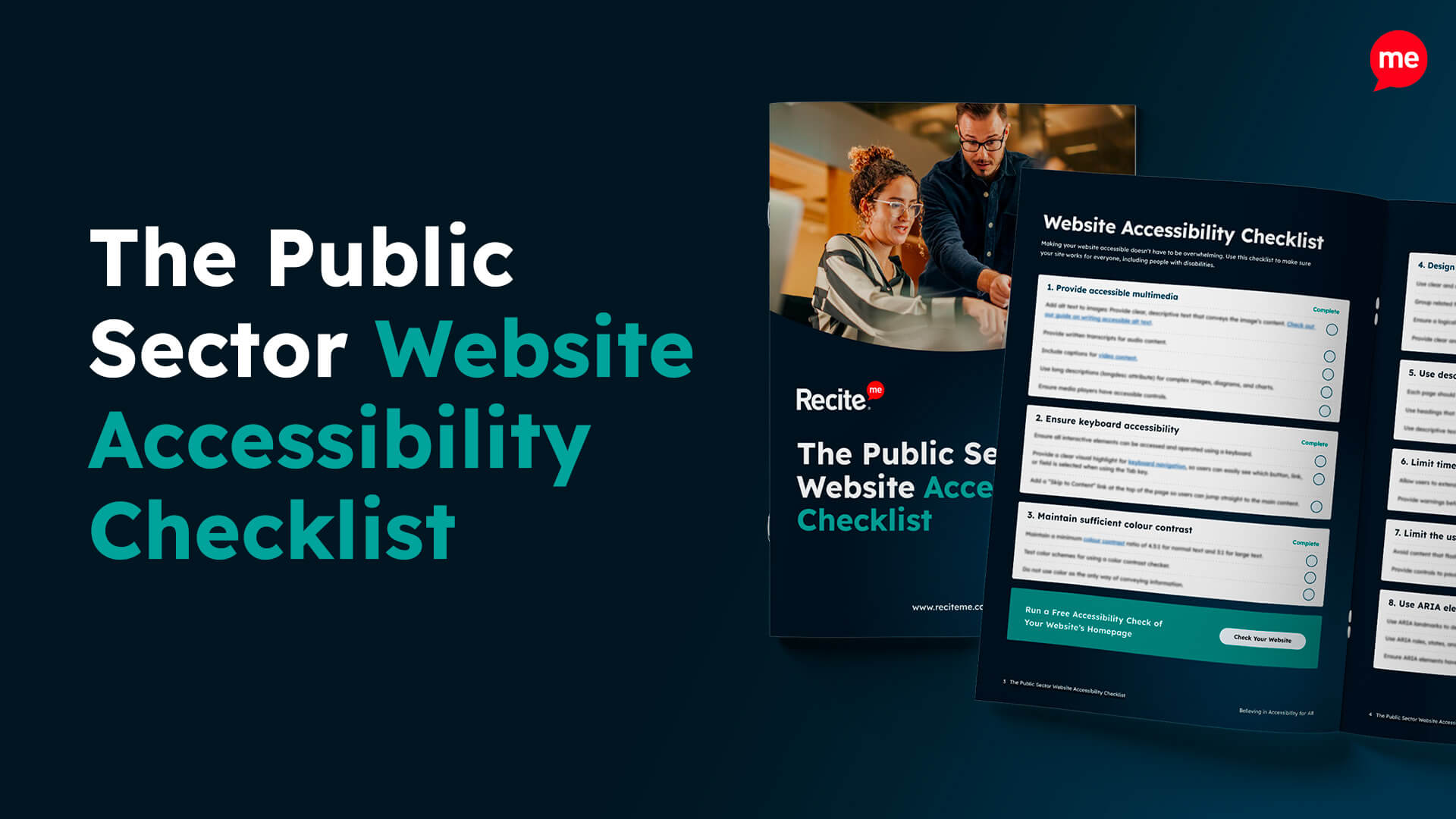
Our Public Sector Website Accessibility Checklist provides a practical guide to help your organisation identify common accessibility barriers and take steps towards meeting accessibility regulations.