Most accessibility tools are limited to public pages.
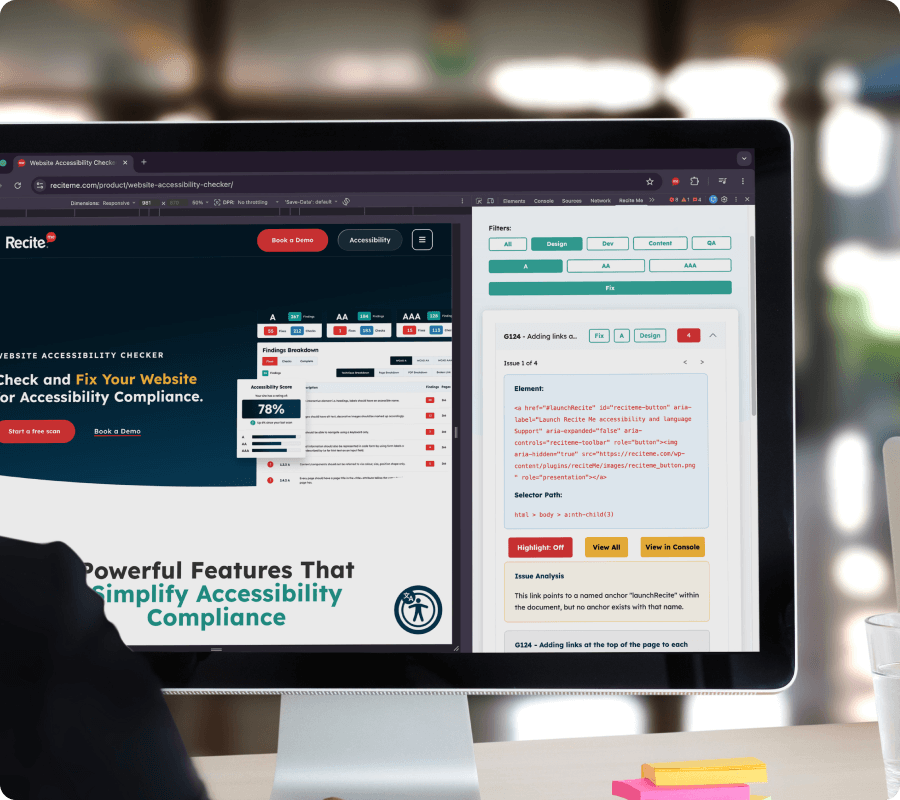
The Recite Me browser extension allows you to scan any page you have access to, including development builds, staging environments, intranets, and secure portals.
This makes it easy to test accessibility in real-world scenarios, even before content is published.
A closer look at what the Accessibility Browser Extension actually does
Book a demo to find out how you can scan pages in real time to uncover accessibility issues.
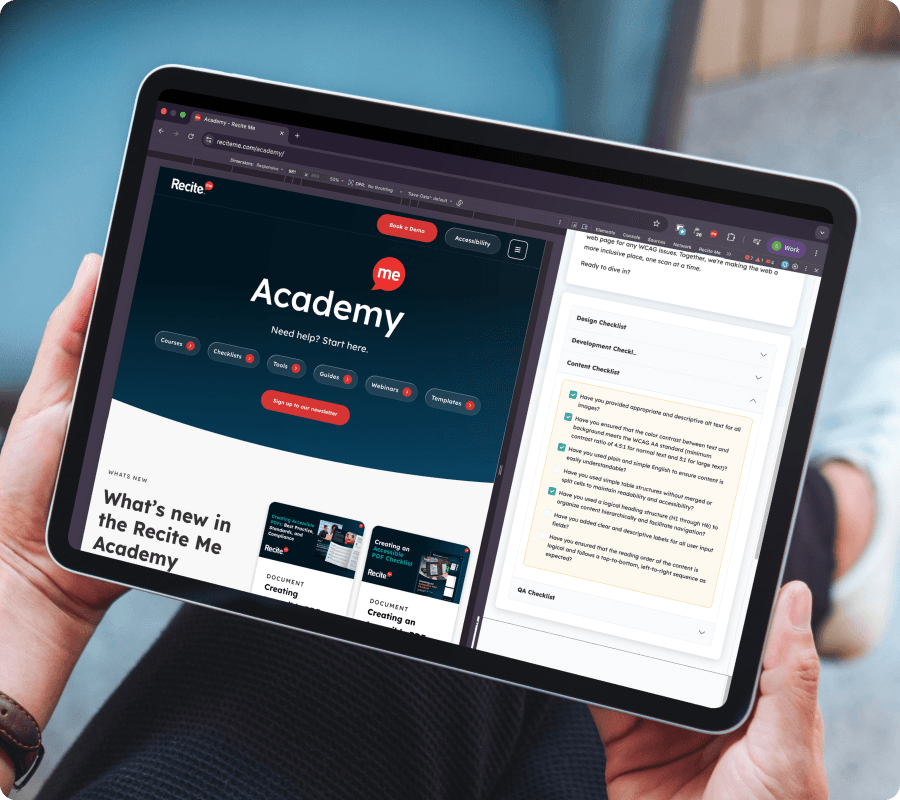
Install the extension in Chrome or Edge and run it on any page you have open.
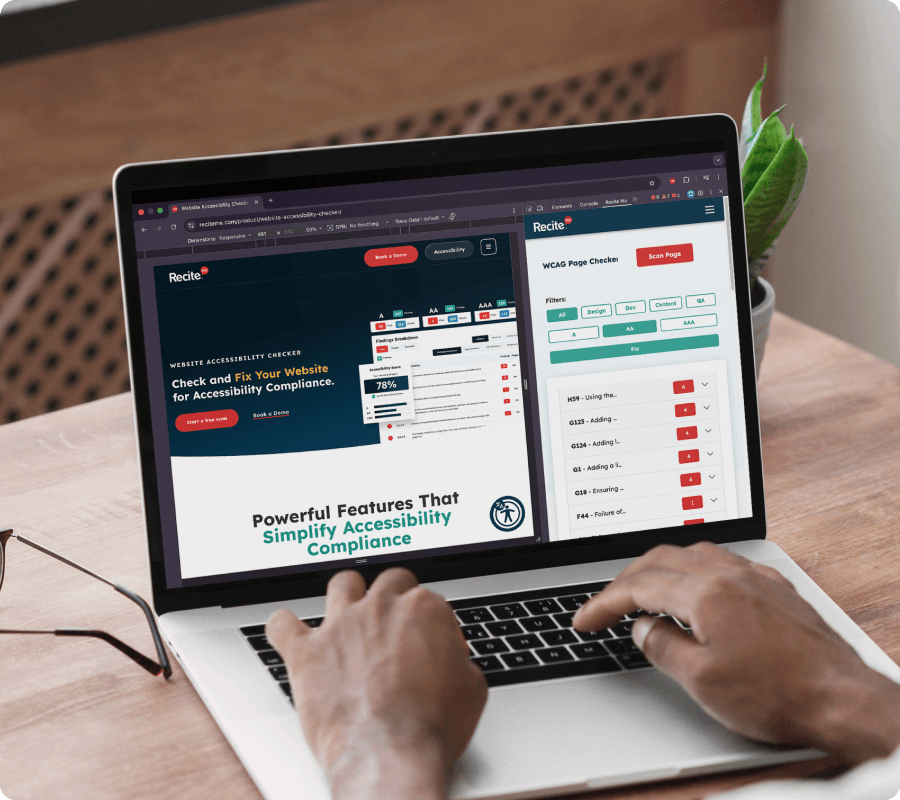
The extension scans the page in real time, identifies accessibility issues, and displays them directly within the browser.
It works alongside the main Accessibility Checker, extending accessibility testing beyond standard scans.
You can search and filter results to quickly locate and prioritise fixes, helping teams take action faster.
What you can uncover
What insights does the extension provide?
The extension provides immediate, in-context visibility of accessibility issues, including:
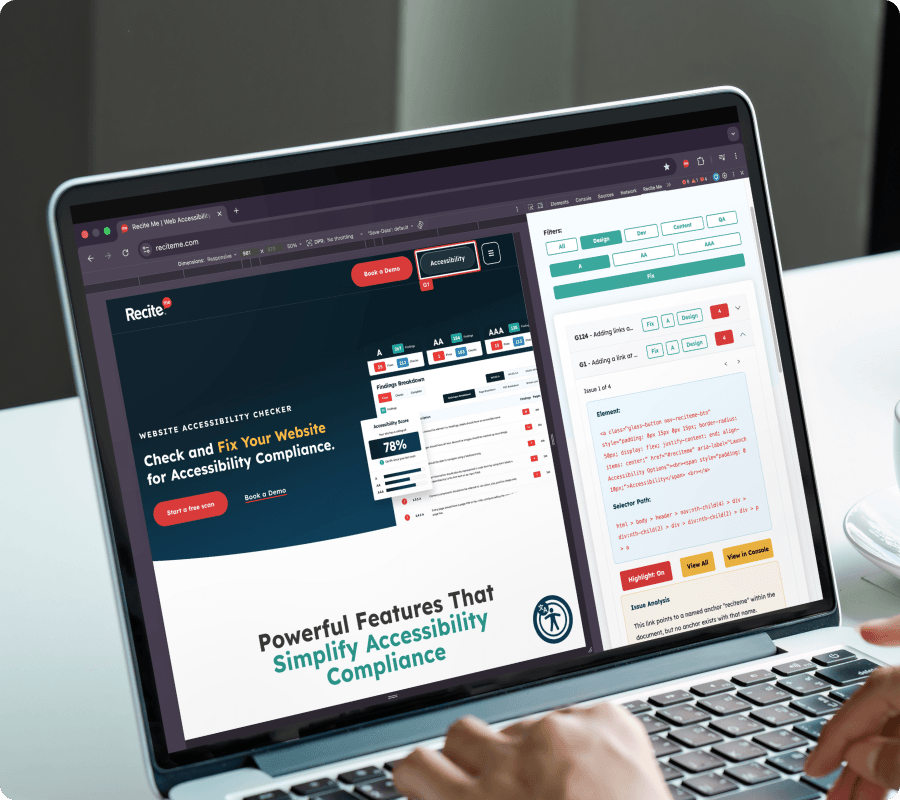
On-page highlighting of problem areas
Real-time detection of dynamic content issues
Filtered views based on role or WCAG criteria
Access to underlying code through the console
This helps teams understand and act on issues quickly.
COMMON USE CASES
How teams use the Accessibility Browser Extension
Run accessibility checks during development and QA workflows to identify issues before they reach users.
Testing accessibility before launch
Validate accessibility on development or staging environments before publishing.
Scanning secure or logged-in content
Test portals, dashboards, and restricted areas without sharing credentials.
Supporting developer and QA workflows
Run quick checks during development without needing a full site scan.
Accessibility impacts more people than you think
From cognitive differences to changing accessibility expectations, inaccessible websites create barriers for a wide range of users.
1 in 5
people live with a disability Many users rely on accessible websites to browse, shop, and complete everyday tasks.
96%
of homepages have detectable WCAG failures. Common accessibility issues continue to impact user experience across the web.
71%
of users with disabilities leave inaccessible websites. Poor accessibility can prevent users engaging with your content.
Who it helps
Who this feature is for
This feature is designed for teams that need flexibility in how and where they test accessibility, including:
Developers and QA teams
Digital and product teams
Organisations with secure or complex environments
Teams working with modern web applications
WHAT IT MATTERS
Catch accessibility issues earlier
Testing directly within your browser makes it easier to identify accessibility barriers before content goes live.
By running quick checks during development and QA, teams can validate fixes faster, reduce unnecessary rework, and resolve issues earlier in the workflow.
This helps create more accessible digital experiences while supporting smoother releases, greater consistency, and ongoing compliance efforts.