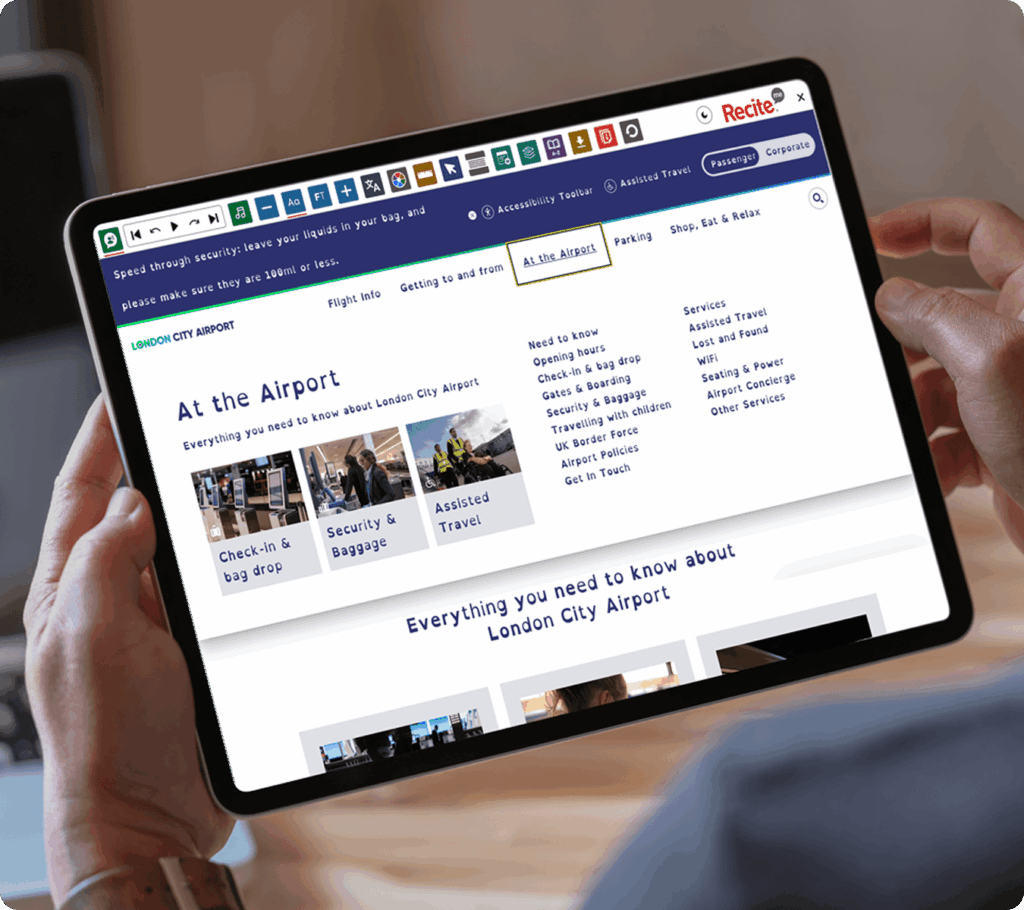
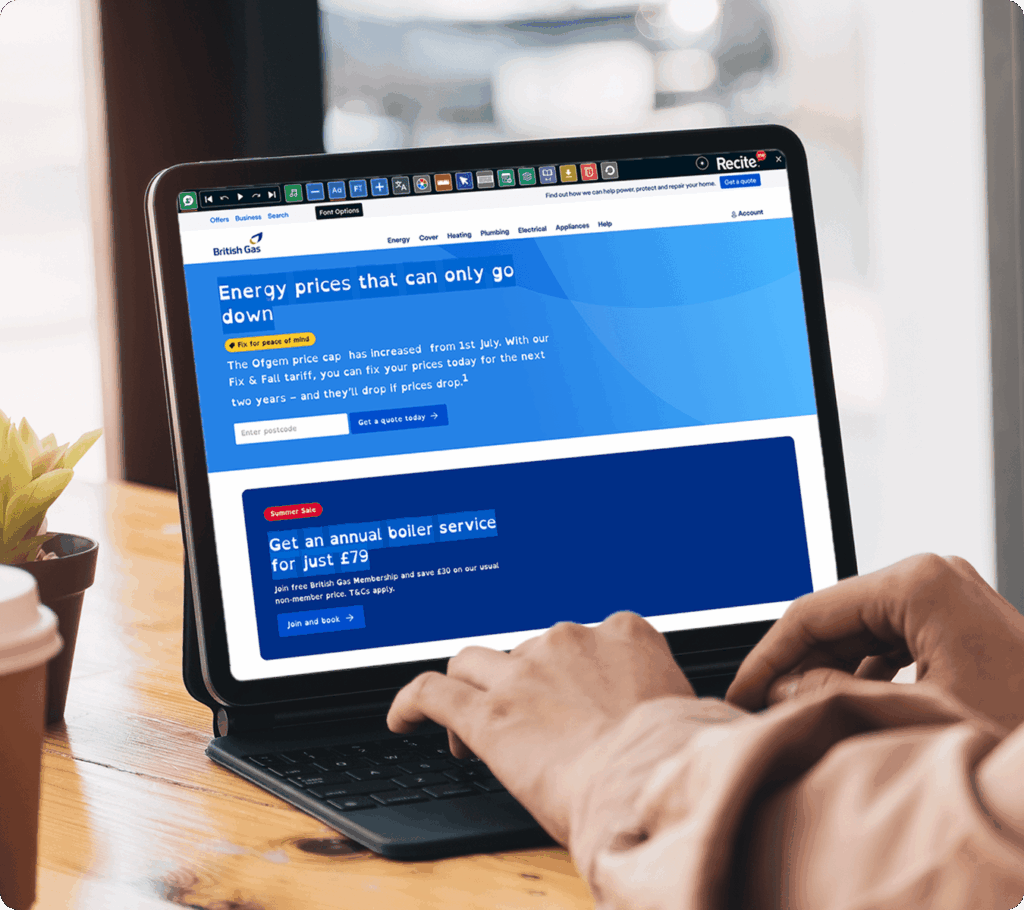
Let visitors use the Recite Me Assistive Toolbar to adjust fonts and text size to suit their reading preferences. The Font & Sizing feature helps make website content easier to read for people with visual impairments, dyslexia, or other reading needs.
IMPROVING READING FOCUS
Font & Sizing on the Recite Me Toolbar
The Font & Sizing feature on the Recite Me Toolbar allows website visitors to change the appearance of on-page text for a more comfortable reading experience.
No downloads or installation required for website visitors.
Make your website accessible in more ways
See how Fonts and Text Sizing on the Recite Me Assistive Toolbar helps break down accessibility barriers and support diverse audiences across your website.
Use the feature across desktop, tablet, and mobile
WHO IT HELPS
Who Benefits from Font & Sizing on the Recite Me Toolbar?
Font and text customisation supports:
People with dyslexia
Users with visual impairments
Neurodivergent users
People who find small text difficult to read
Users experiencing visual fatigue
Anyone who prefers personalised reading settings
What our
customers say
Organisations around the world use the Recite Me Assistive Toolbar to create more inclusive experiences for their visitors.
“I find the increased font size and focus text options to be really helpful for processing information quickly and easily.”
Maisy Gordon, 20 Stories High
“I have Autism and Dyslexia, and found that when using the Council’s website, I can change the font to Dyslexia font and add a ruler to keep my place.”
The Recite Me Toolbar includes a selection of accessible fonts designed to improve readability, including options that can help people with dyslexia and other reading needs.