



























Get Your Free Accessibility & Inclusion Toolkit
Download NowAccording to the FCA’s Financial Lives survey, nearly one in two UK adults had characteristics of vulnerability. For financial services firms, that means accessibility and customer support need to work for people with a wide range of circumstances and needs.
From understanding the FCA’s definition of vulnerability to improving digital journeys. Here is what you need to know about FCA vulnerable customers, FG21/1 and Consumer Duty requirements.
What is an FCA vulnerable customer?
An FCA vulnerable customer is a customer who may need additional consideration or support when using a financial service because of their personal circumstances. These circumstances can affect how someone understands information, communicates with a firm, makes financial decisions or uses a service.

What is the FCA definition of a vulnerable customer?
The FCA defines a vulnerable customer as: “someone who, due to their personal circumstances, is especially susceptible to harm, particularly when a firm is not acting with appropriate levels of care.“

Vulnerability is not necessarily a permanent label and can alter as a person’s circumstances change. A customer may experience vulnerability temporarily, have more than one characteristic at the same time, or require different support as their circumstances develop.
The FCA therefore expects firms to understand the needs of their customers rather than making assumptions based on a particular group or characteristic.
What are the characteristics of vulnerability?
The FCA groups characteristics of vulnerability into four areas, but characteristics can sometimes overlap:
- Health: This can include physical or mental health conditions, disabilities or illnesses that affect how someone communicates, understands information or uses a service.
- Life events: Bereavement, relationship breakdown, job loss and other significant changes in personal circumstances can affect a person’s ability to manage their finances or engage with a firm.
- Resilience: Someone with low financial resilience may have less capacity to cope with an unexpected financial shock, such as losing income or facing an unplanned expense.
- Capability: This can include low financial capability, literacy, digital skills or confidence.
Get a Free Accessibility Check of your Website
Run a scan to identify WCAG issues on your website's homepage. Then, use our recommended changes to achieve compliance with the latest accessibility standard.
What is FCA FG21/1?
FCA FG21/1 is guidance the Financial Conduct Authority published in February 2021 on treating vulnerable customers fairly. It applies to pretty much any firm covered by the FCA’s Principles for Businesses that deals with retail customers.
In it, the FCA defines a “vulnerable customer” as someone who, because of their personal circumstances, is especially likely to be harmed. This is particularly true if a firm isn’t careful with them. The guidance pushes firms to:
- Genuinely understand their customers’ needs
- Train staff properly
- Take practical steps to support vulnerable people
- Keep monitoring how they’re actually doing
But this isn’t a rigid checklist; firms are expected to use judgement based on their own size, sector, and customer base.
What are the FCA requirements for treating vulnerable customers fairly?
The FCA expects firms to take practical action rather than simply having a vulnerability policy in place. Firms should be able to show how they identify customers’ needs, how those needs influence their services, and how they monitor the outcomes customers receive.
Understanding customers’ needs
Firms should understand the nature and scale of vulnerability among their target market and existing customers. This includes considering the types of harm or disadvantage a customer could experience and how a characteristic might affect their interaction with the firm.

The Consumer Duty also expects firms to make it easier for customers to tell them about their needs and circumstances. This could involve providing appropriate ways for customers to disclose information online, giving staff the training to recognise possible signs of vulnerability, and making sure information can be recorded and retrieved appropriately.
Staff skills and capability
Employees who interact with customers should understand the firm’s approach to vulnerability and know how their role can affect the treatment and outcomes of customers in vulnerable circumstances.
Training should give staff the knowledge and confidence to respond appropriately when someone needs additional support. It should also help employees understand when they need to adapt their approach, provide additional information or involve another member of the team.

Product and service design
Accessibility and vulnerability should be considered when products and services are designed, rather than being addressed after problems have appeared. Firms should consider how customers with different characteristics of vulnerability will interact with a product, what could prevent them from achieving a good outcome and what changes could reduce those barriers.

This applies to digital services too. If the customer cannot complete an online journey, understand the information provided or access support when something goes wrong, the service may still create an unreasonable barrier.
Customer service and communications
Customer service should respond appropriately to different customer needs. The FCA expects firms to provide appropriate channels for communication, explain the support available and make sure their processes allow customers to disclose their needs.
Communications also need to be clear enough for customers to understand the information they are being given. A customer who cannot easily read or understand a web page may struggle to make an informed decision, even if all the required information is technically available.

Digital accessibility and its impact on FCA vulnerable customers
The way digital journeys are designed can create barriers for customers with characteristics of vulnerability. A complicated form, unclear instructions, small text, or a website that does not work well with assistive technology can make it harder for a user to complete a task or get the support they need.
Here are some of the main features you need to look out for:
Digital forms
Online forms can sometimes create barriers when they contain unclear instructions, poorly labelled fields, complex error messages or time limits that do not give customers enough time to complete the process.

Forms should be designed so that customers can understand what information is required and correct mistakes without losing everything they have entered. Businesses should also consider how forms work with assistive technologies such as screen readers and keyboard navigation.
Authentication and identity verification
Security checks are necessary for financial services, but authentication and identity verification processes can sometimes become difficult to complete for some customers. Processes that rely on visual recognition or complicated instructions may create problems for people with diverse needs.
Therefore, organisations should consider how security requirements affect different customers and provide suitable alternatives where appropriate, instead of assuming every customer can complete the same process in the same way.

Screen reader compatibility
Screen readers convert digital content into speech or other forms that allow people with visual impairments and other access needs to understand web pages. If a website has poorly structured headings, missing alternative text or controls that cannot be identified properly, a screen reader user may struggle to navigate the page.

Making the overall website accessible remains important too. Assistive technology can provide additional ways to interact with content, but it should form part of a wider accessibility approach and not be treated as a replacement for accessible web development.
Complex navigation
A customer should not need to understand how a website is organised before they can find important information. Complicated menus, unclear labels and pages that are difficult to locate can make digital financial services harder to use.
This can be difficult for people with cognitive differences, low digital confidence or reduced concentration. Clear page structures, descriptive headings and straightforward navigation can therefore make it easier for customers to understand where they are and what they need to do next.

Small text and poor colour contrast
Small text, crowded layouts and insufficient colour contrast can make information difficult to read. This can affect people with visual impairments, older customers and people experiencing temporary changes in their vision, as well as anyone accessing a website on a smaller screen.
Therefore, it’s important to give visitors more control over text size, fonts, colours and spacing to make information easier to read and understand.
What happens if a firm fails to treat vulnerable customers fairly?
If a firm fails to treat a vulnerable customer fairly or meet the standards expected of them, the FCA can supervise and take enforcement action against the firm.

Companies should be able to demonstrate how their business model, processes, culture and actions support fair treatment of customers, including those in vulnerable circumstances.
Under the Consumer Duty, firms also need to monitor customer outcomes and identify where customers or groups are receiving poorer outcomes. The FCA also expects firms to understand why this is happening and take action to improve the position.
In addition, firms need evidence that their approach works in practice, including how customers experience their products and services through digital channels.
What are the best accessibility and inclusion tools to support FCA vulnerable customers?
Digital accessibility tools can give customers more control over how they interact with online information. Here are two of our tools that can support accessibility and inclusion:
Recite Me Accessibility Checker
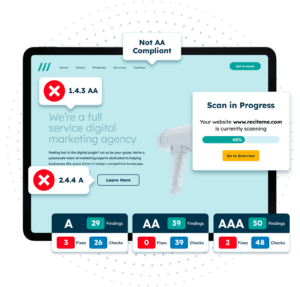
The Recite Me Accessibility Checker scans websites for accessibility issues and provides recommendations to help teams identify areas where digital content could be made more accessible.
It checks areas including colour contrast, alternative text, readability, navigation, headings and compatibility with assistive technologies, helping businesses understand where digital barriers may exist.
Recite Me Assistive Toolbar
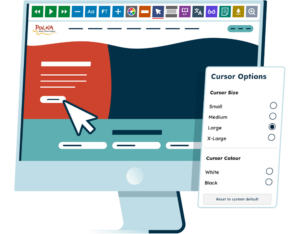
The Recite Me Assistive Toolbar allows website visitors to customise their online experience according to their needs.
Features include text-to-speech, translation, font and text-size controls, colour adjustments, reading aids and other options that give visitors greater control over how they access online content. It can also be useful for customers who need to change how information is presented to them.
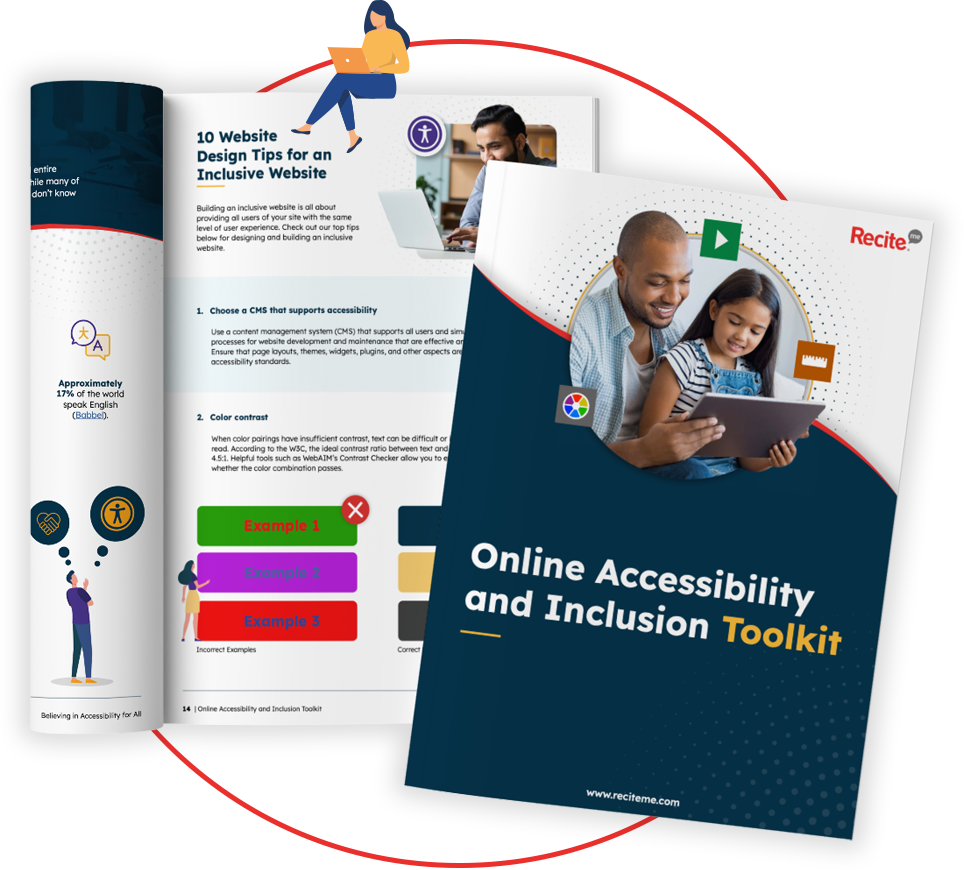
Our 40-page Digital Accessibility & Inclusion Toolkit helps businesses break down online barriers and make a real impact. It offers practical advice on all aspects of digital accessibility, from writing an accessibility statement to accessible website tips and inclusive hiring.
Final thoughts on FCA vulnerable customers
The FCA’s guidance and Consumer Duty provide a clear framework for firms to follow, but good accessibility also means considering the experience from the customer’s point of view. By identifying where people may struggle and making services easier to use, firms can provide more inclusive experiences for customers in vulnerable circumstances.
To get started today, you can run a free accessibility check of your website’s homepage.
FCA Vulnerable Customers FAQs
Looking for a recap or quick summary? Here are a few of our most frequently asked questions to help you get to grips with the essentials:
What is FG21/1?
FG21/1 is the FCA’s guidance on the fair treatment of vulnerable customers. It explains what firms should do to understand customer needs and provide fair treatment, covering areas such as staff capability, product and service design, customer service, communications and monitoring.
Does the Consumer Duty apply to vulnerable customers?
Yes, the Consumer Duty requires firms to deliver good outcomes for retail customers, including customers in vulnerable circumstances. The FCA expects firms to identify customers who may need additional support, understand their needs and take action where necessary.
How can digital accessibility support vulnerable customers?
Accessible digital services can make it easier for customers to read information, navigate websites, complete forms and access support. Features such as text-to-speech, adjustable text size, colour customisation and reading aids can give people more control over how they interact with online content.
Why is digital accessibility important for financial services?
Here’s a shortlist of the most important reasons for ensuring digital accessibility:
- Meet regulatory requirements – Support compliance with accessibility laws and the FCA.
- Serve more customers – Ensure people can access financial products and services.
- Improve customer experience – Make websites, apps and digital journeys easier to use.
- Reduce barriers – Remove obstacles for disabled people and people with access needs.
- Support Consumer Duty – Help firms deliver good outcomes for all customers.
- Reduce financial exclusion – Make essential financial services more accessible.
- Build trust and reputation – Demonstrate a commitment to inclusive customer service.
- Reduce business risk – Lower the risk of complaints, regulatory action and legal challenges.
Does an accessibility toolbar make a financial services website FCA compliant?
No, an accessibility toolbar does not make a financial services website FCA compliant, but it can provide additional ways for visitors to access and customise content to suit their needs.
Check out our Products & Services
Ready to take your first steps towards digital accessibility compliance? Then see how we can support your journey with our accessibility solutions:
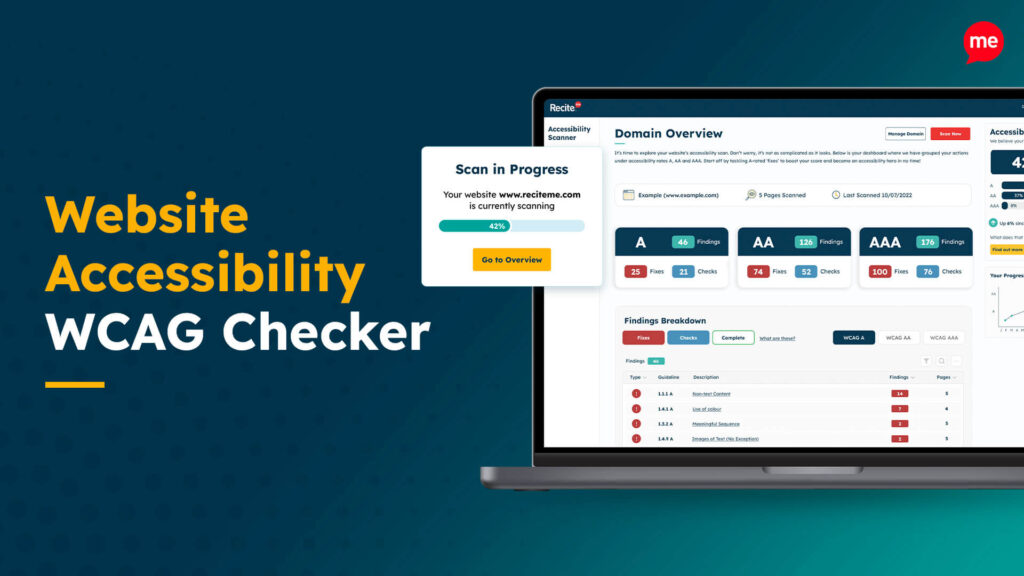
Web Accessibility Checker
Scan, detect, fix, and maintain accessibility compliance standards on your website.
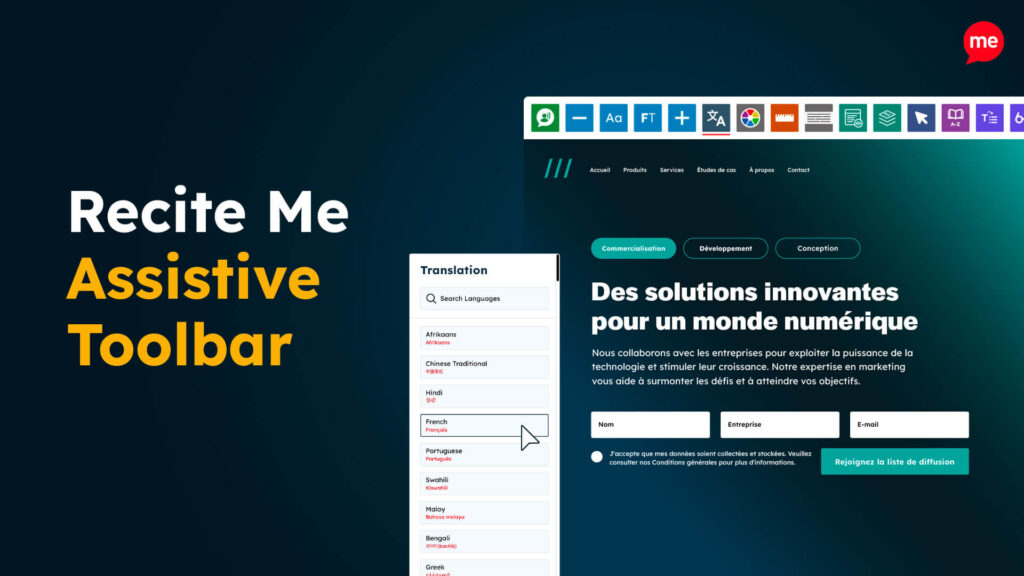
Assistive Toolbar
Make your website an inclusive and customisable experience for people with disabilities.
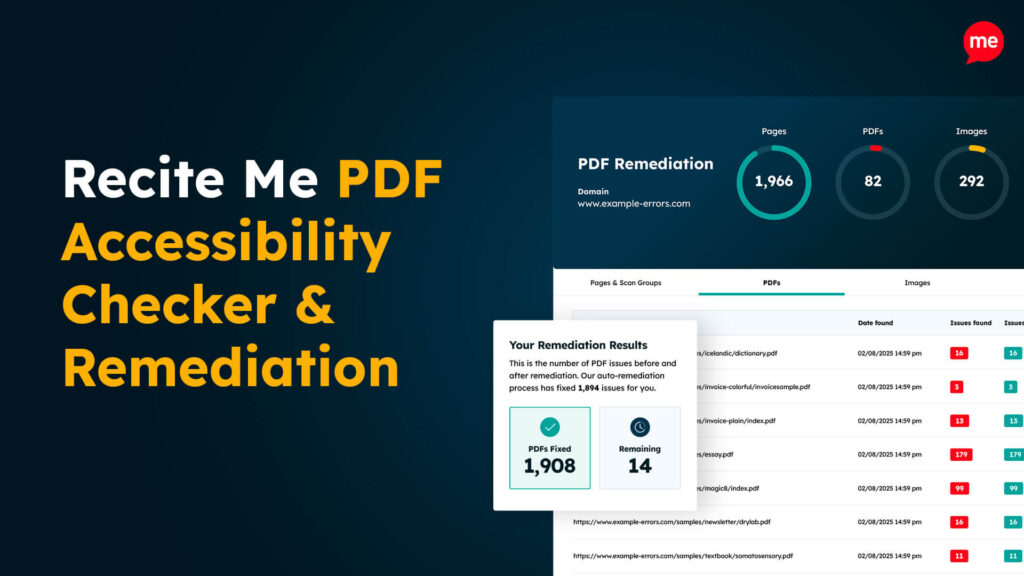
PDF Accessibility Checker
Check your PDFs are compliant with accessibility standards and run automated fixes.