











Get Your Free Education Accessibility Guide
Download NowSchools and universities run on digital tools now. Students research, turn in homework, and message teachers through websites, portals, and apps. But when these tools aren’t accessible, students with disabilities get left out of learning that everyone else takes for granted.
This guide walks through what accessibility in education actually means, who it helps, and how schools can meet their legal duties while building a learning space that truly works for everyone.
What is Accessibility in Education?
Accessibility in education means building classrooms and digital resources so every student can use them, no matter their disability.
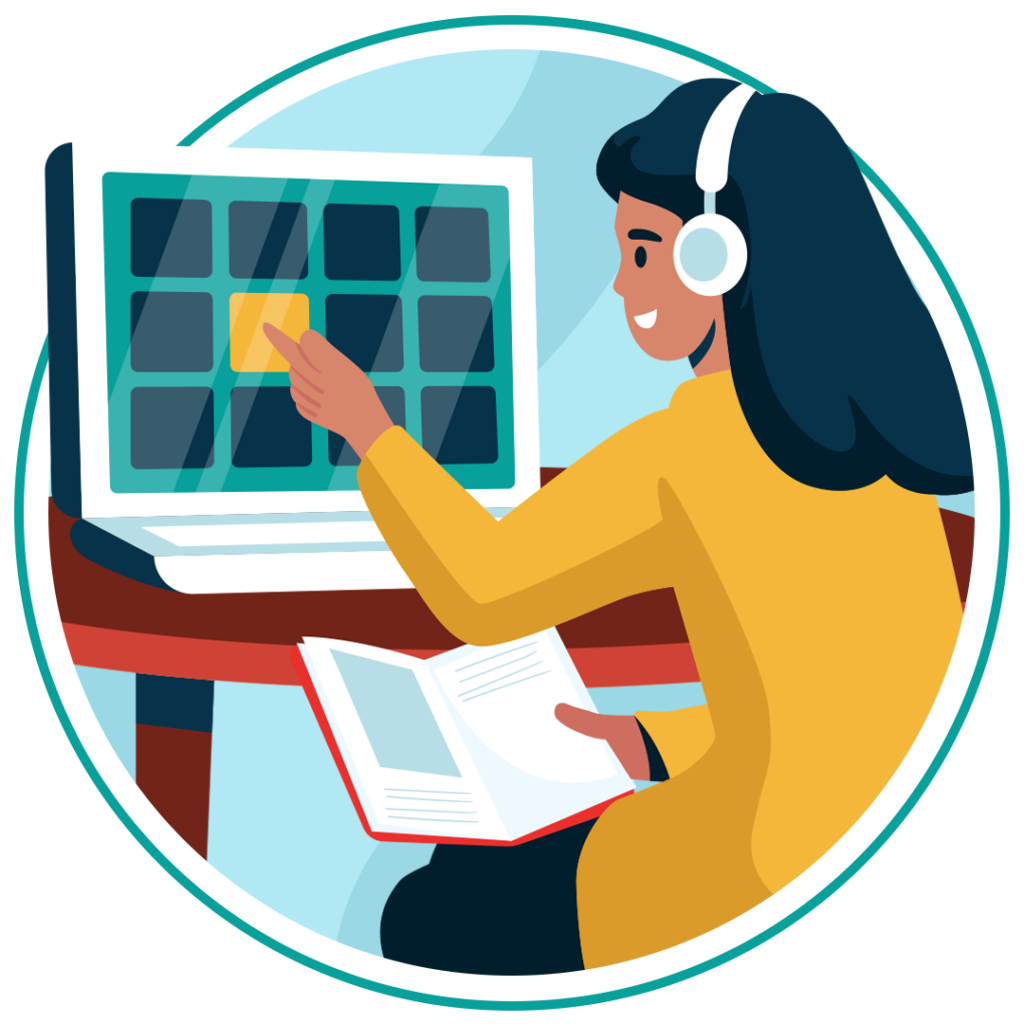
That covers physical spaces like libraries and lecture halls, plus digital spaces like school websites, learning platforms, and PDF handouts.
On the digital side, it usually means following standards like the Web Content Accessibility Guidelines (WCAG). Get this right, and students with diverse needs can access coursework without hitting a wall.
Which students need accessibility?
Accessibility helps a wide range of students, including those with:
- Visual impairments, like blindness or low vision
- Hearing impairments, including deafness
- Motor or mobility impairments that make a mouse hard to use
- Cognitive disabilities, such as dyslexia or ADHD
- Temporary impairments, like a broken arm or eye surgery recovery

Plenty of other students benefit too. Clear navigation, readable fonts, and well-organised pages help non-native English speakers, students on slow internet, and anyone browsing on a phone.
Get a Free Accessibility Check of your Website
Run a scan to identify WCAG issues on your website's homepage. Then, use our recommended changes to achieve compliance with the latest accessibility standard.
Understanding why web accessibility is important in education
Accessible education websites do a lot more than tick a compliance box. They pay off across the whole school. Here are five of our favourite benefits:
- Wider student access: Every student can use enrollment portals, course pages, and messaging tools without needing extra help.
- Better academic results: Accessible content tends to be clearer and better organised, which helps everyone learn faster.
- Legal protection: Meeting accessibility standards keeps complaints, lawsuits, and fines off the table.
- Stronger reputation: Schools known for inclusion attract more applicants and better staff.
- Better SEO performance: Good accessibility habits, like descriptive alt text and clean headings, also help pages rank higher.
Legislation mandating accessibility compliance in education
Accessibility in education isn’t a nice-to-have. Several UK laws make it a legal requirement for education providers.
Public Sector Bodies Accessibility Regulations 2018
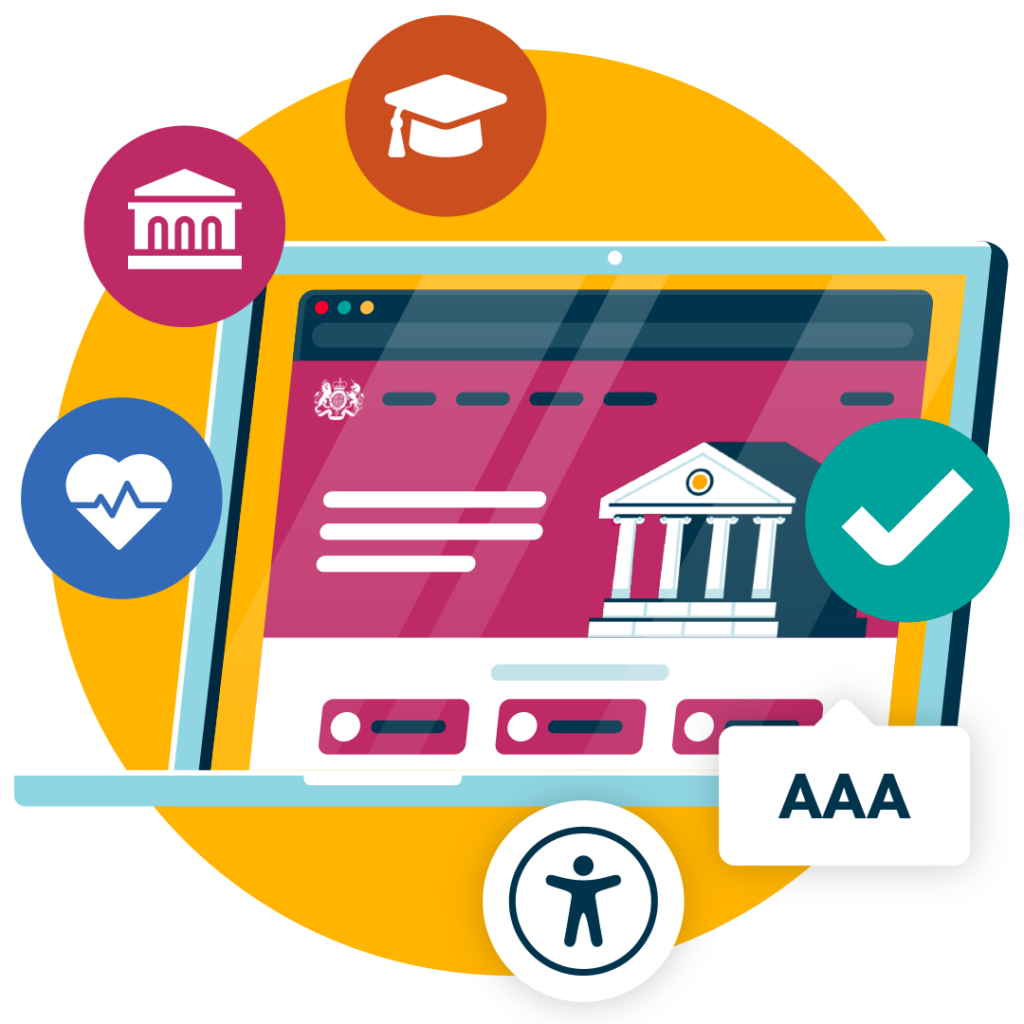
The Public Sector Bodies Accessibility Regulations in the UK require schools and universities to meet WCAG 2.1 level AA standards. This applies to both websites and mobile apps hosted by the provider.
Institutions must also publish an accessibility statement that explains where they stand and flags any known issues.
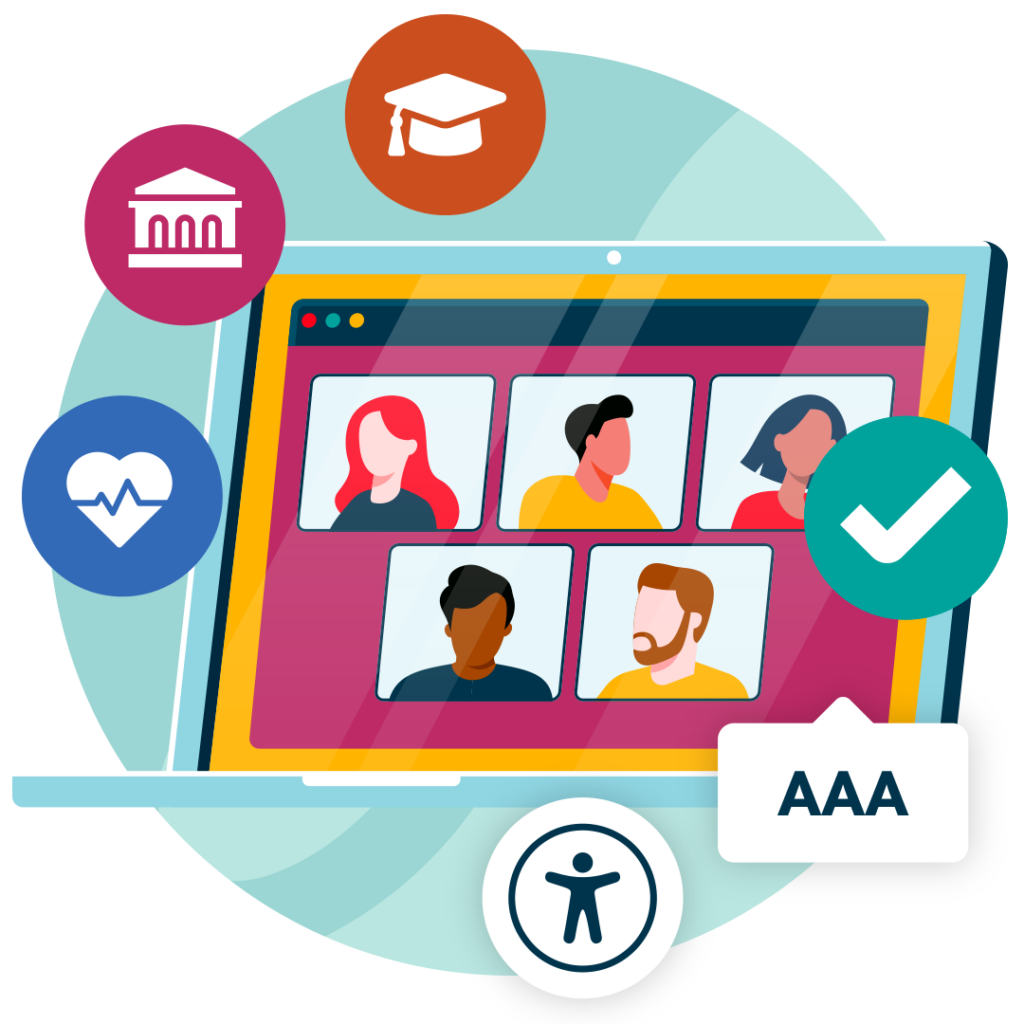
Equality Act
The Equality Act 2010 makes it illegal for UK schools to discriminate against students with disabilities. It requires “reasonable adjustments” to remove barriers, and this extends to digital services like online learning platforms and virtual classrooms.
What are the most common accessibility failures for education websites?
Education websites tend to trip up on the same issues, over and over:
- Low colour contrast: Makes text hard to read for students with visual impairments
- Missing alt text: Leaves images meaningless to screen reader users
- Unlabeled forms: Confuse students using assistive technology during enrollment or coursework submission
- Untagged PDFs: Lock course handbooks and reading lists away from screen reader users
- Missing captions or transcripts: Create barriers for deaf and hard-of-hearing students on video content
- Poor keyboard navigation: Traps anyone who can’t use a mouse
How Recite Me’s tools can help achieve digital accessibility
Recite Me builds tools designed to help schools meet accessibility standards without ripping out their existing systems.
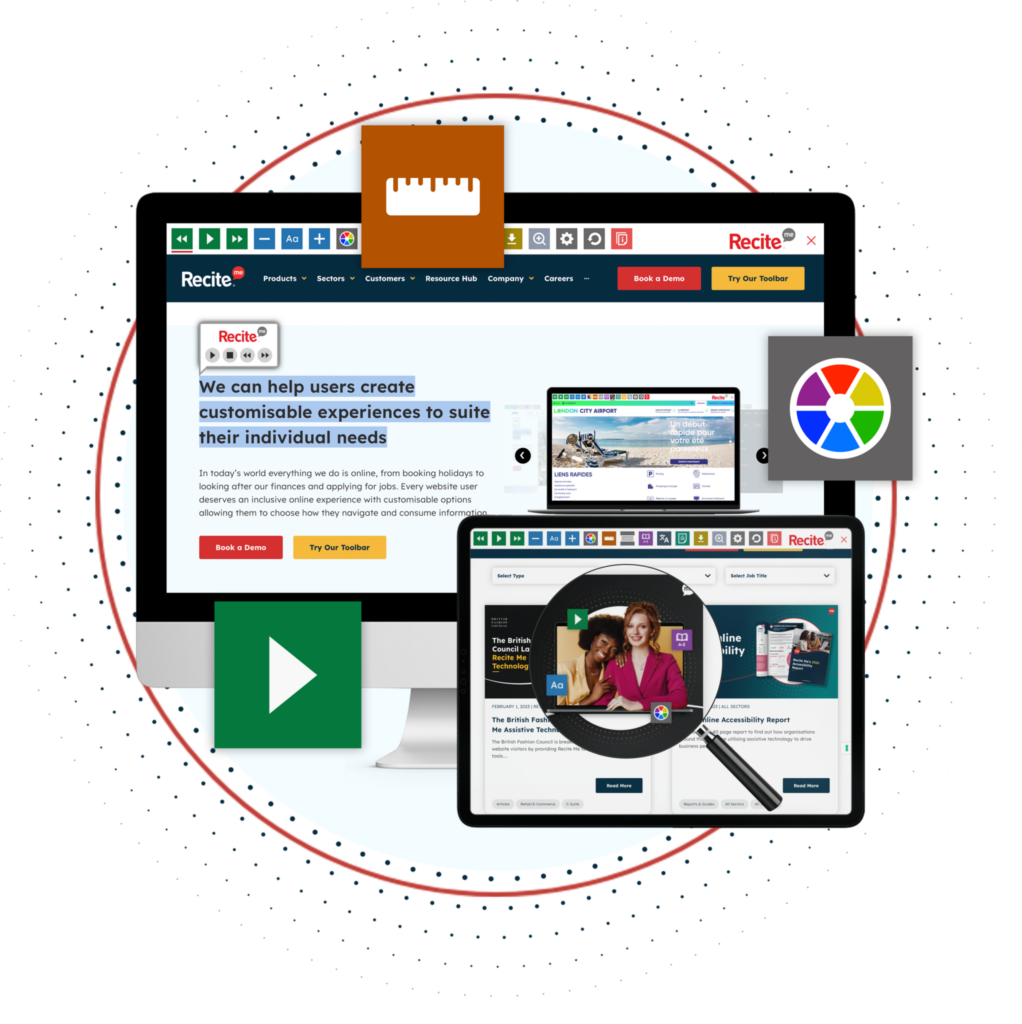
Accessibility Toolbar
The Recite Me Accessibility Toolbar integrates with education websites. Some of the main features include:
- Personalise font size, colour and type.
- Screen Mask & Ruler tools for reading.
- Download written content as an audio file.
- Text-to-speech software.
- Translation to over 100 languages.
- Customising PDF documents.
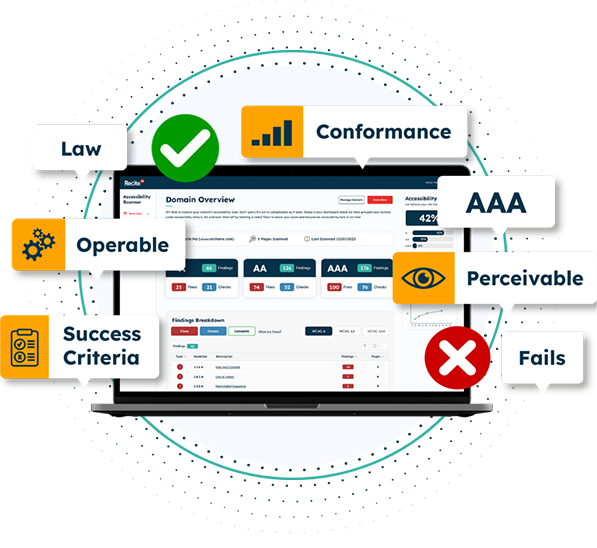
Accessibility Checker
Our Website Accessibility Checker scans school websites against WCAG 2.1 AA, flagging issues you need to prioritise. The process includes the following:
- Step 1: Scan Your Domains
- Step 2: Identify Accessibility Issues
- Step 3: Fix Accessibility Errors
- Step 4: Track Your Progress
- Step 5: Download & Share and Accessibility Report
PDF Remediation
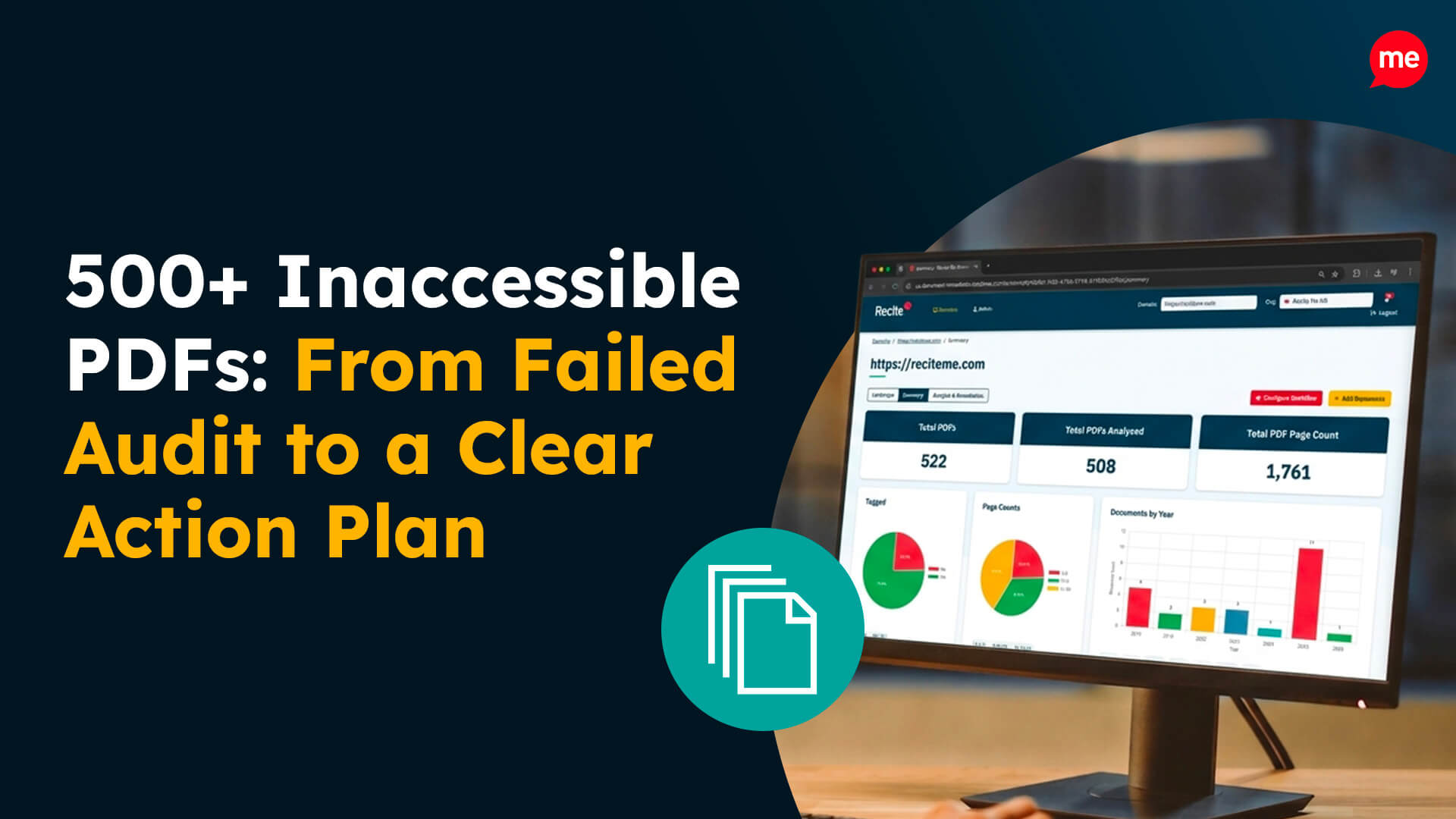
Course handbooks and reading lists often exist as PDFs that were never built with accessibility in mind. Recite Me’s PDF Remediation service fixes tagging, reading order, and structure, so screen reader users can move through documents the way they’re meant to.
Get a Free Accessibility Check of your Website
Run a scan to identify WCAG issues on your website's homepage. Then, use our recommended changes to achieve compliance with the latest accessibility standard.
How can Recite Me help educational institutions?
Recite Me is one of the leading accessibility providers, helping to make the world a more accessible place online. We have already helped a number of organisations in the education sector to become more accessible and intend to carry on helping many more in the future.
You can reach out to one of our team members at Recite Me if you want to learn more about the products or if you just want to learn more about accessibility and how we can help you start your journey towards digital accessibility today!
Accessibility in Education FAQs
Looking for a recap or quick summary? Here are a few of our most frequently asked questions to help you get to grips with the essentials:
Is web accessibility a legal requirement for schools?
Yes, laws like the Public Sector Bodies Accessibility Regulations and the Equality Act require schools to meet accessibility standards in the UK.
What is the accessibility standard for education websites?
Most legislation requires WCAG 2.1 Level AA compliance.
How can Recite Me help with education accessibility?
Recite Me offers an Accessibility Toolbar, a Website Accessibility Checker, and PDF Remediation to help schools meet compliance standards.
Check out our Products & Services
Ready to take your first steps towards digital accessibility compliance? Then see how we can support your journey with our accessibility solutions:
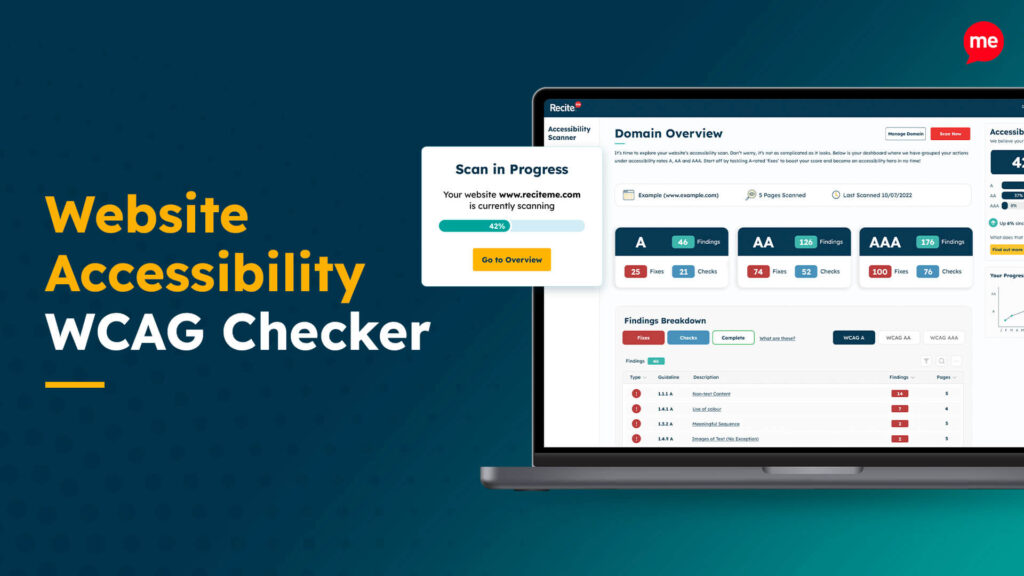
Web Accessibility Checker
Scan, detect, fix, and maintain accessibility compliance standards on your website.
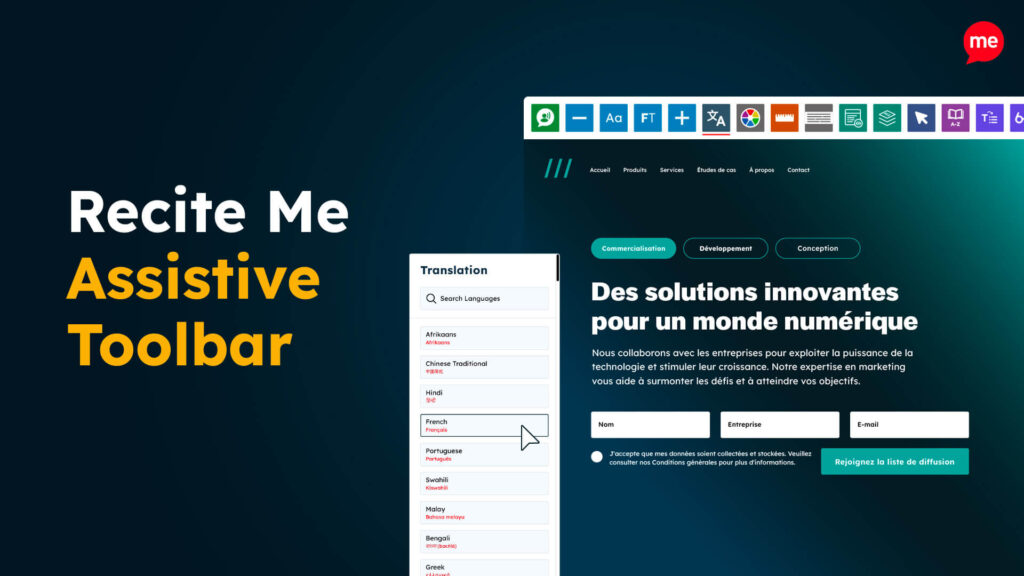
Assistive Toolbar
Make your website an inclusive and customisable experience for people with disabilities.
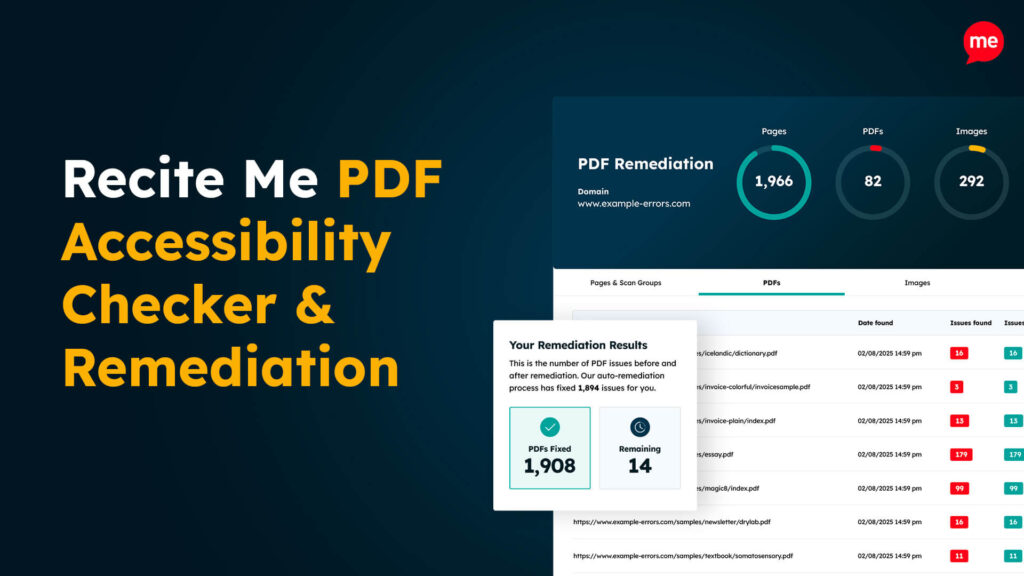
PDF Accessibility Checker
Check your PDFs are compliant with accessibility standards and run automated fixes.