








People access and interact with websites in different ways. What feels simple to one person can create a barrier for someone else.
From disability and neurodivergence to language needs and temporary circumstances, who might your website unintentionally be excluding?
The groups below aren’t definitive. People’s needs overlap, change and vary from person to person.
Disabled people
More than 16.8 million people in the UK have a disability (around 25% of the population). This includes people with visual, hearing, physical, speech and cognitive disabilities.
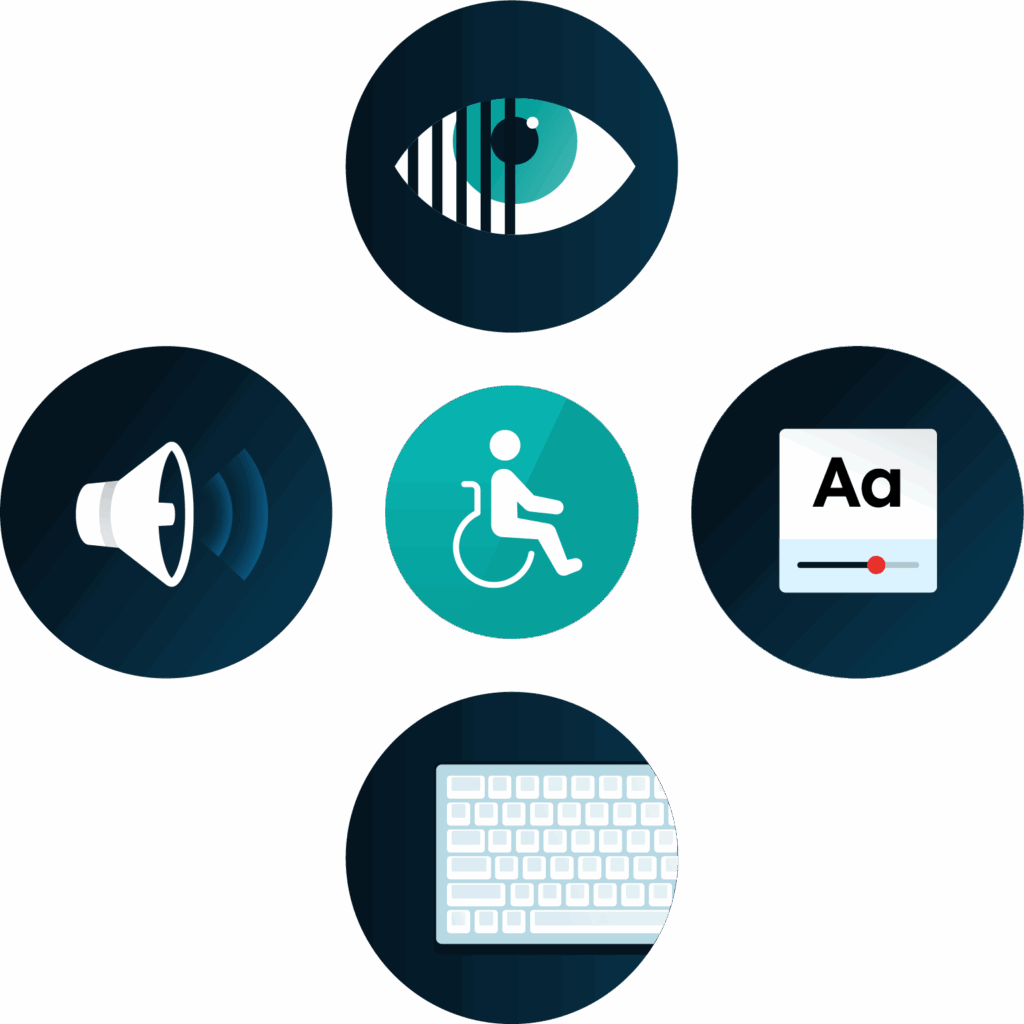
But there’s no single experience of disability. One person with sight loss might use a screen reader, while another may increase the text size or change the colour contrast. Someone with a physical disability may use a keyboard or voice commands rather than a mouse.
These different experiences are why providing choice in how people access and interact with your website matters.
Neurodivergent people
Neurodivergence includes neurological differences such as autism, ADHD, dyslexia, dyspraxia and dyscalculia.
Dense blocks of text, distracting page elements, complicated navigation or unclear instructions can all create barriers for some neurodivergent people. But what one person finds difficult, another may not.
Clear layouts, straightforward language and personalisation options can make a big difference.
Older people
The way we interact with technology can change as we get older. Changes to vision, hearing, dexterity or memory can all affect someone’s experience online.
Small text, low colour contrast, tiny buttons and complicated navigation can make a website harder to use.
Making these elements more accessible doesn’t just support older people. It can make the experience easier for everyone.
People with different language needs
Not everyone visiting your website will speak the same first language.
Complex terminology, jargon and lengthy content can make information harder to understand when someone is reading in an additional language. And when they need to complete a form, make a purchase or access an important service, that can quickly become a barrier.
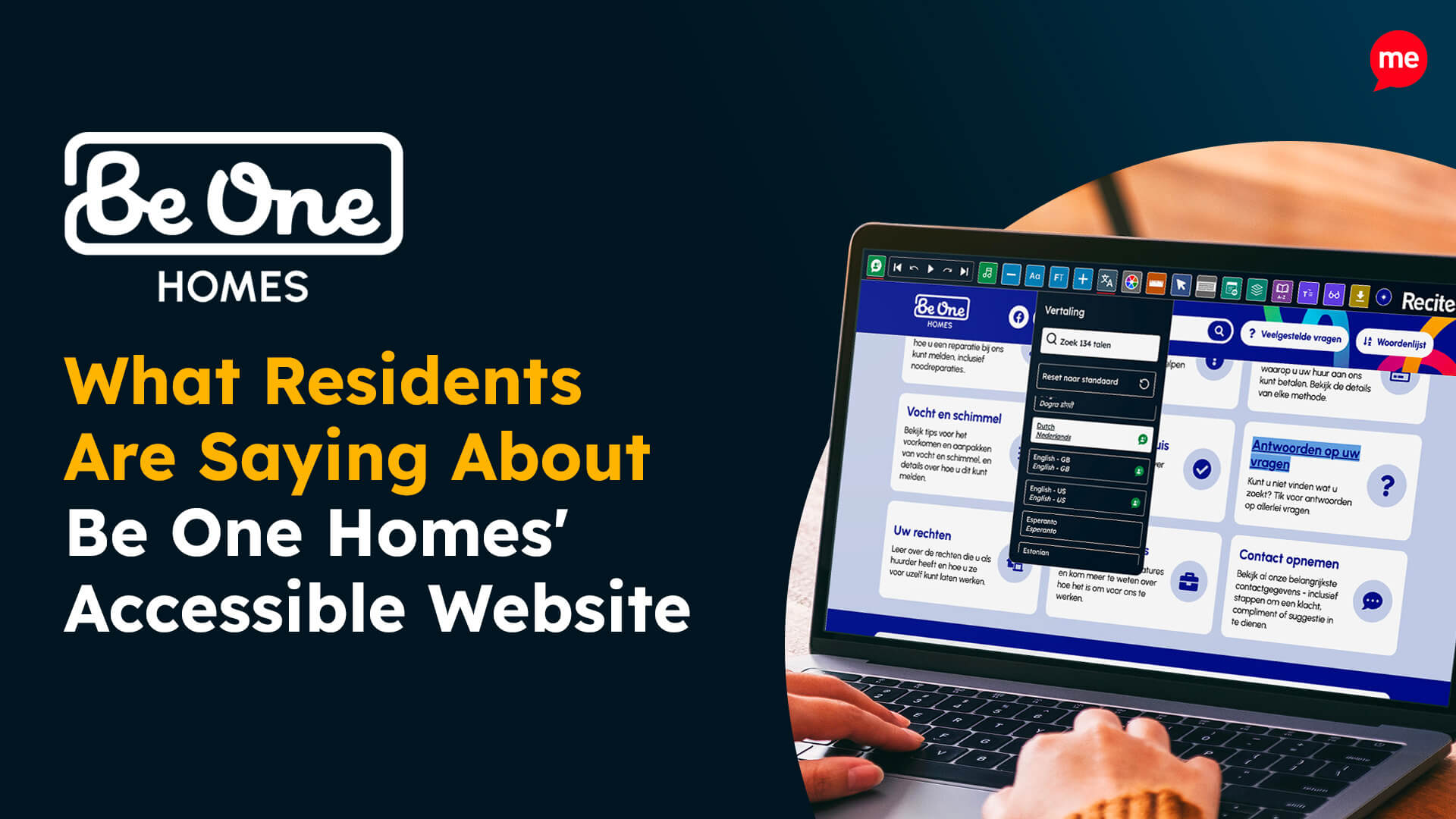
Using clear language and offering translation options can help more people understand your content.
People with temporary accessibility needs
Accessibility needs aren’t always permanent.
A broken arm could make using a mouse difficult. Someone recovering from eye surgery may struggle with small text. A migraine could make bright colours, animations or other moving content difficult to look at.
Temporary circumstances can change how someone needs to use your website, even if it’s only for a few days or weeks.
People facing situational barriers
Sometimes, it’s someone’s surroundings that create the barrier.
Captions can help when watching a video on a noisy train. Strong colour contrast becomes particularly useful when looking at a phone in bright sunlight. And if you’re holding a baby, you might only have one hand available to navigate your device.
Accessibility can be useful in more everyday situations than we sometimes realise.
People don’t fit neatly into boxes
These groups can help us understand some of the barriers people experience, but people don’t fit neatly into categories.
Someone can be neurodivergent and disabled. An older person might also speak English as an additional language. Someone with no permanent disability could experience a temporary or situational barrier.
Even two people with the same condition may have very different preferences and needs.
That’s why accessibility isn’t about creating a separate experience for every group. It’s about giving people more choice in how they access your website.
Who might you be missing?
When someone struggles to use your website, they won’t necessarily tell you.
They might abandon a purchase, give up on a form, look elsewhere for information or simply leave.
You may never know there was a barrier in the first place.
So, the next time you’re looking at your website, ask yourself: who might we be excluding?
Your supporters have already made the decision to give. Your website shouldn’t be the thing that gets in their way.
A few small changes can remove accessibility barriers and help more people support your cause this Giving Tuesday.