Facebook Tracking Pixel

What Are The Best Accessibility Testing Tools?

Published By:

two men sharing laptop monitor

TABLE OF CONTENTS

Get A Free Accessibility Check of your Website

Download Now

Digital accessibility laws such as the Equality Act, the European Accessibility Act (EAA), and the Americans with Disabilities Act (ADA) are increasing pressure on organisations to demonstrate that their websites are inclusive and compliant.

Accessibility testing tools help identify barriers before regulators, customers, or legal teams do. In this guide, we examine the best accessibility testing tools, the standards they assess, their limitations, and how to choose the right solution for your organisation.

What are the best accessibility testing tools?

There is no single “best” tool for every organisation. The right solution depends on your compliance obligations, internal resources, and long-term accessibility strategy. That said, a small number stand out for their effective combination of auditing, reporting, and remediation support.

Here are five widely used options, starting with the most comprehensive enterprise solution.

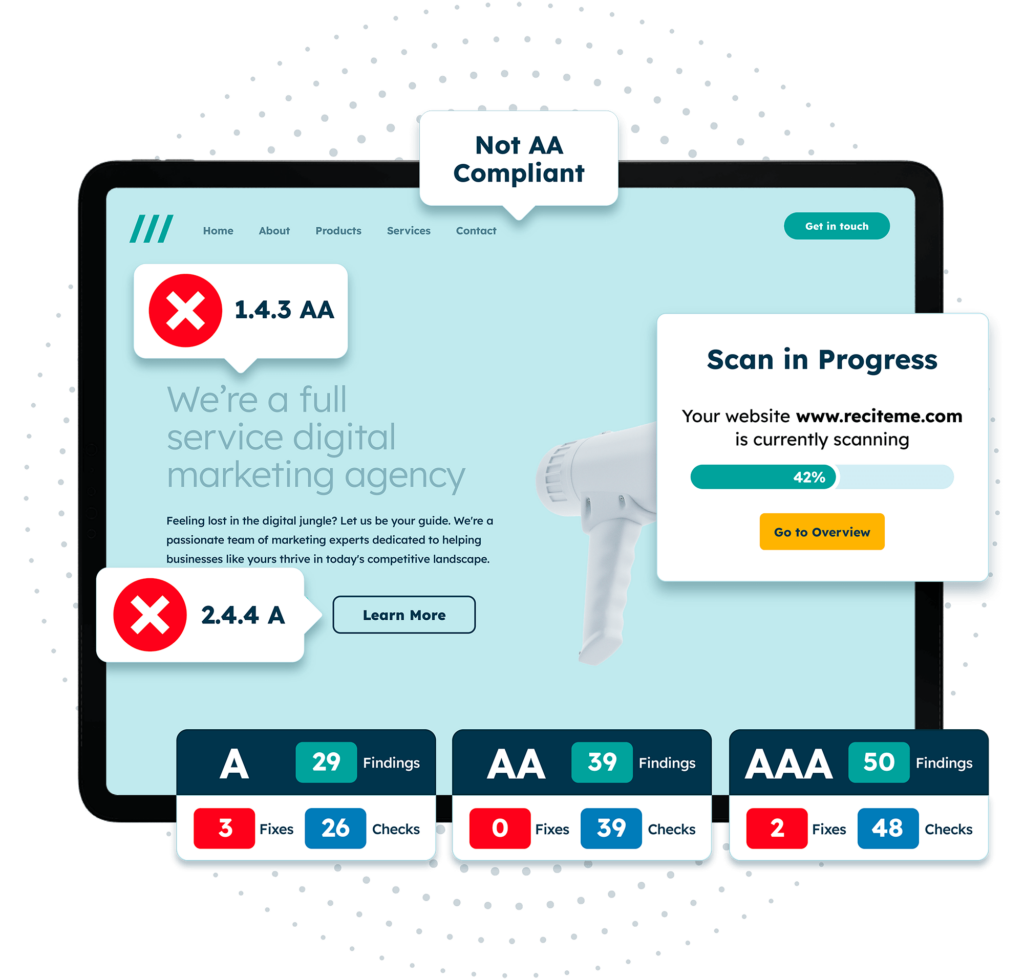
Recite Me Website Accessibility Checker

The Recite Me Website Accessibility Checker is designed for organisations that need structured, ongoing accessibility monitoring rather than a one-off scan. It supports long-term compliance strategies and is particularly well-suited to:

  • Public sector bodies
  • Large enterprises
  • Organisations trading within the EU
  • Businesses exposed to ADA litigation
  • Companies requiring board-level reporting

Key strengths include automated scanning against WCAG 2.2 criteria, identification of recurring template-level issues, and prioritised reporting backed by accessibility consultancy expertise.

Unlike browser-based developer tools, the Recite Me Accessibility Checker focuses on broader organisational risk and compliance management. For leadership teams, this matters because accessibility needs to be owned and tracked rather than treated as a checkbox task.

WAVE by WebAIM

WAVE is a free browser-based accessibility evaluation tool developed by WebAIM. It is most useful for:

  • Quick page-level checks
  • Identifying missing alt text
  • Detecting colour contrast issues
  • Reviewing structural heading problems
webaim

WAVE is easy to use and suitable for content editors or small businesses starting their accessibility journey. However, it does not provide site-wide monitoring or compliance reporting across complex digital estates.

Microsoft Accessibility Insights

Accessibility Insights is a free Microsoft tool offering both browser extensions and desktop testing capabilities. It supports:

  • Automated checks
  • Guided manual testing workflows
  • ARIA validation
  • Focus order inspection
Microsoft Accessibility Insights logo

These qualities make it particularly helpful for developers who need structured testing guidance. However, while powerful, it is designed primarily for technical users and does not provide the compliance reporting or oversight features required for organisation-wide tracking.

axe DevTools

axe DevTools is widely used by developers for automated accessibility testing. Key benefits include:

  • Browser-based automated scans
  • Integration into CI/CD pipelines
  • Developer-focused issue explanations

axe is particularly effective within development environments because it integrates directly into build pipelines, allowing teams to detect and fix accessibility issues during development rather than after release. However, its outputs are technical and may require additional reporting processes to convert findings into executive-level compliance evidence.

Lighthouse (Chrome DevTools)

Lighthouse is built into Chrome DevTools and provides automated audits for performance, SEO, and accessibility. It can:

  • Identify basic WCAG-related failures
  • Flag colour contrast issues
  • Detect missing labels and form errors
Lighthouse (Chrome DevTools)

Lighthouse is useful for quick diagnostics. However, it is not a substitute for comprehensive accessibility testing because it only evaluates a limited subset of WCAG criteria and cannot assess contextual accuracy, manual interactions, or assistive technology use. Also, the scoring system can create a false sense of security if not interpreted carefully.

Get a Free Accessibility Audit of your Website

Get a free automated accessibility check of your websites homepage. This will identify and highlight any compliance issues on your website. Followed by recommendations on how to implement the necessary changes to make your website more accessible.

EAA auditing

What standards do the best accessibility testing tools check against?

The most effective accessibility testing tools align clearly with Web Content Accessibility Guidelines (WCAG) success criteria and provide reporting that maps findings to recognised compliance standards. Anything less risks partial compliance or misalignment with legal expectations.

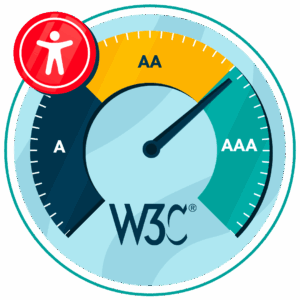
What are the levels of WCAG Compliance

In many jurisdictions, WCAG 2.1 Level AA is the minimum required standard. However, as the most up-to-date guidance, compliance with WCAG 2.2 Level AA is strongly recommended as it introduces additional success criteria focused on usability improvements, such as focus appearance, target size, and dragging alternatives.

What are the most common website accessibility errors?

Across industries and regions, the same issues appear time and again. The most common include:

  • Missing or non-descriptive alt text
  • Low colour contrast
  • Empty or vague link text, such as “click here”
  • Improper heading structure
  • Online form fields without associated labels
  • Inaccessible PDFs
  • Keyboard navigation failures
  • Missing focus indicators
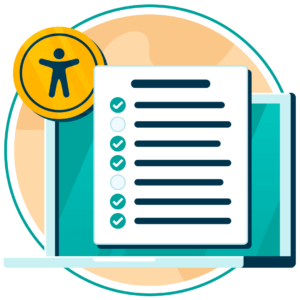
website accessibility checklist

Many of these issues can be detected using automated accessibility testing tools. However, identifying problems is only the first step. Long-term improvement requires clear ownership and defined workflows to ensure accessibility barriers do not recur as new content is published, platforms are updated, or third-party integrations are introduced.

Why should organisations test website accessibility?

Testing provides measurable evidence that accessibility is being actively managed rather than assumed. This is increasingly important as regulatory pressure continues to grow:

  • The Public Sector Bodies Accessibility Regulations enforce accessibility in the UK for government agencies
  • The European Accessibility Act became enforceable in June 2025.
  • ADA Title III litigation continues to rise in the United States.
  • The US Department of Justice has introduced a 2026 compliance deadline for state and local government websites under updated ADA rules.
  • Most public sector bodies are already expected to meet Section 508 and EN 301 549 requirements.

However, the best accessibility testing tools go beyond compliance. They also support public procurement eligibility, strengthen ESG commitments, expand access to wider digital audiences, and protect brand trust in an era where ethical and inclusive business practices often influence purchasing decisions.

Are there any limitations of accessibility testing tools?

Most accessibility checkers are effective at identifying technical failures such as missing alt text, colour contrast issues, or empty form labels. However, automated testing tools cannot detect every barrier.

For example, most cannot reliably assess:

  • Whether alt text accurately describes an image
  • Whether link text makes sense in context
  • Whether form field instructions are clear
  • Whether content is cognitively accessible
  • Whether a site is usable with assistive technology

That’s why accessibility best practices typically involve combining automated scans with manual reviews and user testing to gain a more complete picture of accessibility performance.

How to choose the best accessibility testing tool for your organisation

Smaller organisations and personal websites often begin with free tools to identify common issues. However, as digital estates grow, so do compliance risks.

Large organisations and public sector bodies typically require:

  • Ongoing monitoring
  • Audit documentation
  • Board-level reporting
  • Clear accountability frameworks
  • Alignment with local and international accessibility legislation

At this level, accessibility cannot be managed through browser extensions alone. It requires structured monitoring and accountability across the entire digital estate.

Digital Accessibility and Inclusion Toolkit

Our 40-page Digital Accessibility & Inclusion Toolkit helps businesses break down online barriers and make a real impact. It offers practical advice on all aspects of digital accessibility, from writing an accessibility statement to accessible website tips and inclusive hiring.

Start building an accessibility strategy that lasts

Accessibility is not a one-time fix but an ongoing process that requires continuous attention as websites evolve and standards develop. The best accessibility testing tools combine automation, oversight, and accountability.

Not sure where your website stands or what your next steps should be? Request your free accessibility check today to gain the clarity you need to support long-term compliance.

Accessibility testing tools FAQs

Looking for a recap or quick summary? Here are a few of our most frequently asked questions to help you get to grips with the essentials:

That depends on your organisation’s size and risk exposure. Smaller websites may begin with free tools for basic checks. However, enterprise organisations often require more structured monitoring and reporting.

Not usually, no. Free accessibility testing tools can identify common technical issues, but they do not guarantee compliance with legislation such as the European Accessibility Act or ADA. Full compliance typically requires ongoing monitoring and manual testing.

Most accessibility legislation, including the EAA and ADA enforcement actions, references WCAG as the benchmark standard. The strongest accessibility testing tools align with WCAG 2.1 Level AA as a minimum, with increasing emphasis on WCAG 2.2.

No. Automated tools can detect many technical failures, but cannot assess contextual accuracy, usability quality, or real-world assistive technology use. Therefore, manual testing and user validation remain essential.

Many companies test quarterly or biannually, depending on website size and scope. However, new content, platform updates, and third-party integrations can introduce new barriers. Therefore, additional testing should be conducted after every major release, redesign, and platform migration.
Check out our Products & Services

Ready to take your first steps towards digital accessibility compliance? Then see how we can support your journey with our accessibility solutions:

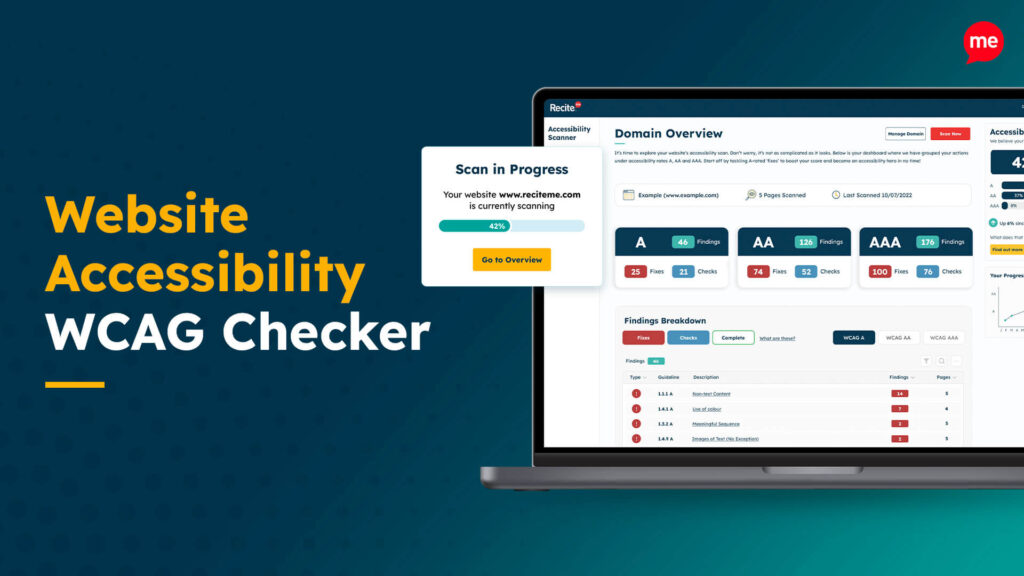
Website Accessibility WCAG Checker

Web Accessibility Checker

Scan, detect, fix, and maintain accessibility compliance standards on your website.

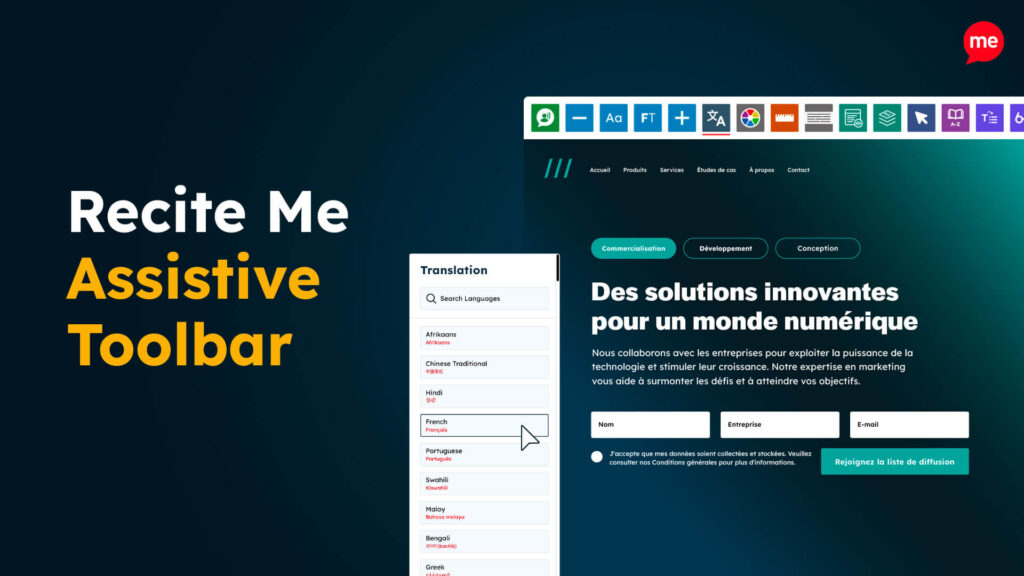
Recite Me Assistive Toolbar

Assistive Toolbar

Make your website an inclusive and customisable experience for people with disabilities.

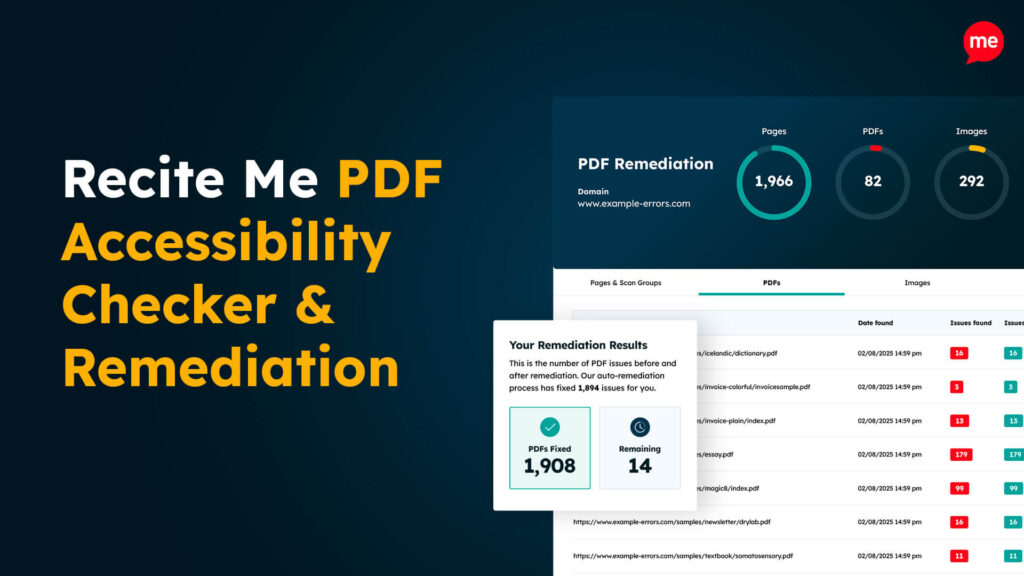
Recite Me PDF Accessibility Checker & Remediation

PDF Accessibility Checker

Check your PDFs are compliant with accessibility standards and run automated fixes.

Related Content