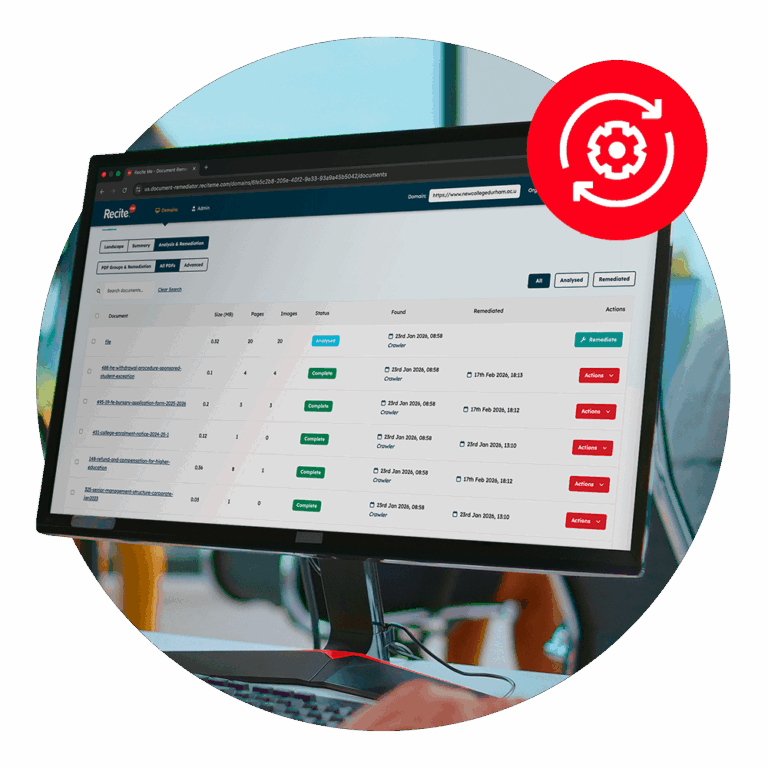
In this on-demand webinar Recite Me’s accessibility experts explain why inaccessible PDFs are a major compliance risk, and how to identify, prioritise, and fix issues at scale.
Audience Questions
Alt text for graphics in PDFs should briefly explain what the graphic shows and the key takeaway or insight, rather than describing every detail. Focus on helping someone understand the purpose of the visual, whether it’s a trend, comparison, or process, so they get the same meaning as a sighted reader.
The Recite Me PDF Remediation Tool can automatically generate a HTML version of a PDF. It extracts content into a structured, more accessible format. The HTML version is easier to navigate and interact with than a standard PDF.
Maps are considered complex content. The tool can identify key features, but human review is often needed to ensure accuracy and clarity. It’s also worth considering whether a map should be in a PDF at all, or if the information could be presented in a more accessible format.
Yes, the PDF Remediation Tool is alone as a stand alone product. Book a demo here.
All Recite Me AI-powered tools operate on an enterprise basis, meaning your data is handled securely and responsibly.
No data from your PDFs is used to train AI models. Recite Me has enterprise agreements in place with leading providers, which include strict data processing terms. This means there is zero data retention, your content is processed and returned, then immediately discarded.
In short, the data is handled on a process-and-return basis, with no storage and no reuse. This approach applies across Recite Me tools, including the Assistive Toolbar and Website Accessibility Checker.
The tool works on existing PDFs regardless of how they were created. It identifies accessibility issues like: missing structure, missing alt text and poor tagging.
At present, Recite Me’s PDF Accessibility Remediation product operates as a standalone solution and does not directly integrate with content creation tools such as Microsoft Word or Adobe InDesign.
However, the platform connects directly to your website to automatically discover and extract live PDFs. These documents can then be remediated and either automatically deployed or replaced with accessible versions.
For newly created documents, the process is also straightforward. Once a PDF is exported from your authoring tool (e.g. InDesign or Word), it can be uploaded into the platform, remediated, and then downloaded for manual upload back to your website as a fully accessible PDF.
Check out our Accessible PDF Resources
PDF Accessibility compliance is essential for your business and its customers. Get started today with any of our free downloadable resources.
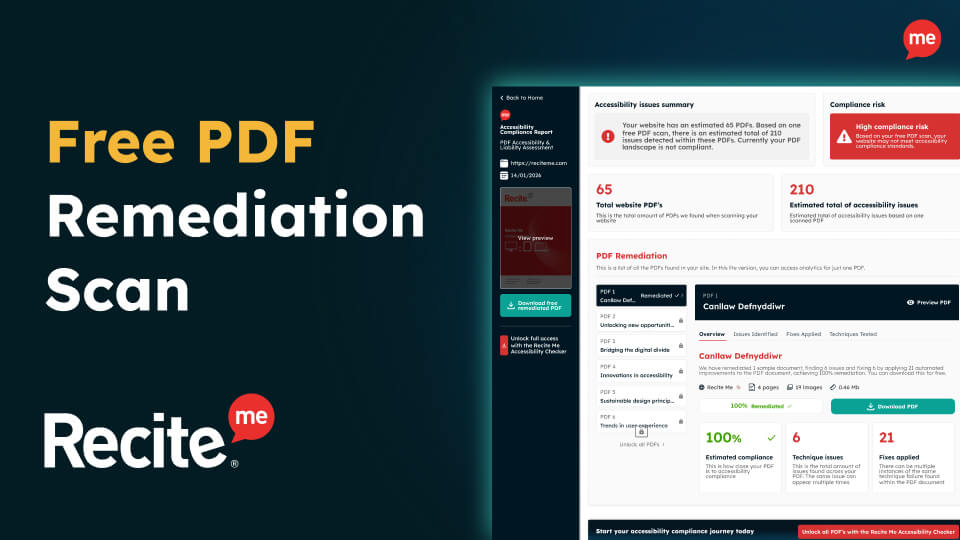
Free PDF Remediation Scan
Instantly uncover accessibility barriers hidden across your PDFs and understand what they mean for disabled users and legal compliance.
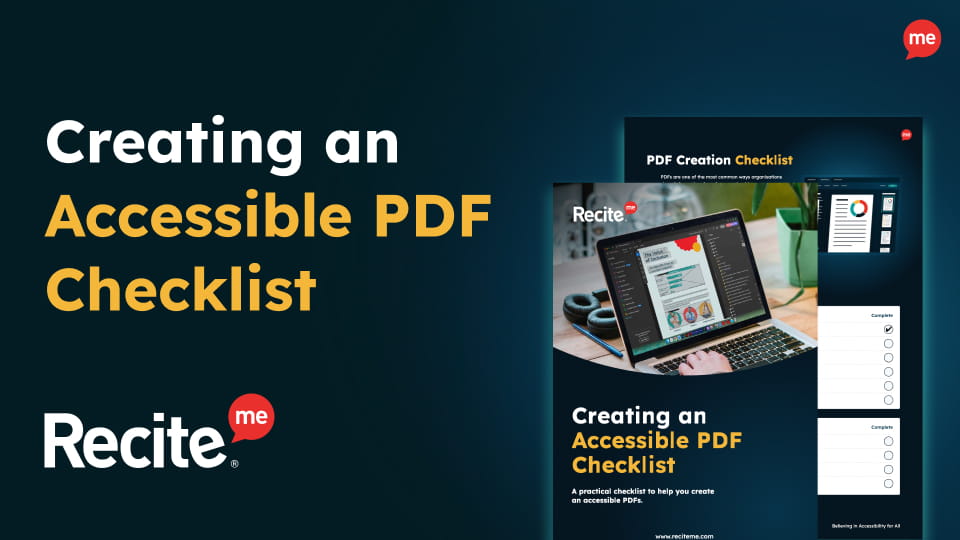
Accessible PDF Checklist
This practical checklist helps you understand what accessible PDFs actually require and what “good” looks like in real-world use.
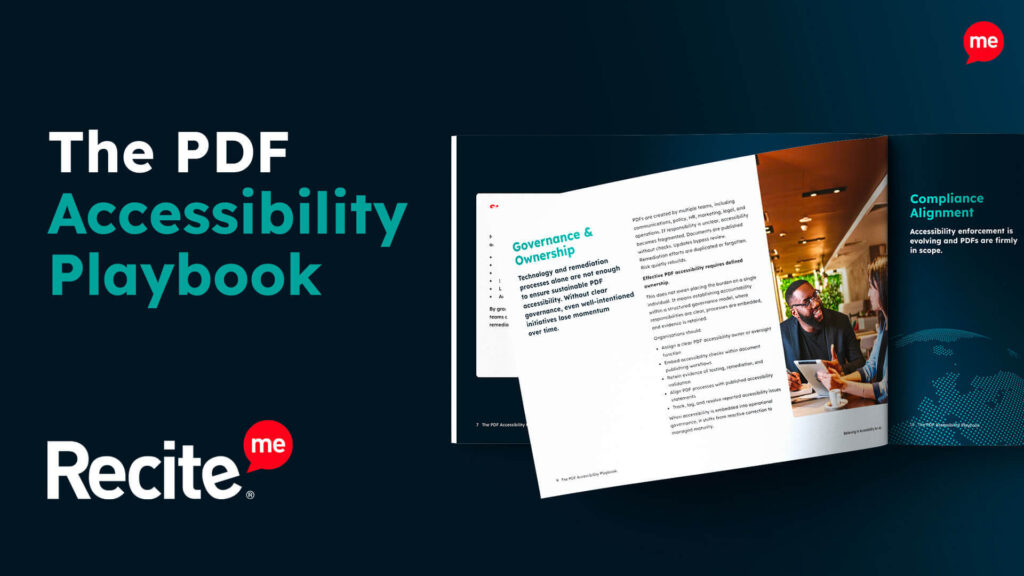
PDF Accessibility Playbook
This playbook introduces a structured, strategic approach to effectively managing PDF accessibility at scale.
