
























Get Your Free PDF Remediation Checklist
Download NowPDFs are one of the most commonly used document formats thanks to their consistent formatting across devices, small file sizes, and strong security features. That said, organisations need to ensure the PDF is accessible to everyone by aligning content with globally recognised accessibility principles, such as the Web Content Accessibility Guidelines (WCAG). This means accessibility is both about compliance and making information accessible to every reader.
This post will tell you everything you need to know about checking PDF accessibility so that you can publish documents with confidence and avoid the fallout of inaccessible content.
What makes a PDF accessible?
So, what makes a PDF accessible? Accessible PDFs can be accessed, read, and navigated by all users, including those with disabilities and those using assistive technologies, such as screen readers.
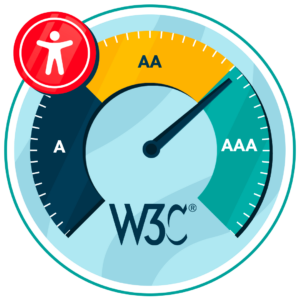
PDFs should align with the four principles of WCAG, which means content should be:
- Perceivable
- Operable
- Understandable
- Robust
To achieve this, organisations should make sure that the document follows a clear reading order, has a logical and tagged structure, supports keyboard navigation, uses sufficient colour contrast, and includes descriptive alt text for images.
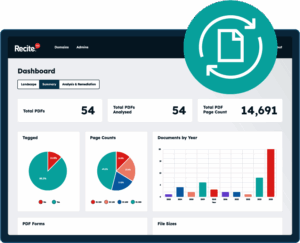
Scan your website to locate every PDF in one place and instantly see how many do not meet accessibility standards. You will also receive one of your website’s PDFs fully remediated, so you can see the impact in action.
When should you check PDF accessibility?
PDF accessibility should never be an afterthought because this can lead to non-compliance issues and excludes users, potentially harming your brand reputation. Therefore, accessibility checks should be a part of your publishing process to ensure that documents are accessible for all users and in line with WCAG before hitting publish.
The main times when you should check PDF accessibility include:
- Before publishing PDFs online
- After converting documents from Word or InDesign
- When updating legacy or scanned PDFs
- As part of regular accessibility audits
By checking PDF accessibility at these moments, you can feel confident that the documents you make available are accessible to all users and in line with globally recognised accessibility guidelines.
PDF accessibility checks that everyone should know
PDF accessibility should involve manual checks that help you detect any issues and ensure that the meaning of the content remains intact. The key checks to conduct before publishing content include:
Check reading order
First, you should check the reading order to ensure that it is logical and structured. Many visually impaired users rely on a screen reader that follows the document’s tag structure, not the visual layout. The Adobe Acrobat “Read Out Loud” feature can be a simple way to test this, or you could check the Tags panel for a more technical analysis.
Test keyboard navigation
Many users rely on keyboard navigation, so it is important that there are no barriers. The document should be easy to navigate with the use of the Tab, Shift+Tab, and arrow keys, and all interactive elements should be reachable.
Check images for alternative text
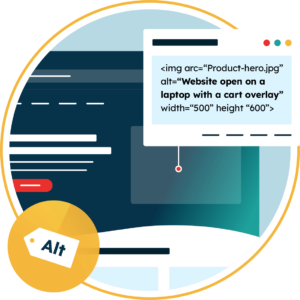
Screen readers rely on alt text to describe images to those who are visually impaired. Therefore, all important images should include descriptive alternative text to ensure all users understand the images included. You can use empty alt=”” for any decorative images (screen readers will skip these).
Zoom and reflow testing
Text should always be readable without the need for horizontal scrolling where possible. You can test this by increasing the zoom levels to 200+ to make sure the text remains readable without horizontal scrolling.
Review headings and structure
Make sure that all headings follow a hierarchy by using H1, H2, H3, etc. This will make it easier for a screen reader to follow the order of the document.
Check links and navigation elements
Check all hyperlinks within the PDF to ensure they use descriptive link text as opposed to something generic like “click here”.
Assess colour contrast and visual clarity
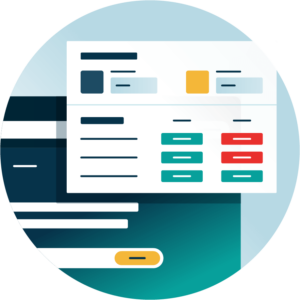
Colour contrast is key to making sure text is readable by users with visual impairments. There should be a minimum colour contrast of 4.5:1 for normal text and 3:1 for large text.
Review language and metadata
Finally, make sure that you set the right document language and that metadata is completed fully so that assistive technologies like screen readers can interpret the document correctly.
How the Recite Me PDF Remediation Tool can fast-track the process
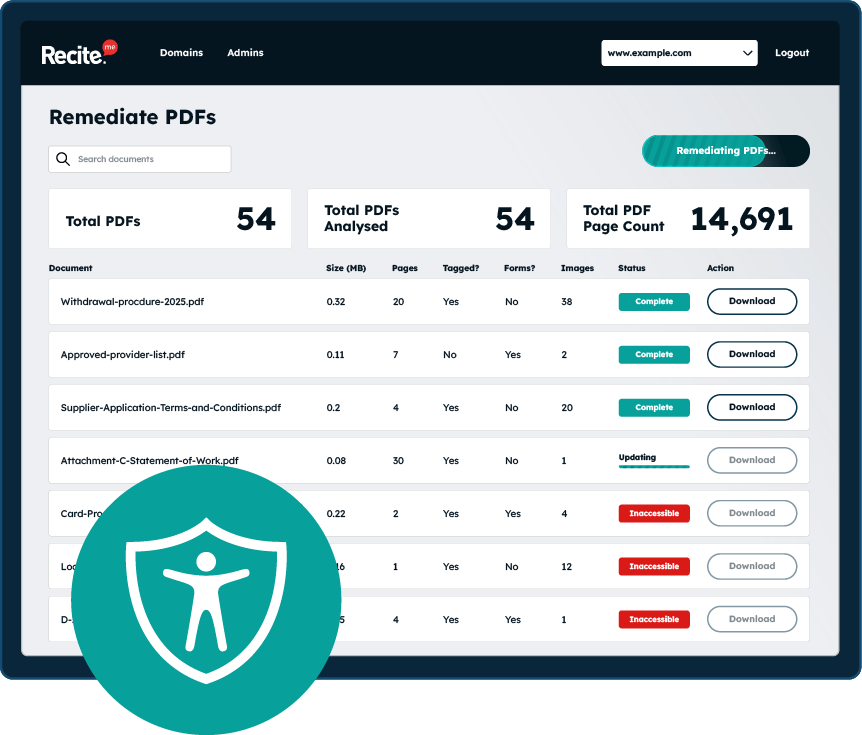
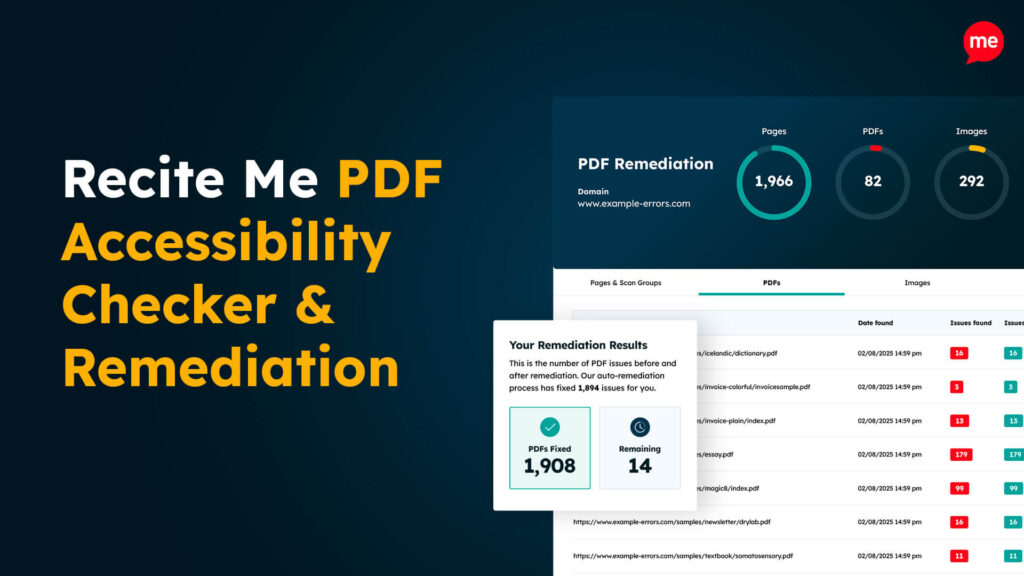
Manual accessibility checks are important, but they can also be time-consuming, and it is easy to miss small mistakes. The Recite Me PDF Remediation Tool can fast-track the process by automatically scanning your website for PDF documents that are then tested against WCAG guidelines.
The tool is capable of detecting a wide range of issues, including missing alt text, contrast errors, incorrect reading order, and more. Many of these issues can then be fixed with AI-powered automation, allowing for fast and effective document remediation. However, step-by-step guidance is still provided for any issues you may want to resolve manually.
Why regular PDF accessibility checks are so important
Carrying out regular PDF accessibility checks helps ensure documents are usable, compliant, and aligned with inclusive values. When accessibility is overlooked, organisations can face legal exposure, operational inefficiencies, and reputational harm.
- Legal and regulatory compliance: Many laws and standards require digital content to be accessible. Failing to meet these requirements can result in fines, legal costs, settlement payments, and urgent remediation work.
- Inclusive access to information: PDFs should work for anyone, including people with visual, cognitive, or motor differences. Accessible documents help ensure that important information is available to everyone who needs it.
- Improved productivity and efficiency: When internal documents are not accessible, some staff may need more time to navigate and understand them. This can slow workflows and increase reliance on additional support.
- Reduced support demands: Inaccessible documents often generate avoidable queries and requests for assistance, creating extra work for support teams.
- Stronger reputation and trust: Demonstrating a clear commitment to accessibility reinforces organisational credibility. Inclusivity and transparency are widely recognised expectations, and accessible content reflects those values in practice.
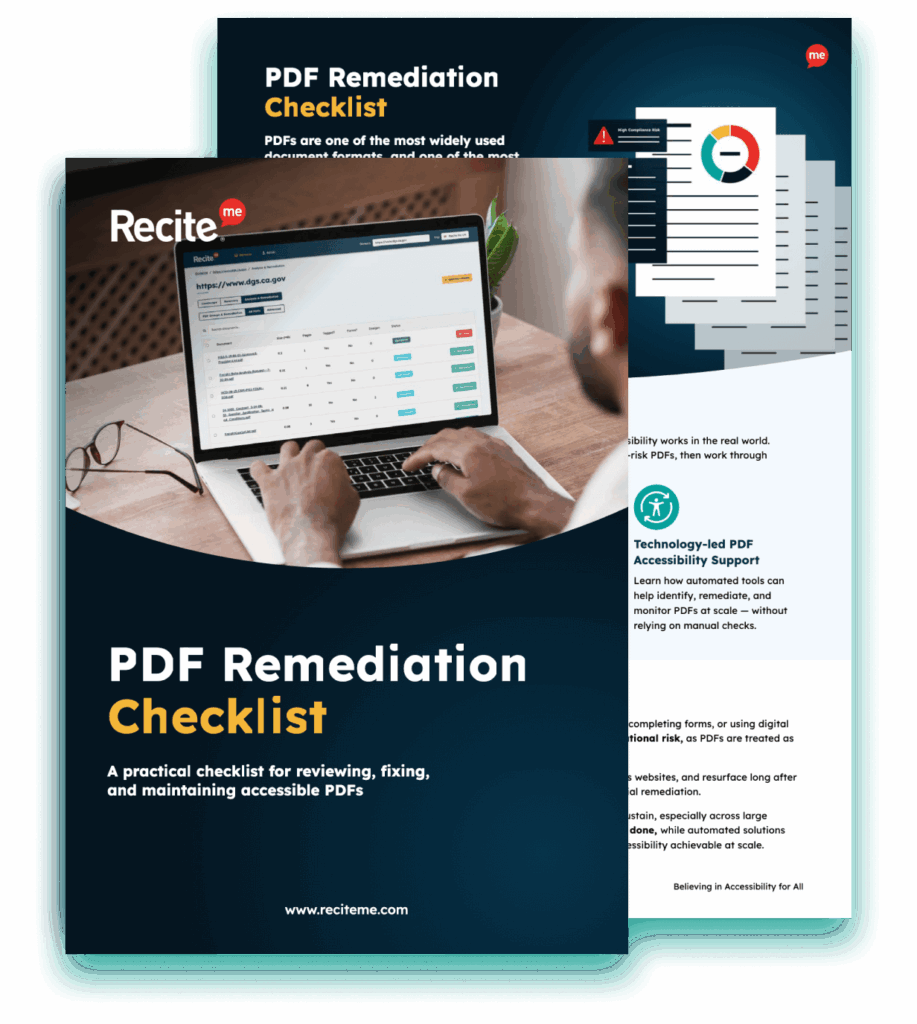
Improve the accessibility of your website’s official documents with our free PDF remediation checklist. It guides you through clear steps to identify and address common accessibility barriers, to align with global accessibility standards.
Start creating accessible PDFs today
PDF accessibility should be a priority for all organisations moving forward, as it’s both the thing you must do and should do. Organisations that align PDFs with WCAG accessibility guidelines can reduce legal risk and improve access to important internal and external information.
The Recite Me PDF Accessibility Checker is the perfect tool to support you in this journey. You can run a free remediation scan today or contact our team to see how we can help.
How to check PDFs are accessible FAQs
Looking for a recap or quick summary? Here are a few of our most frequently asked questions to help you get to grips with the essentials:
Should I use manual or automated PDF remediation?
It is always worth doing both manual and automated PDF remediation. Manual remediation allows you to interpret the meaning of the content and how the information should be conveyed. Automated PDF remediation can offer speed and scale advantages while ensuring there are no manual oversights (a common issue).
This hybrid approach allows organisations to benefit from the speed of automated tools and the nuanced judgement of human editing.
Do private organisations need to ensure PDF accessibility?
Yes, global accessibility legislation mandates accessible websites for private organisations.
What are PDF tags?
PDF tags are used to describe the structure of the document, which can include headings, paragraphs, lists, tables, etc.
They are important because they help assistive technologies like screen readers to understand how the content is ordered and how it should be read out loud or navigated.
What is WCAG 2.2 Level AA?
WCAG 2.2 Level AA is considered the benchmark of international accessibility guidelines.
Although originally designed for websites, many of the guidelines can also be applied to PDFs. Aligning PDFs with WCAG 2.2 Level AA reduces non-compliance risks while ensuring that your documents are accessible to users with wide-ranging disabilities.
How often should PDF accessibility be reviewed?
Accessibility is not a one-time fix. Accessibility audits should be conducted annually to ensure all content aligns with WCAG guidelines. Additionally, it is important to review PDF accessibility any time new documents are created or existing documents are updated. For organisations that frequently publish reports, brochures, and other documents, PDF accessibility checks must be a top priority.
Check out our Products & Services
Ready to take your first steps towards digital accessibility compliance? Then see how we can support your journey with our accessibility solutions:
Web Accessibility Checker
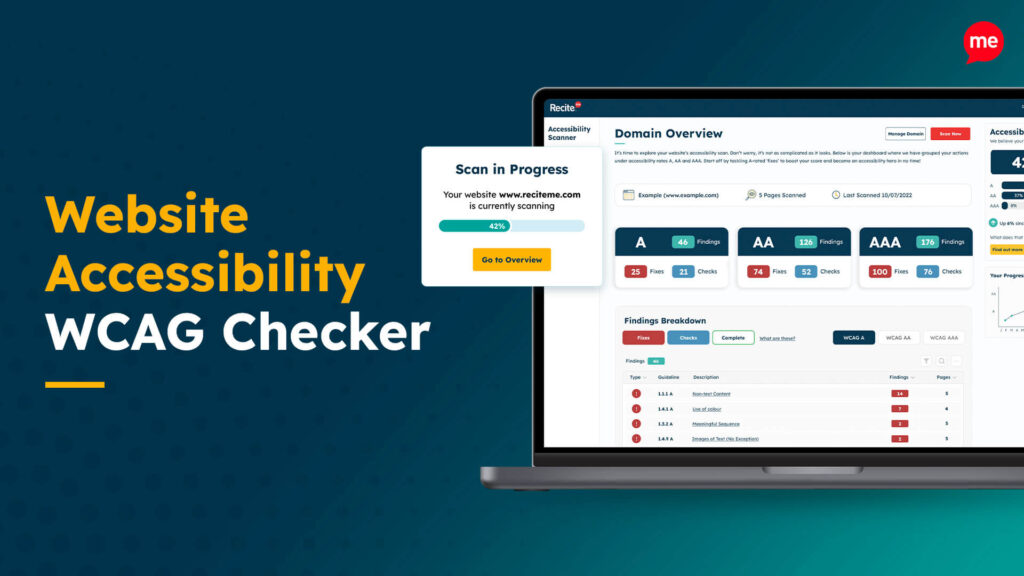
Scan, detect, fix, and maintain accessibility compliance standards on your website.
Assistive Toolbar
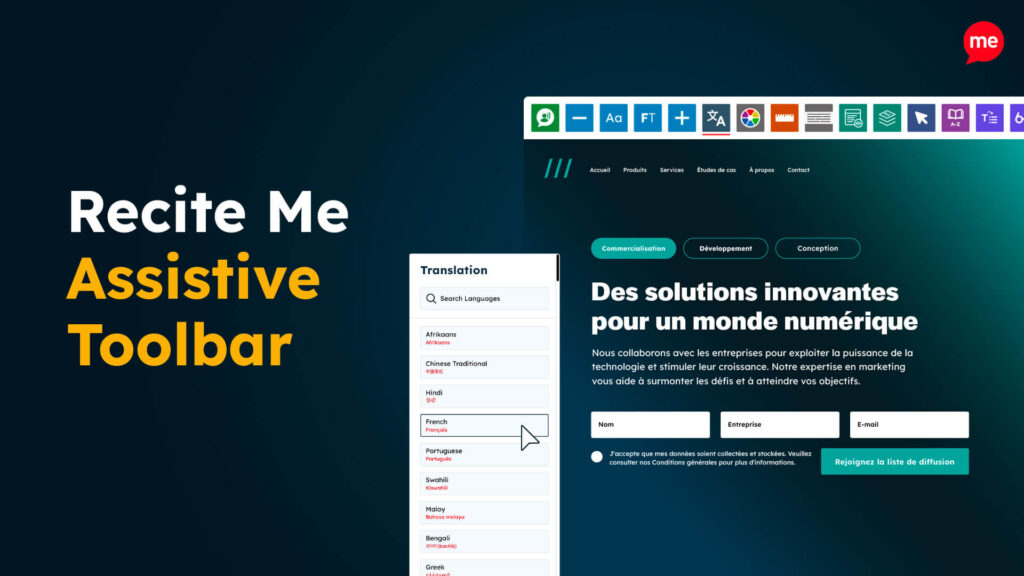
Make your website an inclusive and customisable experience for people with disabilities.
PDF Accessibility Checker
Check your PDFs are compliant with accessibility standards and run automated fixes.