Article

Digital Accessibility in Transport: Why Online Content Needs to be Accessible

Published By:

TABLE OF CONTENTS

FREE TOOL

Accessibility Risk Calculator

Try Now

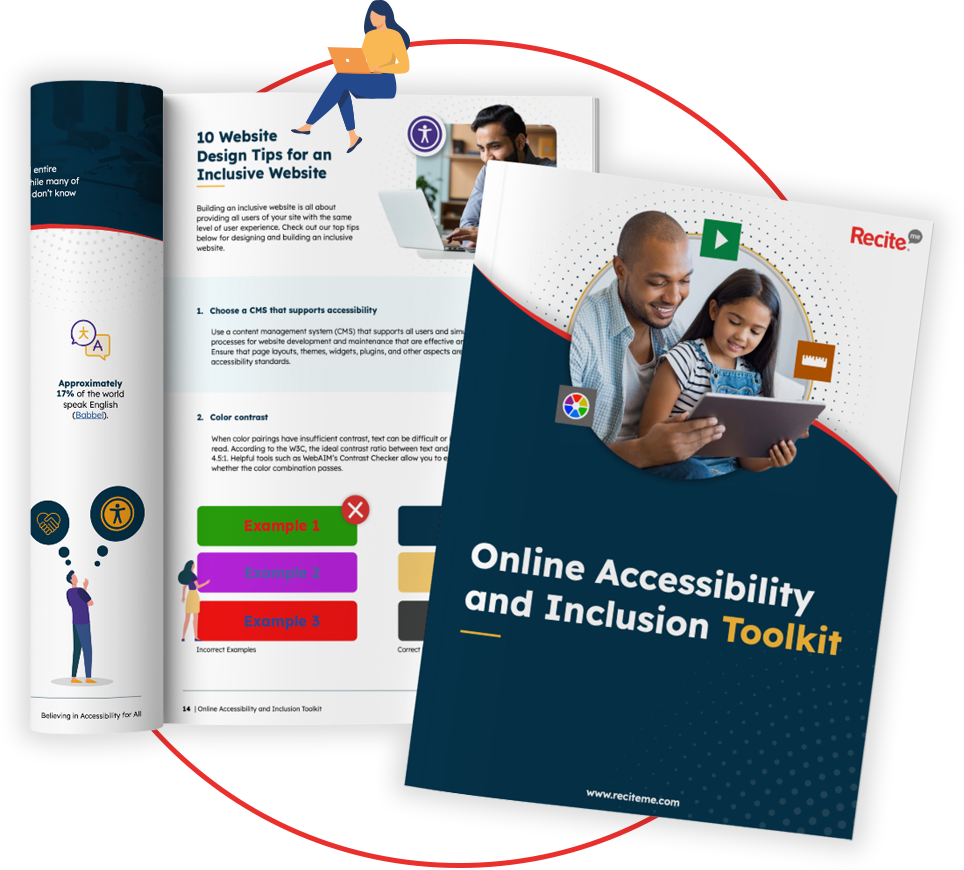
Get Your Free Accessibility & Inclusion Toolkit

Download Now

Planning a journey should be as simple as checking a timetable, booking a ticket and making your way to the station. But for some passengers, getting from A to B can start with a few extra hurdles if the website or app they rely on is difficult to access.

In this guide, you’ll learn more about why accessible online content is essential for transport organizations.

Why does accessibility matter in the transport sector?

Accessibility is important because transport websites and apps provide some of the most important information people need when planning and taking a journey. It can include everything from checking departure times and ticket prices to platform changes, cancellations, and general accessibility information.

For passengers with disabilities, accessible digital content is important because it can help them understand what to expect before they travel and make arrangements that meet their needs.

Someone who uses a wheelchair might need to know if a station has step-free access, while a passenger with a visual impairment may rely on a screen reader to check departure information or complete a booking.

But it’s not just people with disabilities that benefit. For instance, accessible websites are easier to use for older people with temporary impairments and anyone trying to use a website on a small screen.

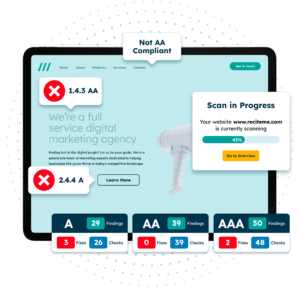
Get a Free Accessibility Check of your Website

Run a scan to identify WCAG issues on your website's homepage. Then, use our recommended changes to achieve compliance with the latest accessibility standard.

Common accessibility barriers on transport websites

From journey planners and booking systems to live departure boards, maps, timetables and downloadable documents, there are plenty of opportunities for accessibility problems to arise. Here are some of the issues transport organizations should be looking out for.

Inaccessible booking flows and forms

Booking a ticket can involve a few steps where form fields must be completed. But accessibility errors can occur when form fields are not clearly labelled, buttons cannot be reached using a keyboard, or error messages are difficult for assistive technologies to understand.

The fix starts with making every part of the booking process usable without a mouse. Forms should have clear labels, instructions should be easy to follow and error messages should explain what has gone wrong.

It is also important that keyboard users can move through the whole process logically, with a clear focus indicator showing where they are on the page.

Real-time updates not announced to screen readers

With delayed services, platform changes and cancellations, transport information can change quickly and passengers should be made aware of important updates as soon as they happen. For someone using a screen reader, however, a new message appearing visually on screen does not necessarily mean they will know it has been added.

If live updates are not communicated properly to assistive technology, a passenger could miss information that affects their journey. Important updates should therefore be marked up in a way that allows assistive technologies to detect and announce them, with live regions where appropriate.

Updates should also be communicated through clear text rather than color or visual movement alone.

PDF timetables and route maps with no text alternative

PDFs are a common way for transport organizations to share information, but even if a document looks perfectly fine to you, it may be difficult for someone with a screen reader to understand. An example of this is a timetable saved as an image may contain all the right information but give a screen reader nothing useful to read.

Accessible PDFs should therefore have a logical reading order, properly tagged headings and tables, accessible links, and alternative text where images provide useful information. Route maps should also have a text alternative when important information cannot be understood from just an image.

Poor color contrast on live departure boards

Color can make transport information easier to scan by showing services running on time in one color and delays or cancellations in another. But when color is the only means of communication, some passengers may struggle to understand what is happening.

colour contrast checker

Transport organizations should make sure text has sufficient color contrast against its background and use words or other visual indicators alongside color. This means passengers can understand important updates without having to rely on seeing a color.

Video/audio announcements without captions or transcripts

Videos and audio can be a useful way to share travel information. But relying on sound alone can leave some passengers without access to important details.

Adding captions to videos and transcripts to audio content gives people another way to access the same information. Captions should include important spoken content and relevant sounds, while transcripts provide a written version that passengers can read in their own time.

Having a text alternative can also make the information easier for passengers to understand, especially when they are checking a transport update somewhere noisy.

A Guide to Video Accessibility

How does WCAG provide the fundamentals for online transport accessibility?

The Web Content Accessibility Guidelines (WCAG) provide transport organizations with a clear framework for making digital passenger information easier for everyone to use.

Exploring the Best Practices for WCAG Compliance

WCAG covers practical areas such as keyboard navigation, screen reader compatibility, color contrast, captions, accessible forms and alternative text.

For a transport website, this could mean making sure a journey planner can be used without a mouse, a live departure board can be understood by screen readers or a route map has a text alternative.

Digital Accessibility and Inclusion Toolkit

Our 40-page Digital Accessibility & Inclusion Toolkit helps businesses break down online barriers and make a real impact. It offers practical advice on all aspects of digital accessibility, from writing an accessibility statement to accessible website tips and inclusive hiring.

International compliance standards transport companies must follow

Digital accessibility requirements can vary depending on where a transport organization operates and the services it provides. Two important pieces of legislation to be aware of are the European Accessibility Act (EAA) and the Americans with Disabilities Act (ADA).

European Accessibility Act (EAA)

The European Accessibility Act introduced common accessibility requirements for a range of products and services across the EU, including transport services.

For organizations covered by the EAA, accessibility can apply to the digital parts of the passenger experience, including websites, mobile services, electronic ticketing and passenger information.

The Act came into effect in June 2025, so organizations operating within its scope need to consider how accessible their digital services are. Organizations that are WCAG 2.1 Level AA compliant usually meet the minimum requirements of the EAA.

Americans with Disabilities Act (ADA)

In the US, the Americans with Disabilities Act protects people with disabilities from discrimination. For transport organizations, this means digital accessibility should be considered when providing services.

ADA Compliance Solutions for Websites

Like the EAA, the ADA requires organizations to comply with WCAG 2.1 Level AA. If an organization fails to meet these requirements, it could face legal and reputational consequences.

For this reason, it’s a smart move to audit your website for ADA compliance. This will help you address a wide variety of website accessibility issues at scale.

How does Recite Me support accessible transport websites?

Recite Me offers a range of tools that can help transport organizations keep websites accessible, from an assistive toolbar for website visitors to accessibility checking tools for websites and PDFs.

Make your website inclusive with the assistive toolbar

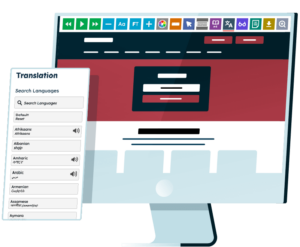
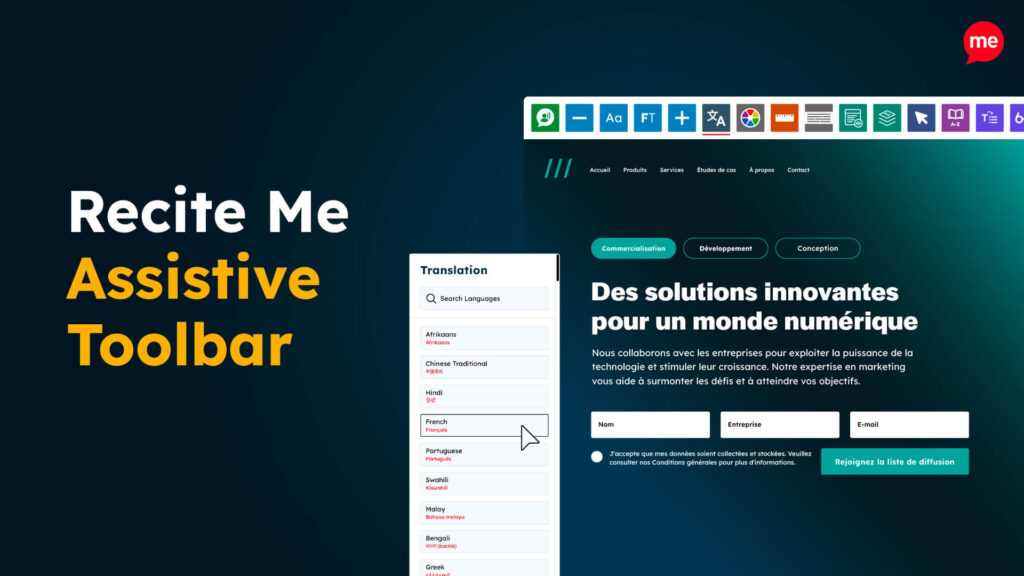
The Recite Me Assistive Toolbar gives website visitors options to customize how they interact with online content, helping them access information in a way that suits their needs. Features include text-to-speech, reading aids, visual customization, translation and sign language support.

This can be useful on transport websites, where passengers may need to access detailed information quickly, perhaps from a mobile device or while travelling.

Text-to-speech can also allow users to listen to written information instead of reading it on screen, while tools such as text resizing, reading aids and visual adjustments can make content easier to use.

Check for non-compliance with the accessibility checker tool

Before you can fix accessibility issues, you need to know where they are, and regular testing can help transport organizations understand where barriers exist across their websites.

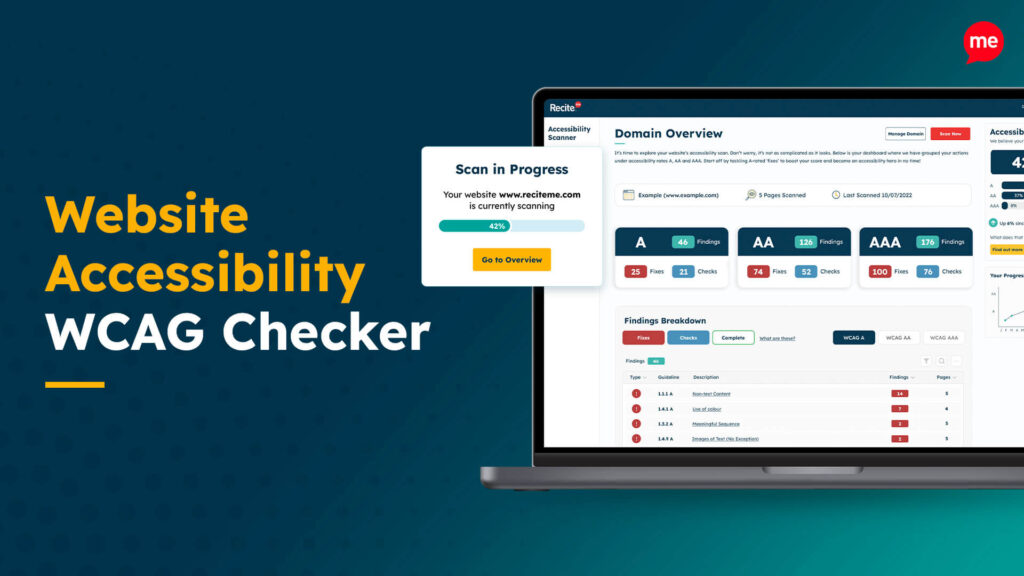
The Recite Me Accessibility Checker can scan websites for accessibility issues, identify pages and digital assets that need attention, and provide actionable information to help teams prioritize fixes.

Automated checking can be useful for large transport websites that contain hundreds or thousands of pages, but it should sit alongside manual testing and testing with assistive technologies.

Remediate PDFs at scale with our PDF accessibility checker

With timetables, route maps, passenger guides and accessibility information often published as PDFs, transport organizations can quickly build up a large collection of documents that need to remain accessible.

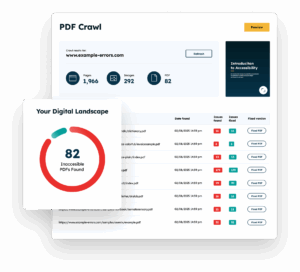
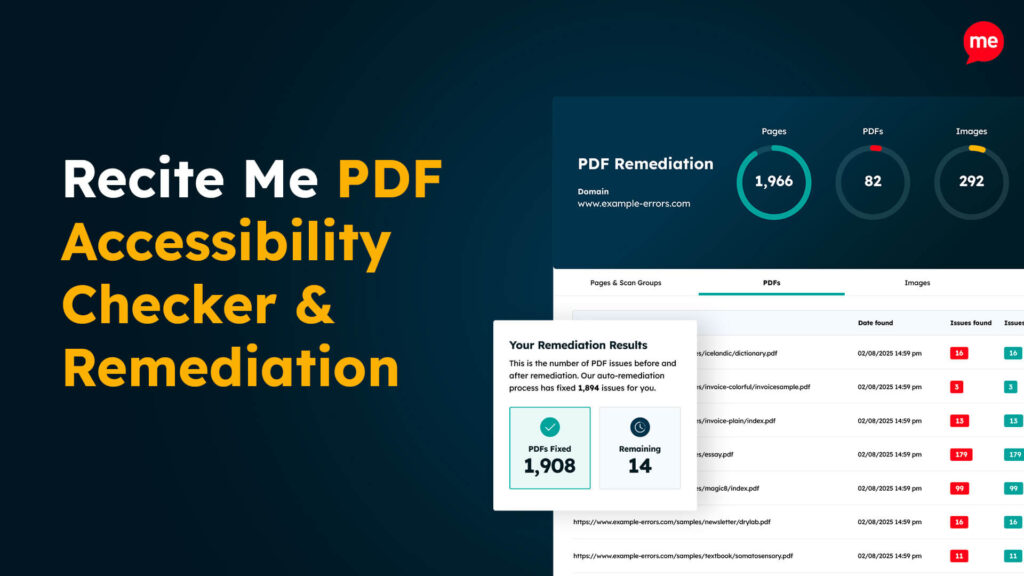
The Recite Me PDF Accessibility Checker can crawl a website to identify PDFs and test them against PDF-specific WCAG requirements, including tagging, reading order, structure and color contrast.

It can also help you remediate documents and keep accessibility issues under review as documents are updated.

Physical accessibility responsibilities are still important

Making online information accessible is an important part of transport accessibility, but it cannot replace the need for accessible physical infrastructure and services. For example, a passenger may be able to find an accessible route online, only to then encounter a barrier when they arrive at the station or stop, so digital and physical accessibility need to work together.

Transport organizations should consider areas such as:

  • Tactile paving
  • Accessible lifts
  • Clear, accessible signage
  • Audio and visual passenger information
  • Accessible toilets and facilities where provided
  • Step-free access at stations, platforms and stops
  • Accessible ticket machines and payment facilities
  • Priority seating and appropriate wheelchair spaces
  • Ramps and boarding assistance for wheelchair users

Get a Free Accessibility Check of your Website

Run a scan to identify WCAG issues on your website's homepage. Then, use our recommended changes to achieve compliance with the latest accessibility standard.

Looking to get started with transport accessibility remediation?

For transport organizations, accessibility needs to run through the entire passenger journey, from the moment someone starts searching for a route to the point they arrive at their destination.

Those looking to take practical steps to improve accessibility should use WCAG as a framework, but can also benefit from accessibility testing tools like Recite Me, which gives visitors more ways to interact with and understand digital content. Learn more about how Recite Me can help you identify accessibility barriers, improve your digital content and create a more accessible online experience for passengers.

Transport Accessibility FAQs

Looking for a recap or quick summary? Here are a few of our most frequently asked questions to help you get to grips with the essentials:

Digital accessibility in transport means making websites, apps, booking systems, timetables and other online information accessible to people with disabilities.

Transport websites contain information passengers rely on to plan and take their journeys, including timetables, ticket information, service updates and accessibility details. If this information cannot be accessed easily, some passengers may struggle to plan or complete their journey.

Yes, if a PDF contains important passenger information, such as a timetable, route map or accessibility guide, it should be made accessible so people using assistive technologies can access the information.

A good place to start is with an accessibility audit. Look at the areas passengers rely on most, including booking journeys, timetables, live updates, maps and downloadable documents, then prioritize issues based on their impact and work through the necessary improvements.


No, both are important parts of the passenger journey. Accessible online information helps people understand and plan their journey, while accessible stations, stops, vehicles and facilities help make sure that journey can be completed safely and independently.

Check out our Products & Services

Ready to take your first steps towards digital accessibility compliance? Then see how we can support your journey with our accessibility solutions:

Web Accessibility Checker

Scan, detect, fix, and maintain accessibility compliance standards on your website.

Assistive Toolbar

Make your website an inclusive and customizable experience for people with disabilities.

PDF Accessibility Checker

Check your PDFs are compliant with accessibility standards and run automated fixes.

Related Content