

Free ADA Compliance Audit of your Website
Run a free scan of your website's homepage to identify any ADA violations. Then, use our recommendations to implement fixes and achieve ADA compliance.
Colleges and universities are expected to provide equal access to digital content just as they do within physical campus spaces. Accessibility in higher education is essential as inaccessible websites, learning platforms, and online materials can create legal exposure, reputational risk, and barriers to student success.
The Americans with Disabilities Act (ADA) establishes legal protections that prohibit disability-based discrimination. Maintaining ADA compliance for higher education websites ensures that students, faculty, staff, and visitors with disabilities can access academic programs, admissions information, course materials, and support services without discrimination.
Why ADA compliance matters in higher education
The higher education system is becoming increasingly digital. Admissions portals, financial aid systems, learning management platforms, video lectures, and student services are often delivered online. When accessibility issues occur, institutions risk:

- Excluding qualified students
- Violating federal civil rights law
- Facing complaints to the U.S. Department of Education’s Office for Civil Rights (OCR)
- Triggering ADA-related lawsuits
- Damaging institutional reputation
However, recognizing the importance of digital accessibility is only the first step. The next step is to understand your specific responsibilities by identifying which ADA title applies to your institution.
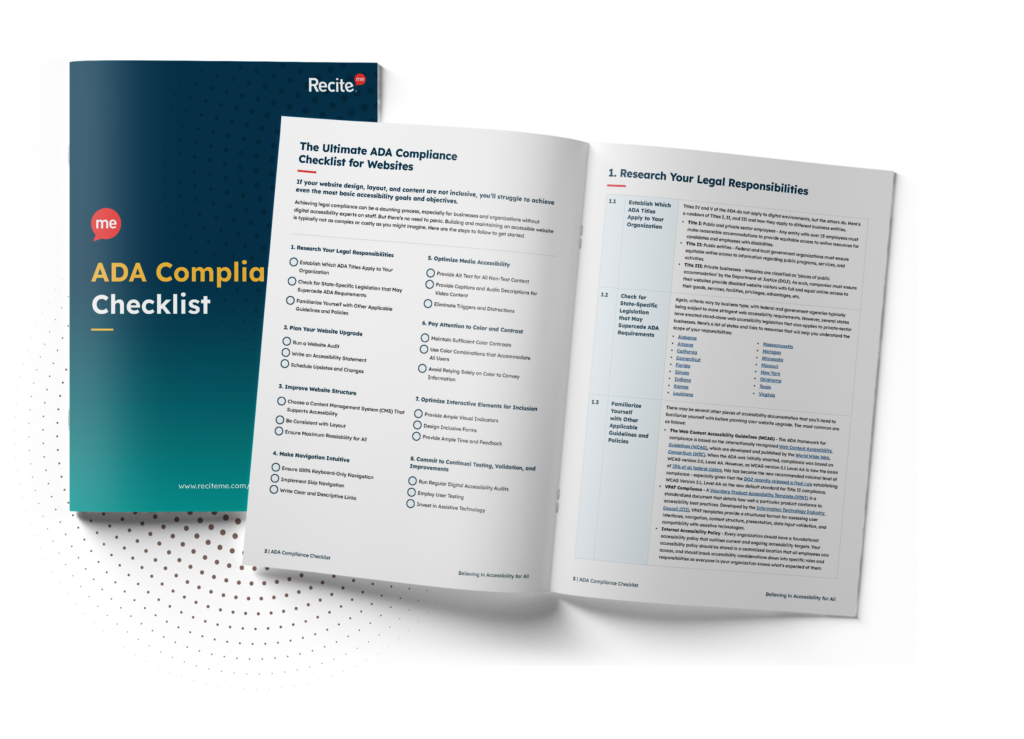
Want to make sure your website is compliant with the Americans with Disabilities Act? Then unlock the ADA compliance checklist now. Discover actionable steps to ensure ADA compliance, helping you avoid lawsuits and any other negative consequences of non-compliance.
Title II: Public Institutions
Public colleges and state universities must provide equal access to all programs, services, and activities, including websites, mobile apps, and digital learning platforms.
Title III: Private Institutions
Private colleges and universities are considered places of public accommodation and must ensure their services, including online platforms, are accessible to individuals with disabilities.
Who benefits from accessibility improvements?
According to the National Center for Education Statistics (NCES), approximately 21% of undergraduate students report having a disability. That represents millions of students nationwide who may rely on accessible digital content to participate fully in higher education.
Accessible online platforms directly support:
- Students using screen readers
- Individuals with cognitive or learning disabilities
- Students who rely on captions or transcripts
- Keyboard-only users
- Individuals with low vision
Accessible design removes barriers before they become obstacles, creating a more inclusive, effective learning environment for everyone.
A foundational guide to ADA compliance for higher education websites and online platforms
The ADA itself does not name a specific technical standard. However, enforcement agencies and courts consistently reference the Web Content Accessibility Guidelines (WCAG) as the benchmark. Most institutions align with WCAG 2.1 or WCAG 2.2. As the most up-to-date guidance, compliance with WCAG 2.2 Level AA is recommended.
Compliance basics for colleges and universities
A sustainable accessibility program requires systemic adoption, not surface-level fixes. To get started, institutions should implement the following baseline requirements:

- Text alternatives: Provide descriptive alt text for images, charts, and other non-text content, so screen reader users receive equivalent information.
- Structured headings: Use logical heading hierarchy (H1–H6) to support screen reader navigation and content clarity.
- Keyboard accessibility: Ensure all menus, forms, pop-ups, and interactive elements are accessible by keyboard without using a mouse or trackpad.
- Video accessibility: Include accurate captions for prerecorded and live content and provide transcripts where appropriate.
- Accessible documents: Publish properly tagged PDFs and ensure Word, PowerPoint, and other downloadable materials meet accessibility standards.
- Color contrast compliance: Maintain a contrast ratio of at least 4.5:1 for body text so content remains readable for users with low vision or color blindness.
- Form accessibility: Label form fields clearly and provide error messages that are programmatically associated and easy to understand.
- Consistent navigation: Maintain predictable menus, layout patterns, and link behaviors across all pages.
It’s essential to remember that accessibility must extend beyond your homepage to include admissions applications, tuition payment portals, learning management systems, library databases, student housing information, career services platforms, etc. You should also evaluate third-party tools and integrations, as these frequently introduce compliance gaps.
Common accessibility errors across higher education platforms
Colleges and universities typically operate within digitally complex environments. This is especially true for large institutions that manage hundreds of subdomains and third-party platforms.
Frequent issues impacting ADA compliance include:
- Inaccessible course materials uploaded by faculty
- Auto-generated PDFs without tagging
- Uncaptioned lecture recordings
- Third-party admissions or payment platforms that fail accessibility checks
- Inconsistent accessibility governance across departments

Decentralized content teams and distributed publishing models often compound these issues, making oversight more difficult and increasing the risk of non-compliance.
Enforcement trends affecting higher education providers
Higher education institutions have historically been frequent targets of accessibility complaints. Most enforcement actions originate from:
- OCR investigations
- Student or advocacy group complaints
- Structured ADA lawsuits
Institutions that proactively address accessibility are far less likely to face reactive, resource-intensive remediation under enforcement timelines.

The real-world impact of improved digital accessibility
Digital accessibility isn’t merely a regulatory safeguard. It’s a competitive and reputational advantage that strengthens institutional performance in multiple measurable ways:
- Equitable access to information
- Enhanced learning experiences
- Improved usability for all
But perhaps most importantly, accessibility signals institutional values. Prospective students and families increasingly evaluate colleges on inclusion, equity, and digital experience. A well-structured, accessible website demonstrates commitment to student success before a student ever steps onto campus.
Additionally, your institution may also qualify for federal tax deductions when accessibility improvements are part of broader infrastructure upgrades.
How to build an ADA compliance strategy
For higher education institutions, ADA website compliance requires more than a one-time remediation project. A purposeful approach with a focus on structured compliance moves institutions from a position of reactive risk to one of long-term institutional strength.
Here’s a practical step-by-step framework to help you get started.
1. Conduct a comprehensive accessibility audit
Combine automated scanning tools, such as the Recite Me Accessibility Checker, with manual testing to identify accessibility barriers across primary domains, subdomains, and high-risk systems, including admissions portals and learning management platforms. Prioritize issues based on severity, user impact, and legal exposure.

2. Establish governance and accountability
Designate institutional ownership for digital accessibility. This may include appointing an accessibility coordinator, forming a cross-department working group, or embedding accessibility standards into IT and marketing workflows. Clearly defined accountability reduces fragmentation across decentralized departments.
3. Train faculty and content editors
Many accessibility barriers originate at the content creation stage, so preventative education can significantly reduce remediation costs. Provide structured training for faculty, marketing teams, and web editors on accessible document creation, captioning practices, and proper use of heading structures.
4. Strengthen vendor oversight
Third-party tools frequently introduce compliance risk. Procurement policies should require accessibility documentation (such as VPATs), testing validation, and contractual language outlining remediation responsibilities.

5. Implement ongoing monitoring and remediation workflows
Regular scanning, periodic manual audits, and structured issue-tracking systems help maintain compliance as new content and platforms are introduced. Integrating accessibility checks directly into publishing and development workflows supports sustained compliance while strengthening overall digital performance.
Free ADA Compliance Audit of your Website
Run a free scan of your website's homepage to identify any ADA violations. Then, use our recommendations to implement fixes and achieve ADA compliance.
Start building an accessible digital campus today
ADA compliance requires a targeted approach comprising governance, technical standards, training, and ongoing monitoring.
Need help getting started? Request your free accessibility scan today or contact our team to discuss next steps and begin building your accessibility roadmap.
ADA compliance for higher education websites FAQs
Colleges and universities often have specific questions about legal accessibility requirements. Below are answers to some of the most frequently asked questions regarding ADA compliance for higher education websites.
Are all higher education centers legally required to make their websites ADA-compliant?
Yes. Public institutions must comply with Title II of the ADA, while private colleges and universities fall under Title III.
Which digital assets does ADA compliance cover?
The ADA applies to any digital services that support academic programs and student services, including websites, mobile applications, admissions portals, financial aid systems, and learning management platforms.
Does ADA compliance extend to online courses and digital learning materials?
Yes. ADA compliance for higher education includes online courses, lecture recordings, digital assignments, PDFs, and any platform used to deliver academic content.
Are colleges responsible for the third-party platforms they use?
In most cases, yes. Institutions are responsible for ensuring that third-party vendors, such as admissions software providers, payment processors, and learning management systems, meet baseline accessibility standards.
Can colleges be sued for inaccessible websites and learning management systems?
Yes. Inaccessible digital services can trigger OCR complaints and ADA lawsuits. Complaints may originate from students, advocacy groups, or the U.S. Department of Education’s Office for Civil Rights.
Need more help becoming ADA compliant?
The following resources are packed full of actionable tips and expert advice for making your digital content compliant with the Americans with Disabilities Act:
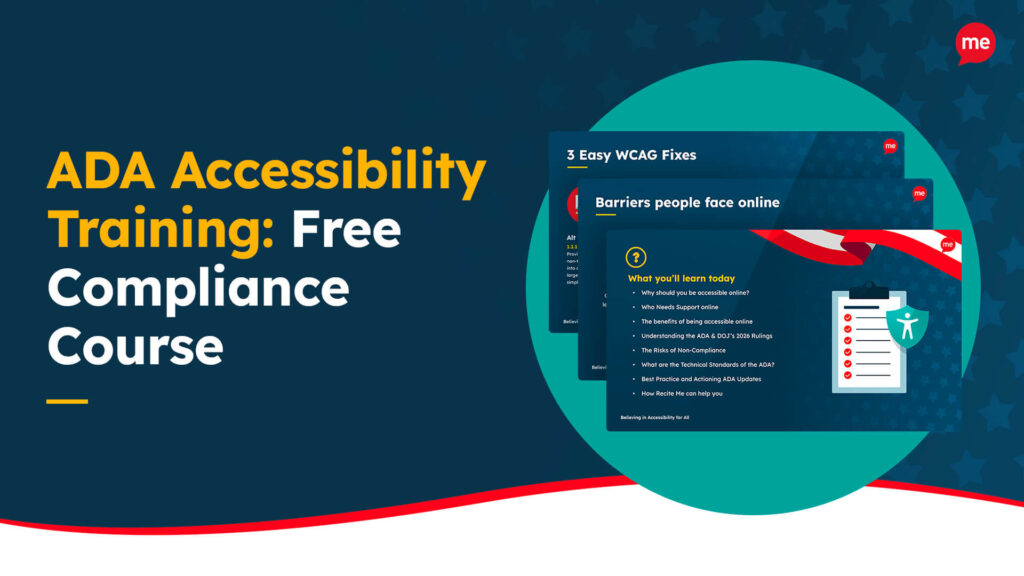
Free ADA Accessibility Training
Take the first step to ADA compliance by completing our training course.
Free ADA Accessibility Guide
Ensure your organization is meeting the requirements for ADA compliance.