Get A Free ADA Compliance Audit Of Your Website
Download NowOrganizations in the US and around the world are under increasing pressure to demonstrate their websites are inclusive, accessible, and compliant. The Americans with Disabilities Act (ADA) requires organizations to remove barriers to ensure that their websites and digital content are accessible to users with a range of disabilities, which can be challenging to do manually.
Fortunately, there are ADA compliance software tools that will help you detect and fix any accessibility issues before they are reported. These tools can help you avoid costly legal issues while ensuring that your content is accessible to all. In turn, this can help improve your brand reputation and make it easier to build trust.
What are the best tools for ADA compliance on your website?
There are many tools available for organizations when it comes to ADA compliance, but not all are equal. Keep reading to discover a few of the best tools out there that will simplify ADA compliance, starting with the most comprehensive enterprise solution.
1. Recite Me Website Accessibility Checker
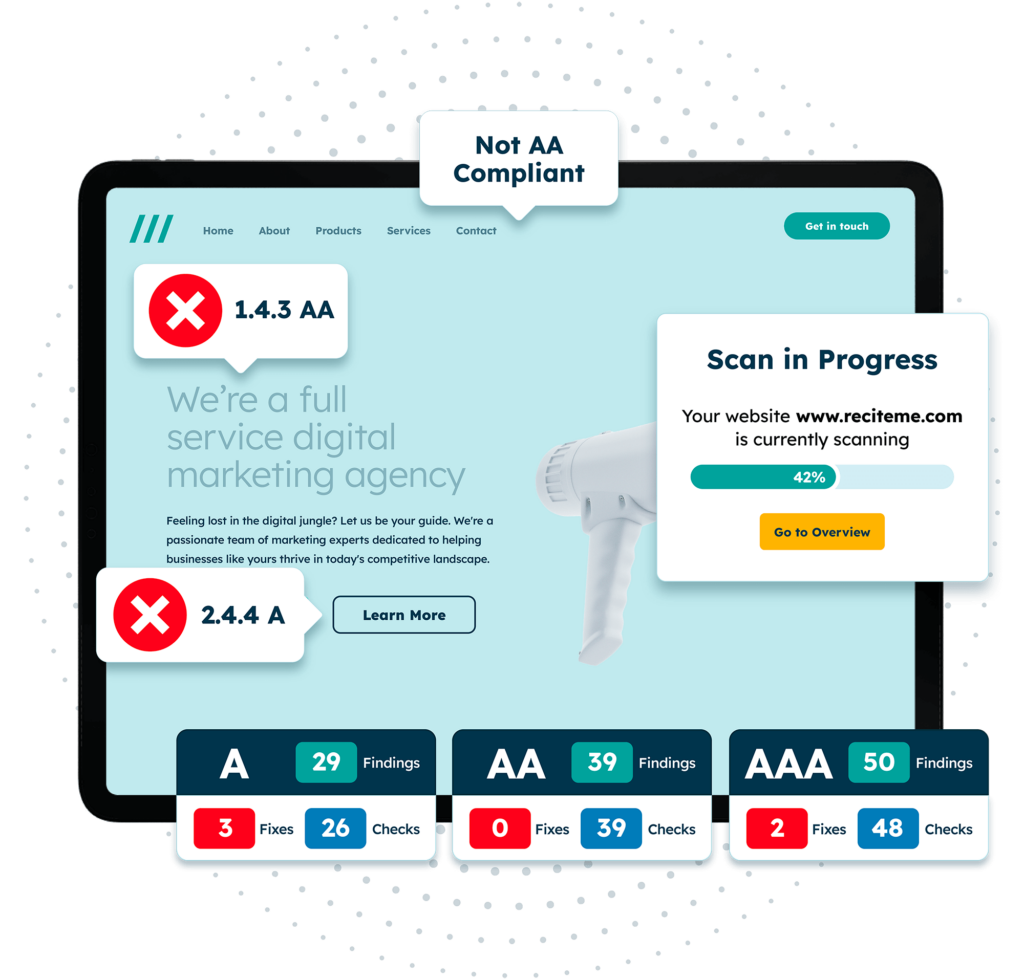
The Recite Me Website Accessibility Checker is the complete tool that can be used to scan and identify every ADA compliance issue on your website. The tool evaluates your website and content against Web Content Accessibility Guidelines (WCAG) criteria, which are widely regarded as the benchmark in terms of accessibility.
The tool offers automated fixes using smart tools for many issues or guided steps for remediation support. Additionally, the Recite Me tool provides enterprise-level reporting to streamline compliance and gain greater insight into the performance of your website.
2. WAVE by WebAIM
WAVE by WebAIM is a free browser-based accessibility evaluation tool that can be useful for content editors and small businesses getting started with accessibility. The tool can be used for common issues like color contrast issues and finding missing alt text, but it lacks the site-wide monitoring and compliance reporting that more advanced tools can provide for larger organizations.
3. Google Lighthouse
Google Lighthouse is an open-source, automated tool that can be run in Chrome DevTools, from the command line, or as a Node module. You simply provide Lighthouse with a URL to audit, and it will run a series of audits against the page before generating a report on how well the page performed and providing guidance on how to fix any issues.
This can be a useful tool for diagnostics, but it lacks the comprehensive accessibility testing of tools like Recite Me, as it only evaluates a limited subset of WCAG criteria, which could leave you non-compliant. Google Lighthouse can also struggle with contextual accuracy, the use of assistive technologies, and manual interactions.
4. W3C Markup Validator
Markup Validator is a free tool for assessing the validity of Web documents, which involves checking HTML for any structural issues or syntax errors. The tool is effective at checking the markup validity of Web documents, but it should be viewed as a technical validation tool, not a dedicated ADA compliance tool.
5. Accessibility Insights by Microsoft
Microsoft’s free-to-use Accessibility Insights tool that can help organizations find and fix accessibility issues. The tool offers browser extensions and desktop testing capabilities with automated checks, guided manual testing workflows, and ARIA validation.
This means it is a useful tool for developers requiring structured testing guidance, but it is mainly designed for technical users. Additionally, it does not provide the compliance reporting and oversight features needed for organization-wide tracking.
6. axe DevTools
Axe DevTools is another popular option with developers as it can be integrated into development workflows and CI/CD pipelines. This allows teams to find and fix issues during the development process instead of after the fact, helping to reduce the risk of non-compliance issues. However, this is another highly technical tool and may require additional reporting processes to convert findings into executive-level compliance evidence.
7. WebAim Color Contrast Checker
WebAim Color Contrast Checker is a useful tool for testing color contrast ratios and ensuring that your content meets ADA color contrast requirements. However, this is its only function, so it will not make your website fully compliant and should be used in combination with other tools.
Get a free automated ADA compliance audit of your website. This audit will highlight compliance violations and provide the recommendations needed to meet ADA compliance standards.
What standards do ADA compliance tools test for?
WCAG provides organizations with guidelines on how to ensure websites are ADA-compliant and accessible for users with different disabilities.
In most places, WCAG 2.1 AA is the minimum required standard, but compliance with WCAG 2.2 AA is strongly recommended to improve accessibility standards. WCAG 2.2 AA introduces additional success criteria that are focused on usability improvements, including focus appearance, target size, and dragging alternatives.
Therefore, it is wise to look for tools that check for both WCAG 2.1 and 2.2 at all levels for enhanced accessibility. With greater scrutiny and an increase in ADA lawsuits, you do not want to run the risk of non-compliance.
What are the most common ADA violations detected by these tools?
ADA compliance testing tools commonly detect a handful of ADA violations that can lead to legal action, damaged reputation, and exclusion. A few of the most common ADA violations flagged by these tools include:
- Missing or non-descriptive alt text
- Low colour contrast
- Empty or vague link text, such as “click here”
- Improper heading structure
- Online form fields without associated labels
- Inaccessible PDFs
- Keyboard navigation failures
- Missing focus indicators
These violations can prevent many disabled users from accessing and understanding online content, including those using assistive technologies, such as screen readers. Advanced tools like the Recite Me Website Accessibility Checker can often automate fixes for these violations.
Who is ADA compliance software most useful for?
ADA compliance software is useful for every organization to ensure that their websites and online content meet accessibility legislation, such as ADA, and that their content can be accessed and comprehended by users with disabilities. The software is particularly useful for:
Public entities
Public entities such as government agencies, public schools, police departments, and public transport providers are under intense scrutiny regarding accessibility and ADA compliance.
The Department of Justice (DoJ) has recently introduced new digital accessibility rules requiring public entities to meet WCAG 2.1 Level AA standards. The deadlines for compliance are:
- April 24, 2026: Public entities serving 50,000 or more people.
- April 26, 2027: Public entities serving fewer than 50,000 people
Private organizations
Medium to large private organizations must also comply with ADA accessibility requirements. This can include financial institutions, retailers, healthcare providers, and service-based businesses. ADA lawsuits are on the rise and can lead to significant losses and a damaged reputation that can be challenging to recover from.
What are the benefits of investing in one of the best ADA compliance checkers?
There are a handful of benefits to investing in one of the best ADA compliance checkers.
Reduce legal risk
First, you are reducing legal risk and exposure to lawsuits. ADA lawsuits are on the rise, with accessibility scrutiny increasing across the US, with maximum fines ranging from $55,000 to $75,000 for a first violation, or up to $150,000 for subsequent violations. Even if a lawsuit does not result in a penalty, settlement and remediation costs can reach tens or even hundreds of thousands of dollars.
Improve remediation efficiency
ADA compliance checkers are important for reducing legal risk and exposure to lawsuits, but they also streamline the ADA compliance process. Manual checks and remediation can be time-consuming and mistakes are common, but compliance checkers can scan your entire digital ecosystem and detect many common issues quickly and at scale.
Improve user experience
On top of all this, ADA compliance checkers improve the user experience and ensure that all content is inclusive. This is important for providing the best experience for users, maximizing reach, and building trust. Checkers can also provide clear reporting for internal teams and support ongoing compliance with regular audits.
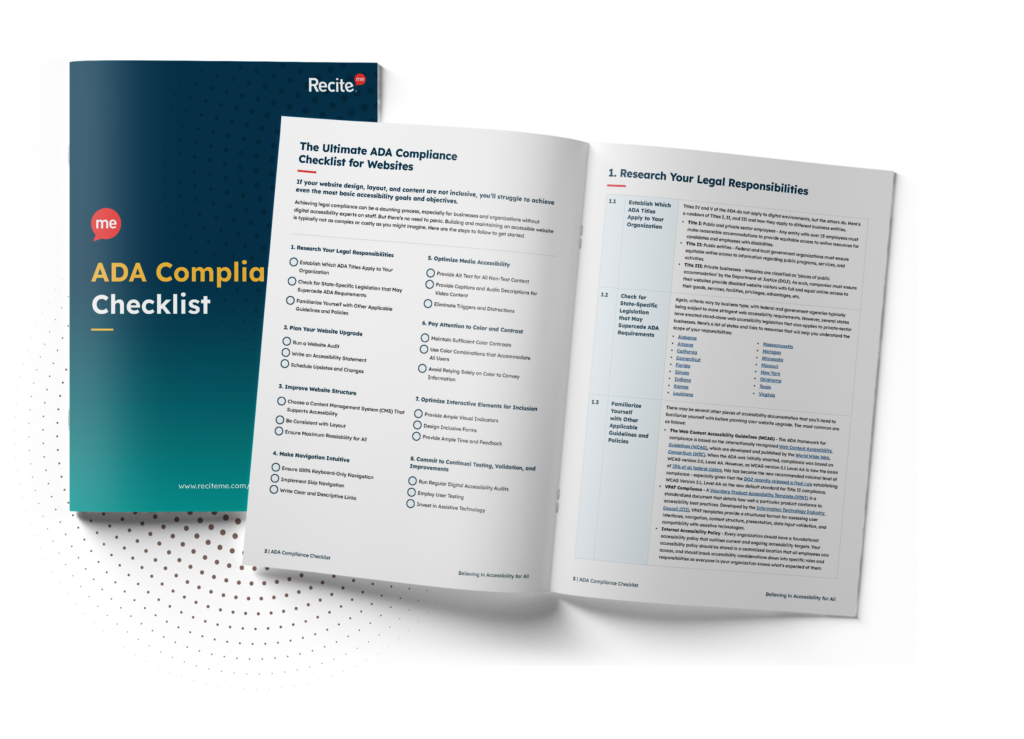
Want to make sure your website is compliant with the Americans with Disabilities Act? Then unlock the ADA compliance checklist now. Discover actionable steps to ensure ADA compliance, helping you avoid lawsuits and any other negative consequences of non-compliance.
Final verdict on the best ADA compliance software
ADA compliance should be a priority for all organizations in 2026. There are many tools available that can streamline and improve ADA compliance, but not all these tools are equal. Free tools can be useful for detecting surface-level issues, but to ensure ADA compliance and reduce legal risk, organizations should consider investing in an enterprise-level platform that can automate fixes.
If you’re just starting your ADA compliance journey, we recommend running a free compliance scan now. You can also reach out to one of our accessibility experts to see how we can support.
Best ADA compliance software tools FAQs
Looking for a recap or quick summary? Here are a few of our most frequently asked questions to help you get to grips with the essentials:
Can free tools help organizations meet ADA legal requirements?
Free tools can be helpful for detecting basic issues, but they do not guarantee compliance. Full compliance requires ongoing monitoring and manual testing, which is why it is smart to invest in a platform that provides deeper scanning, compliance reporting, and remediation support.

Is automated testing enough for ADA compliance?
Automated testing allows organizations to quickly scan their entire digital ecosystem and detect ADA violations, but it is important to combine this with manual testing. Manual testing of content is important to ensure that context and meaning remain intact.
How frequently should websites be scanned for ADA compliance?
It is wise to conduct quarterly scans of the website for ongoing compliance. Additionally, be sure to perform scans after any major updates and when new content is published.
Need more help becoming ADA compliant?
The following resources are packed full of actionable tips and expert advice for making your digital content compliant with the Americans with Disabilities Act:
Free ADA Accessibility Training
Take the first step to ADA compliance by completing our training course.
Free ADA Accessibility Guide
Ensure your organization is meeting the requirements for ADA compliance.