


























Get Your Free Accessibility & Inclusion Toolkit
Download NowIf you have ever built or managed a website for an Ontario organizations, there’s a good chance the AODA affects you! But compliance is about more than just ticking a legal box. It impacts how websites look, work, and read for people with diverse needs.
The good news? AODA web design follows a clear set of standards. And if you need to know what’s involved, you’ve come to the right place. This guide breaks down what the law asks for, which design choices matter most, and how to test your work.
What is AODA-compliant web design?
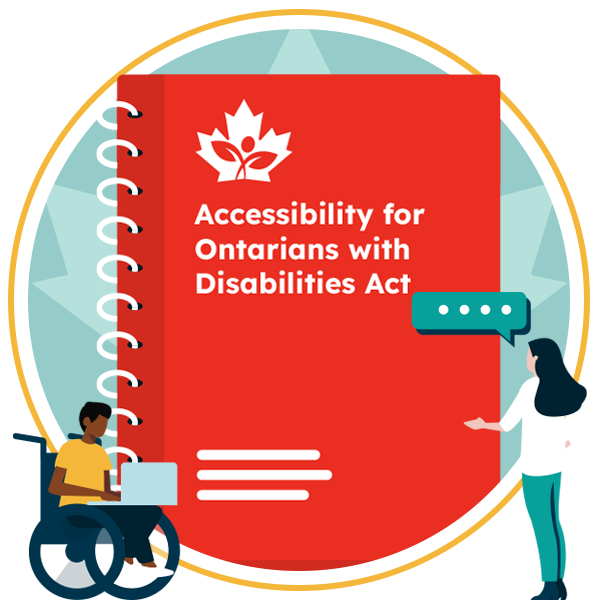
AODA stands for the Accessibility for Ontarians with Disabilities Act, which is a set of accessibility standards. To comply, you’ll typically need to ensure your website is designed in a way that meets the requirements outlined in WCAG 2.0 Level AA.
And design is only one part of the job. A beautiful layout still fails if the code is broken or the images have no descriptions. Think of it as designing for real people, including those who are blind, deaf, or have motor or cognitive disabilities.
What are the AODA requirements for websites?
The AODA requires websites to meet WCAG 2.0 Level AA, and that’s fairly achievable for most organizations. Two criteria have even been excluded from the requirements, including live captions (1.2.4) and pre-recorded audio description (1.2.5). That said, the more accessibility best practices you can implement, the better.

It’s also important to remember that WCAG 2.0 is the legal floor, not the finish line. Many other rules, including federal ones, lean on WCAG 2.1 AA, and WCAG 2.2 is the current version. Therefore, designing to WCAG 2.2 can be useful to help keep you ahead of any rule changes.
Who must comply with AODA design standards?
The rules don’t just apply to websites, its your entire digital landscape, including mobile apps, PDFs, and more. It also impacts:
- Public sector organizations of any size
- Private and non-profit organizations with 50 or more employees
The only catch is content posted before January 1, 2012, which is exempt.
Get a Free AODA Compliance Check of your Website
Run a scan to identify WCAG issues on your website's homepage. Then, use our recommended changes to achieve compliance with the latest accessibility standard.
AODA website compliance deadlines and obligations
Ontario phased in the rules over several years. These are the dates that matter:
- January 1, 2014: New and significantly refreshed sites must meet WCAG 2.0 Level A.
- January 1, 2021: All covered sites and content must meet Level AA.
- December 31, 2026: Organizations with 20 or more employees must file an accessibility compliance report. Additional reports are required every three years.
Breaking the rules can be costly. Corporations face fines of up to $100,000 per day. Individuals, directors and officers can face up to $50,000 per day.
Essential principles of AODA-compliant web design
Most AODA design work comes down to eight habits. Build them into your mockups and the code gets much easier.

Use accessible colors and sufficient contrast
When designing an AODA-compliant website, your text needs a contrast ratio of at least 4.5:1 against its background. Large text, on the other hand, needs 3:1.
You should also check your brand palette early, because pale grey on white is a common failure. And never use color alone to carry meaning. A red border on a form field is not enough. Add an icon or a text message too.
Choose readable fonts and text sizes
The AODA says your website visitors must be able to resize text up to 200% without losing content or functionality. To do this, make sure sizes are set in relative units like rem, not fixed pixels.
More tips? Pick clear typefaces, keep line spacing generous, avoid long blocks of centered or justified text, and do not put important text inside images.


Make website navigation accessible
Every page must be navigable using only the keyboard. Keep the tab order logical and make the focus outline easy to see. Never remove it for looks.
Add a “skip to main content” link at the top of each page. Offer more than one way to find pages, such as a menu and a search bar. Write clear link text, so “Read our pricing guide” beats “Click here”.
Structure content with accessible headings
Headings give screen reader users a map of your page. Use one H1, then H2s and H3s in order. Do not skip levels to get a smaller font.
Style headings with CSS instead of picking a tag for its look. Use real lists and tables too, so assistive tools can read them.


Add alternative text to images
An AODA-compliant image should include meaningful, short, specific alt text. It should describe exactly what the image shows and why it matters. For instance:
- Good alt text: “Chart showing sales up 20 percent”
- Bad alt text: “Graph”
Decorative images should have empty alt text, so screen readers skip them.
Design accessible forms
Every field on your website forms should have a visible label. But remember: placeholder text alone is not a label.
Also, be sure to mark required fields clearly and explain errors in plain words. If you use a CAPTCHA, you can offer a non-visual option, such as audio.


Make videos and audio accessible
If a video is pre-recorded, it needs captions. Audio-only content needs a transcription too. And even though the AODA excludes live captions and audio description, they are still good practice.
Just make sure you avoid autoplay, and if audio plays for more than three seconds, give users a way to pause or stop it.
Avoid inaccessible interactive elements
Menus, carousels, modals, and accordions often break for keyboard and screen reader users. That’s why you should test each one without a mouse.
Next, make sure your pop-ups close with the Escape key and avoid content that flashes more than three times per second. Native HTML elements are also useful because they have accessibility built in.

AODA-compliant web design checklist
Want to start implementing AODA web design best practices? A checklist can come in handy, giving you actionable steps you can take toward compliance. Here’s what you need to know:
| Accessibility requirement | What to check |
| Color contrast | Text meets 4.5:1 (3:1 for large text) |
| Text resizing | Page works at 200% zoom |
| Keyboard access | Every function works without a mouse |
| Focus visibility | Focus outline is always visible |
| Headings | Logical order, no skipped levels |
| Alt text | Meaningful images described, decorative ones empty |
| Forms | Visible labels and clear error messages |
| Media | Captions and transcripts for pre-recorded content |
| Page language | Language set in the code |
| Link text | Links make sense out of context |
| Consistent layout | Menus and repeated parts stay in the same place |
How to test your website for AODA compliance
Good testing mixes tools and people. Here’s our step-by-step action plan for AODA website compliance:
Run an automated accessibility scan
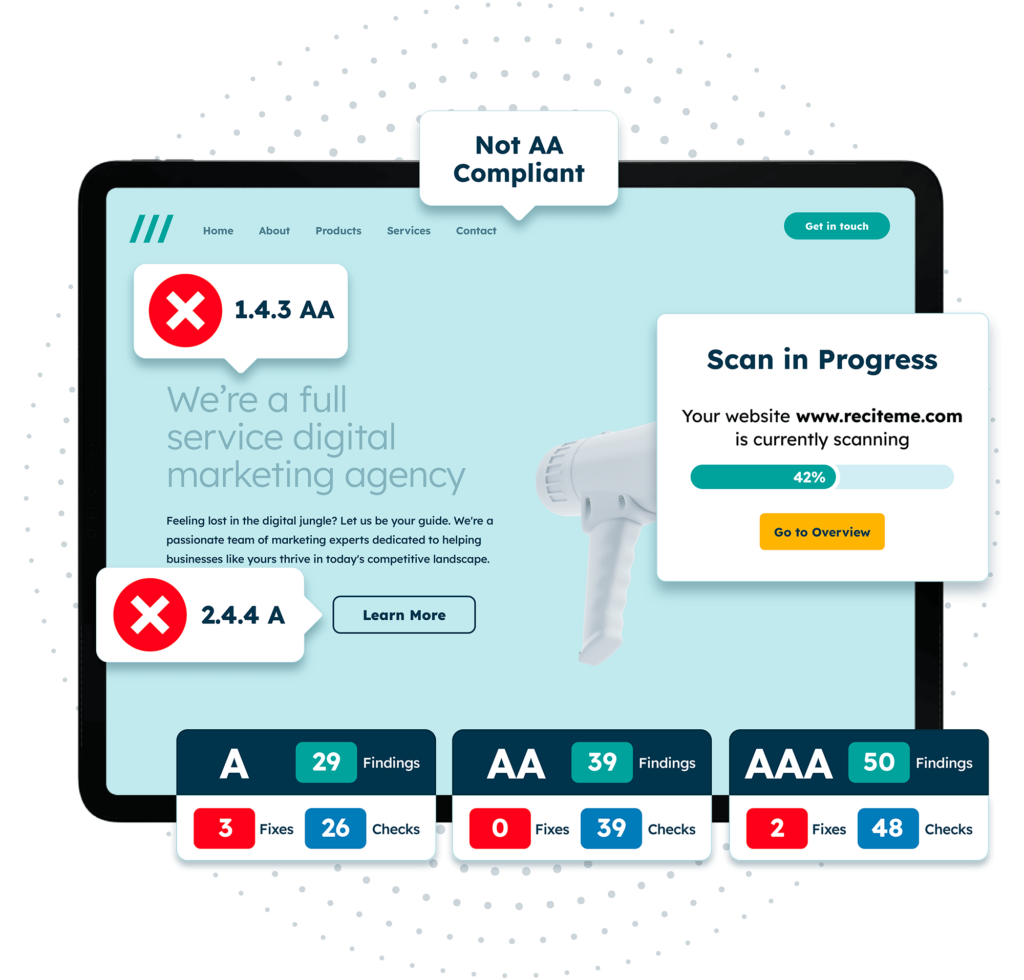
The best way to detect website accessibility failures is to run an automated scan of your website. It’ll pick up obvious WCAG violations like inaccessible color contrast, missing alt text, heading structure, and more. Then, you’ll get a prioritized action plan so you can start implementing changes.
Want to run a free scan? Submit your website here.

Conduct manual accessibility testing
Automated accessibility testing catches about 50% of the issues on your website. The rest is up to manual testing. So be get ready to see how your web pages read using a screen reader and test how easy your site is to use with keyboard only.
Need support? Our accessibility consultancy service can help.
What are the benefits of AODA-compliant web design?
Designing your website to be AODA compliant presents several benefits, including:
- Lower risk: You reduce the chance of fines and human rights complaints.
- A bigger audience: Around 2.9 million Ontarians live with a disability, and they are customers too.
- Better SEO and usability: Clear headings, alt text, and clean code help search engines and people alike.
- Stronger trust: Large buyers increasingly ask suppliers about accessibility.
- Lower cost: Fixing a mockup is far cheaper than rebuilding a live site.
Get a Free AODA Compliance Check of your Website
Run a scan to identify WCAG issues on your website's homepage. Then, use our recommended changes to achieve compliance with the latest accessibility standard.
Final verdict: Is AODA important for your website?
If you’re an Ontario business, AODA compliance should be one of your priorities. When it comes to web design, it’s all about setting WCAG 2.0 Level AA as your baseline. Do that, and you’re off to an excellent start.
Ready to take the first step? Run a free website accessibility scan. Or speak to an expert for personalized support.
AODA Web Design FAQs
Looking for a recap or quick summary? Here are a few of our most frequently asked questions to help you get to grips with the essentials:
Does the AODA apply to my website?
It applies if you are a public sector organization, or a private or non-profit organization in Ontario with 50 or more employees.
What WCAG level does the AODA require?
WCAG 2.0 Level AA, excluding live captions and pre-recorded audio description. Level A is also required, since AA builds on it.
What are the penalties for AODA non-compliance?
Fines can reach $100,000 per day for corporations and $50,000 per day for individuals, directors, and officers. Most organizations face lower penalties.
Do I need to redesign my whole site to comply with AODA?
Not always. Many fixes, such as contrast, alt text and labels, can be made in place. A full redesign must meet the standard from the start.
Does the AODA apply to businesses outside Ontario?
Organizations with no employees in Ontario do not face AODA penalties. But this doesn’t mean accessibility should be ignored, since there is a significant business case for revenue, brand image, SEO, and more.
Check out our Products & Services
Ready to take your first steps towards digital accessibility compliance? Then see how we can support your journey with our accessibility solutions:
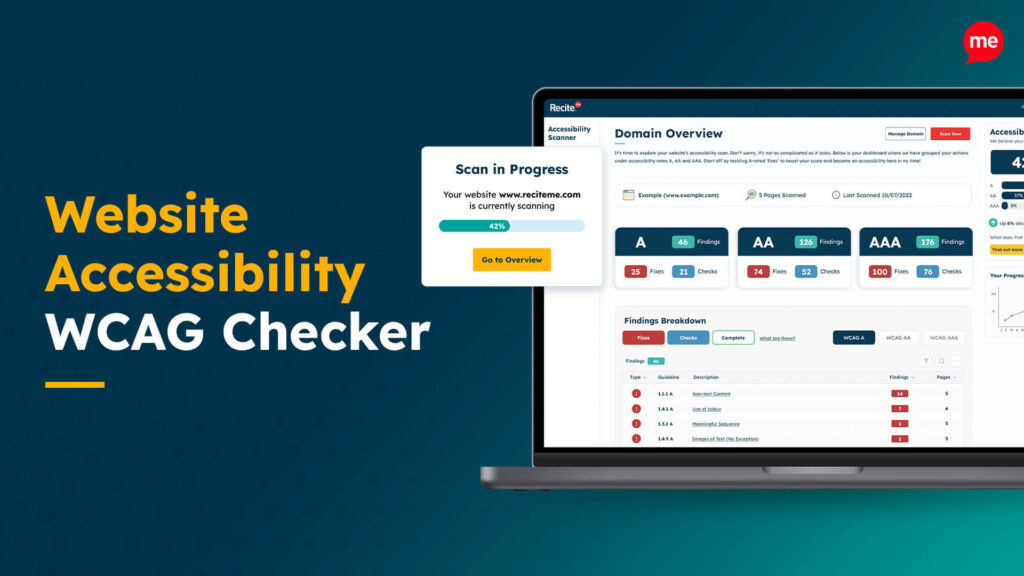
Web Accessibility Checker
Scan, detect, fix, and maintain accessibility compliance standards on your website.
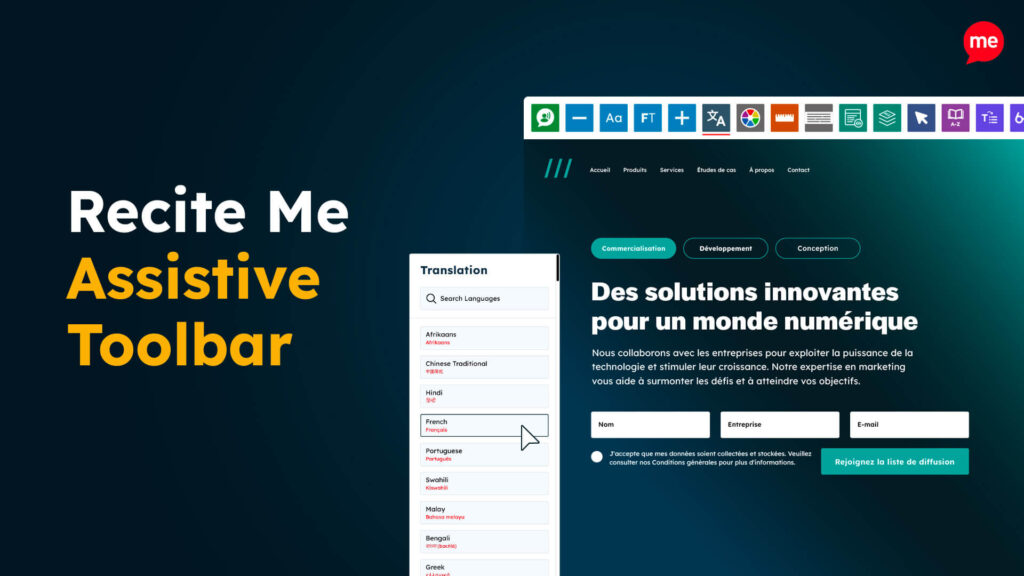
Assistive Toolbar
Make your website an inclusive and customizable experience for people with disabilities.
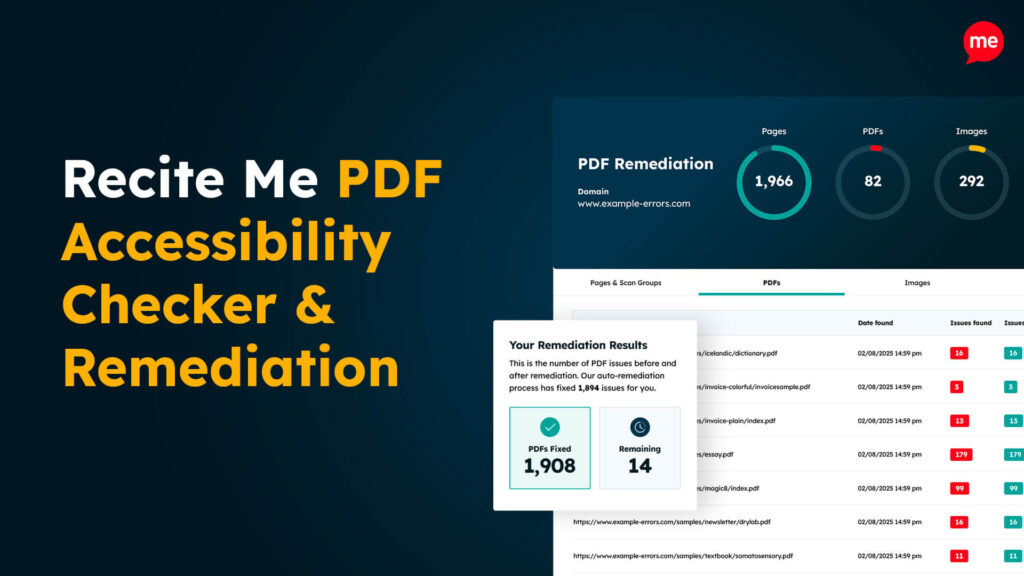
PDF Accessibility Checker
Check your PDFs are compliant with accessibility standards and run automated fixes.