Get Your Free ADA Compliance Checklist
Download NowEnsuring your website is accessible is a legal imperative. Under the Americans with Disabilities Act (ADA), organizations are expected to provide equal access to digital services for people with disabilities.
Whether you’re auditing an existing site or launching a new digital project, this ADA website compliance checklist is designed to help you understand your accessibility obligations, identify common accessibility gaps, and prioritize meaningful improvements.
What is ADA compliance?
ADA-compliant website designs feature content that is usable by people with disabilities, including those who rely on assistive technologies such as screen readers, voice input tools, screen magnifiers, or alternative navigation devices. The overarching goal is to remove online access barriers that prevent people from effectively navigating and interacting with your website.

Is ADA compliance mandatory?
In short: yes. Regulators have consistently affirmed that digital accessibility is integral to ensuring equal access to goods, services, and information. Additionally, the 2026 ADA deadline extends beyond traditional websites, applying the principles of equitable access across the entire digital ecosystem.
How the law applies to your organization specifically depends on the ADA Title:
- Title I: Applies in employment contexts, covering digital systems used for recruiting, hiring, training, and internal communications.
- Title II: Requires state and local governments to ensure that digital services, programs, and information are accessible to people with disabilities.
- Title III: Requires public-facing businesses and organizations to provide equal access to goods and services, including those delivered online.
The key takeaway? If your organization relies on digital channels to inform, serve, employ, or transact with the public, accessibility is not optional.
Your comprehensive ADA compliance checklist
Effective WCAG alignment focuses on high-impact fixes that affect real users every day. We’ve compiled this checklist around WCAG 2.2 Level AA success criteria, reflecting the most current guidance and best practices for accessible web design.
1. Provide text alternatives for non-text content
All meaningful images, icons, and visual elements must include appropriate alternative text so screen reader users can understand their purpose.
Essential accessibility checklist items:
- Informative images include descriptive alt text
- Decorative images are marked as decorative
- Icons and buttons include accessible labels
- Charts and graphs include text-based explanations
2. Ensure content is keyboard accessible
Users who cannot use a mouse or trackpad must be able to navigate the entire website using keyboard navigation alone.
Essential accessibility checklist items:
- All links, buttons, and controls are keyboard operable
- Logical tab order follows the visual layout
- Skip navigation links allow users to bypass repetitive elements
- No keyboard traps are present
- Focus indicators are clearly visible
3. Use clear, consistent page structure
Screen readers rely on semantic structure to interpret content. Poor structure makes pages difficult or impossible to navigate.
Essential accessibility checklist items:
- Headings follow a logical hierarchy (H1–H6)
- Pages use landmarks (header, main, navigation, footer)
- Hyperlinks and buttons have clear and descriptive labels
- Lists are marked up correctly
- Tables include proper headers and summaries where needed
4. Make text readable and understandable
Content should be easy to read, follow, and interpret for a wide range of users, including those with cognitive or learning disabilities.
Essential accessibility checklist items:
- Fonts are dyslexia-friendly
- Sufficient color contrast between text and background
- Text can be resized up to 200% without loss of content or functionality
- Plain language is used where possible
- Instructions do not rely on color cues alone (e.g., “click the red button”)
5. Ensure forms are accessible
Online forms are one of the most common sources of accessibility failures and ADA complaints.
Essential accessibility checklist items:
- Every form field has a visible, programmatically associated label
- Error messages are clear and descriptive
- Required fields are identified accessibly
- Instructions are available before submission
- Validation errors are announced to screen readers
6. Make multimedia accessible
Videos and audio content must be accessible to users who are deaf, hard of hearing, blind, or have cognitive disabilities.
Essential accessibility checklist items:
- Video content includes accurate captions
- Audio-only content includes transcripts
- Important visual information is described
- Media players are keyboard and screen reader accessible
7. Avoid content that causes seizures or physical reactions
Certain visual effects can trigger seizures or other adverse reactions.
Essential accessibility checklist items:
- No flashing content above allowed thresholds
- Animations can be paused or disabled
- Motion effects are used sparingly and intentionally
- Users can stop auto-playing audio or control volume.
8. Ensure compatibility with assistive technologies
Technical robustness is a key pillar of ADA website compliance. Websites must work reliably with assistive technologies across browsers and devices.
Essential accessibility checklist items:
- Valid HTML is used
- ARIA attributes are applied correctly (and only when necessary)
- Custom components are tested with screen readers
- Content works across common browsers and devices
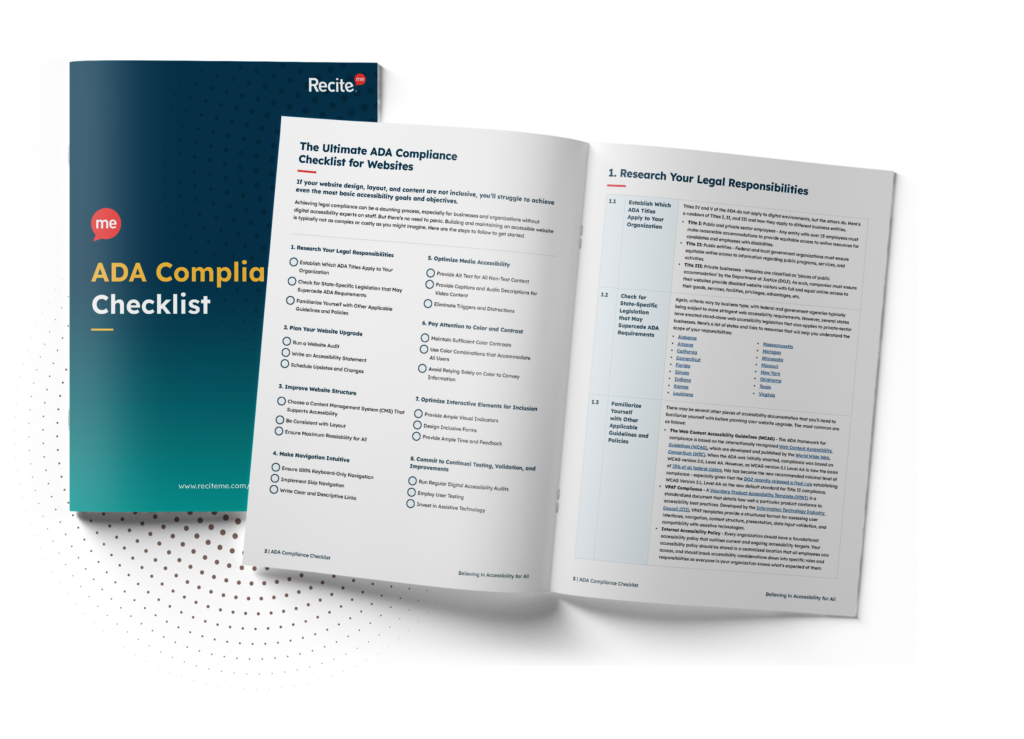
Want to make sure your website is compliant with the Americans with Disabilities Act? Then unlock the full version of our ADA compliance checklist in PDF format. This document details the necessary steps you must take to ensure ADA compliance. See actionable steps to follow and implement to avoid lawsuits and any other negative consequences of non-compliance.
The benefits of ADA compliance
Building an accessible website isn’t only about reducing legal exposure. It also improves usability, expands your reach, and strengthens trust across every digital touchpoint:

- Improved UX: Accessibility encourages a user-centered, “universal design” approach, resulting in websites that are easier to navigate, clearer to understand, and more consistent across devices.
- A broader audience: More than 1 in 4 Americans report having a disability, meaning the broader disability market (including friends and family) represents trillions in spending power.
- Enhanced visibility: Accessibility is not a direct Google ranking factor. However, many accessibility and SEO fundamentals overlap, so crawlability and user engagement signals usually improve over time.
- A stronger brand perception: Accessibility signals inclusion and care. When people can use your site independently without friction, it strengthens credibility and helps build long-term trust.
Taken together, these benefits make accessibility a strategic advantage that improves performance, resilience, and user confidence alongside compliance.
The risks of non-compliance
The number of digital accessibility lawsuits are rising steadily, with courts across the country regularly ruling in favor of plaintiffs in cases alleging ADA violations.
Organizations with inaccessible digital experiences may face:
- Hefty fines for initial breaches, with escalating financial penalties for repeat violations.
- Millions of dollars in legal fees and settlement sums.
- The revocation of government grants or funding.
- Increased regulatory scrutiny.
- Public backlash and boycotts that lead to long-term reputational damage.
- Reduced employee morale and internal confidence.
- Declining investor or stakeholder confidence.

These outcomes underscore that ADA accessibility is no longer a narrow technical issue, but a real business risk with growing legal, financial, and reputational implications.
How WCAG supports ADA website compliance
Although not a law in itself, the ADA references the Web Content Accessibility Guidelines (WCAG) as the benchmark for technical compliance. WCAG is the most widely accepted standard for demonstrating accessibility compliance globally, providing a shared framework teams can use to plan, test, and track accessibility improvements.
The POUR Principles
Developed by the World Wide Web Consortium (W3C), WCAG outlines core principles and success criteria that ensure online content is accessible and usable for every end user:
- P = Perceivable: Information must be presented in ways users can perceive using various sensory modalities.
- O = Operable: Interface components and navigation must be operable via different input methods.
- U = Understandable: Both content and navigation must be clear and predictable.
- R = Robust: Content must be compatible with assistive technologies and future-ready across platforms.
Compliance levels
WCAG includes three levels of conformance that indicate how comprehensively accessibility requirements are addressed:
- Level A (Basic): Foundational criteria for technical accessibility.
- Level AA (Industry Standard): The level most commonly referenced across accessibility policies and legal contexts.
- Level AAA (Advanced): The highest level, often not practical or required across all content and experiences.
WCAG and the ADA
Most ADA (and Section 508 of the Rehabilitation Act) obligations mandate WCAG 2.0 Level AA compliance. But in April 2024, the U.S. Department of Justice (DOJ) finalized a rule that formalizes WCAG 2.1 Level AA as the accessibility standard for public entities. Furthermore, a significant number of enforcement actions already reference WCAG 2.2, reflecting a focus on the most up-to-date user needs and best practices.

3 key methods for actioning your ADA website compliance plan
There’s no single “best” method for meeting accessibility expectations. In practice, the most effective approach combines multiple strategies, each addressing different aspects of accessibility risk and user experience.
Accessibility Checkers
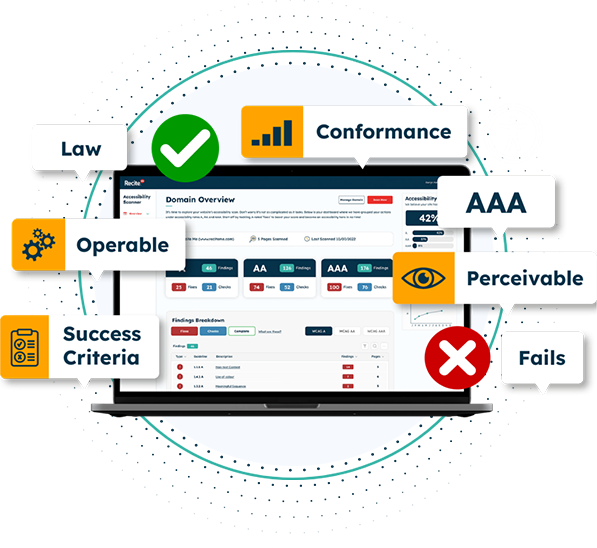
Automated tools, such as the Recite Me Accessibility Checker, scan websites against WCAG success criteria. They run hundreds of checks to identify common accessibility issues and generate reports that help teams prioritize remediation.
Primary limitation: Automated testing alone does not provide full visibility. For example, tools can confirm whether an image includes alt text, but human review is required to determine whether that text is accurate, meaningful, and appropriate in context.
Usability Testing
Usability testing involves observing people with disabilities as they navigate and interact with your website. This approach often surfaces real-world barriers that automated testing tools miss, particularly within complex user journeys, dynamic content, or custom components.
Primary limitation: Usability testing can be time-intensive and requires thoughtful planning, including recruiting participants who represent a range of access needs and assistive technology use.
3rd-Party Accessibility Auditors
Hiring experienced accessibility professionals to evaluate your website and provide recommendations for ADA remediation and long-term governance can be especially valuable for complex websites, enterprise environments, or organizations that need stronger documentation of accessibility efforts.
Primary limitation: Trade-offs include cost, lead time, and variability in auditor methodology, making it essential to work with reputable specialists and align on standards upfront.
4 common ADA website compliance mistakes to avoid
Even well-intentioned accessibility efforts can fall short if your approach relies on shortcuts or incomplete approaches. These four mistakes are the most common.
- Over-reliance on automated testing tools: Automated scans are useful for identifying obvious issues, but they can’t assess real-world usability. Without manual testing and assistive technology checks, critical barriers may be missed.
- Treating accessibility as a one-time project: Accessibility isn’t something you “fix and forget” because your website changes constantly. New content and features can introduce fresh barriers if accessibility isn’t embedded into ongoing workflows.
- Using overlays or widgets instead of fixing underlying issues: Accessibility overlays may appear to offer quick fixes, but they rarely resolve the root causes of accessibility problems. In many cases, they even create additional barriers or give a false sense of compliance.
- Overlooking PDFs, documents, and third-party content: Downloadable documents, embedded media, and third-party tools can all introduce accessibility gaps when not reviewed and managed carefully.
Avoiding these pitfalls will help you make more meaningful, sustainable progress, shifting accessibility from a reactive exercise into a proactive, user-focused practice that supports long-term compliance.
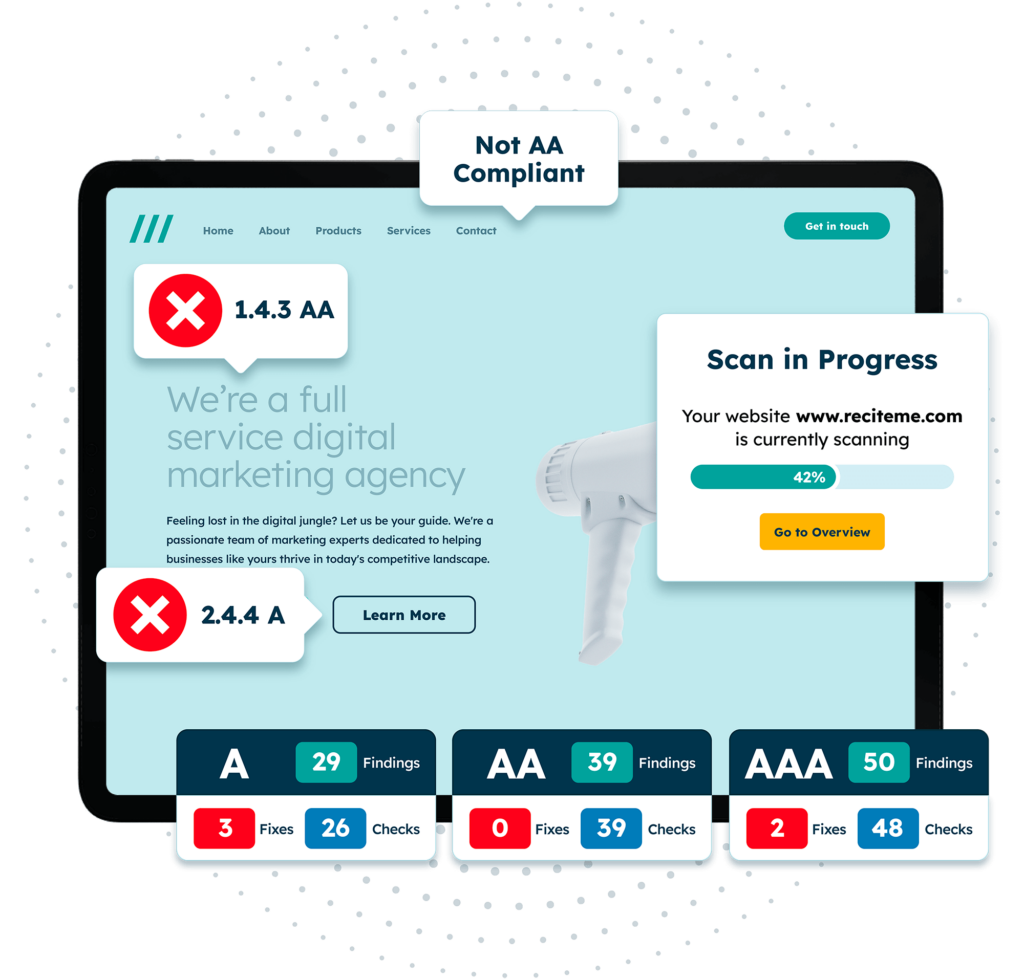
Get a free automated ADA compliance audit of your website. This audit will highlight compliance violations and provide the recommendations needed to meet ADA compliance standards.
Turn your ADA compliance plan into action today
ADA website compliance is no longer a future-facing consideration. As enforcement increases and digital services expand, accessibility has become a core requirement for all organizations with an online presence.
Using a structured ADA website compliance checklist helps teams move from uncertainty to action. If you’re unsure where your website currently stands, running a free accessibility scan is a simple way to uncover issues and start making meaningful improvements.

ADA Website Compliance – FAQs
The questions below address some of the most common concerns organizations have when working toward more accessible digital experiences.
Are small businesses exempt from ADA web accessibility lawsuits?
No. Enforcement is not limited to large enterprises. Small and mid-sized businesses across many industries have faced complaints and lawsuits, particularly when digital services are central to customer access or transactions.
Which WCAG version should I use for ADA website compliance?
Most organizations aim for WCAG 2.1 Level AA as a minimum. However, WCAG 2.2 provides the most up-to-date focus for optimum usability and risk reduction.
Does following an ADA website compliance checklist guarantee compliance?
No. No checklist can guarantee legal compliance. However, using a WCAG-aligned checklist helps demonstrate good-faith efforts, identify accessibility barriers early, and reduce the risk of complaints or enforcement action.
What is the best way to ensure ongoing ADA website compliance?
Re-test regularly as content and functionality change, and engage with users with disabilities through user testing and feedback sessions to gather insights and ensure ongoing inclusivity.
Does my website need an accessibility statement?
Yes. Publishing a clear, easy-to-find accessibility statement helps demonstrate transparency by outlining your current and future digital accessibility goals. You can either write a website accessibility statement yourself or use a free generator tool.
Need more help becoming ADA compliant?
The following resources are packed full of actionable tips and expert advice for making your digital content compliant with the Americans with Disabilities Act:
Free ADA Accessibility Training
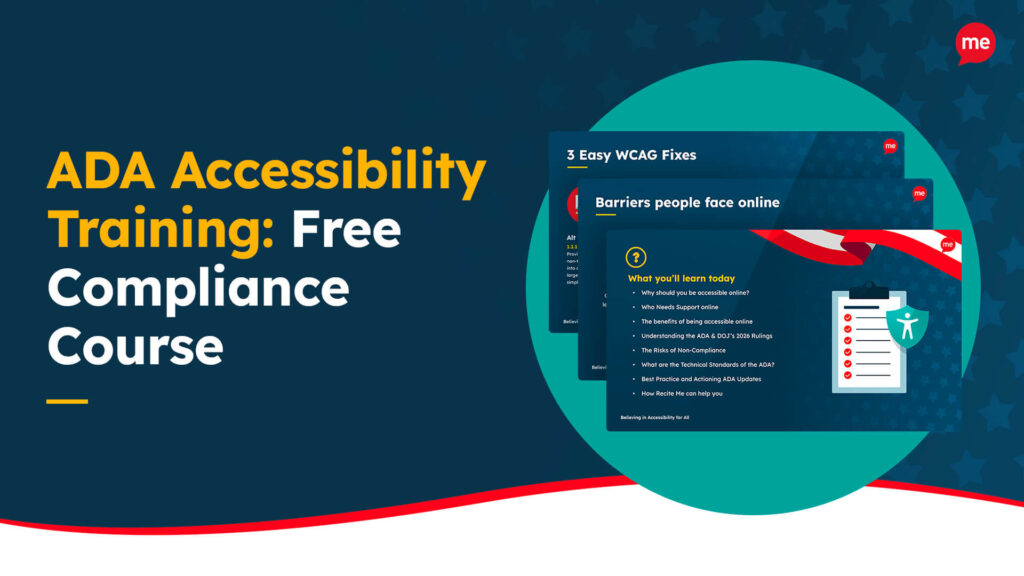
Take the first step to ADA compliance by completing our training course.
Free ADA Accessibility Guide
Ensure your organization is meeting the requirements for ADA compliance.

“At Bossier Parish Libraries, we strive to provide accessibility for all; with an average of 1 in 3 adults in Louisiana navigating the world with a disability, Recite Me helps us do so. Recite Me’s technology can surmount a variety of barriers, such as vision or hearing loss, which allows us to fill our role of serving the needs of the community as a whole, ensuring that all are welcome and included.”
Clara Anne Madison
Staff Development Librarian, Bossier Parish Libraries

“Integrating the Recite Me toolbar on Chatham County’s website underscores our commitment to ensuring that every member of our community can easily access important information and actively participate in our programs and services. This intuitive toolbar provides various customization options, enhancing our community’s browsing experience and improving their interaction with our website content.”
Brenda Clegg
Equity & Community Engagement Officer, Chatham County