Run a free scan of your website's homepage to identify any ADA violations. Then, use our recommendations to implement fixes and achieve ADA compliance.
A school’s website serves multiple purposes: it’s a virtual brochure for prospective students and the general public, while also acting as a vital communication hub for parents, students, and teachers. This dual role makes accessibility crucial. And without it, you risk violating the Americans with Disabilities Act (ADA). But more importantly, failing to make your website accessible means failing your students. These are the very individuals who rely on you for support, information, and equal opportunities. The good news is, prioritizing accessibility is simple. Let’s explore how.
Understanding ADA compliance for educational websites
The Americans with Disabilities Act (ADA), passed in 1990, bans disability discrimination across public life, including education. Originally focused on physical spaces, it now also covers websites and apps under Title III of the ADA.
This matters for schools because their websites are often the main channel for class schedules, enrollment, financial aid, and learning materials. If an education website isn’t ADA compliant, it risks excluding students, since roughly 15% of public school children have a disability.
The Department of Justice enforces the ADA, and several lawsuits have targeted non-compliant schools and universities in recent years.
What is required for school websites to be ADA compliant?
The guidance is straightforward: follow the Web Content Accessibility Guidelines (WCAG), and your site will be usable by people with disabilities, making it ADA-compliant.
ADA and WCAG work together. ADA sets the objective, and WCAG shows how to reach it. WCAG itself is built around four core principles: perceivable, operable, understandable, and robust. These translate into specific recommendations covering everything from video captions and color contrast to keyboard navigation and screen reader compatibility.
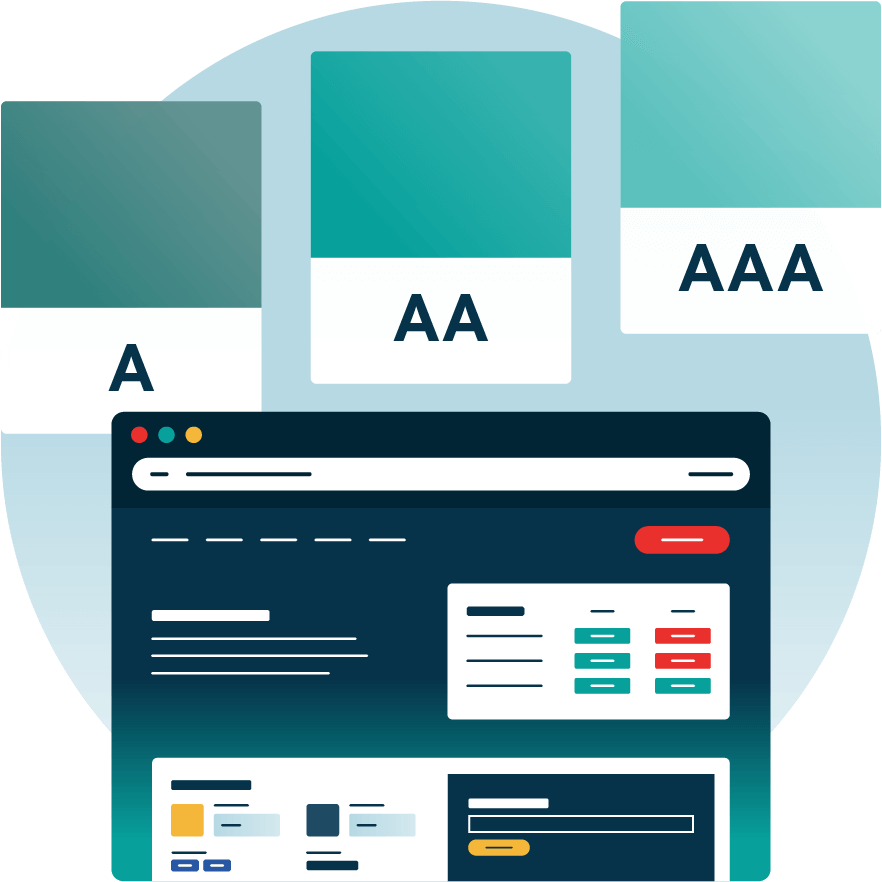
WCAG also defines three compliance levels: A, AA, and AAA, each more rigorous than the last, across multiple versions that evolve alongside technology and accessibility standards.
In short, aim for WCAG 2.1 AA as the gold standard for ADA compliance, and push for AAA where time and resources allow.
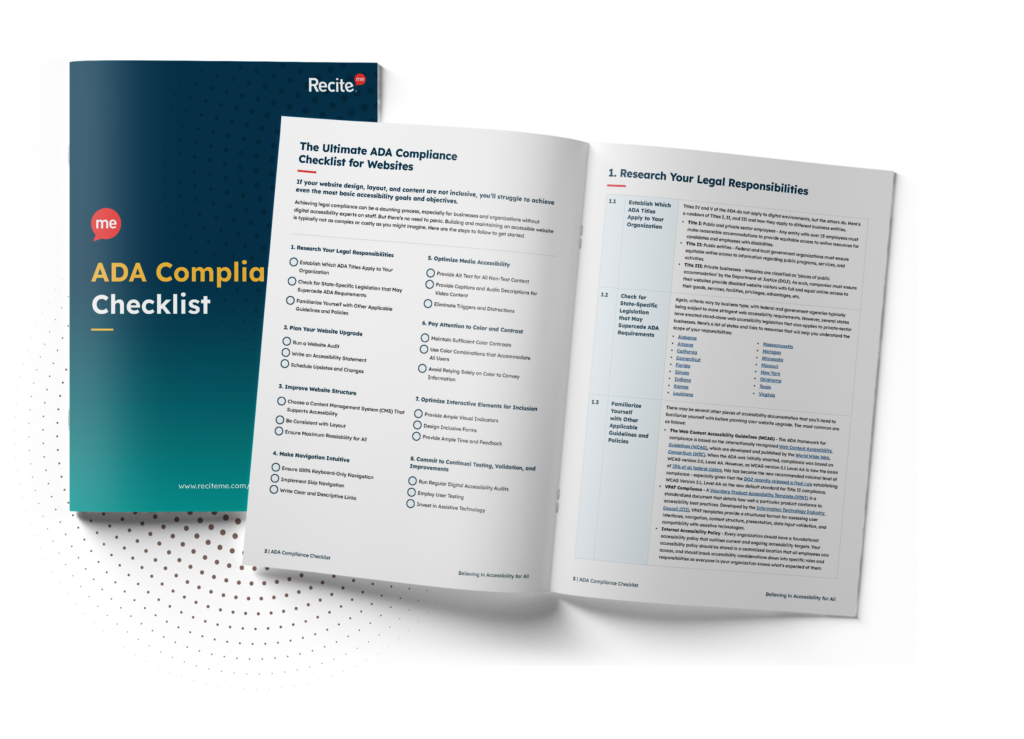
Download your free ADA Compliance Checklist
Want to make sure your website is compliant with the Americans with Disabilities Act? Then unlock the ADA compliance checklist now. Discover actionable steps to ensure ADA compliance, helping you avoid lawsuits and any other negative consequences of non-compliance.
Best practices to ensure ADA compliance for school websites
Aiming for WCAG 2.1 AA is a great goal, but what does this look like in practice? We’ve analyzed some common ADA compliance failures to help pinpoint exact steps that schools can take. Here are seven accessibility best practices for ADA compliance on your website:
Check color contrasts
WCAG 2.1 AA guidelines recommend a contrast ratio of at least 4.5:1 for regular text and 3:1 for large text. While classic combinations like black on white often meet these standards, using an online contrast checker can help ensure your website remains compliant and easy to read for all users.
Descriptive link text and buttons
Buttons and links should describe their destinations. Instead of “Click Here”, use “Download Syllabus” or “Register for Classes”. This helps students using assistive technology understand where a link will take them.
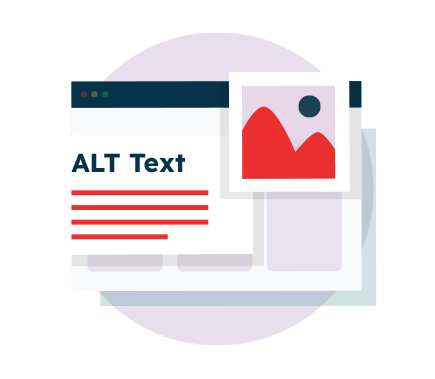
Provide image alt text
Images play a huge role in education, but students using screen readers need alt text to interpret them. Ensure you replace generic alt text like “image123.jpg” with something more descriptive like “A student using a laptop to complete an online assignment”.
Make Forms and PDFs Accessible
School websites often rely on forms for things like enrollment, financial aid, and academic applications. Ensure that all online forms can be completed via keyboard alone (i.e., using Tab and Enter functions), and that PDFs are formatted for screen readers.
Test website accessibility with assistive technology
Some accessibility barriers are not obvious. For example, many schools don’t realize their website is incompatible with assistive technology until a student or parent raises an issue. Testing your site with screen readers, magnification tools, and text-to-speech software can help identify problem areas before they become a legal concern.
Enable keyboard navigation
It’s not just forms that need to be keyboard accessible. Many students, particularly those with motor impairments, rely on keyboards and assistive devices to browse the internet instead of a mouse. This means that users must be able to navigate your site, cycle through menu options, and interact with elements without problem. For that, your website needs a logical structure and proper tab indexing.
Provide captions and transcripts for multimedia
Videos are an essential educational tool, but they must be made accessible to students who are deaf or hard of hearing. Always provide captions for videos that are accurate and in sync with the audio. For audio content, provide transcripts alongside the audio files.
How to monitor ADA compliance of educational websites long-term?
ADA compliance isn’t one-and-done. School websites are updated frequently, and each update brings new accessibility risks that can undo previous compliance work. Regular ADA audits catch these breaches early, so they can be addressed promptly.
Use automated tools
Automated auditing tools are the fastest way to stay on top of this. An accessibility checker scans your website for problem areas and compiles a report with recommended fixes almost immediately. Run these checks monthly, or at least after any content update, to catch failures before they go live.
Combine automated and manual testing
For major changes like redesigns or content migration, pair automated testing with manual testing. Involving students with disabilities in the process can also provide valuable real-world feedback.
Stay current on regulations
Websites aren’t the only thing that changes, regulations do too. ADA and WCAG standards evolve, so assign a team or individual to track new guidelines and implement required changes.
Potential consequences of ADA non-compliance for your school and its students
Failing to meet ADA requirements causes some issues, not just for your students but your school too. Here’s what’s at stake:
Legal action and financial penalties
Schools that fail to comply can face ADA lawsuits from advocacy groups or students who experience discrimination. Legal fees, fines, and compliance adjustments are often very expensive.
Damage to reputation
If your school is known for having an inaccessible website, it could undermine trust with parents, students, and the broader community. This can lead to a decline in enrollment, lower student satisfaction, and potentially even impact academic performance.
Loss of federal funding
Web accessibility and WCAG compliance are essential not only for ADA compliance but also for meeting the requirements of similar laws, such as Section 508 of the Rehabilitation Act. Should public schools and higher education institutions fail to adhere to such laws, they risk losing federal funding.
Exclusion of students with disabilities
A non-accessible website risks preventing students from carrying out necessary functions like accessing course materials or submitting assignments, and may even turn away prospective students. If, for example, a potential student or parent struggles to fill out an enrollment form, or worse, can’t even access critical admission details, they may be unable to apply. Over time, this can lead to lower enrollment numbers and a reputation for being unwelcoming.
Free ADA Compliance Audit of your Website
Run a free scan of your website's homepage to identify any ADA violations. Then, use our recommendations to implement fixes and achieve ADA compliance.
Conclusion: Ensure your educational website is ADA compliant
Beyond legal requirements and financial implications, ADA compliance serves a more meaningful purpose: ensuring equal access to vital sectors, like education, that keep our society running and our communities thriving. Investing in accessibility is an investment in every student’s future, and your school’s website should reflect that commitment.
ADA Compliance in Education FAQs
Looking for a recap or quick summary? Here are a few of our most frequently asked questions to help you get to grips with the essentials:
It means making websites, apps, learning platforms, and digital materials accessible to people with disabilities, with WCAG 2.1 Level AA confirmed as the DOJ’s technical standard for education.
Private schools mostly fall under ADA Title III rather than Title II. Federally funded private colleges also carry similar obligations under Section 504.
A one-year extension issued in April 2026 pushed the deadline to April 26, 2027 for larger jurisdictions and April 26, 2028 for smaller ones, with the standard itself unchanged.
Most institutions start with an automated scan for issues like missing alt text or poor contrast, then follow up with manual testing on high traffic pages.
Need more help becoming ADA compliant?
The following resources are packed full of actionable tips and expert advice for making your digital content compliant with the Americans with Disabilities Act:
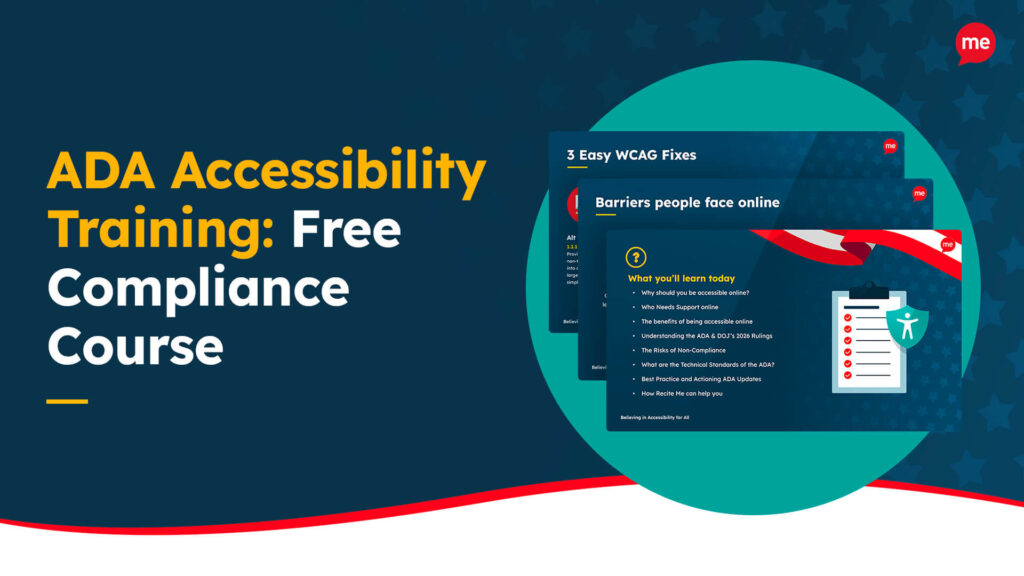
Free ADA Accessibility Training
Take the first step to ADA compliance by completing our training course.
In 2025, CMPL partnered with Recite Me to integrate the Recite Me Accessibility Checker and Assistive Toolbar to create a more inclusive and accessible experience...
In 2025, Imperial Valley College began working with Recite Me to support its diverse and multilingual student population by ensuring all students can access resources...