

Get A Free PDF Accessibility Check for your Website
Download NowMany businesses, government agencies, and other organisations use PDFs as a way to share important information. This can include product brochures, research reports, company policies, and online forms, just to name a few examples. PDFs are a useful file type because they preserve the document formatting across devices and operating systems, which ensures a clean, professional, and easy-to-use format for all users. Additionally, PDFs are highly compressed for small file sizes and fast sharing.
In this quick guide, we cover everything you need to know about standard PDFs vs accessible PDFs and the main differences.
A quick comparison of PDFs Vs Accessible PDFs
The table below provides a quick comparison between standard PDFs and accessible PDFs, highlighting how structure, navigation and content markup affect readability and access for a wide range of people and technologies.
| Feature | Standard PDF | Accessible PDF |
| Document structure | Often untagged or poorly structured | Fully tagged with logical, semantic structure |
| Reading order | May be incorrect or confusing | Follows a natural reading order |
| Screen reader compatibility | Limited or unusable | Fully compatible with screen readers |
| Keyboard navigation | Not always supported | Fully navigable using a keyboard |
| Headings and lists | Visually styled only | Properly marked up using tags |
| Images | No alternative text or context | Images include meaningful alt text |
| Tables | Complex or unreadable by assistive technology | Correctly tagged with headers and relationships |
| Text scalability | Can break layout when zoomed | Text reflows and remains readable |
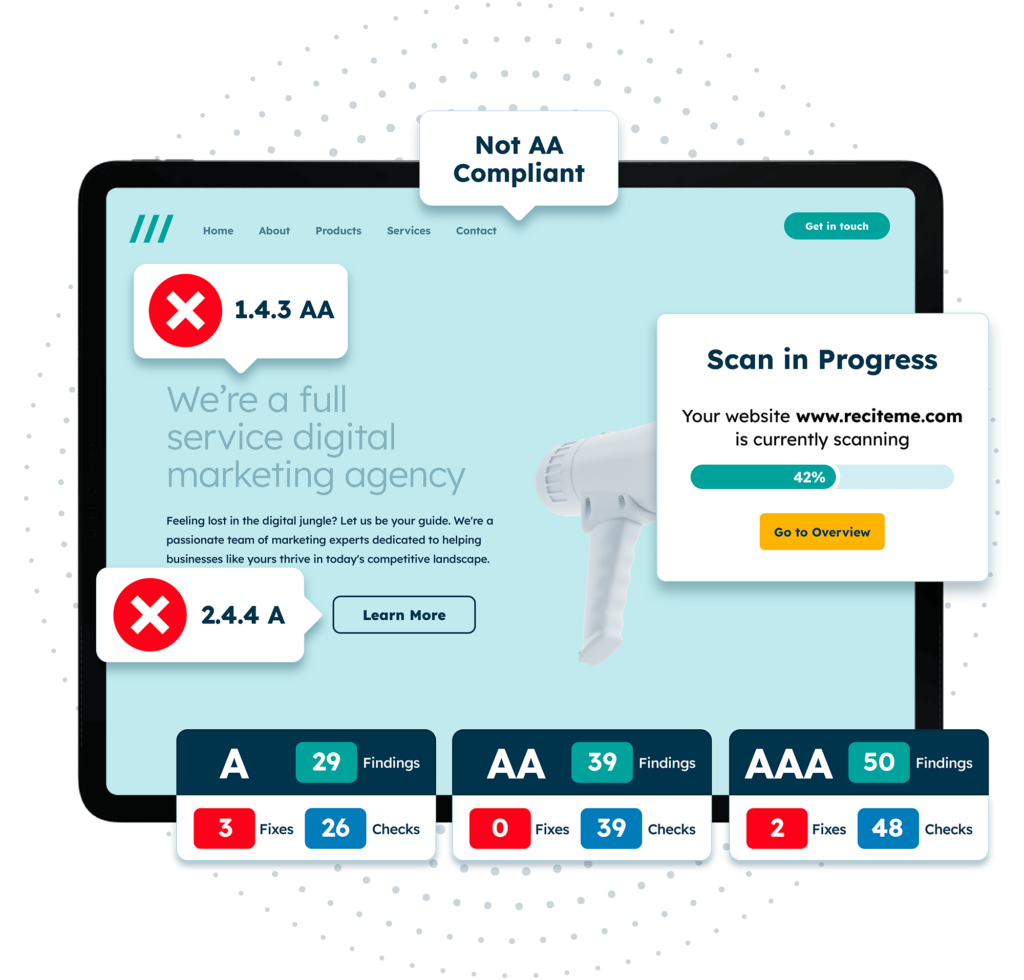
Get a free automated accessibility check of your websites homepage. This will identify and highlight any compliance issues on your website. Followed by recommendations on how to implement the necessary changes to make your website more accessible.
What are the main differences between PDFs and accessible PDFs?
So, what are the main differences between PDFs and accessible PDFs? Here is a detailed breakdown that will help you gain a stronger understanding of each type.
Structure & tagging
In a standard PDF, the document may look visually formatted with headings, tables, and images, but this may not be built into the underlying code of the PDF. This means that assistive technologies will not be able to interpret the content effectively.
An accessible PDF, meanwhile, will use proper document tagging to define headings, lists, tables, reading order, and any other important information. A semantic structure will enable assistive technologies to interpret the document and communicate the information correctly to the user.
Screen reader compatibility
Screen readers are one of the most commonly used assistive technologies that can help those with visual impairments understand websites and files by reading out the content. In order for these devices to work properly, the document needs to be tagged correctly. This means that standard PDFs can be read in the wrong order if they are not tagged correctly.
An accessible PDF will be correctly tagged so that the screen reader is able to understand the order in which to read the information, allowing users to navigate through the different elements in an efficient manner.

Keyboard navigation
Keyboard navigation is another notable difference between standard and accessible PDFs. Many disabilities prevent people from using a mouse, which means documents should be easy to navigate via keyboard. Despite this, standard PDFs often do not support structured keyboard navigation.
An accessible PDF enables users to quickly and efficiently tab through the various sections, enabling full functionality without requiring the use of a mouse.
Text and image accessibility
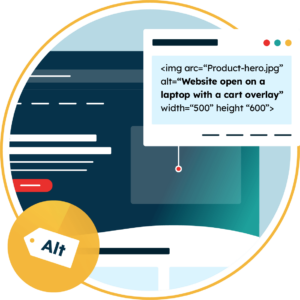
Text and image accessibility are often overlooked elements when it comes to PDF generation. Standard PDFs often lack alternative text, which means screen readers are unable to describe the image to users with visual impairments. Additionally, text can be embedded as an image instead of selectable text, making it unusable to a screen reader.
Accessible PDFs will always include detailed alt text for images and content that is selectable (and readable by screen readers). It is also important that text can easily be resized without impacting the layout of the document.
Forms and interactive elements
PDFs often have forms and other interactive elements, but these are not always labelled properly in the code. This means that while they might appear visually clear, screen readers will struggle to identify fields, instructions, and error messages.
In an accessible PDF, all forms and interactive elements are tagged and labelled in the underlying structure of the PDF. This means that form fields are labelled, instructions are clear, and users are able to complete and submit forms with the use of assistive technology.
The role of accessibility standards and compliance when creating PDFs
To ensure that PDFs can be perceived, understood, and navigated by users with disabilities, organisations should use PDF accessibility guidelines such as Web Content Accessibility Guidelines (WCAG) and PDF/UA.
The role of WCAG in creating accessible PDFs
WCAG was originally developed for web content, but experts in accessibility have extracted 23 PDF accessibility guidelines that content creators should adhere to. The guidelines are built around four key principles: content should be perceivable, operable, understandable, and robust (POUR). When creating PDFs, this means:
- Providing alt text for images
- Ensuring a logical reading and tab order
- Using clear structure (headings and lists)
- Making forms and links usable with different input models
PDF accessibility legislations
WCAG is not legislation, but it is widely considered to be the global benchmark in terms of accessibility compliance. Many legislative acts around the world cite WCAG as the accepted standard, including:
Therefore, organisations that create PDFs should align content with WCAG guidelines to be considered compliant with applicable laws and reduce legal risk and reputational consequences.
PDF/UA (PDF/Universal Accessibility
In addition to WCAG, organisations should be aware of PDF/UA (PDF/Universal Accessibility). This is an international ISO standard focused on the accessibility of PDF documents, which defines the technical requirements for how they should be structured and tagged so that content is available to those with a wide range of needs. This covers areas such as correct use of tags, document structure, and metadata.
Who benefits from accessible PDFs?
Accessible PDFs are useful for anyone who wants content that is clear and works well across different tools, devices, and ways of engaging. That could be pretty much anyone, but some of the most specific examples include:
- People reading on mobile devices or small screens
- People working in noisy or low-bandwidth environments
- People who want to search, copy, highlight, or reuse text easily
- People who use screen readers or text-to-speech to read content aloud
- People who benefit from clear structure, headings, and predictable navigation
- People who navigate using a keyboard, voice control, or other assistive technology
- People who prefer to change text size, spacing, or colours to suit their visual preferences
- People who use an alternative language from the document’s original language and rely on translation tools

Use our PDF remediation tool to ensure your digital content is compliant
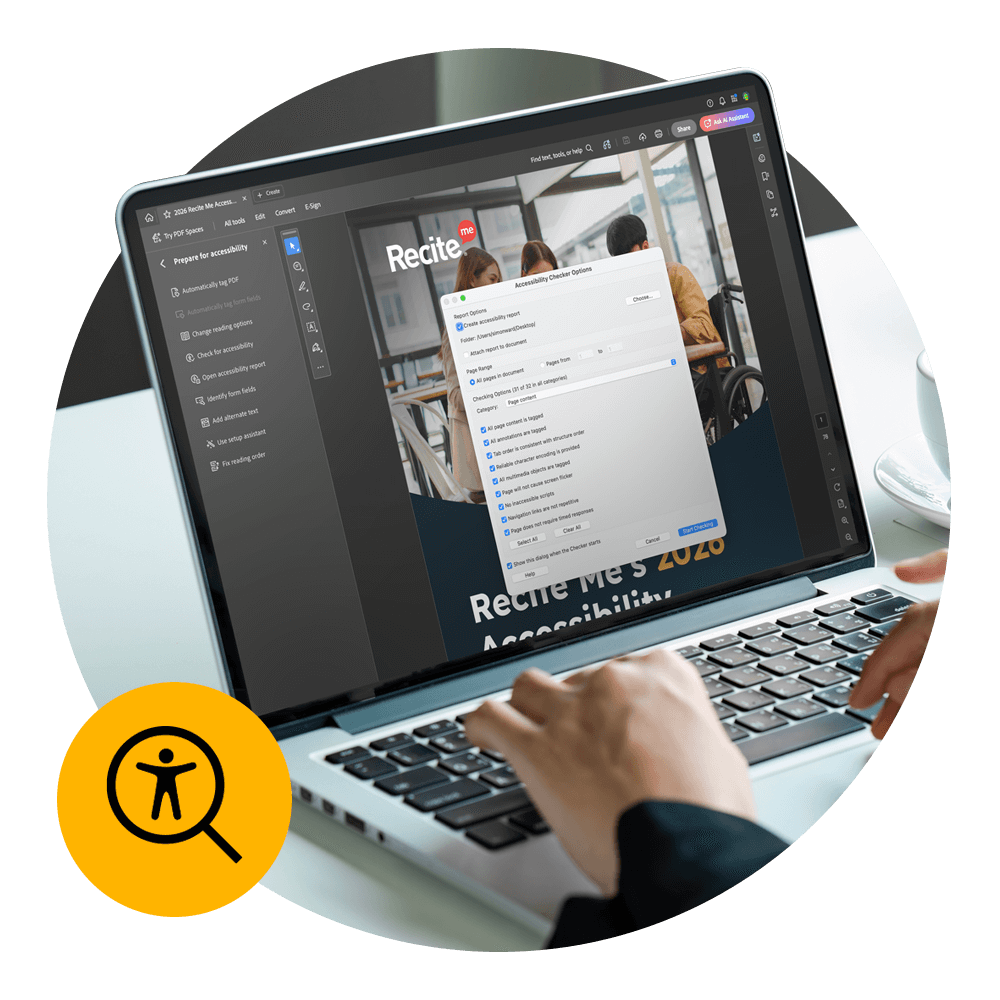
So, what can you do to make sure your digital content is compliant and accessible? This does not have to be a manual, painstaking process with the Recite Me PDF Accessibility Checker. Our tool scans your entire website to find PDF documents, which are then run through WCAG compliance tests to highlight accessibility barriers.
You can then easily apply fixes with smart tools, AI-powered insights, and automation to ensure that documents align with WCAG standards. This can help organisations simplify the process of transforming standard PDFs into accessible documents. For any issues that cannot be automated, the tool will provide step-by-step instructions on how to remediate.
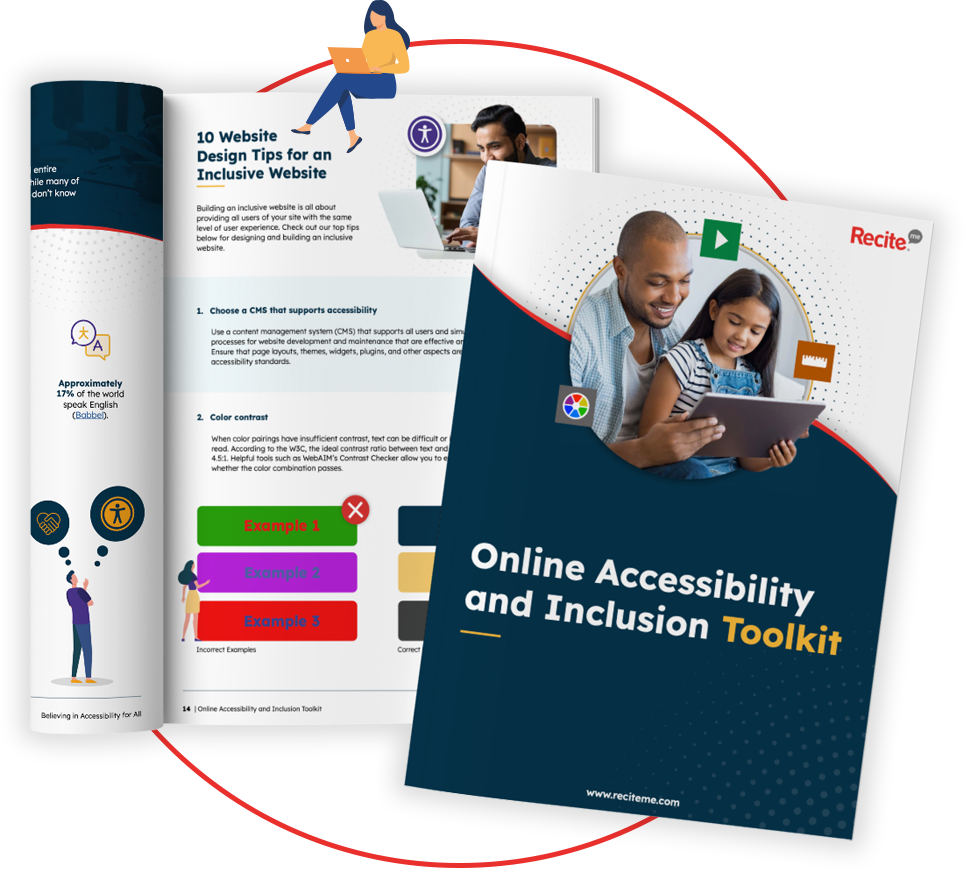
Our 40-page Digital Accessibility & Inclusion Toolkit helps businesses break down online barriers and make a real impact. It offers practical advice on all aspects of digital accessibility, from writing an accessibility statement to accessible website tips and inclusive hiring.
Create accessible PDFs for your website
Standard PDFs often contain accessibility barriers that can exclude users with different disabilities. In addition to preventing users from accessing important content, this can increase compliance risk and legal exposure.
This is why every organisation needs to understand how to create accessible PDFs that align with globally recognised accessibility guidelines. This will improve the user experience and inclusivity while reducing legal risk. The Recite Me PDF Accessibility Checker is a useful tool that can help organisations quickly and efficiently transform standard PDFs into more accessible documents.
PDF Accessibility Guidelines FAQs
Looking for a recap or quick summary? Here are a few of our most frequently asked questions to help you get to grips with the essentials:
What are the risks of non-compliant PDFs?
There are several risks of non-compliant PDFs for organisations. Accessibility barriers can lead to formal complaints, damage to your reputation, and legal consequences. This is a key concern for public sector bodies who are subject to accessibility regulations.
What are common accessibility barriers?
There are a handful of common accessibility barriers found in standard PDFs. These include:
- Insufficient alt text
- Keyboard navigation issues
- Incorrect heading usage
- Improper reading order
- Forms without properly labelled fields
How often should organisations review PDF accessibility?
PDF accessibility should be reviewed regularly by all organisations. This includes once annually and when new content is published. For organisations that frequently generate PDFs, ongoing monitoring is essential for compliance and making sure content is accessible for all.
Check out our Products & Services
Ready to take your first steps towards digital accessibility compliance? Then see how we can support your journey with our accessibility solutions:
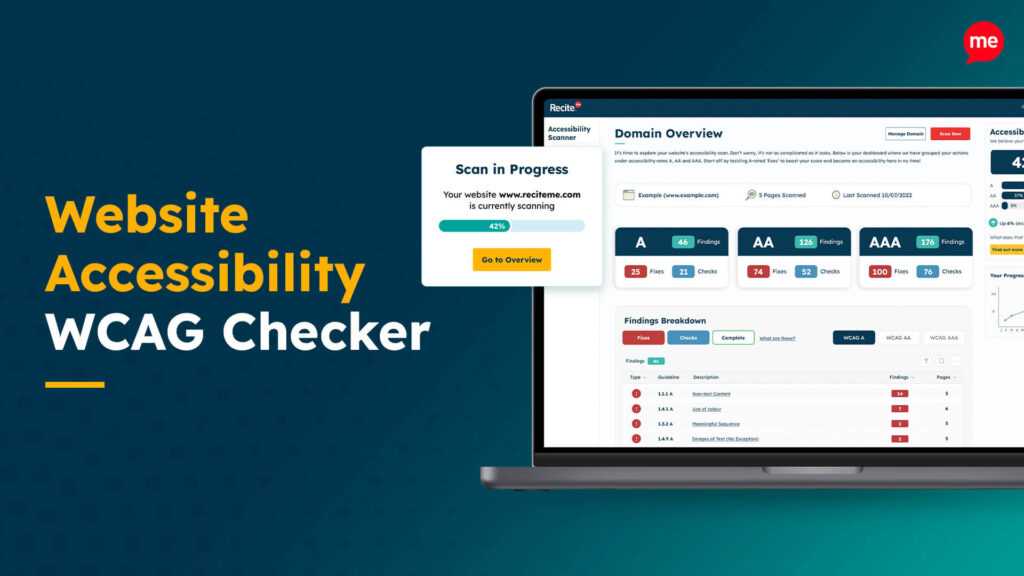
Web Accessibility Checker
Scan, detect, fix, and maintain accessibility compliance standards on your website.
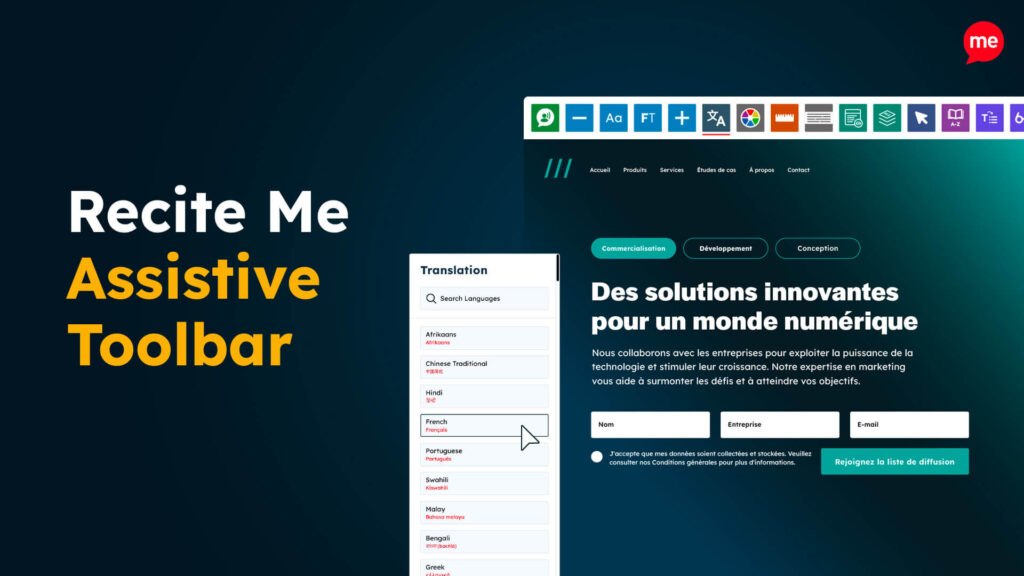
Assistive Toolbar
Make your website an inclusive and customisable experience for people with disabilities.
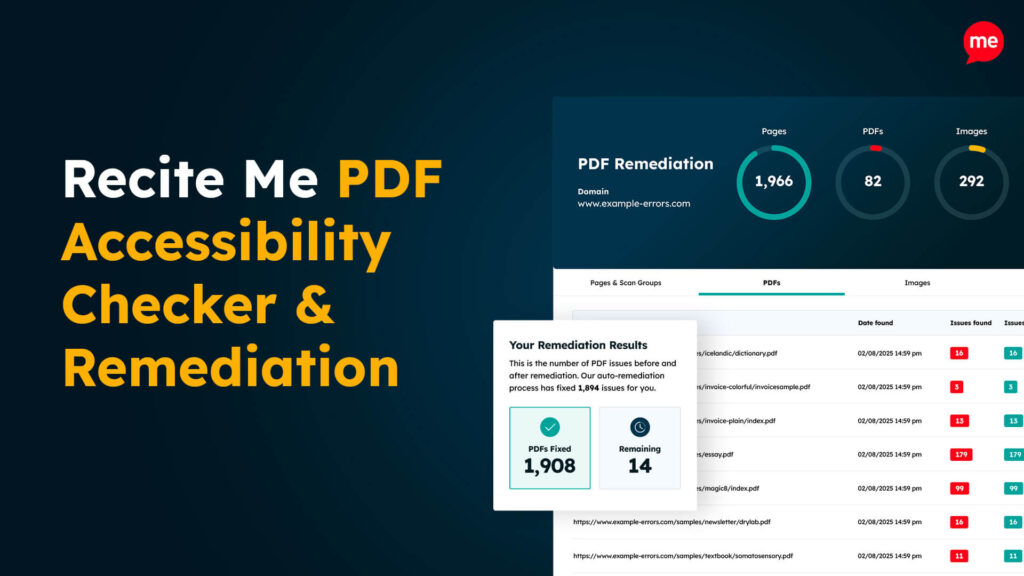
PDF Accessibility Checker
Check your PDFs are compliant with accessibility standards and run automated fixes.