Get Your Free Accessibility & Inclusion Toolkit
Download NowAccessible PDFs ensure content can be perceived, understood, and navigated by anyone, regardless of how they access information. To do this, PDF accessibility guidelines like WCAG and PDF/UA must be followed, as they provide practical techniques that can be implemented.
By applying these PDF accessibility standards to your documents and files, you can improve usability, comply with legislation, and provide an inclusive experience for everyone. In this quick guide, we will cover all the important guidelines for success.
What are the main accessibility standards referenced for PDFs?
If you want to create and maintain accessible PDFs across your digital landscape, there are a few accessibility standards to keep in mind. Let’s take a closer look:
Web Content Accessibility Guidelines (WCAG)
Although originally developed for web content, WCAG has a total of 23 PDF accessibility guidelines that content creators must follow. These guidelines are organised around four key principles: content should be perceivable, operable, understandable, and robust. For PDFs, this includes providing text alternatives for images, ensuring a logical reading and tab order, using clear structure such as headings and lists, and making forms and links usable with different input methods.
WCAG is not legally enforceable on its own, but it is widely recognised as the global benchmark for accessibility compliance. Legislation such as the Americans with Disabilities Act, the European Accessibility Act, the Accessible Canada Act, and Australia’s Disability Discrimination Act all reference WCAG as the accepted standard. Organisations that fail to meet WCAG guidelines may be considered non-compliant with these laws, potentially exposing themselves to legal risks and reputational consequences.
PDF/UA (ISO 14289)
PDF/UA, which stands for PDF/Universal Accessibility, is an international ISO standard specifically focused on the accessibility of PDF documents. It defines technical requirements for how PDFs must be structured and tagged so content is reliably available to people with diverse needs.
PDF/UA covers areas such as correct use of tags, document structure, metadata, language specification, and interactive form behaviour. Unlike WCAG, which is technology-agnostic, PDF/UA is tightly aligned with the PDF format itself.
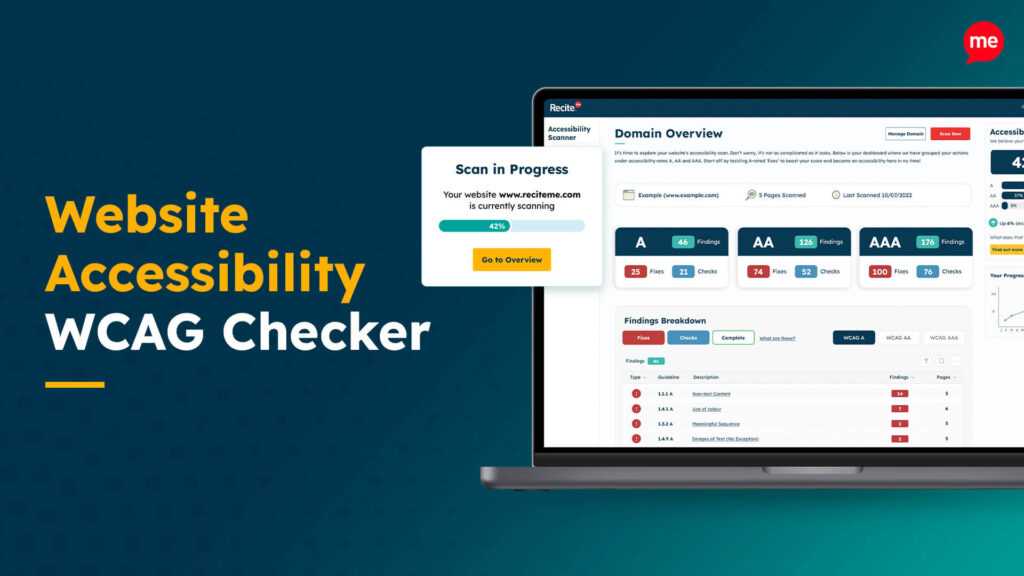
Get a free automated accessibility check of your websites homepage. This will identify and highlight any compliance issues on your website. Followed by recommendations on how to implement the necessary changes to make your website more accessible.
Understanding the 23 WCAG guidelines for accessible PDFs
WCAG currently has a total of 23 PDF accessibility guidelines that content creators should adhere to. Here’s how they work:
Technique PDF1: Applying text alternatives to images with the Alt entry in PDF documents
This technique ensures that images include meaningful text alternatives using the Alt entry. This allows anyone who uses assistive technology or prefers text-based access to understand the purpose or content of images.
Technique PDF2: Creating bookmarks in PDF documents
This PDF accessibility guideline ensures bookmarks provide a clear, navigable structure within a PDF. They also help anyone who prefers quick navigation to move efficiently between sections of a document.
Technique PDF3: Ensuring correct tab and reading order in PDF documents
A correct tab and reading order ensures content is presented in a logical sequence. This benefits anyone who navigates using a keyboard or assistive technology and anyone who prefers a predictable reading flow.
Technique PDF4: Hiding decorative images with the Artifact tag in PDF documents
Decorative images are marked as artifacts so they are ignored by assistive technology. This reduces unnecessary interruptions and supports a more focused reading experience.
Technique PDF5: Indicating required form controls in PDF forms
Required form fields are clearly identified, so expectations are transparent. This helps anyone completing forms to understand what information is needed without confusion.
Technique PDF6: Using table elements for table markup in PDF Documents
When following this PDF accessibility guideline, proper table markup ensures rows, columns, and headers are correctly identified. This allows table content to be understood and navigated in a meaningful way by a wide range of tools and preferences.
Technique PDF7: Performing OCR on a scanned PDF document to provide actual text
Optical Character Recognition converts scanned images of text into actual text content. This makes documents that follow PDF accessibility guidelines searchable, selectable, and usable with assistive technology.
Technique PDF8: Providing definitions for abbreviations via an E entry for a structure element
Abbreviations are given clear definitions using structure elements. This supports understanding for anyone who may be unfamiliar with shortened terms or prefers additional context.
Technique PDF9: Providing headings by marking content with heading tags in PDF documents
With this PDF accessibility technique, headings are marked up using appropriate heading tags to convey document structure. This allows anyone to scan, navigate, and understand the hierarchy of content more easily.
Technique PDF10: Providing labels for interactive form controls in PDF documents
Form controls are given clear, programmatic labels that describe their purpose. This ensures form fields are understandable and usable for a wide range of interaction methods.
Technique PDF11: Providing links and link text using the Link annotation and the /Link structure element in PDF documents
Links include descriptive link text and proper link annotations, making it clear where a link will take someone, supporting informed and confident navigation.
Technique PDF12: Providing name, role, and value information for form fields in PDF documents
With this next PDF accessibility standard, form fields expose their name, role, and current value to assistive technology. This ensures interactive elements behave predictably and provide clear feedback during use.
Technique PDF13: Providing replacement text using the /Alt entry for links in PDF documents
This accessible PDF technique ensures links include meaningful replacement text using the /Alt entry. It helps anyone understand a link’s purpose without relying on the surrounding visual context.
Technique PDF14: Providing running headers and footers in PDF documents
Running headers and footers provide consistent contextual information, such as section titles or page details, across pages. This PDF accessibility standard supports orientation for anyone navigating longer documents.
Technique PDF15: Providing submit buttons with the submit-form action in PDF forms
Submit buttons are clearly defined with the correct submit-form action so forms behave as expected. This provides a predictable and understandable experience for anyone completing a form.
Technique PDF16: Setting the default language using the /Lang entry in the document catalog of a PDF document
The document’s default language is specified using the /Lang entry. This supports correct pronunciation, interpretation, and display for anyone using language-aware tools.
Technique PDF17: Specifying consistent page numbering for PDF documents
Consistent page numbering is defined so page references are clear and reliable. This PDF accessibility guideline helps anyone accurately follow instructions, references, or shared page numbers.
Technique PDF18: Specifying the document title using the Title entry in the document information dictionary of a PDF document
A meaningful document title is provided in the document information dictionary. This allows anyone to quickly identify the document when it is opened or listed among other files.
Technique PDF19: Specifying the language for a passage or phrase with the Lang entry in PDF documents
Language changes for specific words or passages are marked using the Lang entry. This supports accurate reading and pronunciation when multiple languages appear in a document.
Technique PDF20: Using Adobe Acrobat Pro’s Table Editor to repair mistagged tables
Adobe Acrobat Pro’s Table Editor is used to correct table structure and relationships. This ensures table content is presented clearly and logically for different access tools and preferences.
Technique PDF21: Using List tags for lists in PDF documents
List tags are used in this PDF accessibility guideline to mark up lists correctly. This conveys list structure and relationships, making content easier to understand and navigate.
Technique PDF22: Indicating when user input falls outside the required format or values in PDF forms
Clear feedback is provided when input does not match the required format or values. This helps anyone understand what needs to be adjusted without guesswork.
Technique PDF23: Providing interactive form controls in PDF documents
Form controls are implemented as interactive elements rather than static content. This ensures forms can be completed using a wide range of input methods and technologies.
Additional WCAG compliance guidelines to consider for PDFs
While WCAG outlines 23 specific checks for PDFs, there are a few extras that you will want to consider to ensure your files are accessible. Here’s what you need to know:
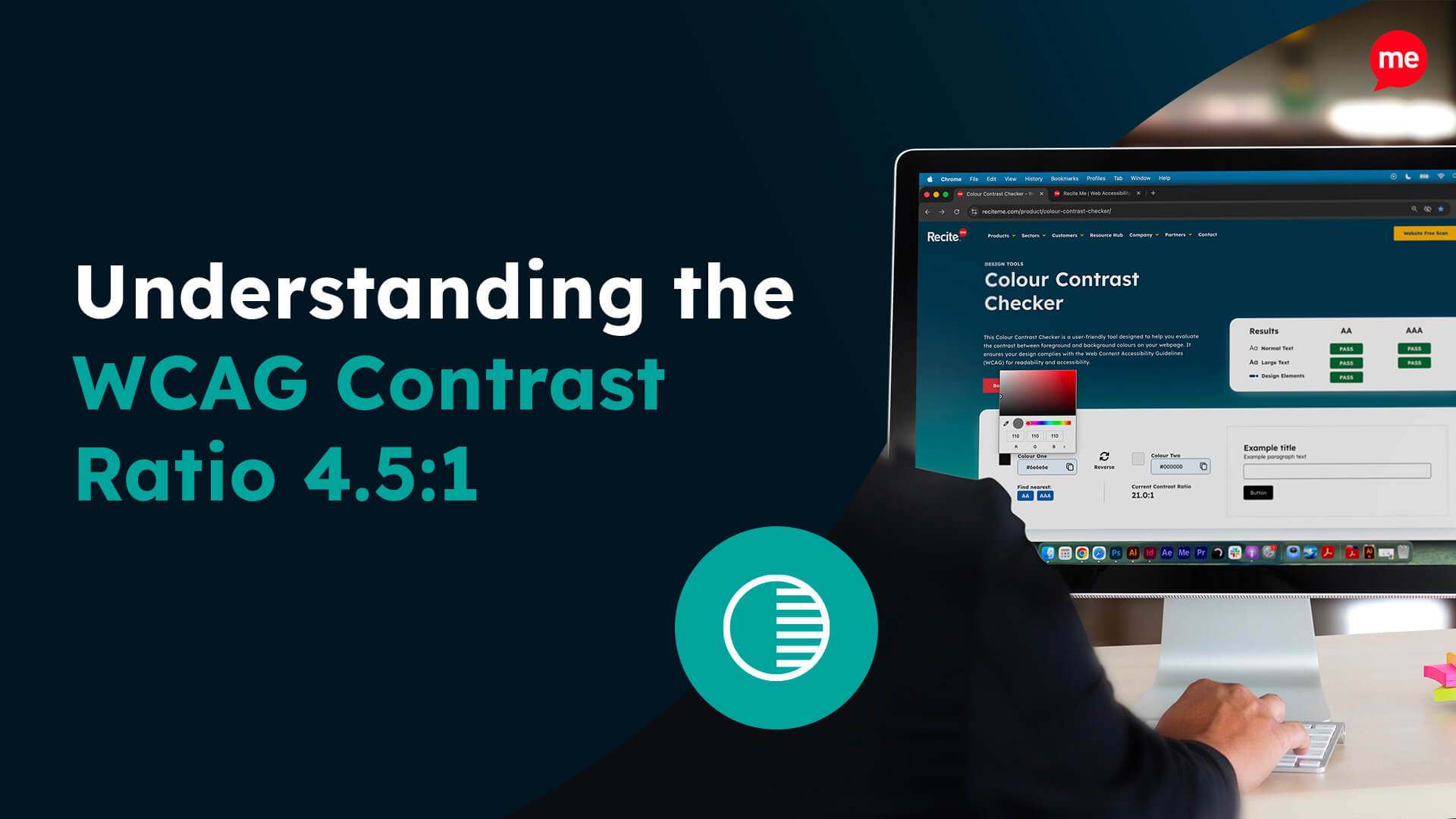
- Colour contrast: Contrast ratios should be accessible and meet the standards outlined in WCAG success criteria 1.4.3 Level AA.
- Fonts: Ensures that fonts are embedded in the PDF and referenced correctly.
- Notes: Correct semantic markup must be applied to notes to ensure they are accessible.
- Metadata: PDFs should contain appropriate metadata to describe the document’s content and structure.
How the Recite Me PDF accessibility checker can help
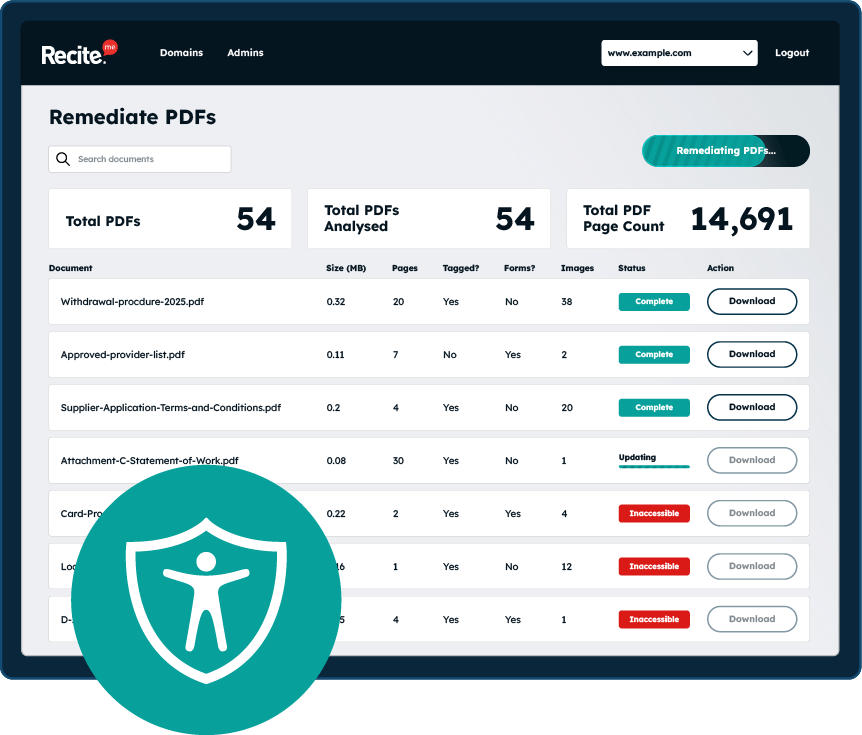
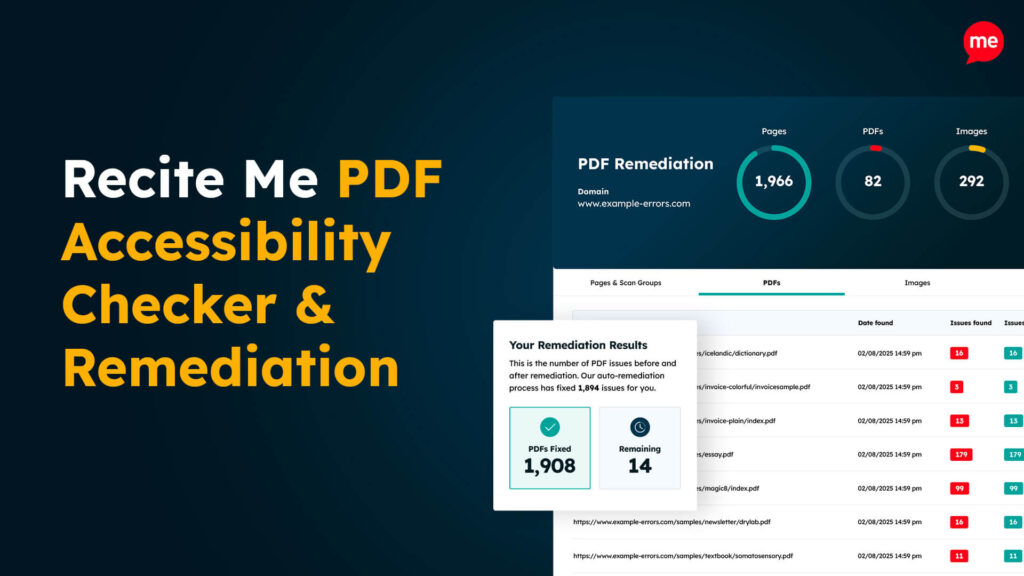
Organisations with hundreds or even thousands of PDFs often face significant challenges in bringing them into compliance with accessibility guidelines. But this doesn’t have to be the case, as the Recite Me PDF accessibility checker provides an automated solution.
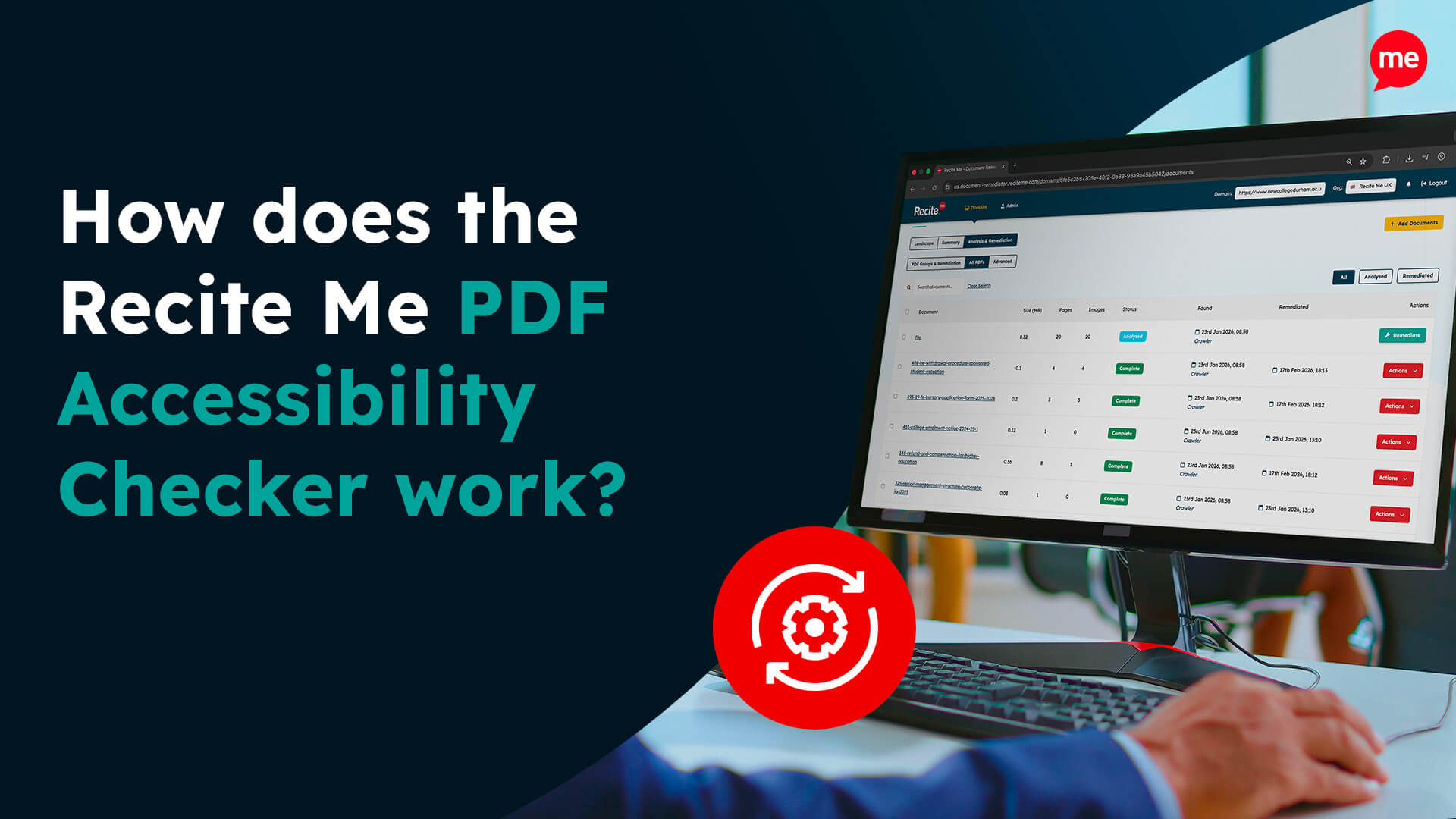
The remediation tool scans your entire website to identify all PDFs and assess their compliance with accessibility standards. It evaluates each document against all 23 WCAG PDF guidelines, as well as additional PDF/UA (ISO 14289) requirements. For any PDFs that do not meet these standards, the tool can provide automated fixes, helping to bring your website into full accessibility compliance quickly and efficiently.
What are the risks of ignoring PDF accessibility guidelines?
Ignoring PDF accessibility guidelines is not advised, as it can create a range of risks across legal, operational, reputational, and human impact. Here are a few of the key risks:
Legal and compliance risks
Regulatory action or legal challenges under various accessibility laws are a real risk for inaccessible PDFs. This can lead to fines and penalties, as well as costly remediation to urgently fix compliance issues.
Exclusion and unequal access
One of the most obvious impacts of ignoring accessibility guidelines for PDFs is that you exclude people with diverse needs. Specifically, those who rely on screen readers, voice control, keyboard navigation, text reflow, or customised colour and contrast settings.
You will also reduce independence and choice, as some people may need to request alternative formats or assistance instead of accessing information directly.
Operational and productivity impacts
Lower efficiency can come as a result of inaccessible documents, as they can slow down tasks for anyone who benefits from searchable text, clear structure, or consistent navigation.
Also, inaccessible PDFs will likely lead to an increased number of support requests, creating extra work for teams who must manually provide accessible alternatives.
Reputational damage
If you fail to follow PDF accessibility guidelines, it can lead to a loss of trust and credibility. This is particularly true if your organisation states a commitment to inclusion but provides inaccessible documents.
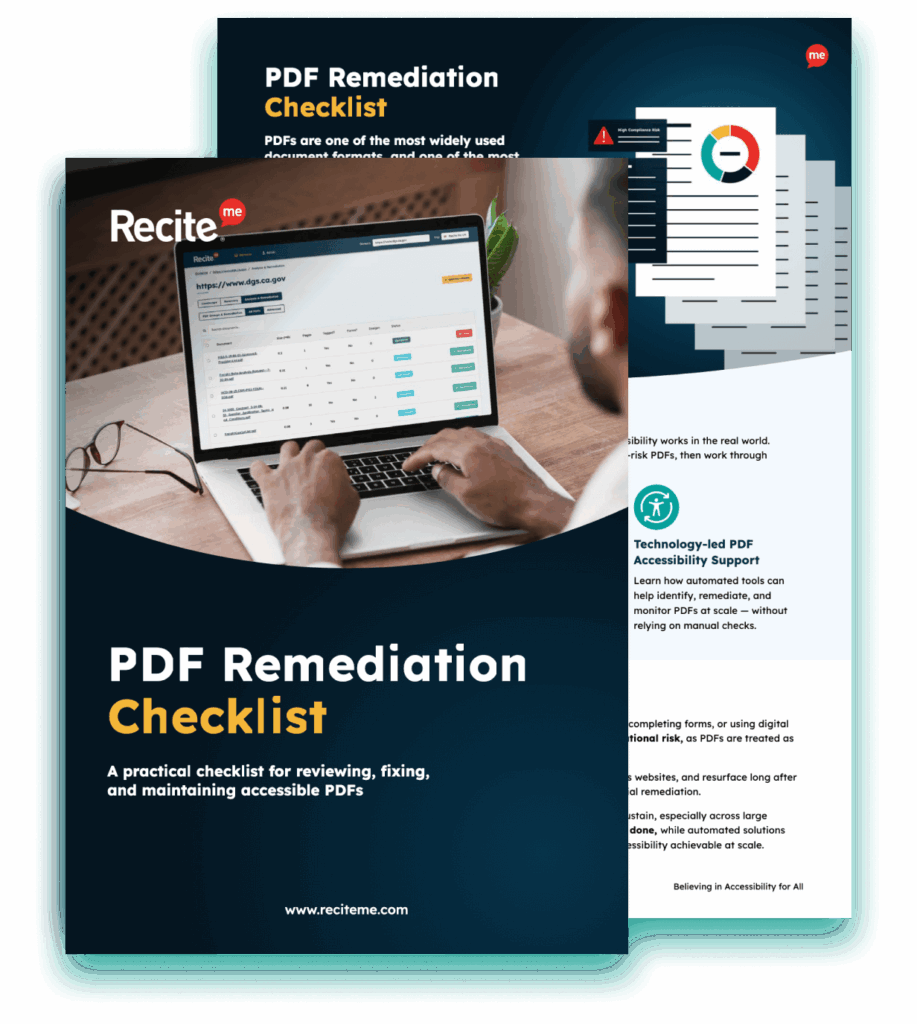
Our 40-page Digital Accessibility & Inclusion Toolkit helps businesses break down online barriers and make a real impact. It offers practical advice on all aspects of digital accessibility, from writing an accessibility statement to accessible website tips and inclusive hiring.
Follow PDF accessibility guidelines for an inclusive digital environment
Creating accessible PDFs is not only a legal requirement, but it’s the right approach. Following the relevant guidelines helps to ensure your digital content can be accessed and used by everyone. This brings clear benefits for your organisation, making accessibility a priority worth taking seriously.
If you would like to take the first step towards compliance, make sure you check out our PDF Accessibility Checker tool. You can book a free demo or speak to an expert from our accessibility team.
PDF Accessibility Guidelines FAQs
Looking for a recap or quick summary? Here are a few of our most frequently asked questions to help you get to grips with the essentials:
Is automated or manual PDF remediation best?
The best approach is to use a combination of both automated and manual PDF accessibility remediation.
What does it mean for a PDF to be accessible?
An accessible PDF ensures that all users, including those with visual, cognitive, or motor differences, can access the content. This includes:
- Screen reader compatibility
- Logical reading order
- Searchable text
- Proper use of headings, lists, tables, and links
What are PDF tags and why do they matter?
PDF tags describe the structure of a document, such as headings, paragraphs, lists, and tables. They allow assistive technologies to understand how content is organised and how it should be read aloud or navigated.
Without tags, content may appear visually correct but become confusing or unusable for people relying on alternative access methods.
What standards should accessible PDFs meet?
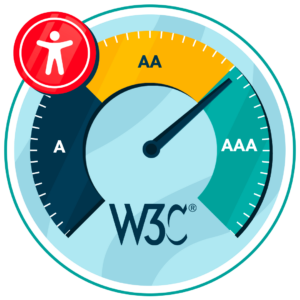
Accessible PDFs typically align with the Web Content Accessibility Guidelines (WCAG), most commonly WCAG 2.1 or 2.2, at Level AA. These guidelines focus on making content perceivable, operable, understandable, and robust for people with diverse needs.
Check out our Products & Services
Ready to take your first steps towards digital accessibility compliance? Then see how we can support your journey with our accessibility solutions:
Web Accessibility Checker
Scan, detect, fix, and maintain accessibility compliance standards on your website.
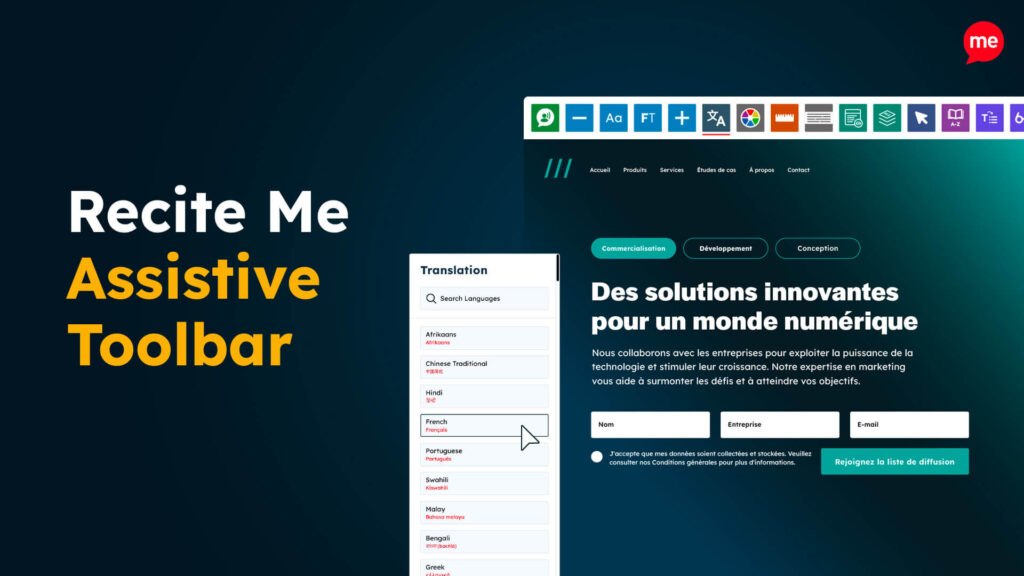
Assistive Toolbar
Make your website an inclusive and customisable experience for people with disabilities.
PDF Accessibility Checker
Check your PDFs are compliant with accessibility standards and run automated fixes.