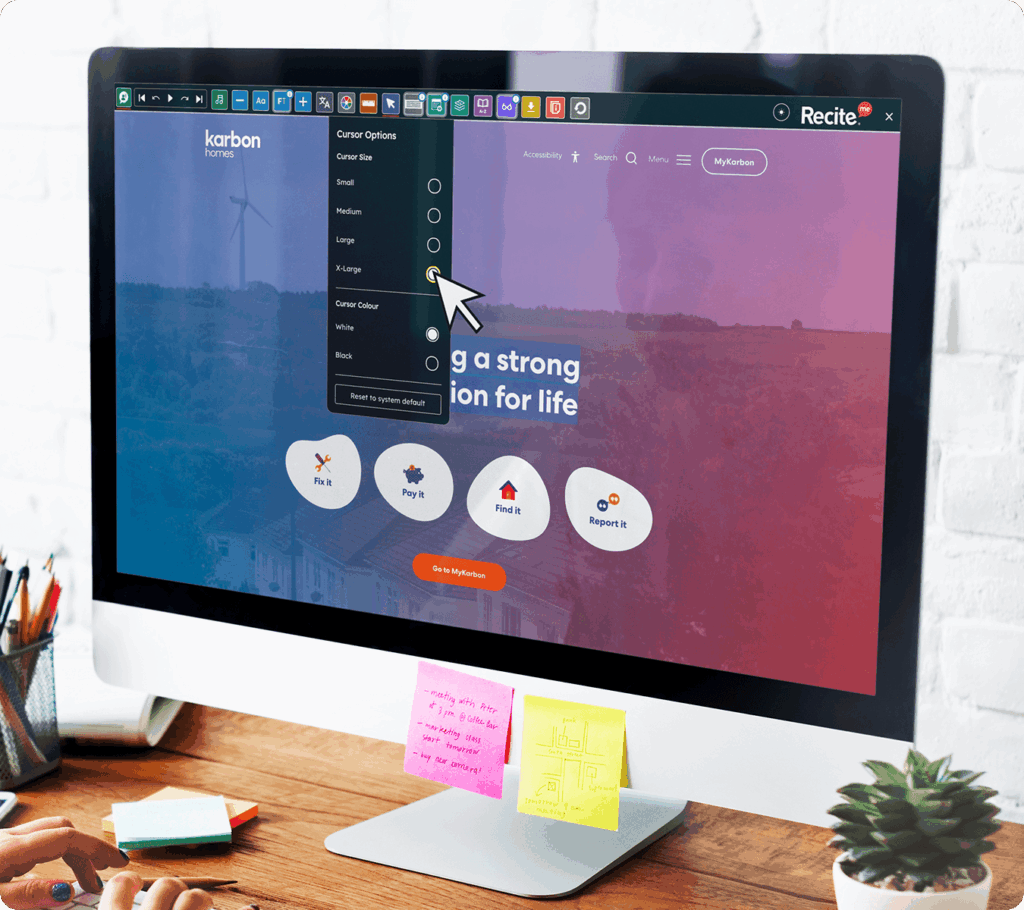
Deliver inclusive navigation through an Enlarged Cursor
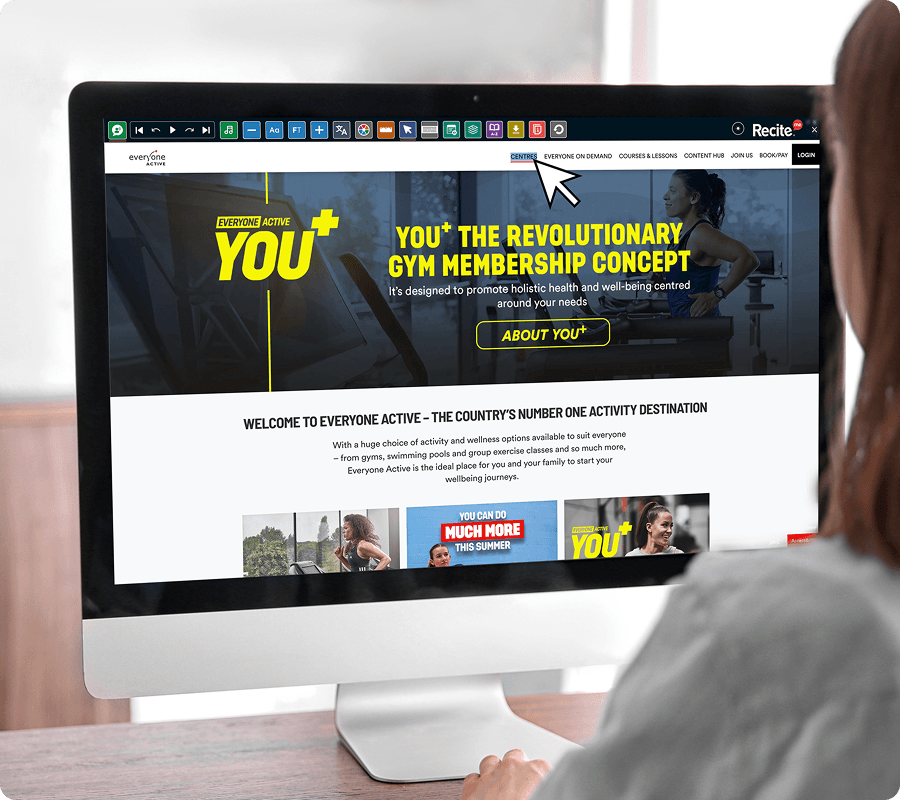
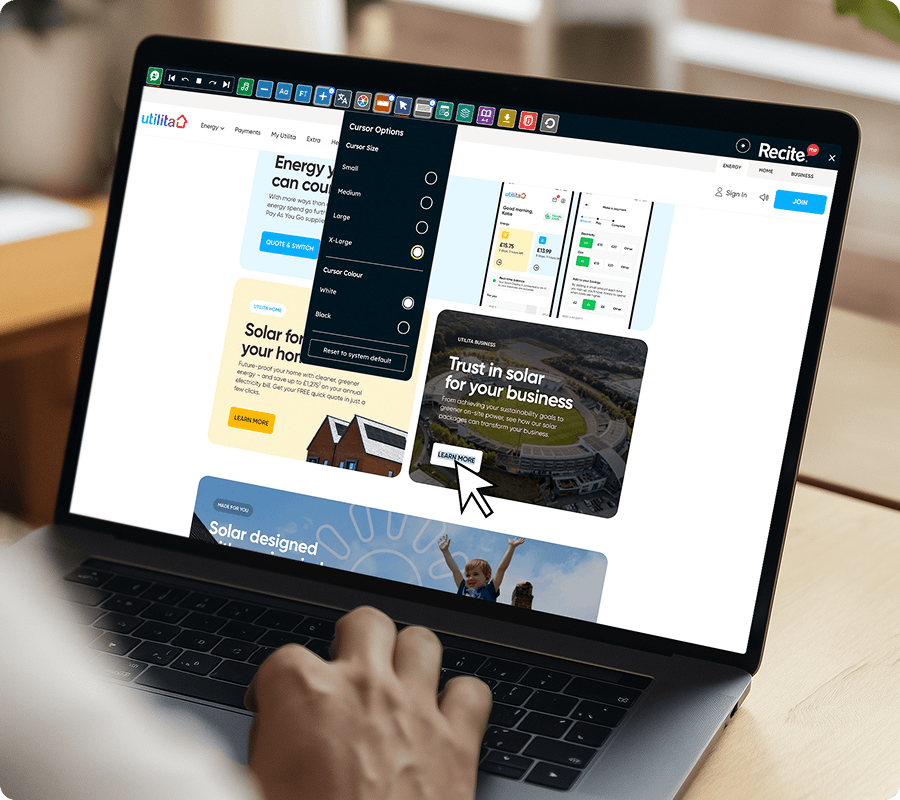
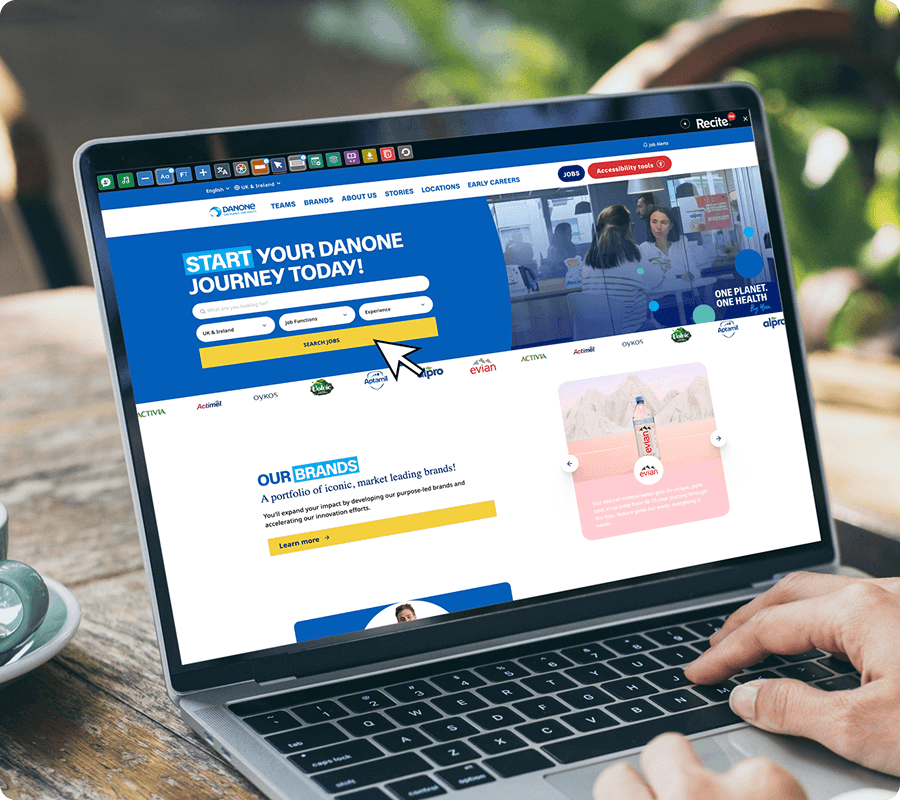
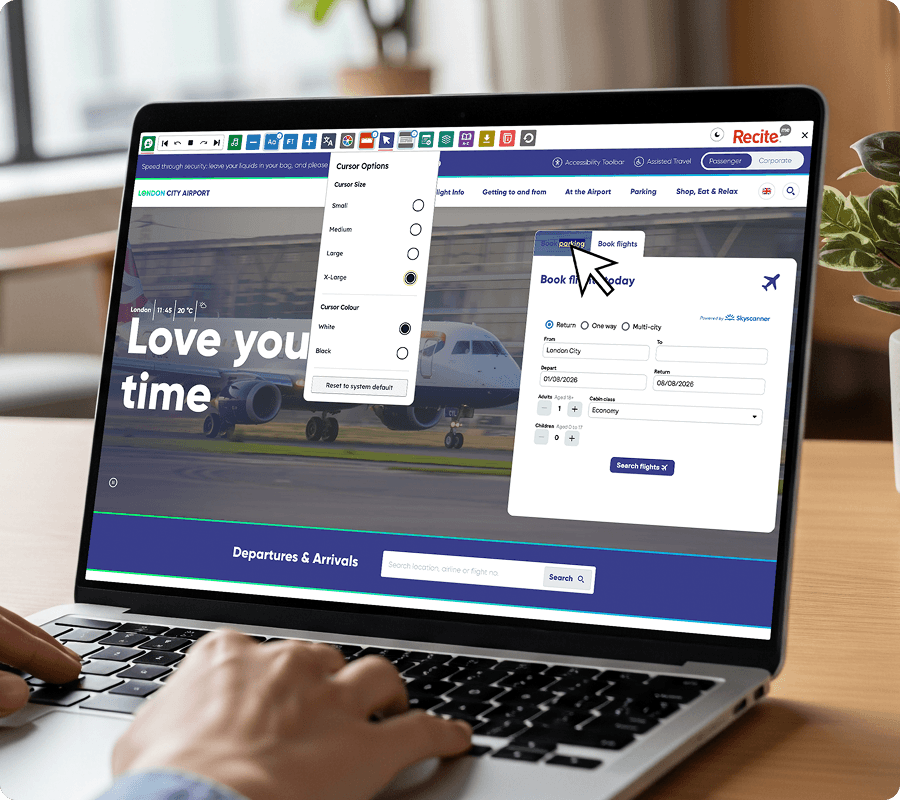
Let visitors use the Recite Me Assistive Toolbar to increase the size of their on-screen cursor. The Enlarged Cursor feature helps users easily see and track their cursor while navigating your website.
IMPROVING CURSOR VISIBILITY
Enlarged Cursor on the Recite Me Toolbar
The Enlarged Cursor feature on the Recite Me Toolbar allows website visitors to adjust the size of their cursor for improved visibility on screen.
No downloads or installation required for website visitors.
Make your website accessible in more ways
See how Enlarged Cursor on the Recite Me Assistive Toolbar helps break down accessibility barriers and support diverse audiences across your website.
A larger cursor can help people with visual impairments or low vision easily track their cursor while browsing, making it easier to interact with website content and navigation elements.