What are the Best Document Accessibility Platforms?

Published By:

TABLE OF CONTENTS

Get a Free Compliance Scan of your Website’s PDFs

Download Now

As digital accessibility regulations tighten globally, organizations are being forced to confront an often-overlooked compliance risk: inaccessible documents. Websites are no longer the only area under scrutiny. PDFs, Word files, PowerPoint decks, annual reports, procurement documents, policy statements, and forms must also meet recognized accessibility standards.

Inaccessible documents create legal exposure, procurement barriers, and reputational risk, making it a strategic necessity to invest in the best document accessibility platform. In this guide, we examine a shortlist of the best options, the standards they support, and how to choose the right solution for long-term compliance.

What is the best document accessibility platform?

There is no single “best” solution for every organization. For example, some entities require preventative authoring tools, whereas others require enterprise-level oversight across thousands of legacy documents.

Platform selection should be based on a structured assessment of operational and regulatory risk, including:

  • The volume of documents your organization produces
  • The level of regulatory exposure you face
  • Internal accessibility expertise and training
  • Public sector or procurement obligations
  • Executive reporting and governance requirements

The following platforms stand out for their functionality, governance capability, and alignment with recognized accessibility standards. They also help support alignment with major accessibility legislation worldwide, including the Equality Act (UK), the European Accessibility Act (Europe), the Disability Discrimination Act (AUS), and the Americans with Disabilities Act (ADA) and Section 508 (United States).

1. Recite Me PDF Accessibility Checker Platform

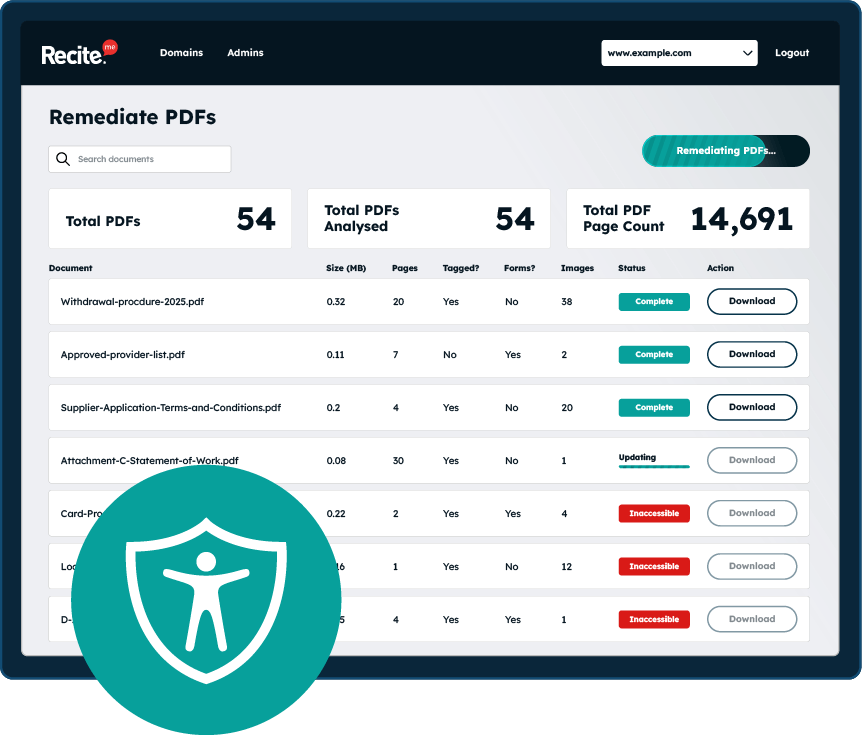
For entities that require structured oversight rather than isolated document fixes, the Recite Me PDF Accessibility Checker provides enterprise-level document monitoring and remediation support. It is one of the best document accessibility platforms for public sector organizations, higher education institutions, financial services, healthcare providers, and large enterprises operating across EU or US jurisdictions.

What are the strengths of Recite Me?

The key benefits of the Recite Me PDF accessibility checker include:

  • Automated scanning against WCAG 2.1 and WCAG 2.2 success criteria
  • Identification of tagging, structure, and reading order issues
  • Risk-based reporting for compliance teams
  • Support aligned with EN 301 549 and Section 508 requirements
  • Consultancy-backed remediation pathways

Unlike standalone repair tools, the Recite Me PDF Accessibility Checker focuses on governance, repeat issue identification, and compliance accountability across entire document estates.

2. Adobe Acrobat Pro DC

Adobe Acrobat Pro DC is widely used for manual accessibility remediation, particularly when correcting complex legacy documents that require detailed structural adjustment.

What are the strengths of Adobe Acrobat?

Adobe Acrobat Pro DC allows users to:

  • Add and edit document tags
  • Adjust reading order
  • Add alternative text
  • Run built-in accessibility checks
  • Validate against PDF/UA standards

For smaller teams or occasional remediation, Acrobat’s remediation capabilities may be sufficient. However, it is unlikely to be the best document accessibility platform for larger organizations as a stand-alone solution, as it typically forms part of a broader accessibility workflow rather than a complete solution.

3. GrackleDocs

GrackleDocs is designed to support accessible document creation within Google Workspace and Microsoft 365 environments. Rather than focusing purely on post-production remediation, it integrates accessibility guidance directly into the authoring process.

What are the strengths of GrackleDocs?

It is particularly useful for organizations that:

  • Produce high volumes of Word, PowerPoint, or Google Docs content
  • Want to prevent accessibility issues at source
  • Train content creators to build accessibility into workflows
  • Require structured exports aligned with WCAG and PDF/UA

By embedding accessibility checks within document creation tools, GrackleDocs supports a “shift-left” approach, addressing issues before files are finalized or distributed publicly. This makes it particularly useful for content creators producing high volumes of documents.

4. axesPDF QuickFix

axesPDF QuickFix is a highly technical remediation tool designed for detailed PDF/UA compliance correction. It is widely used by experienced accessibility professionals who require granular control over document structure.

What are the strengths of axesPDF QuickFix?

axesPDF QuickFix enables:

  • Deep structural tagging and semantic correction
  • Manual adjustment of reading order
  • Role mapping and advanced accessibility properties
  • Validation aligned with PDF/UA requirements

This specialist remediation tool is powerful in the hands of trained accessibility practitioners, particularly where detailed technical conformance must be verified.

5. CommonLook PDF Validator

CommonLook PDF Validator is known for rigorous conformance testing against PDF/UA and WCAG-related success criteria. It is frequently used in regulated sectors such as government and financial services where formal validation processes are required.

What are the strengths of CommonLook PDF Validator?

The platform supports:

  • Structured conformance testing workflows
  • Detailed error reporting
  • Verification against WCAG and PDF/UA standards
  • Remediation guidance within validation reports

It is especially valuable in environments where documentation of technical workflows and accessibility conformance is required for compliance or procurement purposes.

6. PAC (PDF Accessibility Checker)

PAC (PDF Accessibility Checker) is a free tool for validating PDF/UA compliance and structural tagging.

What are the strengths of PAC PDF Accessibility Checker?

The PAC platform provides:

  • Automated structure validation
  • Tag tree inspection
  • Basic conformance indicators
  • Visualized accessibility reports

Accessibility testers and document specialists often use PAC as a verification step during remediation workflows.

7. Microsoft Office Accessibility Checker

Microsoft Office includes a built-in Accessibility Checker within Word, Excel, and PowerPoint. This tool helps identify common accessibility issues during document creation.

What are the strengths of the Microsoft Office Accessibility Checker?

The Microsoft Office Accessibility Checker flags issues with:

  • Missing alternative text
  • Improper heading structure
  • Table formatting concerns
  • Color contrast issues
  • Reading order problems in presentations

For organizations aiming to prevent accessibility errors at the authoring stage, this tool provides a useful first-line safeguard during document creation. However, it does not offer audit documentation or compliance oversight.

8. PAVE (PDF Accessibility Validation Engine)

PAVE is an online validation engine designed to check tagged PDF documents for structural compliance.

What are the strengths of PAVE?

PAVE is typically used by developers and document accessibility testers as part of validation workflows. It supports:

  • Logical structure analysis
  • Tag hierarchy inspection
  • Conformance testing against PDF accessibility standards
Free Scan for Non-compliant PDFs on your Website

Scan your website to locate every PDF in one place and instantly see how many do not meet accessibility standards. You will also receive one of your website’s PDFs fully remediated, so you can see the impact in action.

What types of documents should be accessible?

Most organizations underestimate the range of documents covered by accessibility legislation. Common examples include (but are not limited to):

  • Annual reports
  • Investor presentations
  • HR policies
  • Procurement documents
  • Public consultation papers
  • Educational course materials
  • Healthcare information leaflets
  • Product manuals
  • Forms and applications
  • Board papers

For most public sector bodies, digital documents must meet accessibility requirements when they support public services or government-related activity. Increasingly, private organizations are also held accountable where documents form part of customer journeys.

Which accessibility standards and guidelines apply to documents?

Accessibility requirements vary depending on jurisdiction, sector, and regulatory exposure. However, most accessibility legislation references established international standards as the benchmark for compliance rather than inventing new technical rules.

Here’s a quick overview of the primary standards that may apply.

WCAG 2.1 and WCAG 2.2

The Web Content Accessibility Guidelines (WCAG) are the foundational accessibility benchmark referenced by most global legislation. Although originally written for web content, many success criteria apply directly to digital documents such as PDFs, Word files, and presentations.

Key requirements include:

  • Text alternatives (1.1.1)
  • Meaningful sequence (1.3.2)
  • Use of headings and labels (2.4.6)
  • Color contrast (1.4.3)
  • Focus visibility (2.4.7)

WCAG 2.1 Level AA is widely recognized as the minimum compliance benchmark. However, WCAG 2.2 introduces additional usability-focused criteria, making it the recommended standard for organizations planning long-term compliance.

PDF/UA (ISO 14289)

PDF/UA (Universal Accessibility) is the international technical standard specifically developed for accessible PDF documents. Where WCAG defines what must be accessible, PDF/UA defines how a PDF must be structured to achieve that accessibility.

It establishes detailed technical requirements for:

  • Proper semantic tagging
  • Logical reading order
  • Alternative text implementation
  • Accessible form field markup
  • Navigational elements such as bookmarks and structural trees

For organizations publishing large volumes of PDF content, PDF/UA conformance provides a measurable technical benchmark beyond surface-level accessibility checks.

The most common document accessibility errors

Most document accessibility failures are not obscure technical flaws. Rather, they are predictable structural issues that directly breach WCAG and PDF/UA requirements. Common examples include:

  • Untagged or poorly tagged PDFs
  • Incorrect reading order
  • Missing alternative text
  • Tables without header markup
  • Scanned image-based PDFs
  • Insufficient color contrast
  • Unlabelled form fields

While on the surface these may appear to be minor formatting issues, they represent systemic publishing errors that directly impact compliance, usability, and organizational risk.

What are the benefits of using a document accessibility platform?

For leadership teams, document accessibility is not a formatting exercise. It is a governance responsibility with measurable regulatory, financial, and reputational consequences.

When implemented strategically, document accessibility platforms deliver value in the following ways:

  • Regulatory risk reduction: Proactively identify and address non-conformance before enforcement action, complaints, or legal scrutiny arise.
  • Procurement eligibility: Demonstrate alignment with recognized accessibility standards in regulated procurement processes.
  • Operational consistency: Embed structured controls into publishing workflows to reduce recurring structural errors.
  • Cost efficiency: Minimize remediation effort by resolving systemic issues at source.
  • Inclusion and ESG credibility: Strengthen measurable accessibility commitments within broader diversity and sustainability strategies.
  • Board-level visibility: Enable structured reporting and accountability across document estates.

Ultimately, organizations that approach document accessibility as a strategic function rather than a reactive task build stronger compliance resilience, operational maturity, and stakeholder trust.

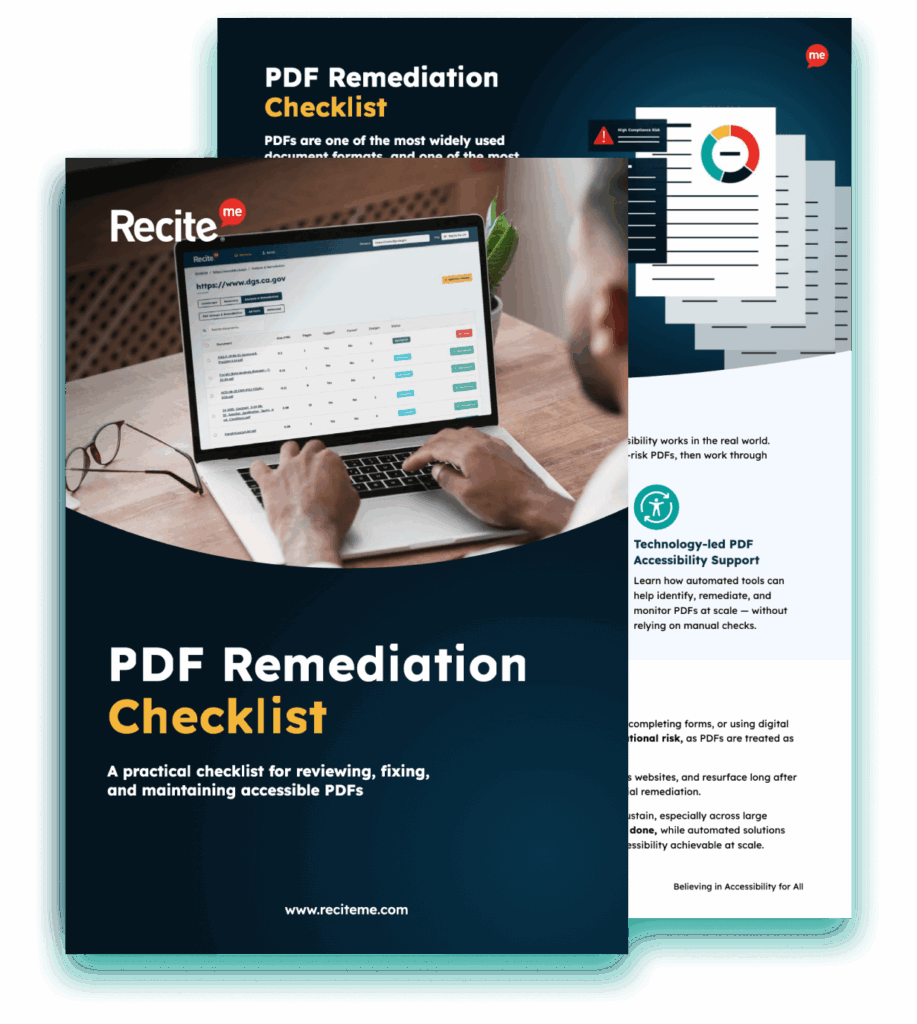
Download A Free PDF Remediation Checklist

Improve the accessibility of your website’s official documents with our free PDF remediation checklist. It guides you through clear steps to identify and address common accessibility barriers, to align with global accessibility standards.

Move from remediation to governance today

Choosing the best document accessibility platform enables you to move from remediation to governance. As regulatory expectations increase and procurement frameworks tighten, it is critical that your organization demonstrates structured control over all digital documents.

The question is no longer whether document accessibility matters. It is whether your current approach is structured enough to withstand scrutiny. Download your free PDF remediation scan today and speak to our expert team about building an accessibility strategy that extends across all of your digital assets.

Best document accessibility platform FAQs

Looking for a recap or quick summary? Here are a few of our most frequently asked questions to help you get to grips with the essentials:

Not necessarily, but it is strongly recommended. In many jurisdictions, WCAG is referenced as the benchmark accessibility standard. Even where it is not legally mandated, WCAG alignment is considered best practice for supporting wider accessibility goals.

PDF/UA is an international standard (ISO 14289) that defines technical requirements for accessible PDF files.

Start by assessing your volume of documents, procurement and regulatory obligations, level of internal expertise, and reporting or oversight expectations. Where accessibility risk extends beyond isolated files, governance-level monitoring should be prioritised.
No. Even the best document accessibility platform cannot guarantee compliance. Technology must be supported by structured processes and human review.

Check out our Products & Services

Ready to take your first steps towards digital accessibility compliance? Then see how we can support your journey with our accessibility solutions:

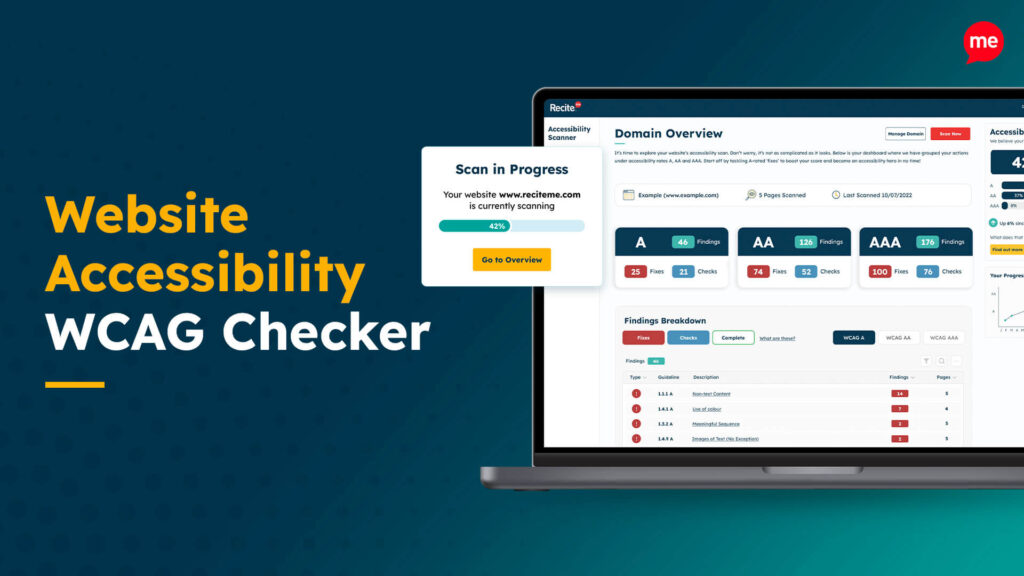
Web Accessibility Checker

Scan, detect, fix, and maintain accessibility compliance standards on your website.

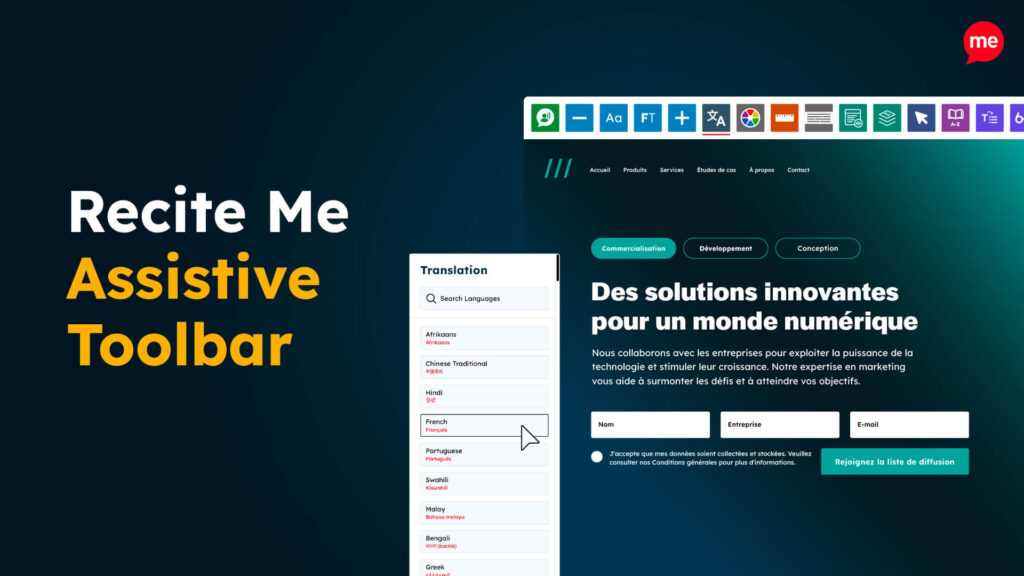
Assistive Toolbar

Make your website an inclusive and customizable experience for people with disabilities.

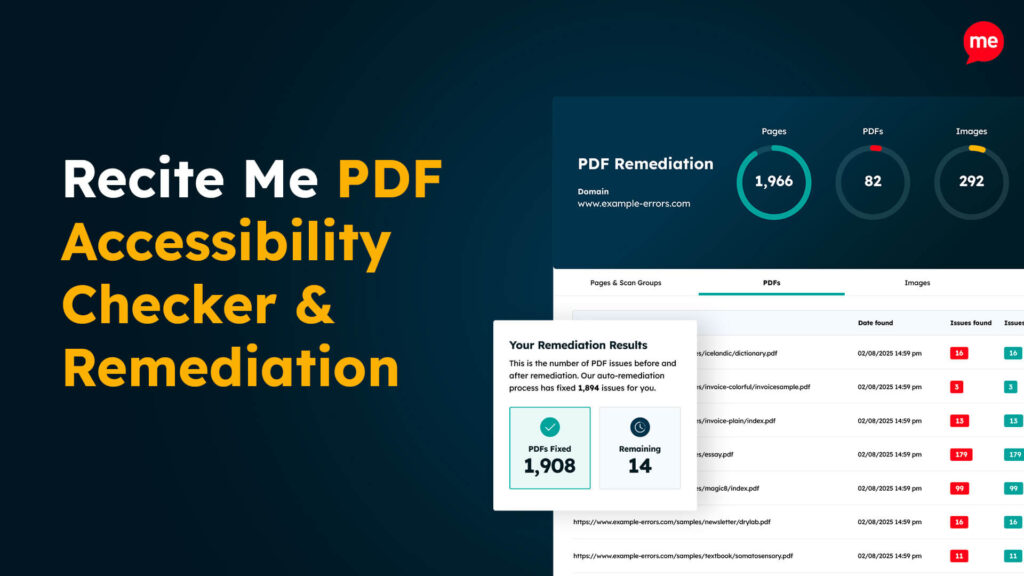
PDF Accessibility Checker

Check your PDFs are compliant with accessibility standards and run automated fixes.

Related Content