



















Kenosha County

When residents turn to their local government online to find services, complete forms, or access public information, they shouldn’t face barriers doing it. Kenosha County holds that principle at the centre of its approach to digital accessibility, treating it not as a compliance checkbox but as a genuine commitment to equal opportunity for every resident it serves.

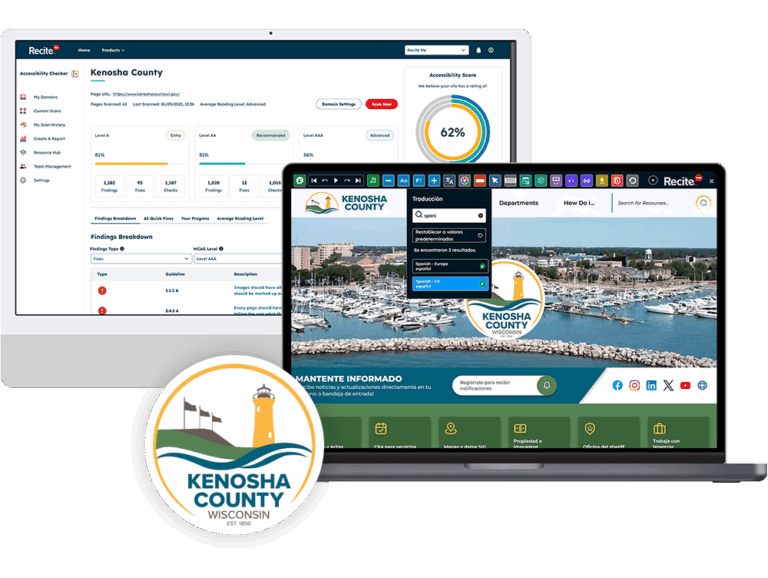
To strengthen that commitment and prepare for the approaching DOJ compliance deadline, Kenosha County partnered with Recite Me by implementing both the Recite Me Accessibility Checker and the Recite Me Assistive Toolbar to improve how residents experience the county’s website and to give the team the tools it needed to identify and resolve issues at pace.
Our Brief

Kenosha County’s website is managed by an internal team responsible for content, working in partnership with an external vendor who handles templates and hosting. That shared model has its advantages, but it also means accessibility issues don’t always sit in one place; some can be fixed directly by the county team, others need to go back to the vendor.

What the team needed was a clearer picture of where the problems were, who owned them, and how to fix them. With the April 2027 DOJ deadline for WCAG 2.2 AA compliance under Title II of the ADA less than a year away, the urgency to get that process right was growing.

The County also wanted to go beyond identifying issues; the team wanted to give residents with disabilities, language barriers, or other access needs a better experience on the site right now, rather than waiting until every compliance fix had been made.

Our Solution

Kenosha County introduced two Recite Me solutions; the Accessibility Checker to support its compliance journey and the Assistive Toolbar to improve the experience for residents visiting the website.

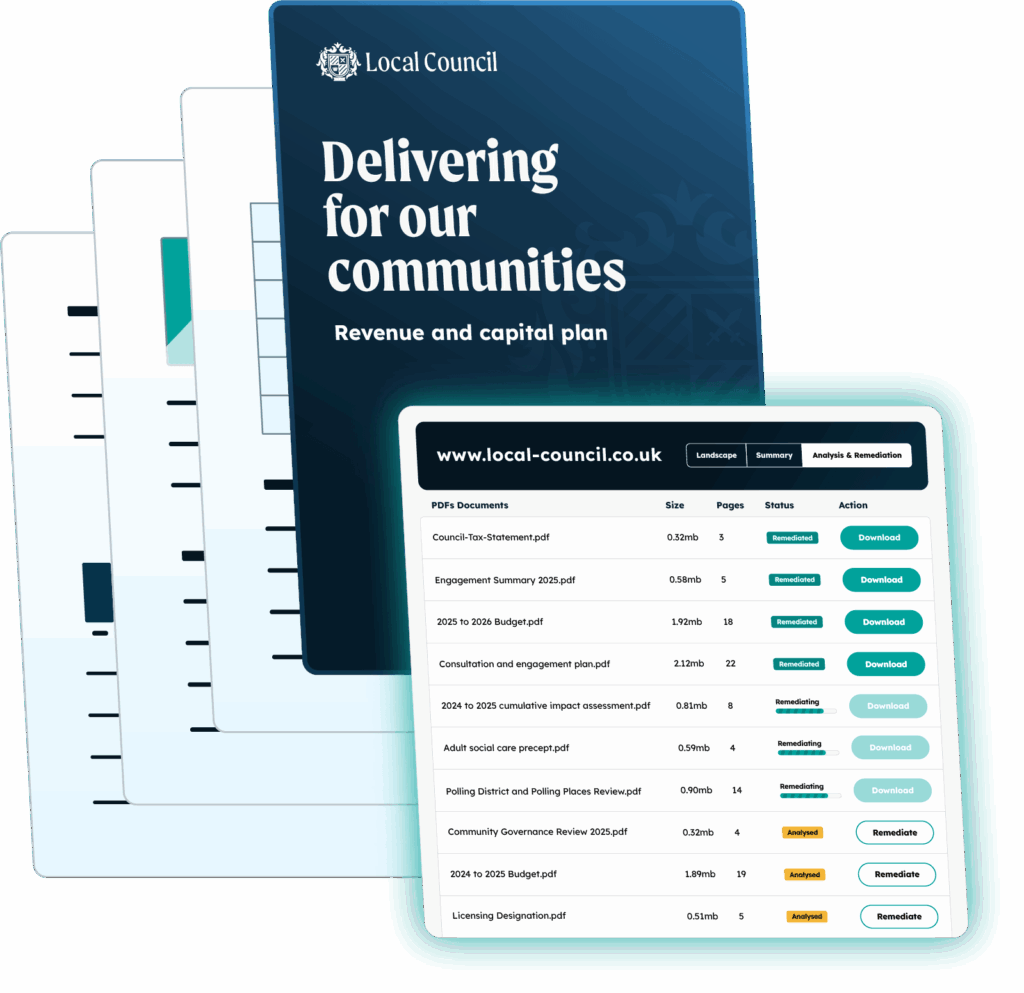
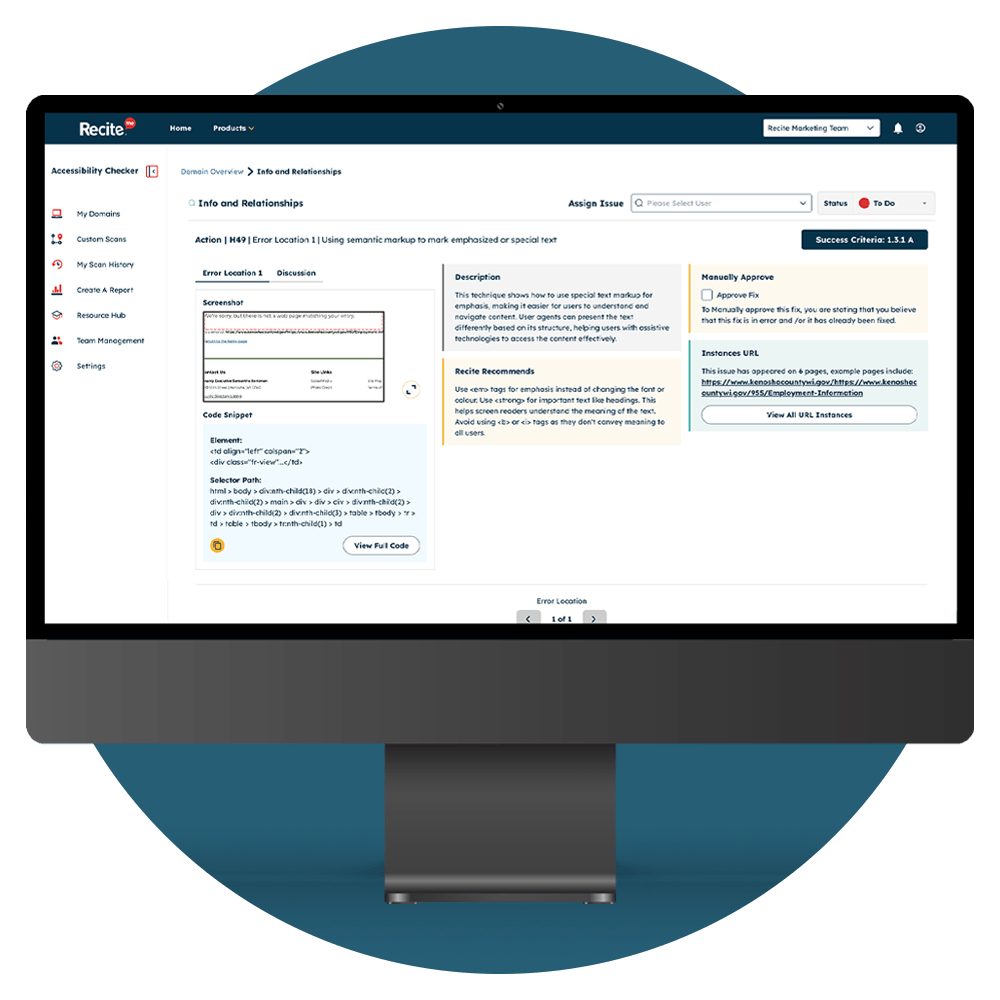
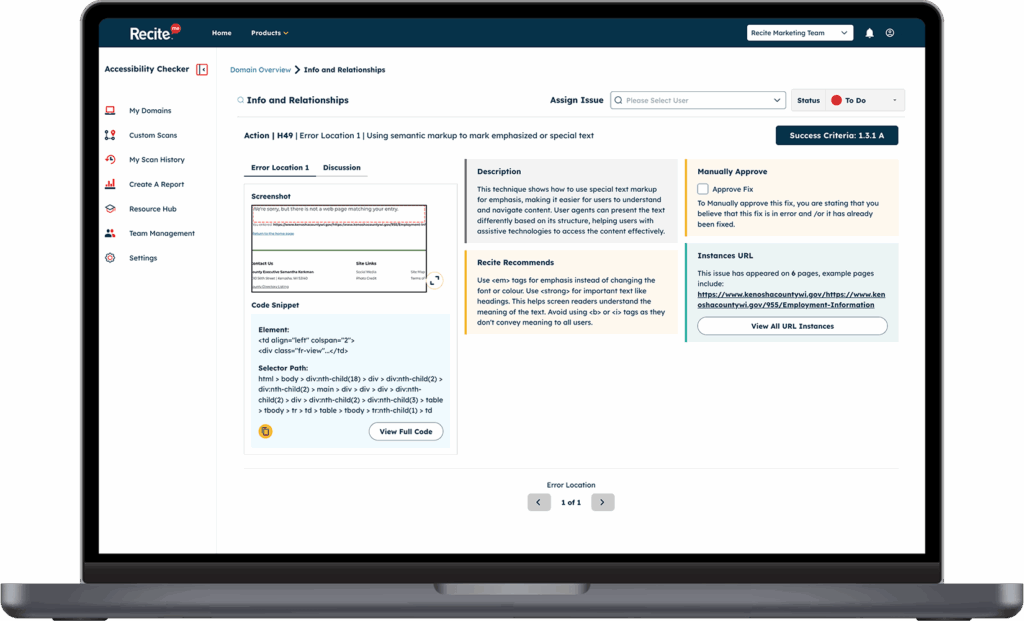
The Accessibility Checker gave the team a structured, repeatable way to audit the website against WCAG 2.2 success criteria. What the team found particularly valuable was the depth of guidance provided for each issue, plain-language explanations, front-end screenshots, code snippets, and clear steps for resolution. That level of detail made it possible for content contributors without a deep technical background to understand and act on findings, not just pass them to a developer.

The ability to run the Checker without limitations has allowed the team to verify fixes as they go, rather than waiting for a scheduled review. It has become a working tool, not just a reporting one.

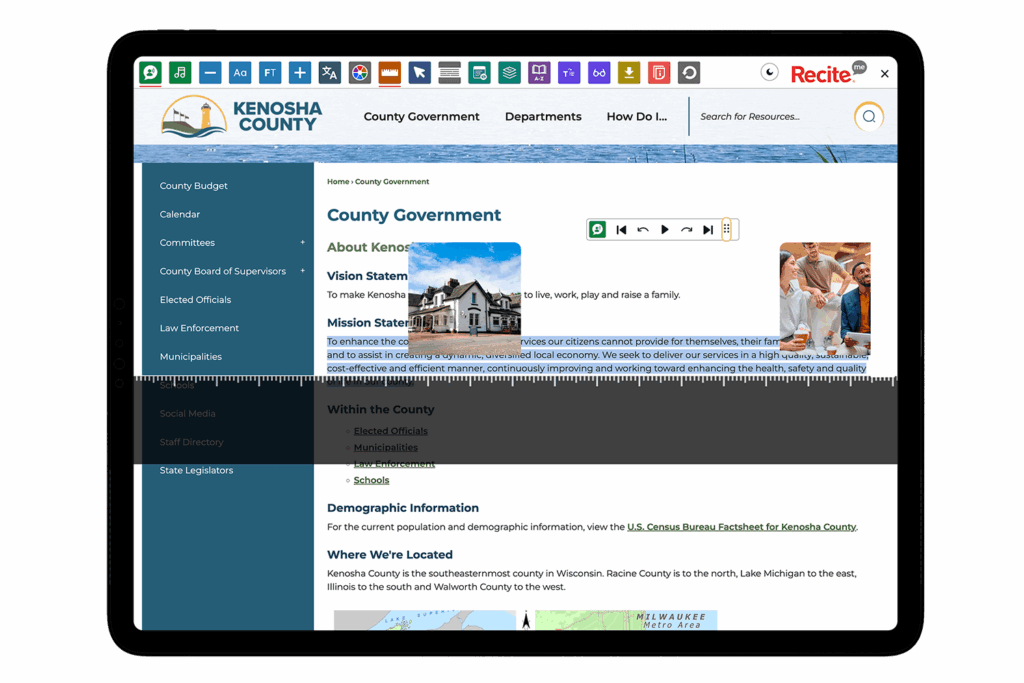
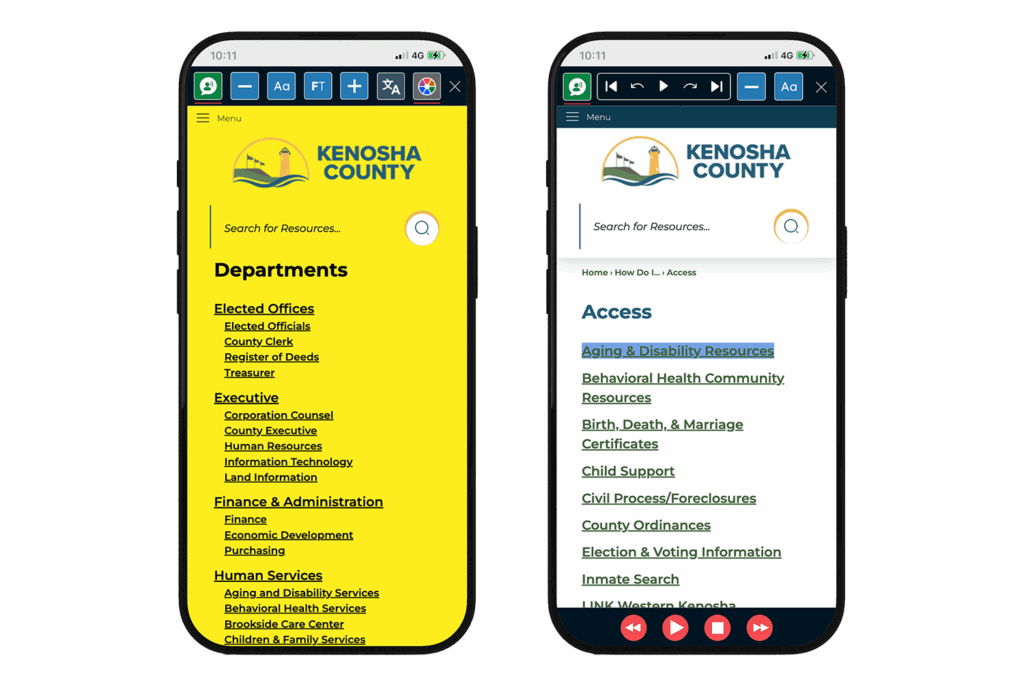
Alongside the Checker, the Recite Me Assistive Toolbar was deployed across the county’s website, giving residents direct control over how they interact with content. Features including text-to-speech, screen masking, color contrast adjustments, and translation into over 100 languages ensure that residents can navigate the site on their own terms.

The toolbar allows us to give guests more control over how they interact with our content, which aligns perfectly with our focus on creating a welcoming, accessible experience both online and on resort. The breadth of functionality, ease of use, and strong reputation in the accessibility space were key factors. It also helped that Recite Me’s tools are customizable and align well with our brand approach, so we can offer support without compromising on design or usability. "

Emily Chapman
Web Designer

Book a Demo

Providing an inclusive experience online for all, contact Recite Me to book a demo

Our Our Assistive Toolbar and Accessibility Checker remove digital barriers, support compliance with global accessibility standards, and create customizable experiences for individual disability needs.

Related content​