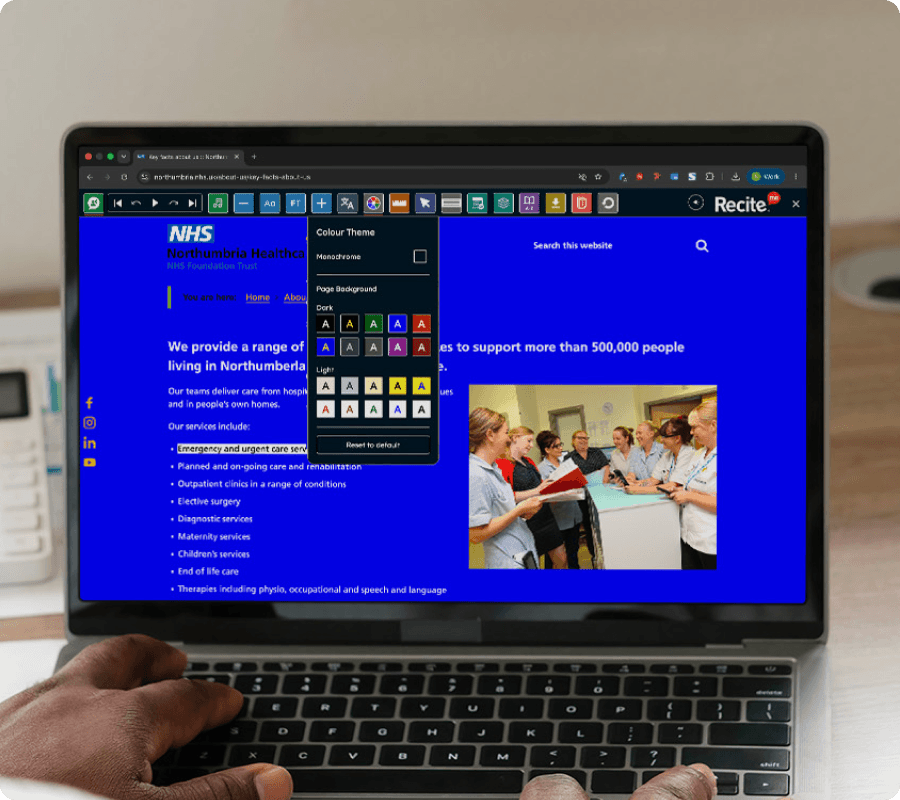
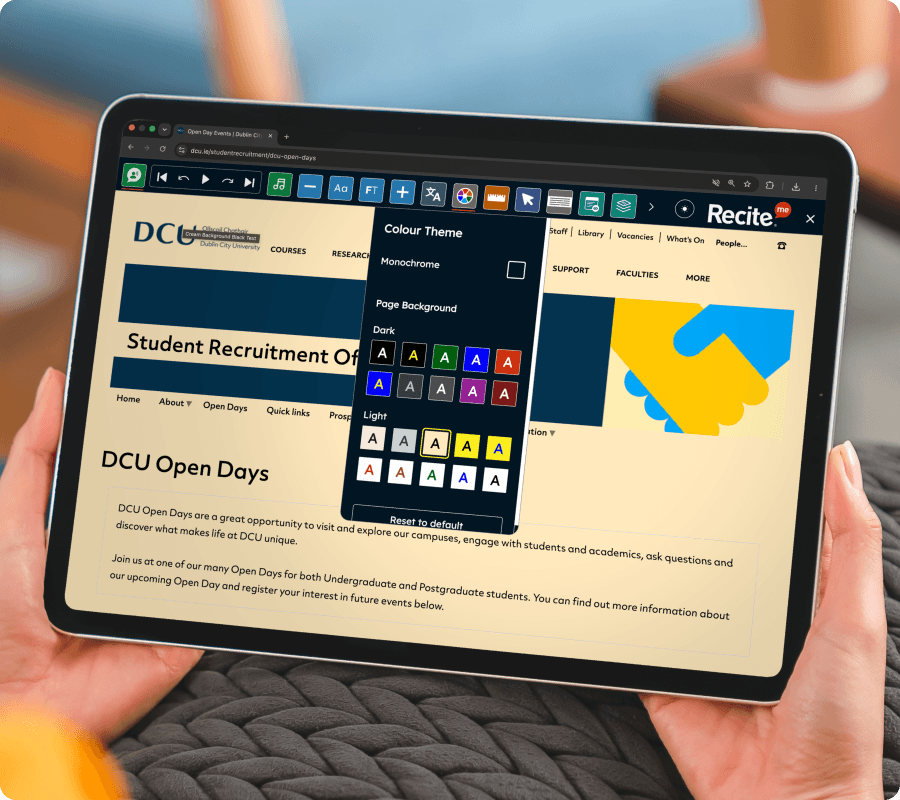
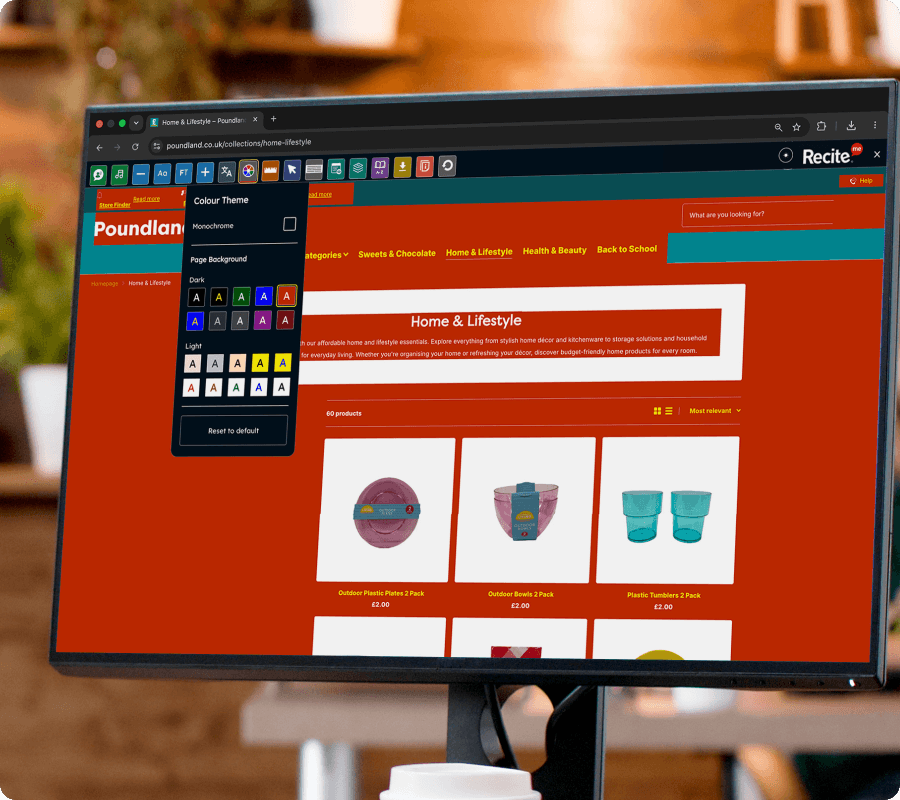
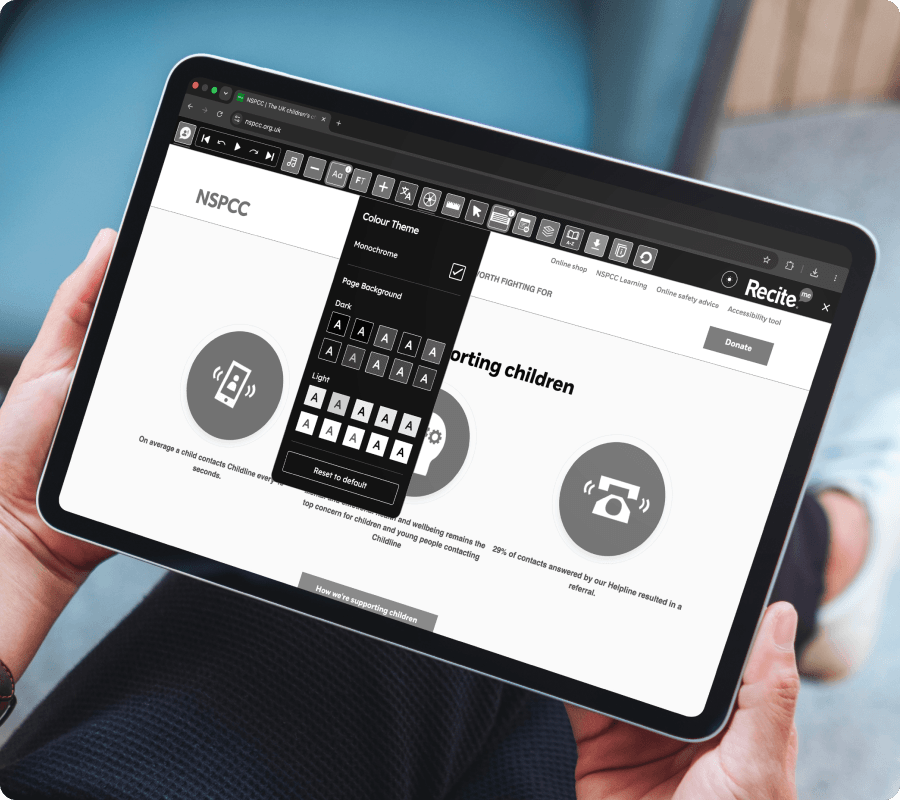
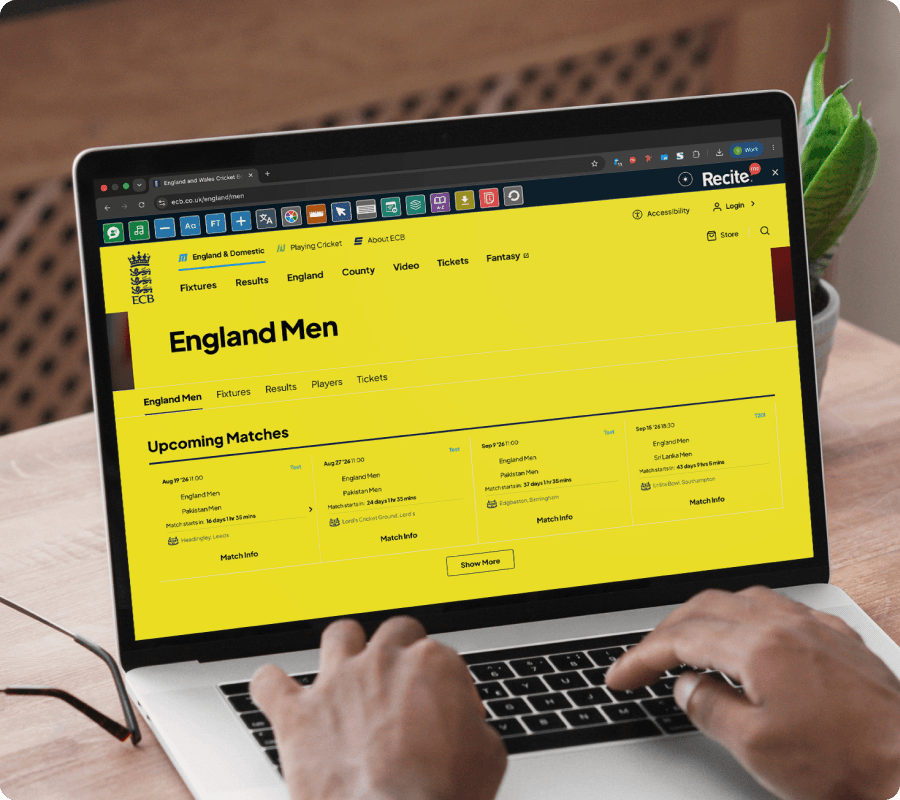
Let visitors use the Recite Me Assistive Toolbar to adjust color settings for improved readability. The Color Themes feature allows users to change page colours and contrast levels, helping make website content easier to see and navigate.
CUSTOMISE YOUR VIEW
Color Themes on the Recite Me Toolbar
The Color Themes feature on the Recite Me Toolbar allows website visitors to modify color contrast and background settings to suit their visual preferences.
No downloads or installation required for website visitors.
Make your website accessible in more ways
See how Color Themes on the Recite Me Assistive Toolbar helps break down accessibility barriers and support diverse audiences across your website.
Use color settings alongside other toolbar features
Access the feature across desktop, tablet, and mobile
WHO IT HELPS
Who benefits from Color Themes on the Recite Me Toolbar?
Colour customisation supports:
People with visual impairments
Users with color vision deficiency (color blindness)
People with dyslexia
Users experiencing visual sensitivity or eye strain
Neurodivergent users
Anyone who benefits from improved color contrast
What our
customers say
Organisations around the world use the Recite Me Assistive Toolbar to create more inclusive experiences for their visitors.
“I personally use the Recite Me tool on a daily basis. I find the option to turn the website to monochrome really useful when dealing with brain fog, migraines or fatigue associated with my disabilities.”
Maisy Gordon, 20 Stories High
“Being able to change the background to black is a real bonus for me – I get dry eyes, so this extends the amount of time I can stay online.”
Yes. The Recite Me Toolbar allows visitors to adjust color themes, including contrast settings, background colors, and dark mode options to improve readability.
Adjusting color contrast and background settings can make content easier to read for people with visual impairments, color vision deficiency, and users who experience visual fatigue when reading online.