Accessibility in Technology: Designing for Everyone

Published By:

TABLE OF CONTENTS

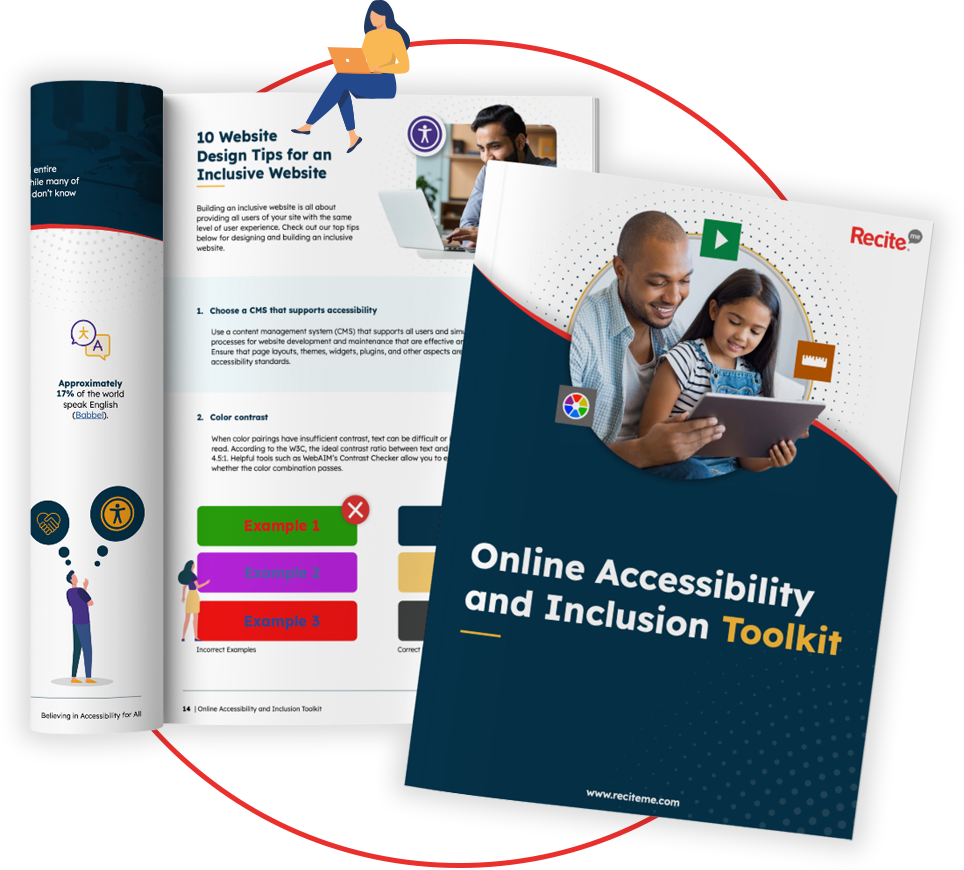
Get Your Free Accessibility & Inclusion Toolkit

Download Now

These days, people rely on technology from the moment they wake up until they go to sleep. However, around one quarter of the world’s population live with some kind of disability. As such, accessibility in technology should be a key consideration for organizations to ensure an inclusive experience.

With this in mind, this post will explore the core principles of accessible design in tech, the different types of technologies that need to be accessible, the types of organizations that need to provide accessible tech, common accessibility features, and more. Keep reading to find out more.

Principles of accessible design in tech

There are four core principles of accessible design in technology that help to remove common barriers for those with visual, auditory, motor, or cognitive impairments. The four core principles include:

  • Perceivable: ensuring content is visible or audible
  • Operable: ensuring interfaces can be used in multiple ways
  • Understandable: clear and predictable interactions
  • Robust: compatibility across devices and assistive technologies

What technology needs to be accessible?

There are many different types of technology that need to be accessible, including user-facing technologies that people rely on for work or life. The main technologies include:

  • Websites and web applications
  • Mobile apps and smart devices
  • Software and desktop applications
  • Emerging technologies: AI, VR/AR, IoT
Get a Free Accessibility Check of your Website

Get a free automated accessibility check of your websites homepage. This will identify and highlight any compliance issues on your website. Followed by recommendations on how to implement the necessary changes to make your website more accessible.

Which organizations need to provide accessible technologies?

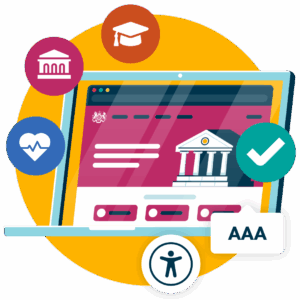
It is also helpful to understand which organizations need to provide accessible technologies. Both private and public sector organizations have a responsibility to make their technology accessible to all users.

Public sector organizations

Government bodies, local authorities, healthcare providers, and educational institutions are all examples of public bodies that must provide accessible technologies to users. Organizations like these often provide an essential service to the public, so it is vital that there is equal access and barriers are removed to ensure accessibility for all users.

Private organizations

Private businesses, such as retailers, financial institutions, and digital service platforms, must also provide accessible technologies to consumers. This reduces the risk of non-compliance with accessibility laws while also improving the user experience, maximizing reach, and protecting brand reputation.

Essentially, all organizations should provide accessible technologies, regardless of size or industry, to provide an inclusive experience and avoid the legal risks of non-compliance.

Common accessibility features in technology

There are a few common accessibility features in modern technology that remove barriers to ensure the technology is usable by people with a range of disabilities and impairments. The most common accessibility features include:

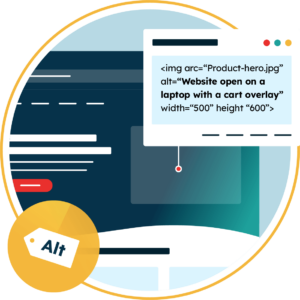
Text alternatives for images and media

Text alternatives for images and media are important for websites and online platforms where users with visual or auditory impairments may be unable to interpret images and multimedia. Text alternatives ensures that assistive technologies can convey the purpose of the images/media to the user, whether this is descriptive text of an image for a screen reader or a transcript of audio content.

Keyboard navigation and shortcuts

Some users are unable to use a mouse, which means they rely on a keyboard to navigate websites and online platforms. This means all interactive elements should be accessible via keyboard, including forms, menus, and buttons. Shortcuts can also improve efficiency and help those using assistive technologies access content.

keyboard

Screen reader compatibility

Screen readers are one of the most commonly used assistive technologies. These convert digital text into speech or braille input, helping users with visual impairments access and interact with online content. In order for screen readers to work properly, content must be structured with the use of headings, labels, and semantic elements.

Color contrast

Sufficient color contrast is important to ensure that content can be read by users with visual impairments. Low color contrast between the background and text can be hard to read by users with visual impairments, so it is recommended that there is a contrast ratio of at least 4.5:1 for normal-sized text and 3:1 for large text.

Captions, transcripts, and audio descriptions

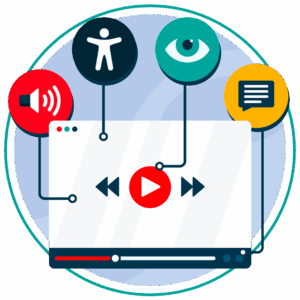
Accessible alternatives should always be available for multimedia content online. This can include captions for those with hearing impairments to follow video content, transcripts for a text-based version of audio content, and audio descriptions to explain key visual elements in videos.

These alternatives make multimedia content accessible for users with a range of disabilities, plus they can be useful for those in environments where they may not be able to listen to audio content or watch video content.

Font size and type

Font size and type are important aspects of accessible web design. Fonts should always be readable, and users should be able to change the text size without losing functionality.

Voice control and gesture-based navigation

Voice control has become a prominent aspect of accessible tech design in recent times. This allows users to interact with technology through spoken commands, which can help those with mobility impairments use many types of technologies, including smartphones and voice assistants.

Gesture-based navigation is another aspect of accessible tech design on the rise. This is a user interface system that involves user gestures, such as swipe motions, as opposed to traditional, fixed buttons.

Using the Recite Me accessibility checker to create accessible websites

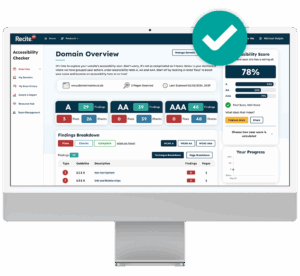
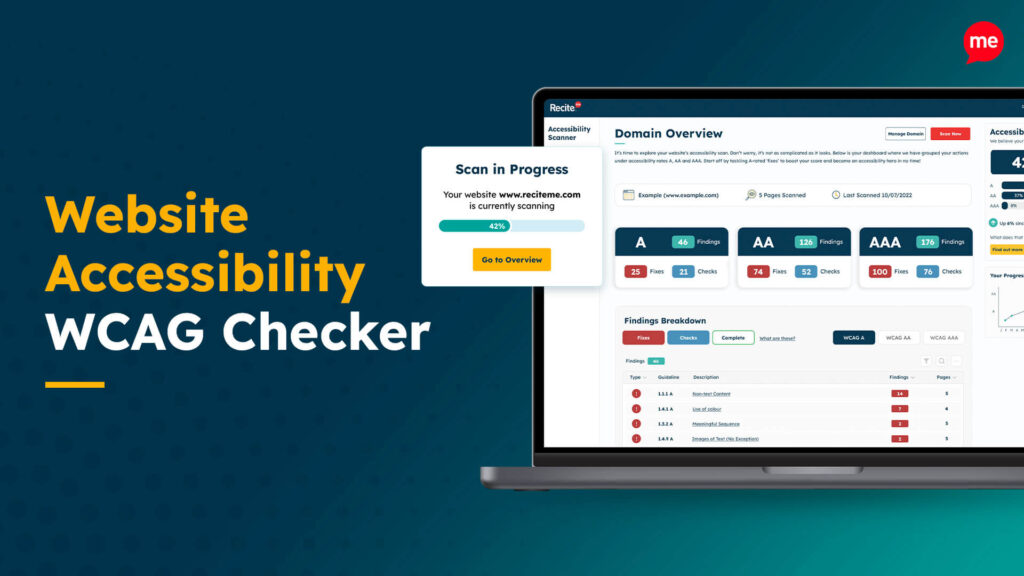
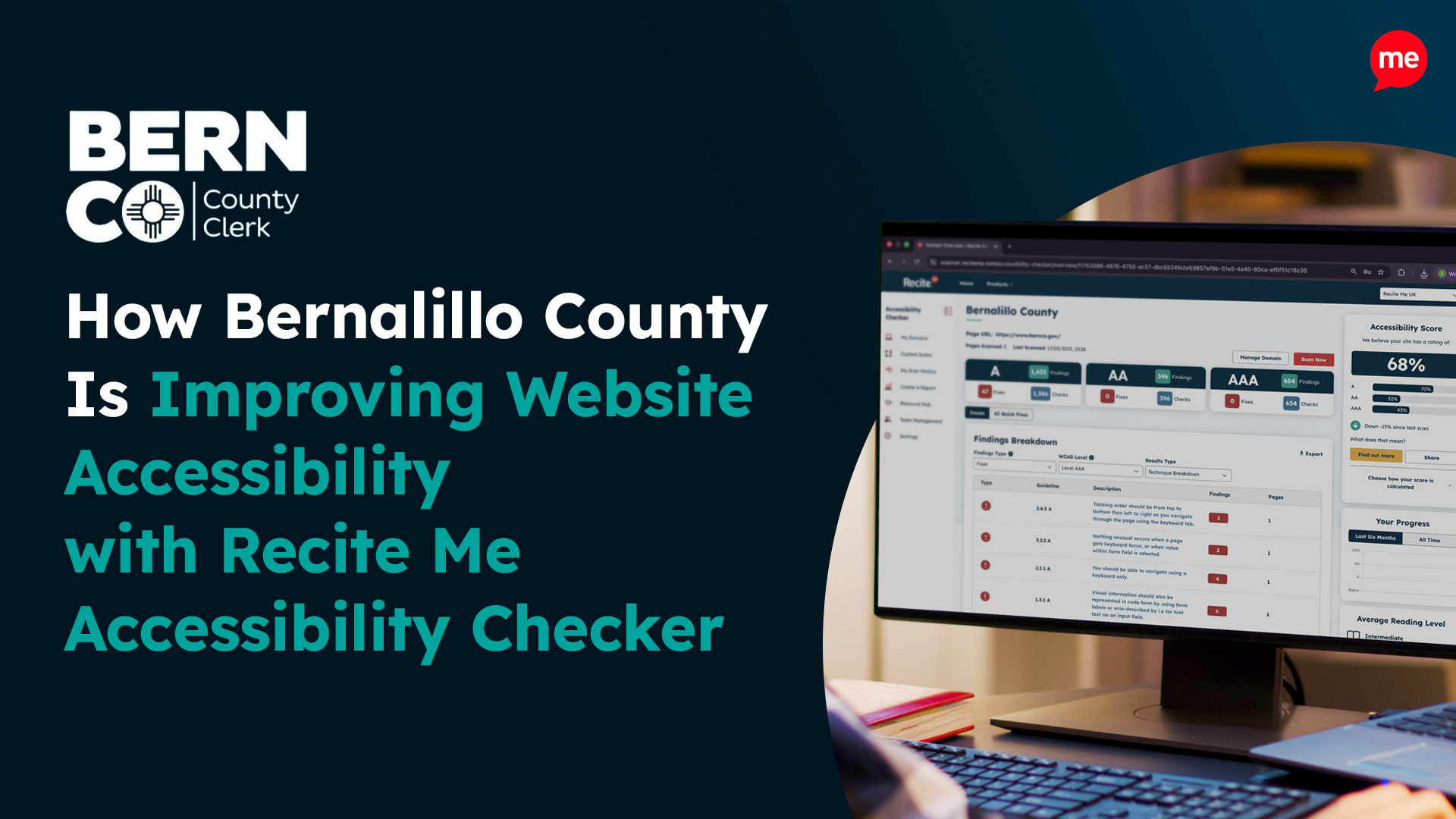
The Recite Me Website Accessibility Checker is one of the most effective tools for building accessible websites. It works by running an automated accessibility audit of your entire website to identity key failures. This includes checks for the following issues:

  • Insufficient color contrast
  • Missing alt text for images
  • Inaccessible website forms
  • Poor keyboard navigation
  • Incorrect or missing headings
  • Missing or inappropriate ARIA labels
  • Non-descriptive hyperlink text
  • Missing captions or transcripts for audio/video
  • Improper use of page language settings
  • Content that is difficult to interpret due to inconsistent layout

The tool also includes multiple advanced features, such as AI-powered auto fixes and the ability to create a prioritized fix queue. You can even track your progress towards accessibility and downloadable a shareable report.

Digital Accessibility and Inclusion Toolkit

Our 40-page Digital Accessibility & Inclusion Toolkit helps businesses break down online barriers and make a real impact. It offers practical advice on all aspects of digital accessibility, from writing an accessibility statement to accessible website tips and inclusive hiring.

Our final take on accessibility in technology

Technology plays an important role in everyday life, but for many people, there are accessibility barriers that make the technology hard or impossible to use. This is why organizations must always prioritize accessible tech design to ensure that their products and services are inclusive. This is important in terms of maximizing reach and improve the user experience while complying with relevant accessibility laws.

Want to take the first steps? Then download a free website accessibility scan of your website. You can also reach out to a member of our team for more personalized support.

Accessibility in Technology FAQs

Looking for a recap or quick summary? Here are a few of our most frequently asked questions to help you get to grips with the essentials:

There are many risks organizations face when they do not make their tech accessible. These include excluding a large percentage of users, formal complaints being made, and legal action that can result in significant penalties and costs. This can all lead to financial losses, damaged brand reputation, and a loss of customers in the long term.

Organisations can improve accessibility by integrating accessibility checks into the design and publishing process. Tools like the Recite Me Website Accessibility Checker make it quick and easy to identify barriers across the digital ecosystem and resolve these issues in line with WCAG.

WCAG establishes three conformance levels: Level A, AA, and AAA (the most advanced). Most organizations strive for Level AA conformance – this is what is referenced by many global accessibility laws, removes the most common accessibility barriers, and is relatively easy to achieve with a few quick fixes.

Check out our Products & Services

Ready to take your first steps towards digital accessibility compliance? Then see how we can support your journey with our accessibility solutions:

Web Accessibility Checker

Scan, detect, fix, and maintain accessibility compliance standards on your website.

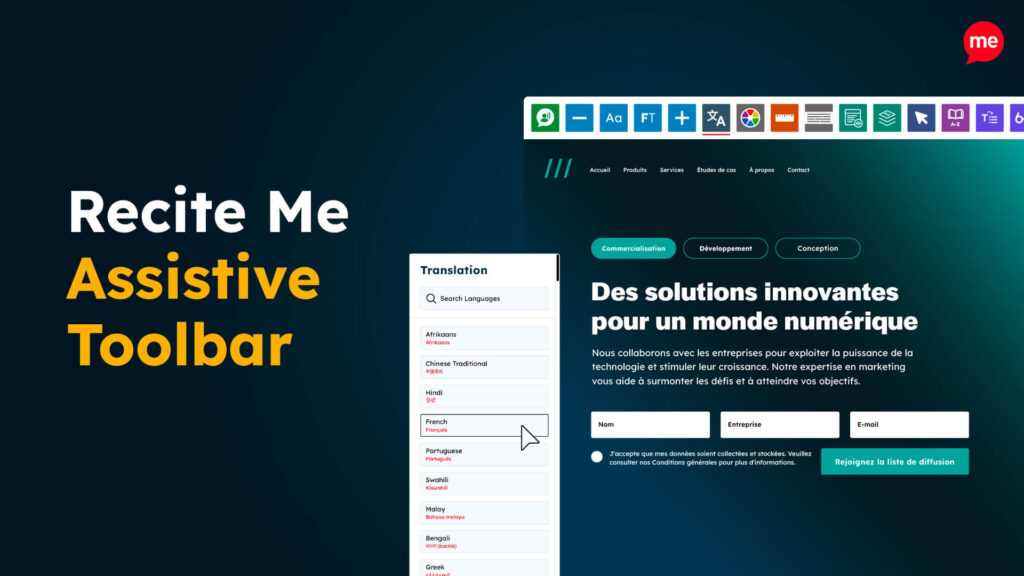
Assistive Toolbar

Make your website an inclusive and customizable experience for people with disabilities.

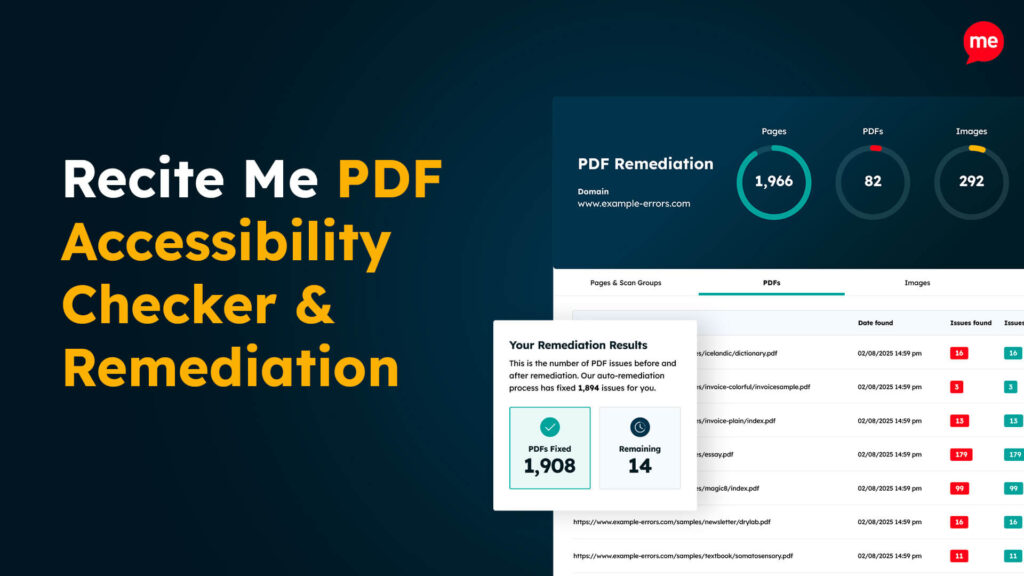
PDF Accessibility Checker

Check your PDFs are compliant with accessibility standards and run automated fixes.

Related Content