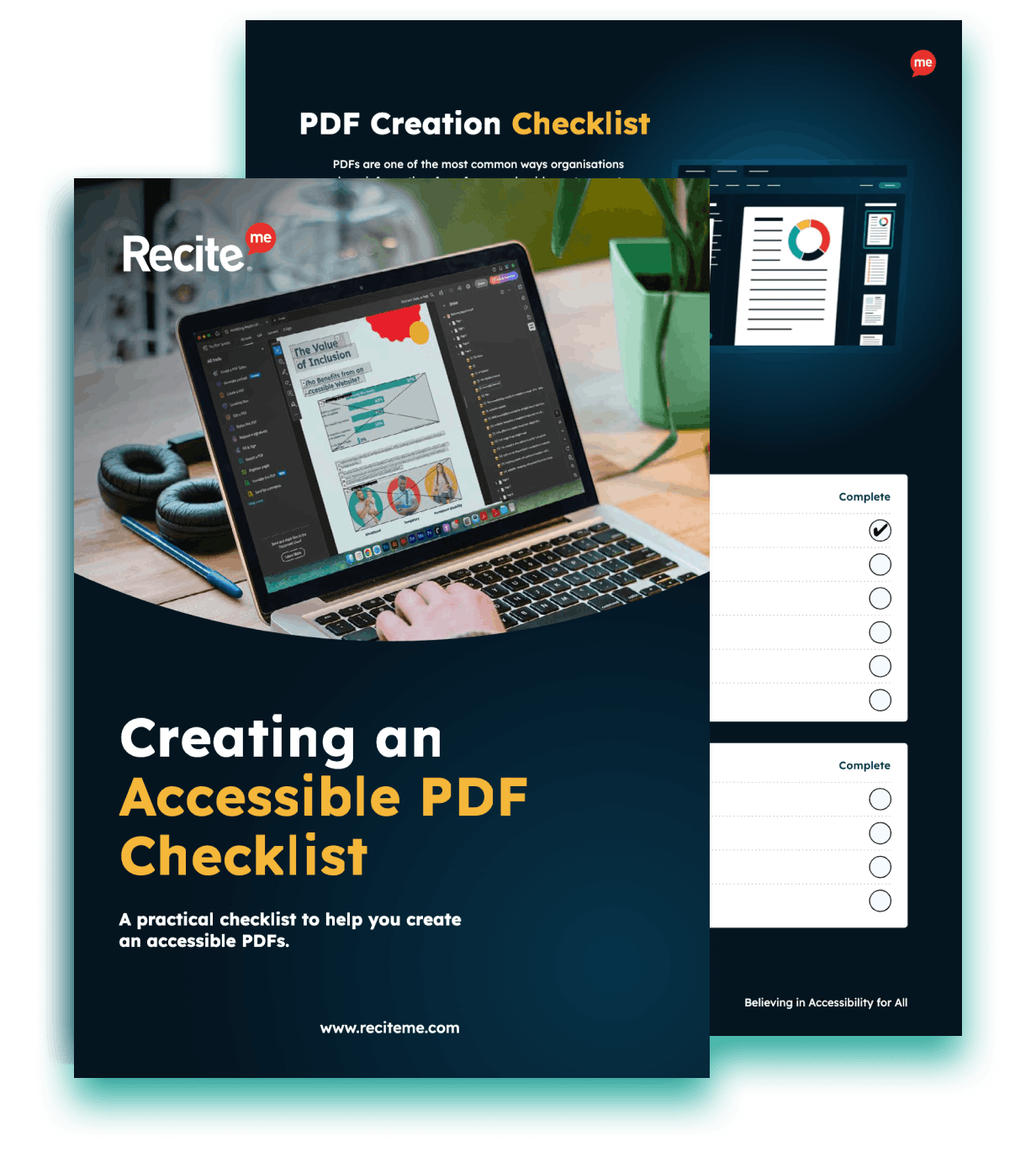
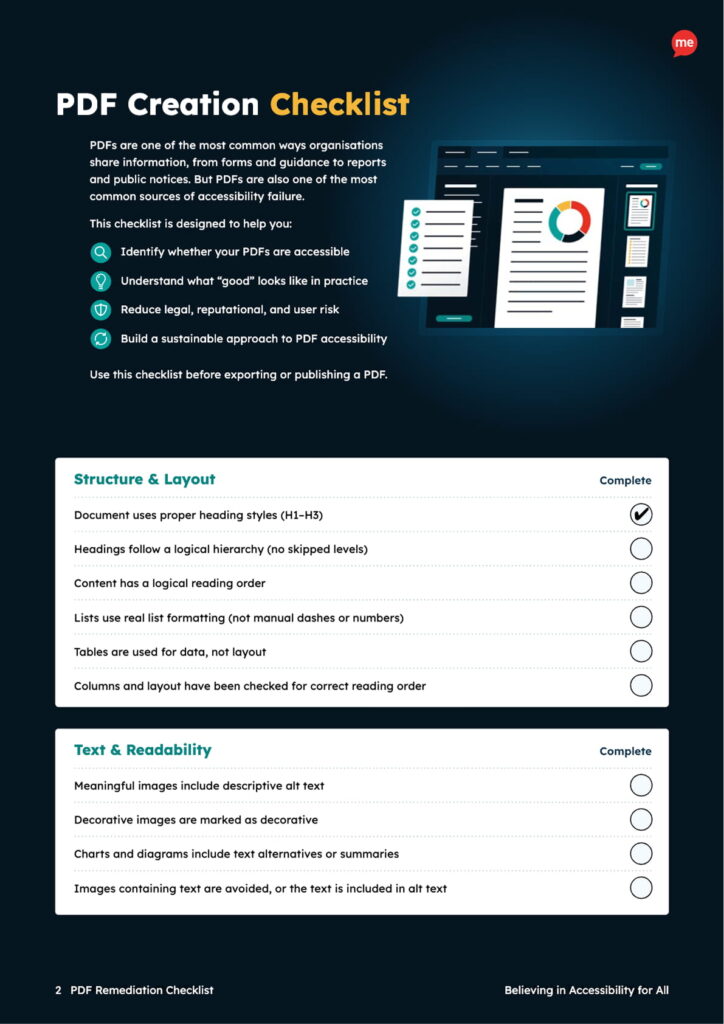
PDFs are one of the most common ways organizations share information. They are also one of the most common causes of accessibility failure. When PDFs are inaccessible, they create barriers for users and expose organizations to legal, reputational, and operational risk.
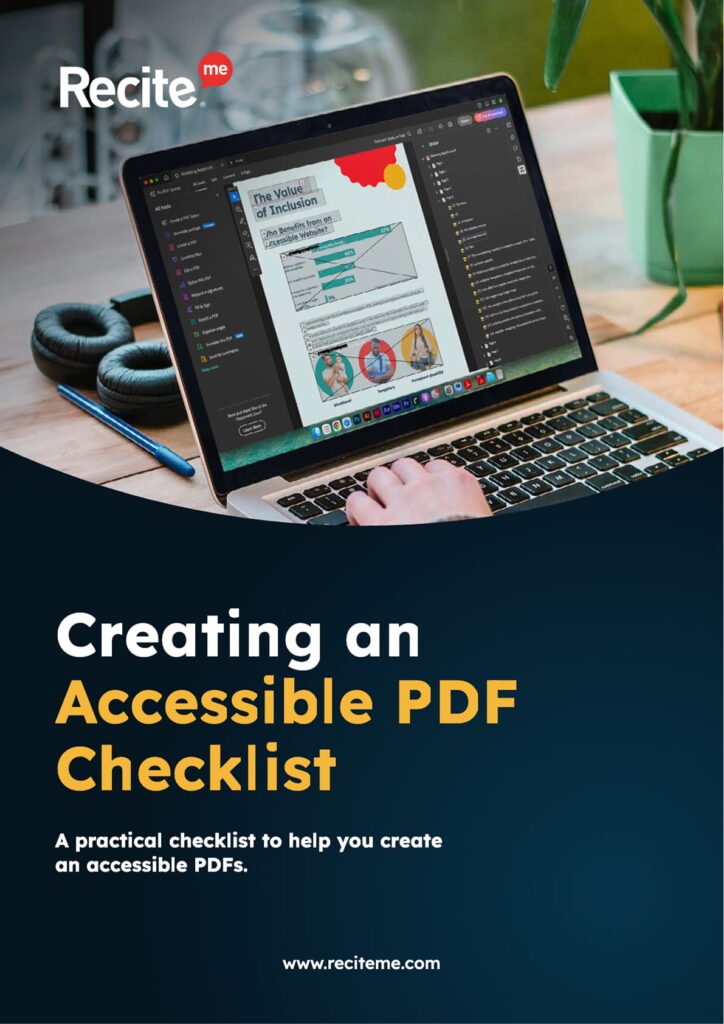
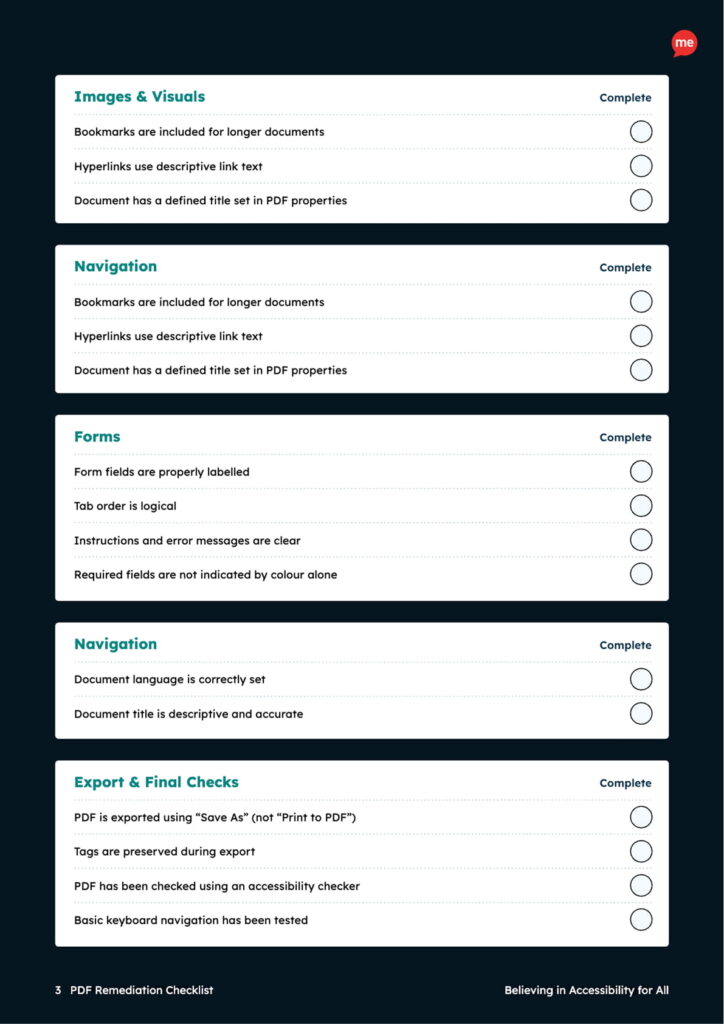
This practical checklist helps you understand what accessible PDFs actually require and what “good” looks like in real-world use. It’s designed to support teams before PDFs are published, giving clear, non-technical guidance to help you spot issues early and build accessibility in from the start.
Fill in the form below to download your copy instantly.
What's Included?
Why PDFs are a frequent source of accessibility risk
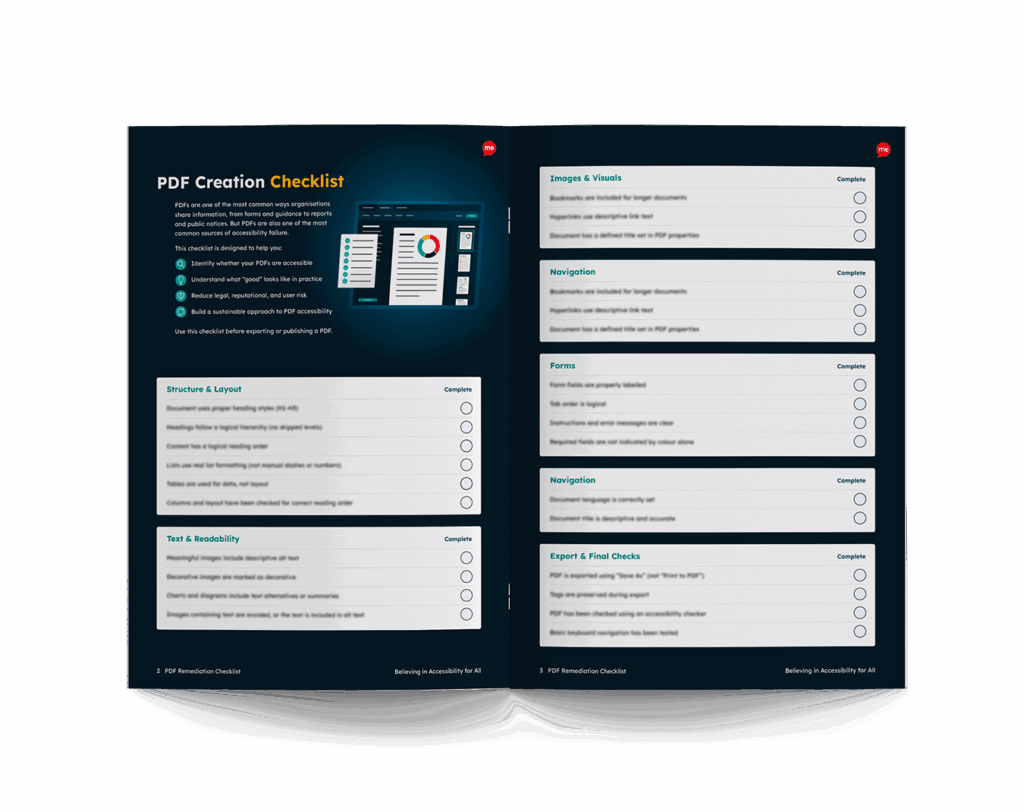
What accessible PDF structure and layout should look like
Common issues with headings, reading order, images, and forms
What to check before exporting or publishing a PDF
Simple steps to help teams create accessible PDFs consistently
Preview the Checklist
Get your free Creating an Accessible PDF Checklist
Accessible PDFs don’t happen by accident. They’re the result of clear structure, the right checks, and good habits built into everyday workflows.
This checklist gives you a straightforward way to review PDFs before they’re shared, helping you catch accessibility issues early and reduce the need for time-consuming fixes later. It’s built to support content creators, communications teams, and anyone responsible for publishing documents.
Accessibility isn’t just about avoiding risk. It’s about making sure everyone can read, understand, and use your information independently, from day one.
Free Resources
Accessibility compliance is essential for your business and its customers. Get started today with any of our free downloadable resources:
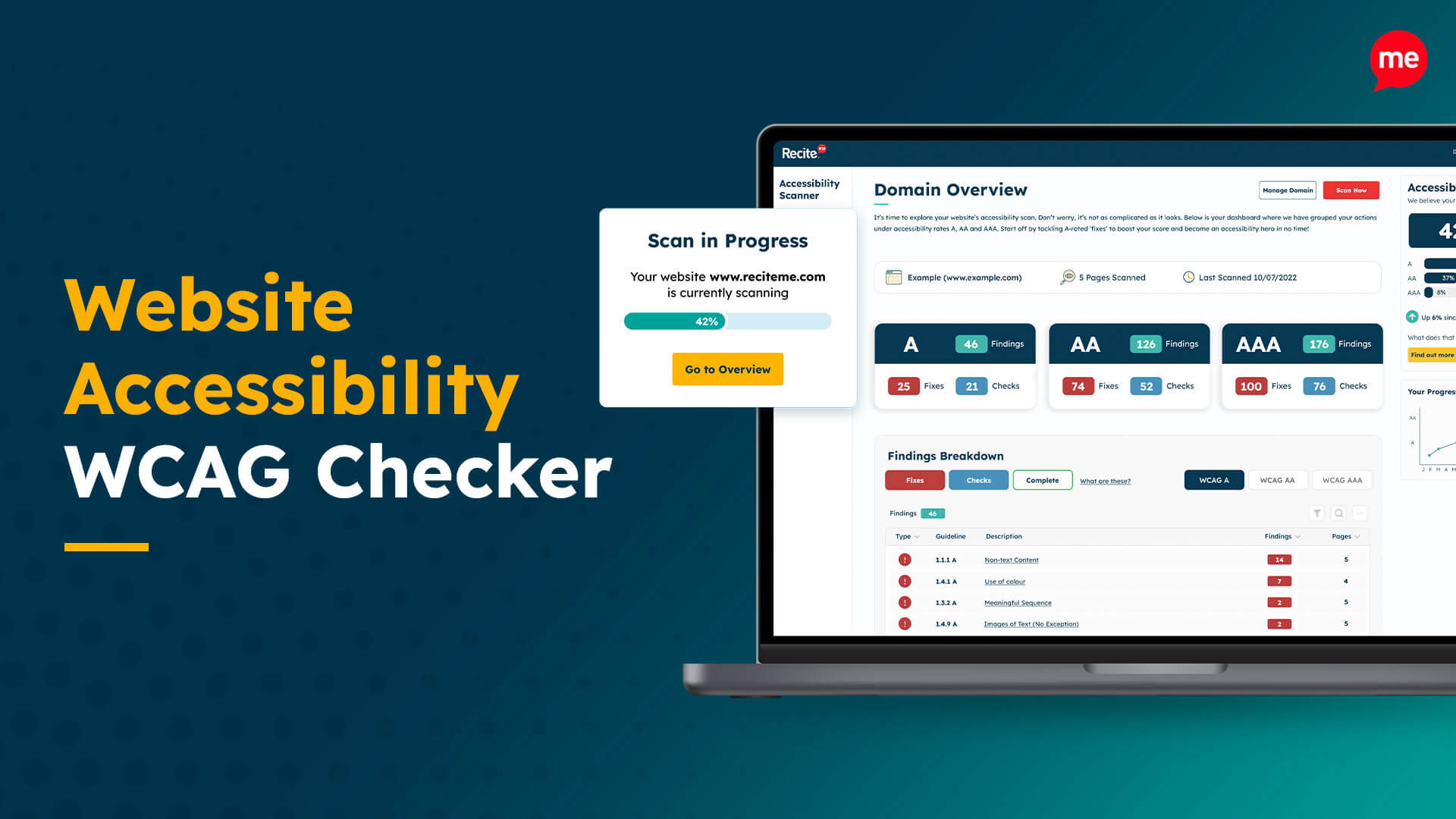
Free Website Accessibility Check
Run a free accessibility scan to detect any inaccessibility on your website and how to fix it.