What Are the PDF/UA Standards and Guidelines?

Published By:

two people looking at laptop

TABLE OF CONTENTS

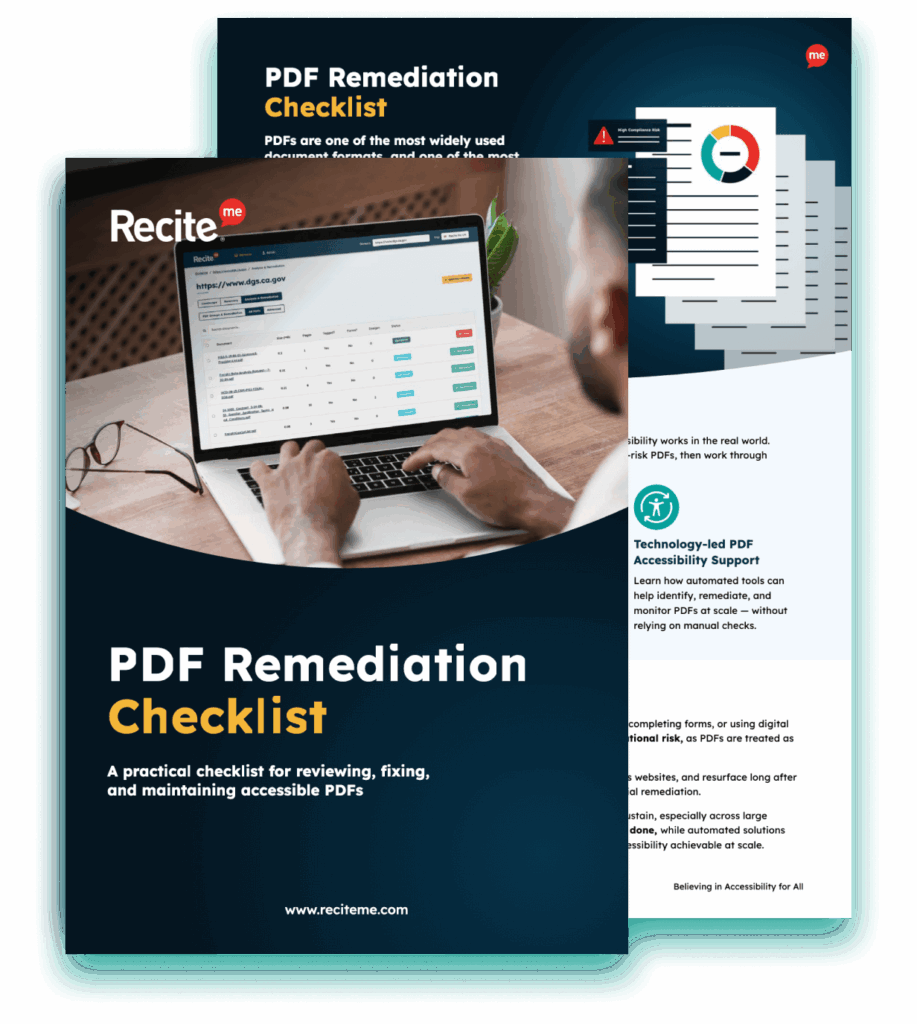
Get Your Free PDF Remediation Checklist

Download Now

PDFs are highly convenient, versatile, and secure, but they can also create accessibility barriers that prevent users with disabilities from accessing and understanding the content. When PDFs (and any form of online content) have not been made accessible to users with disabilities, it can exclude users and lead to lawsuits and reputational damage.

This is where PDF/UA standards come in. PDF/UA provides organisations with a framework to ensure that PDFs are accessible to readers. This guide will tell you everything you need to know about PDF/UA so that you can start creating PDFs that are both accessible and compliant.

What does PDF/UA mean?

So, what exactly does PDF/UA mean? This stands for Portable Document Format / Universal Accessibility. Essentially, this is the internationally recognised standard for accessible PDFs. Formally defined under ISO 14289, the purpose of this is to ensure that PDFs are properly structured so that they can be interpreted and presented correctly by assistive technologies.

PDF/UA is about ensuring that PDFs are structurally accessible, which means including:

  • A logical structure and reading order
  • Semantic tagging
  • The correct document language
  • Descriptive alt text for images

When PDFs are structurally accessible, they can be interpreted by users with a wide range of disabilities.

Free Scan for Non-compliant PDFs on your Website

Scan your website to locate every PDF in one place and instantly see how many do not meet accessibility standards. You will also receive one of your website’s PDFs fully remediated, so you can see the impact in action.

PDF accessibility remediation tool

Who should be using PDF/UA guidelines for content creation

PDF/UA guidelines should be used by anyone creating content, as this enables the creation of accessible content that maximises reach and avoids excluding users. However, it is particularly important for government agencies and medium to large-sized private companies that are under greater scrutiny. These organisations often produce PDFs to share content both internally and externally, so accessibility is important for both inclusivity and compliance with accessibility legislation.

Therefore, content creators and publishers within organisations should be trained on accessibility best practices. Accessibility should be part of the content creation process, not an afterthought. By aligning content with PDF/UA guidelines during the creation process, organisations can maximise efficiency and avoid retrofitting documents later.

PDF/UA file format requirements

The file format requirements outlined by PDF/UA ensure that assistive technologies can interpret content correctly. The core principles outlined in Clause 7 include:

  • Content should be “tagged” to define the role of the content, such as headings, paragraphs, images, and tables.
  • A logical reading order must be established so that the content is read in the right order.
  • Descriptive alt text should be used for images so they can be explained to visually impaired users.
  • Fonts must be embedded, and characters must map to Unicode so that content can be interpreted correctly.
  • Security settings must allow assistive technologies to access the PDF.

PDF/UA conforming reader requirements

In addition to file format requirements, PDF/UA outlines expectations for the processors that are used to read them. The requirements for PDF processors outlined in Clause 8 include:

  • The ability to fully process tags and artifacts.
  • The ability to support navigation features, such as bookmarks
  • The ability to announce relevant actions to users.
  • The ability to process and represent digital signatures, annotations, and Optional Content.
  • The ability to navigate the document by a variety of means.
  • The ability to provide access to metadata.

PDF/UA assistive technology requirements

PDF/UA outlines expectations for how conforming assistive technology should interact with accessible PDFs. These are established in Clause 9 as follows:

  • The ability to access the PDF structure
  • The ability to navigate headings and sections
  • The ability to intercept tables and lists
  • The ability to read content in the right order
  • The ability to navigate the document by a variety of means

Is PDF/UA the only accessibility guideline to consider for PDFs?

PDF/UA is crucial for PDF-specific guidance, but it is also essential to familiarise yourself with the Web Content Accessibility Guidelines (WCAG). WCAG is considered the global benchmark in terms of digital content accessibility and applies to all online content, including PDFs.

WCAG has broader accessibility criteria based on four core principles:

  • Perceivable
  • Operable
  • Understandable
  • Robust

For PDF documents, this includes advice on colour contrast, using alt text for images, and ensuring a logical reading and tab order.

While WCAG is not legislation, it is referenced within global accessibility laws as the standard. Therefore, organisations should align content with WCAG while using PDF/UA for the technical accessibility of PDFs.

What are the benefits of adhering to PDF/UA standards?

There are a handful of benefits of adhering to PDF/UA standards:

Global accessibility compliance

First, you will find that adhering to PDF/UA standards supports compliance with global accessibility regulations. PDF/UA is an international ISO standard outlining the technical requirements for how PDFs must be structured and tagged for users with diverse needs. This supports legislation with different laws around the world, helping organisations avoid costly legal challenges.

Better experience for employees and customers using your PDFs

Adhering to PDF/UA standards will also improve the experience for both employees and customers using your PDFs. This is because these guidelines will remove common accessibility barriers, making it easier for users with disabilities to access and understand the content.

Employees will be able to access internal documents that are important for their role, while customers and other stakeholders are able to engage with important communication and services independently.

Highlight your commitment to accessibility best practices

Another important advantage of adhering to PDF/UA standards is that it can highlight your commitment to accessibility best practices. Brands that prioritise accessibility and inclusivity will find it much easier to build a positive reputation, which is key to winning over customers, partners, investors, and other stakeholders.

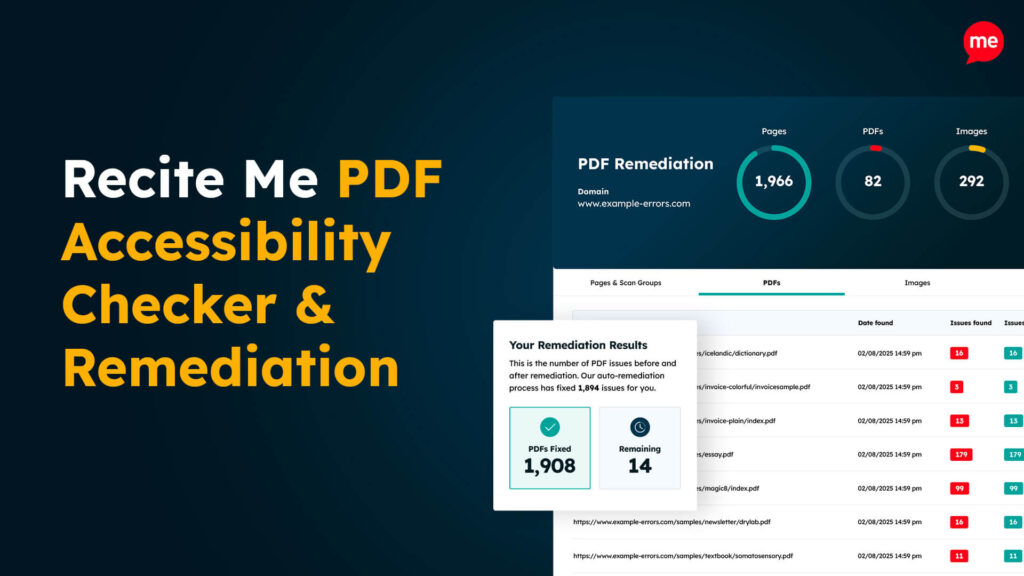
Automated PDF/UA remediation through the Recite Me PDF Accessibility Checker

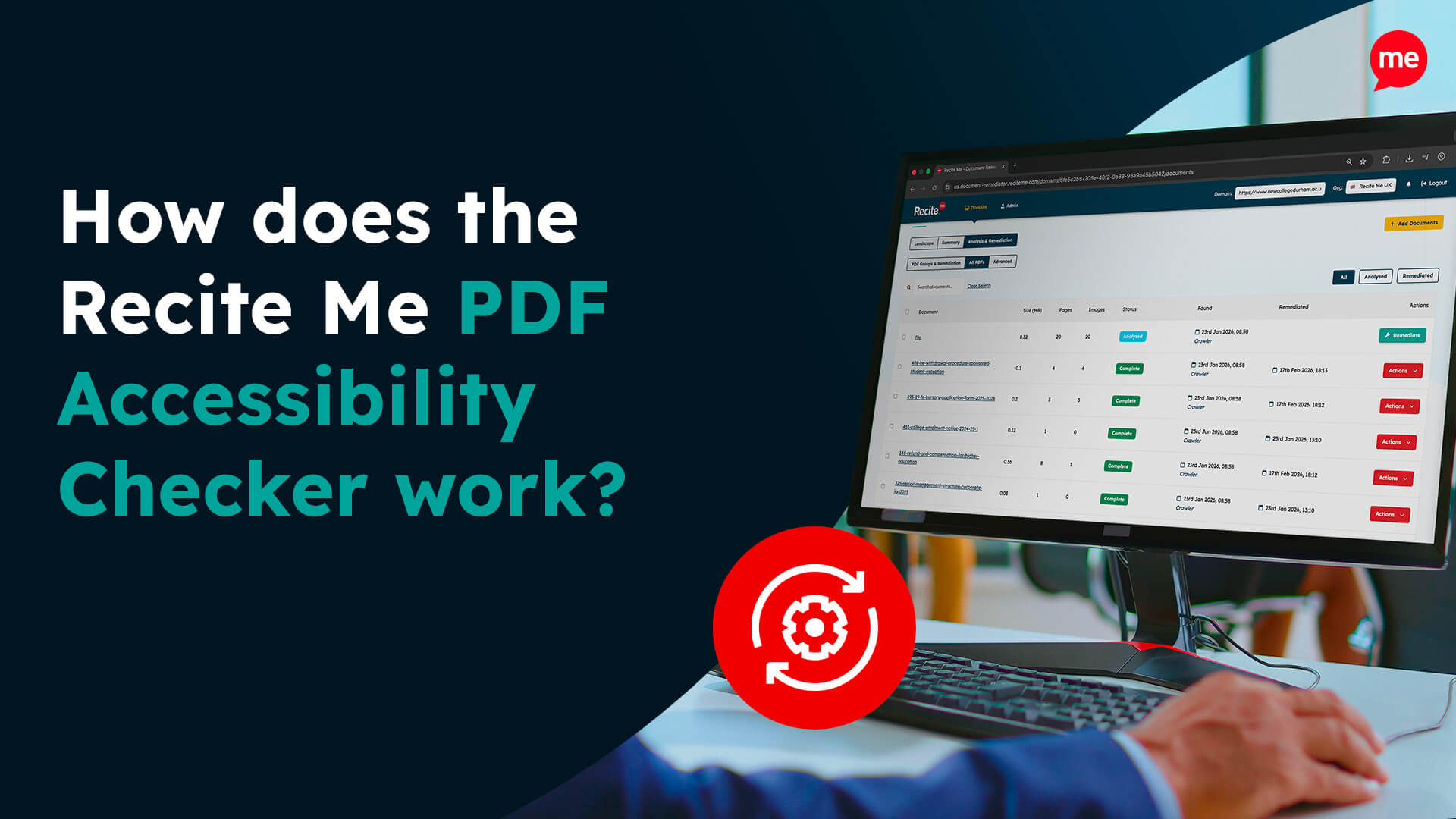
Manual PDF/UA remediation can be a time-consuming process, and it is easy to miss mistakes, especially when you have a high volume of documents to check. The Recite Me PDF Accessibility Checker automates the process, allowing you to instantly identify and fix accessibility barriers hidden across your PDF library.

With our PDF Accessibility Checker, every document is evaluated against WCAG and PDF/UA requirements. If there are documents that do not meet these standards, automated fixes are offered to help you quickly and efficiently ensure compliance and accessibility. This reduces legal risk while ensuring all documents are accessible to all users.

Download A Free PDF Remediation Checklist

Improve the accessibility of your website’s official documents with our free PDF remediation checklist. It guides you through clear steps to identify and address common accessibility barriers, to align with global accessibility standards.

Work towards building accessible PDFs today

Every organisation needs to take steps to ensure its PDFs (and other digital content) are accessible to users with different needs. This means aligning PDFs with PDF/UA standards, which provide technical requirements for how PDFs should be structured to ensure they are usable for people with diverse needs.

PDF/UA can help organisations create digital content that is accessible and inclusive. It is also important in terms of reducing legal and reputational risk. You can take the first step toward compliance today with a free PDF remediation scan of your website. Or reach out to a member of the team to see how we can help your organisation.

PDF/UA Standards and Guidelines FAQs

Looking for a recap or quick summary? Here are a few of our most frequently asked questions to help you get to grips with the essentials:

Although it is not a direct legal requirement, PDF/UA alignment supports compliance with global accessibility laws. This includes laws such as the Americans with Disabilities Act (ADA), the European Accessibility Act (EAA), and Australia’s Disability Discrimination Act.

PDF/UA provides technical guidance on how a PDF should be structured to ensure it is accessible to all users. WCAG, meanwhile, applies more broadly to all digital content and defines accessibility principles and user experience outcomes. Organisations should use both guidelines to ensure accessibility and compliance with global legislation.
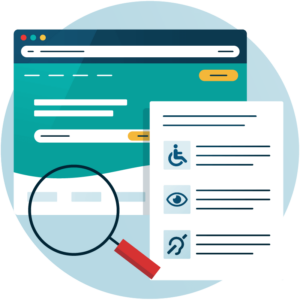
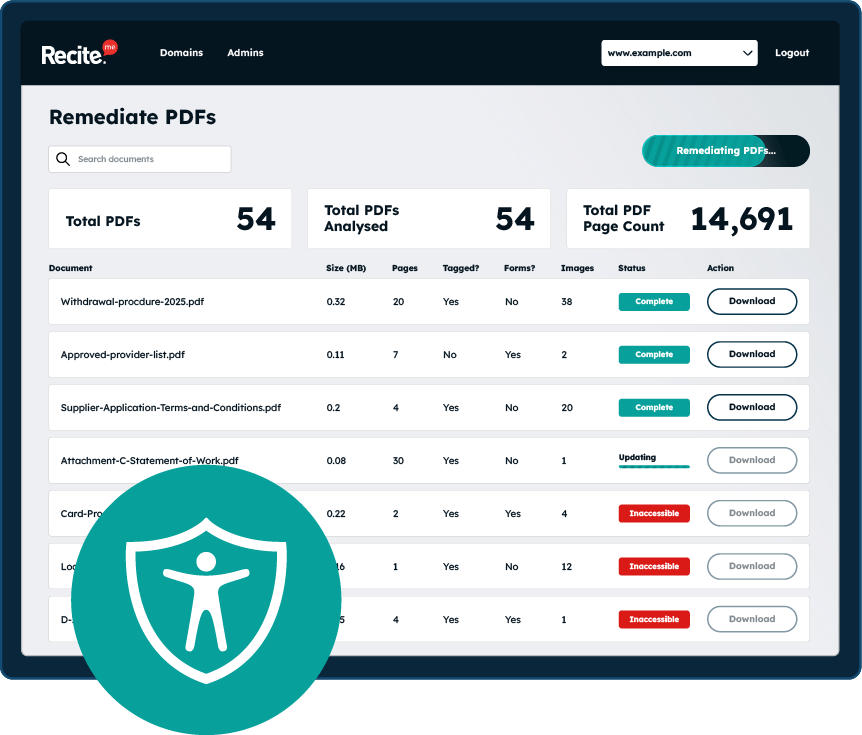
Organisations should adopt a hybrid approach to PDF remediation. Manual checks are important for making sure that content retains context and meaning, which can be missed by automated processes. Automated checks allow you to identify and fix issues at scale. By combining both methods, you can make sure your content aligns with PDF/UA while still communicating your message effectively to your target audience.

Check out our Products & Services

Ready to take your first steps towards digital accessibility compliance? Then see how we can support your journey with our accessibility solutions:

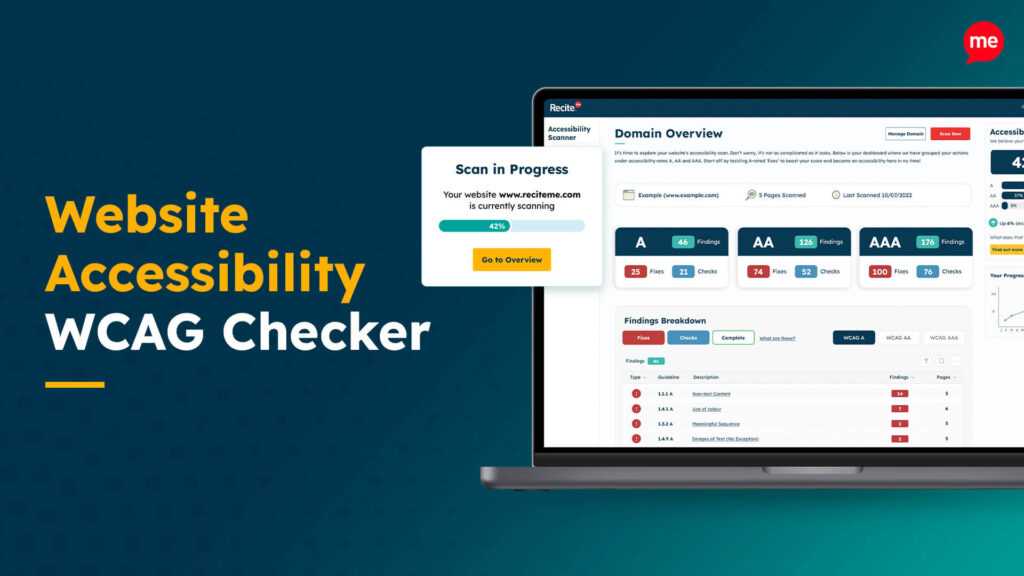
Web Accessibility Checker

Scan, detect, fix, and maintain accessibility compliance standards on your website.

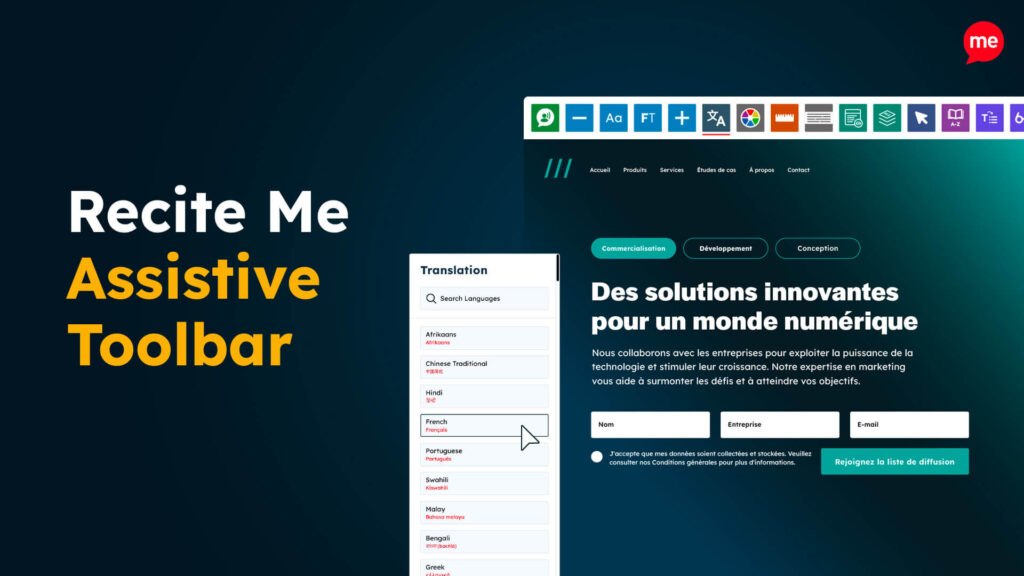
Assistive Toolbar

Make your website an inclusive and customisable experience for people with disabilities.

PDF Accessibility Checker

Check your PDFs are compliant with accessibility standards and run automated fixes.

Related Content