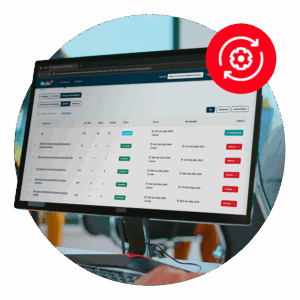
Run a scan to identify WCAG issues on your website's homepage. Then, use our recommended changes to achieve compliance with the latest accessibility standard.
The website accessibility checker you choose directly impacts compliance, user experience, brand reputation, and the ability to deliver inclusive digital experiences at scale.
The best website accessibility checkers identify issues, prioritise fixes, monitor progress, and support long-term compliance efforts. In this guide, we compare some of the most popular options to help you assess what works best for your organisation.
The best website accessibility checkers at a glance
Not all accessibility checker tools offer the same level of coverage, reporting, usability, or scalability. Here’s a quick overview of the most popular options:
Requires broader organisational buy-in to maximise value
Microsoft Accessibility Insights
Fast automated checks, guided manual testing, browser extension
Developers and QA teams
Limited enterprise reporting
WAVE by WebAIM
Visual accessibility feedback directly on webpages
Quick page-level testing
Not ideal for large-scale website audits
Pa11y
Open-source command-line accessibility testing
Technical teams and developers
Requires technical setup
axe DevTools
Developer-focused browser testing and integrations
Development workflows
Advanced features require paid plans
Google Lighthouse
Built into Chrome DevTools, performance and accessibility audits
Basic accessibility reviews
Limited accessibility depth
AChecker
WCAG validation and accessibility testing
Small-scale testing
Outdated interface and limited scalability
IBM Equal Access Accessibility Checker
Enterprise accessibility testing and reporting
Large organisations
More complex onboarding
Firefox Accessibility Inspector
Accessibility debugging within Firefox DevTools
Front-end developers
Limited non-technical usability
Dyno Mapper
Accessibility audits plus visual sitemap generation
Website inventory and auditing
Less developer-focused than alternatives
A closer look at the best website accessibility checkers
Ultimately, the right solution depends on your goals, technical expertise, and the extent of your digital estate. Here’s a more detailed breakdown of key features:
Recite Me Website Accessibility Checker
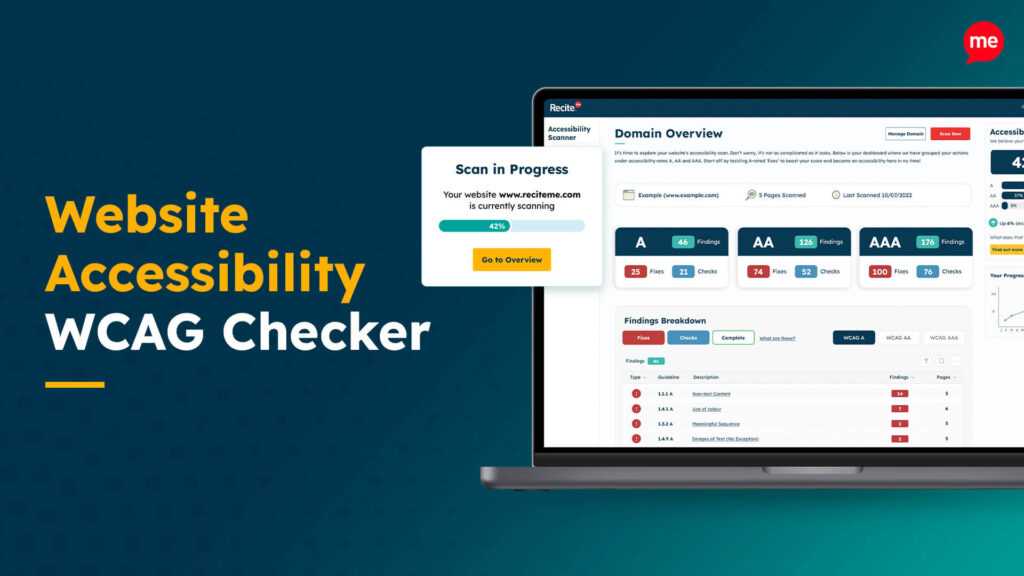
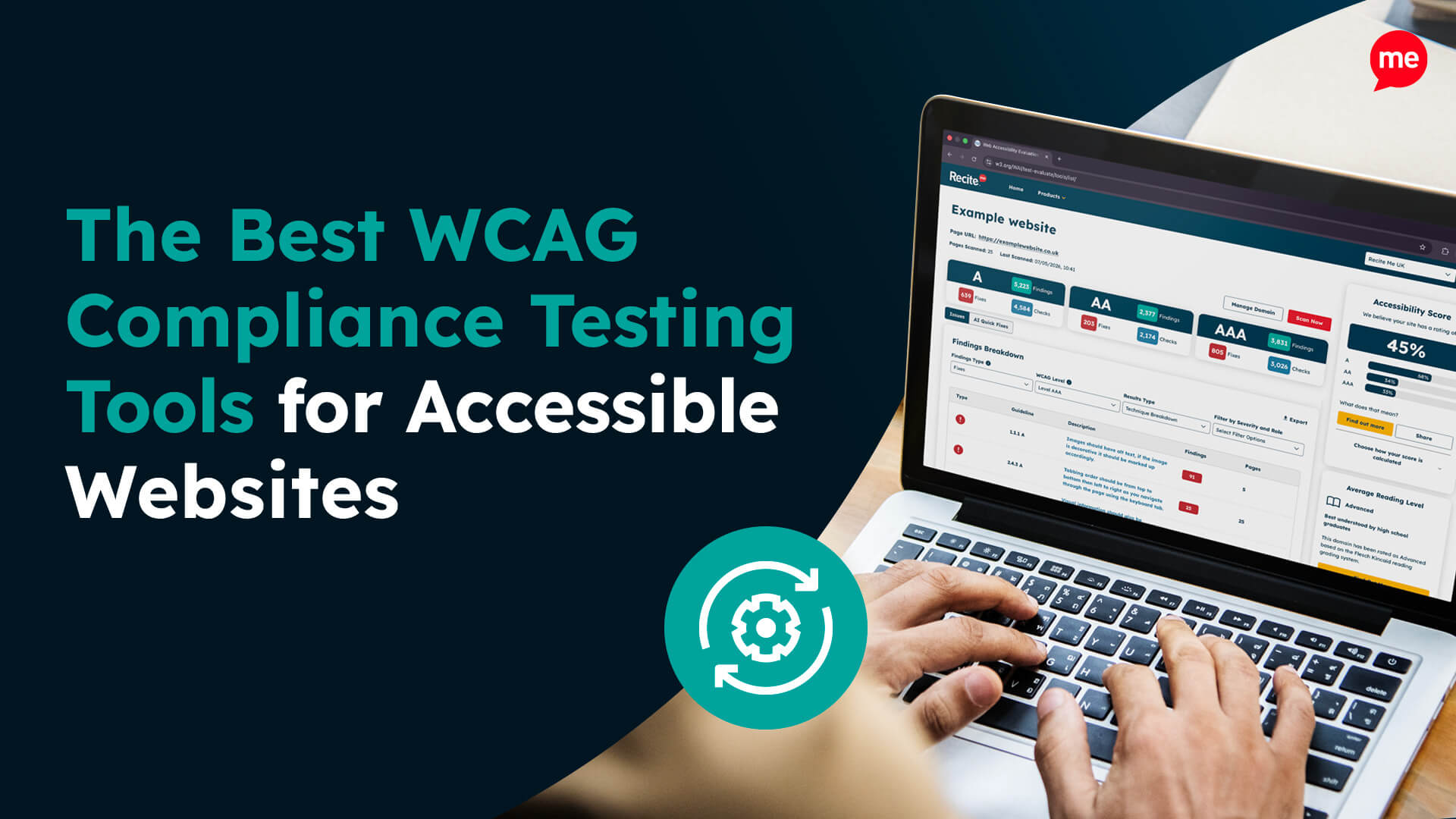
The Recite Me Accessibility Checker helps organisations identify, understand, and prioritise accessibility issues across their websites.
Unlike lightweight testing tools focused solely on developers, it provides broader visibility into accessibility performance across large domains. Core capabilities include:
Scanning websites against Web Content Accessibility Guidelines (WCAG) standards
Highlighting common accessibility barriers
Helping teams track compliance progress over time
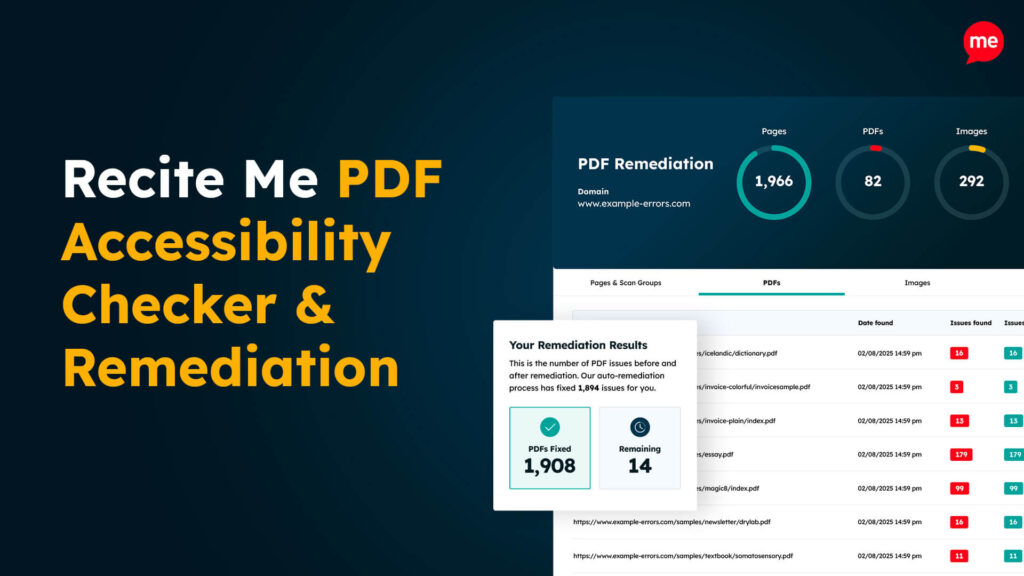
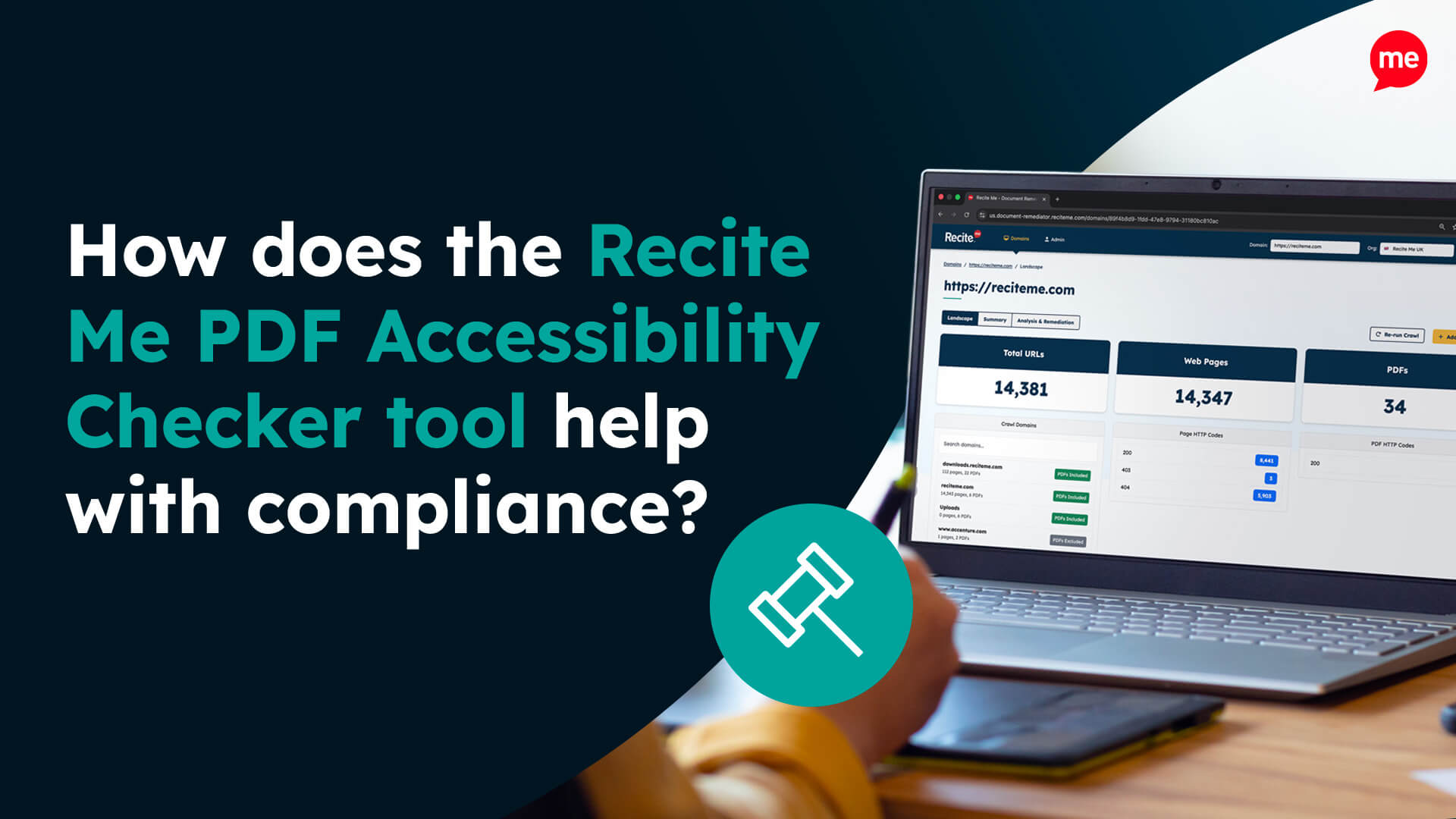
Support for PDF accessibility scanning
Scalability is another significant advantage. Rather than testing a handful of pages manually, you can assess accessibility across entire websites and prioritise remediation based on risk and impact.
Microsoft Accessibility Insights
Microsoft Accessibility Insights is a developer-focused tool available as a browser extension and Windows application.
The tool combines automated accessibility checks with guided manual testing workflows and can be helpful in identifying accessibility issues during early development. However, it offers less enterprise-level reporting and governance functionality compared to more comprehensive accessibility management platforms.
WAVE by WebAIM
One of the most widely recognised accessibility evaluation tools, WAVE provides visual overlays directly on webpages, helping users quickly identify accessibility issues such as missing alternative text, poor heading structures, and colour contrast problems.
It is an excellent tool for quick reviews, especially for content editors and smaller teams. However, it is generally not suited to large-scale enterprise accessibility monitoring.
Pa11y
This open-source accessibility testing tool enables automated testing via command-line workflows and can be integrated into CI/CD pipelines for ongoing testing throughout development.
As such, it is primarily used by developers and technical teams. It offers plenty of flexibility alongside automation capabilities, but typically requires technical knowledge to configure and maintain effectively.
axe DevTools
Developed by Deque Systems, this solution integrates directly with browser developer tools and development workflows, helping teams identify accessibility violations during coding and testing.
Axe is highly regarded for its testing accuracy and developer integrations. However, some advanced enterprise features require paid plans, which may not suit smaller organisations.
Lighthouse (Chrome DevTools)
A free, beginner-friendly accessibility testing tool, Google Lighthouse is built directly into Chrome DevTools. It provides audits across accessibility and SEO performance, and can be useful for identifying foundational issues such as contrast problems and missing labels.
However, its accessibility coverage is more limited than dedicated WCAG testing platforms, so it cannot be treated as a stand-alone accessibility compliance solution.
AChecker
AChecker validates webpages against WCAG standards to identify accessibility problems and categorise issues based on certainty levels. It can help teams flag known issues, review potential compliance concerns, and better understand how accessibility barriers are classified.
While still functional, the platform feels more dated than many modern accessibility tools and lacks advanced reporting, workflow, and large-scale monitoring capabilities.
IBM Equal Access Accessibility Checker
IBM’s proprietary accessibility checker supports automated testing, guided manual reviews, and integration into development workflows. Although marketed as an enterprise-grade solution for large-scale digital environments, onboarding and implementation can be complex for smaller businesses with limited access to resources.
In reality, it is better suited to larger organisations with mature accessibility programs and internal compliance processes.
Firefox Accessibility Inspector
Embedded directly into Firefox Developer Tools, this accessibility testing solution helps developers inspect accessibility trees, keyboard navigation behaviour, and ARIA implementation. It is especially valuable for debugging accessibility issues during front-end development, but it is not designed as a broader accessibility governance platform.
Dyno Mapper
Dyno Mapper combines accessibility testing with visual sitemap generation and website inventory tools. It can be useful for organisations managing large or complex websites where understanding page structures and content organisation is equally important as accessibility monitoring.
That said, its strengths lean more toward auditing and website management than developer-level accessibility debugging.
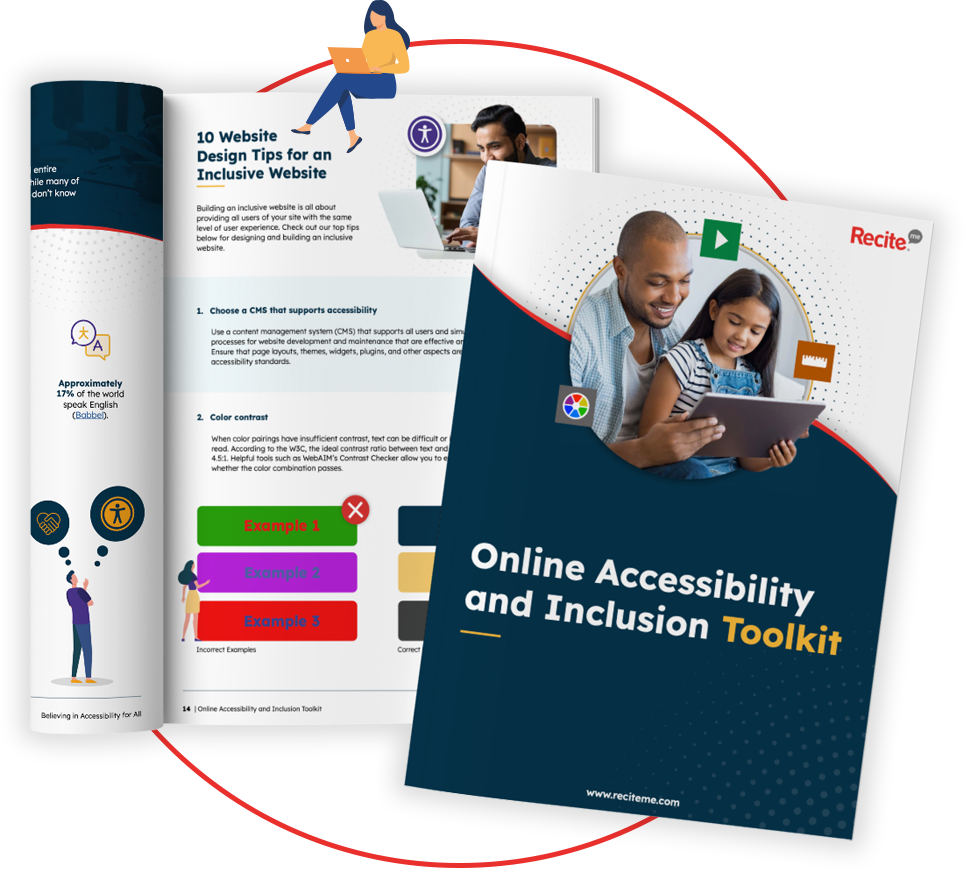
Digital Accessibility and Inclusion Toolkit
Our 40-page Digital Accessibility & Inclusion Toolkit helps businesses break down online barriers and make a real impact. It offers practical advice on all aspects of digital accessibility, from writing an accessibility statement to accessible website tips and inclusive hiring.
What are the most important features of a good web accessibility checker?
The best website accessibility checkers do far more than flag isolated issues. They help organisations build repeatable, scalable accessibility processes. Important features to look for include:
WCAG compliance testing support
Automated website scanning
PDF accessibility testing
Accessibility reporting and issue prioritisation
Large-scale website coverage
Ongoing monitoring capabilities
Developer workflow integrations
Manual testing support
Clear remediation guidance
Accessibility score tracking and benchmarking
Scalability is also essential for larger organisations. Tools that only test single landing pages will struggle when faced with thousands of webpages, documents, and embedded digital assets.
What accessibility standards do accessibility checkers test against?
All of the best website accessibility checkers use the Web Content Accessibility Guidelines as their testing framework. There are several different versions of WCAG, including 2.0, 2.1, and 2.2, with each containing three levels (A, AA, and AAA). The best checkers deliver checks across all three compliance levels for the latest version of WCAG (2.2).
How WCAG supports accessibility law compliance
Many accessibility laws explicitly reference WCAG benchmarks, including:
Even when WCAG is not explicitly referenced in accessibility legislation, such as the European Accessibility Act (EAA) or the Equality Act, it is still widely recognised by regulators and courts as the accepted standard for accessibility compliance. Therefore, using a WCAG-focused accessibility check helps to reduce legal and compliance risks, improve digital inclusion, and prepare for evolving accessibility regulations.
Examples of common accessibility issues picked up by checker tools
Some tools also identify structural and semantic issues that may impact screen reader users, even when webpages appear visually correct.
The importance of combining automated checks with manual reviews
Automated accessibility testing is essential. But it is not enough on its own because most tools only identify a portion of potential accessibility issues. For example, an automated scan may confirm that an image has alternative text, but it cannot reliably determine whether that text is meaningful or useful.
Run a scan to identify WCAG issues on your website's homepage. Then, use our recommended changes to achieve compliance with the latest accessibility standard.
Build a stronger accessibility strategy with the right tools
As accessibility regulations continue to change, organisations need tools that go beyond one-off testing and support sustainable compliance strategies at scale. But the best website accessibility checkers are not necessarily the ones that produce the longest list of errors. The real value comes from turning accessibility insights into measurable accessibility progress.
Ready to start identifying accessibility barriers, prioritising remediation efforts, and improving compliance across your webpages and PDF documents? Run a free scan with the Recite Me Website Accessibility Checker today, or contact our team to learn more about accessibility monitoring and building more inclusive digital experiences.
The best website accessibility checkers: FAQs
Looking for a recap or quick summary? Here are a few of our most frequently asked questions to help you get to grips with the essentials:
No. Automated accessibility checkers are extremely valuable, but they cannot identify every issue. Manual testing and real-world usability reviews remain essential for achieving stronger accessibility outcomes.
That depends on your requirements. But enterprise organisations typically benefit from scalable platforms like the Recite Me Accessibility Checker that support large-scale scanning, reporting, prioritisation, and ongoing monitoring.
Some accessibility checkers support PDF testing, while others focus only on webpages. PDF accessibility testing is important because inaccessible documents are a common source of compliance failures.