


























Get a Free Accessibility Check of your Website
Run Your CheckPublic sector organisations are expected to make their websites and digital services accessible to everyone. Accessibility is not just a nice to have, it is a legal requirement.
But beyond compliance, there is a bigger question. What actually happens if you do not meet those requirements?
The risks go further than most expect. From legal pressure to increased support demand, and even reputational damage, non-compliance can have a real impact on how your organisation operates day to day. This becomes even more important when you consider that organisations are expected to respond and make improvements within a defined timeframe following a failed audit.
Understanding UK accessibility requirements
In the UK, public sector organisations must comply with the Public Sector Bodies (Websites and Mobile Applications) Accessibility Regulations 2018 (PSBAR).
In simple terms, this means your digital services need to meet WCAG 2.2 AA accessibility standards, include a clear and accurate accessibility statement, and be usable for people with a range of access needs.
The Government Digital Service (GDS) monitors compliance and can step in where issues are identified. Alongside this, the Equality Act 2010 makes it unlawful to exclude people with disabilities from accessing services.
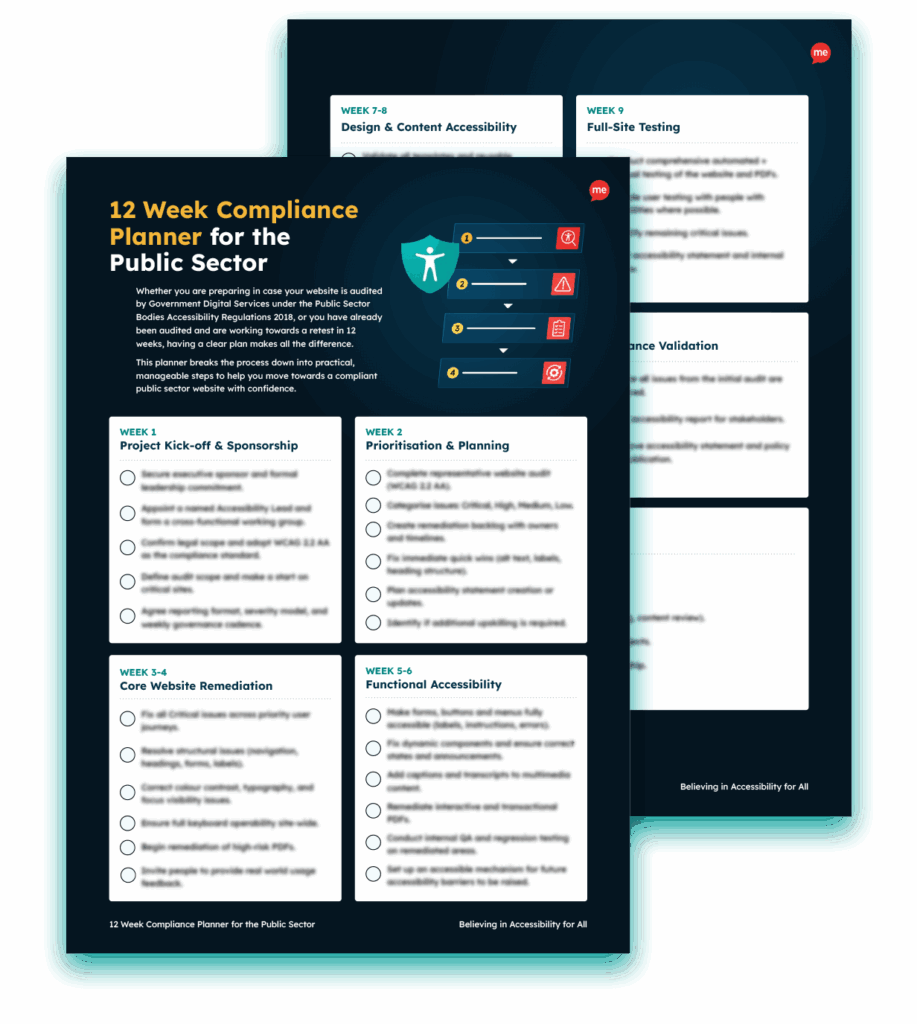
Whether you’ve already received an audit notice or you want to be prepared, this free 12 Week Compliance Planner helps you take control of the process. It turns what can feel like an overwhelming task into a clear, week-by-week plan, so you always know what to focus on next.
The risks of PSBAR non-compliance in the UK
There are several very real risks of ignoring your obligations to comply with PSBAR standards in the UK. Some of the most prominent include:
Legal risk
If your website or digital services do not meet accessibility requirements, you may be contacted as part of a formal review process.
Organisations are usually given a limited timeframe, often around 12 weeks, to make improvements before a follow-up review takes place. If little or no progress is made, the situation can escalate further.
Financial risk
Leaving accessibility issues unaddressed can become costly over time. Fixing problems reactively often requires more resources than getting it right from the start.
There is also the potential for legal costs or financial penalties if cases escalate.
Reputational risk
Public sector organisations are expected to set the standard when it comes to inclusion. When accessibility falls short, it can affect how your organisation is perceived, especially if users raise concerns publicly.
Operational risk
When digital services are difficult to use, people look for other ways to get things done. That often means more calls, more emails, and more pressure on internal teams. Over time, this can significantly increase support demand.
Service delivery risk
At its core, accessibility is about making sure people can access the services they need. If barriers exist, users may not be able to complete applications, find information, or engage with your organisation at all. That has a direct impact on service delivery.
Examples of PSBAR enforcement
This is not just a theoretical risk. There have already been cases where non-compliance has escalated.
In one instance, a college received audit communications from the Government Digital Service highlighting accessibility issues. Unfortunately, those messages went into spam and were never picked up.
With no response or evidence of progress within the expected timeframe, the case was escalated to the Equality and Human Rights Commission (EHRC). They contacted the organisation directly and warned of a potential £200,000 fine if the issues were not addressed.
It is a clear example of how quickly things can move when accessibility concerns are not acted on.
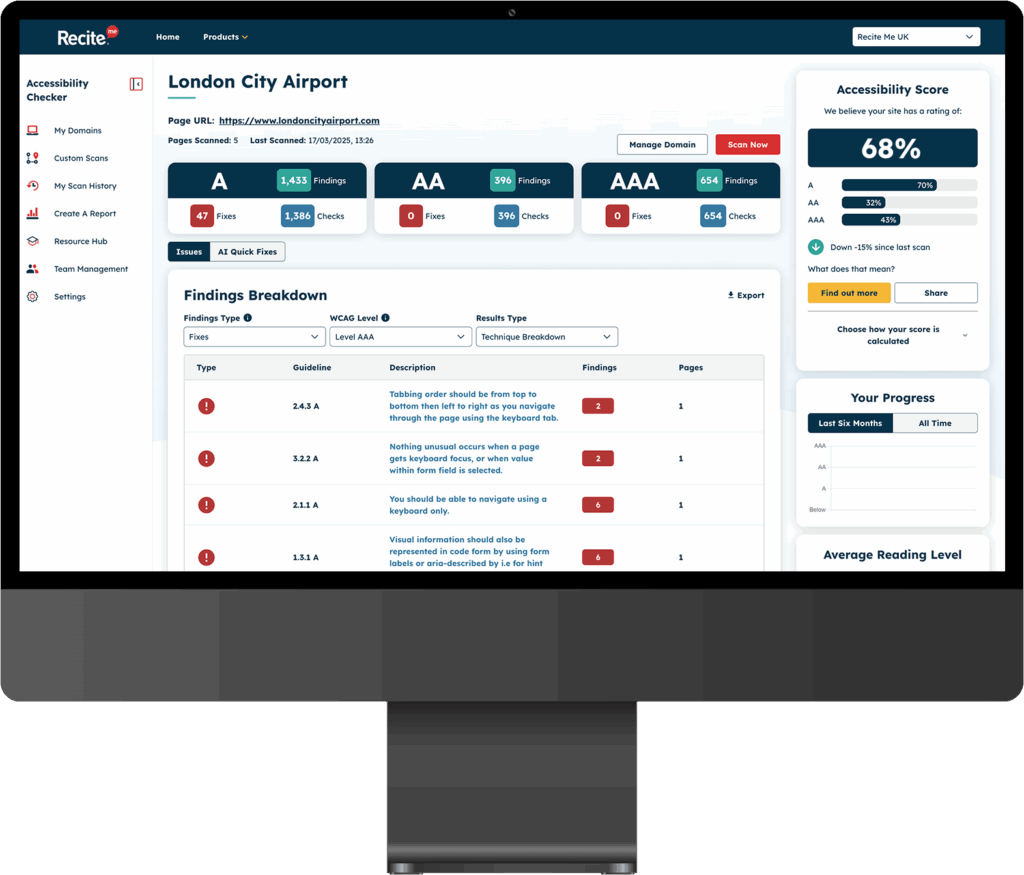
Scan your homepage and receive access to an interactive accessibility dashboard that:
- Shows the accessibility errors found on your page
- Explains why each issue matters
- Provides clear guidance on how to fix
How to mitigate the risks of public sector accessibility non-compliance
Public sector organisations in the UK can take several steps to mitigate the risk of non-compliance. Here’s a simple action plan to follow:
Conduct an accessibility audit
The first step is understanding where you stand. An accessibility audit gives you a clear picture of how your website or digital services perform against WCAG standards. It highlights the areas that need attention and helps you prioritise what to fix first.
Using an accessibility checker can quickly surface common issues such as missing alt text, poor colour contrast, or navigation barriers. While automated tools will not catch everything, they are a practical way to start identifying and monitoring issues.
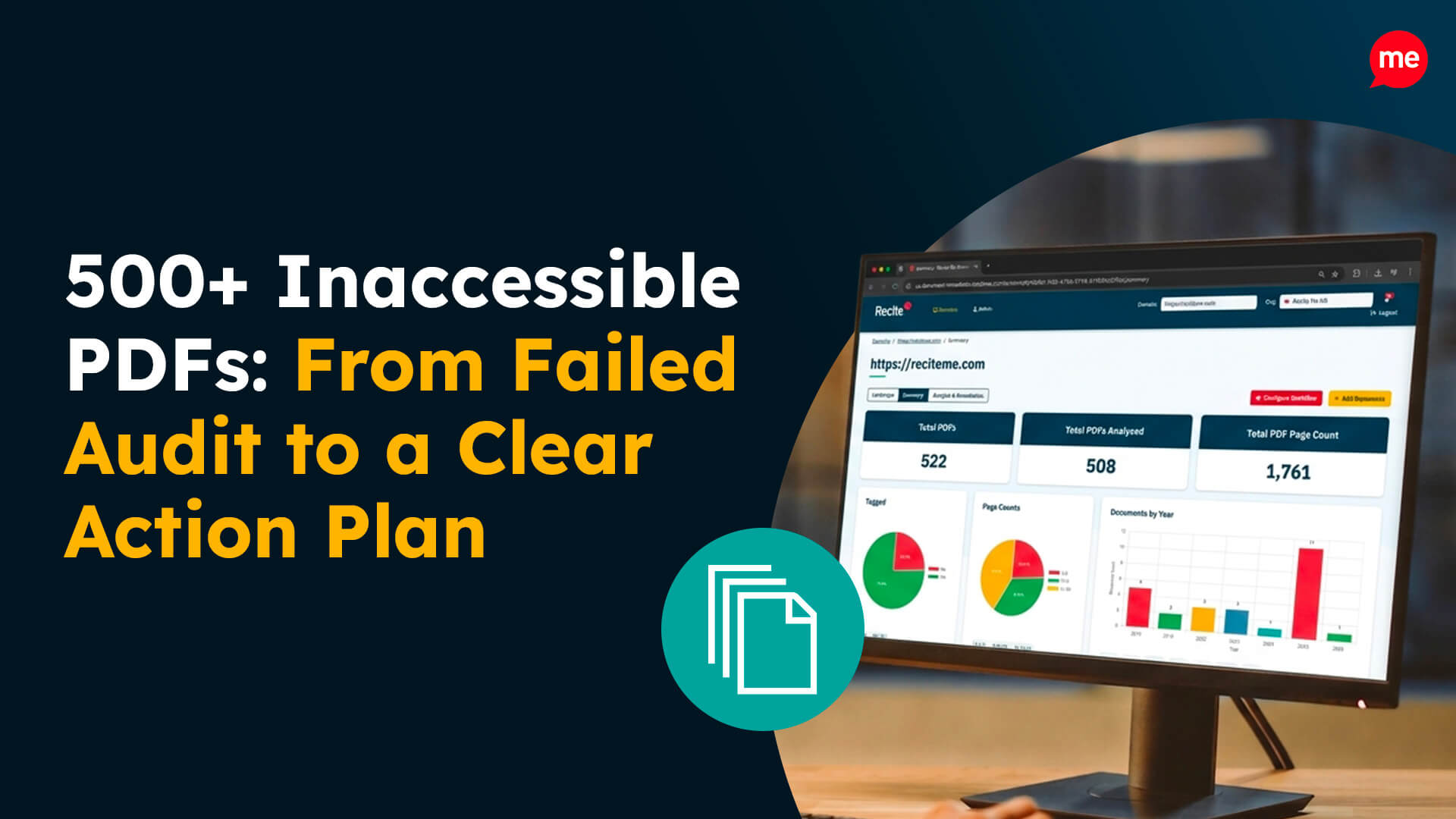
Check your PDF files for compliance
PDFs are often one of the biggest sources of accessibility issues, yet they are easy to overlook. If documents are not structured properly, they can be difficult or impossible for assistive technologies to interpret. This creates unnecessary barriers for users trying to access key information.
Review your PDFs to make sure they include headings, tagged content and readable text. A PDF accessibility checker can help you identify problem areas and take action.

Maintain accurate accessibility statements
Accessibility statements are not just a formality, they are a requirement. They should clearly explain the current accessibility status of your website, highlight any known issues, and provide a way for users to report problems. Keeping this information up to date shows that accessibility is being actively managed, not ignored.
Train key contributors on accessibility best practices
Accessibility does not sit with one team. Content creators, developers and digital teams all contribute to the experience. Without the right knowledge in place, new barriers can easily be introduced. Providing training helps embed accessibility into everyday processes, so it becomes part of how content and services are created. Check out these free online accessibility training courses.
How to handle a GDS demand letter
If you receive a request or audit notice from GDS, it is important to respond quickly.
Organisations are typically given around 12 weeks to address the issues identified before a follow-up review takes place. That time can move quickly, so having a clear plan is essential.
Start by reviewing the issues in detail and identifying what needs to be fixed first. Focus on the most impactful barriers, and make sure progress is documented.
Showing that you are taking action and moving in the right direction can make a real difference if the situation is reviewed again.

PSBAR non-compliance FAQs
Looking for a recap or quick summary? Here are a few of our most frequently asked questions to help you get to grips with the essentials:
What happens if a public sector organisation is not compliant with PSBAR?
Organisations may be contacted by GDS and asked to fix accessibility issues. They are usually given a set timeframe to make improvements. If the issues are not resolved, the case can be escalated to the Equality and Human Rights Commission.
Are there fines for not meeting PSBAR accessibility regulations?
PSBAR focuses on compliance, but enforcement through the Equality and Human Rights Commission can lead to legal action and potential financial penalties.
Do accessibility regulations apply to all public sector content?
They apply to websites, mobile applications and many types of digital content, including PDFs. Some exemptions exist, but most user-facing content should be accessible.
How often should UK public sector organisations review accessibility?
Accessibility should be reviewed regularly. This includes periodic audits, ongoing checks and updates when new content or features are introduced.