Get a Free Compliance Scan of your Website’s PDFs
Download NowFinding the best PDF accessibility remediation tools matters more than ever, as meeting current digital accessibility requirements continues to be a priority. With so many options available, knowing where to start can feel overwhelming. This guide brings together a carefully considered selection of leading tools, giving you the information you need to decide which option works best for your context.
The top PDF accessibility tools you need for compliance
Choosing the right PDF accessibility checker often depends on what matters most to you, as different tools suit different priorities. That said, a small number stand out for their approach to auditing and remediation. Let’s take a closer look.
1. Recite Me Automated PDF Remediation
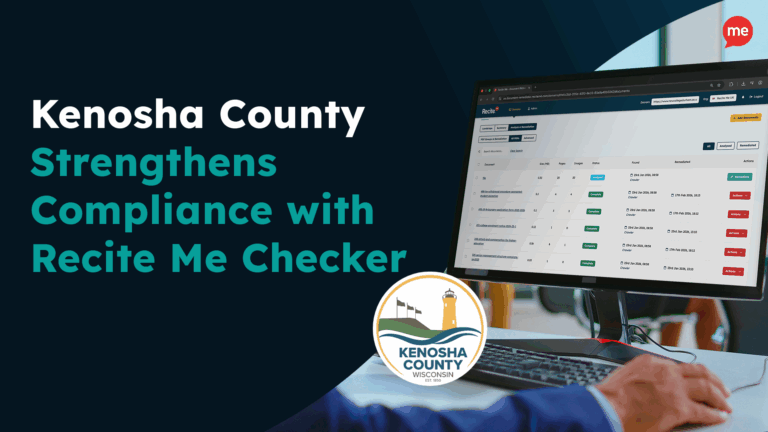
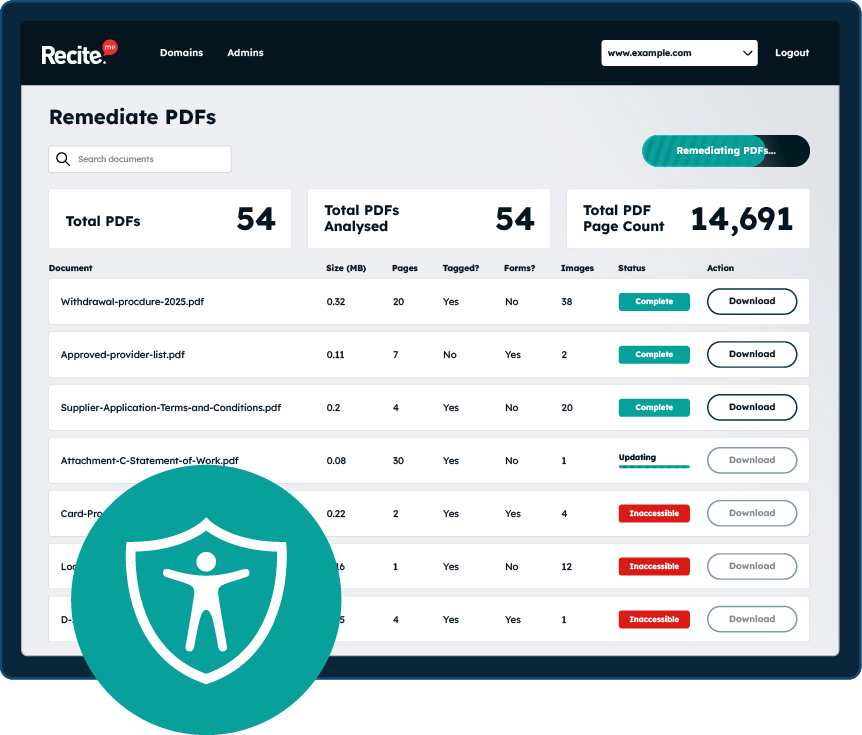
Recite Me’s automated PDF remediation service is a web-based tool designed to help organizations manage large volumes of PDFs. It scans documents across a website, checks them against WCAG and PDF/UA requirements, and automatically remediates detected accessibility barriers. This approach is intended for large-scale compliance and ongoing monitoring with global accessibility laws.

Strengths
- Scans and remediates PDFs across entire websites rather than single files
- Automate all of your PDF files against WCAG and PDF/UA guidelines in seconds
- Supports organizations with large or frequently changing document libraries
- Achieve compliance with accessibility laws, including ADA, Section 508, EAA, and more
Limitations
- The tool is built for organizations working towards wider accessibility projects rather than one-off document fixes
- Automation struggles with complex semantics such as descriptive alt text and reading order decisions
2. Adobe Acrobat Pro DC
Adobe Acrobat Pro DC is the industry standard PDF editor and it comes with built-in accessibility tools, helping you create and correct accessible PDFs. With this tool you can manually remediate PDFs by editing tags, defining reading order, adding alternative text, and fixing form fields. It is widely used when accessibility needs to be addressed at the document creation or final-editing stage.
Strengths
- Offers detailed, manual control over PDF structure and tagging
- Supports accessibility checking against WCAG-related criteria
- Well-documented and widely supported across sectors
- Particularly effective for complex or high-importance documents
Limitations
- Requires training and experience to use effectively for accessibility
- Manual remediation can be time-consuming, especially at scale
3. PAC PDF Accessibility Checker
PAC (PDF Accessibility Checker) is a free, specialist validation tool used to test PDFs against PDF/UA and selected WCAG requirements. It performs automated checks and highlights areas that require human judgement, making it a common choice for quality assurance and formal compliance testing.
Strengths
- Widely recognized for PDF/UA validation
- Clearly distinguishes between automatic failures and items needing manual review
- Useful for audit, QA, and compliance sign-off workflows
- Free to use
Limitations
- Identifies issues but does not fix them
- Requires another tool or manual process to remediate problems
- Reports can be technical and may need accessibility expertise to interpret
4. PAVE 2.0 PDF Remediation
PAVE 2.0 is an AI-assisted PDF remediation tool developed through academic research. It focuses on automatically improving PDF structure and tagging accuracy, particularly for documents with consistent layouts such as reports and forms. Peer-reviewed research shows improvements over earlier rule-based remediation approaches.

Strengths
- Uses AI to improve structural tagging accuracy
- Reduces manual remediation effort for predictable document layouts
- Research-led approach with published evaluation results
- Available free of charge
Limitations
- Performs poorly when documents have an inconsistent structure
- Less reliable for highly visual or unusually laid-out PDFs
- Still requires human review for semantic accuracy and user experience
5. veraPDF – PDF/A and PDF/UA Validation
veraPDF is an open-source validation tool focused on compliance standards. It checks PDFs against the testable requirements of PDF/A and PDF/UA specifications and is widely used in formal conformance testing. While veraPDF can reliably identify where a document fails to meet these standards, it does not offer automated remediation and provides limited guidance on how identified issues should be resolved.

Strengths
- Highly precise validation against formal standards
- Trusted in archival and regulatory contexts
- Open-source and actively maintained
- Useful for demonstrating technical conformance
Limitations
- Does not remediate accessibility issues
- Focuses on format and specification compliance rather than end-user experience
- Best suited to validation and auditing, not document creation or fixing
Scan your website to locate every PDF in one place and instantly see how many do not meet accessibility standards. You will also receive one of your website’s PDFs fully remediated, so you can see the impact in action.
Why is PDF accessibility remediation important?
There are many benefits to remediating PDFs, which can generally be divided into the human case and the business case. Here’s a look at some of each:

The human case
Accessible PDFs help to remove barriers to information for people with diverse needs, ensuring that no one is left out. They allow individuals who are blind, have low vision, or have other cognitive or physical differences to engage with content independently. This enables everyone to access education, employment materials, public services, and more.
The business case
Remediating PDFs makes strong business sense because accessible documents reach a wider audience, improving customer satisfaction and trust. They can even impact workflow efficiency within your organization, as properly structured PDFs are easier to manage, search, and repurpose. Ultimately, these benefits can drive revenue growth while building a strong brand that people respect and trust.
They also help organizations meet legal and regulatory requirements worldwide, including the ADA, EAA, Section 508, and more. The obvious benefits of this include avoiding lawsuits, which can lead to fines, expensive remediation plans, and even restricted market access. Not to mention the damage to your brand that could come from negative PR surrounding an accessibility lawsuit.
What standards do the best PDF accessibility tools check against?
The best PDF accessibility checkers focus on ensuring compliance with two key standards:
WCAG provides a list of success criteria for creating accessible PDF content that is perceivable, operable, understandable, and robust for everyone. PDF/UA is specifically designed for PDF documents, setting requirements for structure, tagging, and semantic elements to ensure accessibility.
The best tools automatically identify issues in line with these PDF accessibility guidelines. This will help you remediate them to meet both human and legal accessibility needs.
What are the most common errors detected by the best PDF accessibility checkers?
The best PDF accessibility checkers identify a range of common issues that can prevent people from accessing content effectively. These tools highlight areas that need remediation so PDFs meet WCAG and PDF/UA standards. Typical errors include:
- Inaccessible tables – Tables without headers or proper structure.
- Unlabelled form fields – Forms that don’t provide clear instructions or labels.
- Missing alternative text – Images without descriptive text for screen readers.
- Insufficient color contrast – Text that’s hard to read for people with low vision.
- Improper reading order – Content may be read in a confusing sequence by screen readers.
- Missing or incorrect tags – Documents lacking proper structure for headings, lists, or tables.
- Use of scanned images without OCR – Text embedded in images isn’t readable by assistive tools.
Do you need to implement the tool’s recommendations yourself?
Some PDF checking tools only identify issues. Others go a step further by offering ready-made recommendations that someone can apply manually, while a smaller number automate the process entirely, so no manual work is required. This is why tools like the Recite Me PDF accessibility checker are rated so highly: they bring all three approaches together in one solution.
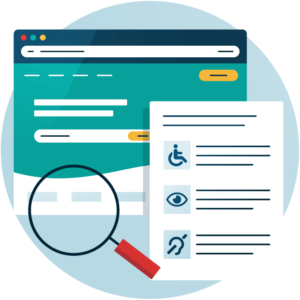
When there are thousands of PDFs that need remediating, this is where tools like Recite Me really stand out. Automated fixes can be applied in seconds, making it a cost-effective route to compliance and freeing teams from hundreds, or even thousands, of hours worth of manual effort.
How can manual remediation still support the top PDF accessibility checkers?
Even with the best-rated PDF accessibility checkers, manual remediation still plays a crucial role. Automated tools can quickly identify issues and, in some cases, apply fixes, but they can’t always interpret complex layouts, visual context, or nuanced content meaning.
That’s where manual remediation complements automation, allowing someone to refine headings, tables, alt text, and reading order to ensure the document truly meets accessibility standards.
Top PDF checkers combine automated and manual approaches, highlighting issues while offering actionable recommendations. By using both methods, organizations can achieve faster compliance without sacrificing accuracy, ensuring PDFs are not just technically accessible but genuinely usable for everyone who relies on them.
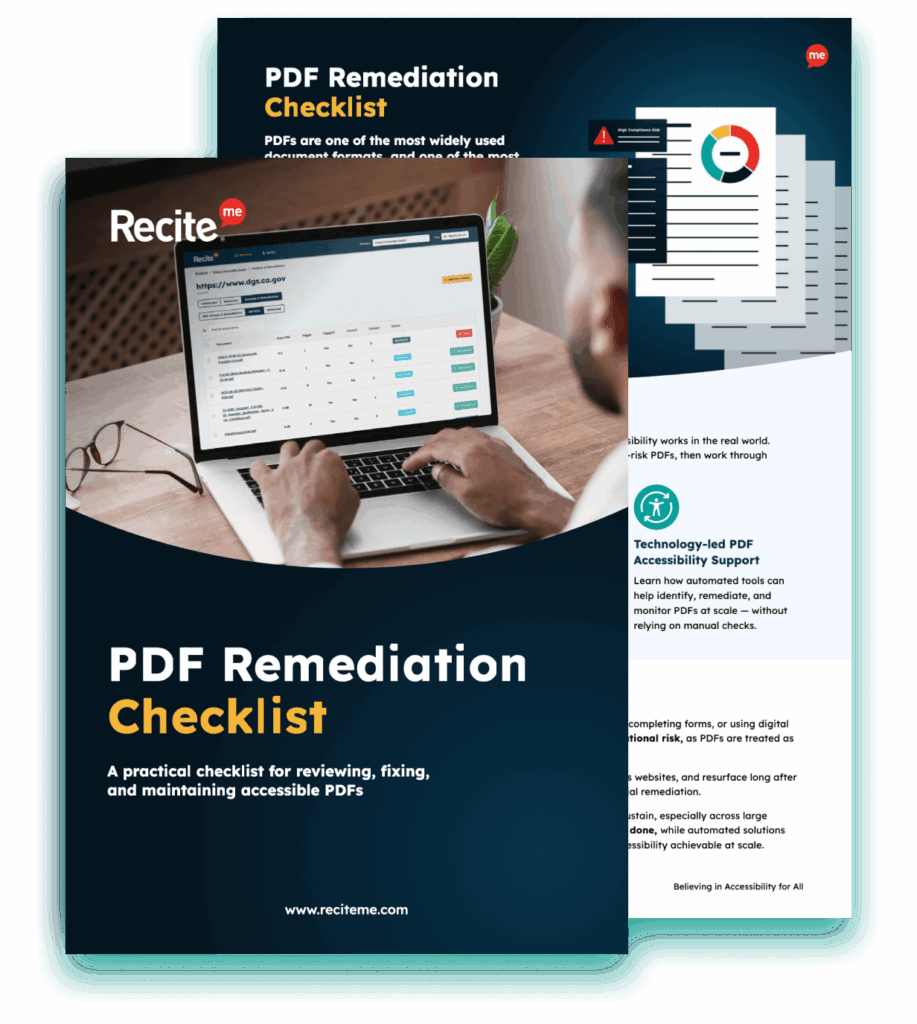
Improve the accessibility of your website’s official documents with our free PDF remediation checklist. It guides you through clear steps to identify and address common accessibility barriers, to align with global accessibility standards.
Choose a top-rated PDF accessibility checker and start remediating today
To summarize, the best PDF accessibility checkers make it simple to identify issues across your organization’s documents. They provide clear recommendations to help you remediate PDFs in line with standards such as WCAG and PDF/UA. Some tools, like the Recite Me checker, even go a step further by offering automatic remediation, which can significantly streamline the process for larger organizations.
One thing is for sure: the need for accessible PDF documents has never been greater, so choosing the right tool and getting started is essential. If you would like additional guidance, you can also speak with a member of the team to ensure your organization meets accessibility compliance requirements.
Best PDF accessibility checker tools FAQs
Looking for a recap or quick summary? Here are a few of our most frequently asked questions to help you get to grips with the essentials:
What is a PDF accessibility checker?
A PDF accessibility checker is a tool that identifies barriers in PDF documents that prevent people with disabilities from accessing content. These tools highlight issues like missing tags, reading order problems, or absent alt text, helping organizations meet accessibility standards.
What are common PDF accessibility issues?
Frequent problems include missing or incorrect tags, improper reading order, unlabelled form fields, insufficient color contrast, missing alt text, inaccessible tables, and scanned images without OCR. These errors can prevent assistive tools from interpreting PDFs correctly.
Do PDF checkers automatically fix issues?
Some tools only identify issues, others provide manual recommendations, and a few, like Recite Me, offer full automated remediation. The choice depends on document volume, complexity, and whether you need a quick, large-scale compliance solution.
How do I choose the right PDF remediation tool for my organization?
Consider your priorities: scale, automation, manual control, or regulatory audit. Large PDF libraries benefit from automated solutions, complex reports may need manual tools, and formal compliance checks often require specialist software.
Can these PDF checker tools help with legal compliance?
Yes. By checking PDFs against WCAG and PDF/UA standards, these tools support compliance with laws like ADA, EAA, and Section 508.
Check out our Products & Services
Ready to take your first steps towards digital accessibility compliance? Then see how we can support your journey with our accessibility solutions:
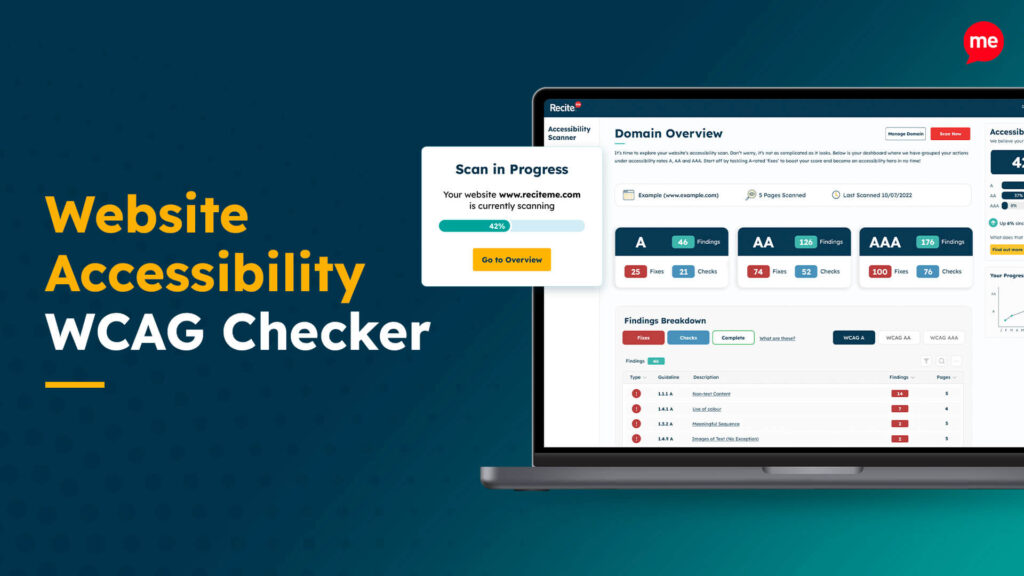
Web Accessibility Checker
Scan, detect, fix, and maintain accessibility compliance standards on your website.
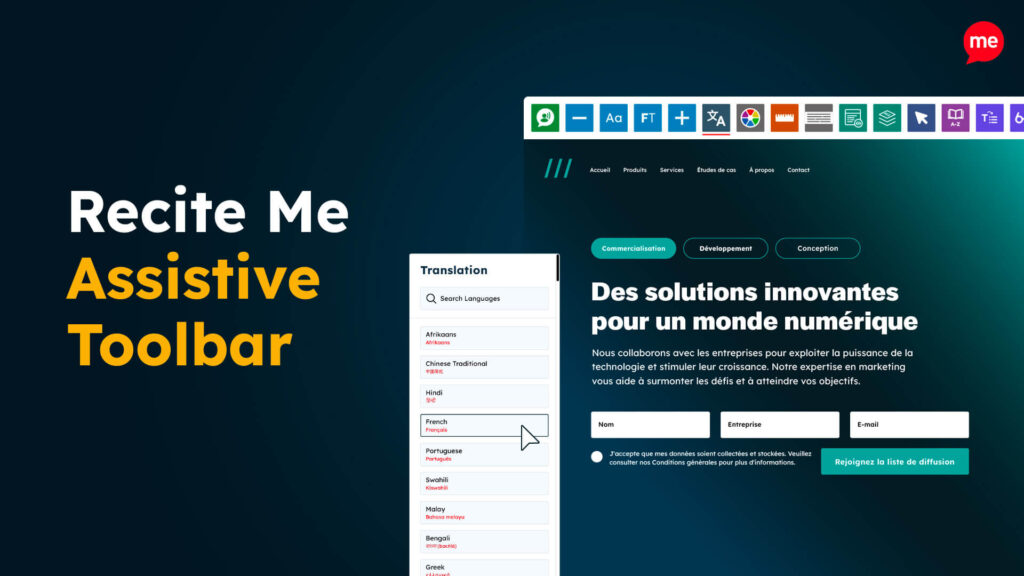
Assistive Toolbar
Make your website an inclusive and customizable experience for people with disabilities.

PDF Accessibility Checker
Check your PDFs are compliant with accessibility standards and run automated fixes.