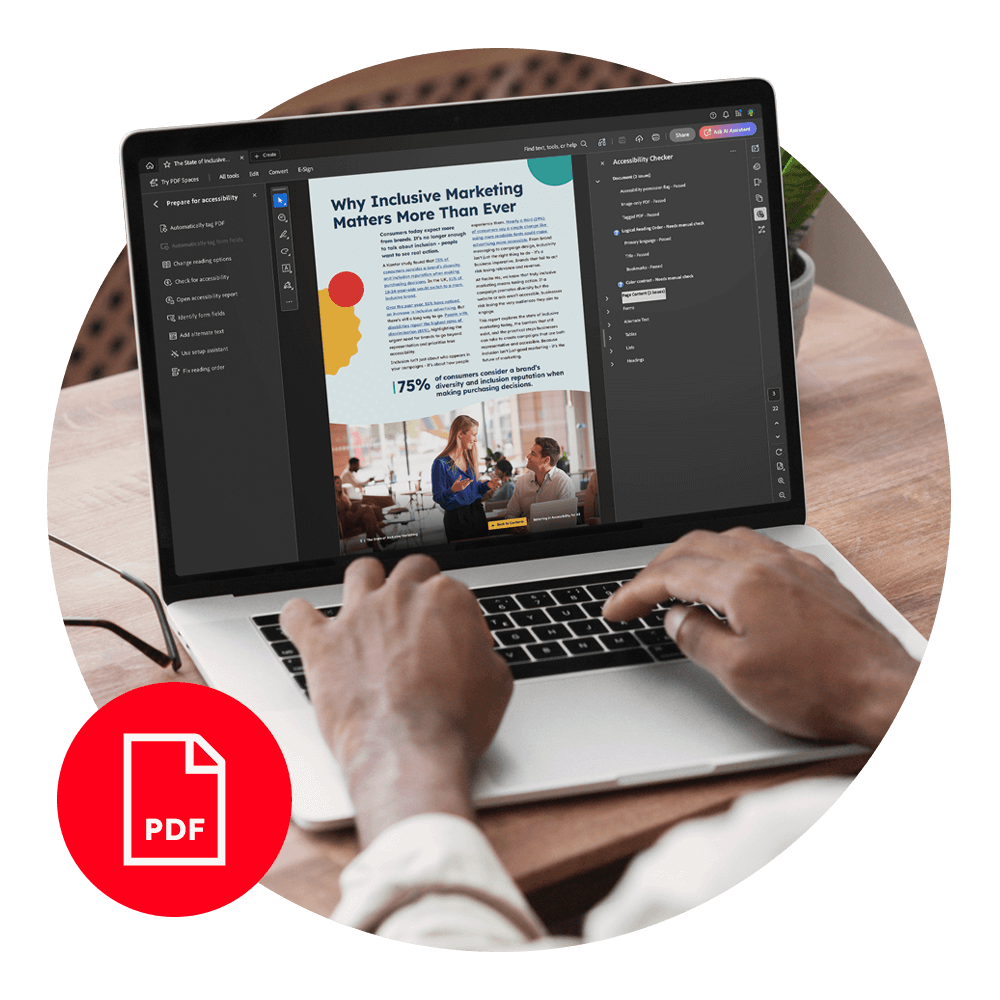
Get Your Free PDF Remediation Checklist
Download NowPDFs remain one of the most widely used formats for sharing information, from reports and policies to forms and guidance documents. When PDFs are not accessible, some people may encounter barriers when interacting with the content in ways that work best for them.
PDF accessibility remediation is the process of improving existing documents so they can be used more effectively by people with diverse needs. Automated and manual PDF remediation are two of the most common techniques, but the question remains: which is better? In this guide, we will cover everything you need to know to help you make this decision.
Automated Vs manual PDF accessibility remediation at a glance
When it comes to making PDFs accessible, organizations often weigh the benefits of automated versus manual remediation. Each approach has distinct strengths and limitations, making them suited to different scenarios. The table below provides a quick comparison of key aspects to help determine which method fits your needs.
| Aspect | Automated Remediation | Manual Remediation |
| Speed | Fast, handles large volumes | Slower, time-intensive |
| Cost | Lower for simple/high-volume docs | Higher due to specialist labour |
| Accuracy | Limited, may miss context | High, context-aware and precise |
| Complex Layouts | Struggles with tables, forms, graphics | Handles complex content effectively |
| Consistency | High for similar docs | Slight variation possible |
| Scalability | Excellent for large archives | Limited for bulk processing |
| Use Case | Baseline remediation, fast turnaround | Critical/complex documents |
| Limitations & Risks | Technically compliant but inaccessible | Time and cost constraints |
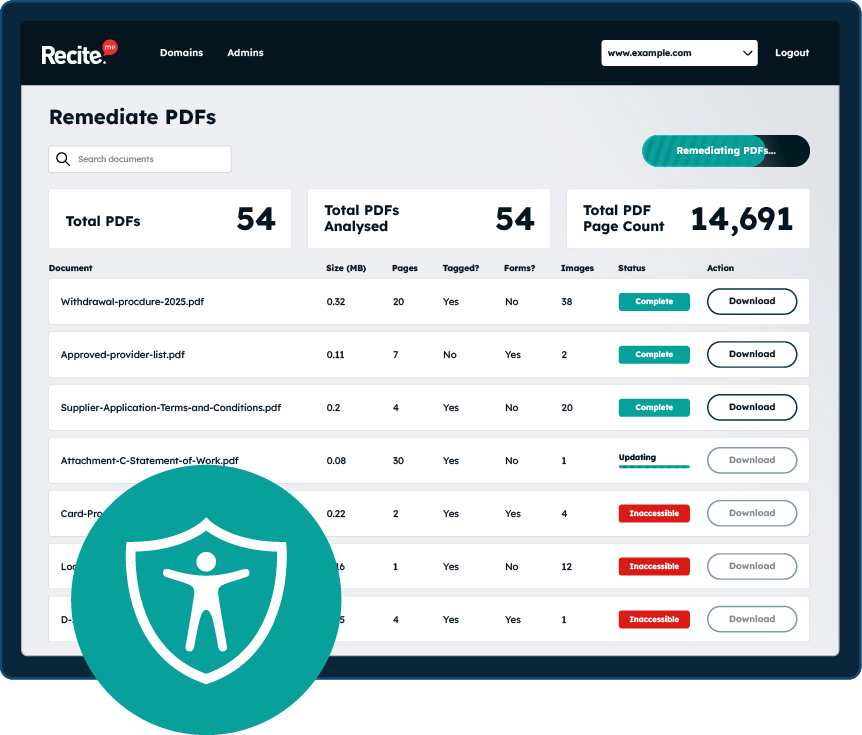
Scan your website to locate every PDF in one place and instantly see how many do not meet accessibility standards. You will also receive one of your website’s PDFs fully remediated, so you can see the impact in action.
What is automated accessibility remediation for PDFs?
Automated PDF accessibility remediation refers to the use of software tools to identify and apply accessibility-related changes to PDF documents with minimal human involvement. These tools analyse a PDF’s underlying structure and attempt to add or correct elements so the document is more compatible with assistive technologies and alternative ways of accessing content.

Most automated remediation solutions work by scanning a PDF for common accessibility gaps, such as missing document structure, untagged content, or absent text alternatives for images. Based on predefined rules and patterns, the tool then applies fixes, for example, by adding tags, assigning headings, or generating placeholder alternative text.
What are the main benefits of using automated PDF remediation solutions?
Automated PDF accessibility remediation offers several advantages, particularly when speed, scale, and consistency are key considerations. For example, automated tools can process large volumes of PDFs in a short period of time, making them useful for organizations with extensive document archives or regular publication schedules. This can help reduce backlogs and support quicker access to content for anyone who prefers or relies on accessible formats.
Furthermore, automation can support cost efficiency, as automated remediation often requires less time and fewer specialist resources than fully manual approaches. This can make it a practical option when budgets are limited or when accessibility improvements need to be applied at scale.
Automated remediation is especially useful in situations such as:
- Large document libraries with similar formatting
- Legacy PDFs that need baseline accessibility improvements
- Time-sensitive publications where rapid turnaround is required
- As an initial step before manual review or refinement

Finally, consistency is another key advantage, as automated tools apply the same rules across all documents, which can result in uniform tagging, structure, and metadata when source files are similar. This can be particularly useful for standard templates, reports, or forms that follow a predictable layout.
What are the limitations of automated PDF remediation
While the best PDF accessibility remediation tools offer speed and efficiency, it has important limitations that can affect the overall quality and usability of a document.

One major limitation is the lack of context awareness. Automated tools can detect missing tags or incorrect reading order, but they cannot interpret the meaning of content or understand how information should be conveyed to a person using assistive technology. For example, a chart or infographic may be tagged correctly, but the automated system cannot generate meaningful alternative text that explains the data in context.
There is also a risk that automation can produce “technically compliant” PDFs that still fail real-world accessibility testing. A document might pass a PDF/UA or WCAG checkpoint without being truly usable for someone navigating with a keyboard, screen reader, or other assistive technologies.

What is manual PDF accessibility remediation?
Manual PDF accessibility remediation involves a human accessibility specialist or someone trained in accessible document creation, reviewing and adjusting a PDF to ensure it meets accessibility standards and provides a usable experience for all readers. Unlike automated tools, manual remediation relies on human judgment to interpret content, which allows for more nuanced accessibility improvements.

The manual remediation process typically includes:
- Tagging and structuring content: Applying correct heading levels, lists, tables, and paragraphs to create a logical reading order for assistive technologies.
- Alternative text creation: Writing descriptive, context-aware text for images, charts, and other non-text elements.
- Ensuring navigation and interactivity: Making forms, links, bookmarks, and tables of contents accessible for keyboard and screen reader users.
- Validating reading order and flow: Confirming that content is presented logically and clearly, especially in complex layouts such as multi-column pages, sidebars, or graphics-heavy documents.
- Testing with assistive technologies: Using screen readers, magnifiers, and other tools to verify that the document works as intended for diverse readers.
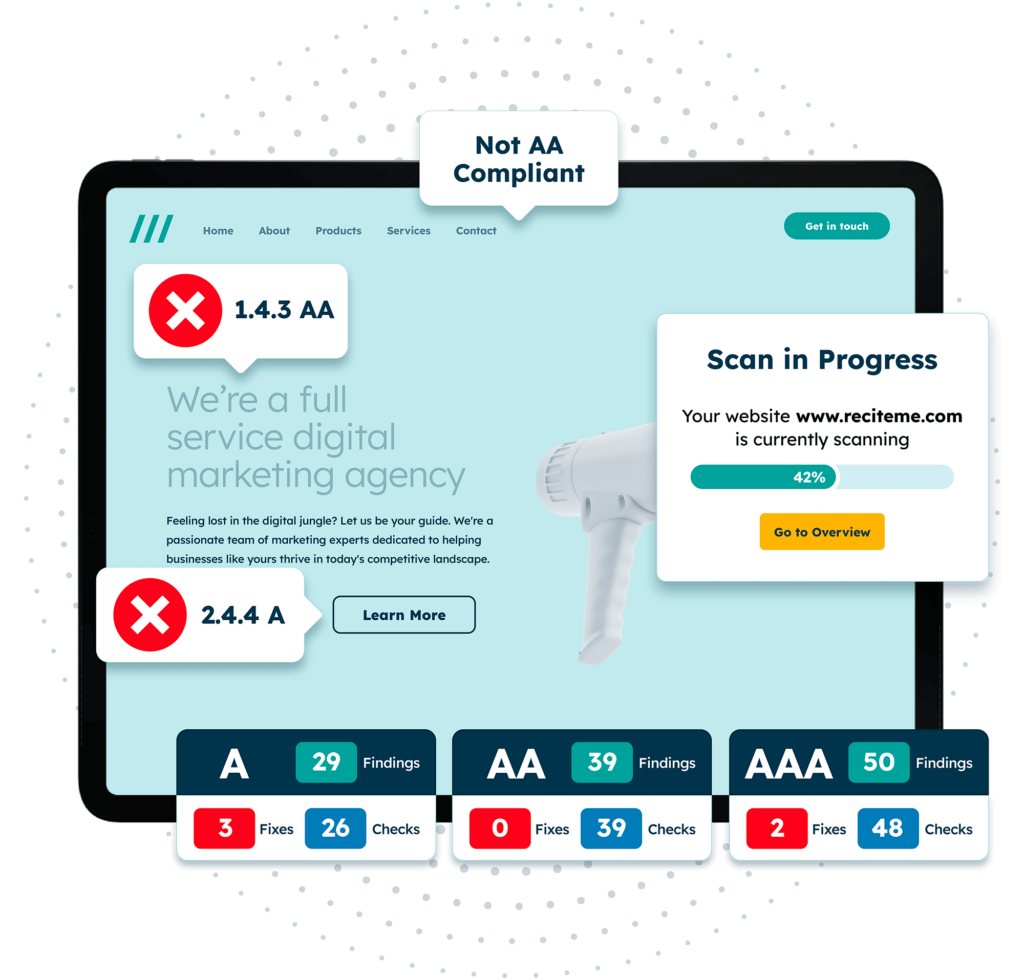
Get a free automated accessibility check of your websites homepage. This will identify and highlight any compliance issues on your website. Followed by recommendations on how to implement the necessary changes to make your website more accessible.
What are the benefits of manual PDF accessibility remediation?
While more time-intensive than automated approaches, manual remediation offers several key benefits that directly improve the experience for people who rely on accessible content. Here are some of our favourite benefits:
Context-aware decision making
Humans can understand the meaning behind content, allowing them to make informed choices that automated tools cannot. For example, deciding the most descriptive alternative text for an image or determining the correct reading order for complex layouts requires comprehension of the content and its purpose.

Effective handling of complex layouts
Documents with multiple columns, tables, interactive forms, or embedded media often require nuanced adjustments. Manual remediation allows specialists to organize content so it is both accessible and maintains the intended visual or functional design.
Higher-quality structure and tagging
Manual remediation ensures that headings, lists, tables, and forms are correctly identified and tagged in a logical, hierarchical order. This improves navigation for people using assistive technologies, allowing them to move through the document efficiently and intuitively.
Choosing the right approach for accessible PDF remediation
Deciding between automated and manual PDF accessibility remediation, or a combination of both, depends on several practical factors. There is no one-size-fits-all solution, and the best approach balances efficiency, quality, and the needs of the intended audience.
Key considerations include:
- Document Volume and Complexity: Large, simple PDFs may suit automation; complex layouts need manual attention.
- Audience Needs: Consider how people will engage with content and what they require to access it effectively.
- Risk and Compliance: High-stakes or regulated documents often demand both automated and manual remediation.
- Time and Budget: Automation is faster and more cost-effective, while manual work ensures higher accuracy.
- Hybrid Approach: Combining automated fixes with human review balances efficiency and quality.
User Testing: Testing with assistive technologies ensures real-world accessibility for everyone.
Why a hybrid approach that combines automation and manual reviews usually wins
In practice, many organizations find that the most effective strategy for PDF accessibility is a hybrid approach, combining the speed of automated tools with the nuanced judgement of human reviewers. Rather than relying solely on one method, a hybrid workflow leverages the strengths of both to produce high-quality, genuinely accessible documents.
How the hybrid PDF accessibility remediation works
A typical hybrid process begins with automated remediation tools. These tools quickly identify and fix obvious issues, such as missing tags, unlabeled headings, or untagged images. Once automated fixes are applied, a human accessibility specialist reviews the documents.

The reviewer focuses on context-specific issues that automated tools often miss, such as:
- Verifying the logical reading order of complex layouts
- Writing meaningful alternative text for images, charts, and graphics
- Checking tables, forms, and interactive elements for usability
- Ensuring compliance with accessibility standards while also prioritizing real-world user experience
Benefits of automated & manual PDF remediation together
Ultimately, the hybrid approach balances speed, accuracy, and inclusivity, ensuring that PDFs are not just compliant on paper but genuinely usable for all people who interact with them. It acknowledges that technology can do much of the heavy lifting, but human insight remains essential for accessibility that truly works in practice.

Which accessibility standards must be followed when remediating PDFs?
When remediating PDFs, the Web Content Accessibility Guidelines (WCAG) are widely recognized as the gold standard. Developed by the W3C, WCAG provides clear, internationally accepted criteria for making digital content perceivable, operable, understandable, and robust for everyone. Following WCAG ensures that PDFs are not only technically compliant but also genuinely usable for people with diverse abilities.
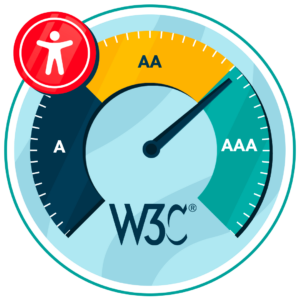
Adhering to WCAG also helps organizations meet a variety of global accessibility legislation. For example, in the United States, compliance supports requirements under the Americans with Disabilities Act (ADA) and Section 508. In Europe, the European Accessibility Act (EAA) aligns closely with WCAG principles, making it easier for organizations to satisfy multiple legal frameworks simultaneously.
By remediating documents in line with WCAG, organizations can reduce legal risk, demonstrate inclusivity, and ensure content is accessible to everyone, regardless of ability or technology used.
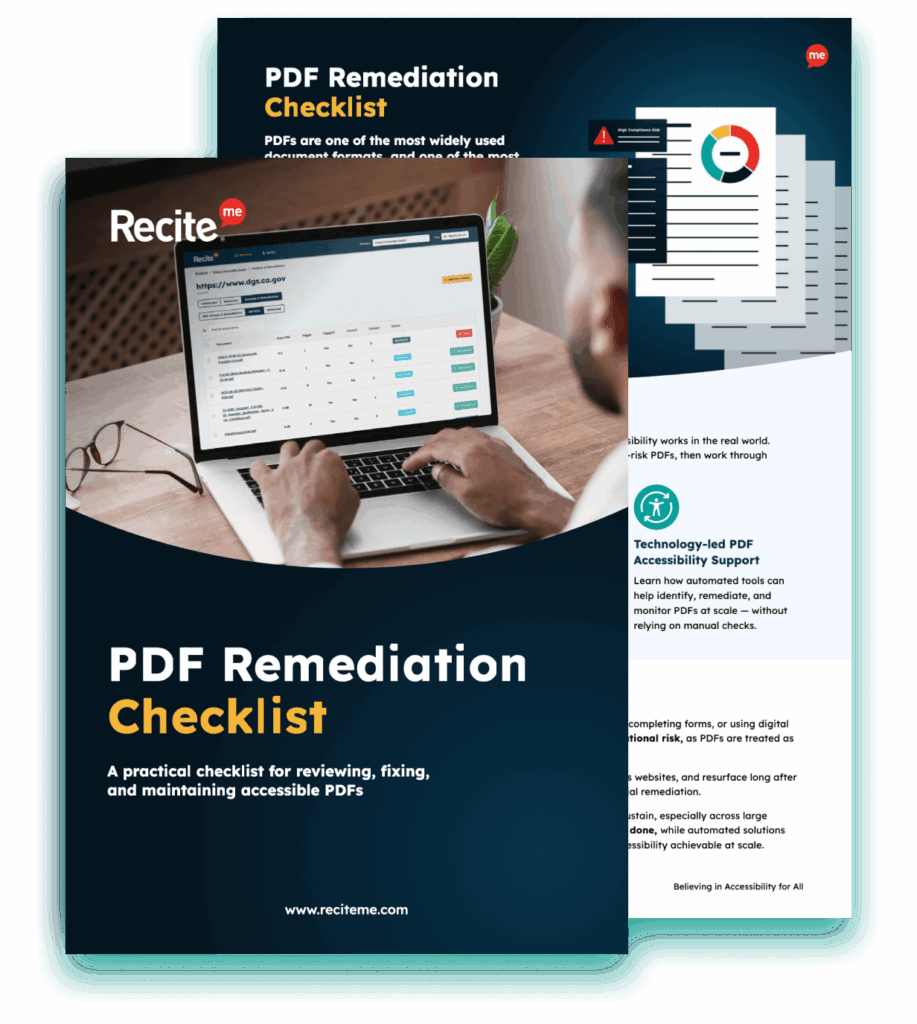
Improve the accessibility of your website’s official documents with our free PDF remediation checklist. It guides you through clear steps to identify and address common accessibility barriers, to align with global accessibility standards.
Final verdict: Why a combined approach often makes the most sense
Automated and manual PDF accessibility remediation often come with their own unique benefits and use cases. For example, automated approaches can be useful for quickly identifying and resolving consistent, repeatable patterns across large volumes of documents. Manual remediation, on the other hand, can be valuable where accuracy, context, and nuance matter.
The best approach is actually to combine the two approaches into a hybrid system, leveraging the benefits of both. If you would like to get started, we recommend checking out our PDF accessibility checker or contacting our team to see how we can help.
Automated Vs manual PDF remediation FAQs
Looking for a recap or quick summary? Here are a few of our most frequently asked questions to help you get to grips with the essentials:
What is PDF accessibility remediation?
PDF accessibility remediation is the process of updating a PDF so that it can be accessed and understood by everyone, including people using assistive technologies like screen readers, voice control, or alternative input devices. It ensures that text, images, tables, forms, and navigation are perceivable and usable.
What is the difference between automated and manual PDF remediation?
Automated remediation uses software tools to detect and fix accessibility issues quickly, such as missing tags or unlabeled headings. Manual remediation relies on human expertise to address context-sensitive issues, including reading order, meaningful alternative text, complex tables, and interactive elements.
Can automation fully replace manual remediation?
No. While automated tools are fast and cost-effective for large volumes of documents, they cannot reliably handle complex layouts or ensure content is truly understandable. Human review is essential for high-quality, usable PDFs.
Which accessibility standards should PDFs meet?
The WCAG (Web Content Accessibility Guidelines) are the gold standard for PDF accessibility. Compliance with WCAG also helps organizations meet global legislation such as the ADA, Section 508, and the European Accessibility Act.
Check out our Products & Services
Ready to take your first steps towards digital accessibility compliance? Then see how we can support your journey with our accessibility solutions:
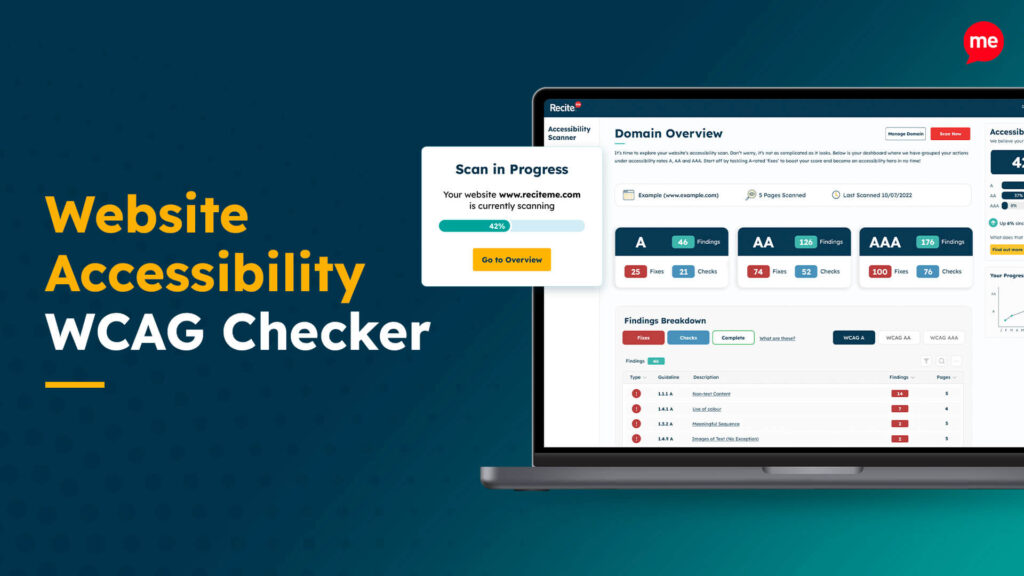
Web Accessibility Checker
Scan, detect, fix, and maintain accessibility compliance standards on your website.
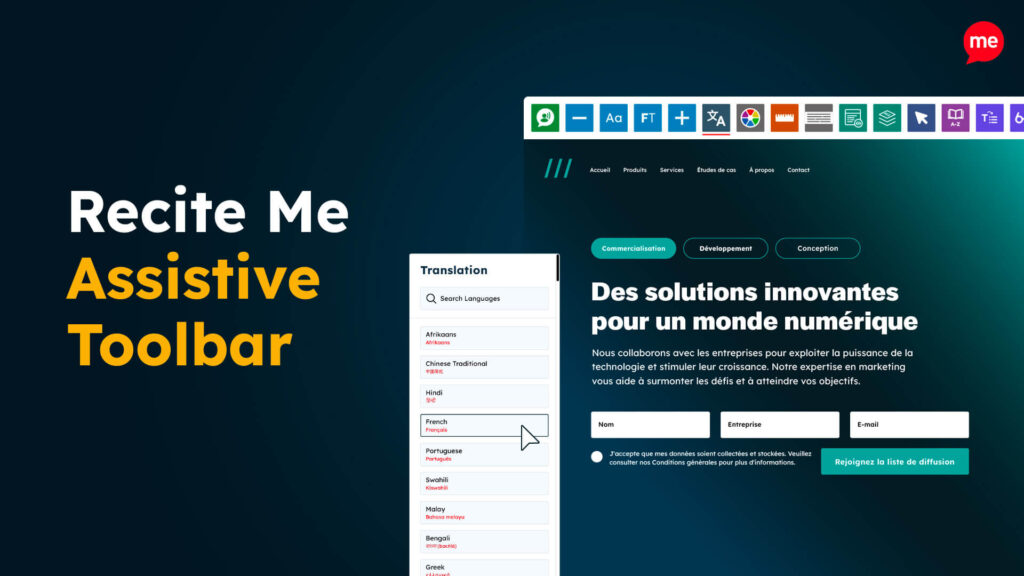
Assistive Toolbar
Make your website an inclusive and customizable experience for people with disabilities.

PDF Accessibility Checker
Check your PDFs are compliant with accessibility standards and run automated fixes.