Get A Free ADA Compliance Audit Of Your Website
Download NowFrom contact forms to bookings, digital forms are essential to accessing online services. If they’re not accessible, you could be excluding a large segment of your customer base. ADA compliance for digital forms is non-negotiable. It ensures that all web users can complete online forms successfully, regardless of their abilities.
In this article, we’ll demystify form accessibility in the ADA, including usability requirements and how to reduce risk.
Understanding the basics of ADA compliance
The Americans with Disabilities Act (ADA) is a U.S. civil rights law designed to prevent disability discrimination. Along with physical accommodations, it also applies to public-facing digital environments, including websites and online forms.
ADA compliance applies across diverse organization types, including:
- For-profit businesses
- Non-profits
- Educational institutions
- Healthcare providers
- Public-facing organizations
To meet ADA requirements, you’ll need to adhere to the Web Content Accessibility Guidelines (WCAG). WCAG provides internationally recognized standards for making digital content accessible to people with disabilities.

Although it is not formal legislation, WCAG 2.1 establishes the technical standards for demonstrating ADA compliance. It’s also widely accepted as best practice for online accessibility. You can learn more about the differences between WCAG and ADA here, as well as how to become compliant.
Why digital forms must be accessible
Digital forms are often the gateway to essential services. So, for web users with disabilities, inaccessible forms can create major barriers.

For example, many disabled internet users rely on screen readers to understand form fields and error messages. Users with motor impairments may navigate using a keyboard or assistive devices rather than a mouse. Individuals with cognitive disabilities may need clear instructions and helpful feedback to complete forms confidently. Without accommodations, they may be left unable to contact customer support or complete a transaction.
Beyond technical requirements, making forms accessible is the right thing to do. Accessible forms promote equal access for all, ensuring that disabled people can enjoy the internet just as able-bodied people can. Digital accessibility also improves usability for all web users, and it can even boost your SEO.
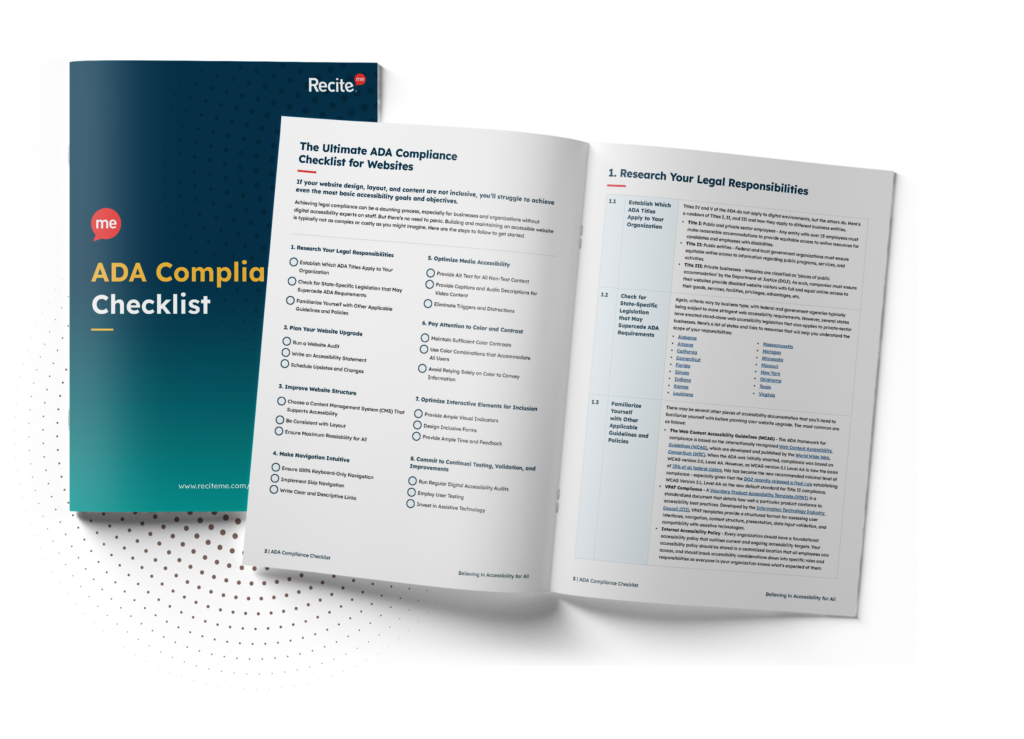
Want to make sure your website is compliant with the Americans with Disabilities Act? Then unlock the ADA compliance checklist now. Discover actionable steps to ensure ADA compliance, helping you avoid lawsuits and any other negative consequences of non-compliance.
Key elements of ADA-compliant digital forms
Creating accessible forms requires attention to both technical standards and user experience. The following elements are central to ADA-compliant digital forms.
Error prevention and handling
Accessible, ADA-compliant forms should be error-free as much as possible. In the instances where errors do occur, they must be communicated clearly to ensure the user knows what they need to do. Providing this real-time feedback reduces frustration and ensures customers can complete your forms.

Here are some tips for accessible forms:
- Highlight fields with errors using visual cues, such as a red border
- Provide clear, descriptive error messages
- Offer appropriate suggestions to correct mistakes
- Validate inputs in real-time where possible
- Ensure messages are accessible to screen readers
Form structure
With a clear structure, website users can understand how a form is organized and what is required at each step. Well-structured forms are easier to navigate using assistive technologies and reduce cognitive load.
Best practices for creating an accessible form structure include:
- Grouping related fields logically
- Maintaining a predictable and consistent layout
- Avoiding unnecessary complexity
- Ensure logical reading and focus order
- Use clear headings, fieldsets, and legends

Labels and Instructions
Every form input must have a clear, descriptive label. Labels tell users what information they need to input and are essential for screen reader accessibility. Don’t rely on placeholder text alone, as this disappears once users begin typing.

Accessible labeling practices include:
- Associating <label> elements correctly with form controls
- Ensuring that labels are continuously visible
- Providing clear instructions before the relevant fields
- Using simple, jargon-free language
Keyboard accessibility
Not everyone can use a mouse, and a good example of this is people with motor impairments. That’s why your forms need to be accessible for those who use keyboard navigation alone.
To ensure keyboard accessibility:
- All inputs, buttons and controls must be reachable via the Tab key
- The tab order should follow a logical sequence
- Focus indicators must be clearly visible
- Users must be able to complete forms without a mouse, including resetting

Screen reader compatibility
Screen reader users depend on semantic HTML to understand and interact with forms. Without this, form fields may be confusing or completely unusable.
To be compatible with screen readers, forms should:
- Use correct HTML elements for inputs, buttons, etc
- Have accurately formatted labels, instructions, and error messages
- Provide clear, accessible names for icons
- Avoid unnecessary ARIA where native HTML is sufficient
Contrast and visual design
Visual design plays a significant role in accessibility. Poor color contrast, small text or cluttered layouts can make forms difficult for people with visual disabilities.
Accessible visual design includes:
- Minimum color contrast ratio of 4.5:1 for normal-sized text
- Clear focus states for interactive elements
- Adequate spacing and readable font sizes
- Avoid relying on color alone to convey meaning or context

More best practices for creating accessible ADA forms
Beyond the core technical requirements, there are additional accessibility best practices you can use to improve your website forms:
- Provide multiple ways to fill out or submit forms (voice input, keyboard).
- Avoid CAPTCHAs that are inaccessible; provide alternatives.
- Test forms with accessibility tools and real users with disabilities.
- Keep forms concise and intuitive.
- Ensure responsive design for mobile accessibility.
How an accessibility checker can help you detect ADA violations on forms
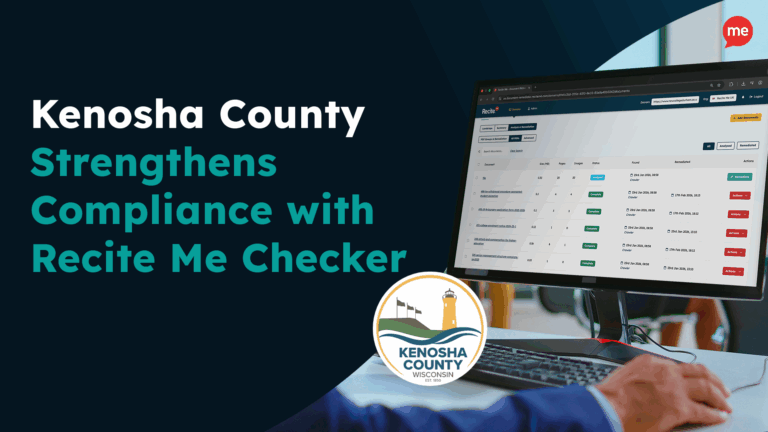
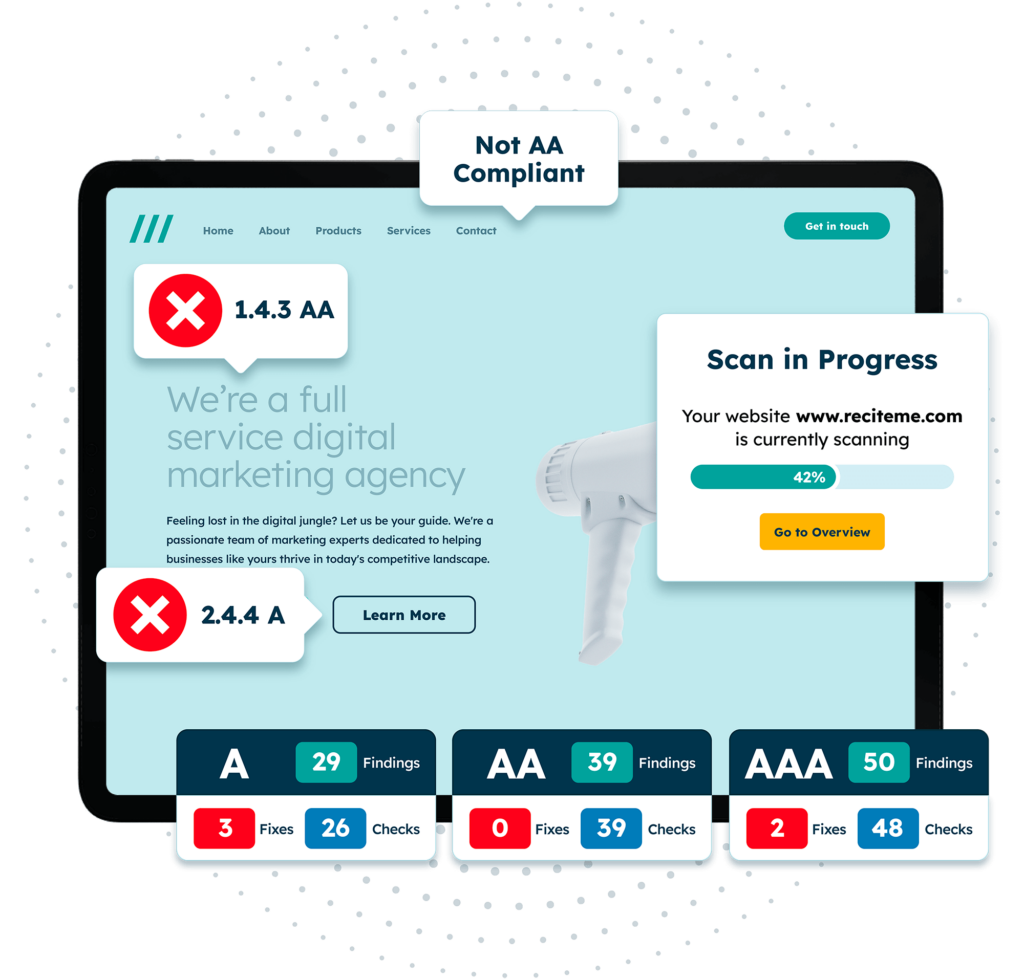
Checking for ADA violations on your website can be time-consuming. Using an accessibility checker automates this process, saving your time. For example, Recite Me’s accessibility checker tool scans your entire website for violations, including your web forms.

The accessibility checker then:
- Highlights any potential issues via a streamlined dashboard, so you can see at a glance what needs adjusting
- Explains how to fix identified issues, so it’s easy for your team to resolve
- Provides AI-driven quick fixes, so you can make essential changes immediately
- Tracks your digital accessibility progress, so you can visualize your progress
Remember: automated accessibility checkers are helpful tools, but always make sure to do a final follow-up check manually.
ADA compliance lowers the likelihood of lawsuits over inaccessible forms
Inaccessible digital forms can expose organizations to legal and financial risk. ADA-related claims increasingly focus on usability barriers that prevent users from completing essential tasks online. ADA lawsuits are not a rarity. In fact, accessibility lawsuits rose by 37% in 2025.
By prioritizing ADA compliance for digital forms, organizations demonstrate good-faith efforts to provide equal access. Accessible forms reduce complaints and significantly lower the likelihood of legal action related to digital accessibility.
Get a free automated ADA compliance audit of your website. This audit will highlight compliance violations and provide the recommendations needed to meet ADA compliance standards.
Don’t wait to make your website forms ADA-compliant
Accessible digital forms are a cornerstone of ADA compliance and inclusive design. When forms are accessible, users of all abilities can engage with services independently.
By focusing on clear structure, proper labeling, keyboard accessibility and more, organizations can create forms that meet ADA expectations and deliver better experiences for all website visitors.
However, accessibility isn’t a one-time task. Along with forms, your organization must commit to digital inclusion in the long-term. You can get started today with a free ADA compliance audit to identify potential violations. Alternatively, contact our expert team for further information about Recite Me’s accessibility training and tools.
ADA compliance for digital forms FAQs
Looking for a recap or quick summary? Here are a few of our most frequently asked questions to help you get to grips with the essentials:
What standards should my digital forms meet for ADA compliance?
Most organizations use WCAG 2.1 or 2.2 Level AA as the technical standard to demonstrate ADA compliance for digital forms.
Can automated tools fully ensure ADA-compliant forms?
No. Automated tools, like Recite Me’s free web accessibility checker, are valuable for identifying common issues. However, for full compliance, you should follow up with manual testing and user feedback.
What makes a digital form ADA-compliant?
Several key elements are required to make a digital form ADA-compliant, including providing clear error messages, suitable color contrast, and screen reader compatibility. Forms should aim to comply with WCAG 2.1 Level AA at a minimum.
How can you make online forms accessible?
No. Tools like the Recite Me toolbar can improve usability, but forms must still be built accessibly at the code and design level.
Can accessibility monitoring help with ADA compliance?
Yes, for example, Recite Me’s accessibility checker can help organizations identify accessibility issues across forms and pages, supporting ongoing ADA compliance efforts.
Need more help becoming ADA compliant?
The following resources are packed full of actionable tips and expert advice for making your digital content compliant with the Americans with Disabilities Act:
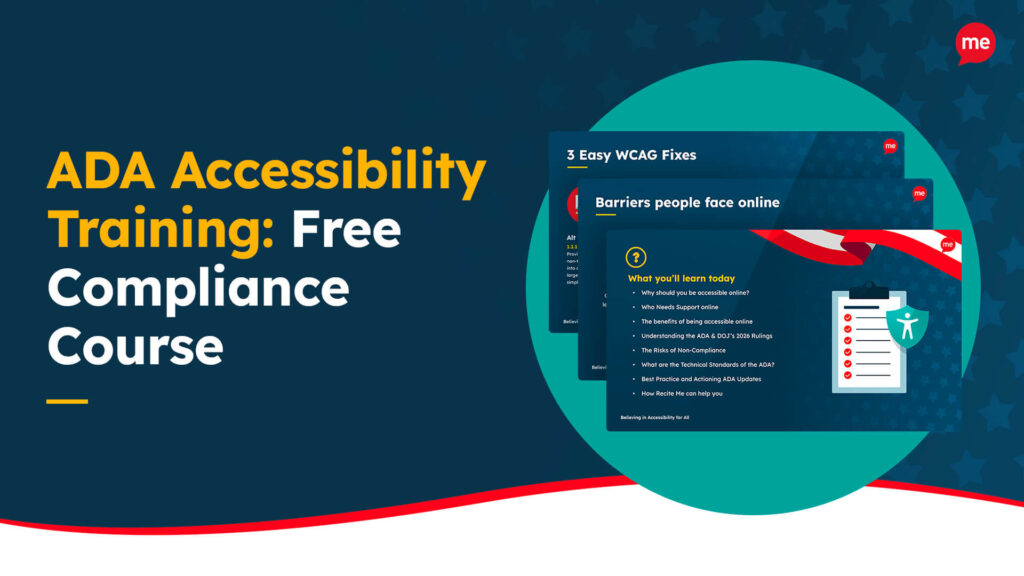
Free ADA Accessibility Training
Take the first step to ADA compliance by completing our training course.
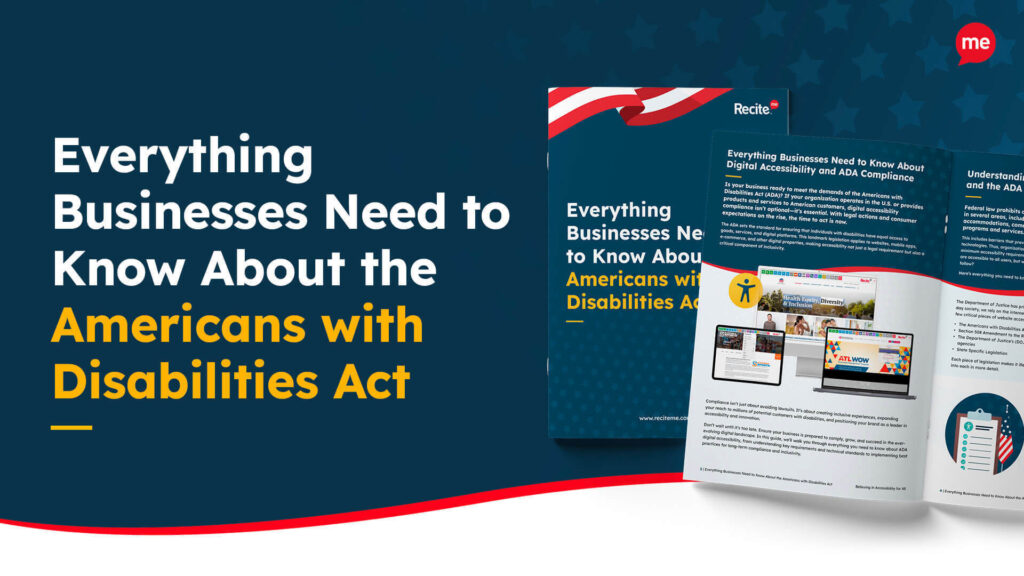
Free ADA Accessibility Guide
Ensure your organization is meeting the requirements for ADA compliance.