























Get Your Free Accessibility & Inclusion Toolkit
Download NowMobile devices account for more than half of global web traffic. For many people, mobile devices have become the primary way to access the Internet. And as smartphone and tablet usage continues to grow, the need for more accessible mobile experiences will only increase further.
But precisely what is mobile accessibility? In this guide, we’ll cover everything you need to know and outline practical steps to make your digital content more inclusive in a mobile-first world.
What is mobile accessibility?
Mobile accessibility is the practice of designing and developing websites, apps, and digital documents so that people can use them effectively on smartphones and tablets.
While it follows the same core principles as general web accessibility, there are also several mobile-specific considerations:
- Touch targets
- Device orientation
- Zooming
- Gestures
- Hardware limitations
When mobile sites and apps are not designed with accessibility in mind, users with disabilities face unnecessary barriers to information, services, and communication.
Who needs mobile accessibility?
Accessible mobile design supports people with a wide variety of needs, including:
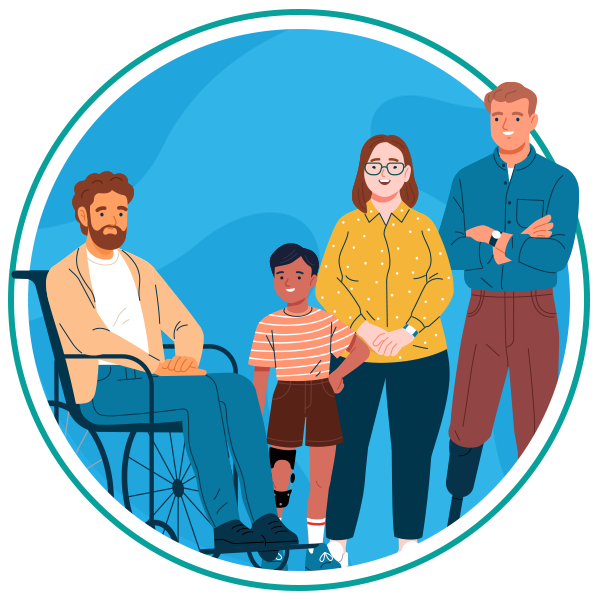
- Visual impairments like blindness, low vision, and color blindness.
- Hearing impairments
- Motor or dexterity impairments
- Cognitive disabilities
- Neurological conditions
- Neurodivergent traits
- Age-related challenges
- Temporary impairments such as injuries, eye strain, and limited mobility.
- Situational limitations caused by bright sunlight, noisy environments, and one-handed use.
However, while accessibility is essential for users with disabilities, the benefits extend to everyone. After all, straightforward navigation, readable text, and simplified interactions improve online experiences for all users, including those who are busy, multitasking, or using older devices.
Get a Free Accessibility Check of your Website
Run a scan to identify WCAG issues on your website's homepage. Then, use our recommended changes to achieve compliance with the latest accessibility standard.
Why mobile accessibility matters
There are several key reasons why mobile accessibility is fundamental to creating an inclusive digital world:
- Equal access: Individuals with disabilities deserve independent access to information, services, and tools directly from their mobile devices, just as much as anyone else.
- User independence: Accessible interfaces reduce reliance on assistance from others and support personal autonomy.
- Legal and ethical responsibility: Mobile experiences are increasingly expected to meet globally recognized standards such as the Web Content Accessibility Guidelines (WCAG), and to comply with wider legislation, including the Americans with Disabilities Act (ADA) and Section 508 of the Rehabilitation Act.
- Wider audience reach: Accessible design opens your site or app to the 1.3 billion people living with disabilities, as well as millions more experiencing temporary or situational limitations.
- Better UX: Improved readability, flexible layouts, predictable patterns, and simplified interactions benefit all users.
In short, mobile accessibility builds trust, increases engagement, and ensures no user is excluded.
7 core principles for accessible mobile design
Improving mobile accessibility requires a combination of design, development, testing, and attention to detail. These are the key areas to focus on.
1. Color contrast
Strong color contrast ensures that text and visual elements remain legible, especially on small screens or in bright light. To meet WCAG guidelines:
- Normal text should have a contrast ratio of 4.5:1.
- Large text should have a contrast ratio of 3:1.
- Color must never be the only means of conveying meaning.
- Anchor text for hyperlinks should use both color and a secondary indicator (e.g., bold or underline).
Good contrast reduces eye strain and improves readability, helping users pick out essential content faster.
2. Meaningful alternative text (alt text)
Alt text helps users with visual impairments understand the content and purpose of an image. Effective alt text should:
- Accurately describe the essential information
- Reflect the image’s context
- Avoid redundancy or unnecessary detail
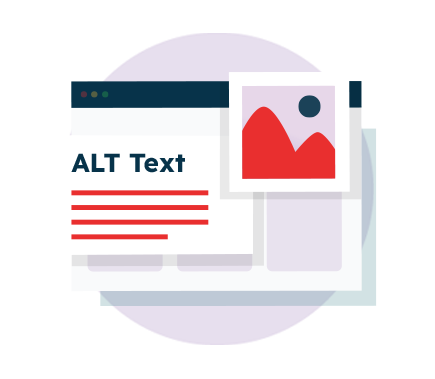
Additional best practices include avoiding images of text, ensuring form controls and icons have accessible labels, and matching visible text labels to programmatic names so assistive technologies can interpret them correctly.
3. Accessible touch targets
Mobile devices have smaller display sizes than desktop screens. Mobile touch targets must be large enough and spaced appropriately so users can tap them without difficulty. The most current WCAG version, WCAG 2.2, recommends:
- A minimum target size of 24 × 24 CSS pixels
- Adequate spacing between interactive elements
- Placing key actions in easily reachable areas within thumb-friendly zones
Following these recommendations supports users with limited dexterity or tremors, and helps reduce the likelihood of mistakes.
4. Clear and consistent layouts
A well-structured layout helps users understand where elements are and how they function, thus reducing cognitive load. Best practices include:

- Keeping navigation patterns consistent
- Maintaining a logical reading order
- Using predictable placement for buttons, menus, and forms
- Avoiding unexpected changes between pages
- Ensuring gestures and swipe actions behave consistently
Though helpful for everyone, a clear structure is especially important for users with cognitive disabilities, motor impairments, or those navigating rapidly on smaller screens.
5. Responsive and adaptive design
Responsive design ensures your content adapts to different screen sizes, orientations, and zoom levels without breaking. Top design tips include:
- Allowing pages to reflow when zoomed
- Supporting both portrait and landscape orientation
- Ensuring content does not overlap, hide, or require horizontal scrolling
- Avoiding fixed-height containers that cut off content
By designing responsively, you ensure your content remains usable across all devices and contexts. Remember: A truly responsive experience adapts to the user, not the other way around.
6. Simple and accessible data entry
Typing on mobile can be challenging, especially for users with motor impairments or cognitive disabilities. You can reduce user friction by:
- Minimizing the amount of text required
- Using dropdowns, checkboxes, and radio buttons where possible
- Enabling password visibility toggles
- Supporting autofill and autocomplete
- Offering date pickers, numeric keypads, and pre-filled options

Simplifying forms makes them faster, easier, and, above all, possible to complete.
7. Support for mobile assistive technologies
Mobile devices come with powerful built-in accessibility tools. Your content should work seamlessly with:
- Screen readers
- Magnification tools
- High contrast modes
- Switch control and alternative input devices
- Voice control and voice typing
Testing your content against these tools helps ensure all users can interact with your pages, regardless of how they access them.
Our 40-page Digital Accessibility & Inclusion Toolkit helps businesses break down online barriers and make a real impact. It offers practical advice on all aspects of digital accessibility, from writing an accessibility statement to accessible website tips and inclusive hiring.
Testing and auditing mobile accessibility
Regular audits help maintain accessibility as your mobile experience evolves. Mobile accessibility can be evaluated using a blend of automated tools and manual testing.

Key steps include:
- Testing pages directly on mobile devices.
- Checking compatibility with screen readers and zoom features.
- Using automated tools like the Recite Me Accessibility Checker.
- Validating touch targets, reading order, and navigation.
- Checking performance under varying conditions, including low light, glare, and poor connectivity.
Manual testing is particularly valuable because it lets you experience the interface precisely as your users do.
Start improving mobile accessibility today
As mobile usage continues to grow, users expect digital experiences that work smoothly for everyone. The good news is that improving your accessibility doesn’t have to be overwhelming. With the right approach, you can identify issues quickly and make meaningful changes.
The sooner you start improving accessibility, the sooner your users benefit, and the more inclusive your digital presence becomes. Recite Me offers a suite of services designed to help you assess your current accessibility, including a free accessibility scan of your website.
Mobile accessibility FAQs
Still have questions? Below are the top FAQs that organizations and content teams often have about mobile accessibility.
What is the difference between mobile accessibility and web accessibility?
Web accessibility covers a broader range of digital environments. Mobile accessibility focuses specifically on mobile challenges such as touch interaction, smaller screen size, device orientation, and built-in assistive tools.
Is mobile accessibility required by law?
Yes. While not every piece of American Accessibility Legislation lists technical standards for mobile, online experiences are increasingly expected to meet the globally recognized WCAG standards.
Does WCAG apply to mobile devices?
Yes. WCAG 2.2 applies to all digital content, including mobile websites and apps. You can access the most up-to-date guidance in W3C’s Mobile Accessibility Guidelines.
What are the most common mobile accessibility issues?
Low contrast, small touch targets, poor page structure, inaccessible forms, and content that does not reflow when zoomed.
Do I need to design separate versions for desktop and mobile?
No. A responsive and accessible design should allow your content to adapt automatically to different screen sizes. Separate versions can create inconsistencies and even more accessibility gaps.
Check out our Products & Services
Ready to take your first steps towards digital accessibility compliance? Then see how we can support your journey with our accessibility solutions:
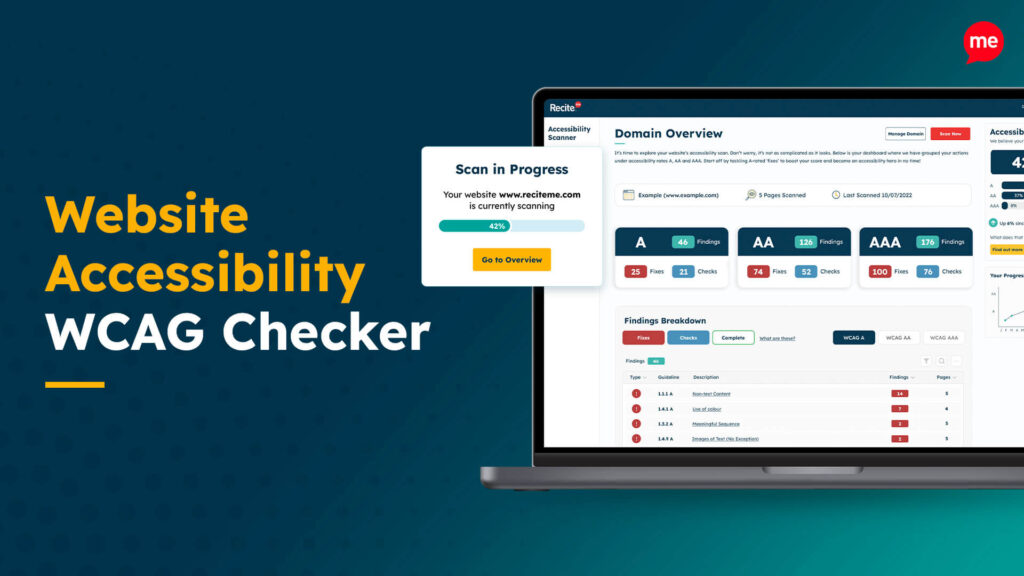
Web Accessibility Checker
Scan, detect, fix, and maintain accessibility compliance standards on your website.
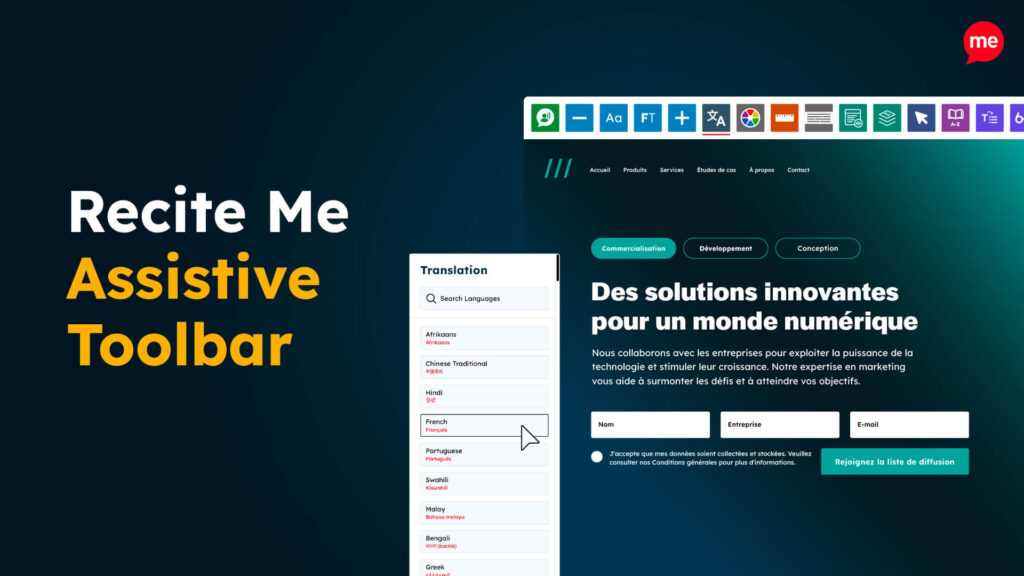
Assistive Toolbar
Make your website an inclusive and customizable experience for people with disabilities.
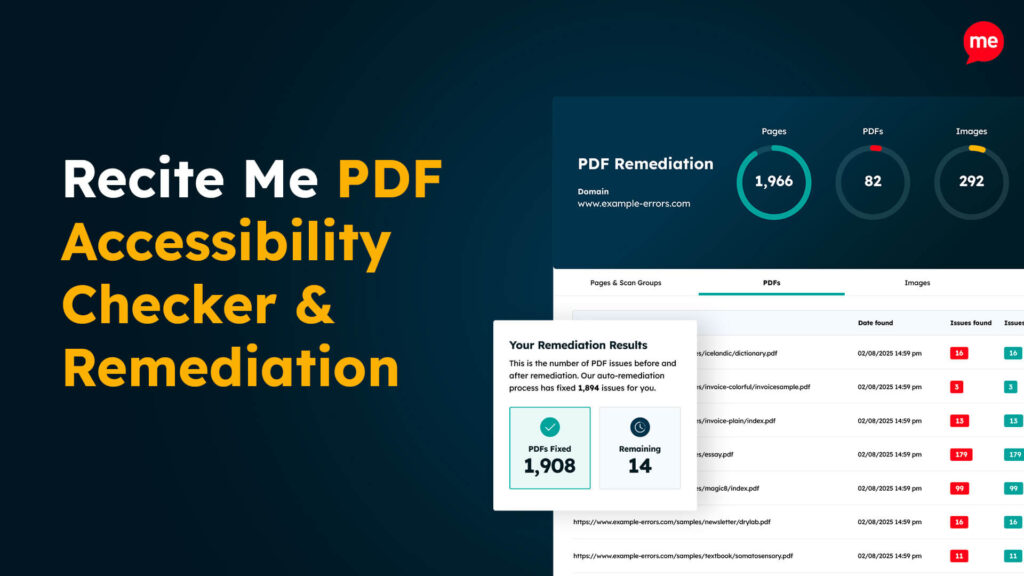
PDF Accessibility Checker
Check your PDFs are compliant with accessibility standards and run automated fixes.