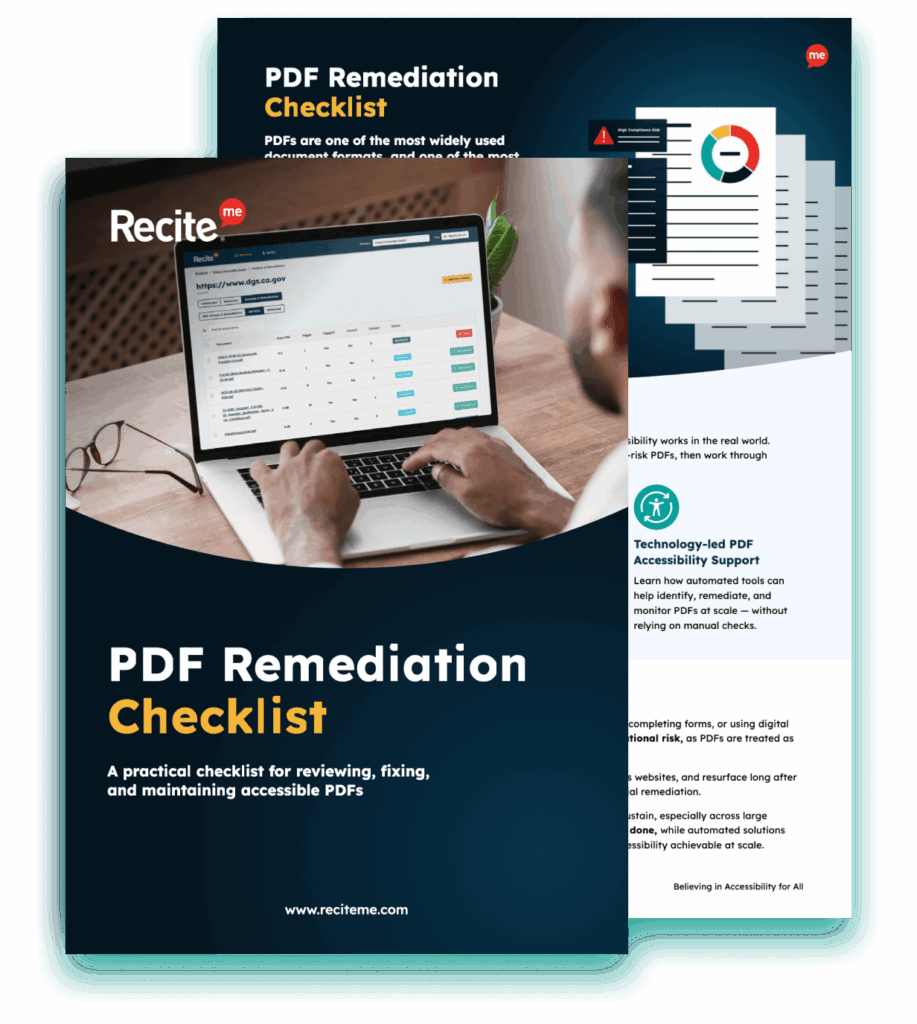
Get Your Free PDF Remediation Checklist
Download NowEvery organization needs to consider digital accessibility, particularly when it comes to compliance with accessibility laws, regulations, and standards. In the US, this includes Section 508 of the Rehabilitation Act, a federal law that mandates public services are accessible for people with disabilities.
Federal agencies often generate PDFs to share reports, policies, forms, and other important communications both internally and externally, which means these agencies must ensure PDF 508 compliance to reduce legal risk and create content that is accessible to all users. Despite this, there are a number of common issues with PDFs that can put government agencies at risk while excluding users from the content.
The basics of Section 508 compliance
Section 508 is part of the Rehabilitation Act of 1973, a federal law prohibiting discrimination on the basis of disability in programs conducted by federal agencies, receiving federal financial assistance, or under federal contracts. Section 508 was added to the Rehabilitation Act in 1998 and then updated in 2017.
Who does Section 508 apply to?
Section 508 is mainly aimed at federal agencies but also extends to federal contractors and vendors, educational institutions, and software developers designing apps and platforms for government use.
Section 508 compliance requirements
Section 508 requires federal agencies to make their websites, software, multimedia, and downloadable content (such as PDFs) accessible to people with disabilities.
To achieve this, agencies should focus on complying with Web Content Accessibility Guidelines (WCAG) 2.0 Level AA. These guidelines address four criteria for digital content:
- Perceivable: Information and user interface components must be presentable to users in ways they can perceive.
- Operable: User interface components and navigation must be operable.
- Understandable: Information and the operation of the user interface must be understandable.
- Robust: Content must be robust enough that it can be interpreted reliably by a wide variety of user agents, including assistive technologies.
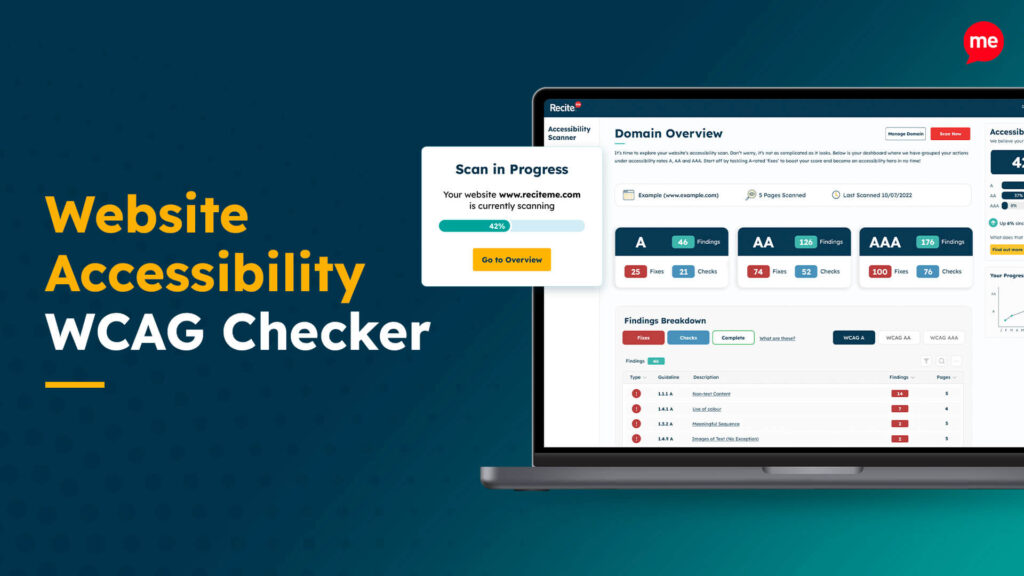
Scan your website to locate every PDF in one place and instantly see how many do not meet accessibility standards. You will also receive one of your website’s PDFs fully remediated, so you can see the impact in action.
How does Section 508 apply when creating PDFs?
Section 508 requires federal agencies to ensure that all digital documents are compliant, whether they are created, shared, or published. This can include documents designed for training materials, reports, internal policies, and any other internal or external documents.
PDF accessibility involves making sure that the document is structured properly so that it can be understood by assistive technologies, such as screen readers. Non-compliance can lead to Section 508 lawsuits, exclude users, and damage your reputation. PDFs that are visually well-designed may not be accessible. The document must contain proper structure, tagging, and metadata so that it can be understood and navigated by those with disabilities.
The most common PDF accessibility issues and how to fix them
There are a number of common PDF accessibility issues that can put federal agencies at risk of non-compliance. The most common mistakes include:
Missing or incorrect tags
PDF tags are used to define the structure and order for assistive technologies, so missing or incorrect tags make it hard for those relying on these technologies to interpret the PDF document correctly.
This issue can be avoided by applying tags to headings, paragraphs, lists, tables, etc.
Incorrect reading order
PDFs may appear visually to be in a logical order, but they require semantic HTML to convey structural meaning to assistive technologies to guide users through the content in the right order.
You can check the reading order in the Reading Order panel, allowing you to quickly test and fix any issues.
Image-only or scanned PDFs
Image-only or scanned PDFs may contain no readable content for assistive technologies, as they will appear as an image with no selectable text.
You can use Optical Character Recognition (OCR) to convert images into selectable text for screen readers.
Inaccessible tables
Tables with poor structure can be hard to interpret by assistive tools. Be sure to use header rows and define relationships for accessibility.
Color contrast and color-only reliance
Low color contrast can limit readability for those with visual impairments. WCAG Level AA requires a contrast ratio of at least 4.5:1 for normal text and 3:1 for larger text and design elements.
Improper use of headings
Proper heading tags (h1, h2, etc) should be used instead of visual styling for assistive technologies to follow the structure of the PDF document.
Broken links or non-descriptive links
Broken links or non-descriptive links confuse screen readers and reduce usability. Links should always be descriptive and use meaningful text, such as “download report here”.
Non-keyboard accessible elements
Many users are unable to use a mouse, so PDF documents should be keyboard accessible. Make sure the document can easily be navigated with a keyboard only to avoid non-compliance.
Missing document language metadata
Screen readers rely on document language metadata to read the content in the right language. Be sure to set the right language metadata before publishing.
Run automated tests for 508 compliance with our PDF Remediation tool
As you can see, there are a lot of common mistakes and areas where it is easy to trip up in regard to Section 508 compliance. You never want to risk non-compliance, as this has legal, reputational, and financial risks, which is why it is smart to run automated tests for 508 compliance.
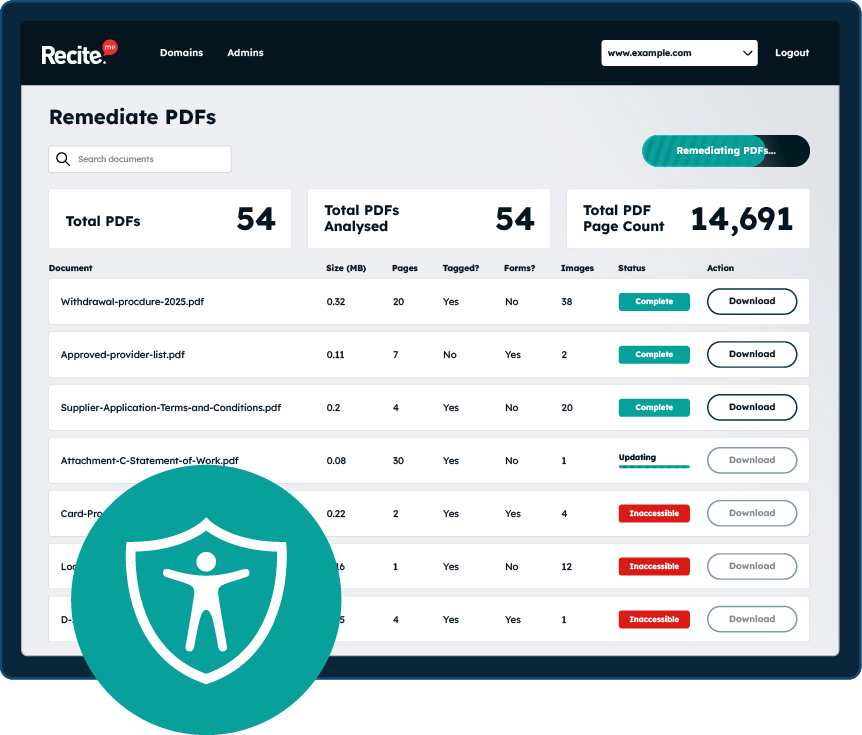
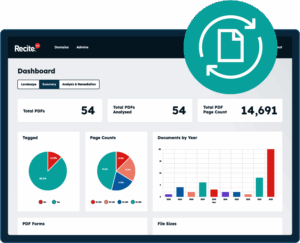
The Recite Me PDF Remediation tool can be used to scan your PDFs against PDF-specific WCAG success criteria, such as reading order, alt text, structure, and color contrast. You can then apply automated fixes within seconds, saving you the time of manual edits.
Automated tests also allow you to easily evaluate the compliance of high volumes of content that would otherwise take a long time to complete. Additionally, the PDF Remediation tool generates data and reports that help you better understand your compliance status.
The risks for government agencies that don’t comply with Section 508
It is important to be aware of the wide-ranging risks of non-compliance with Section 508 for government agencies. The main risks to understand include:
- Federal agency corrective actions: Non-compliance can lead to formal investigations and remediation requirements.
- Contract sanctions: Non-compliance with Section 508 can disqualify federal agencies and contractors from current or future government contracts.
- Fines and penalties: Section 508 lawsuits can be hugely expensive, with settlements often ranging from thousands to millions of dollars.
- Reputational damage: A commitment to inclusivity and accessibility is one of the best ways to build a positive reputation. Non-compliance issues can harm your brand reputation, making it harder to build public trust.
Improve the accessibility of your website’s official documents with our free PDF remediation checklist. It guides you through clear steps to identify and address common accessibility barriers, to align with global accessibility standards.
Work towards Section 508 PDF compliance today
Government agencies and contractors need to take Section 508 compliance seriously, particularly when it comes to PDFs. By using a PDF remediation tool to scan for non-compliance issues, government agencies can quickly fix issues and feel confident in the accessibility of their PDFs. This will help prevent costly lawsuits, ensure important information is accessible to all users, and make it much easier to build public trust.
To get started on your journey towards creating accessible and 508-compliant PDFs, be sure to run a free remediation scan. You can also reach out to our team of accessibility experts for additional support.
Section 508 compliance for PDFs FAQs
Looking for a recap or quick summary? Here are a few of our most frequently asked questions to help you get to grips with the essentials:
Is Section 508 compliance only for government agencies?
Section 508 requires government agencies and any person or organization with a contract or receiving funding from the US government to be compliant. Private businesses must comply with the Americans with Disabilities Act (ADA).
How often should PDF documents be scanned?
It is smart to conduct quarterly scans of all PDF documents to ensure that they remain compliant. Scans should also be conducted every time a new PDF is created or an existing PDF is edited to ensure that any live updates remain compliant with 508. Try to view accessibility as an ongoing process rather than a one-time fix.
How are non-compliance issues typically discovered?
Section 508 issues are often discovered by users with disabilities reporting any issues that they encounter, which can lead to complaints and formal investigations. This is why it is important to scan PDFs before publishing them to ensure all content is Section 508 compliant once live.
What standards should PDFs meet?
PDFs should align with the WCAG Level AA 2.1 standards. WCAG is not legally enforceable, but it is considered to be the global benchmark in terms of accessibility standards. Many forms of legislation around the world, including Section 508, reference WCAG as the accepted standard (this applies to all web content, including PDFs).
Check out our Products & Services
Ready to take your first steps towards digital accessibility compliance? Then see how we can support your journey with our accessibility solutions:
Web Accessibility Checker
Scan, detect, fix, and maintain accessibility compliance standards on your website.
Assistive Toolbar
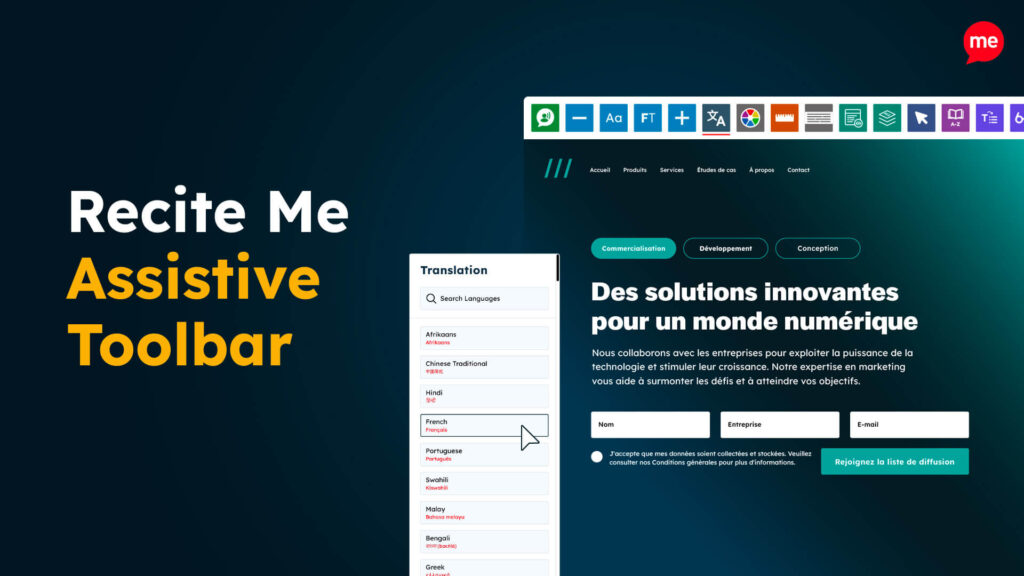
Make your website an inclusive and customizable experience for people with disabilities.
PDF Accessibility Checker
Check your PDFs are compliant with accessibility standards and run automated fixes.