























Get Your Free PDF Remediation Checklist
Download NowDigital content accessibility is a key consideration for all organizations in 2026. Public bodies, private businesses, charities, and other organizations need to make sure their websites and digital content are inclusive and accessible to users with a wide range of disabilities to maximize reach and avoid costly non-compliance issues.
You will quickly notice references to PDF/UA and WCAG when reading about digital content accessibility. Both have the aim of improving accessibility, but focus on different areas. Having a strong understanding of both PDF/UA and WCAG is vital for organizations looking to create more inclusive online experiences for users. This post will tell you all you need to know about the differences and how you can meet global accessibility standards.
What is WCAG?
First, you have the WCAG. This stands for Web Content Accessibility Guidelines, which are used as the global benchmark for online accessibility. Developed by W3C, WCAG provides guidance for all forms of online content to ensure it is accessible for users with a range of different needs.
Purpose of WCAG
The main purpose of WCAG is to create content that is perceivable, operable, understandable, and robust for readers of your online content. This means that websites, mobile apps, and online services are accessible and usable by people with visual, auditory, motor, and cognitive special needs.
WCAG Principles
WCAG operates on four main principles:
- Perceivable: Content should be presented in a way that is perceivable by all users, such as text alternatives for images.
- Operable: Users should be able to operate and interact with the content, including keyboard-only navigation.
- Understandable: Information must be clear and easy to interpret for all users.
- Robust: Content should be usable with a range of technologies, including screen readers and voice commands.
WCAG Conformance Levels
Each of the criteria required for WCAG compliance has a level assigned to it. The different levels of compliance are:
| WCAG Levels | Details | Success criteria |
| Level A | The most basic level of accessibility and typically easy to achieve without a major impact on website design or structure. | 30 |
| Level AA | The globally acceptable standard of accessibility, Level AA includes more advanced compliance points for development teams. | 20 |
| Level AAA | The most comprehensive level of accessibility to create an inclusive experience for all users. Level AAA can only be attained once the 50 criteria from A and AA have been met. | 28 |
This means that organizations should prioritize achieving at least Level AA for compliance with legislation and to create inclusive online experiences for all users.
What Is PDF/UA?
PDF/UA stands for Portable Document Format/Universal Accessibility, which focuses specifically on making PDFs accessible for users with different disabilities. It is an international ISO standard (ISO 14289) that provides technical guidance to ensure that PDFs can be accessed and read by everyone.
Purpose of PDF/UA
The purpose of PDF/UA is to remove accessibility barriers in PDFs to make them accessible and readable by those using assistive technologies. PDFs are widely used by organizations due to their portability, size, and security features, but there are often accessibility issues that make them difficult to interpret when using assistive technologies. PDF/UA ensures that all elements are accessible, including images, tables, and forms.
Key Requirements of PDF/UA
There are several key requirements of PDF/UA. These include:
- Tagged PDF structure: Elements including headings, tables, paragraphs, and lists are defined with tags.
- Logical reading order: Correct reading order is established so that it is read in the correct sequence by assistive technologies.
- Alternative text for images: Alt text allows screen readers to describe visual content to those with visual impairments.
- Proper semantic roles: Semantic roles help correctly identify the function of document elements.
- Embedded fonts: Ensure that text can be interpreted consistently.
Metadata and document language: Allows screen readers to interpret the language and other key information.
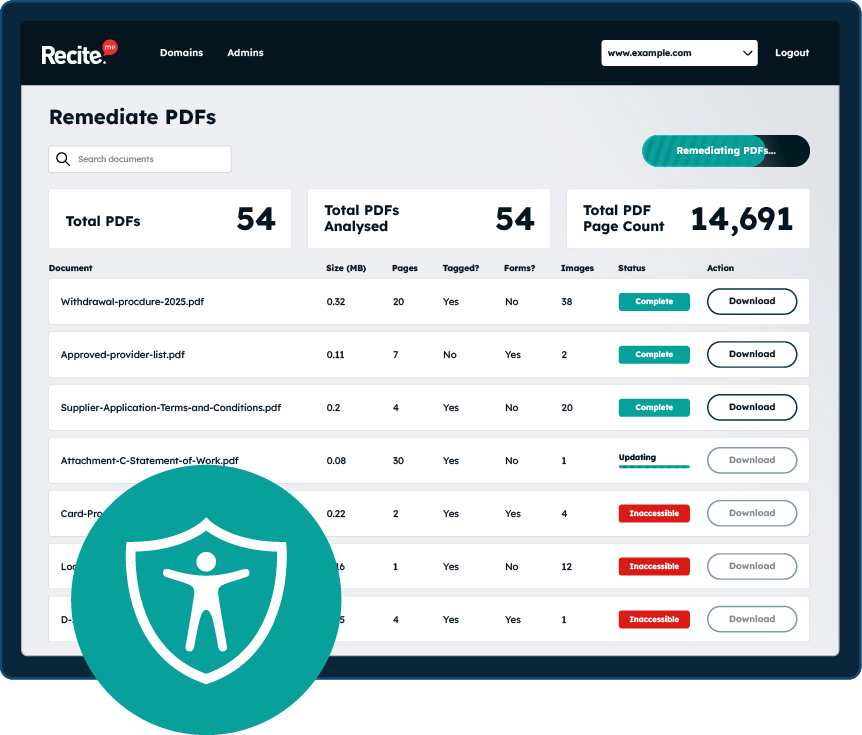
Scan your website to locate every PDF in one place and instantly see how many do not meet accessibility standards. You will also receive one of your website’s PDFs fully remediated, so you can see the impact in action.
An overview of the key differences between WCAG and PDF/UA
WCAG provides broad guidance for accessible digital experiences across websites, applications, and online services. In contrast, PDF/UA focuses specifically on ensuring that PDF documents are structured and tagged in a way that allows assistive technologies to interpret and present the content correctly.
Here’s a quick comparison table of the key differences between these two PDF accessibility guidelines:
| Details | WCAG | PDF/UA |
| Scope | Websites, apps, online services | PDF documents only |
| Focus | User experience and accessibility principles | Technical structure and tagging of PDFs |
| Key requirements | Perceivable, operable, understandable, robust | Tagged structure, reading order, alt text, semantic roles, fonts, metadata |
| Compliance | Level A, AA, AAA conformance levels | ISO 14289 standard; structural PDF validation |
| Legal Relevance | Most global web accessibility laws reference WCAG | Often used in government and document-focused accessibility standards |
Why these WCAG and PDF/UA differences matter
WCAG and PDF/UA both aim to make online content more accessible to users with disabilities, but it is important to understand the key differences when it comes to creating and maintaining your own online content. Here are a few of the main reasons to understand the differences.
Scope of Application
First, it is important to understand that they have a very different scope of application. WCAG applies more broadly to digital landscapes, including websites, applications, online services, and all content. PDF/UA applies specifically to PDFs, which are commonly used by different types of organizations to communicate important information both internally and externally. This means organizations that publish both web content and PDFs must consider both standards to ensure accessibility and avoid non-compliance issues.
Technical Focus
WCAG is less technical and focuses on accessibility principles to ensure content is perceivable, operable, understandable, and robust. PDF/UA has a much stronger technical focus with guidance on common accessibility barriers, such as tagging, reading order, and embedded fonts.
Understanding the technical side of PDF/UA ensures that documents are published that are structurally accessible and not just visually clear. This is key because it means users requiring assistive technologies like screen readers can access and understand the content.
Compliance Approach
WCAG establishes three levels for compliance: Level A, Level AA, and Level AAA. Level AA is typically the required standard for websites and online content, which ensures compliance with most global accessibility laws.
Compliance with PDF/UA is measured against ISO 14289 with a focus on the technical structure of the document as opposed to more general usability principles. By ensuring compliance with both guidelines, organizations can feel confident in producing online content that is accessible and will help avoid costly legal issues.
Legal Requirements
Following on from this, global digital accessibility laws and regulations reference WCAG as the standard for accessibility, specifically Level AA. This includes both UK and EU requirements. Organizations producing PDF content may be legally required to meet PDF/UA standards, especially government and enterprise PDFs. The legal consequences of non-compliance can be costly and severe in terms of penalties, legal fees, settlements, lost revenue, and reputational damage.

Automate PDF/UA and WCAG compliance for PDFs
Ensuring compliance with PDF/UA and WCAG can be challenging and time-consuming, particularly for organizations with large libraries of PDFs. Fortunately, there is a simple solution with the Recite Me PDF Accessibility Checker.
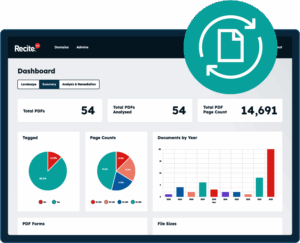
This is a useful tool that can scan your website to find PDF documents, which are then run through compliance tests to highlight any non-compliance issues. This can include issues such as missing alt text, missing tags, and incorrect reading order. The tool then provides automated fixes for most issues or step-by-step guidance for document remediation. This can streamline the compliance process while also ensuring nothing slips between the cracks.
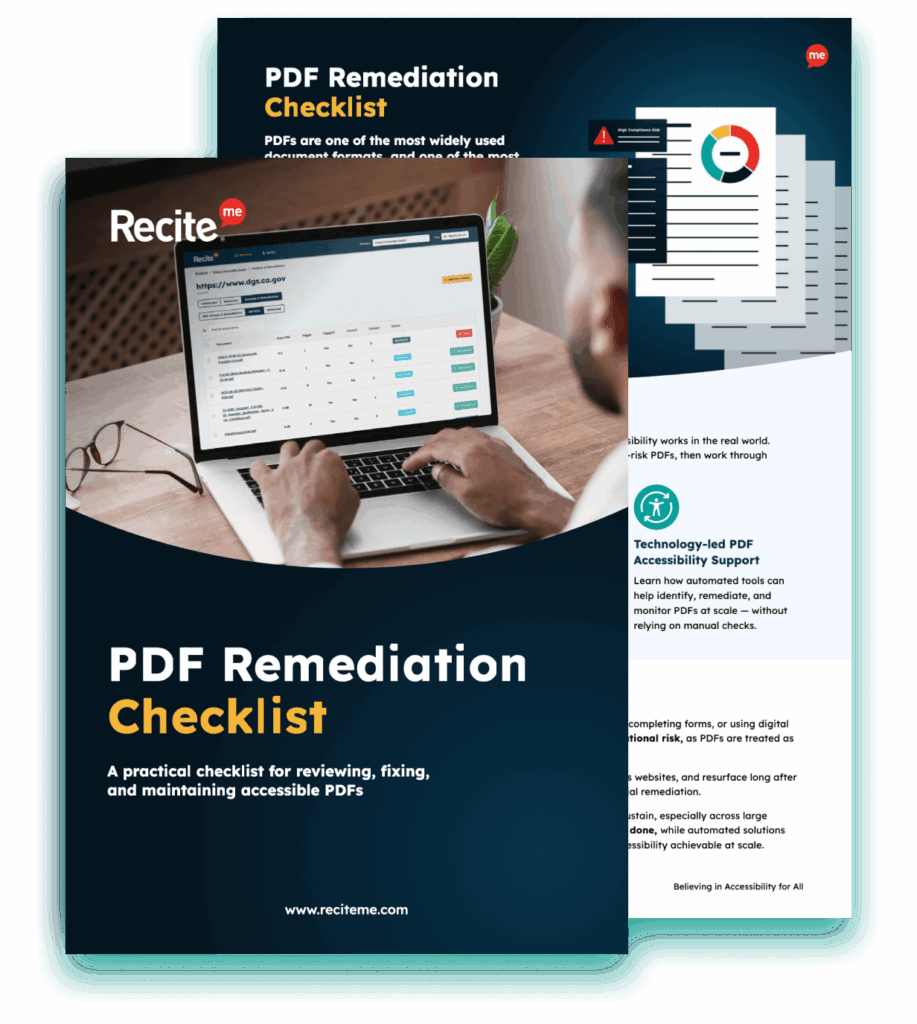
Improve the accessibility of your website’s official documents with our free PDF remediation checklist. It guides you through clear steps to identify and address common accessibility barriers, to align with global accessibility standards.
Create PDFs that are WCAG and PDF/UA compliant
Every organization needs to have a strong understanding of WCAG and PDF/UA, including their key differences. By understanding what each of these standards requires, organizations can produce and maintain online content that is digitally accessible. This is key for maximizing reach, creating inclusive online experiences, and compliance with accessibility laws.
The best way to get started today is by running a free PDF remediation scan of your website. But you can also contact us now to speak to an accessibility expert.
PDF/UA Vs WCAG FAQs
Looking for a recap or quick summary? Here are a few of our most frequently asked questions to help you get to grips with the essentials:
Should I also perform manual PDF accessibility checks?
Yes, it is wise to use manual checks in addition to automation tools like the Recite Me PDF Accessibility Checker. Tools like this are perfect for addressing accessibility issues at scale, but manual checks are important for ensuring that meaning and context remain intact.
How often should PDF accessibility be reviewed?
It is important to view accessibility as an ongoing process, not a one-time fix. It is recommended that websites, PDFs, and other forms of online content be audited at least annually. Additionally, checks should be completed before any new content, including PDFs, is published or existing content is updated. For organizations that frequently publish or update content, accessibility must be a core part of the publication process.
How does alignment with WCAG and PDF/UA reduce legal risk?
Adhering to both standards will reduce legal risk by ensuring compliance with accessibility legislation. This will reduce the chance of complaints by users, accessibility lawsuits, and penalties. Non-compliance can be costly in more ways than one, so organizations should prioritize WCAG and PDF/UA alignment during the production, publication, and maintenance of all online content.
Check out our Products & Services
Ready to take your first steps towards digital accessibility compliance? Then see how we can support your journey with our accessibility solutions:
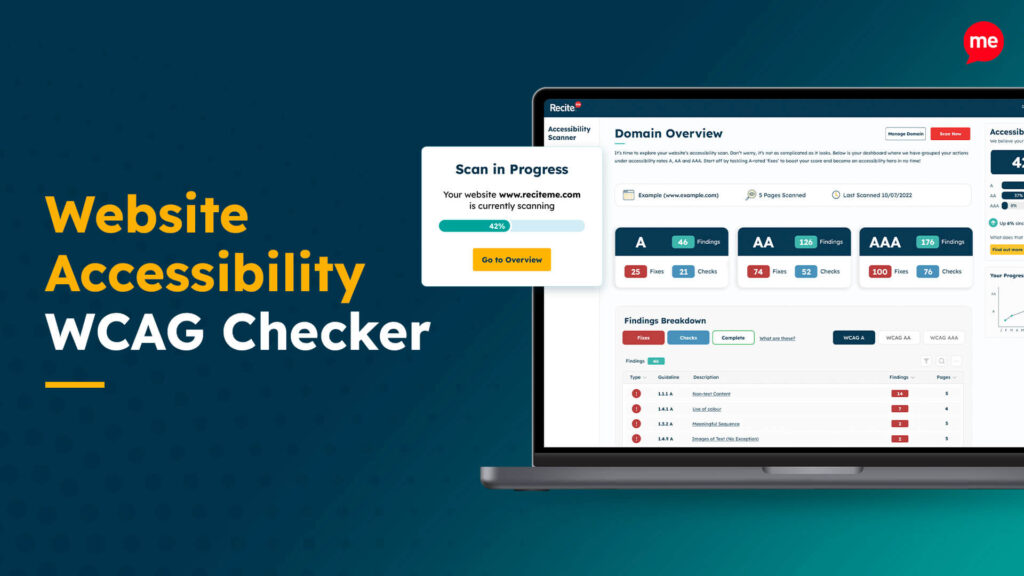
Web Accessibility Checker
Scan, detect, fix, and maintain accessibility compliance standards on your website.
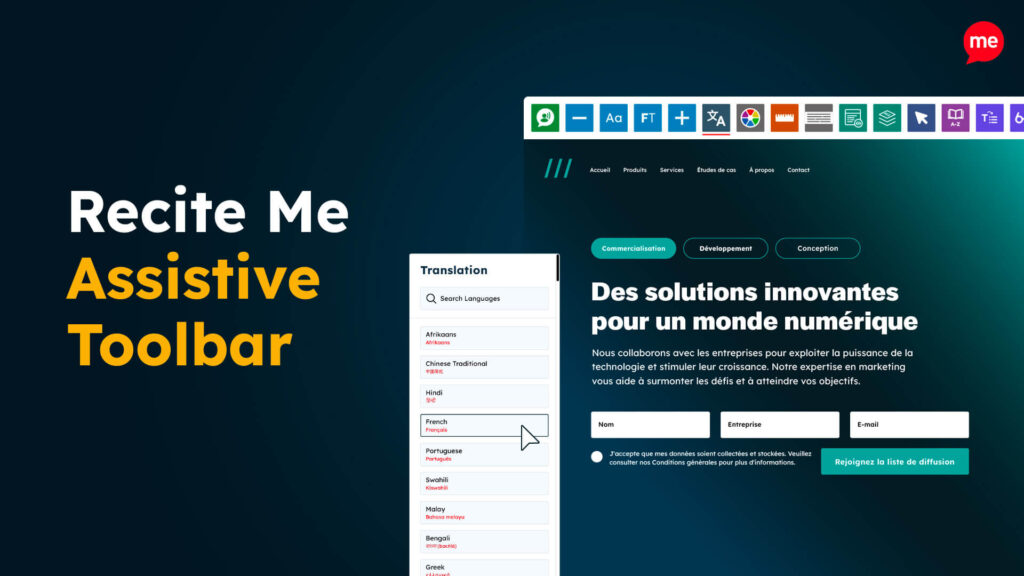
Assistive Toolbar
Make your website an inclusive and customizable experience for people with disabilities.

PDF Accessibility Checker
Check your PDFs are compliant with accessibility standards and run automated fixes.