

Free ADA Compliance Audit of your Website
Run a free scan of your website's homepage to identify any ADA violations. Then, use our recommendations to implement fixes and achieve ADA compliance.
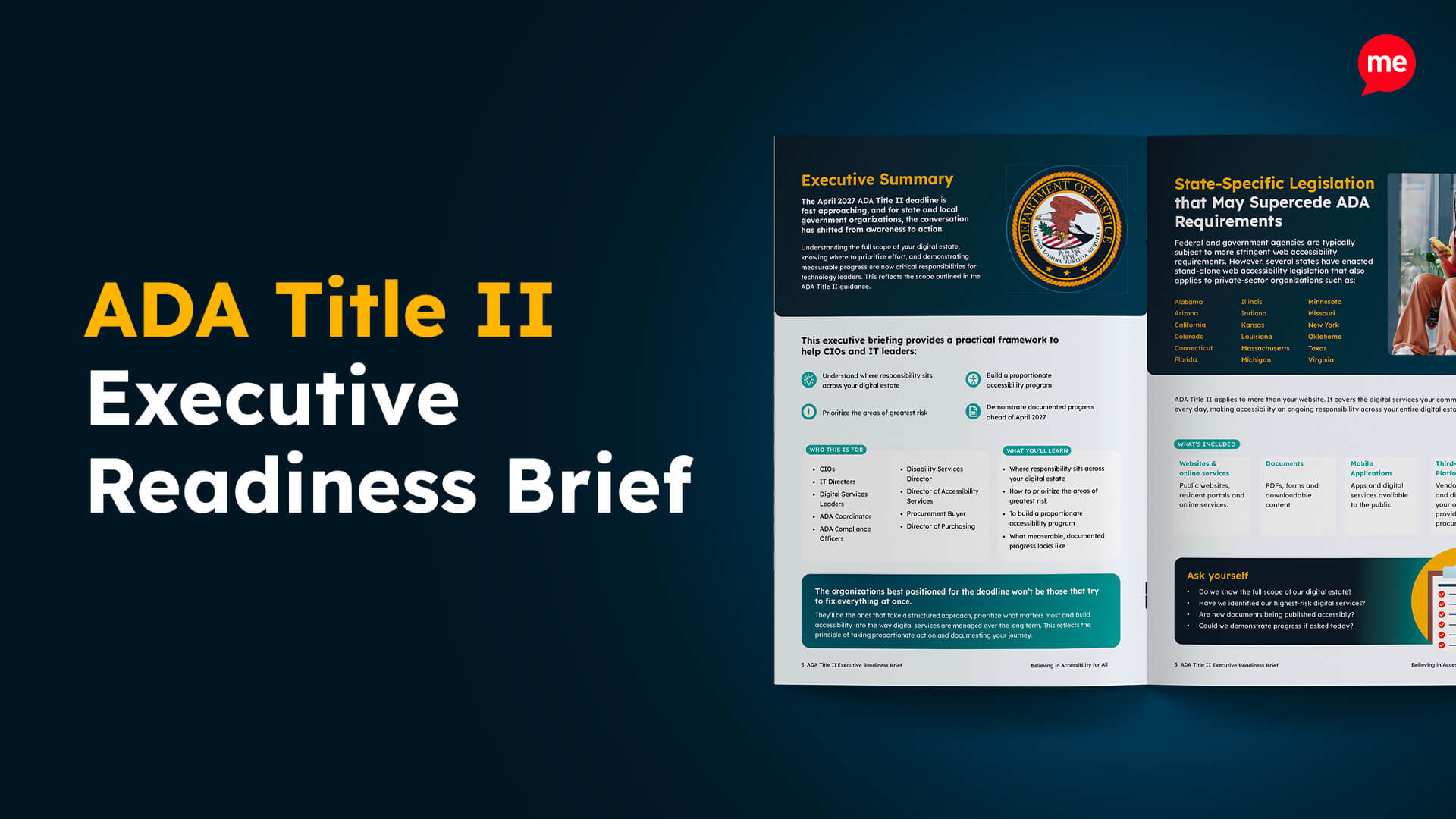
The Americans with Disabilities Act (ADA) is a piece of legislation that mandates that online and physical spaces should be accessible to people with disabilities. For organizations, including government agencies, this means adhering to recognized accessibility standards, such as the Web Content Accessibility Guidelines. And the time to act is now, as the Department of Justice has set two deadlines for ADA compliance that are quickly approaching.
The ADA compliance deadlines that government agencies need to know
There are two key dates that government agencies operating in the United States should be aware of regarding ADA compliance. The first is April 26, 2027, which applies to government agencies serving more than 50,000 residents. The second is April 26, 2028, which applies to government agencies serving less than 50,000 residents. Failure to comply with these deadlines could lead to significant consequences.
| ADA Compliance Deadline | Who must comply |
| April 26, 2027 | Agencies serving a population of more than 50,000 |
| April 26, 2028 | Agencies serving a population of less than 50,000 |
What does ADA compliance mean for US government agencies?
In its simplest form, meeting ADA compliance requirements means that government agencies ensure that people with disabilities can access services, programmes, and digital content equally. In practice, for digital and online content, this means conforming with the Web Content Accessibility Guidelines (WCAG) 2.1 at Level AA.
WCAG 2.1 Level AA is the golden standard for ADA compliance, setting standards for areas such as keyboard navigation, screen reader compatibility, color contrast, text alternatives for images, and captions for multimedia.
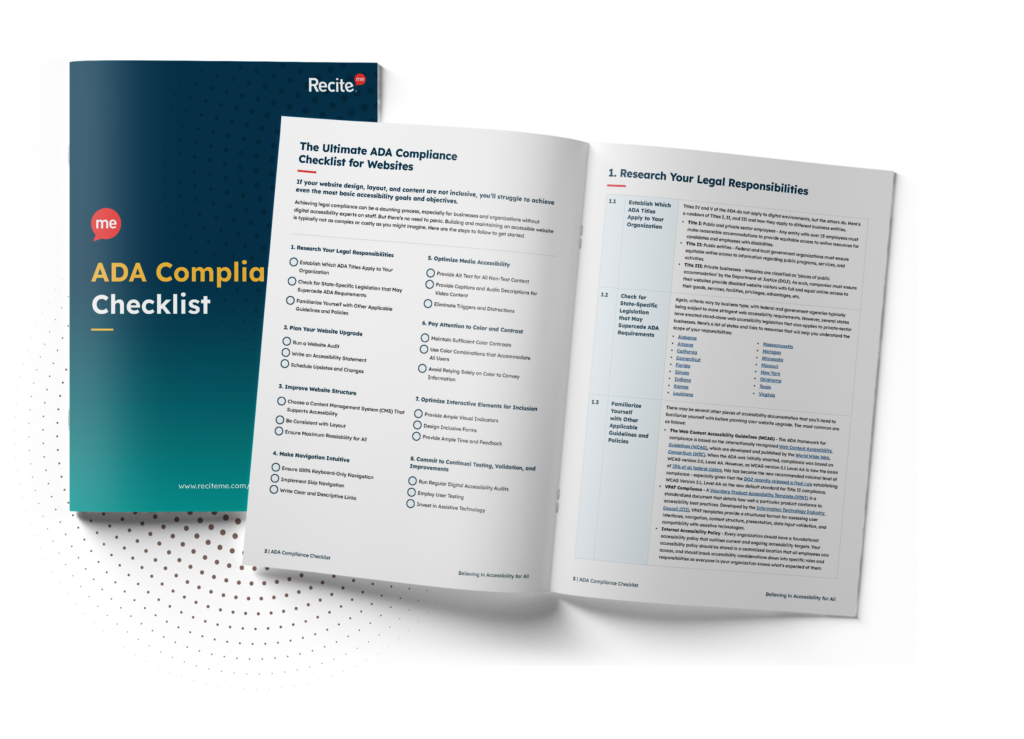
Want to make sure your website is compliant with the Americans with Disabilities Act? Then unlock the ADA compliance checklist now. Discover actionable steps to ensure ADA compliance, helping you avoid lawsuits and any other negative consequences of non-compliance.
What are the risks facing agencies that ignore ADA requirements?
There are significant risks associated with ignoring ADA requirements, so government agencies in the US must become compliant before the deadline. Here is a quick shortlist of the biggest non-compliance risks:

- Legal: Public entities that don’t comply may be subject to lawsuits, federal investigations, consent decrees, or enforcement actions by the Department of Justice. This often results in mandatory remediation under tight deadlines.
- Financial: Agencies can incur substantial costs related to legal fees, settlements, retrofitting inaccessible systems, and ongoing monitoring.
- Operational: Service disruptions and reduced efficiency when accessibility issues are raised reactively rather than addressed proactively.
- Reputational: Non-compliance can undermine public trust and signal exclusion of people with disabilities.
How to fix the most common ADA compliance violations on your website
For ADA compliance, there are numerous features and elements that you will need to assess on your website. However, some are more common than others, so it’s a good idea to start with these first. Let’s take a closer look:
Missing alternative text for images
Images without descriptive alt text prevent screen readers from conveying content to visually impaired users. This makes it difficult for users to understand the purpose of the image or interact with content effectively.
To address this ADA compliance issue, we recommend:
- Add meaningful alt text to all informative images.
- For decorative images, use empty alt=”” so screen readers skip them.


Poor color contrast
Low color contrast between text and background makes reading difficult for users with visual impairments or colour blindness. This can cause users to miss key information or abandon your site altogether.
Here are some recommendations you can implement to fix this ADA violation:
- Ensure a minimum contrast ratio of 4.5:1 for normal text and 3:1 for large text.
- Use a color contrast checker to test pages and elements.
Inaccessible website forms
For your website forms to be ADA compliant, they must have proper labels, instructions, and error messages for screen reader and keyboard users. Otherwise, users may struggle to submit forms correctly or understand required fields.
Here are some of our recommended fixes:
- Label all input fields clearly with <label> tags.
- Provide error messages and instructions in text, not just color cues.


Ineffective keyboard navigation
Users who cannot use a mouse rely on keyboard navigation to interact with your site. If elements cannot be accessed via keyboard, these users are blocked from completing tasks.
Here are some of the steps you can take to ensure keyboard accessibility:
- Ensure all interactive elements are accessible via the Tab and Shift+Tab keys.
- Avoid custom controls that break standard keyboard functionality.
Lack of captions or transcripts for multimedia content
Users who are deaf or hard of hearing cannot access audio or video content without captions. This limits understanding and excludes them from critical content.
Here are our tips to ensure accessible multimedia content:
- Add accurate captions to all videos.
- Provide transcripts for audio-only content.


Non-descriptive links
Links with vague text, such as “click here” or “read more,” are confusing for screen reader users. Users often struggle to understand the destination or purpose of the link, which can make navigation frustrating.
Here’s how you can fix this ADA violation:
- Replace vague link text with descriptive language that clearly explains the destination or action.
- Ensure each link makes sense when read out of context by a screen reader.
Improper heading structure
Headings that skip levels or are used only for visual styling confuse screen reader users. This makes it difficult to understand page structure and navigate content efficiently.
You can address this by implementing the following fixes:
- Use headings in a logical order (H1 → H2 → H3).
- Avoid using headings purely for styling purposes.


Inaccessible PDFs and documents
Many agencies publish PDFs that cannot be read by screen readers, preventing users from accessing critical public information.
Here are some useful tips to ensure your PDFs and documents are built in an accessible way:
- Use tagged PDFs with proper reading order.
- Offer accessible HTML versions of documents when possible.
Tools to help you get compliant before the ADA deadline
If you’re new to ADA requirements, it can be an intimidating experience, but it doesn’t have to be. There are several tools provided by Recite Me to help streamline short-term and long-term accessibility goals. Here’s how they work:
1. Website accessibility checker
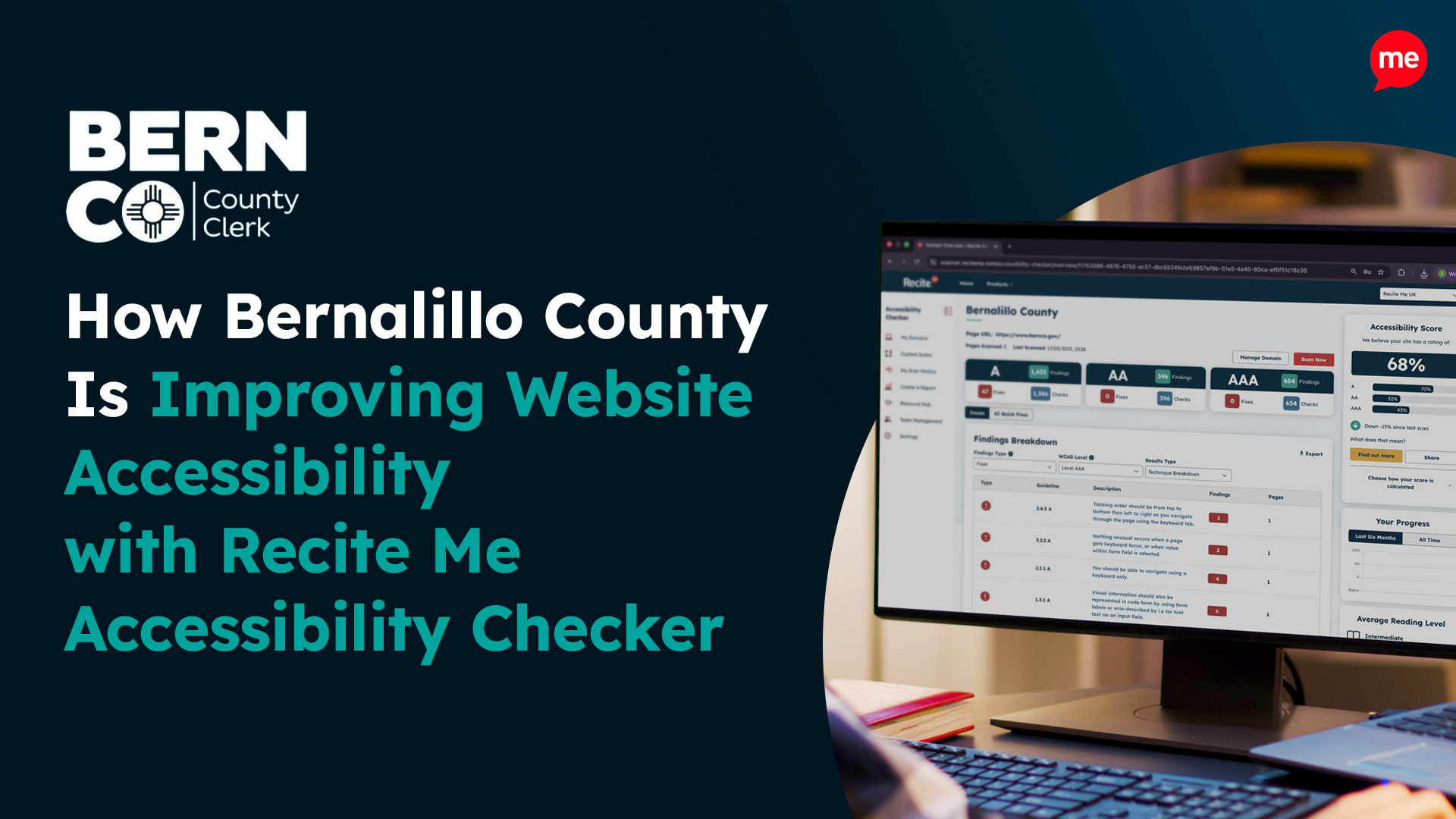
Our website accessibility checker will run an automated scan of your entire website to highlight any non-compliance issues. This includes auditing your site for many of the previously listed ADA violations, such as missing alt text, poor color contrast, inaccessible forms, and more.
After running this scan, you’ll be provided with a prioritized list of errors with clear information on what is required to resolve the issue. Your progress can be tracked within the tool, with downloadable reports that you can share with key stakeholders and colleagues.


2. PDF remediation
Government agencies in the US frequently use PDFs and documents to communicate with different audiences. Our PDF remediation tool can scan all of your PDF documents simultaneously, identifying any accessibility issues that need to be resolved.
The tool also automates the vast majority of required fixes, significantly streamlining the process and reducing the need for manual work. For the small number of issues that cannot be automated, it provides clear, step-by-step instructions to help you resolve them efficiently.
3. ADA compliance checklist
Not all ADA compliance violations can be detected by automated tools, which is why manual checks remain essential, particularly on high-traffic pages. To support this process, we’ve created an ADA checklist that equips you and your team with the knowledge needed to perform these checks, highlighting the most important areas to review to help ensure ongoing compliance.


4. ADA compliance training
Training alone won’t make your website fully ADA compliant, but it equips your team with the knowledge and skills needed to implement the necessary changes. It’s also an effective long-term strategy, as trained contributors can create future content that is accessible from the start. To support this, we’ve developed a free ADA training course that you can download and share with your team.
Free ADA Compliance Audit of your Website
Run a free scan of your website's homepage to identify any ADA violations. Then, use our recommendations to implement fixes and achieve ADA compliance.
Conclusion: Don’t wait to get ADA compliant!
If you’re working for a public entity in the United States, the time to act is now, as the ADA compliance deadline is quickly approaching. Large agencies have until April 2027 to get compliant, while smaller agencies have an additional year, until April 2028.
At Recite Me, we specialize in accessibility and ADA compliance, so you can reach out to speak to a member of our team today. Alternatively, you can also download a free ADA compliance audit of your website’s homepage to start working on compliance yourself.
ADA Compliance Deadline FAQs
Looking for a recap or quick summary? Here are a few of our most frequently asked questions to help you get to grips with the essentials:
What is ADA compliance for government agencies?
ADA compliance means ensuring that people with disabilities can access services, programmes, and digital content equally. For websites and online content, this typically involves conforming to WCAG 2.1 Level AA standards.
When are the ADA compliance deadlines for government agencies?
Agencies serving more than 50,000 residents must comply by April 26, 2027, while agencies serving fewer than 50,000 residents have until April 26, 2028.
Which government agencies must comply with the ADA?
All US government agencies, regardless of size, must meet accessibility requirements. However, deadlines for compliance vary based on the population served.
What should government agencies do to make their websites ADA-compliant?
Agencies should act immediately to meet ADA deadlines. Begin with automated scans, use checklists for manual audits, remediate PDFs, and provide staff training to ensure ongoing compliance.
Need more help becoming ADA compliant?
The following resources are packed full of actionable tips and expert advice for making your digital content compliant with the Americans with Disabilities Act:
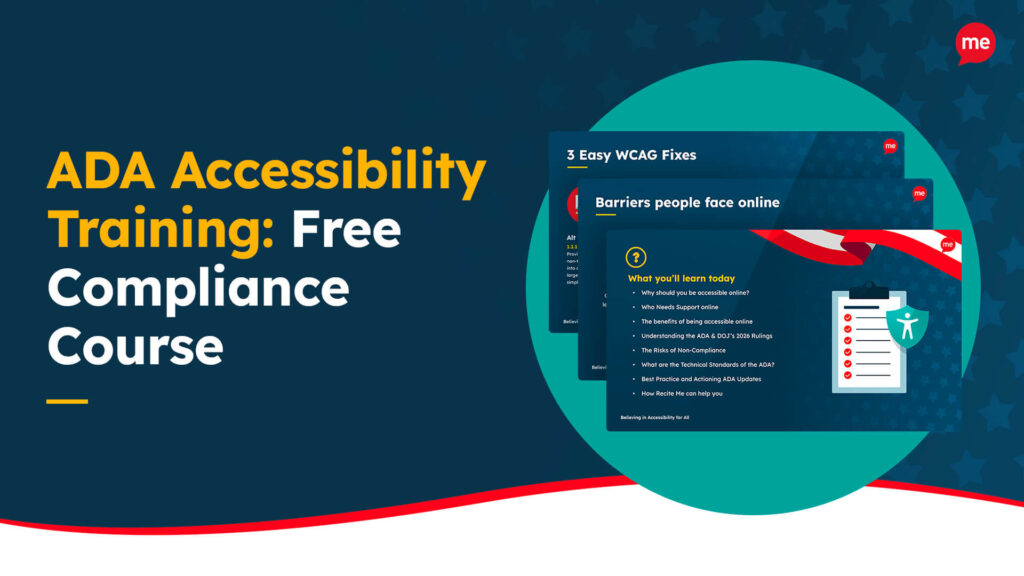
Free ADA Accessibility Training
Take the first step to ADA compliance by completing our training course.
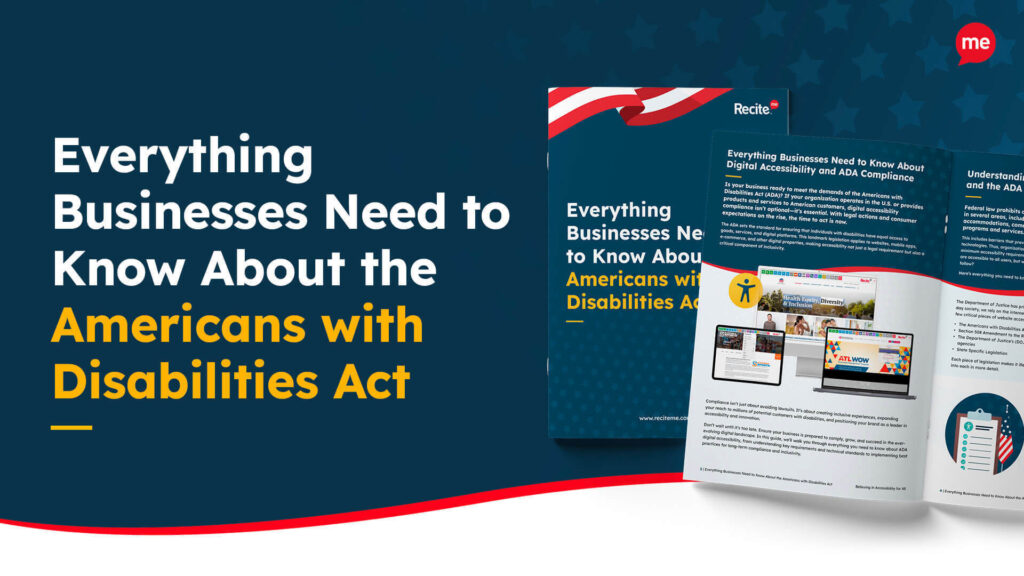
Free ADA Accessibility Guide
Ensure your organization is meeting the requirements for ADA compliance.