

Free ADA Compliance Audit of your Website
Run a free scan of your website's homepage to identify any ADA violations. Then, use our recommendations to implement fixes and achieve ADA compliance.
The Americans with Disabilities Act (ADA) protects the rights of people with disabilities by mandating equitable access to employment, public services, and places of public accommodation. This includes digital spaces such as websites, mobile apps, and online services.
ADA compliance in Texas matters at scale, as around 12% of residents live with a disability. In this guide, we’ll explain how to avoid business losses, complaints, and legal action by ensuring everyone can access your products, services, and information without friction.
Which businesses do the Texas ADA guidelines apply to?
Your ADA obligations vary depending on the scope of your business and how it serves the public. However, most Texas organizations fall into at least one of these categories:
- Employers (ADA Title I): Organizations with 15 or more employees must provide reasonable accommodations and ensure equal access in employment-related processes (including online applications).
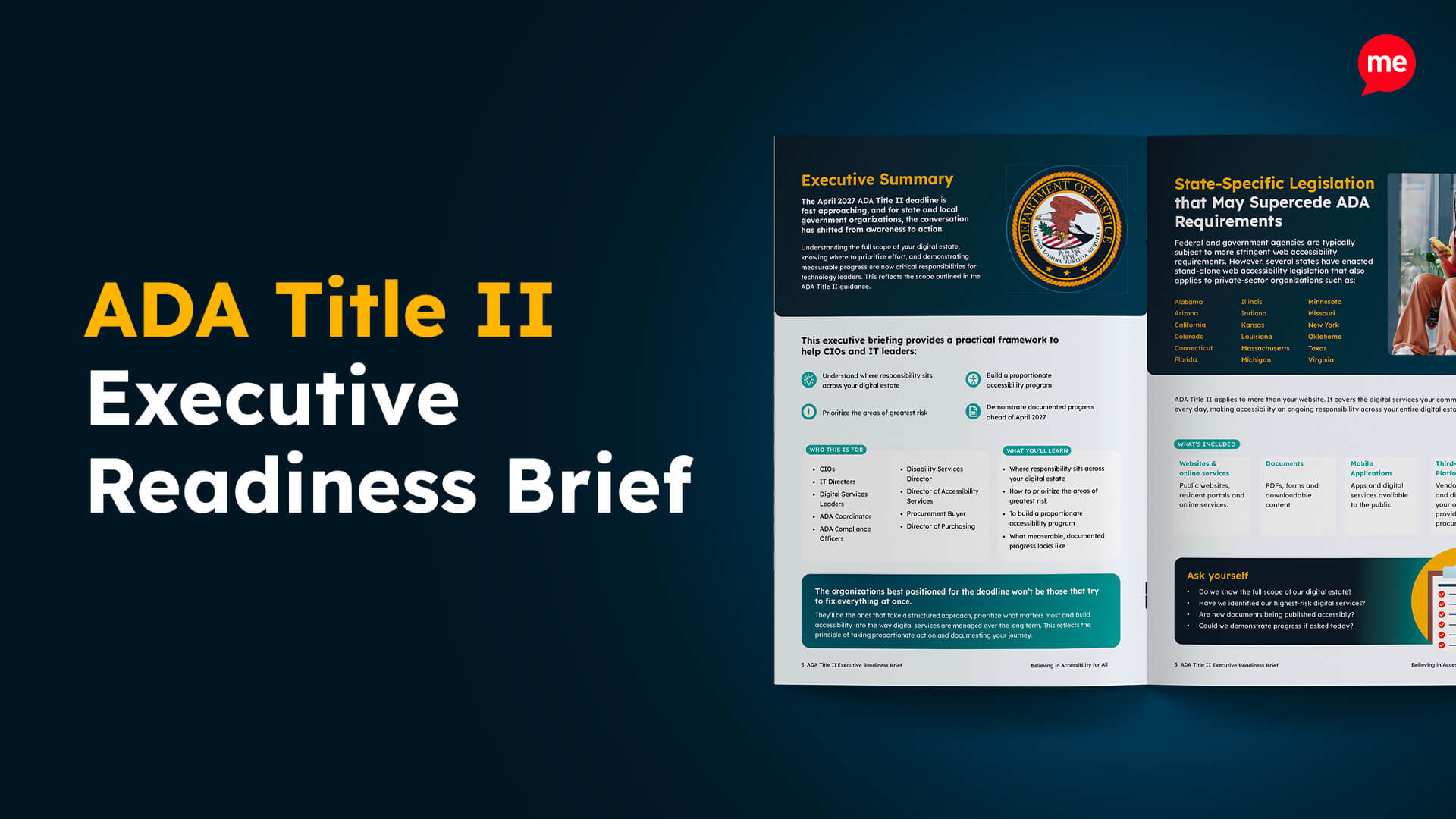
- State and local government (ADA Title II): Public entities must provide equal access to programs and services, with federal Title II web accessibility deadlines set for April 2027 (larger entities) and April 2028 (smaller entities).
- Public accommodations (ADA Title III): Private businesses open to the public must provide equal access to their goods and services, including when those goods/services are delivered online.

Even if you’re a small business or start-up, it’s a mistake to assume the ADA doesn’t apply to you. If you operate a public-facing website, most accessibility obligations still apply.
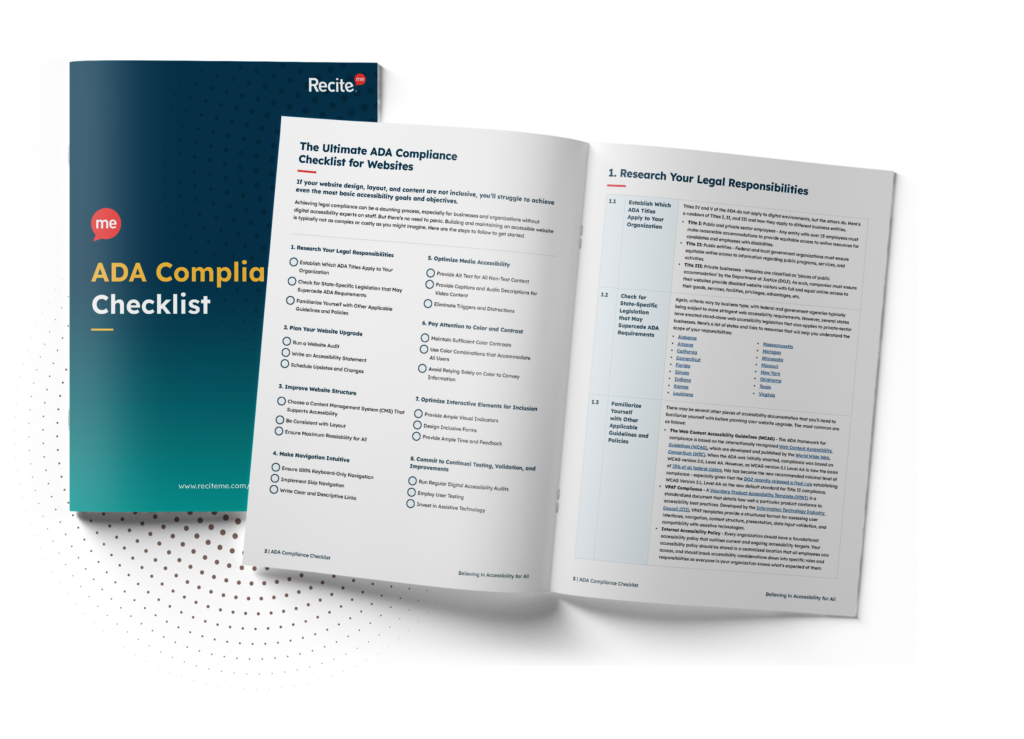
Want to make sure your website is compliant with the Americans with Disabilities Act? Then unlock the ADA compliance checklist now. Discover actionable steps to ensure ADA compliance, helping you avoid lawsuits and any other negative consequences of non-compliance.
Strategies to become ADA compliant in Texas
ADA compliance becomes much more manageable when you treat it as a practical workflow rather than a one-time project. Here’s how to get started.
1. Run accessibility testing
You can’t fix what you haven’t found. Strategies that combine a mix of automated, manual, and user testing provide the most accurate picture of risk and remediation effort:
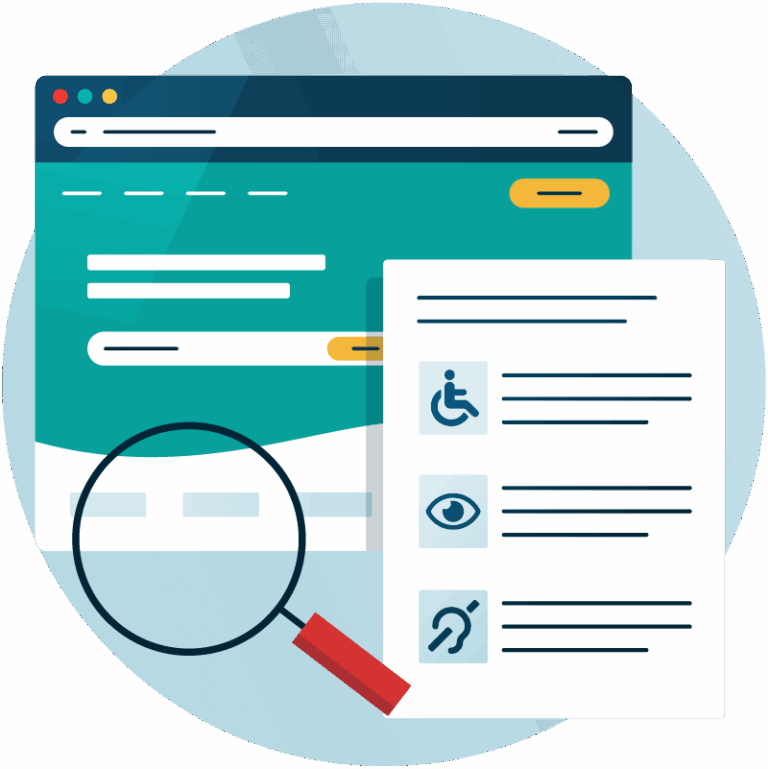
- Automated testing helps you identify common technical issues quickly (missing alt text, contrast failures, form labeling problems, broken headings, etc.).
- Manual testing catches what automation can miss — including keyboard-only navigation issues, confusing focus order, unclear link purpose, and real-world usability problems.
- User feedback (when possible) is a strong validation step, because it reflects how people actually experience your site with assistive technology.
Together, these testing techniques turn unknown risk into measurable action that directly reduces ADA liability. It also strengthens internal governance and defensibility if complaints arise.
2. Fix issues using WCAG as your implementation standard
The Web Content Accessibility Guidelines (WCAG) are the practical “how-to” for translating accessibility criteria into clear requirements. Priority fixes typically include:
- Improving color contrast ratios
- Implementing keyboard accessibility across menus, modals, and forms
- Ensuring online forms have accessible labels, instructions, errors, and validation.
- Using meaningful headings and semantic structure so pages make sense to screen readers
- Writing meaningful alt text for informative images
- Providing captions and transcripts for audio and video content
- Uploading accessible PDFs and documents or providing accessible HTML alternatives
- Making interactive elements like buttons, links, and controls clearly identifiable and operable

Aligning with WCAG creates a defensible compliance position and a stronger user experience at the same time.
3. Make accessibility sustainable
Compliance isn’t a finish line. Websites change constantly with new content, plugins, integrations, and software updates. To maintain ADA alignment, you should:

- Add accessibility checks to your content publishing workflows
- Provide accessibility training for developers and content creators
- Schedule repeat audits after every redesign, migration, or platform update
- Keep documentation of what you fixed, when you fixed it, and how you conducted testing and validation.
Sustainable accessibility reduces repeat issues, strengthens governance, and demonstrates ongoing good-faith compliance.
Consequences of ADA non-compliance in Texas
If your website is inaccessible, the impact is rarely limited to one issue or one user. Common outcomes include:
- Financial risk: ADA lawsuits can lead to expensive remediation, settlements, and legal costs.
- Reputational damage: Accessibility complaints and lawsuits create public attention that can erode trust and market confidence.
- Lost revenue: If users can’t navigate your site, complete a purchase, submit a form, or access key information, they leave.
Remember: Urgent remediation under legal pressure is significantly more costly and resource-intensive than early compliance planning. Therefore, a proactive approach is essential.
Free ADA Compliance Audit of your Website
Run a free scan of your website's homepage to identify any ADA violations. Then, use our recommendations to implement fixes and achieve ADA compliance.
Notable ADA lawsuits in Texas
Texas has seen multiple ADA-related enforcement actions that reinforce how seriously accessibility is treated. Public entities, in particular, have faced repeated scrutiny.

Upton County, TX Election Website Accessibility
The DOJ found that the county’s election website failed to comply with the ADA, making critical voting information inaccessible to individuals with low vision and mobility impairments. The lawsuit highlighted barriers for users relying on screen readers and assistive technologies. As part of the resolution, Upton County agreed to update its website and implement ongoing remediation, monitoring, and staff training.
U.S. v. Spanish Schoolhouse
The DOJ filed the case based on the school’s unlawful exclusion of a child with disabilities, citing Title III of the ADA. The settlement required the school to allow enrollment, compensate the parents $5,000 in damages, implement a comprehensive ADA policy, and train staff on compliance obligations.
U.S. v. Knox County, Texas
The DOJ alleged that the county violated Title II of the ADA by failing to ensure accessible communication during a public ceremony. The case centered on a deaf individual who was unable to access sign-language interpretation. Knox County agreed to establish procedures for providing interpreters, real-time transcription services, braille materials, and other communication accommodations.

Ensure your website is ADA compliant today
ADA compliance in Texas is fundamentally about enabling independent access. For private organizations, it strengthens customer experience and reduces risk. For public entities, it is also tied directly to federal oversight and enforcement.
The most effective approach is to audit, fix the high-impact issues first, and build accessibility into your ongoing workflow. Request your free accessibility check today to get started, or contact our team for tailored advice.
ADA compliance in Texas – FAQs
The following FAQs address the most common questions businesses have about ADA compliance in Texas.
Is website accessibility legally required in Texas?
Yes. Whether you’re a public entity or a private business serving the public, your organization is expected to provide accessible digital services and remove barriers for users with disabilities.
Are the rules different for public and private entities?
Yes. Public entities fall under Title II of the ADA, while private businesses serving the public fall under Title III. The legal framework differs slightly, but the expectation of accountability remains consistent regardless of Title.
Are small businesses exempt from ADA compliance?
No. Small company size doesn’t automatically exempt you. Therefore, the safest approach is to treat accessibility as a baseline quality requirement.
How can I reduce the risk of an ADA lawsuit?
Start by proactively identifying and fixing common accessibility barriers, aligning digital content with WCAG standards, and maintaining documentation that demonstrates an ongoing commitment to accessibility.
What standard should I follow for ADA compliance in Texas?
As the most up-to-date guidance, compliance with WCAG 2.2 Level AA is strongly recommended.
How often should I test for ADA compliance?
Most companies test quarterly or biannually, depending on website size and scope. Additional testing should be performed after major releases, redesigns, and platform migrations.
Am I responsible for third-party platforms on my website?
Often, yes, especially if you process online bookings and payments. That’s why it’s essential to include accessibility requirements in vendor evaluation and procurement.
Need more help becoming ADA compliant?
The following resources are packed full of actionable tips and expert advice for making your digital content compliant with the Americans with Disabilities Act:
Free ADA Accessibility Training
Take the first step to ADA compliance by completing our training course.
Free ADA Accessibility Guide
Ensure your organization is meeting the requirements for ADA compliance.