In order for organisations to create an inclusive online experience for users in 2026, accessibility testing needs to be a key process in the content publishing process. With nearly a quarter of people reporting some kind of disability, organisations must make sure that their website, apps, and all forms of online content are accessible and remove barriers for those with disabilities and those using assistive technologies.
Accessibility testing involves testing content against the Web Content Accessibility Guidelines (WCAG). This post will tell you everything you need to know so that you can perform accessibility testing to a high level and ensure that your content is accessible and compliant with relevant accessibility laws.
Understanding the basics of WCAG
WCAG is the globally recognised standard for digital accessibility, established by the World Wide Web Consortium (W3C). They provide a framework for removing barriers to make online content accessible to individuals with visual, auditory, motor, and cognitive impairments.
WCAG is built upon four pillars, which include making sure that content is:
Perceivable
Operable
Understandable
Robust
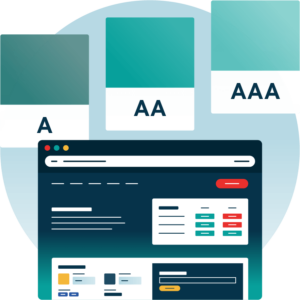
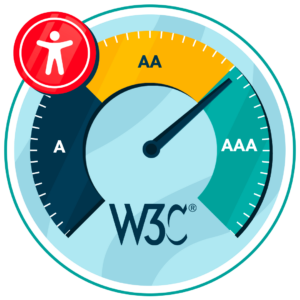
There are testable success criteria for these pillars across three conformance levels: Level A, AA, and AAA (more on these later). Accessibility laws around the world reference WCAG, so organisations should ensure alignment with guidelines to avoid non-compliance issues.
What is accessibility testing?
Accessibility testing typically involves evaluating websites and other digital content to ensure that they can be accessed and understood by people with disabilities. This will involve identifying any barriers that prevent users from understanding, navigating, or engaging with the content effectively.
Accessibility testing is an essential process to ensure content meets WCAG guidelines before publishing. It often uncovers issues such as missing alternative text, insufficient colour contrast, and improper tagging. By addressing these issues, organisations can ensure compliance with relevant accessibility laws and create an inclusive online experience, helping to maximise reach and build trust with users.
Get a Free Accessibility Check of your Website
Run a scan to identify WCAG issues on your website's homepage. Then, use our recommended changes to achieve compliance with the latest accessibility standard.
Types of WCAG accessibility testing
There are a few types of WCAG accessibility testing to be aware of. It is wise to use a combined approach for the best results and to overcome the drawbacks of each method. The main testing methods include:
Testing method
Description
Automated testing
Online tools that scan websites and online content to quickly identify accessibility issues and provide automated fixes. Ideal for large-scale testing and prevents human oversight, but can struggle with context and meaning.
Manual testing
Human review process to assess the usability, structure, and meaning. Time-consuming but important for ensuring content retains context and meaning.
User testing
Real users with disabilities test the website to establish real-world accessibility and uncover issues that automated and manual testing can miss. Time-consuming and resource-intensive, but essential for ensuring real-world accessibility before publishing.
The most common WCAG failures to test for
There are many WCAG criteria, but there are a few issues that are more common than others to be aware of. These include:
Low colour contrast
It is important to have sufficient colour contrast between foreground and background to ensure text and visual elements can be understood by users with visual impairments.
How to test: Use a colour contrast checker to ensure a contrast of 4.5:1 for normal text and 3:1 for large text (in line with WCAG).
How to fix: Adjust text and/or background to meet the sufficient ratio and avoid using colour to convey meaning.
Missing image alt text for images
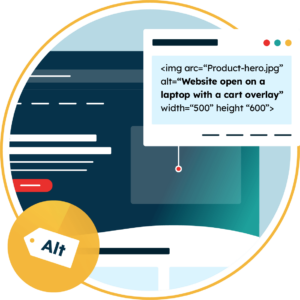
Alternative text must accompany images so that screen readers can describe visual elements to those with visual impairments.
How to test: Review all images manually or with automated tools to detect missing alt text.
How to fix: Add descriptive alt text to all informative images. Any decorative images should use empty alt=”” so that the screen reader skips past these.
No form field input labels
Labels are important on form fields so that screen readers understand what information is needed in each section.
How to test: Navigate any forms with the use of a screen reader or use automated and manual testing to ensure correct labelling.
How to fix: Add labels to every input field and include any useful instructions where needed to ensure that screen readers communicate what information is required.
Empty or non-descriptive link text
Non-descriptive and generic link text like “click here” does not provide sufficient context to users relying on assistive technologies, which makes it hard to understand the destination or purpose of the link.
How to test: Review all links manually or use tools to detect any vague link text.
How to fix: Make sure all links are descriptive and explain the destination or purpose of the link.
Empty or non-descriptive buttons
Buttons that do not have clear labels can be hard to interpret by assistive technologies, which can make navigation challenging for users with visual impairments.
How to test: Check buttons with the use of a screen reader to make sure that labels are announced correctly.
How to fix: Add descriptive button text or ARIA labels that clearly describe the action.
Missing document language
The page language must be defined so that screen readers use the correct language and pronunciation rules.
How to test: Use automated tools to flag missing language settings or check the HTML language attribute.
How to fix: Set the correct primary language for every page and define any changes in language where required.
What version of WCAG should website owners test against?
It is important to understand that WCAG is regularly updated to ensure the highest level of online accessibility, so it is recommended that organisations test against the most recent version.
WCAG 2.2 is the most current version, having been published in October 2023. This introduced new success criteria to improve usability for those with cognitive, learning, and mobile-related disabilities.
Keep in mind that WCAG 3.0 is scheduled for release around 2028, which will likely involve significant updates. Aligning with 2.2 will put organisations in a strong position by the time 3.0 is released.
What conformance level of WCAG is best when testing accessibility?
Level A is the most basic level and involves addressing the most basic accessibility issues, but it will not provide a fully accessible online experience.
Level AA is the minimum standard required by global accessibility laws, so this is the level that organisations must ensure alignment with.
Level AAA is the most advanced and will provide enhanced accessibility – this is worthwhile for organisations with a primary audience of users with disabilities or those with a vast reach to ensure inclusivity.
Use the Recite Me Website Accessibility Checker to automate WCAG testing
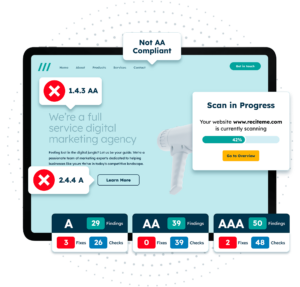
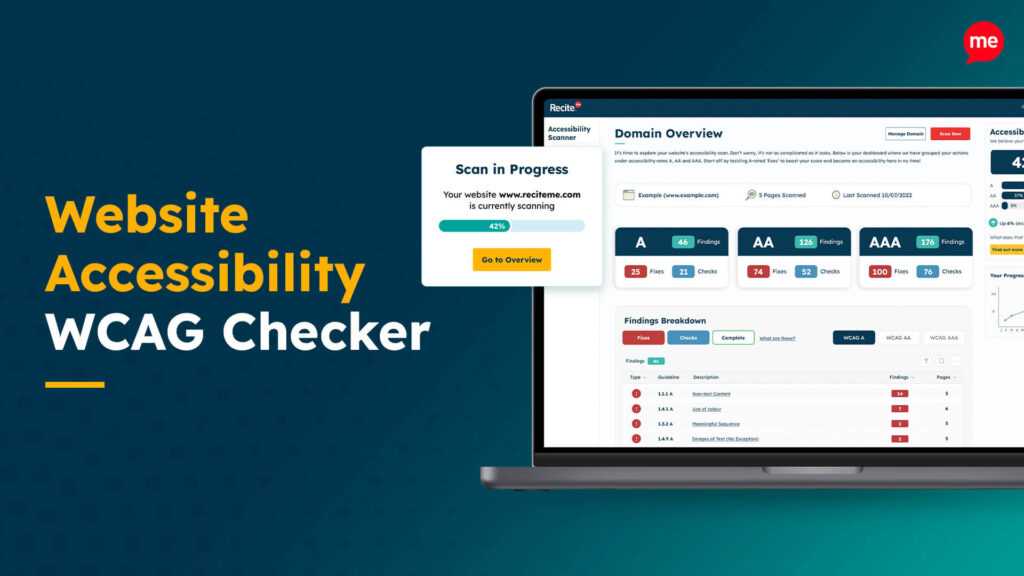
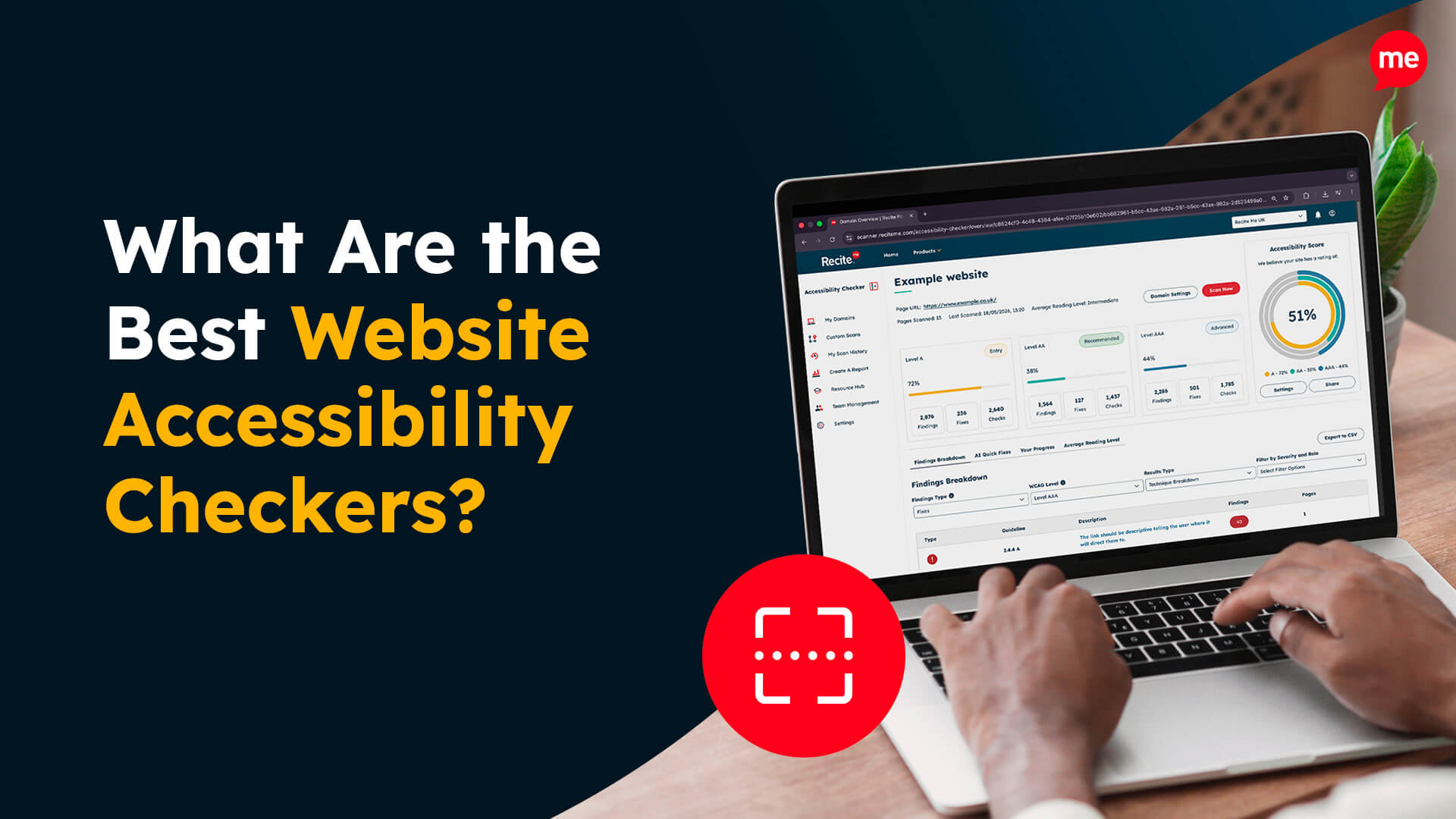
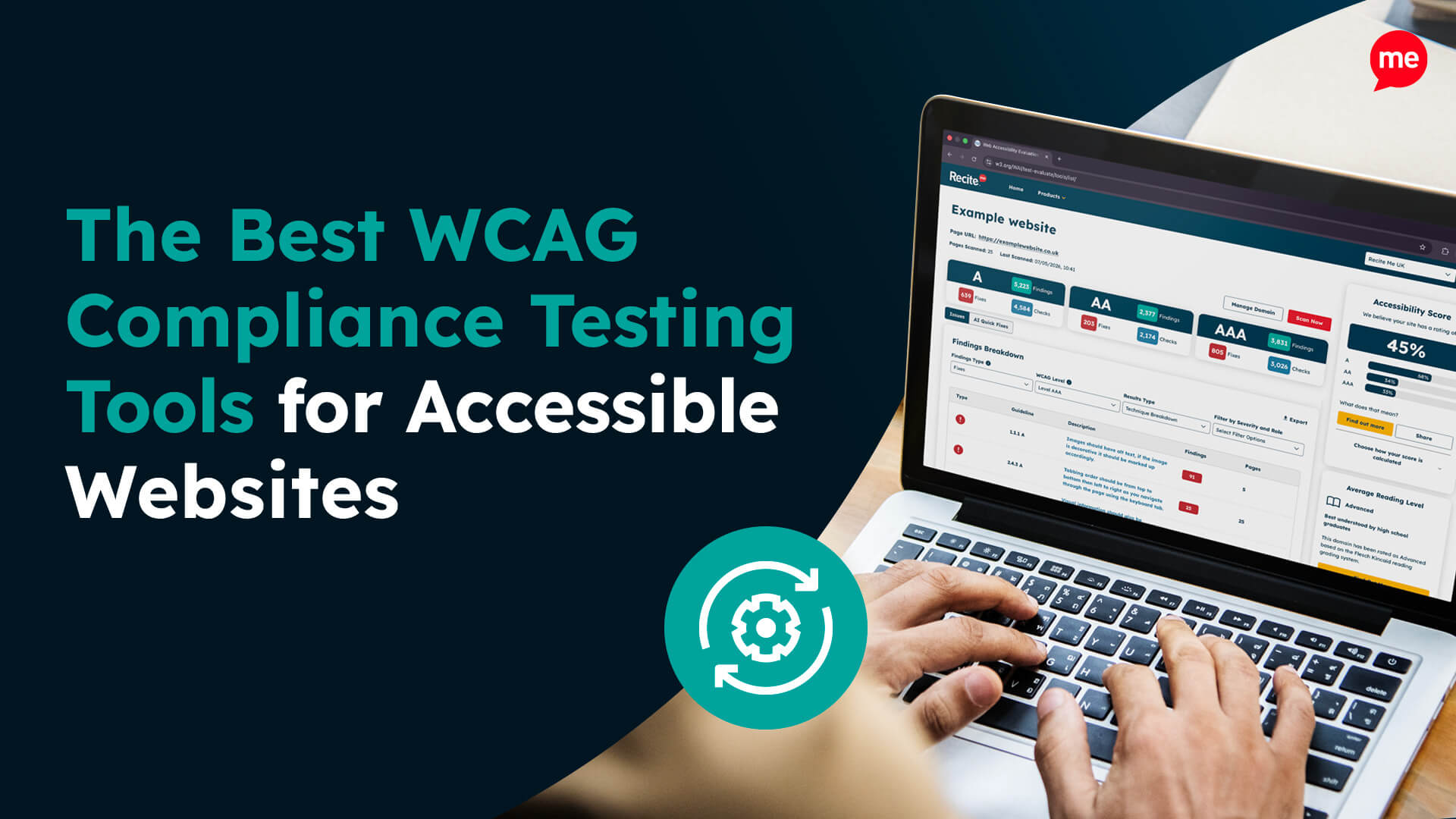
Accessibility testing is an essential yet time-consuming process. The Recite Me Website Accessibility Checker can automate WCAG testing by scanning your website against WCAG 2.2 success criteria. Common issues like colour contrast issues, missing alt text for images, and missing labels can be detected and resolved with the use of AI-driven fixes.
The Website Accessibility checker makes it quick and easy for organisations to test the website and any updates before publishing to ensure that there are no non-compliance issues that could lead to expensive lawsuits.
By adopting a hybrid approach with manual and user testing, organisations can feel confident that their website aligns with WCAG, complies with relevant accessibility laws, and provides an inclusive online experience for all users.
Digital Accessibility and Inclusion Toolkit
Our 40-page Digital Accessibility & Inclusion Toolkit helps businesses break down online barriers and make a real impact. It offers practical advice on all aspects of digital accessibility, from writing an accessibility statement to accessible website tips and inclusive hiring.
Work toward WCAG conformance today with proper testing
The importance of accessibility testing cannot be overstated, especially when you consider that around a quarter of the population reports some kind of disability. WCAG is considered the global benchmark in terms of accessibility standards, so all organisations should take steps to ensure that they align with WCAG 2.2 Level AA to avoid non-compliance issues while ensuring accessibility barriers are removed for an inclusive online experience.
WCAG testing supports inclusive digital experiences, helping ensure content is accessible, reaches a wider audience, and aligns with legal requirements and organisational accessibility commitments.
WCAG defines three conformance levels: Level A, Level AA, and Level AAA. Most organisations aim for Level AA, balancing practical implementation with meaningful accessibility improvements.
Automated tools can identify common technical issues, but they cannot fully assess usability or context. For this reason, manual testing is important to understand how people actually experience and interact with digital content.
WCAG compliance testing benefits from collaboration across roles, including designers, developers, content creators, and quality assurance. Also, including people with lived experience can help to provide real-world insights for usability.
WCAG compliance testing should be ongoing, carried out during development, before releases, and after updates. Regular reviews help ensure accessibility remains consistent as content and functionality change.
Check out our Products & Services
Ready to take your first steps towards digital accessibility compliance? Then see how we can support your journey with our accessibility solutions:
Web Accessibility Checker
Scan, detect, fix, and maintain accessibility compliance standards on your website.