Deliver inclusive reading through Screen Mask & Ruler
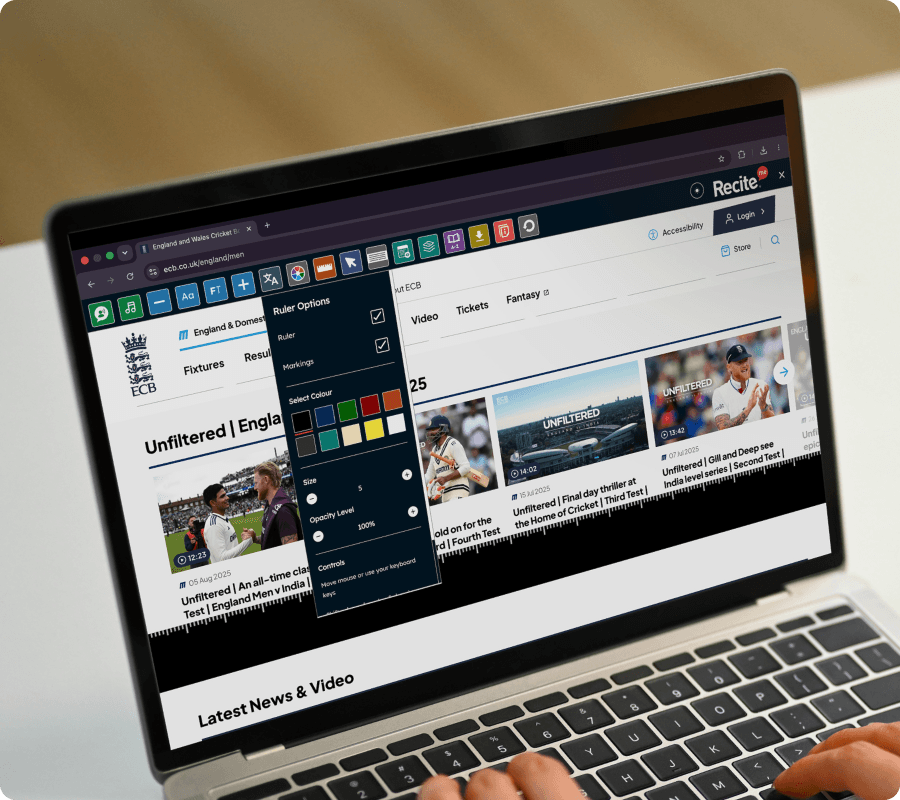
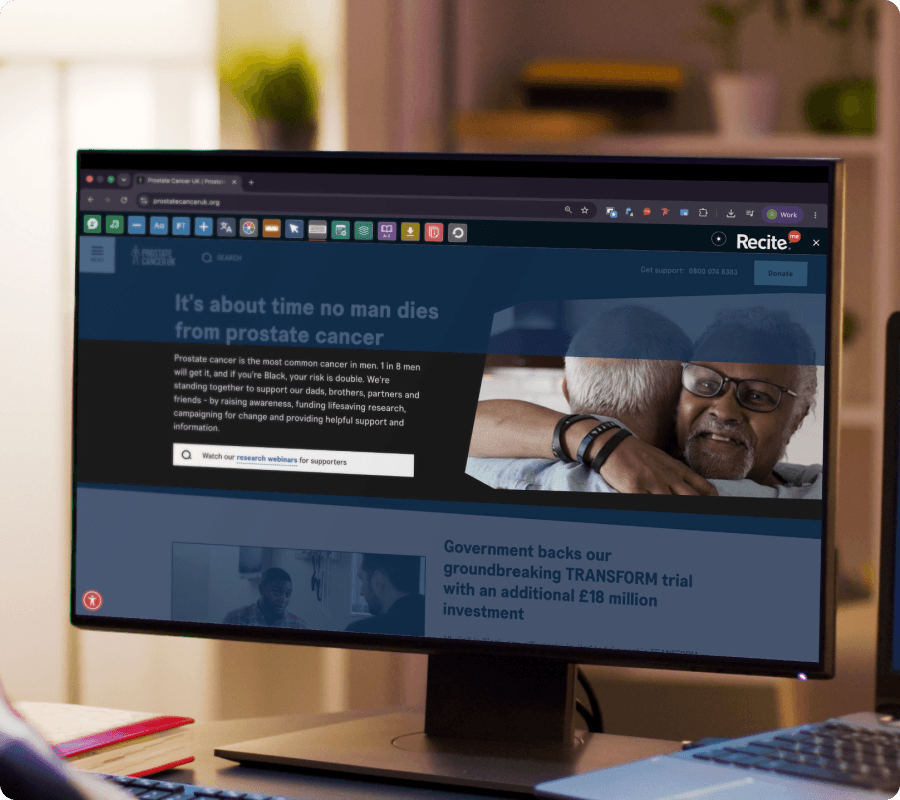
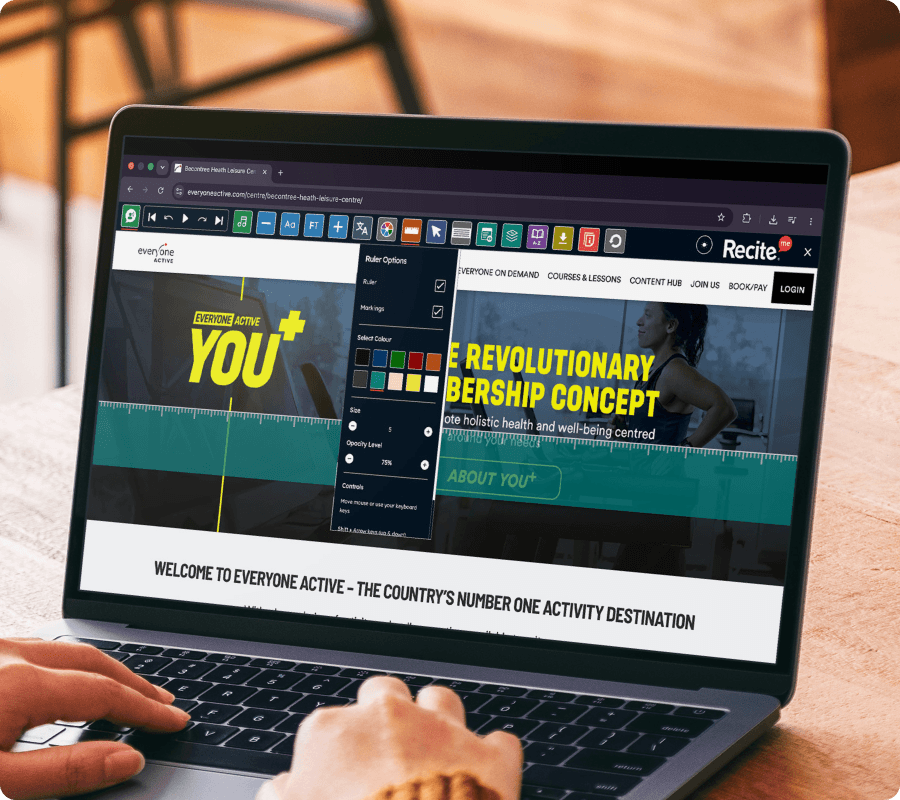
Let visitors use the Recite Me Assistive Toolbar to focus on smaller sections of content while reducing distractions on the page. The Screen Mask and Reading Ruler help users stay focused while reading online.
SIGN LANGUAGE SUPPORT
Screen Mask & Ruler on the Recite Me Toolbar
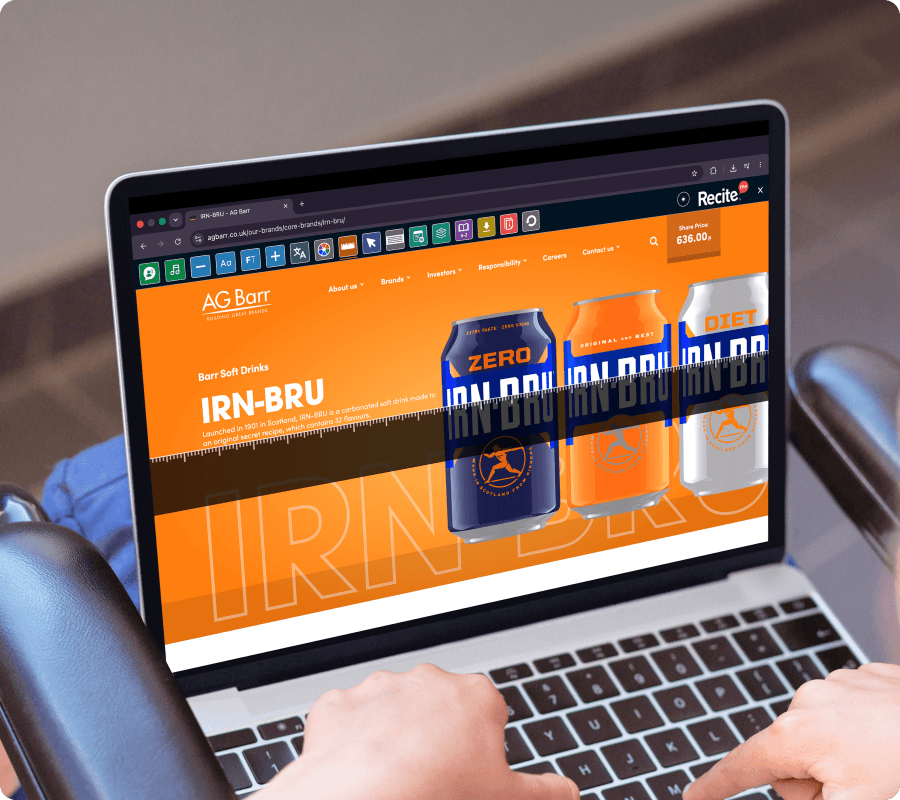
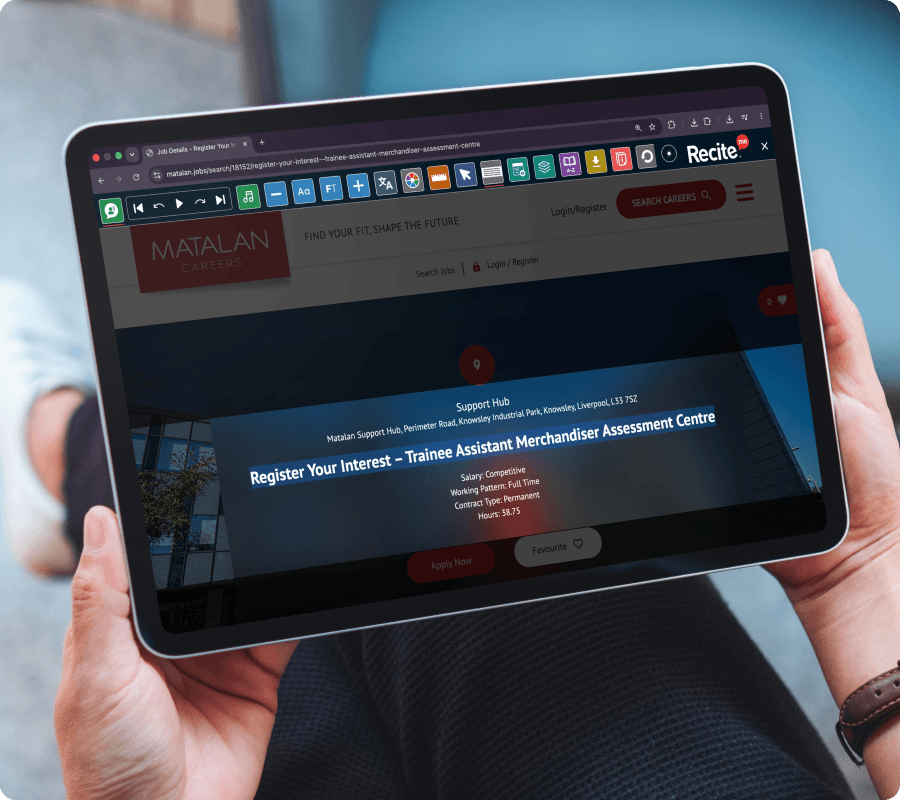
The Screen Mask and Reading Ruler features on the Recite Me Toolbar help website visitors track text more easily by highlighting specific sections of content.
No downloads or installation required for website visitors.
Make your website accessible in more ways
See how Screen masks and Rulers on the Recite Me Assistive Toolbar helps break down accessibility barriers and support diverse audiences across your website.
Use a screen mask to block out surrounding content
Follow text using a reading ruler
Focus on one section of the page at a time
Reduce visual distractions while reading
Use the feature alongside other toolbar accessibility tools
Access the feature across desktop, tablet, and mobile
WHO IT HELPS
Who benefits from Screen Mask & Ruler on the Recite Me Toolbar?
The Screen Mask and Ruler support:
People with dyslexia
Neurodivergent users
Users with attention difficulties
People who find busy webpages distracting
Users experiencing visual fatigue
Anyone who benefits from focused reading toolsAlannah Martin
What our
customers say
Organisations around the world use the Recite Me Assistive Toolbar to create more inclusive experiences for their visitors.
“I like to use the Screen Mask function to focus on the specific area of the screen that I’m looking at, and scroll down as-and-when required.”
Screen Mask and Ruler User Feedback
“I have Autism and Dyslexia, and found that when using the Council’s website, I can change the font to Dyslexia font and add a ruler to keep my place.”
The Screen Mask and Reading Ruler features help users focus on specific sections of content by highlighting or isolating parts of the page while reading.