

Try Our Accessibility Toolbar On Your Website
Trial NowIt is estimated that around 16% of the world’s population experience significant disability. This represents a huge proportion of the world, affecting close to 1 in every 6 individuals or 1.3 billion worldwide. Despite this it is also estimated that around 97% of the websites on the internet are inaccessible. Helping to highlight the need for websites and businesses to begin making the move towards more accessible web practices.
What are accessibility overlays?
Accessibility overlays are software tools that are added on top of existing websites in a bid to improve access and inclusion for people with diverse needs. While they can provide benefits to a wide range of visitors, they are often promoted as a fast way to fix accessibility issues and achieve compliance with WCAG (Web Content Accessibility Guidelines). However, this is often not the case, as they do not actually fix or resolve issues at their root cause.
The real risks of becoming overreliant on accessibility overlays
By now it should be clear that relying on accessibility overlays can seem like a quick way to address accessibility, but they come with significant risks. While overlays may offer additional controls for some people, they do not fix the underlying structure of a website and can introduce new barriers. Below are key risks to be aware of:
- They do not resolve accessibility issues in the website’s code, content, or structure
- They can conflict with assistive technologies such as screen readers or voice control tools
- They may override personal settings people already use on their devices or browsers
- They can create a false sense of legal compliance without meeting accessibility standards
- They often require people to activate accessibility features themselves, placing the burden on them
- They may reduce trust if the experience feels inconsistent or unreliable
- They can limit long-term accessibility improvements by delaying inclusive design work
Get a Free Accessibility Check of your Website
Run a scan to identify WCAG issues on your website's homepage. Then, use our recommended changes to achieve compliance with the latest accessibility standard.
Why are website accessibility overlays becoming popular?
Despite the risks associated with accessibility overlays, they continue to grow in popularity with more and more businesses and websites around the world integrating them into their website design. But what are the reasons driving this adoption? Let’s take a closer look:

Legal status
Accessibility overlays are becoming popular partly because organisations are seeking ways to respond to accessibility-related legislation and legal pressure. In many countries, digital accessibility is increasingly recognised as a legal requirement, and websites that present barriers can face complaints or legal action.
For organisations with limited internal accessibility knowledge, overlays may appear to reduce risk by signalling that accessibility has been considered. However, overlays do not automatically make a website compliant and may not address underlying barriers in code, content, or structure. Relying solely on them can create a false sense of security.

Revenue Implications
From a commercial perspective, accessibility overlays are often adopted because organisations want to reach a wider audience. Many people, especially those with diverse needs, benefit from the improvements they can provide to content, navigation, and display options.
Organisations may also see overlays as a lower-cost alternative to redesigning a website. However, if overlays interfere with assistive technologies or fail to remove real barriers, they can discourage people from continuing to use the site. Long-term revenue growth is more effectively supported by inclusive design that improves the core experience for everyone.

It’s the right thing to do
Overlays are sometimes chosen as a visible commitment to accessibility and inclusion, particularly when teams are at an early stage of their accessibility journey. While the impact of this intention is important and matters, impact matters more. That’s why accessibility should be made a core design principle, rather than an add-on.
WCAG Compliance cannot be resolved through overlay tools
The Web Content Accessibility Guidelines are the gold standard within the world of global accessibility and they’re often used as the underpinning of legislation. However, WCAG compliance cannot be resolved through overlay tools alone because they do not address how the website has been built. WCAG focuses on structure, semantics, interaction, and content quality, all of which must exist in the underlying code. Whereas overlay tools operate on top of a website and cannot reliably repair foundational accessibility barriers.
Overlay tools cannot fix issues such as:
- Missing or inaccurate alternative text for images
- Incorrect or skipped heading structure
- Unlabelled form fields or unclear instructions
- Poor keyboard focus order or hidden focus indicators
- Inaccessible error messages or status updates
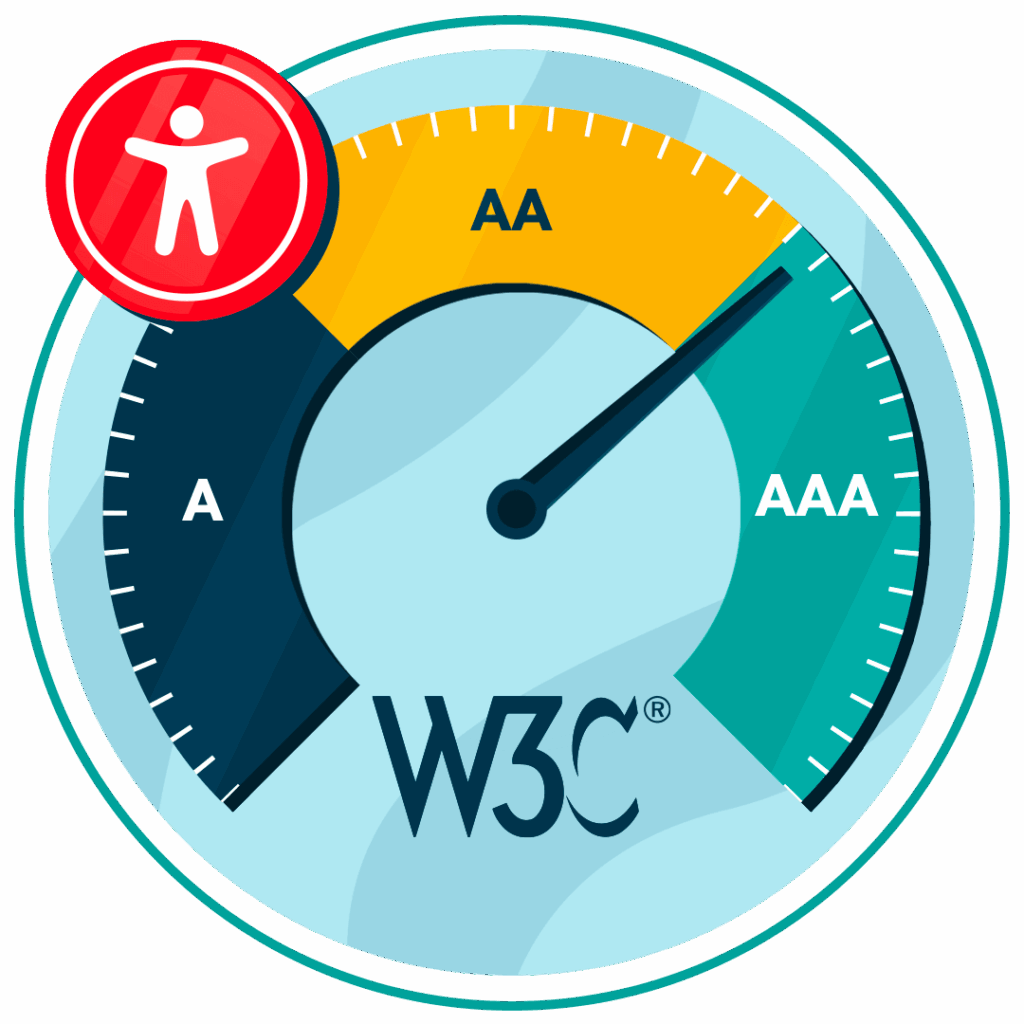
Because these accessibility barriers remain, people may still be unable to navigate or understand the site. That’s why true WCAG compliance requires accessible design and extensive testing, supported by ongoing maintenance rather than automated overlays.
Accessibility products that can provide real value for websites
Web accessibility overlays are not the right solution for organisations looking for genuine accessibility improvements. Here are some of the best alternatives:
Assistive Toolbar
The Recite Me Assistive Toolbar takes a different approach to web accessibility overlays. Instead of claiming it makes a website accessible or compliant, the assistive toolbar aims to help users customise their experience in a way that works best for them.
The toolbar includes the following tools:
- Customisable font (size, style, spacing, etc).
- Alter background and text colour contrasts.
- Screen Mask and Ruler tools for reading.
- Text-to-speech in over 65 languages.
- Translations to over 100 languages.
- AI page summariser

Website accessibility checker
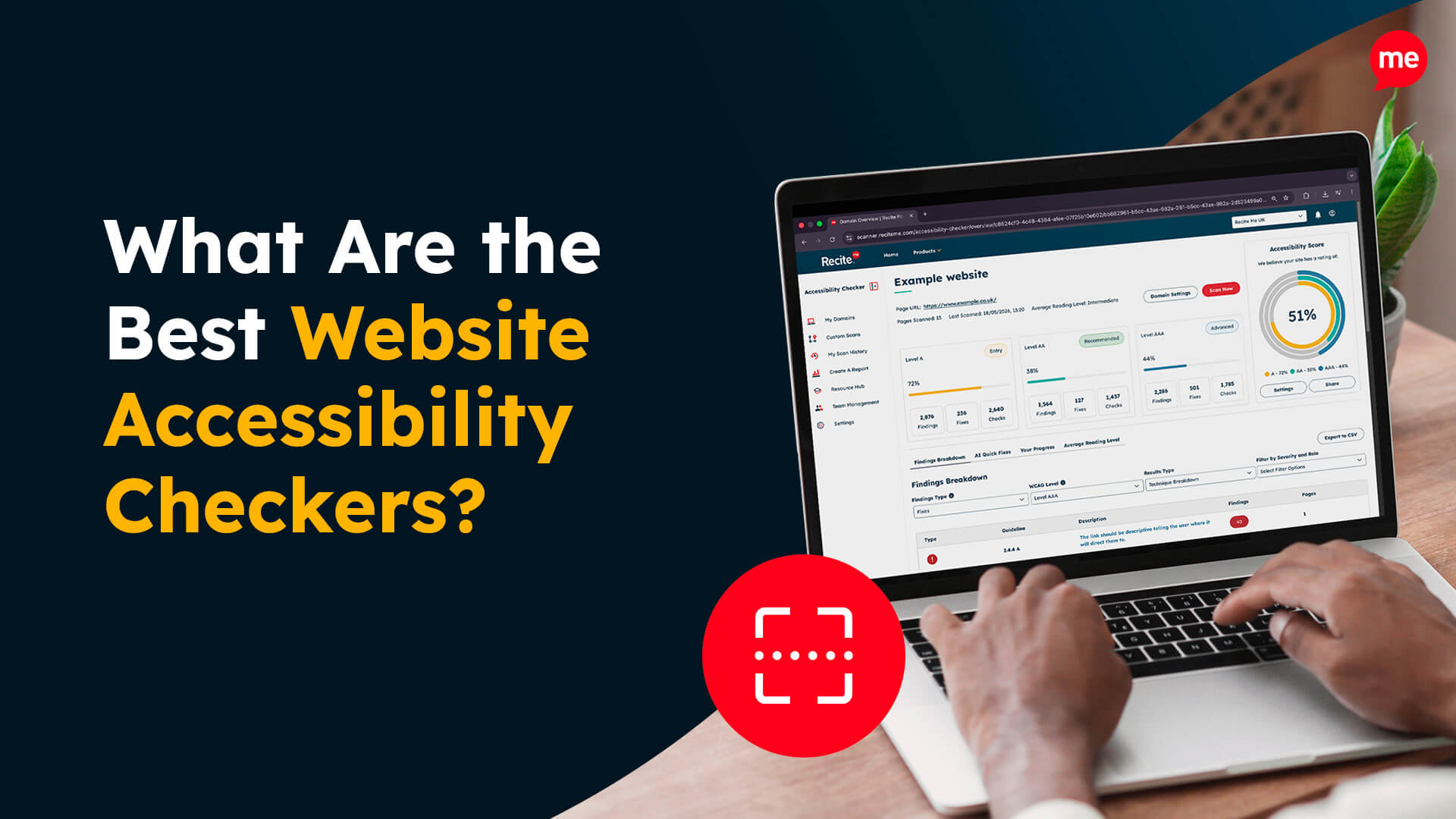
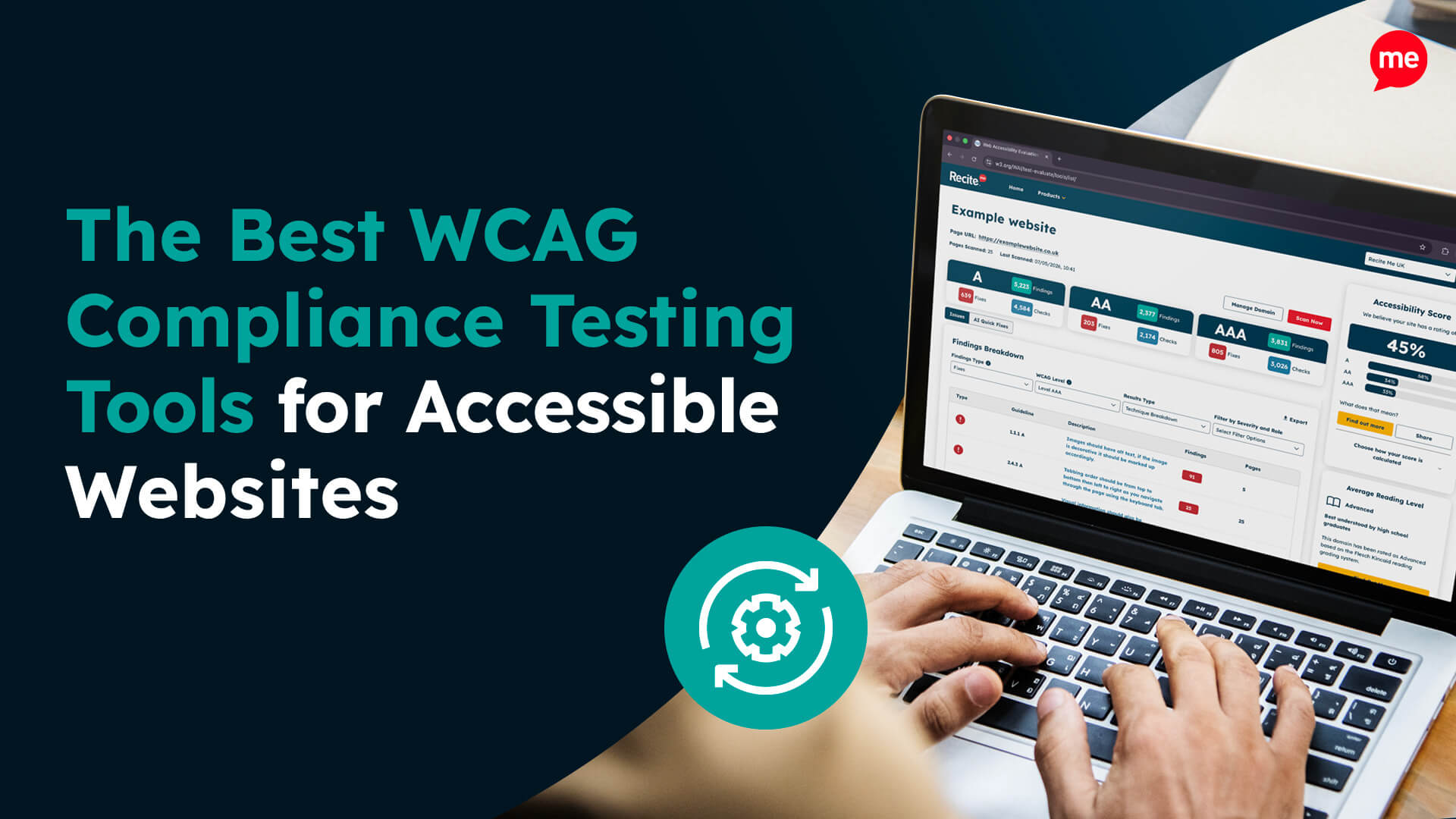
One tool that can help to streamline the process of designing a website or fixing inaccessibility is an accessibility checker. This tool can be used to audit your website based on numerous accessibility regulations and criteria. The tool will be able to quickly identify and bring attention to any areas of your website that are non-compliant, suggesting the relevant changes that you need to make.
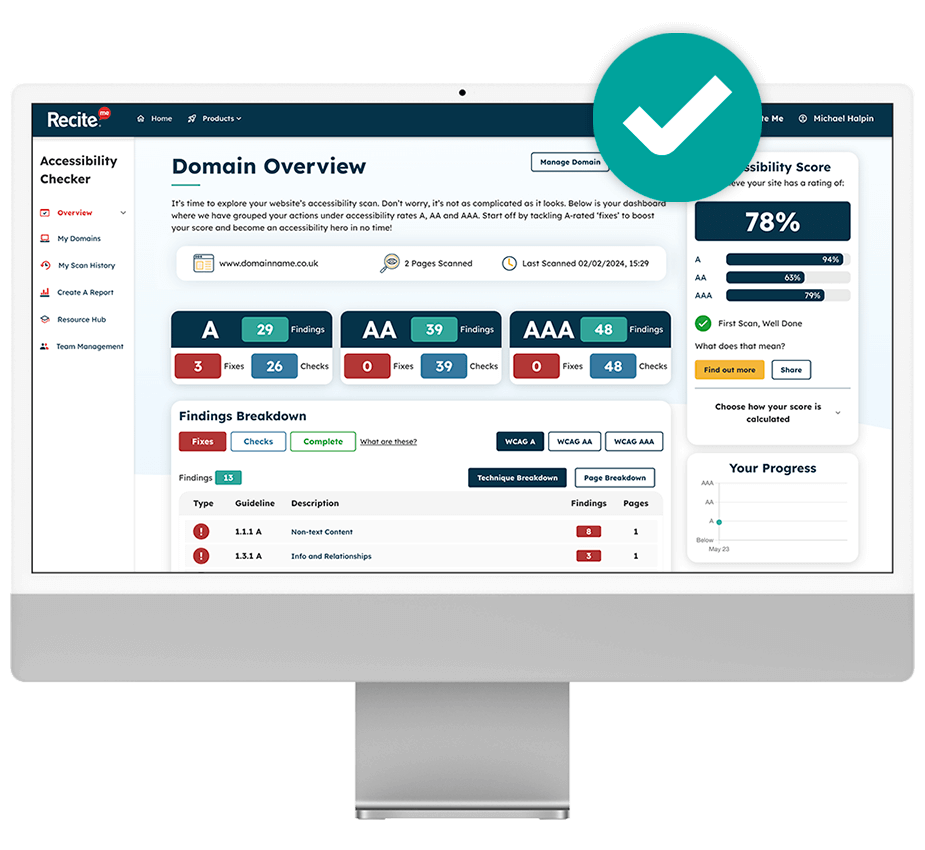
The Recite Me Accessibility Checker can be used to perform a scan of your website, fix any issues found, track your progress and download a shareable report. Some of the main benefits of using our checker include:
- Identifying elements that are not WCAG compliant
- Visual overview of all your websites’ accessibility issues
- Suggestions provided on how to improve accessibility
- Ability to manage and prioritise your fix queue
- Track improvements as you go
- Download and share an accessibility report with peers, customers and web visitors
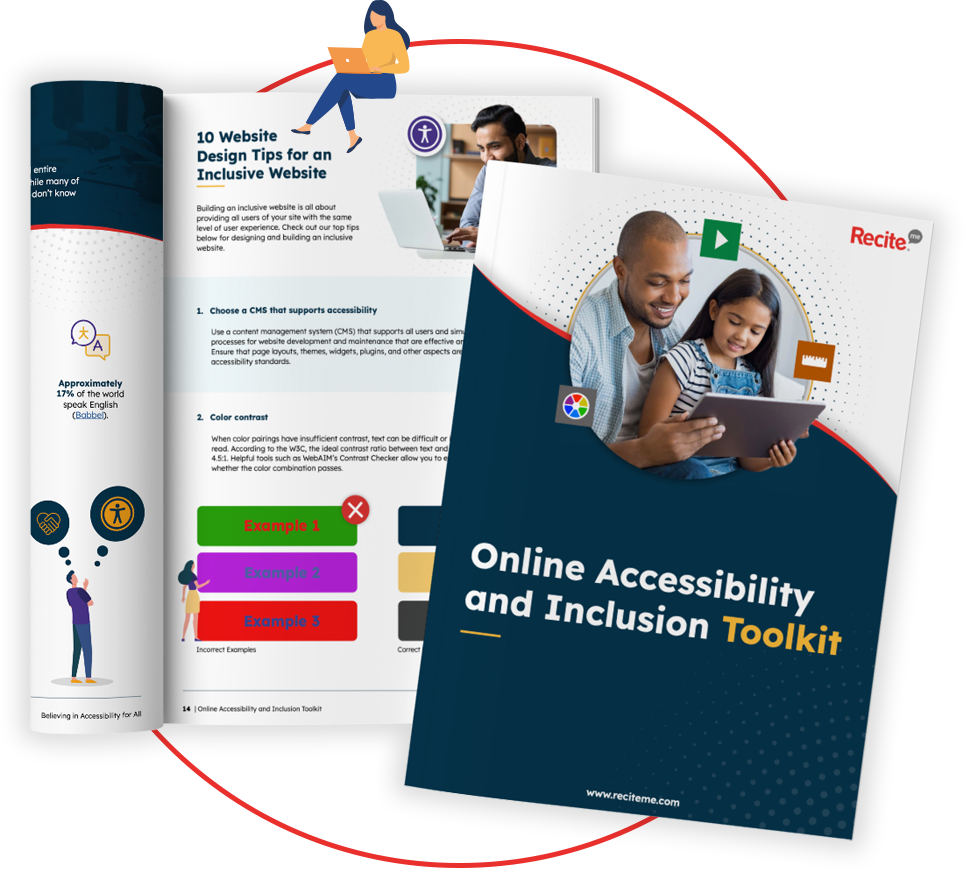
Our 40-page Digital Accessibility & Inclusion Toolkit helps businesses break down online barriers and make a real impact. It offers practical advice on all aspects of digital accessibility, from writing an accessibility statement to accessible website tips and inclusive hiring.
The verdict: Accessibility overlays won’t make you compliant!
While accessibility overlays may offer some helpful features, they are not a substitute for true, standards-based accessibility. They cannot fix fundamental issues in code, structure, or content, and relying on them can create a false sense of compliance.
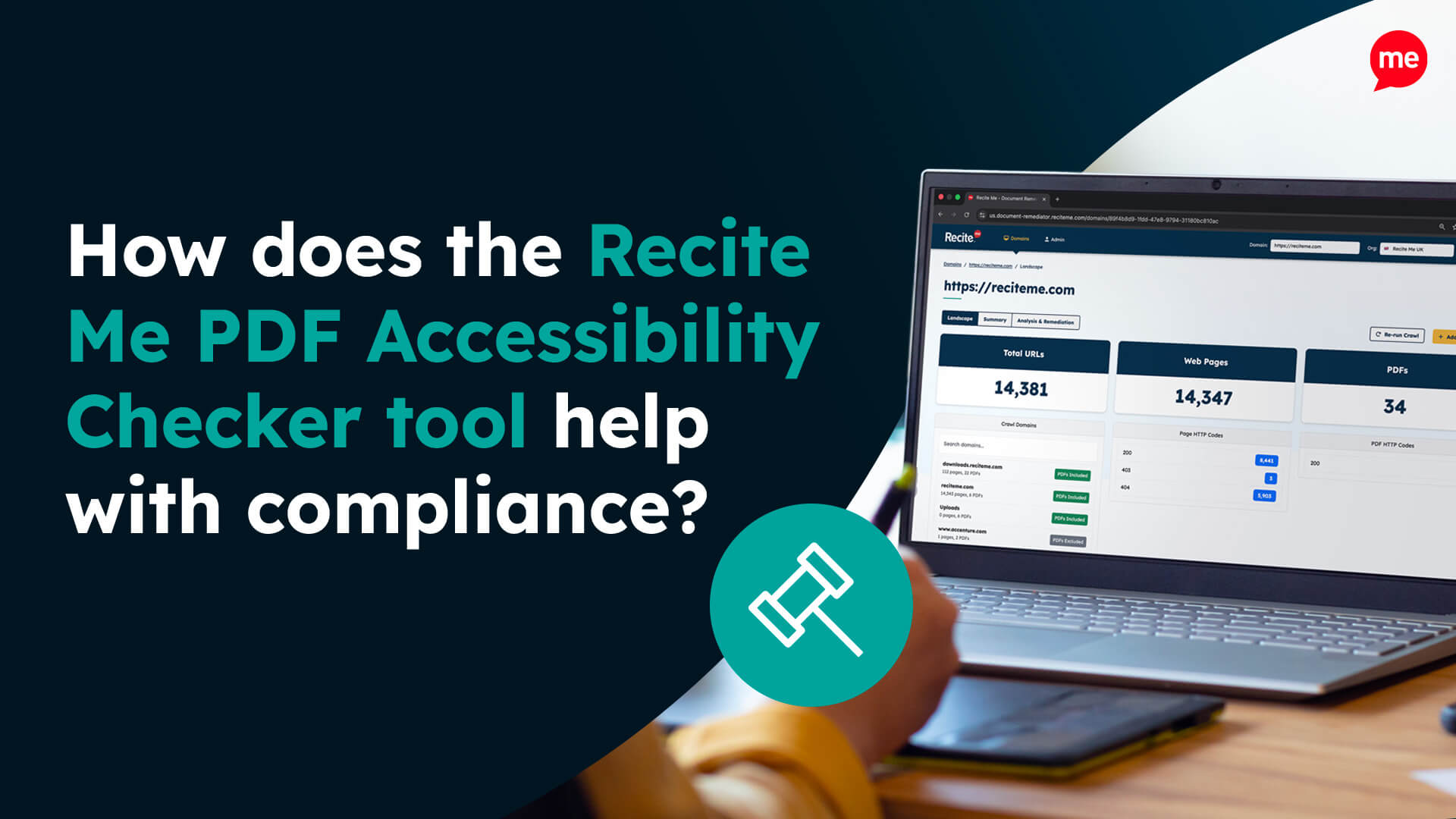
As an alternative, the Recite Me Assistive Toolbar can help to make your website more inclusive to people with diverse needs. While the Recite Me Accessibility Checker can help you achieve WCAG compliance by detecting non-compliance across your entire website and recommending relevant fixes.
You can contact our team for a free demo of the products or to learn more about how we can help with accessibility compliance.
Accessibility overlays FAQs
Looking for a recap or quick summary? Here are a few of our most frequently asked questions to help you get to grips with the essentials:
Do accessibility overlays make a website accessible?
No. Overlays do not make a website accessible on their own. They sit on top of existing code and cannot reliably fix underlying barriers. Accessibility depends on how the website is designed, built, and maintained from the start.
Are accessibility overlays a replacement for accessible design?
No. Accessible design and development must be built into the website itself. Overlays cannot replace accessibility best practices, including proper HTML semantics, keyboard support, clear content structure, or meaningful labels.
Can accessibility overlays help some people?
Some people may find certain overlay controls useful for personal preference, such as adjusting text size or spacing. However, these benefits vary, and overlays can also create new barriers for others.
Do accessibility overlays ensure legal or standards compliance?
No. Using an overlay does not guarantee compliance with standards such as WCAG or global accessibility legislation. Organisations remain responsible for ensuring their websites meet accessibility requirements through inclusive design and development.
Why do many accessibility specialists advise caution with overlays?
Many specialists, disabled people, and accessibility organisations raise concerns because overlays:
- Address symptoms rather than root causes
- Shift responsibility onto individuals to “fix” the site themselves
- Can give a false sense of compliance
- Are often introduced without meaningful involvement of disabled people
Should we remove our accessibility overlay?
That depends on your context. If an overlay is causing barriers, duplicating controls already available through browsers, or being used as a substitute for accessible design, removal may be appropriate. Any decision should be informed by accessibility audits, testing, and feedback from people with diverse needs.