Creating Accessible PDFs: Best Practice, Standards and Compliance
PDFs are a core part of how organisations share information, from reports and policies to forms and service updates. But when PDFs aren’t accessible, they can block users from essential content and expose organisations to legal and reputational risk.
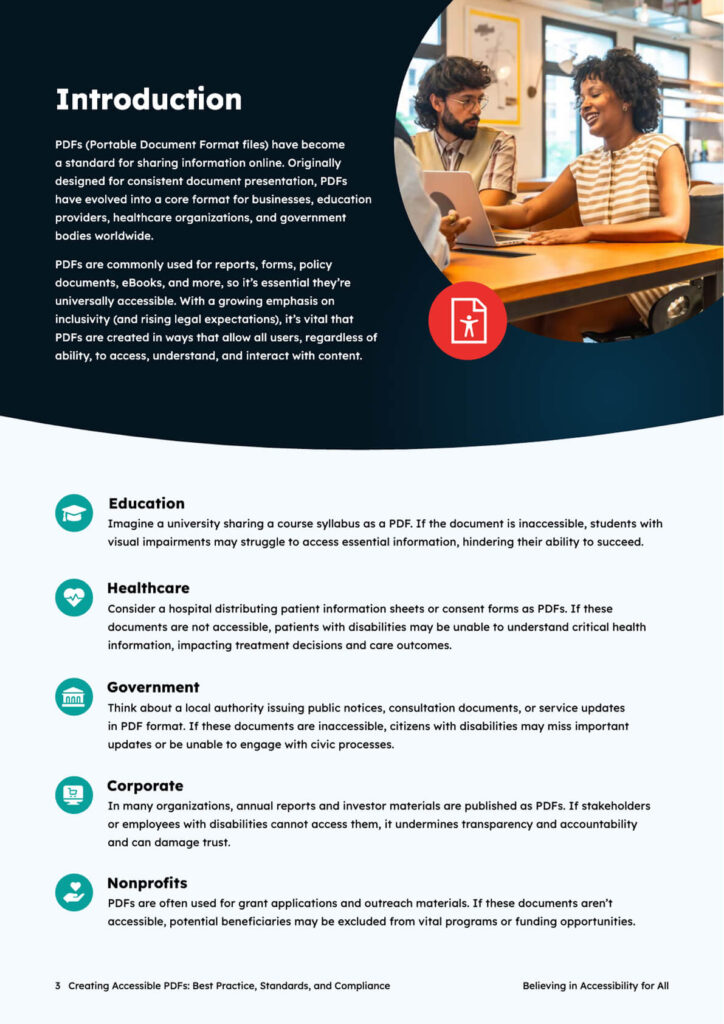
This practical guide explains what accessible PDFs are, why they matter, and how to create them in line with recognised standards. It brings together best practice, compliance requirements, and clear steps you can follow to improve accessibility across your documents.
Fill in the form below to download your copy instantly.
What's Included?
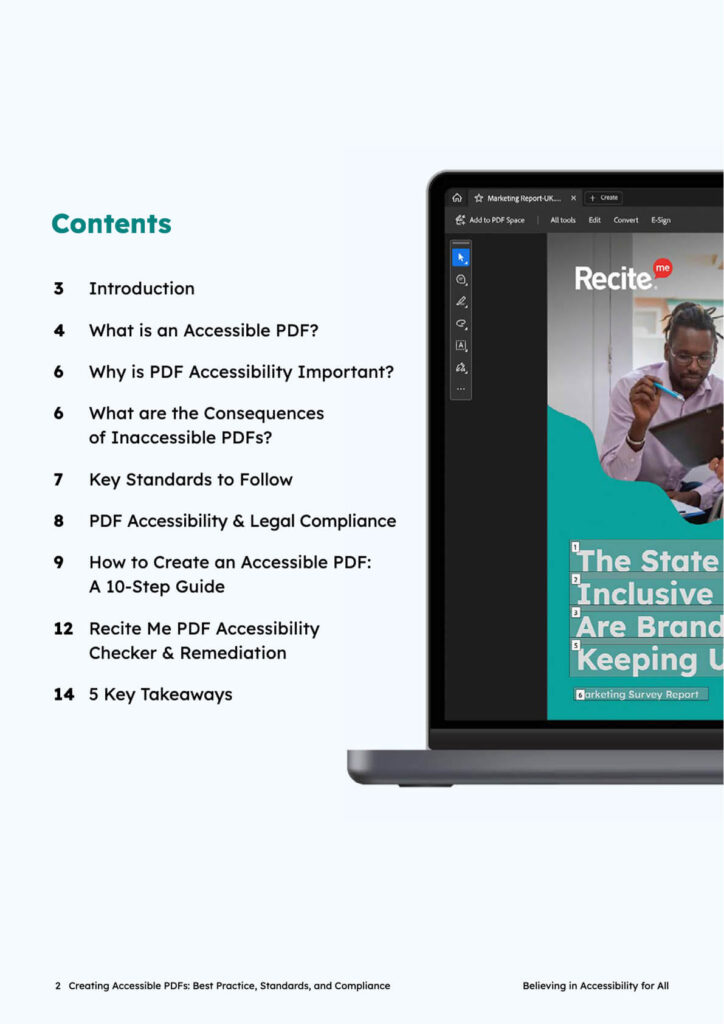
What makes a PDF accessible and how assistive technologies use them
Why inaccessible PDFs create user, legal, and business risk
Key standards including WCAG and PDF/UA explained in simple terms
A step-by-step guide to creating accessible PDFs from source to final check
Practical guidance on structure, navigation, forms, colour, and metadata
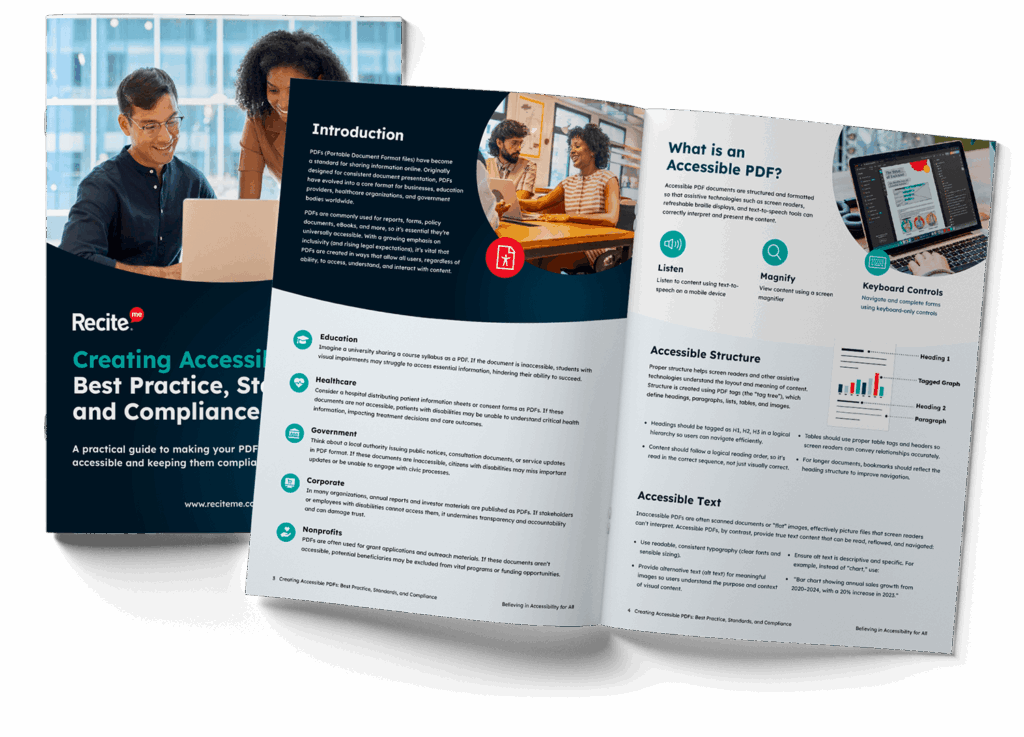
Preview the Guide
Get your free guide to creating accessible PDFs
Creating accessible PDFs requires more than a final check. It starts at the source document and continues through structure, tagging, testing, and ongoing maintenance.
Inside this guide, you’ll find a clear 10-step approach to help you create PDFs that are usable, compliant, and inclusive. It’s designed to support teams across content, compliance, and digital functions, whether you’re creating new documents or improving existing ones.
Accessibility isn’t just about meeting standards. It’s about making sure every user can access, understand, and interact with your content, regardless of how they access it.
Free Resources
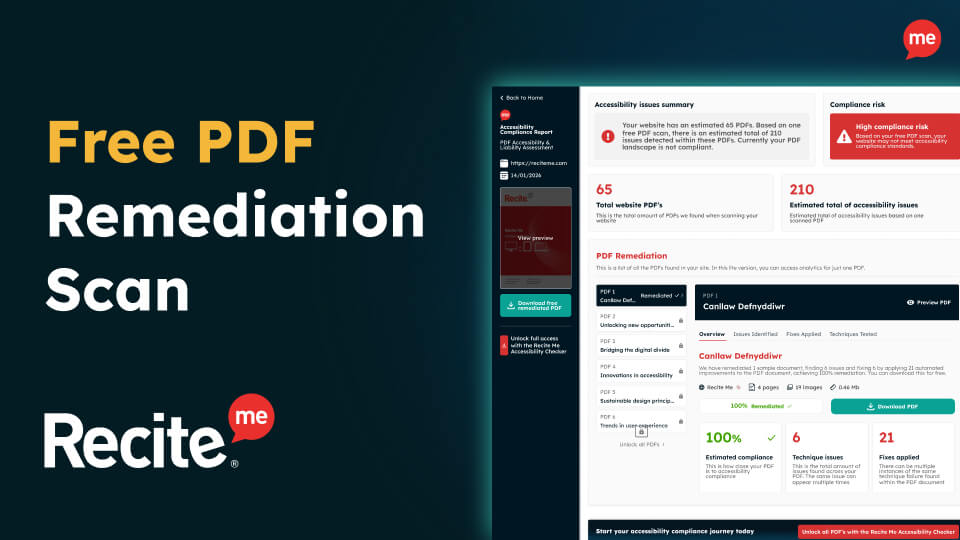
Accessibility compliance is essential for your business and its customers. Get started today with any of our free downloadable resources:
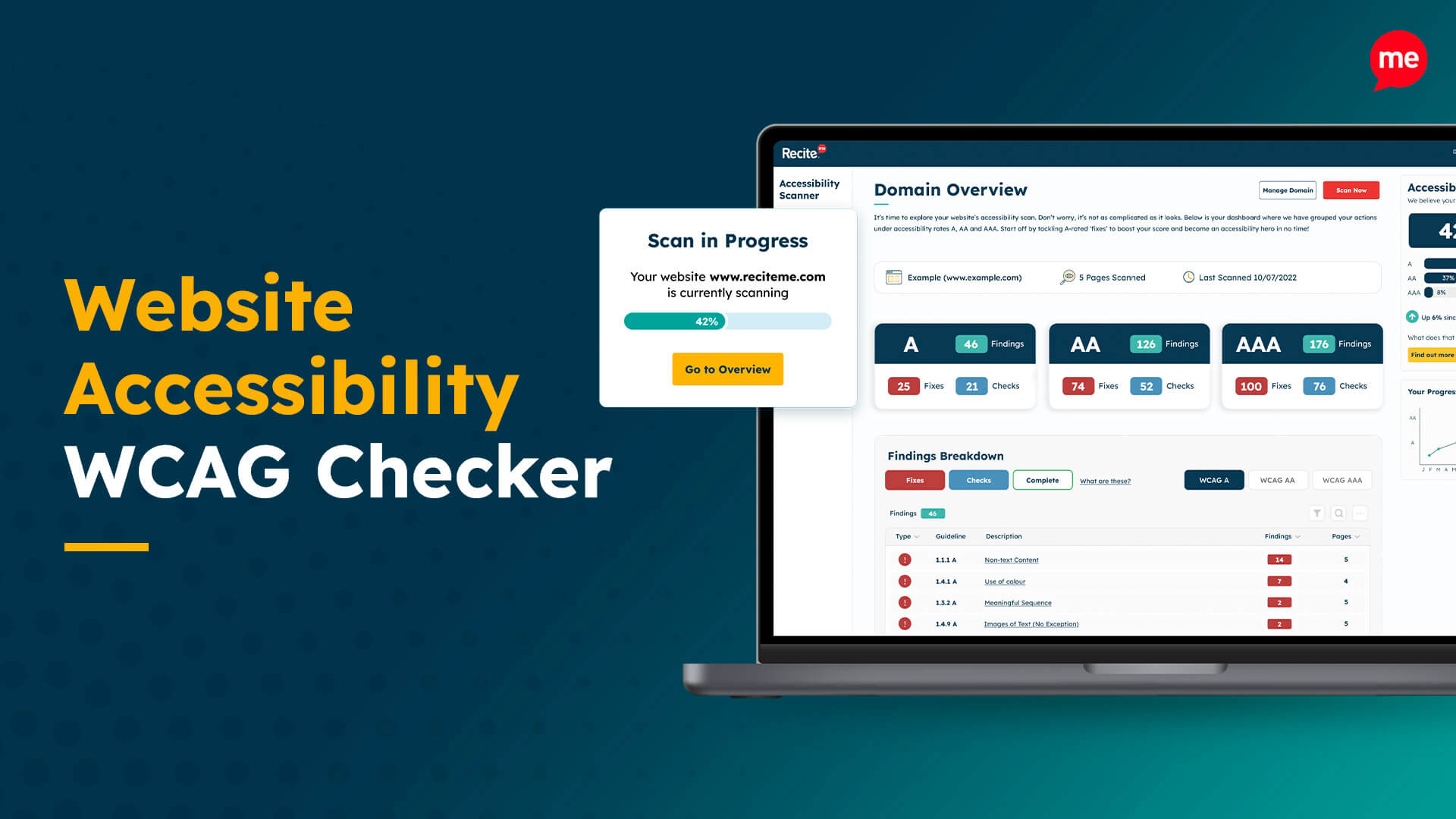
Free Website Accessibility Check
Run a free accessibility scan to detect any inaccessibility on your website and how to fix it.