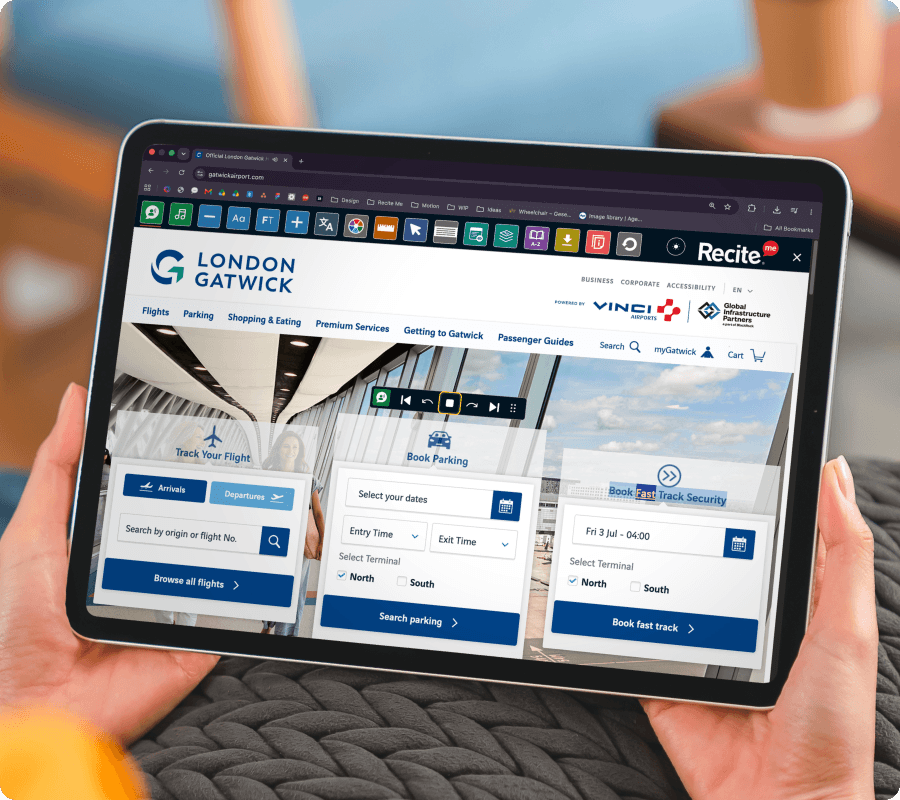
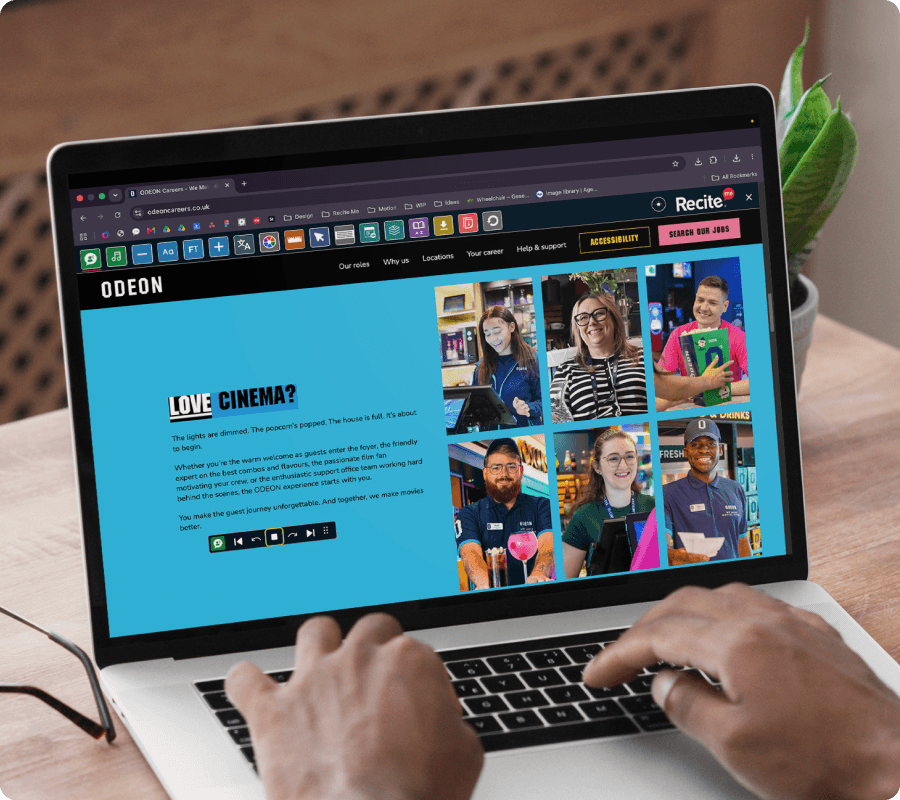
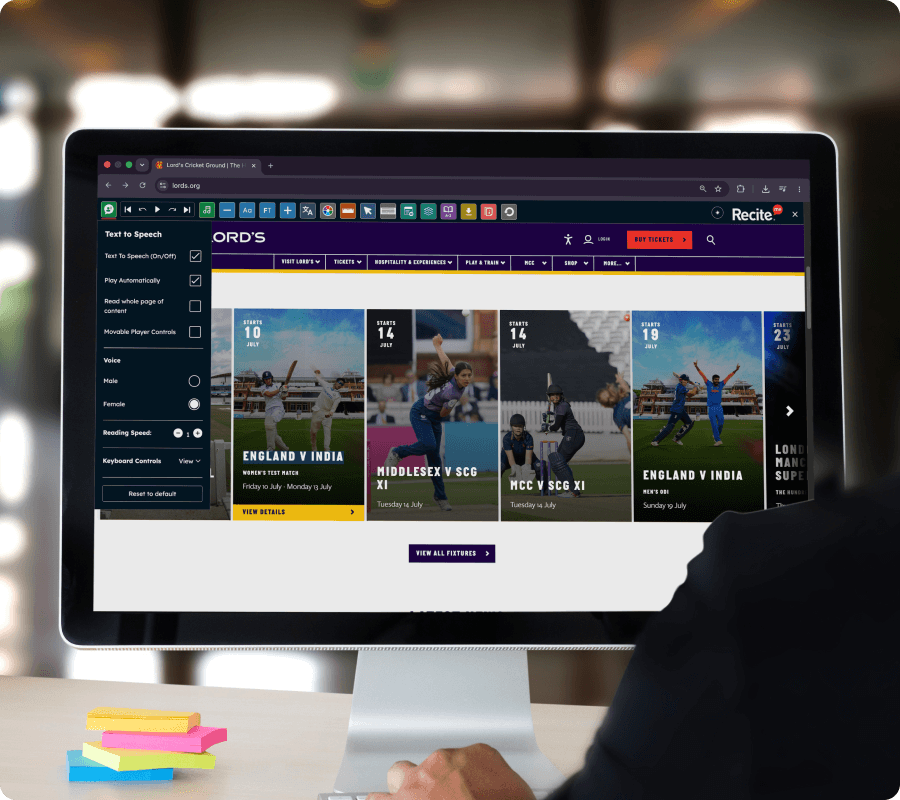
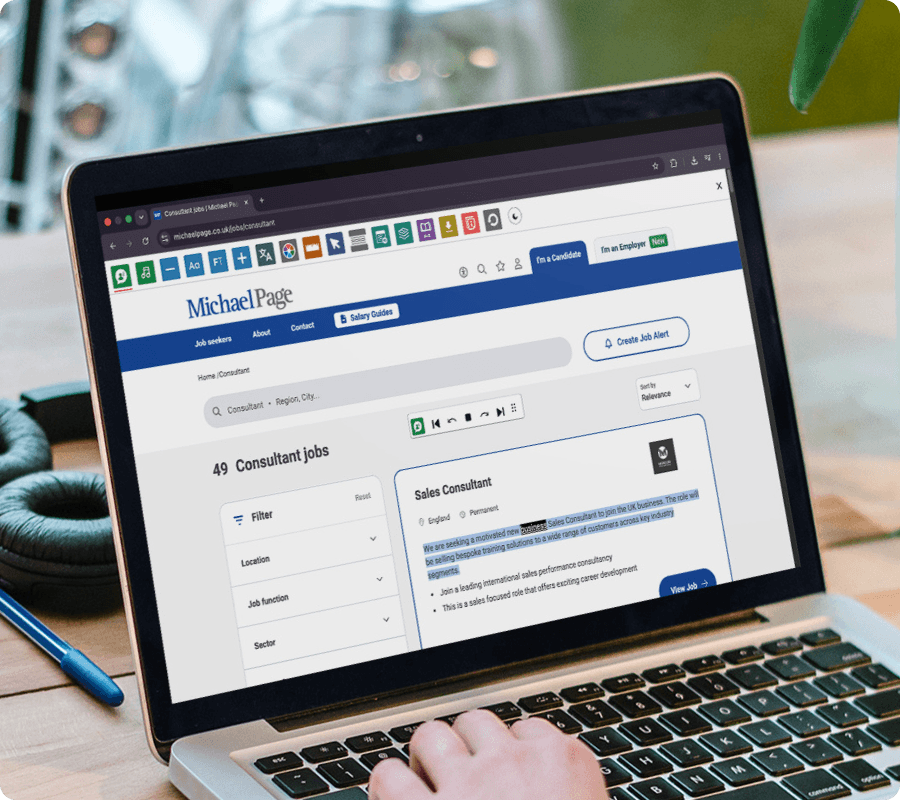
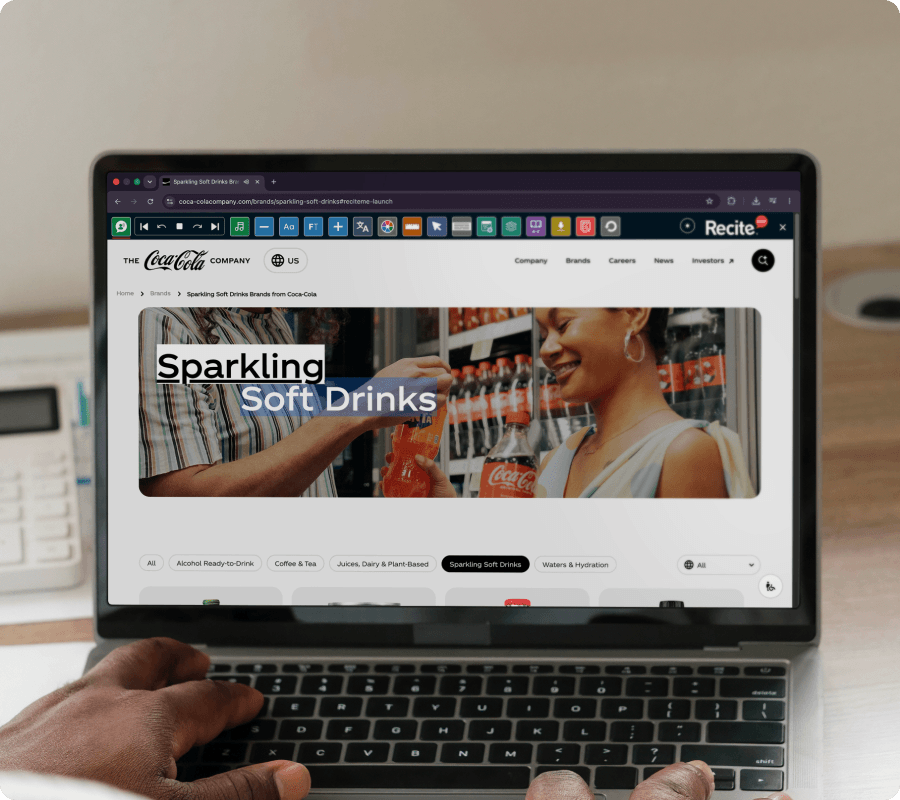
Let visitors use the Recite Me assistive toolbar to listen to your content in a way that works for them. The Text to Speech feature opens your website to people with visual impairments, dyslexia, cognitive differences, or low literacy.
ALTERNATIVE WAYS TO ACCESS CONTENT
Text To Speech on the Recite Me Toolbar
The Text To Speech feature on the Recite Me Toolbar allows website visitors to hear on-page content read aloud instantly.
No downloads or installation required for website visitors.
Make your website accessible in more ways
See how Text to Speech on the Recite Me Assistive Toolbar helps break down accessibility barriers and support diverse audiences across your website.
Use the feature across desktop, tablet, and mobile
WHO IT HELPS
Who benefits from Text-to-Speech on the Recite Me Toolbar?
Text-to-Speech supports:
People with dyslexia or reading difficulties
Users with visual impairments
Neurodivergent users
People with cognitive fatigue
Users with low literacy
Non-native English speakers
Anyone who prefers audio content
What our
customers say
Organisations around the world use the Recite Me Assistive Toolbar to create more inclusive experiences for their visitors.
“When I’m on the train, I actually use text to speech quite a lot. It’s a really busy train, and you can read out a massive job advert while you’re looking at the scenery.”
Shola Salami, Manchester City Council
“I like hearing it read the words out loud in my own language – it makes so much sense.”
Yes. The Recite Me Toolbar includes a built-in Text-to-Speech feature that reads website content aloud without requiring visitors to install additional software.
The Text-to-Speech feature on the Recite Me Toolbar supports 66 languages, helping organisations deliver accessible content to diverse and international audiences.