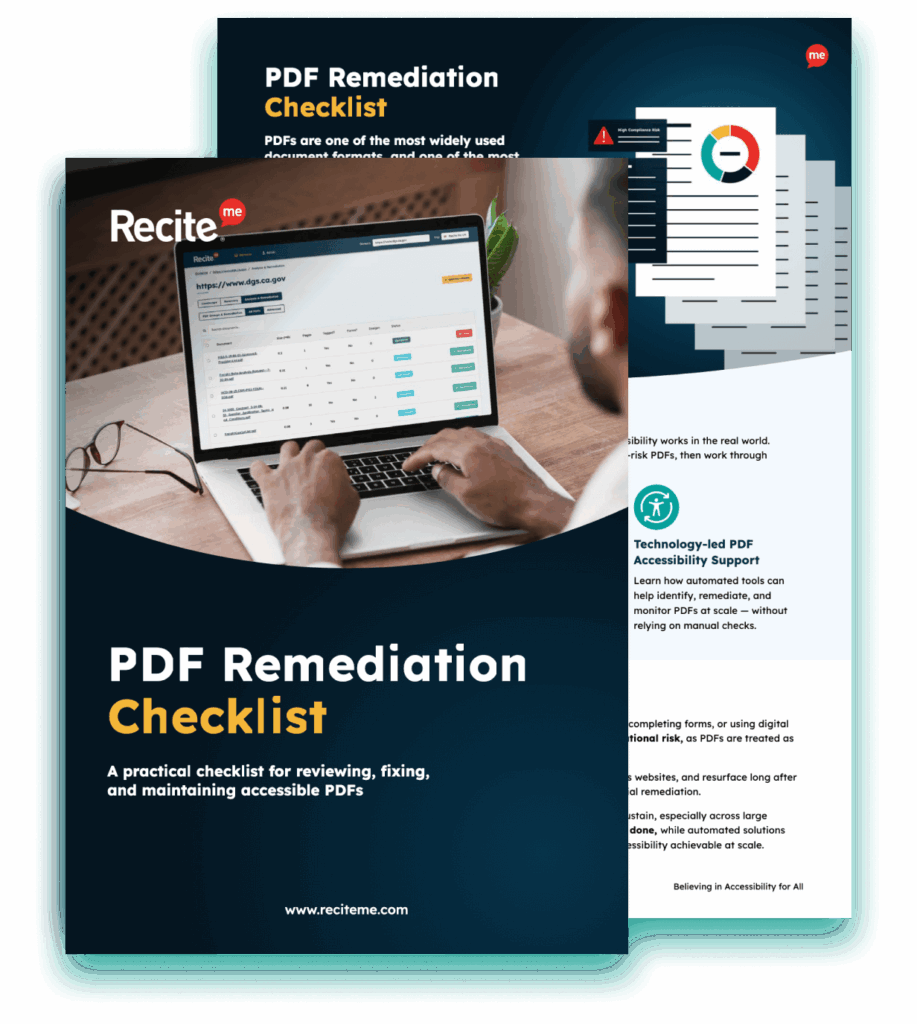
Get Your Free PDF Remediation Checklist
Download NowPDFs are widely used across organisations and by individuals because they’re easy to share, keep their formatting across devices, and offer strong security. You’ll often see them used for reports, forms, brochures, and policies, making them a reliable way to publish information online.
That said, PDFs can sometimes create barriers for people who rely on assistive technologies such as screen readers, or who interact with content in different ways. When documents aren’t set up with accessibility in mind, important information can become harder to access for some people, which can limit who’s able to use it fully.
There are also legal expectations around accessible content in many contexts, so overlooking this area can lead to compliance issues. That’s why following PDF accessibility best practices should always be part of how these documents are created. Keep reading to find out more.
What Makes a PDF Accessible?
An accessible PDF is one that can be read and navigated easily by everyone, including people using screen readers or other assistive tools. This usually means removing common barriers so the content is structured and presented in a way that works well for as many people as possible.
Characteristics of accessible PDFs
There are a handful of shared characteristics of accessible PDFs to ensure usability for all users. These include:
- Tagged content that defines structure (headings, lists, tables, etc.)
- Clear and consistent heading hierarchy
- Logical reading order that follows the intended flow
- Selectable, machine-readable text (not image-only text)
- Descriptive alternative text for meaningful images
- Sufficient colour contrast and readable typography
- Descriptive, meaningful link text
- Accessible tables with properly defined headers and simple structure
Relationship to standards such as WCAG and PDF/UA
Accessibility standards can provide organisations with a framework for producing PDFs that are accessible for all users.
The Web Content Accessibility Guidelines (WCAG) focus on making all online content accessible, guided by four core principles: content must be perceivable, operable, understandable, and robust. PDF/UA (universal accessibility), meanwhile, is an ISO standard (ISO 14289), which defines the technical requirements for making accessible PDFs.
Aligning with WCAG and PDF/UA ensures that PDFs are accessible for a wide range of users, including those using assistive technologies. Additionally, adhering to these standards can help organisations comply with accessibility legislation, reducing legal risk..
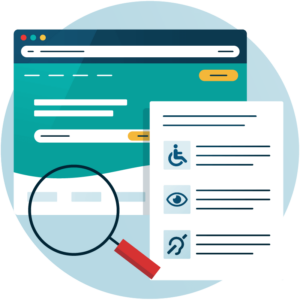
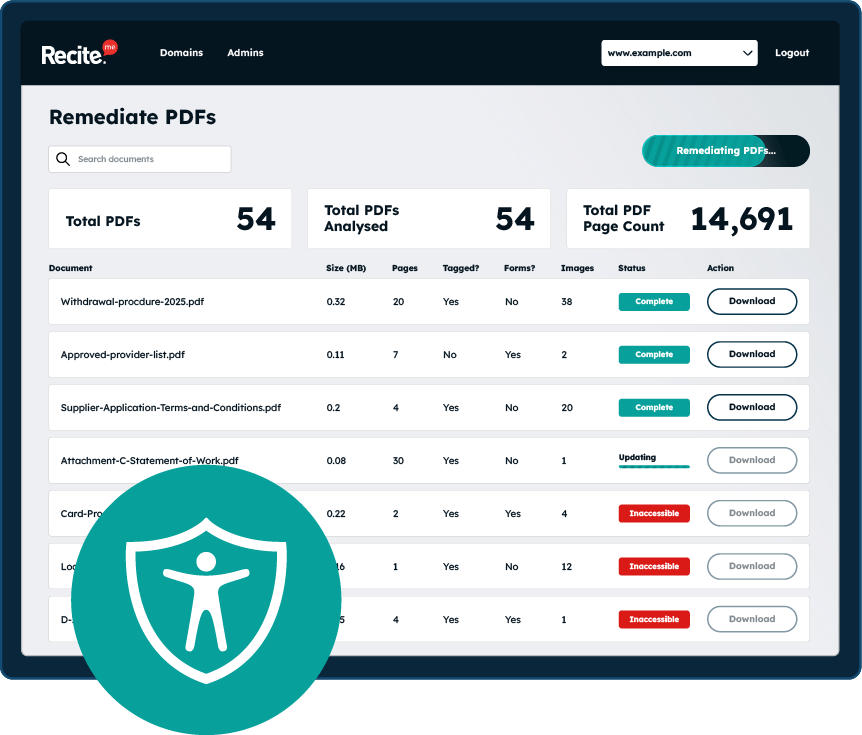
Scan your website to locate every PDF in one place and instantly see how many do not meet accessibility standards. You will also receive one of your website’s PDFs fully remediated, so you can see the impact in action.
What are the best practices for PDF accessibility?
So, what are the best practices for PDF accessibility? These are the main areas you will want to focus on to remove barriers, ensure accessibility, and align with WCAG and PDF/UA.
Use proper document structure
A proper document structure is essential so that screen readers can interpret and communicate the content correctly. This means organising the layout of the content with the use of proper headings (h1, h2, etc,), paragraphs, lists, and tables.
It’s not just assistive technologies that this PDF best practice benefits either, it’ll also improve the readability of the document for everyone.
Add tags to your PDF
Tags must also be used as a way to clearly define the role of different elements within the PDF. You can add tags for elements such as headings, tables, and paragraphs. Tags will enable screen readers to understand the structure of the content, which means that they will be able to interpret the PDF and communicate the contents clearly to the user. Be sure to add tags to your PDF as you go, otherwise it can be easy to forget.
Ensure logical reading order
A logical reading order matters when building PDFs because screen readers rely on it to present content correctly. People using assistive technologies can run into problems when layouts are complex, like multi-column designs or tables, where the sequence isn’t obvious.
If the reading order is wrong, the content can be read out of sequence, which can make things confusing. It’s worth checking the order with a screen reader or accessibility tools to make sure everything flows as intended.
Provide alternative text for images
Images often play an important role in PDF documents and can carry key information, but people who use screen readers or have visual differences rely on alternative text so the content can be described aloud.
If images don’t have alt text, screen readers will usually skip them, which means important information might be missed. That’s why meaningful images should always include descriptive alt text. It’s also important to mark decorative images correctly so they are ignored by assistive technologies.
Use accessible fonts
Font choice is an often-overlooked element of accessible design. It is important to choose a font that is clear, legible, and can be resized without losing clarity. Decorative fonts (such as those mimicking handwriting) and those with tightly packed characters can be hard to read for users with visual and cognitive impairments. Clear, simple fonts will also be easier to read by all users, ensuring that the information can be communicated in an efficient manner.
Implement accessible colour contrasts
Insufficient colour contrast is another commonly overlooked element of online design. It is important to have sufficient colour contrast between the background and text so that information can be easier to read for users with visual impairments, including colour blindness.
WCAG recommends a colour contrast ratio of at least 4.5:1 for normal-sized text and 3:1 for large text, which improves readability while helping organisations improve compliance with accessibility regulations.
Create accessible tables
Tables are often included in PDFs as a way to clearly communicate important information, but tables can cause confusion for screen readers, which means information is sometimes read out in the incorrect order. This is why it is essential that headers are properly defined to explain the relationship between data points. If possible, try to avoid creating complicated tables with merged cells or complex layouts, as these can be difficult for assistive technologies to understand and communicate to users.
Make links descriptive
PDFs often contain hyperlinks, but you always need to consider accessibility when adding these as this can be an area that creates barriers for users with disabilities. Generic phrases like “click here” can make it hard for the user to understand where the link is taking them, so instead, links should describe their destination or purpose. This provides a clearer context that improves accessibility and the overall user experience.
Ensure forms are accessible
Forms are another area that can create barriers for many users. Each form field should have a clearly defined label, and instructions should be clear and easy to understand. It is also important to provide error messages for forms that provide helpful information for users on how they can correct mistakes. This is particularly important for users relying on assistive technologies and can hugely improve form completion rates, which is advantageous for organisations creating registration and application forms.
Why are PDF accessibility best practices important?
PDF accessible best practices are important for several reasons. The obvious one is that they make content more usable for people with visual, auditory, cognitive, and motor impairments. But they can also help to:
- Make your content more usable to every visitor.
- Reduce your legal risk as an organisation.
- Develop a brand image built on social responsibility.
- Reduce costs of remediating content at a later date.
- Support consistency across your digital services
Automate PDF remediation at scale with Recite Me
It is clear that PDF accessibility should be a top priority for all organisations, but this is not easy, particularly when you already have a large library of PDFs. Fortunately, there is a quick and easy way to remediate and bring your PDFs in line with WCAG and PDF/ua.
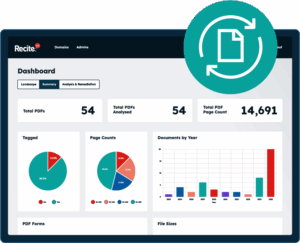
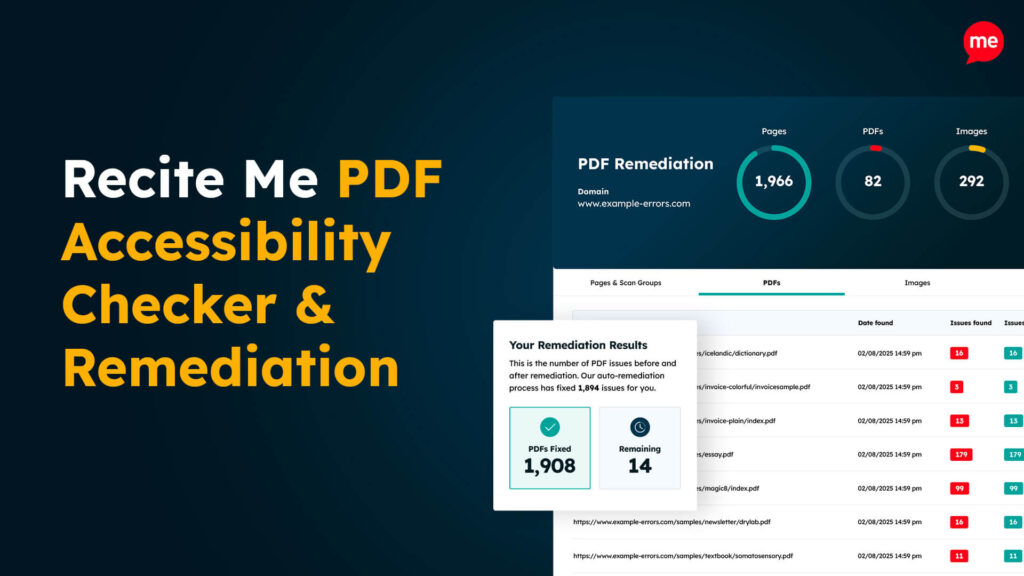
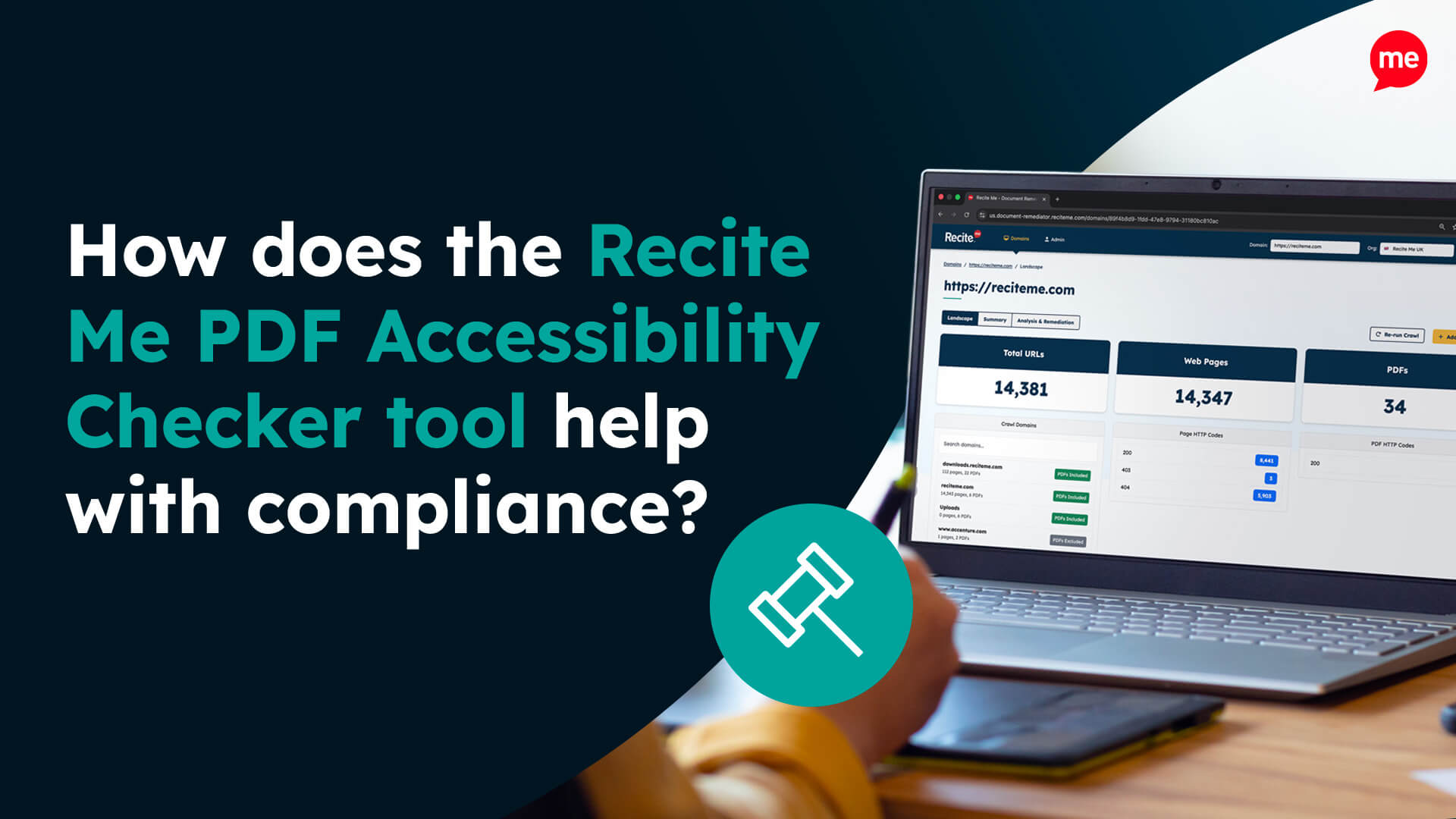
The Recite Me PDF Accessibility Checker runs your entire PDF library through WCAG compliance checks, helping you discover hidden barriers, such as missing alt text and incorrect reading order, and identify which documents need addressing. The tool also provides fixes with smart tools and automation, allowing you to improve accessibility with just a few clicks. This is much faster than manual remediation and ensures nothing slips through the cracks.
Improve the accessibility of your website’s official documents with our free PDF remediation checklist. It guides you through clear steps to identify and address common accessibility barriers, to align with global accessibility standards.
Final take on the PDF best accessibility practices
Every organisation should prioritise PDF accessibility to ensure everyone can access their digital content. By implementing PDF accessibility best practices, aligning content with recognised accessibility guidelines, and using automated tools for remediation, organisations can produce and maintain PDFs that are accessible to all users and compliant with accessibility regulations.
To kickstart the process, you can run a free accessibility scan of your website’s PDF files. You can also download our PDF remediation checklist or contact a specialist member of our team.
PDF Accessibility best practices FAQs
Still have questions? Below are the top FAQs that organisations and content teams often have about PDF accessibility best practices.
Can scanned PDFs be made more accessible?
Many PDFs are scanned versions of physical documents, which can create challenges when it comes to accessibility. Optical Character Recognition (OCR) software should be used to convert images of text into machine-readable content. Tagging, structure, and accessibility best practices can then be applied to ensure readability and compliance.

How should accessible PDFs be structured?
Accessible PDFs are structured using clear headings, logical reading order, and properly formatted lists so information flows naturally and can be followed easily by screen readers and other tools.
What are tags in PDFs?
PDF tags act like a hidden layer that describes what each element is, helping screen readers understand headings, paragraphs, images, and tables in the correct reading order consistently.
What are common PDF accessibility mistakes?
Common mistakes include missing tags, messy reading order, unclear image descriptions, and relying too heavily on visual layout instead of ensuring content is properly structured and readable for everyone.

Check out our Products & Services
Ready to take your first steps towards digital accessibility compliance? Then see how we can support your journey with our accessibility solutions:
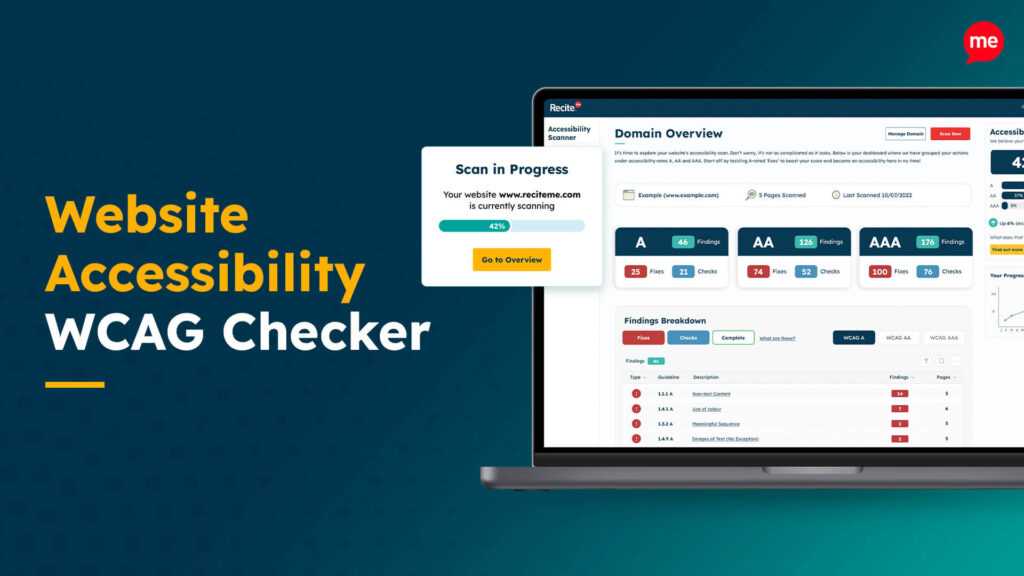
Web Accessibility Checker
Scan, detect, fix, and maintain accessibility compliance standards on your website.

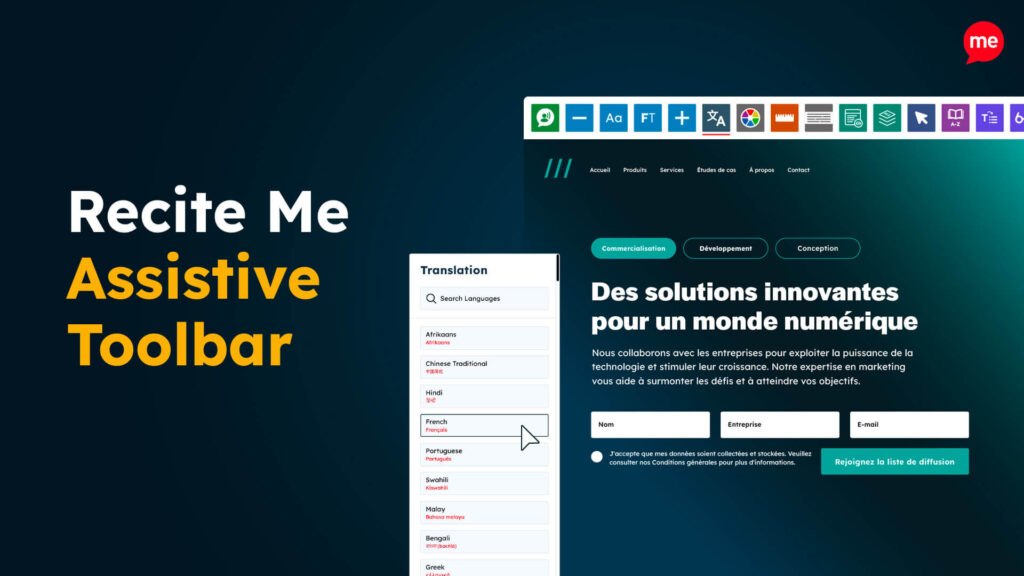
Assistive Toolbar
Make your website an inclusive and customisable experience for people with disabilities.
PDF Accessibility Checker
Check your PDFs are compliant with accessibility standards and run automated fixes.